VidIQ vs TubeBuddy: Which YouTube SEO Tool Helps You Grow Faster

Both VidIQ and TubeBuddy are powerful browser extensions designed to help creators optimise their YouTube channels, analyse competitors, research keywords, and ultimately grow faster. But which one delivers better results? In this comprehensive comparison, we’ll examine their features, pricing, user experience, and effectiveness to help you make an informed decision for your channel.
VidIQ vs TubeBuddy: Quick Comparison
Before diving into the details, here’s a quick overview of how VidIQ and TubeBuddy stack up against each other:
| Feature | VidIQ | TubeBuddy |
| Free Plan | Basic features, limited keyword research | More features in the free version |
| Keyword Research | More keyword suggestions, search volume data | Detailed keyword data, trend analysis |
| Video Optimization | Title scoring, tag suggestions | SEO Studio, step-by-step optimisation |
| Competitor Analysis | Strong competitor tracking, Views Per Hour | Basic competitor insights |
| A/B Testing | Not available | Thumbnail and title A/B testing |
| Starting Price | $17.50/month (annual billing) | $2.25/month (annual billing) |
Ready to boost your YouTube channel?
Try both tools with their free versions to see which one works better for your specific needs.
Keyword Research: VidIQ vs TubeBuddy
Effective keyword research is the foundation of YouTube SEO. Let’s see how VidIQ and TubeBuddy compare in this crucial area.
VidIQ Keyword Research
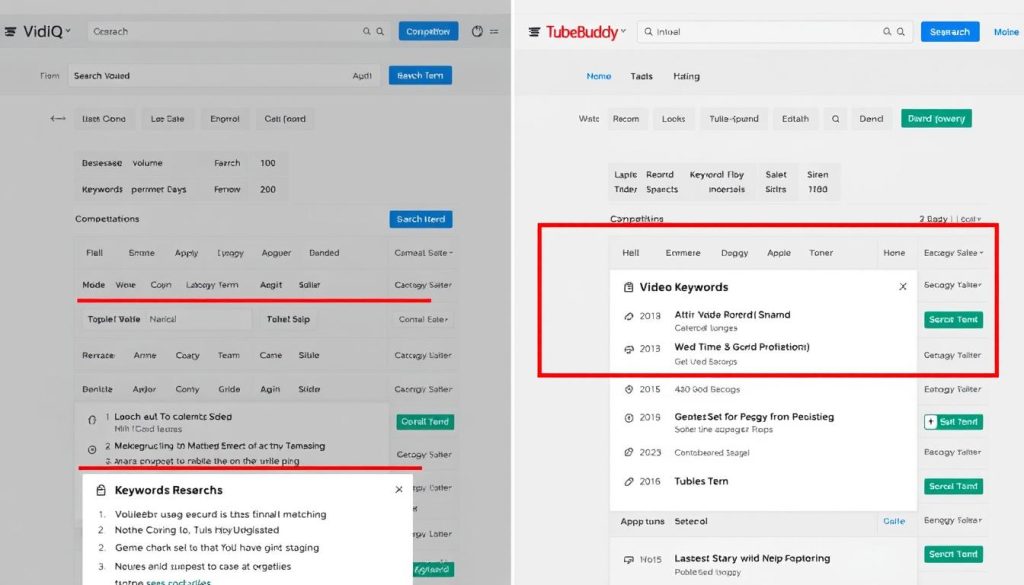
VidIQ’s keyword research functionality works similarly to traditional SEO tools. When you enter a search term, it displays:
- Overall score for the keyword
- Search volume data
- Competition level
- Related keywords with their metrics
- Top-performing videos for the keyword
VidIQ excels at providing a wide range of keyword suggestions, including exact matches, related phrases, and questions associated with your main search term. This gives you more keyword opportunities to target in your content.
TubeBuddy Keyword Research
TubeBuddy takes a slightly different approach to keyword research. Its Keyword Explorer tool offers:
- Google Autocomplete-style keyword suggestions
- Weighted scores (personalised for your channel)
- Unweighted scores (general assessment)
- Keyword trend charts
- Top-ranking videos for each keyword
TubeBuddy’s weighted scoring system is handy as it factors in your channel’s size, niche, and video performance to predict how well a keyword might perform specifically for you.
VidIQ Strengths
- More keyword suggestions
- Straightforward search volume data
- Easy-to-understand interface
- Quick overview of competition
TubeBuddy Strengths
- Personalised keyword scoring
- Trend analysis over time
- More detailed keyword data
- Access to multiple data sources
For keyword research, both tools perform well but serve slightly different needs. VidIQ offers more keyword suggestions with a more straightforward interface, while TubeBuddy provides more in-depth data about each keyword, including personalised scores and trend analysis.
Video Optimisation: VidIQ vs TubeBuddy
Once you’ve found your keywords, you need to optimise your videos effectively. Let’s compare how each tool helps with this process.
VidIQ Video Optimisation
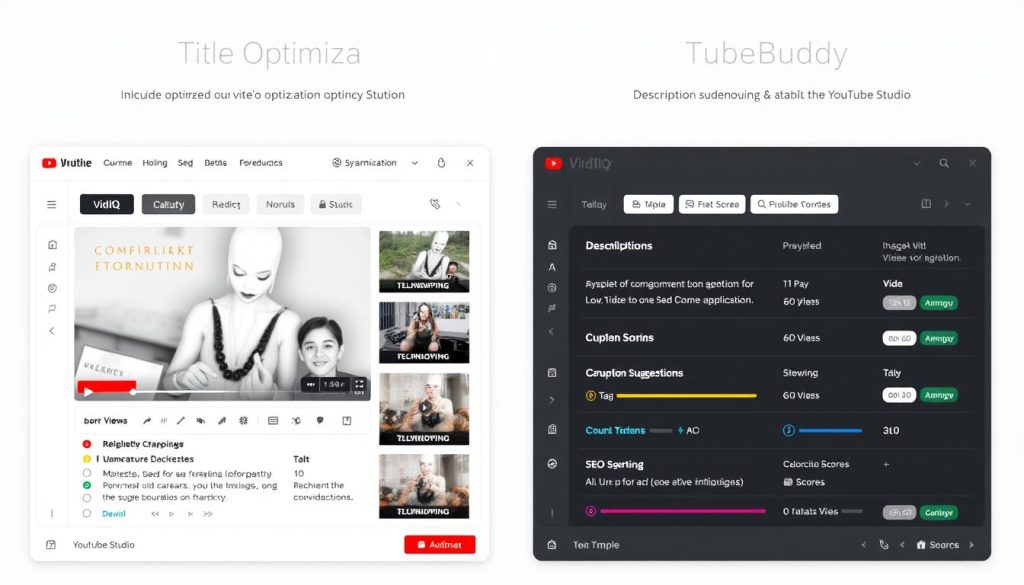
VidIQ evaluates your video title and gives it a score between 10 and 100 based on factors like brevity, keyword usage, and emotional triggers. This helps ensure your title is not only SEO-friendly but also clickworthy.
Key optimisation features include:
- Title scoring and optimisation suggestions
- Tag recommendations based on your title and description
- Thumbnail feedback (but no comparison testing)
- Description optimisation guidance
TubeBuddy Video Optimisation
TubeBuddy’s SEO Studio provides a step-by-step process for optimising your videos with an easy-to-follow checklist. It assigns an SEO score based on how well you’ve incorporated your target keyword into various elements.
Standout optimisation features include:
- SEO Studio with optimisation checklist
- Tag suggestions are sortable by relevance, score, and traffic
- AI-powered Thumbnail Analyser for comparison testing
- Title and description optimisation guidance
For video optimisation, TubeBuddy has a slight edge with its SEO Studio and AI-powered Thumbnail Analyser. The ability to compare different thumbnail designs is particularly valuable since thumbnails significantly impact click-through rates.
Optimise your videos like a pro.
Start improving your video SEO today with these powerful tools.
Try VidIQ’sOptimisationn Tools
Explore TubeBuddy’s SEO Studio
Competitor Analysis: VidIQ vs TubeBuddy
Understanding what works for your competitors can provide valuable insights for your own strategy. Let’s examine how each tool helps with competitor analysis.
VidIQ Competitor Analysis
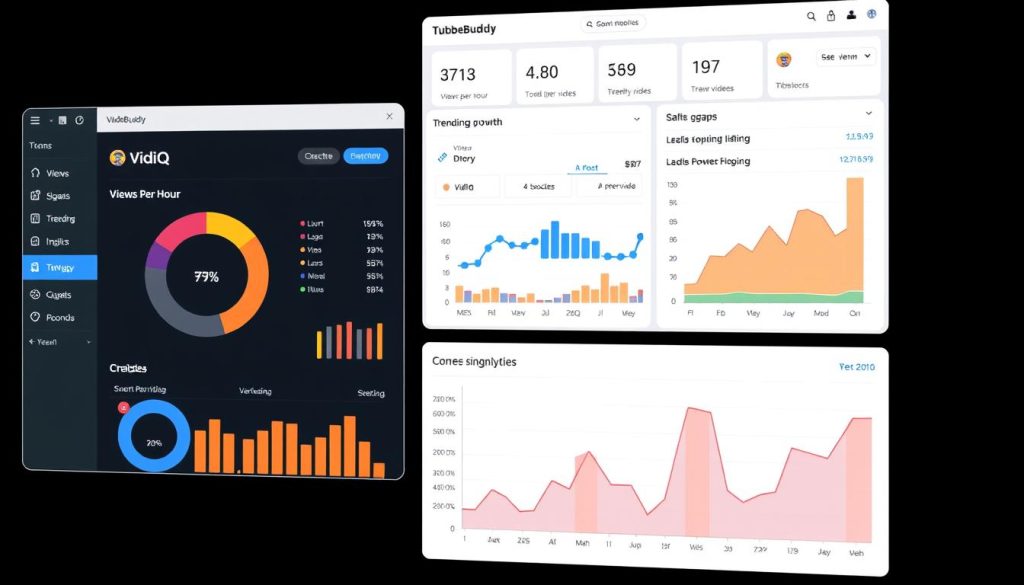
VidIQ offers robust competitor tracking capabilities that allow you to monitor other channels’ performance in detail.
Key competitor analysis features include:
- Views Per Hour (VPH) tracking for any video
- Ability to add up to 3 competitors (more in paid plans)
- Analysis of top-performing videos
- Subscriber growth monitoring
- Detection of thumbnail and title changes
- Tag and keyword analysis
VidIQ’s Views Per Hour metric is particularly valuable as it helps identify trending videos and understand what content is gaining momentum in your niche.
TubeBuddy Competitor Analysis
TubeBuddy’s competitor analysis tools are more basic but still provide valuable insights.
Notable competitor tracking features include:
- Competitor Scorecard for channel comparison
- Tag analysis for competitor videos
- Ranking position tracking
- Top-performing video identification
TubeBuddy’s Competitor Scorecard allows you to compare your channel against others in terms of views, subscriber growth, uploads, and engagement over specific time periods.
“Understanding your competitors’ strategy is crucial for YouTube success. VidIQ’s ability to track changes in thumbnails and titles, along with their impact on performance, gives creators a significant advantage in refining their own approach.”
For competitor analysis, VidIQ clearly outperforms TubeBuddy with its more comprehensive tracking capabilities, especially the valuable Views Per Hour metric and the ability to monitor changes in thumbnails and titles.
A/B Testing: VidIQ vs TubeBuddy
Testing different elements of your videos can significantly improve performance over time. Let’s see how each tool supports A/B testing.
TubeBuddy A/B Testing
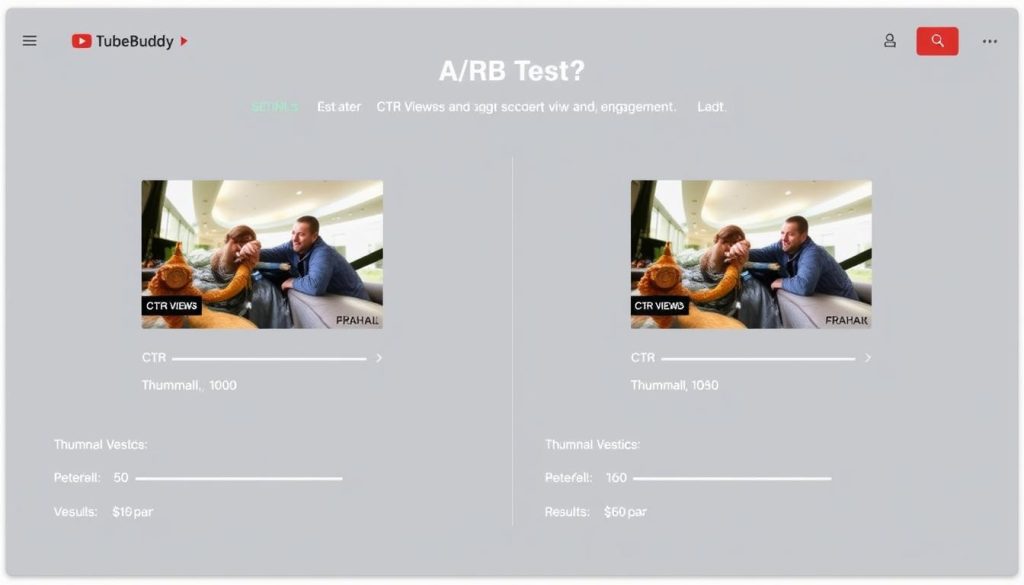
TubeBuddy offers a powerful native A/B testing feature that allows you to test variations of:
- Thumbnails
- Titles
- Descriptions
- Tags
You can set the duration of the test and define what metric will determine success, such as click-through rate, watch time, engagement, or reaching a specific view count.
While YouTube has recently released its own Thumbnail Test & Compare tool, TubeBuddy’s A/B testing offers more flexibility by allowing you to test multiple elements beyond just thumbnails.
VidIQ A/B Testing
VidIQ currently does not offer any form of A/B testing functionality. This is a significant disadvantage compared to TubeBuddy, especially for creators who want to optimise their videos through systematic testing.
Important Note: A/B testing is one of the most effective ways to improve your video performance over time. The ability to test different thumbnails, titles, and descriptions can lead to significant improvements in click-through rates and overall engagement.
For A/B testing capabilities, TubeBuddy is the clear winner since VidIQ doesn’t offer this functionality at all. This is a significant advantage for TubeBuddy, especially for data-driven creators who want to optimise their content through systematic testing.
Unique Features: VidIQ vs TubeBuddy
Beyond the core functionalities, both tools offer unique features that set them apart. Let’s explore what makes each tool special.
VidIQ Unique Features
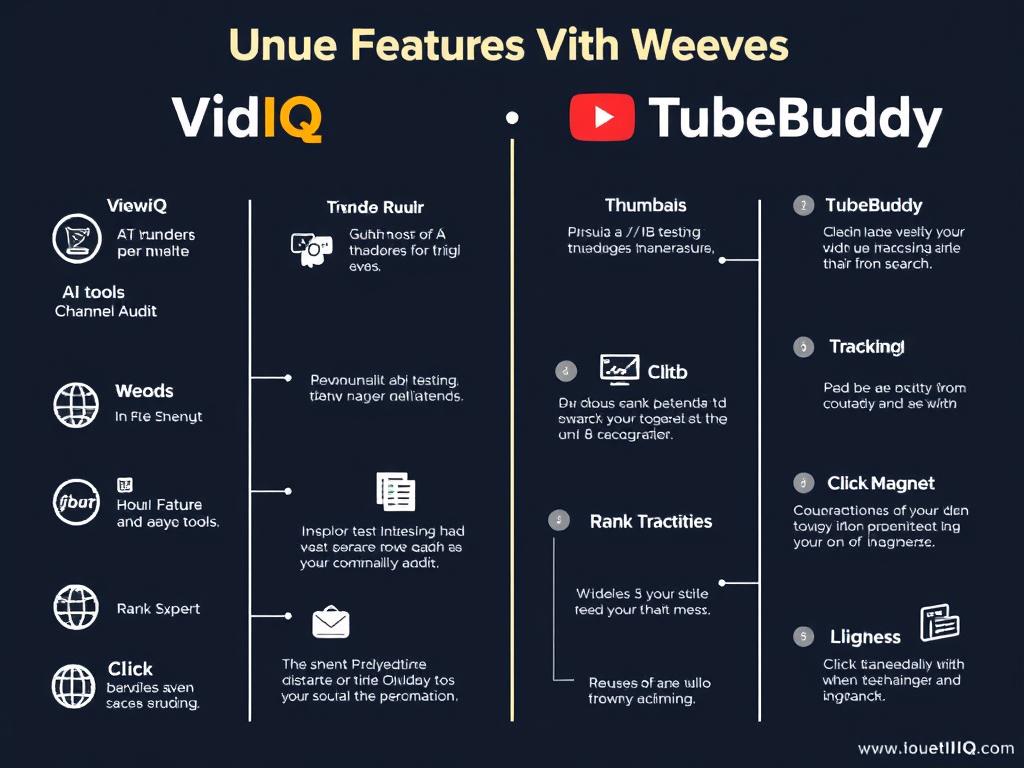
Views Per Hour (VPH)
Shows the number of views a video is receiving per hour, helping identify trending videos and topics. This is one of VidIQ’s most valuable metrics for understanding content performance.
AI Content Tools
VidIQ offers AI-powered tools for content generation, including AI Title Generator, AI Description Generator, and AI Thumbnail Builder. While these tools are convenient, they may not always produce better results than manual creation or the use of specialised AI tools.
Channel Audit
The report provides a comprehensive analysis of your channel’s performance, highlighting well-performing videos and those needing improvement. This helps identify content patterns that resonate with your audience.
TubeBuddy Unique Features
Thumbnail A/B Testing
This tool allows you to test different thumbnail designs to determine which generates better click-through rates. This feature is particularly valuable since thumbnails significantly impact video performance.
Bulk Editing Tools
This tool enables you to add, remove, or replace specific text or phrases from multiple cards, end screens, and video descriptions simultaneously, saving significant time for channel management.
Rank Tracking
Monitors your search position for specific keywords on both Google and YouTube, showing how your video’s rank changes over time. This helps track the effectiveness of your optimisation efforts.
Both tools offer unique features that cater to different aspects of YouTube channel management. VidIQ excels in analytics and trend identification, while TubeBuddy offers superior testing and bulk management capabilities.
Unlock powerful YouTube tools.
Try these unique features to take your channel to the next level.
Pricing Comparison: VidIQ vs TubeBuddy
Cost is an essential factor when choosing a YouTube SEO tool. Let’s compare the pricing structures of VidIQ and TubeBuddy.
VidIQ Pricing
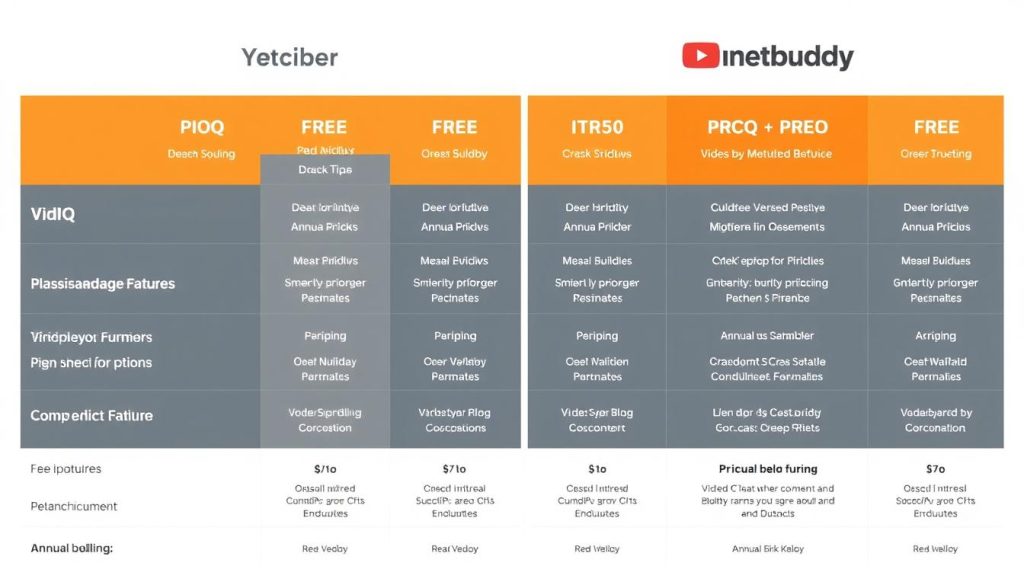
VidIQ offers several pricing tiers:
- Free Plan: Basic features with limited keyword research
- Boost Plan: $17.50/month (billed annually) or $19/month (billed monthly)
- Boost+: $49/month (billed annually)
- Max Plan: $99/month (billed annually)
The Boost plan allows you to connect up to 5 channels and includes keyword research, competitor analysis, video optimisation, trend alerts, and various AI tools.
TubeBuddy Pricing
TubeBuddy’s pricing structure is more affordable:
- Free Plan: Basic features with limited functionality
- Pro Plan: $2.25/month (billed annually) or $3.60/month (billed monthly)
- Star Plan: $4.50/month (billed annually)
- Legend Plan: $14.50/month (billed annually) or $23.19/month (billed monthly)
The Legend plan allows you to connect 3+ channels and includes thumbnail A/B testing, video tags, SEO studio, unlimited bulk editing, scheduled publishing, video A/B testing, brand alerts, and unlimited keyword research.
VidIQ Value Assessment
VidIQ’s higher pricing is justified by its superior analytics, competitor tracking, and trend identification features. The Boost plan at $17.50/month provides good value for established creators who need detailed insights.
TubeBuddy Value Assessment
TubeBuddy offers exceptional value, especially for beginners. Even its Pro plan at just $2.25/month unlocks useful features, while the Legend plan at $14.50/month is still more affordable than VidIQ’s entry-level paid plan.
In terms of pricing, TubeBuddy is clearly more budget-friendly, making it an attractive option for new creators or those with limited resources. VidIQ’s higher pricing reflects its more advanced analytics capabilities, which may be worth the investment for established channels.
User Experience: VidIQ vs TubeBuddy
A tool’s ease of use significantly impacts its value. Let’s compare the user experience of both platforms.
VidIQ User Experience
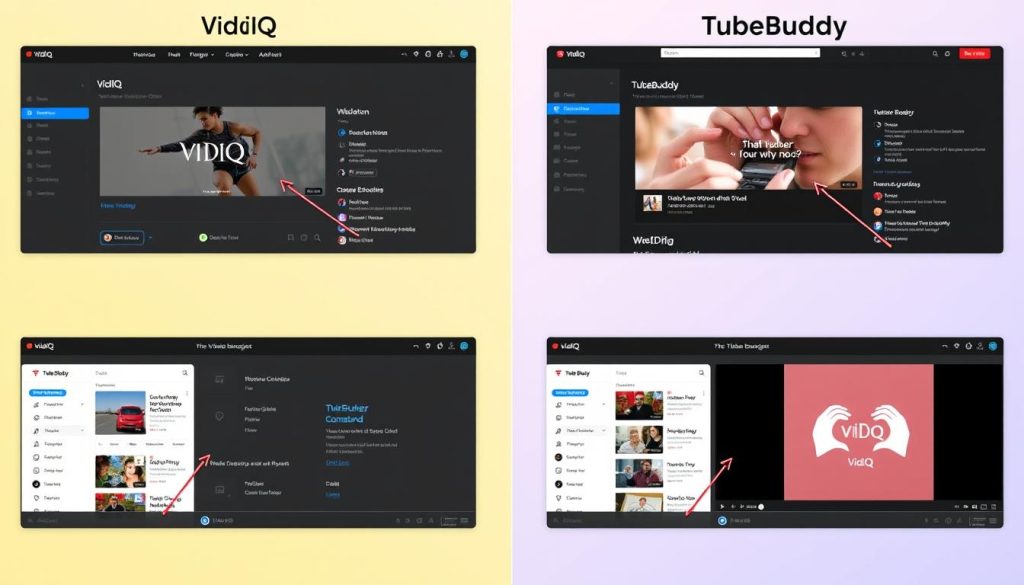
VidIQ offers a modern, clean interface that’s easy to navigate:
- Intuitive web dashboard with straightforward navigation
- Core tools are conveniently located in the left sidebar
- Light and dark mode options
- Smooth-running browser extension
- Visually appealing data presentation
VidIQ’s interface feels contemporary and uncluttered, making it easy for new users to find what they need. The browser extension integrates seamlessly with YouTube Studio and provides valuable insights without overwhelming the user.
TubeBuddy User Experience
TubeBuddy’s interface is functional but less modern:
- Web dashboard feels somewhat outdated
- Most features are accessible through the browser extension
- Direct integration with YouTube Studio
- User-friendly data presentation
- Helpful explanations for metrics and features
TubeBuddy’s browser extension is powerful and integrates well with YouTube, but its web dashboard feels secondary and less developed. The extension provides comprehensive insights and optimisation tools directly within YouTube Studio.
For overall user experience, VidIQ has an edge with its more modern and user-friendly web dashboard. However, both tools offer capable browser extensions that integrate well with YouTube Studio.
Performance Results: What to Expect
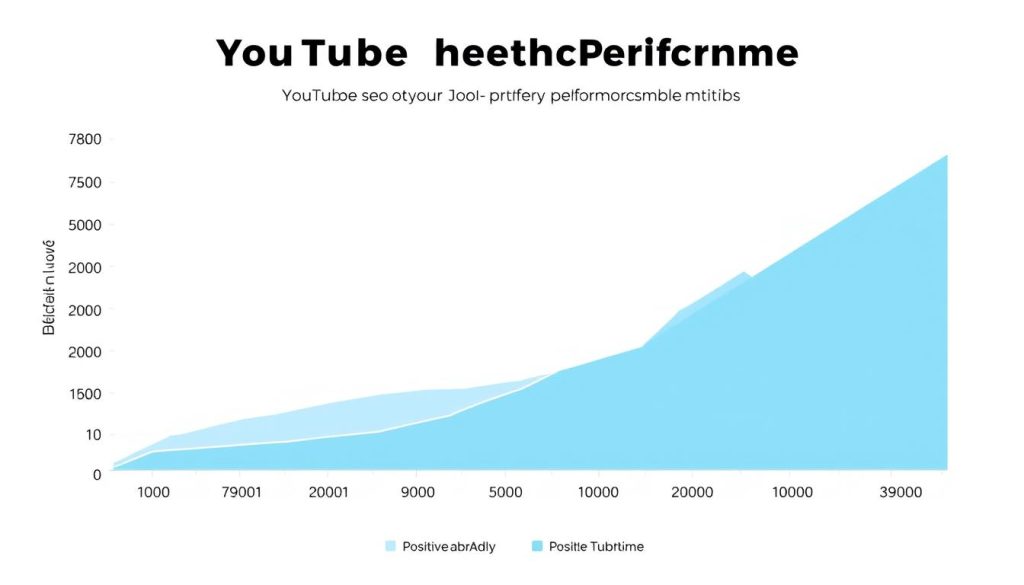
The ultimate question is: which tool will help your channel grow faster? Let’s examine the performance results you can expect from each.
Expected Results with VidIQ
When using VidIQ effectively, you can expect:
- Better keyword targeting based on search volume data
- Improved title optimisation for higher click-through rates
- More strategic content planning based on competitor insights
- Faster identification of trending topics in your niche
- Better understanding of your channel’s performance patterns
VidIQ excels at helping you make data-driven decisions about your content strategy, which can lead to more views and subscribers over time.
Expected Results with TubeBuddy
With TubeBuddy, you can anticipate:
- Improved video optimisation through step-by-step guidance
- Higher click-through rates from A/B tested thumbnails and titles
- Time savings through bulk editing and management tools
- Better keyword targeting based on personalised scores
- Improved video rankings through systematic optimisation
TubeBuddy’s strength lies in its practical optimisation tools and testing capabilities, which can directly impact your video performance.
“After implementing TubeBuddy’s A/B testing for thumbnails, I saw a 32% increase in click-through rate across my channel. Meanwhile, VidIQ’s competitor analysis helped me identify content gaps that led to three viral videos in my niche.”
Both tools can significantly improve your channel’s performance when used correctly. The best choice depends on your specific needs and workflow preferences.
Recommendations: Which Tool is Right for You?
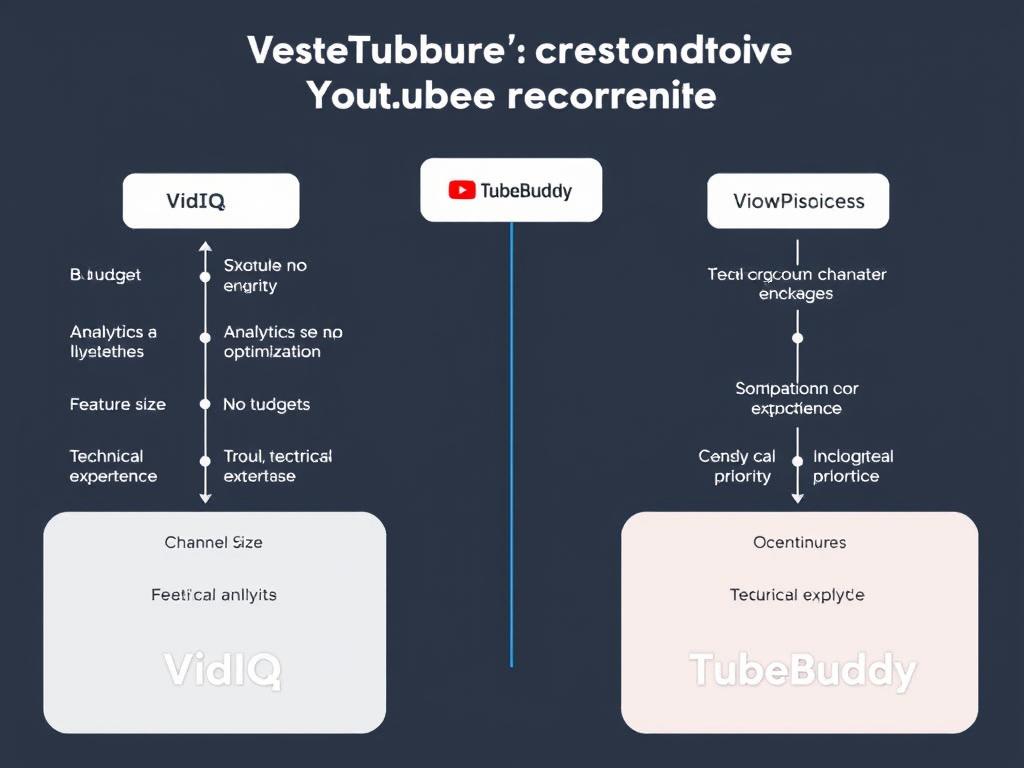
Based on our comprehensive analysis, here are our recommendations for different types of YouTube creators:
Best for Beginners
Recommendation: TubeBuddy
If you’re starting your YouTube journey, TubeBuddy is the better choice due to:
- More affordable pricing plans
- Step-by-step optimisation guidance
- Intuitive browser extension
- Valuable features even in the free plan
Best for Data-Driven Creators
Recommendation: VidIQ
If you make decisions based on analytics and competitor insights, VidIQ offers:
- Superior competitor tracking capabilities
- Views Per Hour (VPH) metric for trend identification
- Comprehensive channel audit tools
- More detailed performance analytics
Best for Established Channels
Recommendation: Both (If Budget Allows)
For creators with established channels and sufficient budget, using both tools provides the most comprehensive solution:
- VidIQ for analytics, competitor insights, and trend identification
- TubeBuddy for A/B testing, bulk management, and step-by-step optimisation
- Complementary strengths that cover all aspects of YouTube SEO
Best Value for Money
Recommendation: TubeBuddy
If budget is a primary concern, TubeBuddy offers exceptional value:
- Pro plan starts at just $2.25/month
- Legend plan ($14.50/month) is still cheaper than VidIQ’s Boost plan
- Comprehensive feature set at a lower price point
Ready to grow your YouTube channel?
Choose the tool that best matches your needs and start optimising today.
Frequently Asked Questions
Can I use VidIQ and TubeBuddy together?
Yes, you can use both VidIQ and TubeBuddy simultaneously. Many creators do this to leverage the strengths of each tool. VidIQ excels at analytics and competitor insights, while TubeBuddy offers superior A/B testing and bulk management features. Using both tools together provides a comprehensive solution for YouTube optimisation.
Do these tools guarantee more views and subscribers?
No tool can guarantee more views or subscribers. VidIQ and TubeBuddy are optimisation tools that help you make better decisions about your content strategy, keywords, titles, thumbnails, and more. They provide valuable insights and features that can improve your chances of success, but the quality of your content remains the most critical factor for YouTube growth.
Are the free versions worth using?
Yes, the free versions of both tools offer valuable features that can help improve your YouTube strategy. TubeBuddy’s free plan is particularly generous, offering keyword research, video analytics, comment filters, and more. VidIQ’s free plan provides basic keyword research, competitor tracking, and optimisation suggestions. Starting with the free versions is a good way to test each tool before committing to a paid plan.
Which tool is better for keyword research?
Both tools offer strong keyword research capabilities with different approaches. VidIQ provides more keyword suggestions with straightforward search volume data, making it easier to find a wide range of targeting opportunities. TubeBuddy offers more detailed data about each keyword, including personalised scores based on your channel’s performance and trend analysis over time. The best choice depends on whether you prefer breadth of suggestions (VidIQ) or depth of analysis (TubeBuddy).
Do these tools work for YouTube Shorts?
Yes, both VidIQ and TubeBuddy offer features that can help optimise YouTube Shorts. TubeBuddy includes a “Suggested Shorts” feature that helps identify the most engaging parts of your long-form videos to repurpose as Shorts. VidIQ provides insights into trending topics that can inform your Shorts strategy. Both tools can help with keyword optimisation for Shorts as well.
Conclusion: VidIQ vs TubeBuddy
Both VidIQ and TubeBuddy are potent tools that can significantly enhance your YouTube SEO strategy and help your channel grow faster. The best choice depends on your specific needs, budget, and workflow preferences.
VidIQ excels in analytics, competitor tracking, and trend identification. Its modern interface and comprehensive insights make it ideal for data-driven creators who want to make strategic decisions based on detailed performance metrics.
TubeBuddy stands out with its A/B testing capabilities, bulk management tools, and step-by-step optimisation guidance. Its affordable pricing and intuitive features make it perfect for beginners and budget-conscious creators.
For the best results, consider starting with the free versions of both tools to determine which one aligns better with your workflow and needs. If your budget allows, using both tools together provides the most comprehensive solution for YouTube channel growth.
Whichever tool you choose, remember that no SEO tool can replace quality content. These tools are meant to enhance your strategy and help your content reach its full potential, but creating valuable, engaging videos should always be your primary focus.
Start growing your YouTube channel today.
Choose the tool that best fits your needs and take your YouTube strategy to the next level.






