Using AI for Content Creation Without Inviting Bots

AI can double or even triple your content output, yet it also increases the surface area where bots can slip into your funnel. That matters for course creators who rely on gated resources, live webinar sign ups, and member portals. According to Imperva’s 2024 Bad Bot Report, bad bots accounted for a record share of global web traffic in 2023, and overall bot traffic was close to half of all internet activity. In other words, if you scale content without basic safeguards, you risk spam sign ups, coupon abuse, scraped modules, polluted analytics, and higher infrastructure costs.
This guide shows how to use AI for content creation without inviting bots, with practical steps and tooling options designed for course businesses.
Why course creators are leaning on AI in 2025
AI helps you:
- Move from ideation to outline in minutes and ship consistent posts, scripts, and email sequences.
- Repurpose lessons into blogs, social threads, carousels, and video scripts at scale.
- Improve drafts for clarity, tone, and SEO, then localise for new audiences.
The risk creeps in when the publishing engine outpaces protection. Every new landing page, form, freebie, or community space is a potential bot entry point. The objective is simple, keep your acceleration and add a light verification layer where it counts.

Where bots tend to break your funnel
- Freebie and webinar forms, inflated lead counts, fake emails, low deliverability, wasted ad spend.
- Coupon and trial abuse, credential stuffing, and scripted checkouts.
- Content scraping of lesson text, PDFs, and videos via unauthenticated links.
- Comment and support spam, noise that distracts your team and damages trust.
Here is a quick mapping to help you prioritise fixes:
| Funnel area | Typical bot issue | Minimal viable mitigation |
|---|---|---|
| Lead capture forms | Fake sign ups and list pollution | Simple human verification before submission, double opt in |
| Download links | Scripted bulk downloads | Gate with a verification step and signed, time limited URLs |
| Member portal | Credential stuffing | Rate limits, IP reputation checks, human verification on anomalies |
| Checkout | Coupon abuse | Verification on risky actions, velocity checks |
| Comments/contact | Spam and phishing | Lightweight verification plus content filters |
A bot safe AI content workflow for course creators
Use AI to create faster, then place verification only where automation is likely to abuse you. This keeps user experience smooth for humans while deterring opportunistic bots.
- Plan content with AI, not policy. Ask your AI assistant to produce topic clusters, briefs, and outlines, but document where each asset will live and whether it should be public, partially gated, or members only.
- Draft and edit with AI, keep quality signals. AI drafts, you revise for originality, examples, and credible sources. Google’s guidance is clear, the use of AI is acceptable when the content is helpful and people first, not created to manipulate rankings. See Google’s note on AI content in Search for details. Google Search and AI content.
- Publish with structure. Public article, indexable. Lead magnet landing page, indexable. The actual download, behind a simple verification step and a signed link that expires.
- Promote with clean capture. Run ads to the landing page, not the raw file. Require a basic human check at submission, then confirm with double opt in to keep your list healthy.
- Monitor and adjust. Track verification pass rate, form completion, bounce after gate, and lead quality. Add or remove friction based on risk, time of day, or source.
Practical content security patterns that do not hurt UX
- Gate actions, not discovery. Keep the landing page public so search and social can drive traffic, verify only when the user attempts to submit or download.
- Use one simple check at a time. A single human verification step is usually enough to fend off opportunistic automation without frustrating students.
- Tokenise your assets. Protect PDFs and videos with signed URLs that expire and are tied to a session or email.
- Watch velocity and anomalies. If you see 50 sign ups in 2 minutes from one network, add the verification step on that route for a short window.
- Offer an accessible fallback. Provide a link to contact support if a user struggles to pass the check.
Verification options, compared at a glance
You have several ways to confirm a human is behind the click. Each trades a bit of friction for protection.
| Method | Friction for humans | Where it fits | Notes |
|---|---|---|---|
| Simple human verification step | Low | Lead forms, download gates, community join, course access | Quick check before granting access, ideal first line of defence |
| Modern visual challenges | Low to medium | High spam routes | Good for obvious bot waves, use sparingly |
| Email double opt in | Medium | Newsletter and lead magnets | Improves list quality, adds a delay |
| OAuth sign in (Google, Apple) | Medium | Member areas | Reduces fake accounts, adds dependency on third parties |
| Rate limiting and IP reputation | None for humans until triggered | Login and checkout | Invisible until abuse spikes |
Our approach focuses on the first row, a simple verification step that confirms a user is not a robot before granting access. It adds minimal friction and fits naturally before downloads, community joins, and course portals.
Tooling picks for a secure, scalable stack
- Content generation and editing, see our comparison of the leading options in the Best AI Writing Tools for Bloggers: Complete 2025 Guide.
- Automation and distribution, if you orchestrate posts, emails, and updates across apps, our Zapier Review: Ultimate Automation Tool for AI Workflows explains how to build safe multi step workflows.
- Human in the loop strategy, when to lean on writers versus AI, see AI vs Human Writers: When to Use Each.
- Verification, add a lightweight human check before protected actions so that only real people can submit, download, or access member content.
SEO and compliance considerations
- Helpful trumps everything. Google’s guidance allows AI assistance if your content is original, useful, and demonstrates expertise. Align with E E A T by citing credible sources, adding your course specific examples, and including clear author or brand signals. See Google’s note linked above.
- Do not rely on robots.txt to hide private assets. Robots.txt is advisory and does not block access to sensitive content. If a URL must not be public, keep it behind a verification step or authentication. See Google’s robots.txt limitations. Robots.txt introduction and limitations.
- Keep the landing page crawlable. Let search engines index your offer page, then gate the download or sign up action.
- Respect legitimate crawlers. If you choose to limit some AI crawlers, use robots.txt directives like Disallow for their dedicated user agents, while keeping the rest of your site usable for search engines.
Metrics to track after you add verification
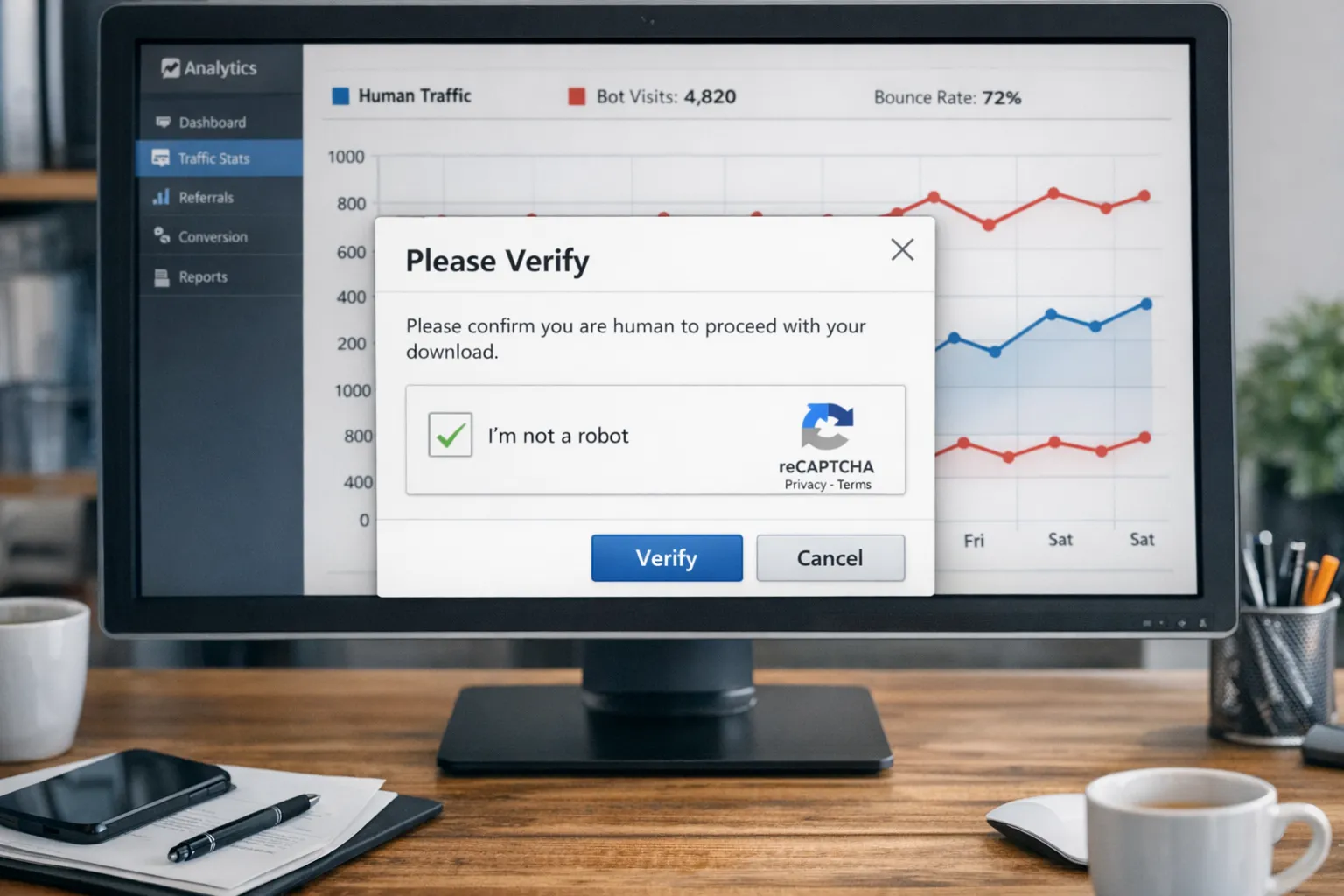
- Verification pass rate and drop off. Aim for high pass rates with minimal abandonment, adjust placement or copy if needed.
- Lead quality. Monitor email deliverability, open rate, and conversion by source to confirm that verification improves outcomes.
- Abuse attempts prevented. Track blocked submissions, failed login bursts, and throttled downloads.
- Support noise. Fewer spam tickets and cleaner community threads are good signals.
Mini playbook, add verification without killing conversion
- Place the check only on actions that create cost or risk, submit, download, join, buy.
- Tell users why, a short line like, Quick human check to keep the course spam free, sets expectations.
- Make passing effortless, a single interaction that takes seconds.
- Provide an alternative, a help link for users who cannot complete the check.
Frequently asked questions
Will a verification step hurt my conversions? A single lightweight check on risky actions usually has minimal impact and often improves conversion by reducing bot pollution. Fewer fake sign ups means better email deliverability and cleaner analytics, which can improve real conversions over time.
Does verification block search engines from crawling my content? No, if you gate actions rather than pages. Keep your landing pages open to crawlers, then require verification only when users submit forms or request downloads.
Should I block AI crawlers? It depends on your strategy. You can use robots.txt to ask specific crawlers not to access certain paths. This is voluntary for good bots and not a security control for bad bots. Keep sensitive files behind verification or authentication.
Is AI generated content safe for SEO? Yes, when it is helpful, accurate, and demonstrates experience. Google’s guidance focuses on quality and intent, not the tool used. Always review AI drafts, add your expertise, and cite sources where appropriate.
What if a bot still gets through? Layer your defences. Combine a human verification step with rate limiting, anomaly detection, and double opt in for email. Adjust based on patterns in your analytics and server logs.
Keep the speed, lose the bots
Use AI to move faster, then protect the moments that matter with a human check. If you run lead magnets, member areas, or download gates, adding a simple verification step is often the highest impact, lowest friction upgrade you can make.
Ready to protect your next launch or evergreen funnel with a quick human check before access? Explore Bot Verification to confirm users are not robots before granting access, and keep your content and community clean. Learn more.