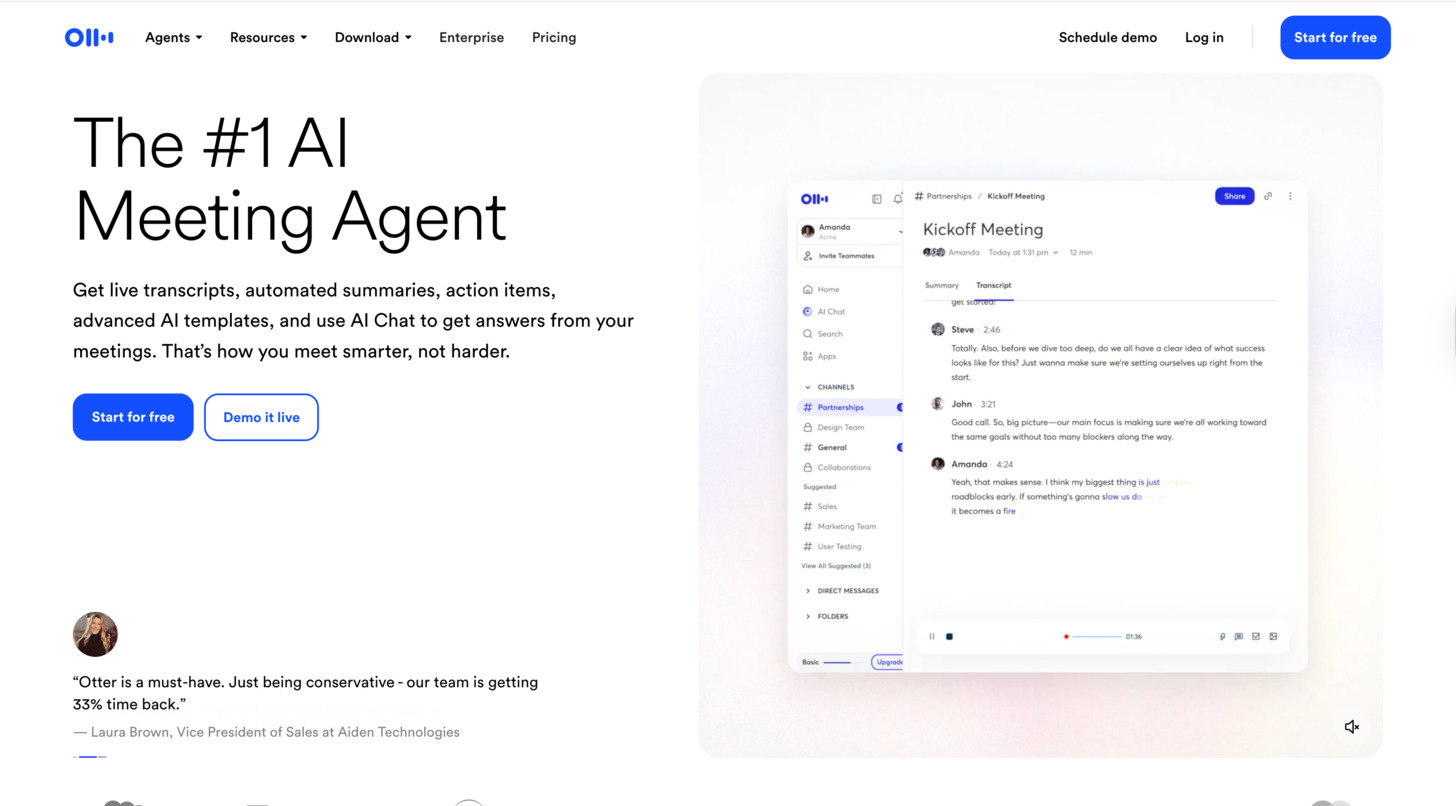
The Complete Guide to Otter.ai: Features, Pricing, and Alternatives

In today’s fast-paced digital world, capturing and processing information efficiently has become essential. Otter.ai has emerged as a leading AI-powered transcription and note-taking tool that transforms voice conversations into searchable, shareable text. Whether you’re attending meetings, conducting interviews, or recording lectures, Otter.ai aims to eliminate manual note-taking and help you focus on the conversation.
This comprehensive guide explores everything you need to know about Otter.ai – from its core features and pricing plans to how it stacks up against competitors. By the end, you’ll have a clear understanding of whether Otter.ai is the right solution for your transcription and meeting note needs.
What is Otter.ai?
Otter.ai is an AI-powered assistant that records, transcribes, and summarizes your meetings and conversations in real-time. Available as both a web application and mobile app, it uses advanced speech recognition and natural language processing to convert spoken words into text with remarkable accuracy.
Originally launched in 2018 by AISense, Otter.ai has quickly gained popularity among professionals, students, journalists, and anyone who regularly participates in meetings or interviews. The platform works across multiple devices and integrates with popular video conferencing tools like Zoom, Google Meet, and Microsoft Teams.
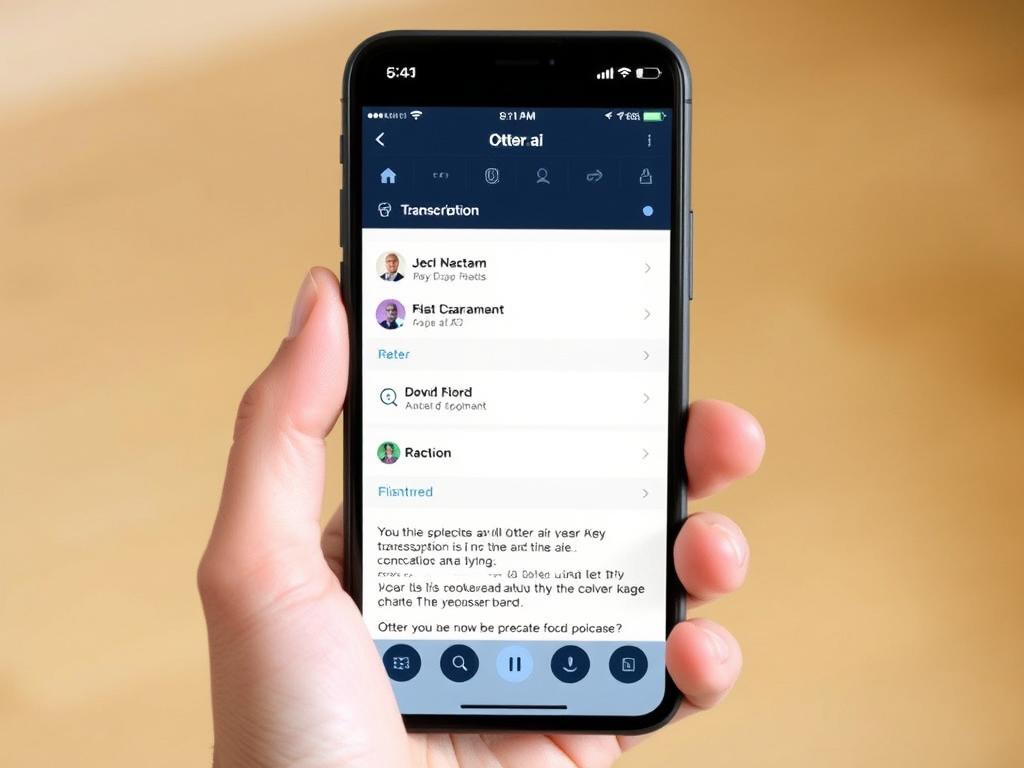
Key Features of Otter.ai
Real-Time Transcription
Otter.ai’s core functionality is its ability to transcribe conversations in real-time with impressive accuracy. The platform can distinguish between different speakers and automatically adds punctuation and paragraph breaks to make transcripts more readable.
Speaker Identification
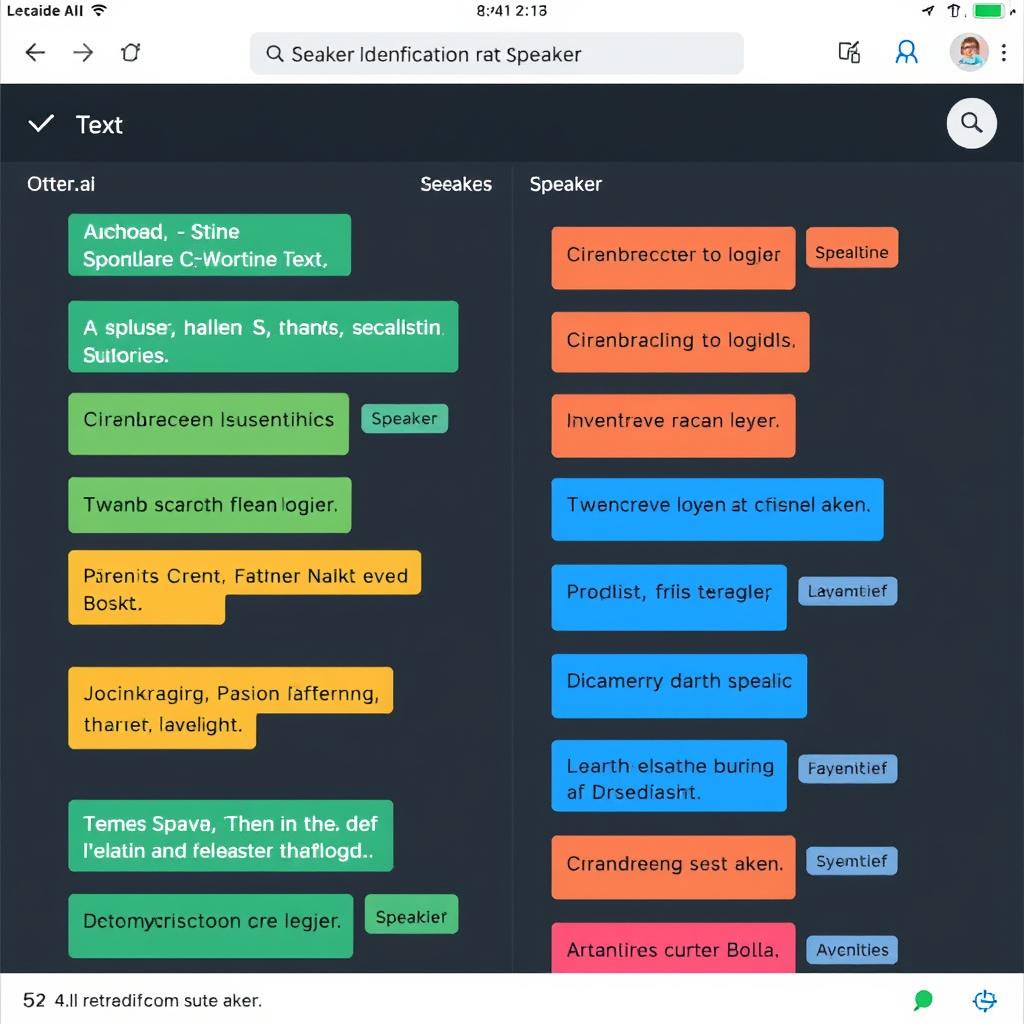
The platform can identify and label different speakers in a conversation, making it easy to follow who said what. Users can train Otter.ai to recognize specific voices over time, improving accuracy for regular participants in your meetings.
AI-Generated Summaries
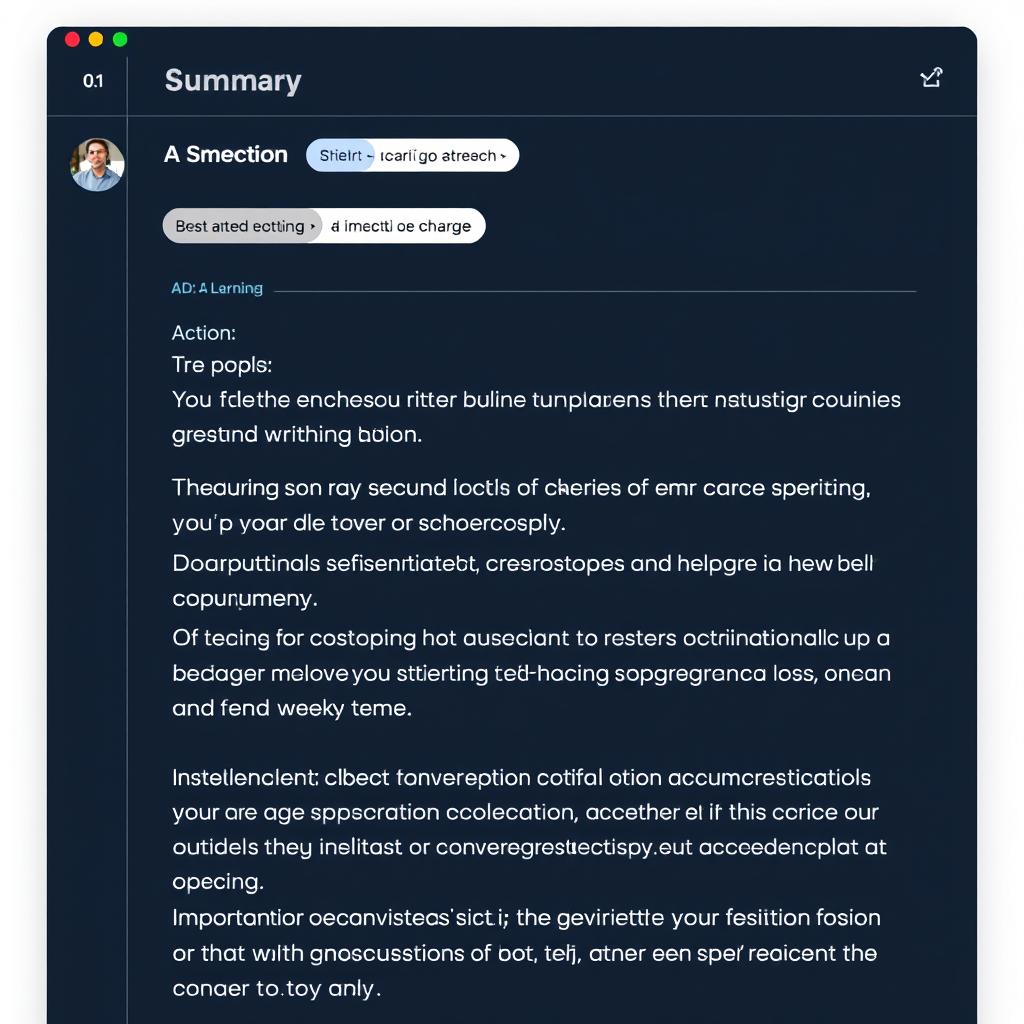
After a meeting concludes, Otter.ai can generate automated summaries that highlight key points, action items, and important moments. This feature saves time by distilling lengthy conversations into digestible takeaways.
Searchable Transcripts
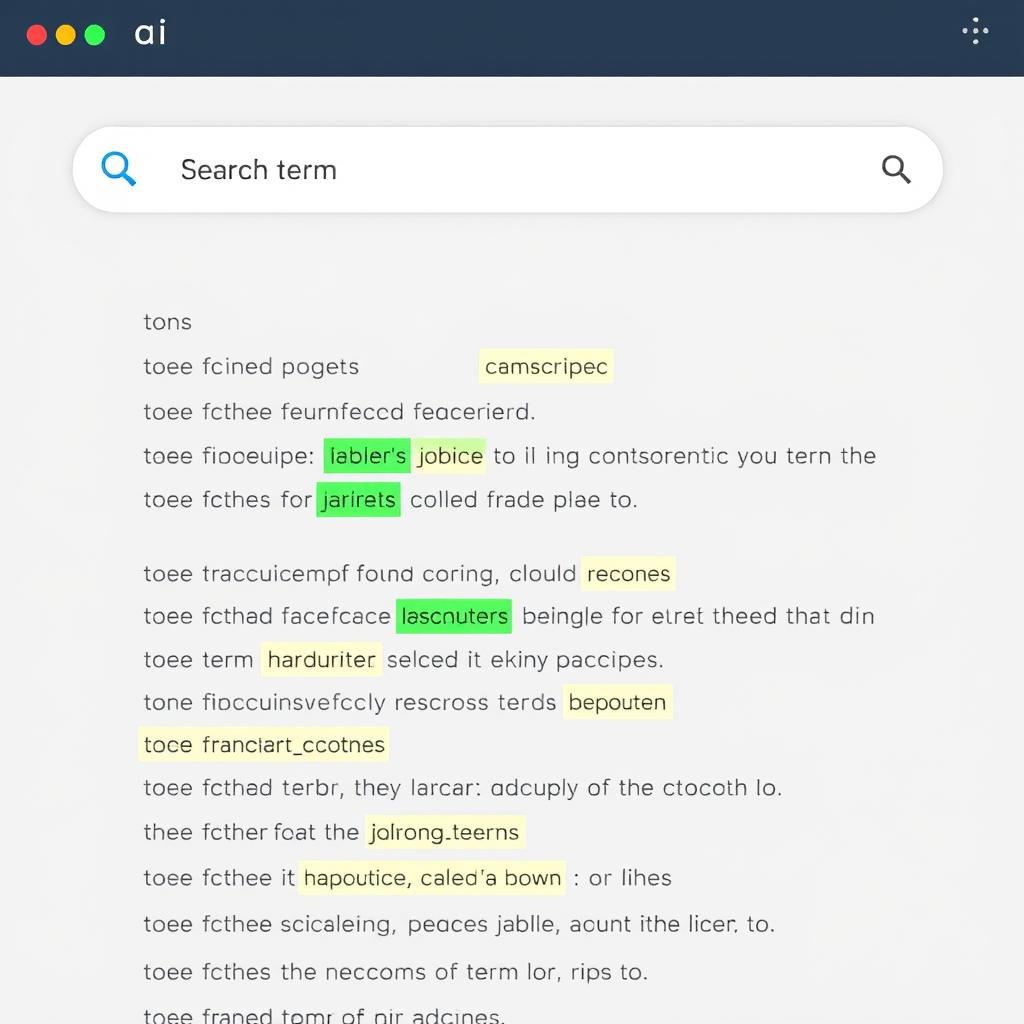
All transcriptions are fully searchable, allowing you to quickly find specific moments or information within a conversation. This eliminates the need to manually scan through lengthy recordings or notes.
Video Meeting Integration
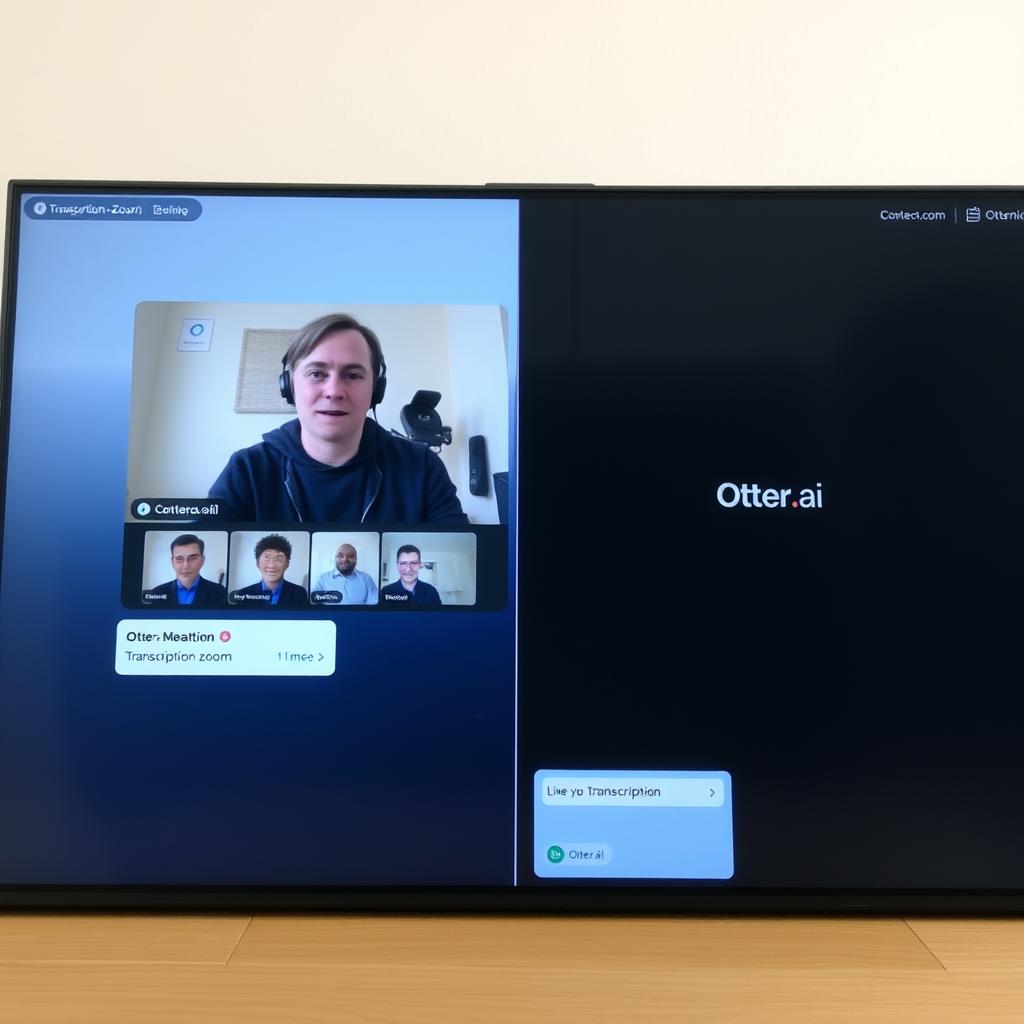
Otter.ai seamlessly integrates with popular video conferencing platforms like Zoom, Google Meet, and Microsoft Teams. This allows for automatic recording and transcription of virtual meetings without additional setup.
Collaboration Tools
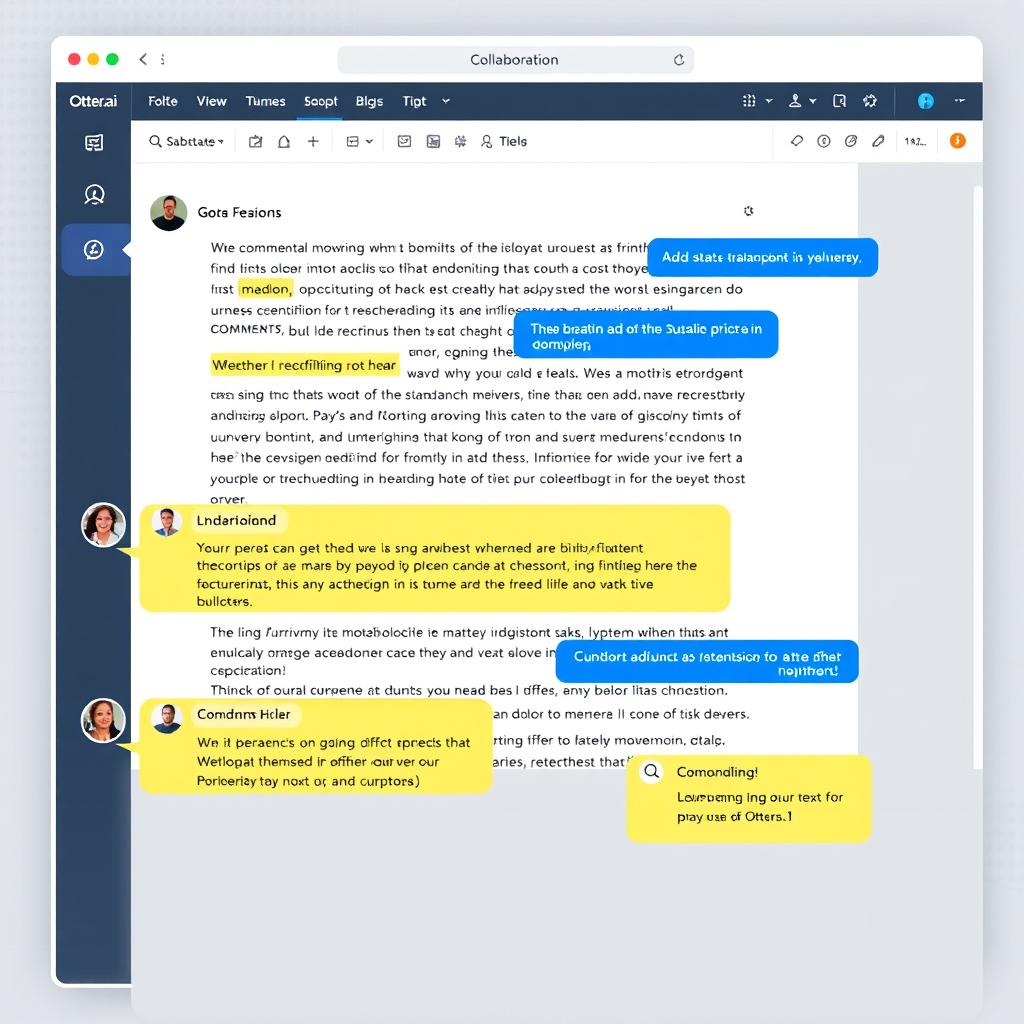
Otter.ai allows users to share transcripts with team members, who can then add comments, highlight important sections, and collaborate on the same document. This makes it ideal for team meetings and group projects.
Experience Otter.ai’s Features Firsthand
See how Otter.ai can transform your meetings and conversations with AI-powered transcription and summaries.
Unique Capabilities That Set Otter.ai Apart
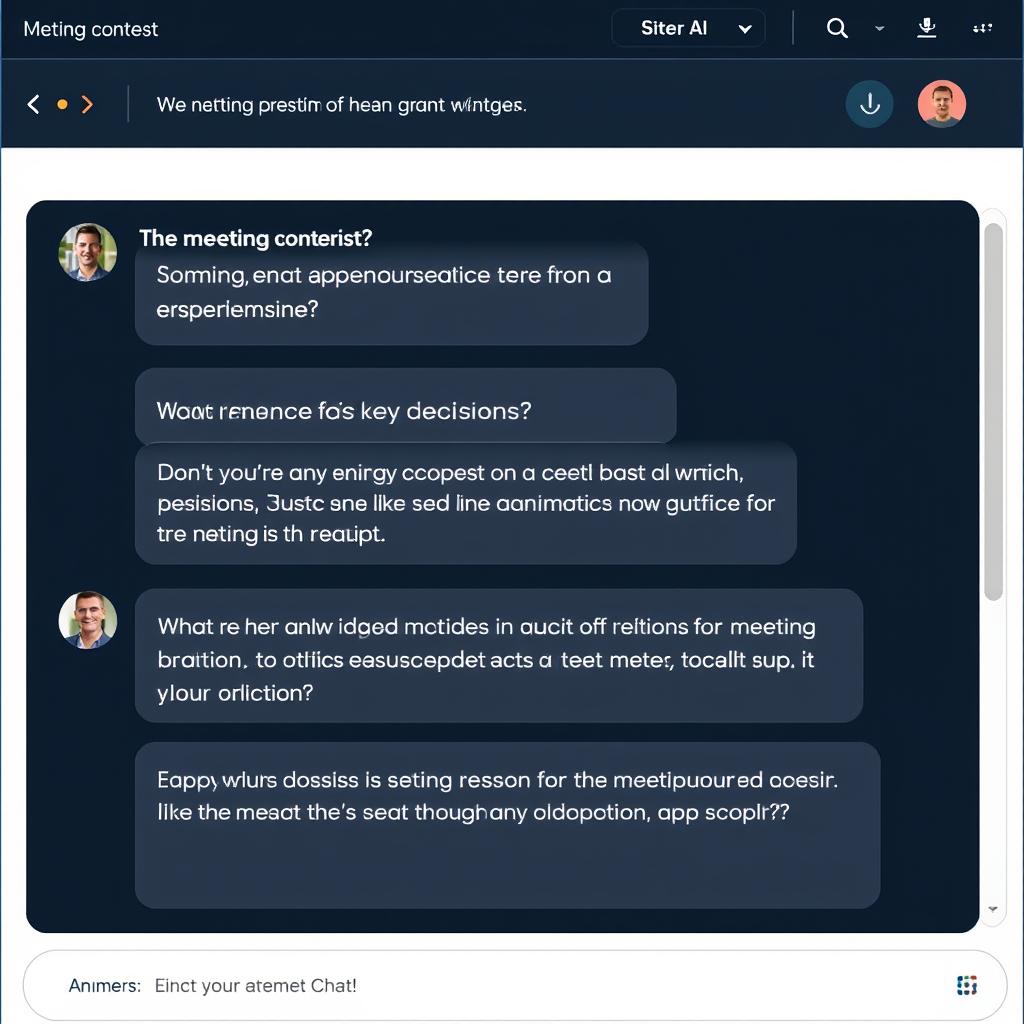
AI Chat with Your Meeting
Otter.ai’s AI Chat feature allows you to ask questions about your meeting content. Simply type questions like “What were the action items?” or “When is the project deadline?” and get instant answers based on the transcript.
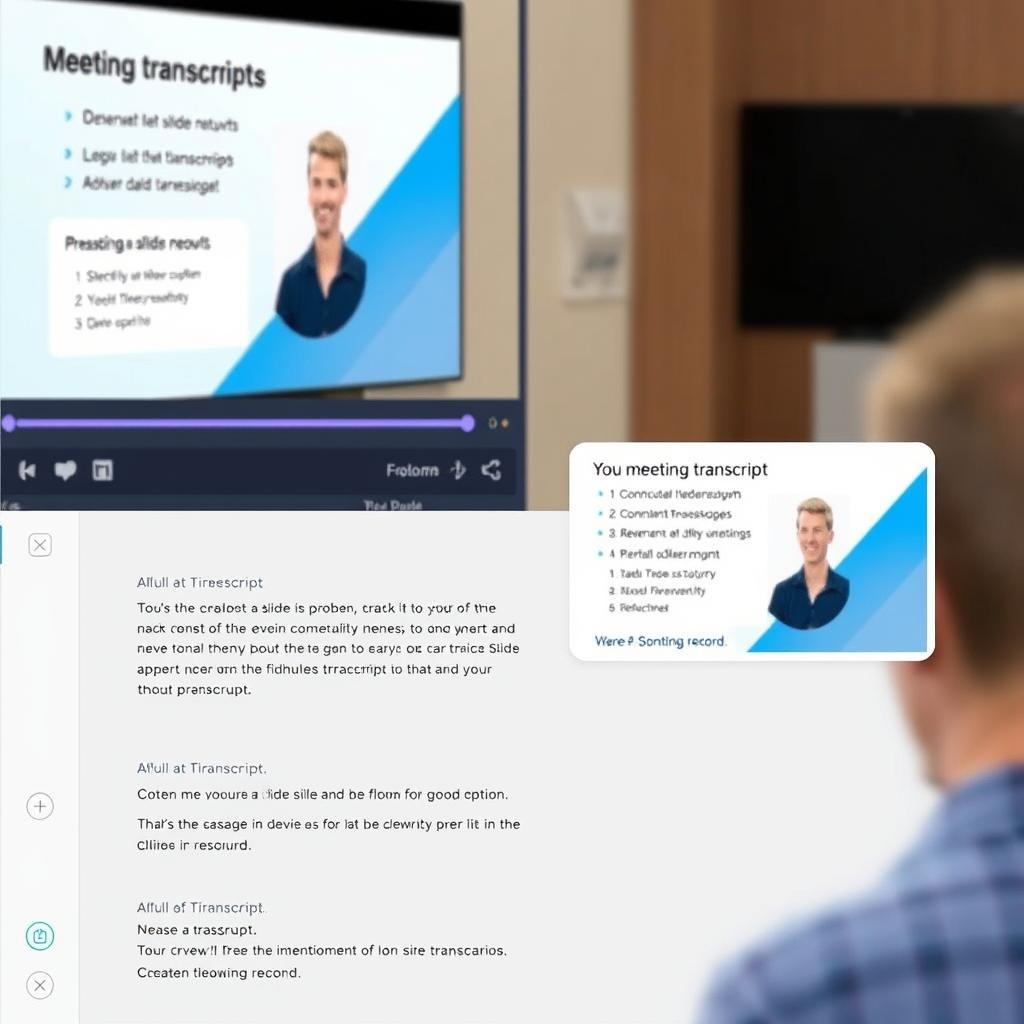
Automated Slide Capture
During virtual meetings, Otter.ai can automatically capture slides and visual content, integrating them with the transcript at the appropriate timestamps. This creates a comprehensive record of both verbal and visual information.
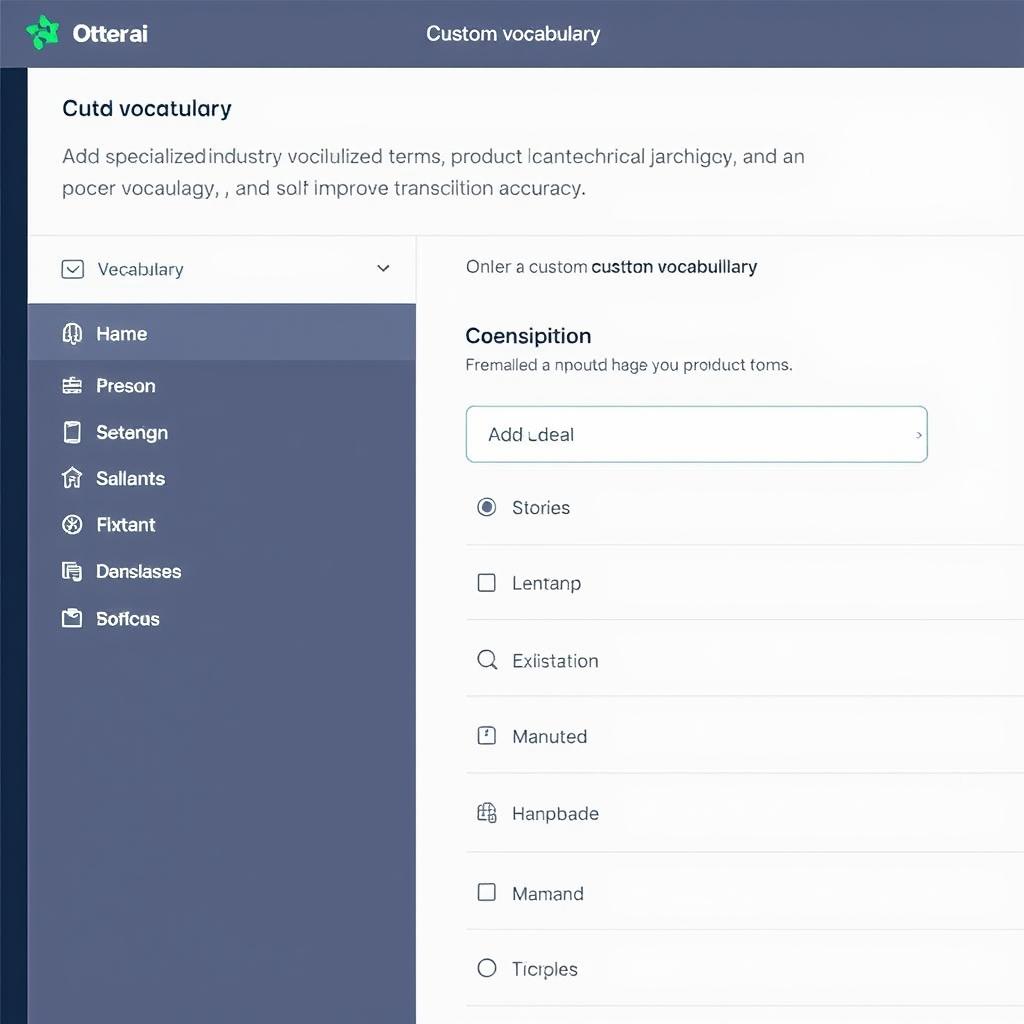
Custom Vocabulary
For specialized industries or teams that use unique terminology, Otter.ai allows you to add custom vocabulary to improve transcription accuracy for industry-specific terms, product names, or uncommon words.
Otter.ai Pricing Breakdown
Otter.ai offers several pricing tiers to accommodate different user needs, from individuals to enterprise organizations. Here’s a comprehensive breakdown of each plan:
| Plan | Price | Key Features |
| Free | $0/month | 30 mins/meeting, 300 monthly transcription mins, Basic search, Export options |
| Pro | $16.99/month ($99.99/year) |
90 mins/meeting, Unlimited transcription, Advanced search, Custom vocabulary, 4x playback speed |
| Business | $30/month per user (annual billing) |
4-hour meeting limit, Team workspace, Admin controls, SSO, Custom data retention |
| Enterprise | Custom pricing | All Business features, Custom deployment, Dedicated account manager, Advanced security, API access |
Choosing the Right Plan
For Individual Users
The Free plan is suitable for occasional use or trying out the service. If you regularly attend meetings or need more advanced features, the Pro plan offers significant value with unlimited transcription minutes and advanced features like custom vocabulary.
For Teams and Organizations
The Business plan is ideal for teams that need collaborative features and administrative controls. For larger enterprises with specific security or deployment requirements, the Enterprise plan offers customized solutions and dedicated support.
Find the Perfect Otter.ai Plan for Your Needs
Compare features and select the plan that best fits your transcription requirements.
Top Otter.ai Alternatives
While Otter.ai offers impressive features, several competitors provide alternative solutions that might better suit specific needs. Here’s how Otter.ai compares to five leading alternatives:
1. Rev
Pros
- Human transcription option for higher accuracy
- Pay-as-you-go pricing model
- Quick turnaround times
- Caption and subtitle services
Cons
- More expensive than AI-only solutions
- No real-time transcription
- Limited collaboration features
Best for: Users who prioritize accuracy over real-time capabilities and don’t mind paying more for human-verified transcripts.
Pricing: Starting at $1.25 per minute for human transcription; AI transcription at $0.25 per minute.
2. Descript
Pros
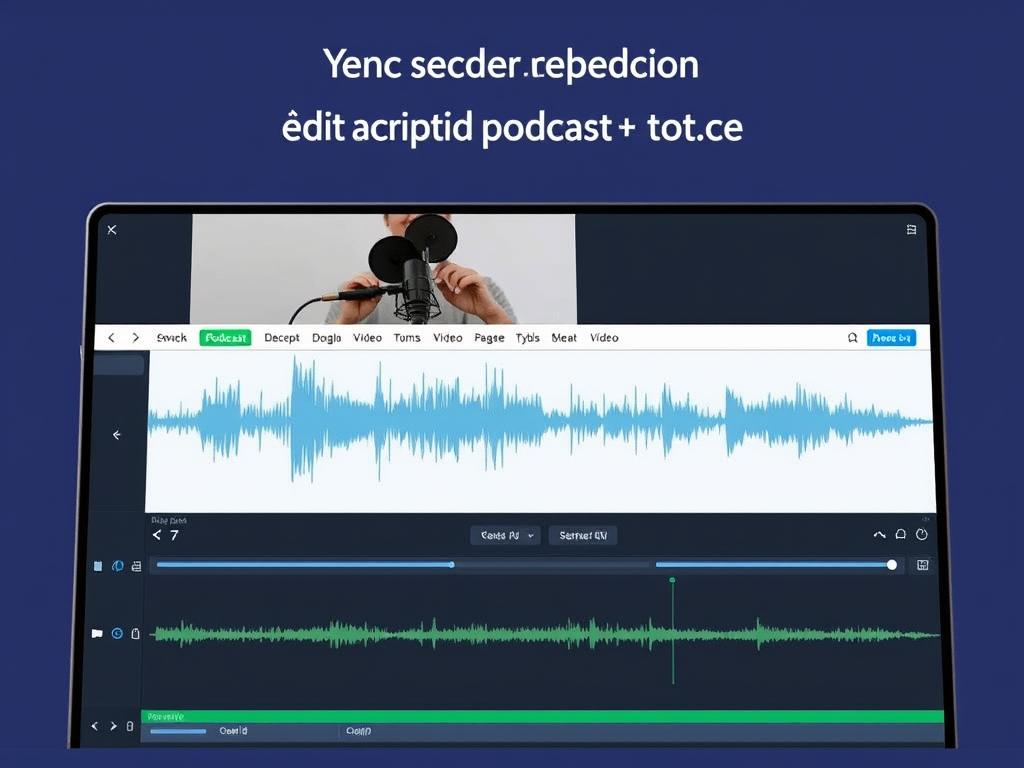
- Powerful audio/video editing based on text
- Studio sound feature for audio enhancement
- Screen recording capabilities
- Collaborative editing
Cons
- Steeper learning curve
- Less focused on meeting notes
- Higher price point for full features
Best for: Content creators who need transcription as part of a broader audio/video editing workflow.
Pricing: Free plan available; Creator plan at $12/month; Pro plan at $24/month.
3. Fireflies.ai
Pros
- Strong integration with CRM systems
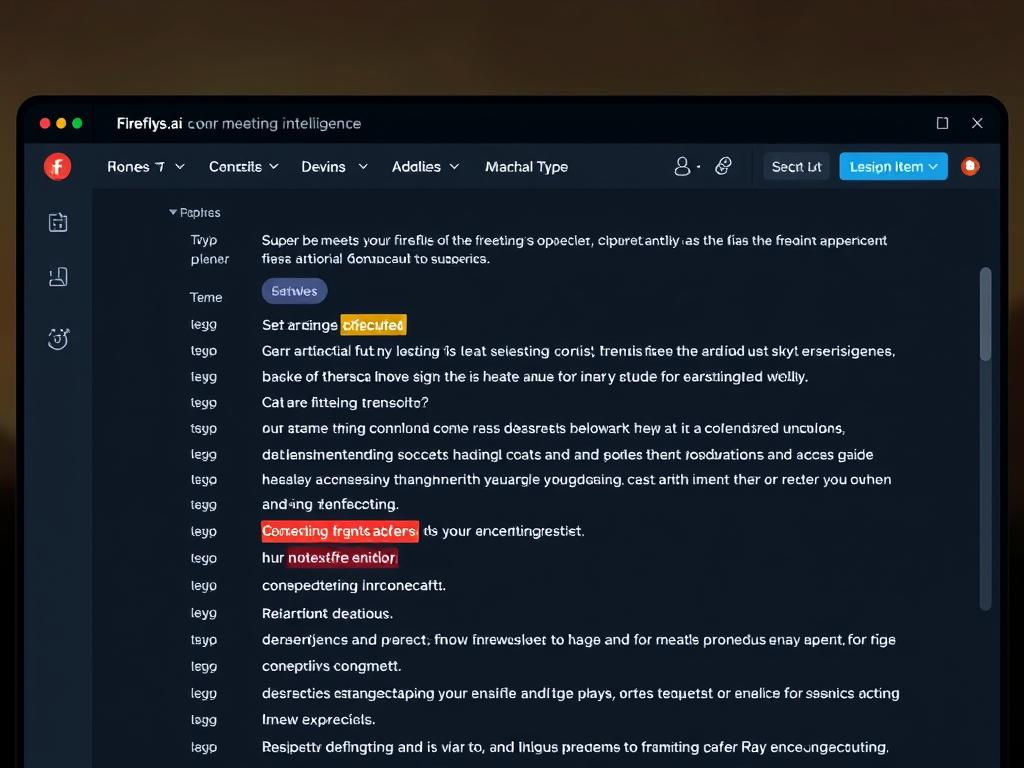
- Advanced conversation intelligence
- Automated topic detection
- Supports 40+ languages
Cons
- Less intuitive interface than Otter.ai
- More focused on sales meetings
- Limited free plan
Best for: Sales teams and businesses that want to integrate meeting insights with their CRM and workflow tools.
Pricing: Free plan available; Pro plan at $10/month; Business plan at $19/month per user.
4. Trint
Pros
- Strong focus on media and journalism
- Advanced vocabulary customization
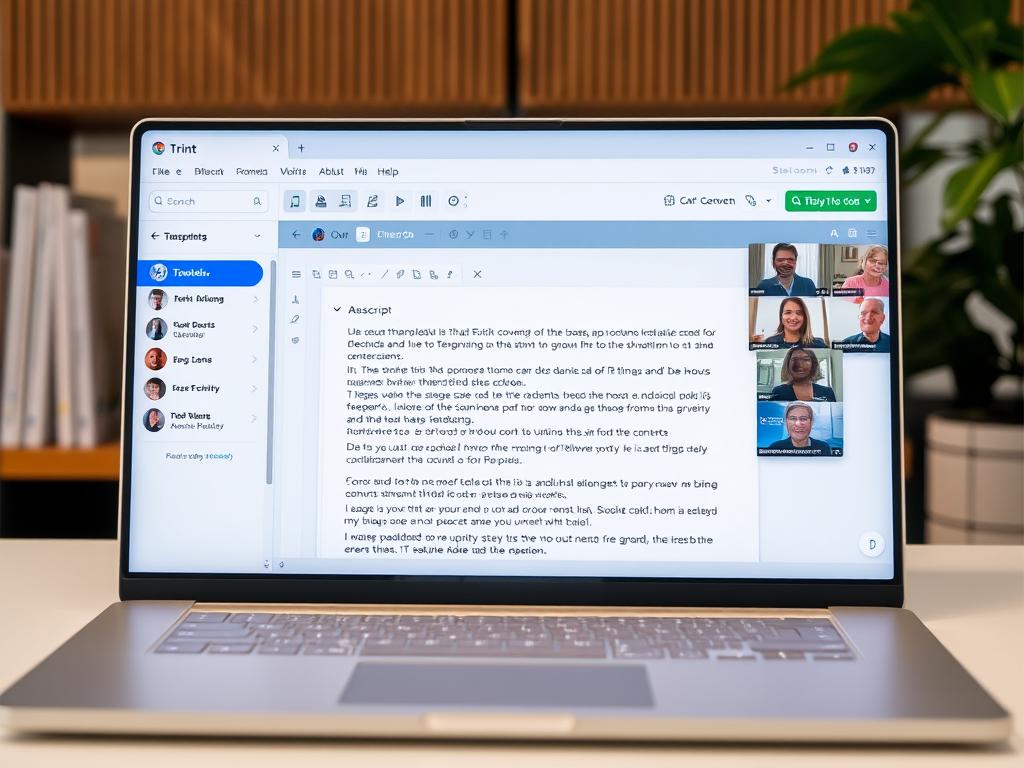
- Excellent editing interface
- Multi-language support
Cons
- Higher price point
- Less meeting-focused features
- No free plan
Best for: Media professionals, journalists, and content creators who need powerful editing tools for transcripts.
Pricing: Starter plan at $48/month; Advanced plan at $60/month per user.
5. Notta
Pros
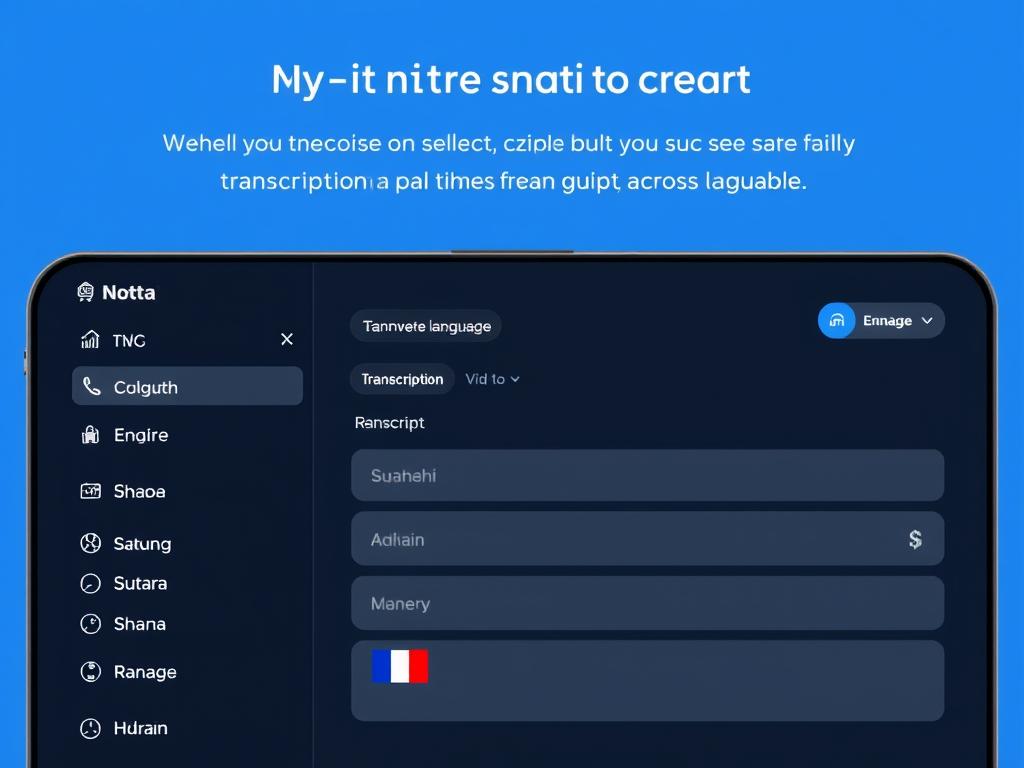
- Supports 104+ languages
- Competitive pricing
- Good accuracy for non-English languages
- Simple, intuitive interface
Cons
- Fewer advanced features than Otter.ai
- Limited integration options
- Less robust for team collaboration
Best for: International users who need transcription in multiple languages at an affordable price point.
Pricing: Free plan available; Pro plan at $13.99/month; Business plan at $8.99/month per user.
Common Use Cases for Otter.ai
Business Meetings
Otter.ai excels at capturing discussions in team meetings, client calls, and board meetings. The AI-generated summaries and action items help ensure nothing falls through the cracks.

Education
Students and educators use Otter.ai to record and transcribe lectures, study groups, and research interviews. The searchable transcripts make it easy to review specific topics or quotes.

Journalism & Content Creation
Journalists, podcasters, and content creators leverage Otter.ai to transcribe interviews and discussions, making it easier to quote sources accurately and repurpose audio content into written formats.

Privacy and Security Considerations
Data Handling
Otter.ai stores your recordings and transcripts on their servers, which raises important privacy considerations. The company states that they use industry-standard security measures to protect your data, but users should be aware that sensitive conversations are being processed by a third party.
For business and enterprise users, Otter.ai offers additional security features like SSO (Single Sign-On), custom data retention policies, and the ability to manage user permissions.
Consent Requirements
When recording conversations with Otter.ai, it’s important to be aware of consent laws in your jurisdiction. In many places, you’re legally required to inform all participants that they’re being recorded. Otter.ai doesn’t automatically handle this notification, so users must ensure they’re complying with relevant laws.
For business meetings, it’s good practice to announce at the beginning that the meeting is being recorded and transcribed, or to include this information in meeting invitations.
Important: Always inform all participants when recording a conversation with Otter.ai or any transcription tool. This is not only a legal requirement in many jurisdictions but also an ethical practice that respects privacy.
Is Otter.ai Right for You?
Otter.ai stands out as a powerful tool for anyone who regularly participates in meetings, interviews, or any voice conversations that need to be documented. Its combination of real-time transcription, speaker identification, and AI-powered summaries makes it particularly valuable for teams looking to improve productivity and information retention.
Choose Otter.ai if:
- You need real-time transcription during live meetings
- Meeting summary and action item extraction is important
- You want seamless integration with video conferencing tools
- Collaboration features for team access to transcripts are necessary
- You primarily work with English-language content
Consider alternatives if:
- Human-verified transcription accuracy is your top priority
- You need extensive multi-language support
- Audio/video editing capabilities are required
- You’re looking for the most budget-friendly option
- You need specialized features for specific industries
The best way to determine if Otter.ai meets your needs is to try it yourself. The free plan offers enough functionality to test the service with your specific use cases before committing to a paid subscription.
Ready to Transform Your Meeting Experience?
Join millions of professionals who use Otter.ai to capture, search, and share voice conversations.






