
Synthesia AI Video: Create Professional Videos Without Cameras or Studios

What is Synthesia AI Video?
Synthesia is a powerful AI-driven platform that converts written text into professional-quality videos featuring realistic digital avatars. The technology works by processing your script, generating natural-sounding speech, and synchronising it with lifelike avatar movements and expressions—all without requiring cameras, microphones, or video editing expertise.
Founded in 2017 by AI researchers and professors, Synthesia has quickly become a leading solution for businesses seeking efficient video creation. The platform now serves over 60,000 customers, including more than 60% of Fortune 500 companies, and recently secured $180 million in funding with a $2.1 billion valuation.
What truly sets Synthesia apart is its ability to democratize video production. Anyone with a computer and an internet connection can now accomplish tasks that once required entire production teams.
Key Features of Synthesia AI Video
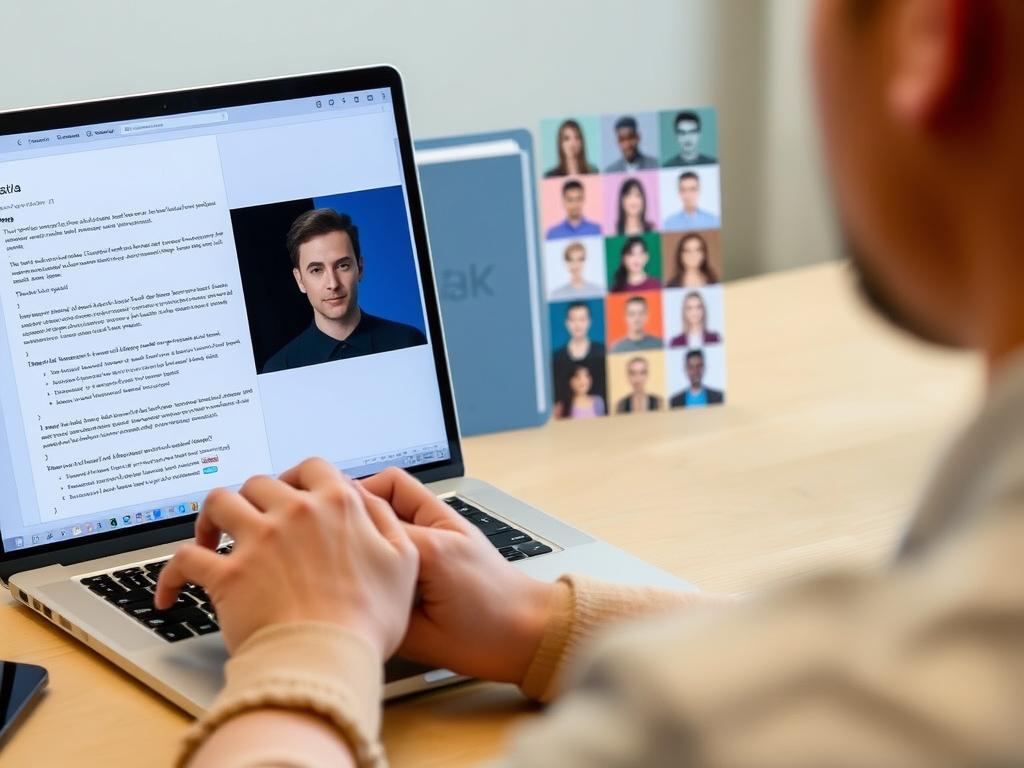
AI Avatars

Choose from over 230 diverse, realistic AI avatars representing various ethnicities, ages, and professional styles. These digital presenters feature natural facial expressions and gestures that make your content more engaging and relatable.
Text-to-Video Generator
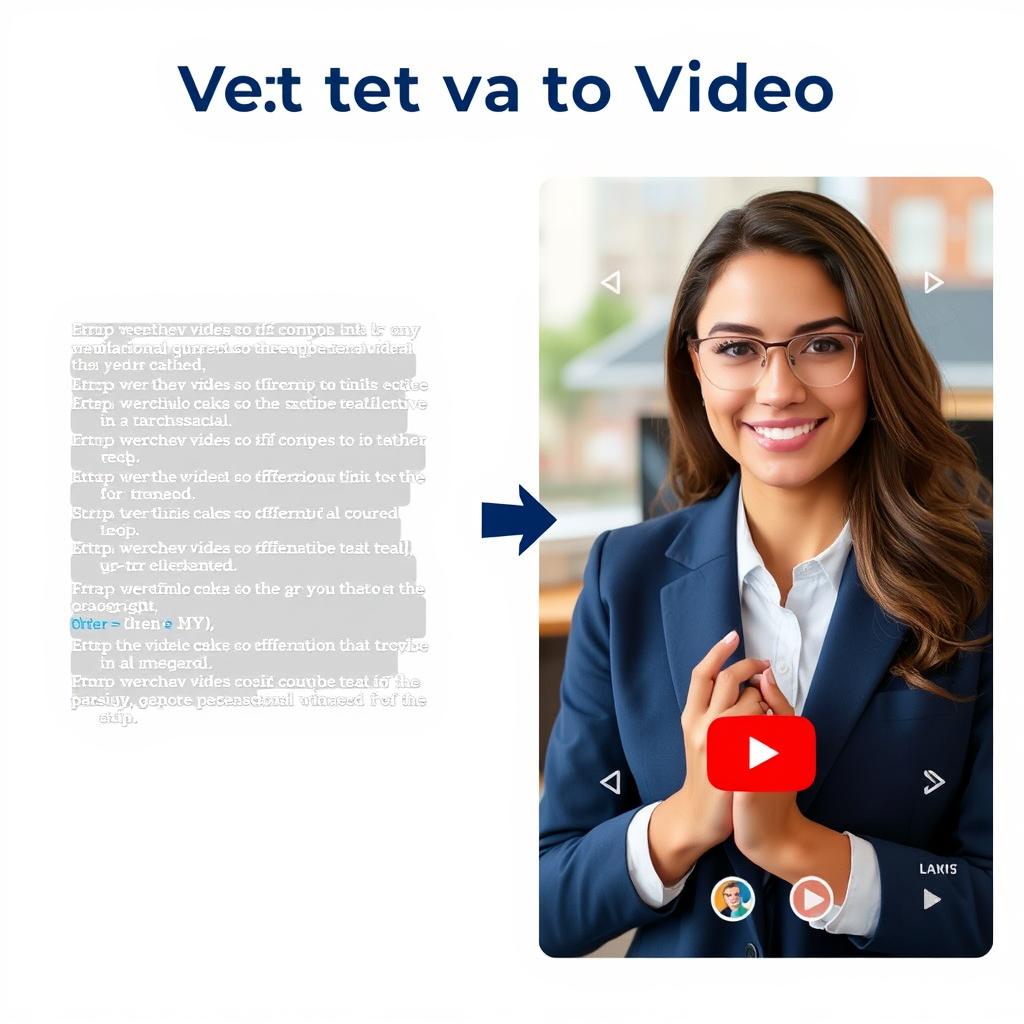
Type your script or upload existing documents, and Synthesia transforms your text into professional videos. The platform handles all aspects of video creation, from voice generation to avatar animation and scene composition.
AI Script Generator
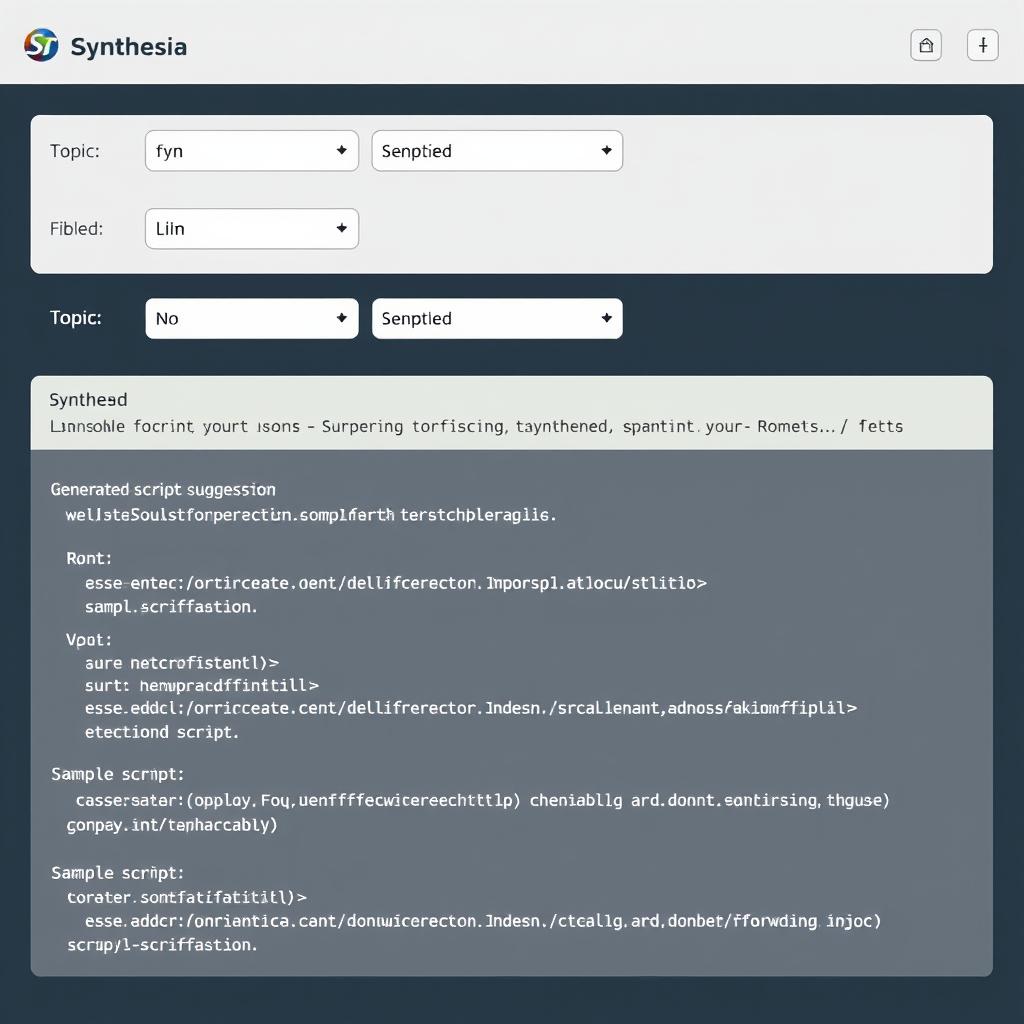
Not sure what to say? Synthesia’s AI script generator can create compelling video scripts based on your topic or keywords. This feature helps achieve higher content quality and creation efficiency, especially for those who struggle with scriptwriting.
Multilingual Support
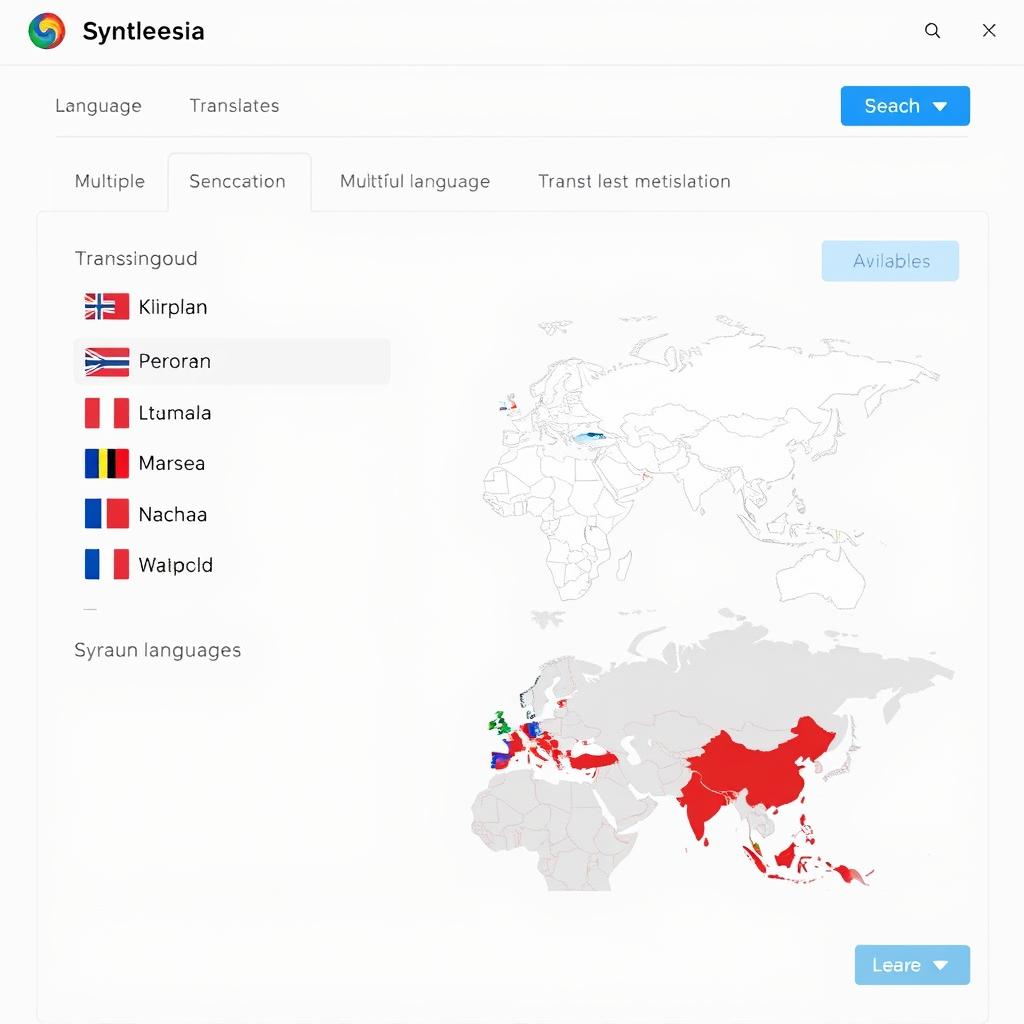
Create videos in over 140 languages and accents with perfect lip-syncing. Synthesia automatically translates your content while maintaining the avatar’s natural speech patterns and facial movements, making global communication effortless.
Professional Templates
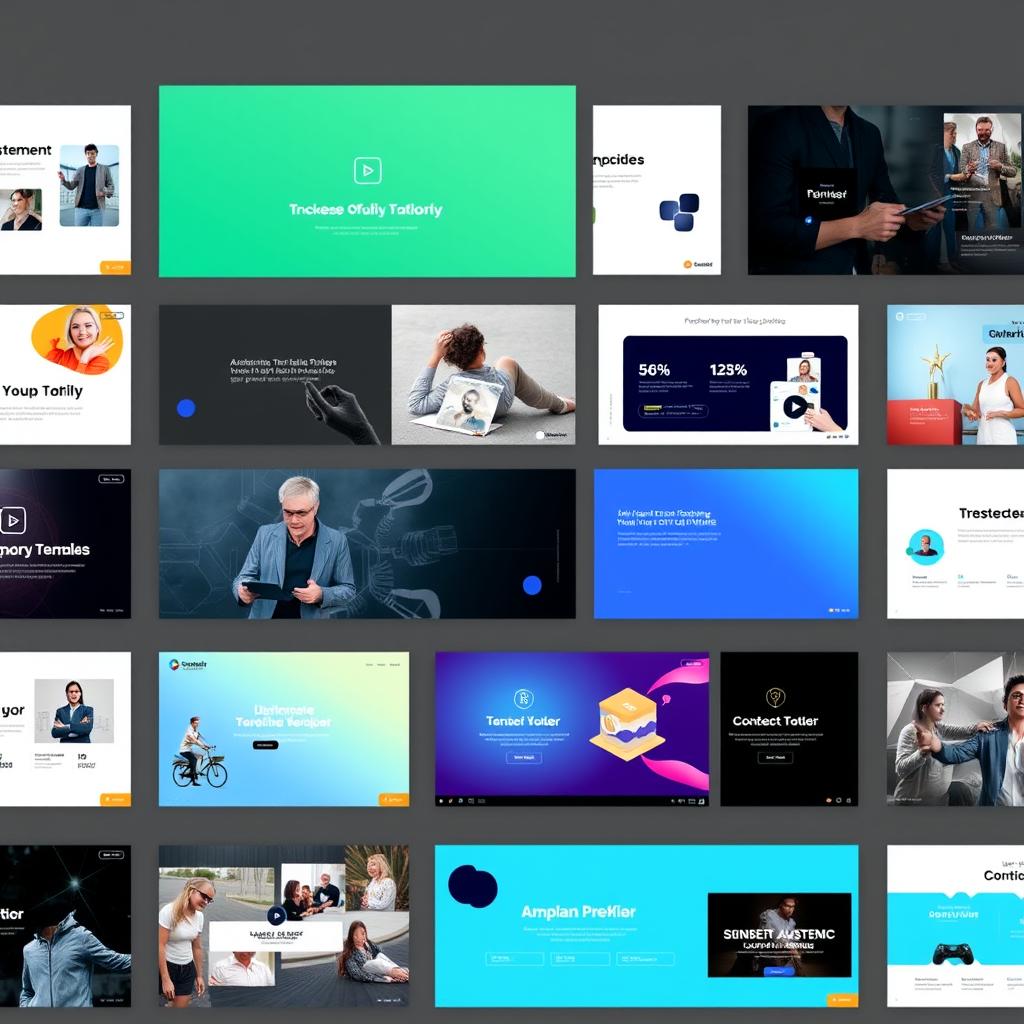
Start with one of 55+ professionally designed templates for training, marketing, explainer videos, and more. Each template is fully customizable with your brand colours, fonts, and logos for a consistent visual identity.
Interactive Elements
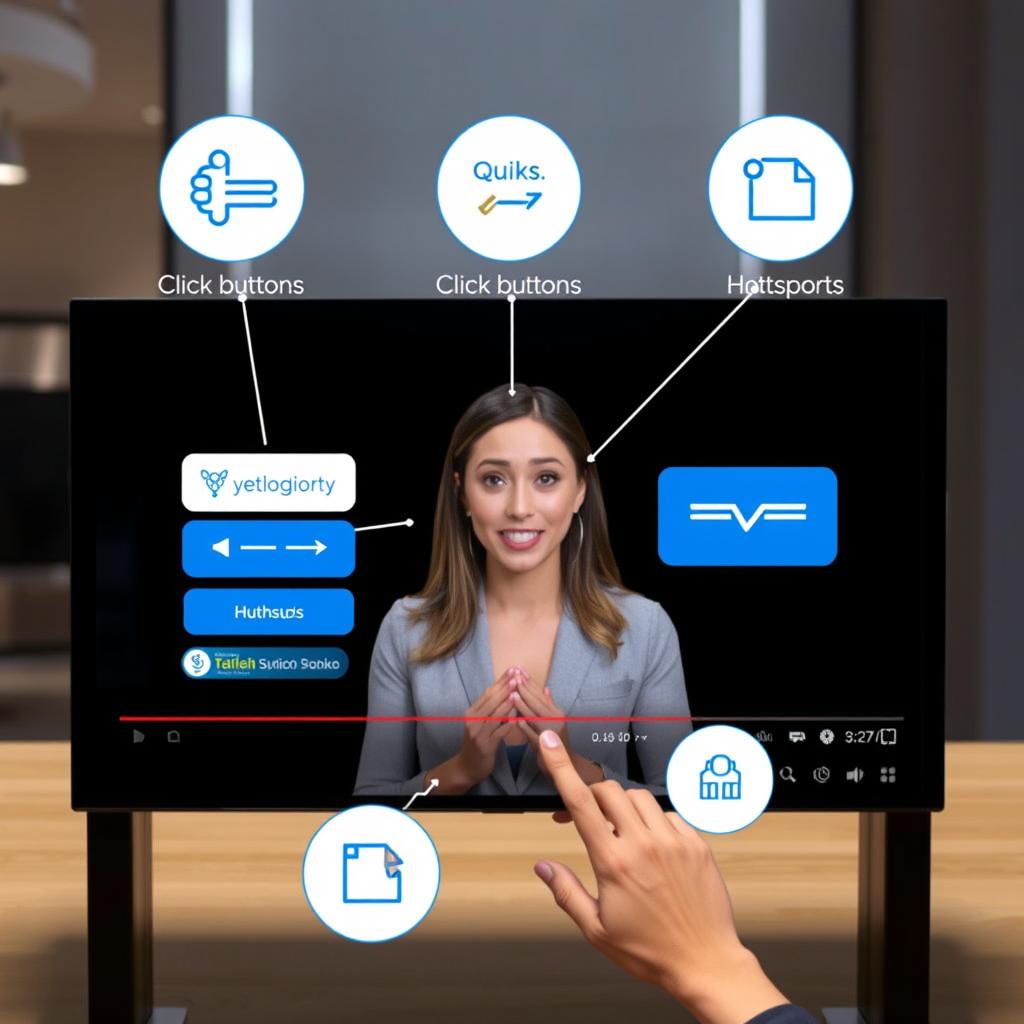
Enhance viewer engagement with interactive features like quizzes, hotspots, surveys, and clickable elements. These interactive components can increase watch time by up to 70% and provide valuable viewer feedback.
Ready to explore Synthesia’s features?
Try creating your first AI video without cameras, studios, or actors.
How to Create a Video with Synthesia AI
Creating professional videos with Synthesia is remarkably straightforward, even for complete beginners. The entire process typically takes 30-40 minutes from start to finish, with no technical expertise required. Here’s a step-by-step guide:
-
Write Your Script
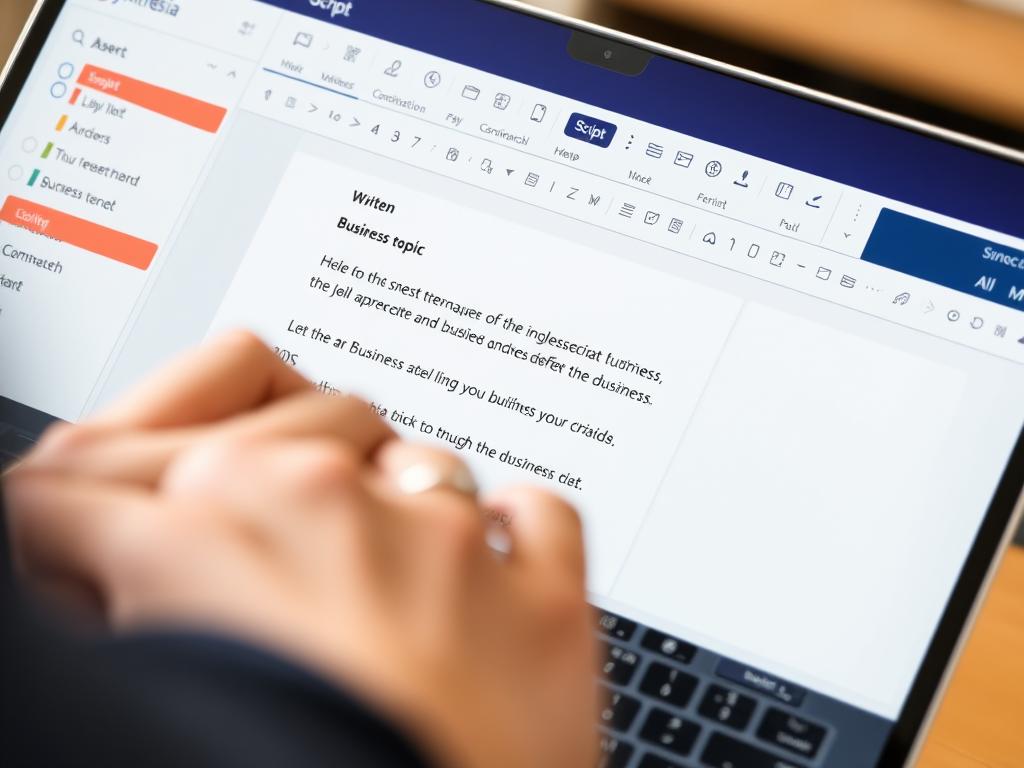
Type directly into the platform, upload existing documents (PDFs, Word, PowerPoint), or use the AI Video Assistant to help write your script. For best results, keep one main idea per scene with 1-3 short sentences, and use a clear structure: Hook → Problem → Solution → Proof → Call to Action.
-
Choose an Avatar
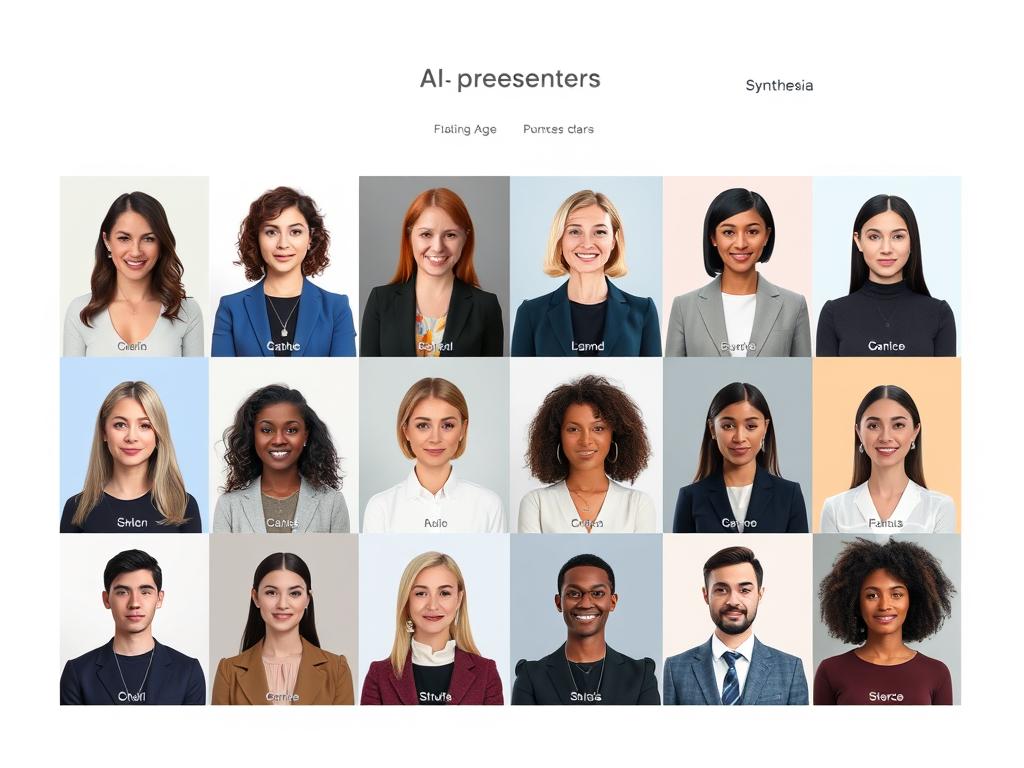
Select from over 230 AI avatars representing diverse ethnicities, genders, and professional styles. These avatars feature natural facial expressions and gestures that make your content more engaging. Choose an avatar that aligns with your brand or target audience.
-
Select Voice and Language
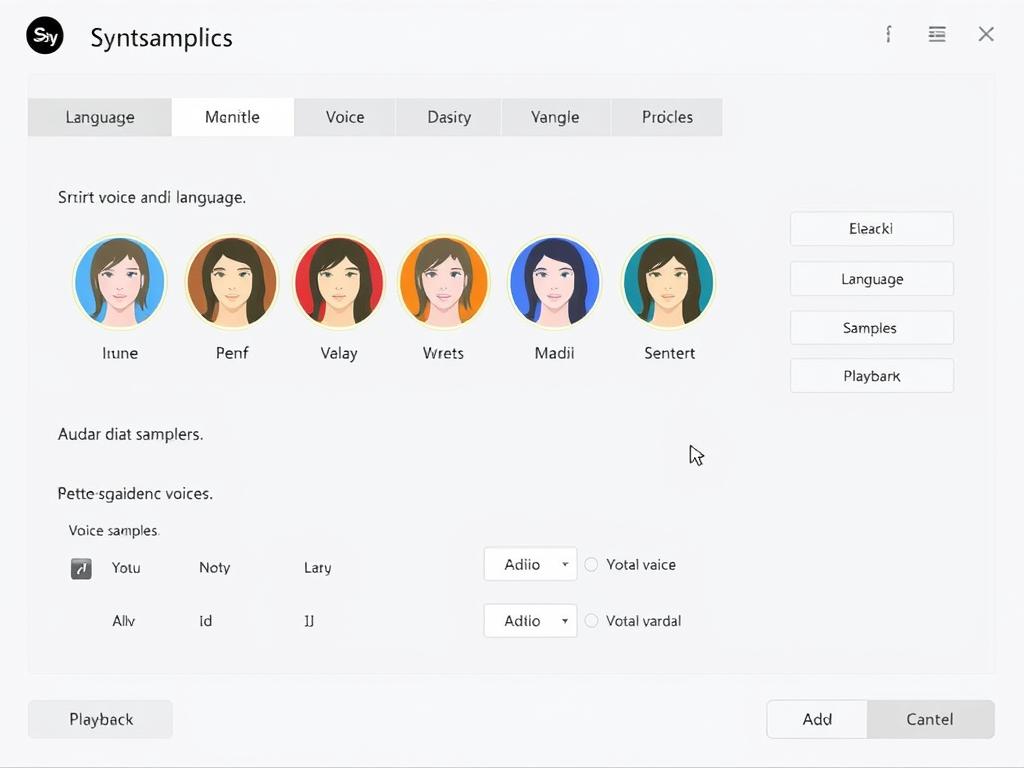
Choose from a variety of natural-sounding voices in over 140 languages and accents. You can type your script in any supported language or translate it later. The platform’s high-quality text-to-speech technology produces natural-sounding results, and you can adjust pronunciation as needed.
-
Customise Your Template
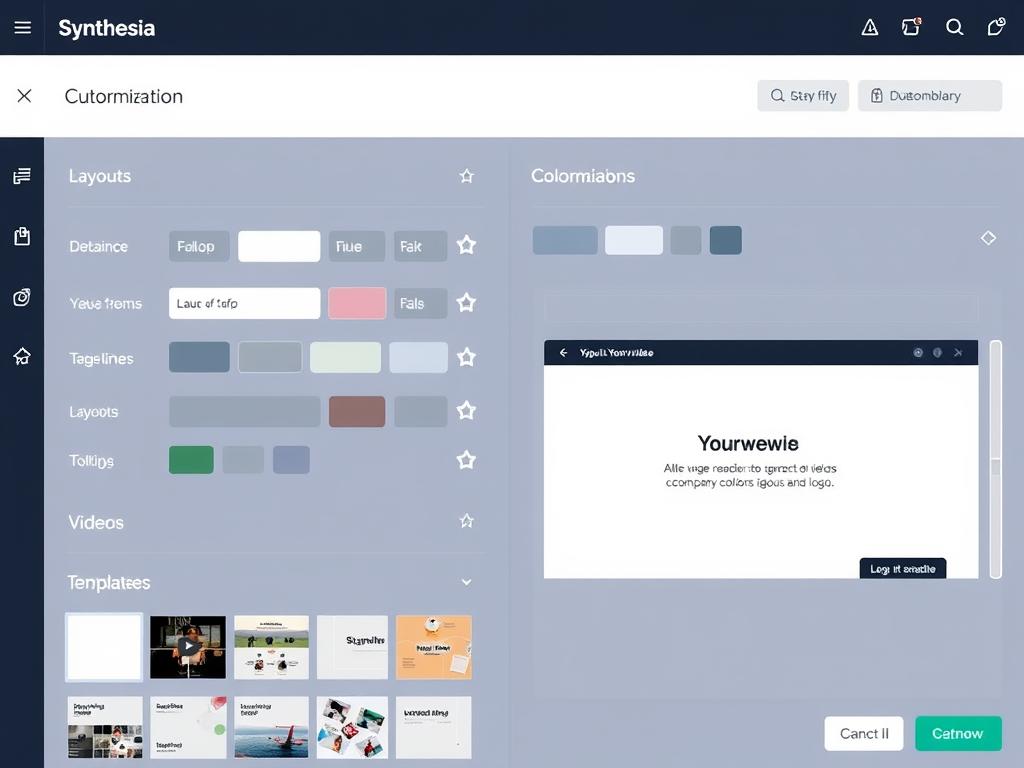
Start with one of over 55 professional templates designed for various purposes: Customise layouts, colours, fonts, and logos using the Brand Kit. Choose different aspect ratios (16:9 for YouTube, 9:16 for TikTok) and add multiple scenes with various layouts.
-
Generate and Share
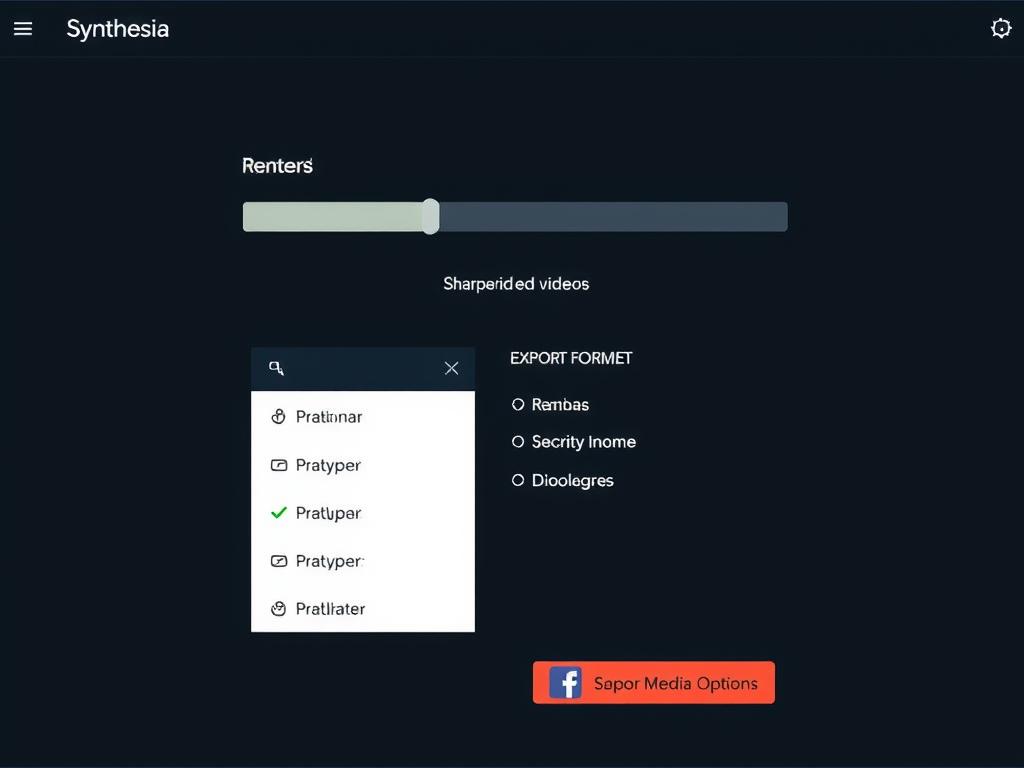
After editing your video, click generate. Videos are usually ready in about 10 minutes. You can export videos in standard formats for web, social media, and learning systems, share videos directly with links, or download them for offline use.
“The entire process from script to finished video took me less than an hour. As someone with zero video production experience, I was amazed at how professional the results looked.”
Real-World Applications of Synthesia AI Video
Corporate Training
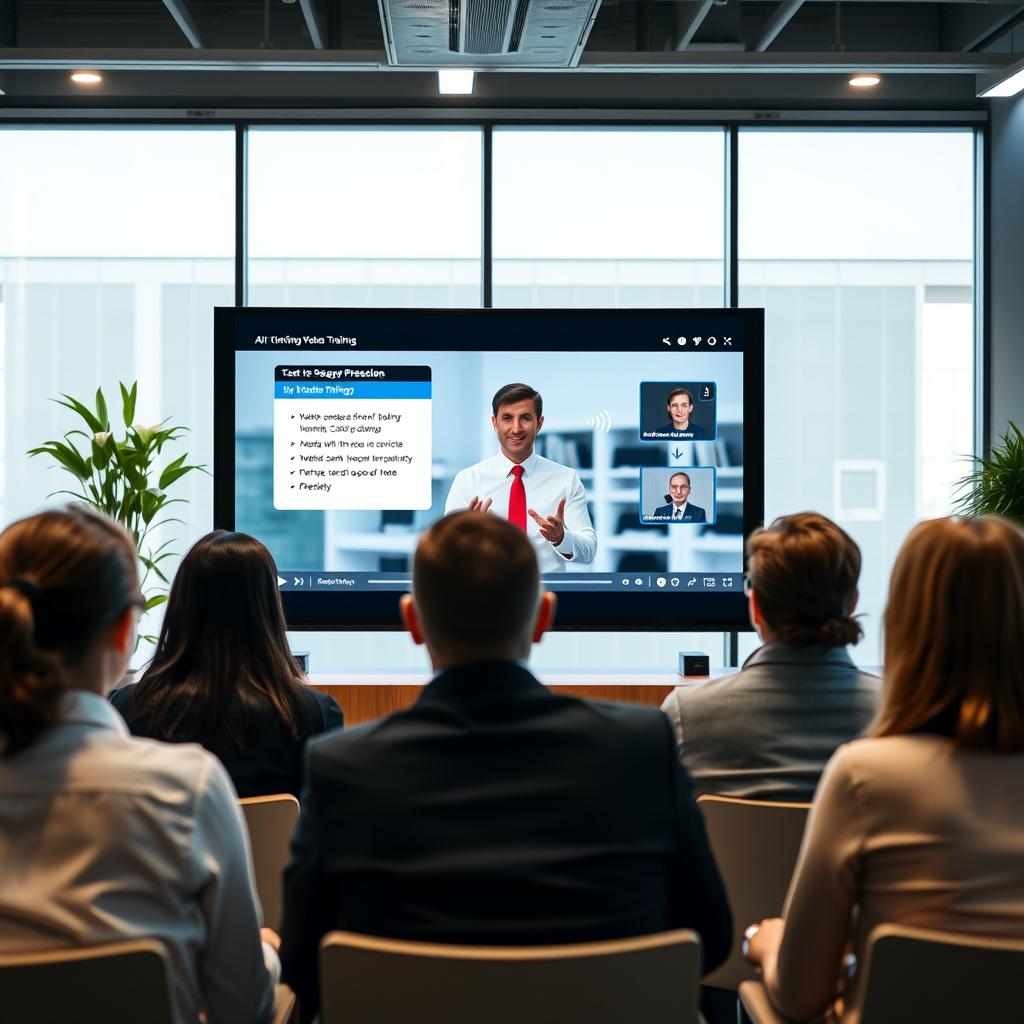
Create consistent training videos across departments without filming multiple sessions. HR teams use Synthesia to produce onboarding materials, compliance training, and skill development courses that can be easily updated and translated as needed.
Marketing & Sales
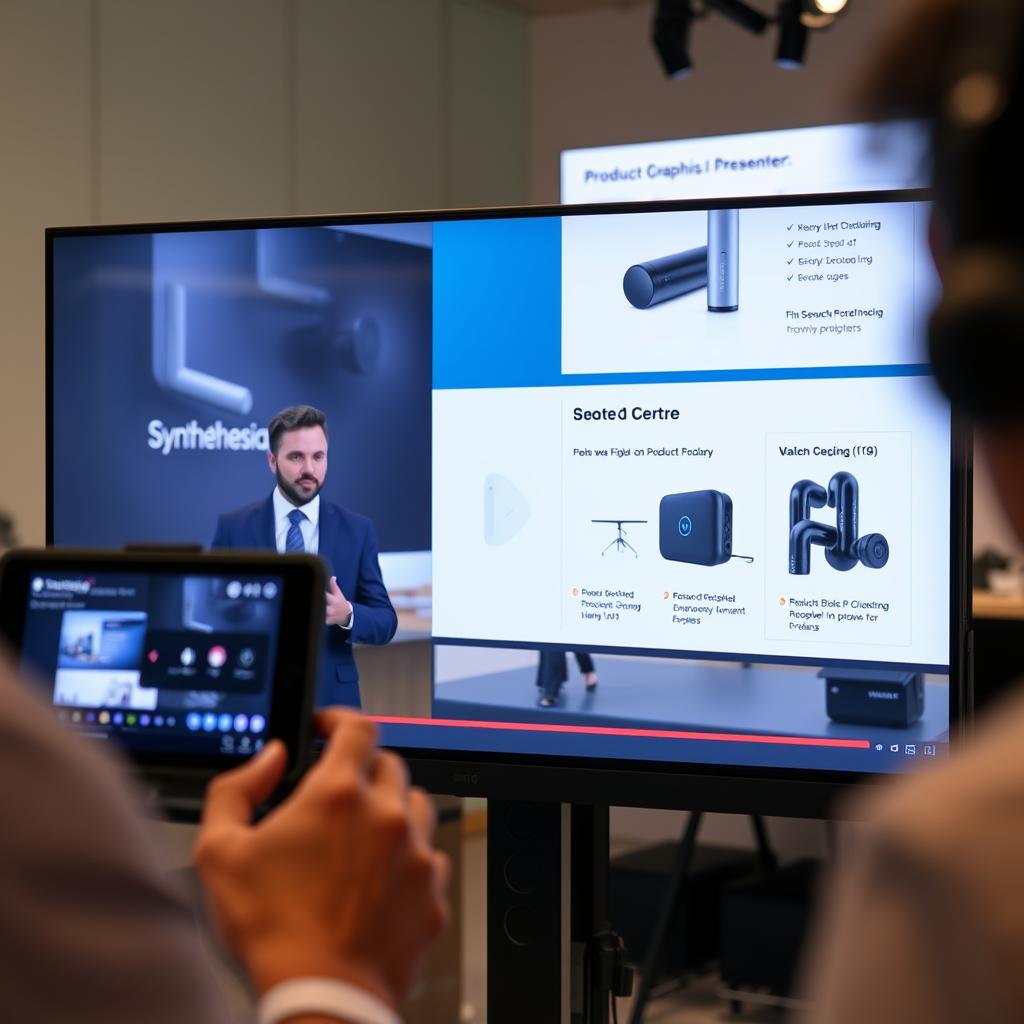
Develop product demos, explainer videos, and social media content without expensive production. Marketing teams leverage Synthesia to quickly create and test different video approaches, personalise content for specific audiences, and scale video production.
Educational Content
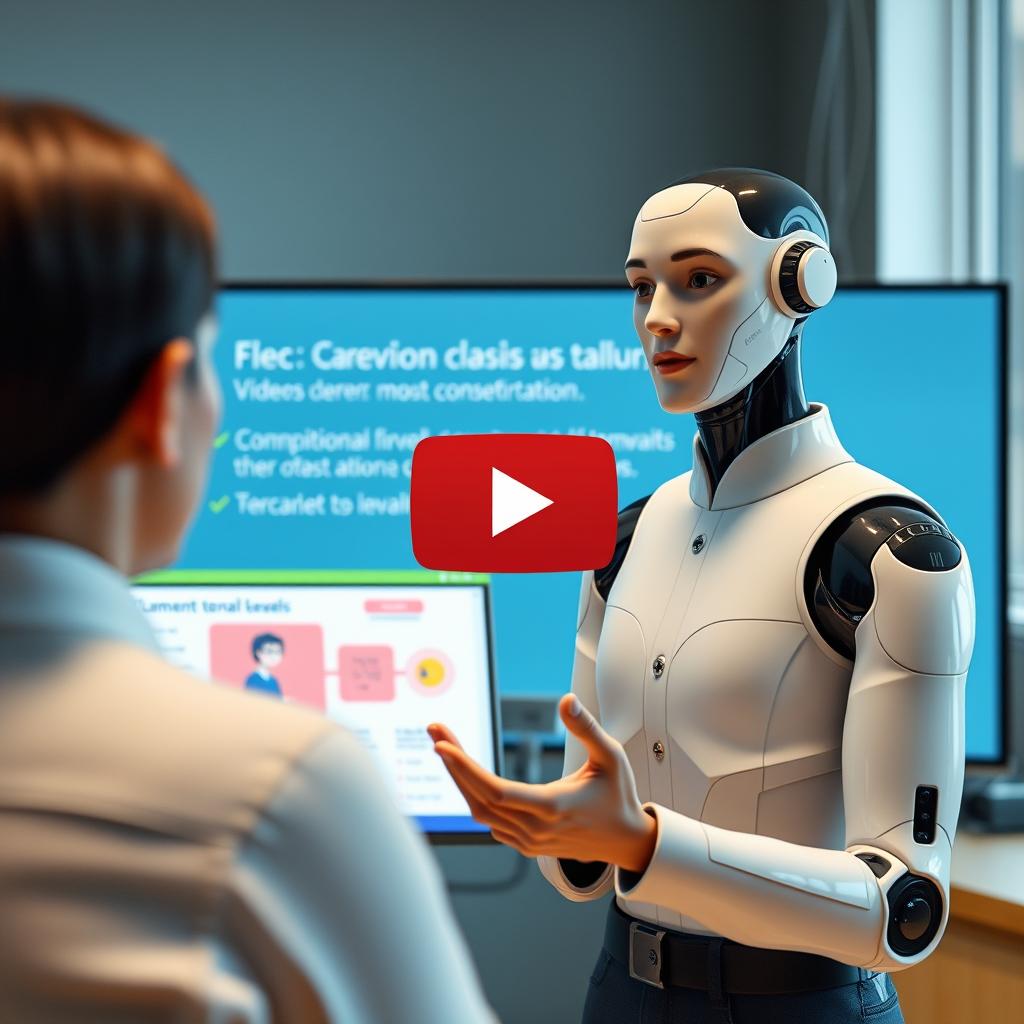
Educators use Synthesia to create engaging lessons, tutorials, and course materials without recording themselves. The platform’s multilingual capabilities make it ideal for language learning and international education programs.
Customer Support
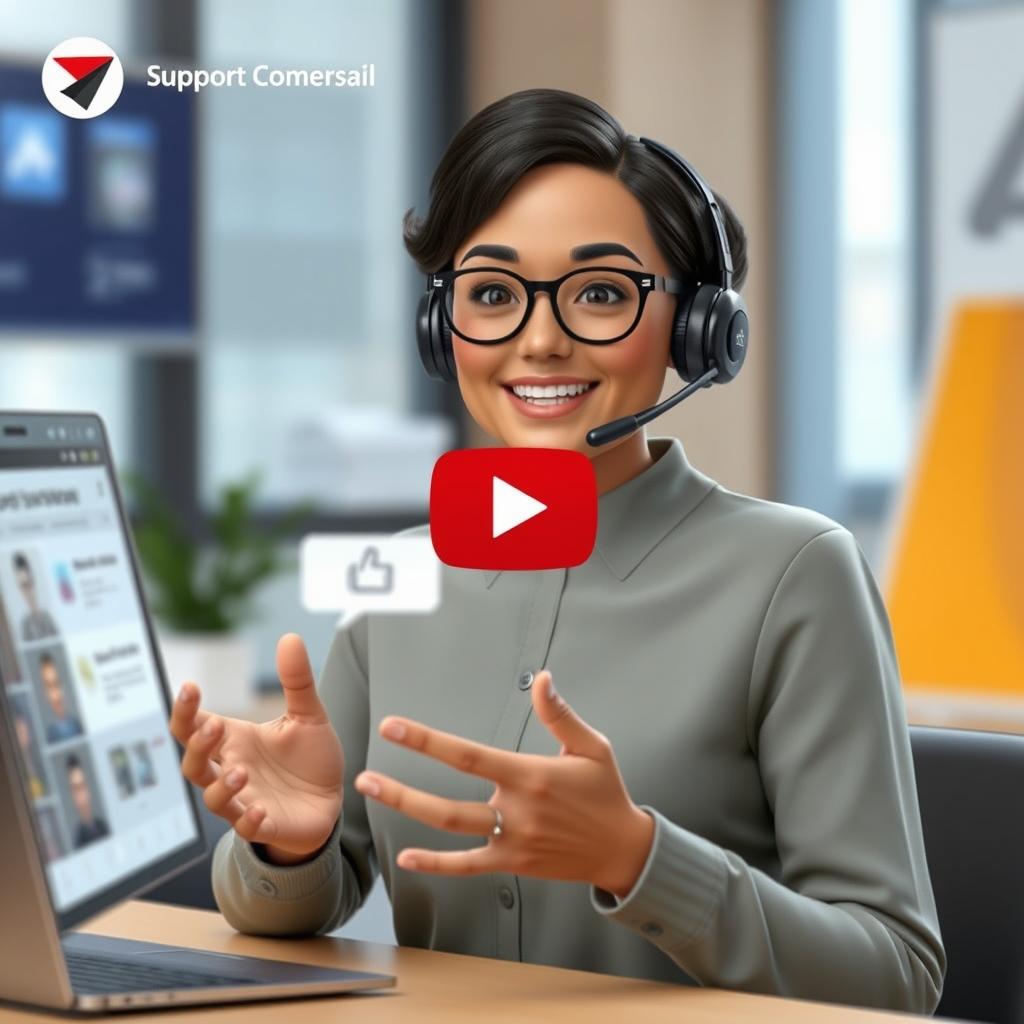
Create clear, consistent support videos that answer common questions and demonstrate product features. Support teams use Synthesia to reduce ticket volume and provide 24/7 visual assistance to customers.
Localized Content
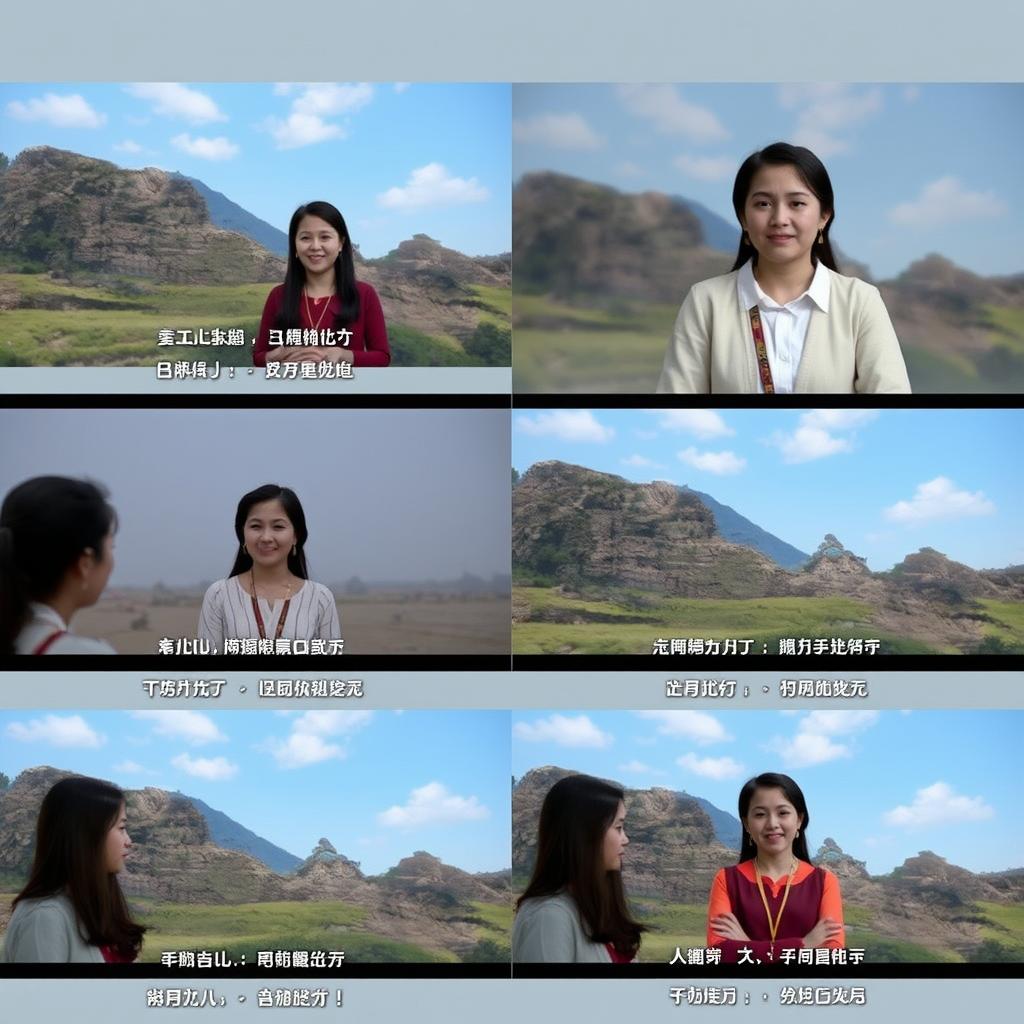
Easily translate and localise videos for international markets without re-filming. Global businesses use Synthesia to maintain consistent messaging across regions while respecting cultural and linguistic differences.
Internal Communications
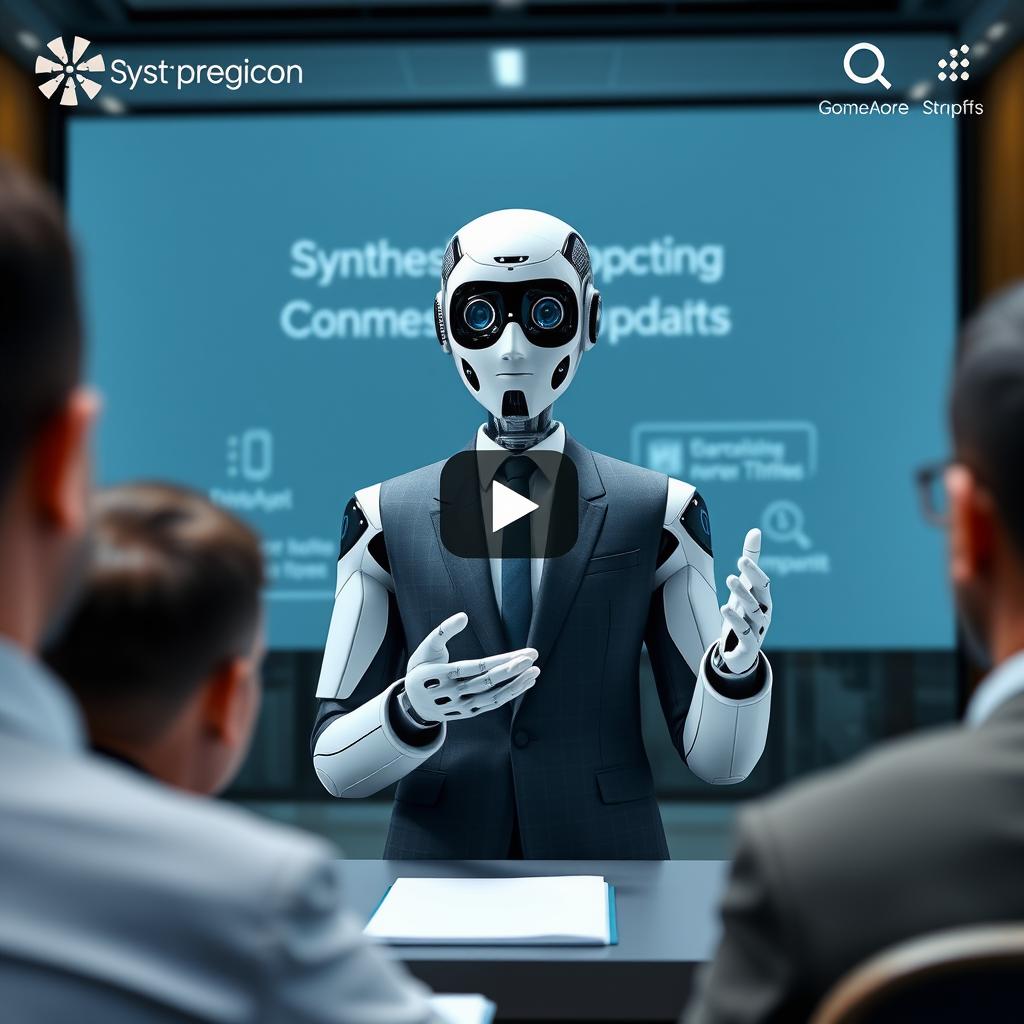
Deliver consistent company announcements, updates, and messages across departments and locations. Leadership teams use Synthesia to ensure everyone receives the same information, regardless of time zone or location.
See how Synthesia works for your specific needs
Explore real examples of AI videos created for your industry
Synthesia AI Video Pricing
Synthesia offers flexible pricing options to accommodate different needs and budgets. All plans provide access to the core text-to-video technology, with varying levels of features and usage limits.
| Plan | Price | Video Minutes | AI Avatars | Best For | Key Features |
| Free Plan | $0 | 3 minutes/month | 9 avatars | Trying the platform | Basic features, watermarked videos |
| Starter Plan | $29/month or $18/month (annual) | 10 minutes/month (120/year) | 125+ avatars | Individual creators, small businesses | Downloadable videos, AI Video Assistant, no watermark |
| Creator Plan | $89/month or $64/month (annual) | 30 minutes/month (360/year) | 180+ avatars, five personal avatars | Content creators, growing teams | Branded video pages, API access, interactive videos |
| Enterprise Plan | Custom pricing | Unlimited | 230+ avatars, unlimited personal avatars | Large organizations | 1-click translations, SAML/SSO, team collaboration, dedicated support |
Cost Comparison: Synthesia vs. Traditional Video Production
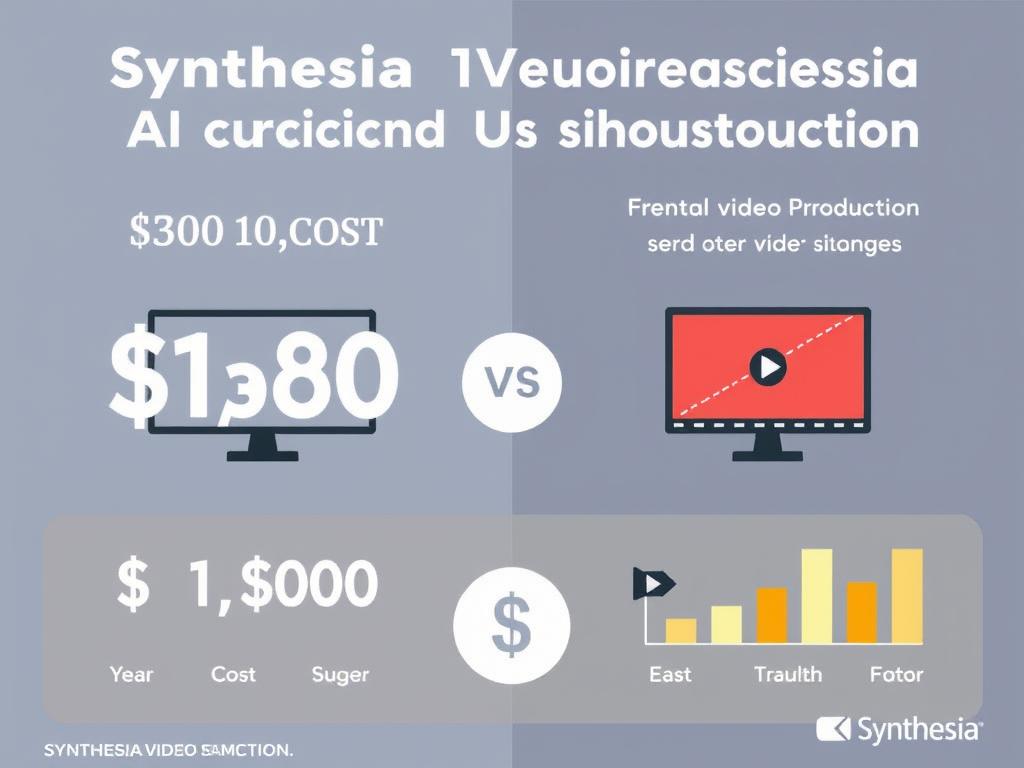
Traditional video production typically costs between $2,500 and $50,000 per minute of finished footage, including expenses for actors, crew, location, equipment, and editing.
In contrast, Synthesia AI video production can cost as little as $2.13 per minute—representing a 70-90% cost reduction compared to traditional methods.
Beyond cost savings, Synthesia dramatically reduces production time from weeks to hours, eliminating the need for scheduling shoots, coordinating talent, and managing complex editing workflows.
Ready to save on video production costs?
Choose the plan that fits your needs and start creating professional videos today.
Pros and Cons of Synthesia AI Video
Advantages
- No Equipment Needed – Create professional videos without cameras, microphones, or studios.
- Time Efficient – Produce videos in minutes instead of days or weeks
- Cost-Effective – Save up to 90% compared to traditional video production
- Multilingual – Easily translate videos into 140+ languages with perfect lip-sync
- Consistent Quality – Maintain brand consistency across all video content
- Easy Updates – Modify videos instantly without re-shooting
- Scalable Production – Create unlimited videos with consistent quality
- No Technical Skills Required – User-friendly interface for non-technical users
Limitations
- Avatar Realism – While impressive, avatars still don’t perfectly match human appearance
- Limited Emotions – AI avatars have a restricted range of emotional expressions
- Template Constraints – Creative freedom is somewhat limited by available templates
- Internet Dependent – Requires a stable internet connection for all functions
- Learning Curve – Some advanced features require time to master
- Not Ideal for All Content – Less suitable for highly emotional or creative storytelling
- Monthly Limits – Lower-tier plans have restrictions on video minutes
- Rendering Time – Video generation can take 5-15 minutes, depending on length
Synthesia AI Video vs. Traditional Video Production
| Aspect | Synthesia AI Video | Traditional Video Production |
| Equipment Needed | Computer with an internet connection only | Cameras, lighting, microphones, studio space |
| Production Time | 30 minutes to a few hours | Days to weeks |
| Cost Per Minute | $2-10 per minute | $2,500-50,000 per minute |
| Team Required | Single person | Director, camera operator, actors, editor, etc. |
| Editing Process | Built-in, template-based | Separate software, complex workflow |
| Revisions | Quick text edits, instant regeneration | May require re-shooting, extensive re-editing |
| Language Options | 140+ languages with one click | Requires new actors or dubbing for each language |
| Scalability | Unlimited videos with consistent quality | Each video requires a new production cycle |
“We reduced our training video production costs by 85% while increasing our output tenfold. What used to take weeks now takes hours, and we can update content instantly as our products evolve.”
Tips for Creating Effective Synthesia AI Videos
Script Writing

- Keep scripts to 130-150 words per minute of video
- Write conversationally, as if explaining to a friend
- Break content into short scenes with one main idea each
- Include natural pauses with [pause] tags
- Read your script aloud before finalising
Avatar Selection
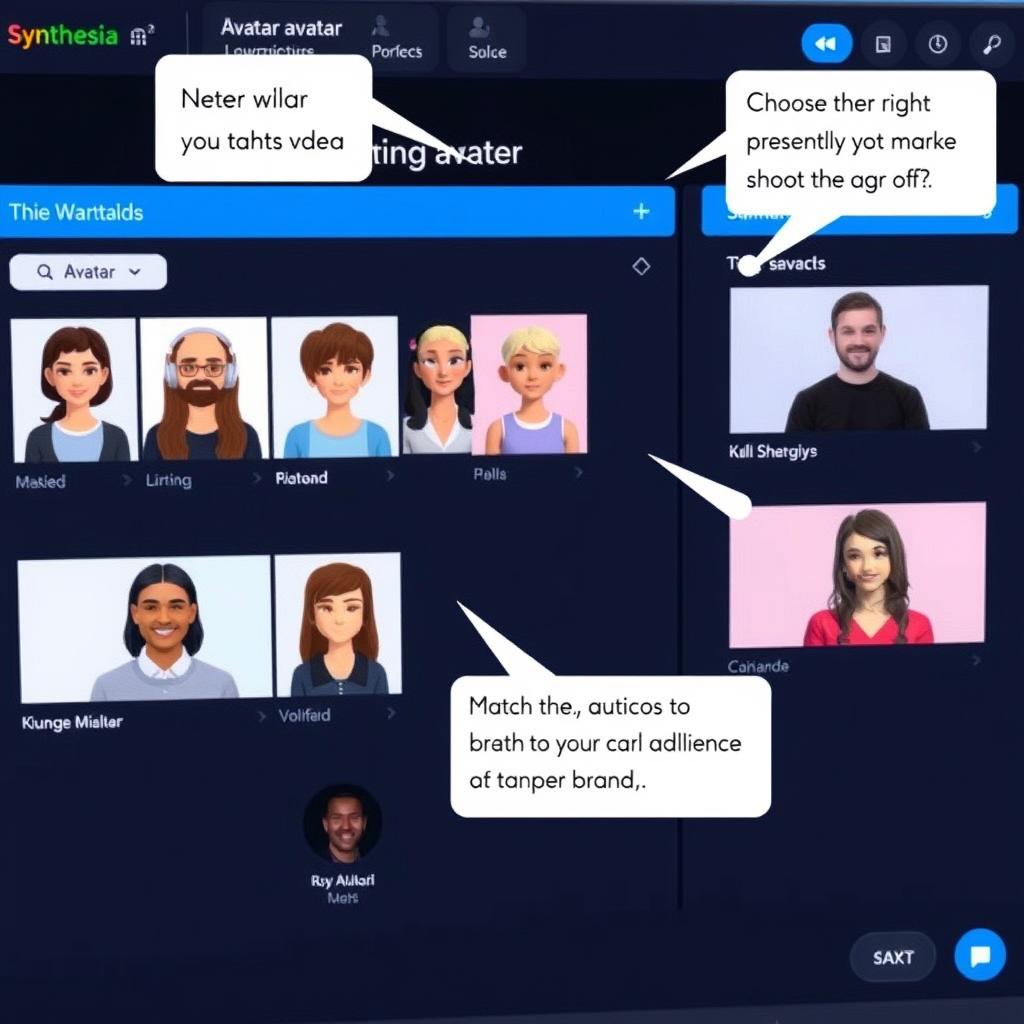
- Choose avatars that match your brand personality
- Select avatars that represent your target audience
- Use avatars with natural gestures that enhance your message
- Consider the cultural context for international audiences
- Test different avatars to see which performs best
Engagement Strategies
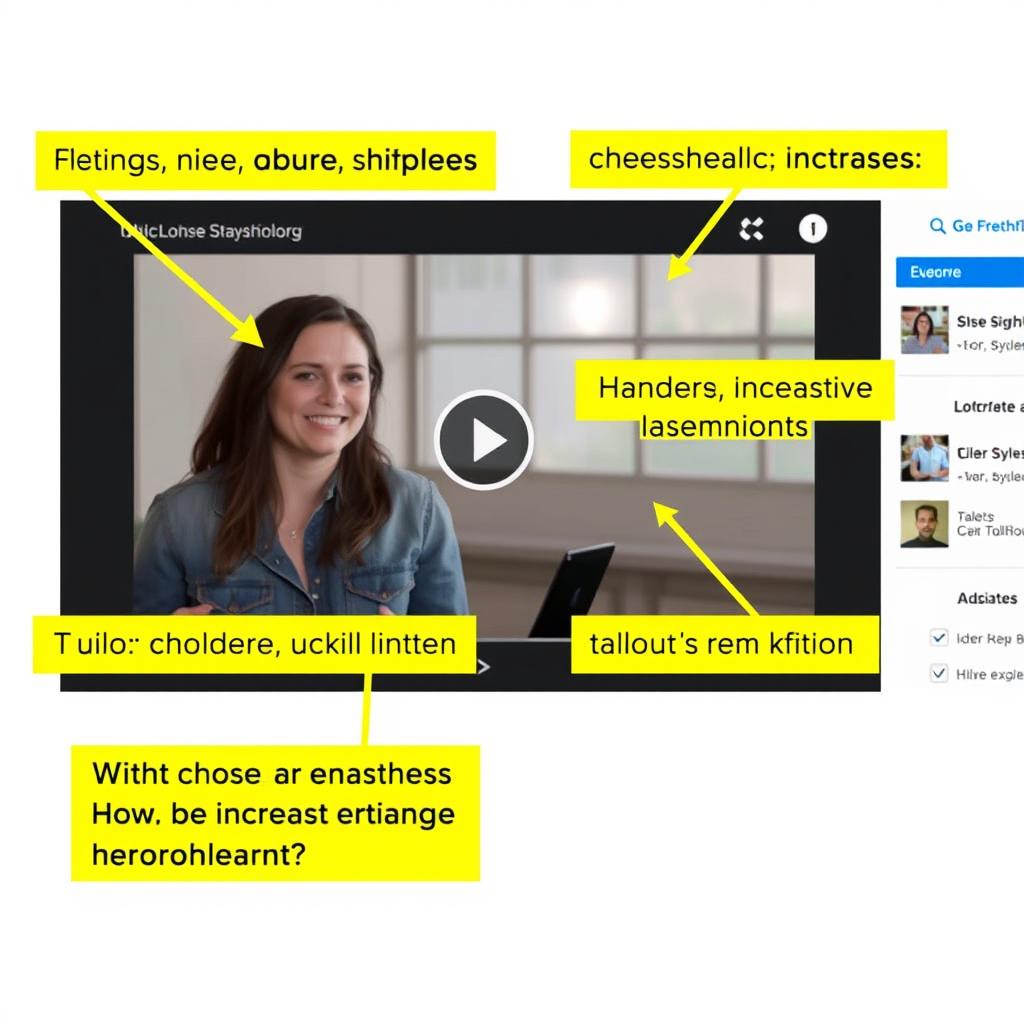
- Add interactive elements like quizzes and hotspots
- Use consistent brand colours, fonts, and logos
- Keep videos under 5 minutes for better retention
- Include clear calls-to-action at the end
- Use visual aids to reinforce key points
Frequently Asked Questions About Synthesia AI Video
Is Synthesia suitable for small businesses?
Yes, Synthesia is well-suited for small businesses. The Starter Plan at $ X/X/month (or $ X/X/month billed annually) provides 10 minutes of video per month, which is sufficient for creating regular marketing, training, or explainer videos without the expense of traditional production. The intuitive interface requires no technical expertise, making it accessible for small teams with limited resources.
How realistic are the avatars?
Synthesia avatars are highly realistic with natural lip-sync, facial expressions, and body language. While they don’t perfectly replicate human appearance in every detail, they’re convincing enough for professional business videos. The latest Express 2 technology has significantly improved avatar realism with purposeful hand gestures and body movements that make communication more natural and engaging.
Can I create videos in multiple languages?
Yes, Synthesia supports over 140 languages and accents. You can write your script in any supported language or use the automatic translation feature to convert existing content. The AI maintains perfect lip synchronisation across all languages, making it ideal for global businesses and educational content. Each translated video maintains the original voice characteristics while adapting to the new language.
What’s included in the free plan?
The free plan includes 3 minutes of video per month, access to 9 AI avatars, basic templates, and support for over 140 languages. While videos created with the free plan include a Synthesia watermark and cannot be downloaded, this option is perfect for trying out the platform before committing to a paid subscription.
How long does video rendering take?
Video rendering typically takes 3-10 minutes, depending on the length and complexity of your video. Longer videos with multiple scenes or customised elements may take up to 30 minutes to process. Enterprise subscribers generally experience faster processing times. You’ll receive a notification when your video is ready for viewing and download.
Can I use my own avatar?
Yes, users on the Creator Plan and above can create personalised avatars using Synthesia’s Avatar Builder. The process involves recording about 9 minutes of footage where you read the provided scripts. From this footage, Synthesia creates a digital version of you with your appearance and voice characteristics. Personal avatars are perfect for consistent branding and personalised communication.
Final Verdict: Is Synthesia AI Video Worth It?
Synthesia AI video technology represents a significant breakthrough in content creation, making professional video production accessible to everyone regardless of technical skill or budget constraints. By eliminating the need for cameras, studios, and actors, it democratizes video creation in ways previously unimaginable.
For businesses seeking efficient, scalable video solutions, Synthesia offers compelling advantages in terms of cost, time, and flexibility. The ability to create, edit, and translate videos with a few clicks opens new possibilities for global communication, training, and marketing.
While AI avatars don’t yet perfectly replicate the emotional range and nuance of human presenters, they’re more than adequate for most business and educational applications. As the technology continues to evolve, we can expect even more realistic and expressive digital presenters.
Synthesia is particularly valuable for:
- Businesses needing to produce high volumes of training or marketing videos
- Organisations requiring multilingual content for global audiences
- Teams with limited video production budgets or expertise
- Content creators seeking to scale production efficiently
Ready to transform your video creation process?
Join over 60,000 customers already creating professional videos without cameras or studios.






