Salesforce Marketing Cloud AI: Segmentation, Journeys, and “Next Best Action” Personalization

In this guide, we’ll explore how to structure your data extensions, build AI-powered customer journeys, and implement “next best action” personalisation that drives engagement and conversion.
The Foundation of Salesforce Marketing Cloud AI
Salesforce Marketing Cloud AI is built on Einstein, Salesforce’s artificial intelligence platform that powers predictive analytics, personalisation, and automation across the entire customer lifecycle.
Unlike generic AI solutions, Einstein is specifically trained on marketing data and integrated directly into your Marketing Cloud instance, making implementation seamless and results immediate.
Key AI Capabilities in Marketing Cloud
- Predictive audience segmentation based on engagement likelihood
- Automated content personalisation at the individual level
- Send-time optimization for maximum engagement
- Journey orchestration with real-time decisioning
- Next best action recommendations across channels
- Performance analytics with actionable insights
Ready to transform your marketing with AI?
Get our comprehensive guide to implementing Salesforce Marketing Cloud AI at enterprise scale.
Structuring Data Extensions for AI-Powered Segmentation
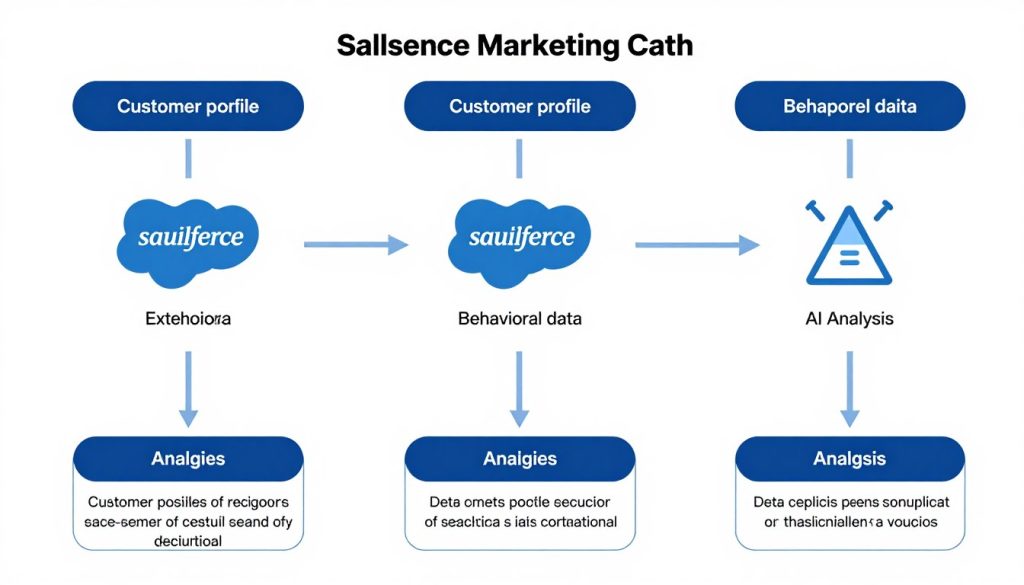
The foundation of effective AI personalisation is properly structured data. In Salesforce Marketing Cloud, data extensions serve as the repositories for customer information that powers your segmentation and personalisation efforts. Let’s explore how to structure these for maximum AI effectiveness.
Core Data Extension Types for AI Segmentation
Profile Data Extensions
Store demographic and preference information that rarely changes. Include fields for:
- Customer identifiers (ID, email)
- Demographics (age, location)
- Preference centre selections
- Account/subscription details
Behavioural Data Extensions
Capture dynamic interaction data across channels:
- Website browsing behaviour
- Email engagement metrics
- Mobile app interactions
- Social media engagement
Transactional Data Extensions
Record purchase history and service interactions:
- Purchase details and history
- Product categories explored
- Cart abandonment events
- Service case information
Data Relationships for AI Processing
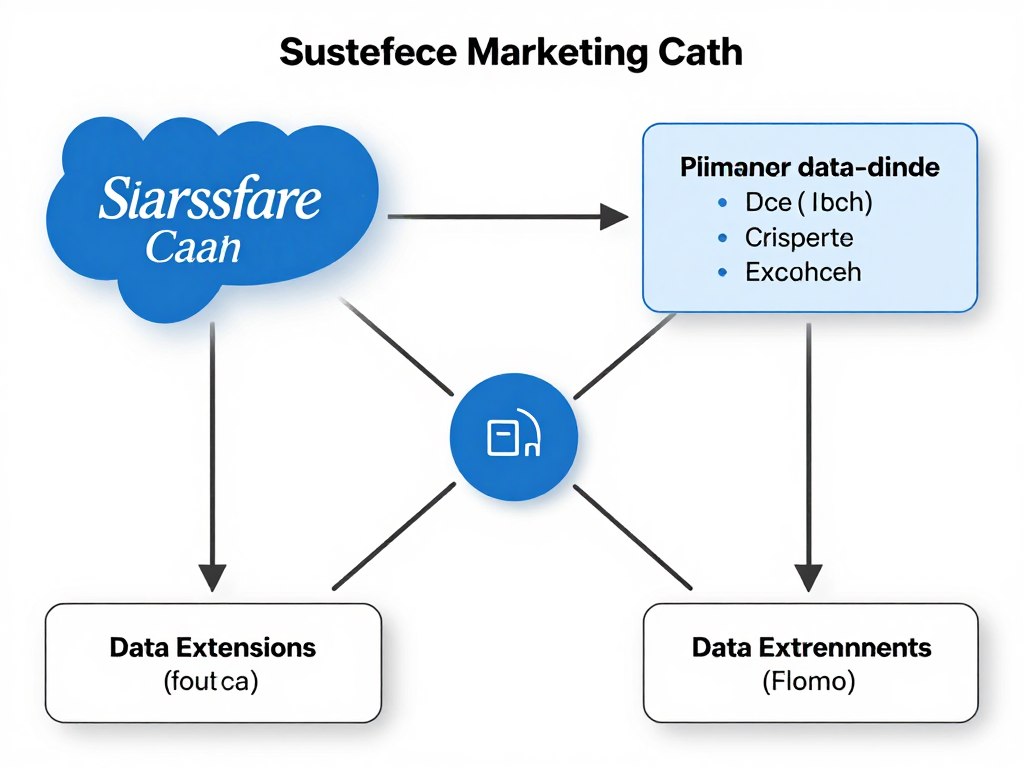
Einstein AI performs best when data extensions are properly related through common identifiers. Implement these best practices:
| Relationship Type | Implementation Method | AI Benefit |
| One-to-One | ContactKey as the primary key across extensions | Unified customer profile for personalisation |
| One-to-Many | ContactKey in parent DE, foreign key in child DE | Behavioural pattern recognition |
| Many-to-Many | Junction data extensions with composite keys | Complex relationship analysis |
“The quality of your AI-driven personalisation is directly proportional to the quality of your data structure. Invest time in proper data modelling before implementing AI features.”
AI-Powered Audience Segmentation
With properly structured data extensions in place, you can leverage Salesforce Marketing Cloud AI to create dynamic segments that evolve based on customer behavior and preferences. This approach moves beyond traditional static segmentation to create truly responsive audience groups.
Predictive Segmentation Techniques
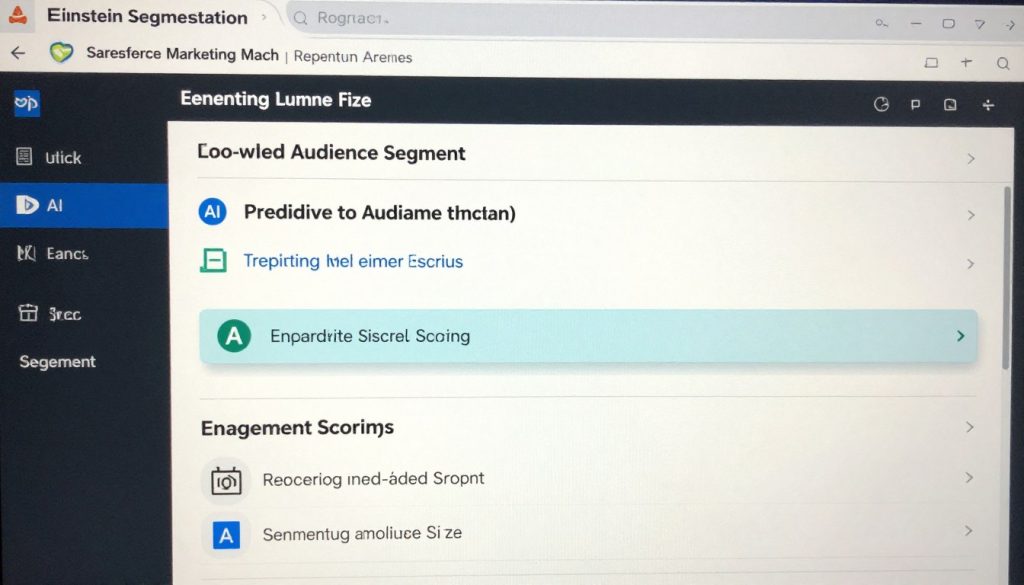
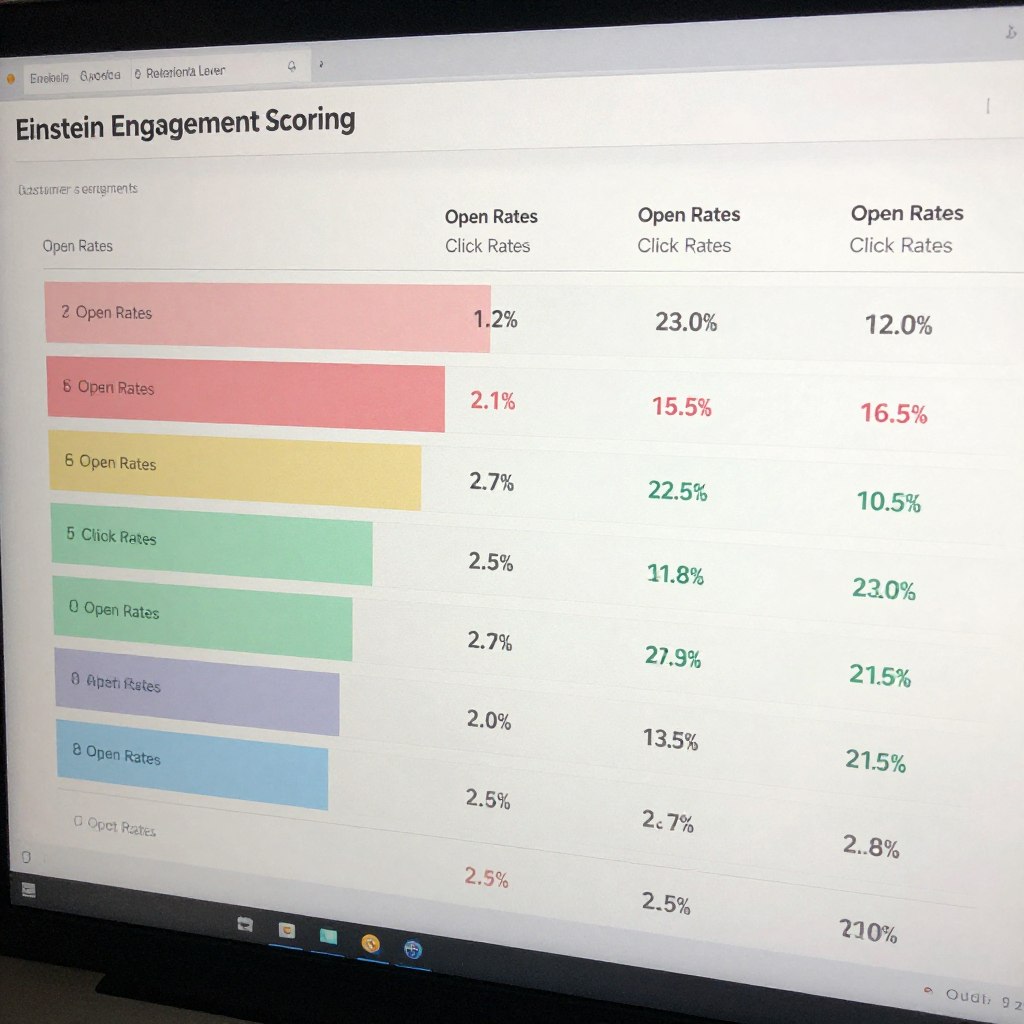
Einstein Engagement Scoring
Einstein automatically scores subscribers based on their likelihood to:
- Open emails (Open Score)
- Click links (Click Score)
- Remain subscribed (Retention Score)
- Convert to purchase (Conversion Score)
These scores are automatically updated daily and can be used to create dynamic segments for targeted messaging.
Implementing AI Segmentation
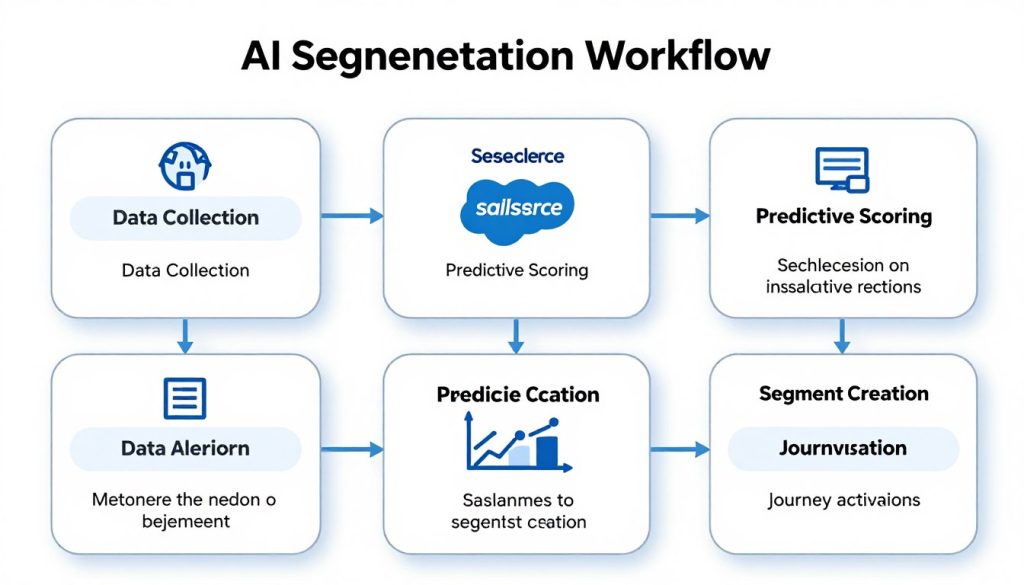
Step 1: Enable Einstein Features
Activate Einstein Engagement Scoring in your Marketing Cloud instance through Setup > Einstein > Einstein Engagement Scoring.
Step 2: Create Predictive Segments
Use Audience Builder to create segments based on Einstein scores (e.g., High Open Probability + Low Click Probability).
Step 3: Apply in Journeys
Incorporate these segments into Journey Builder to create personalised paths based on predicted behaviour.
Pro Tip: Combine Einstein Engagement Scores with traditional segmentation criteria for even more targeted campaigns. For example, target “High Open Score + Recent Product Browsers + Location: Northeast” for a regional product promotion.
AI-Driven Journey Orchestration
Journey Builder in Salesforce Marketing Cloud becomes exponentially more powerful when enhanced with AI capabilities. Instead of pre-determined paths, AI allows for dynamic journey orchestration that adapts in real-time to individual customer behaviours and preferences.
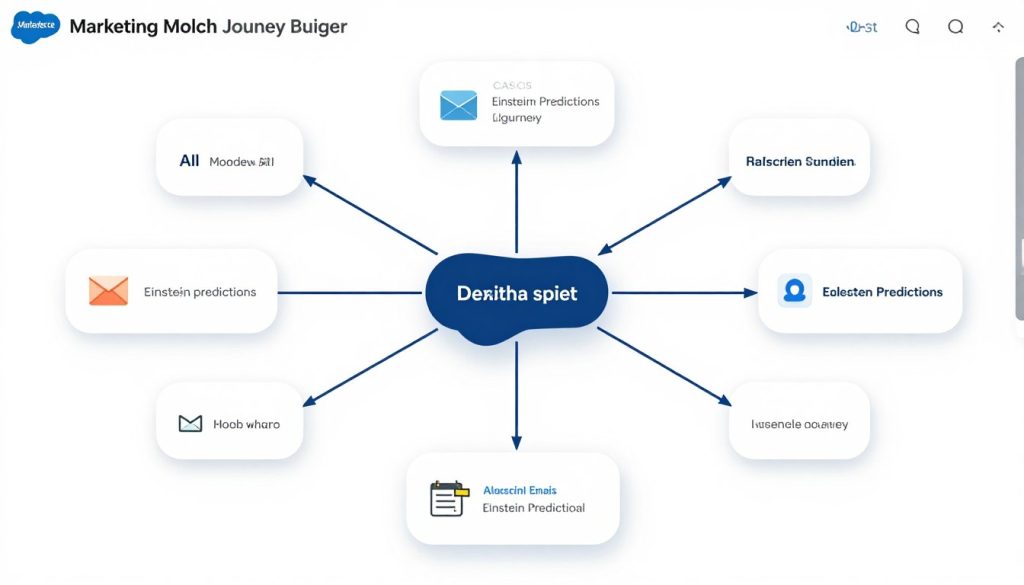
Key AI Components for Journey Orchestration
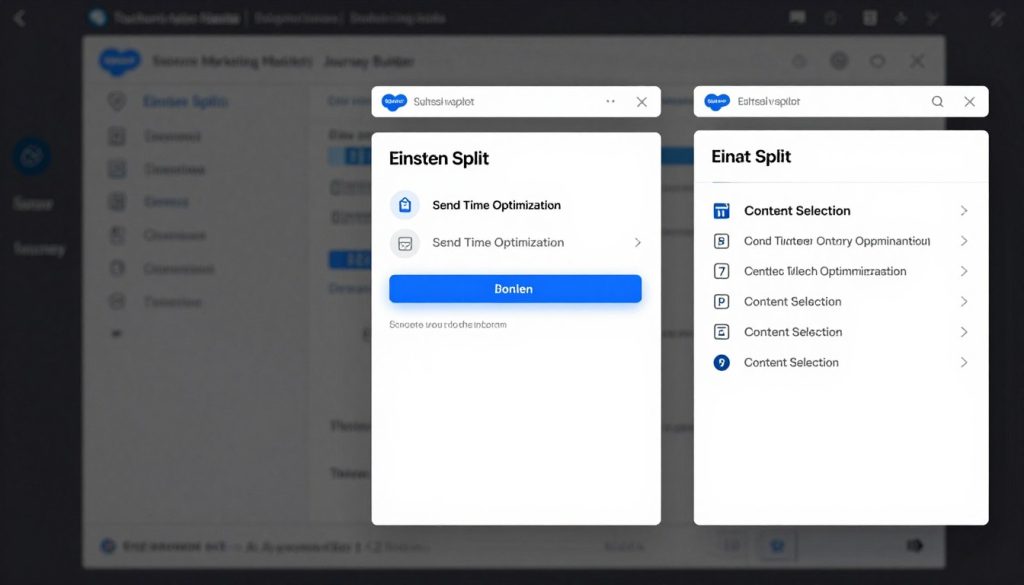
Einstein Split
Dynamically route customers based on their Einstein scores and predicted behaviours. For example, send high-value offers to customers with high conversion probability.
Send Time Optimisation
Automatically deliver messages when each individual customer is most likely to engage, based on their historical engagement patterns.
Content Selection
Dynamically choose the most relevant content, offers, and creative elements for each customer based on their preferences and behaviours.
Building an AI-Powered Journey
| Journey Stage | AI Enhancement | Implementation Steps |
| Entry | Predictive Entry Criteria | Use Einstein Segments as entry sources or filter criteria |
| Engagement | Send Time Optimisation | Enable STO in email activities and set the optimisation window |
| Decision Split | Einstein Split | Add Einstein Split activity and select predictive criteria |
| Content Delivery | Dynamic Content Selection | Configure Content Builder blocks with Einstein recommendations |
| Exit/Re-entry | Predictive Goal Attainment | Set the Einstein-predicted conversion as the journey goal |
Need expert help with your AI journey orchestration?
Our certified Salesforce Marketing Cloud consultants can help you design and implement AI-powered customer journeys that drive results.
“Next Best Action” Personalisation with Einstein
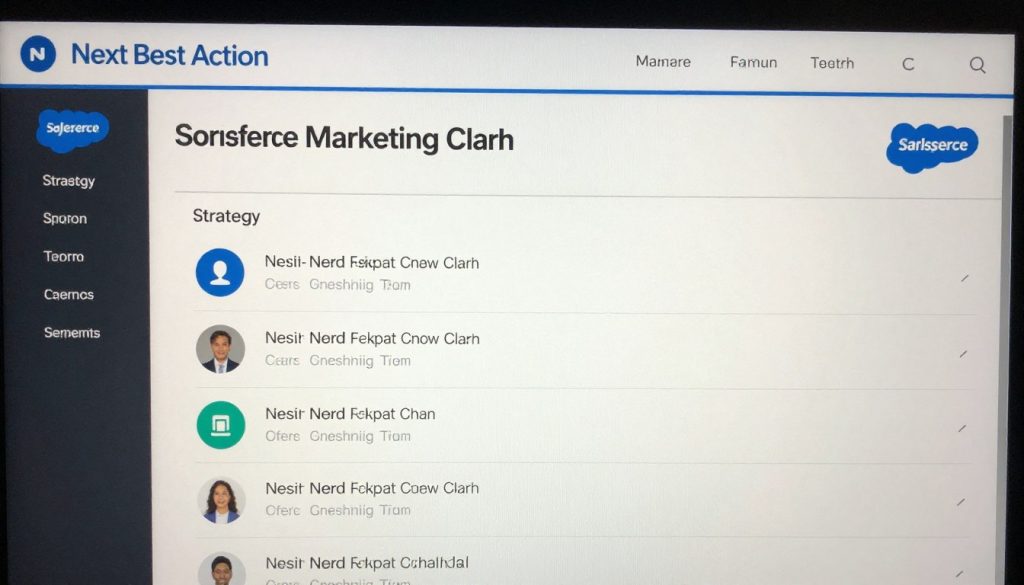
The pinnacle of AI-powered marketing is delivering the perfect “next best action” for each customer at every touchpoint. Salesforce Marketing Cloud AI analyses customer data, behaviour patterns, and context to recommend the most effective next step in the customer relationship.
Implementing Next Best Action
Strategy Building Blocks
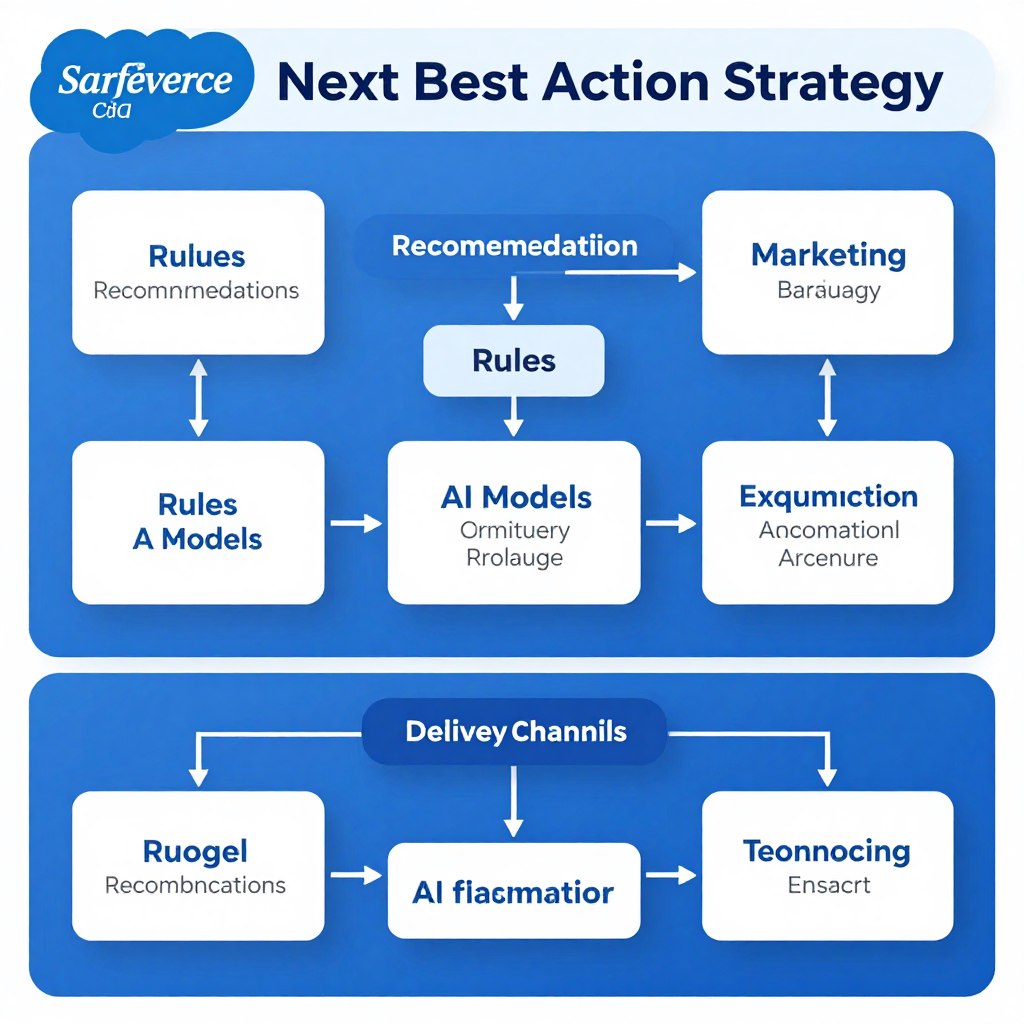
Next Best Action strategies in Marketing Cloud consist of:
- Recommendations – The potential actions to offer (e.g., product recommendations, content offers)
- Rules – Business logic that determines when recommendations are appropriate
- AI Models – Einstein predictions that prioritise recommendations
- Channels – Where recommendations are delivered (email, web, mobile)
Real-World Next Best Action Examples
Retail
Recommend complementary products based on recent purchases and browsing history, delivered via personalised email or website banners.
Financial Services
Suggest appropriate financial products based on life events, account balances, and service history, delivered through secure messaging.
Healthcare
Provide preventive care reminders based on patient history, demographics, and seasonal factors, delivered via preferred communication channel.

Technical Implementation
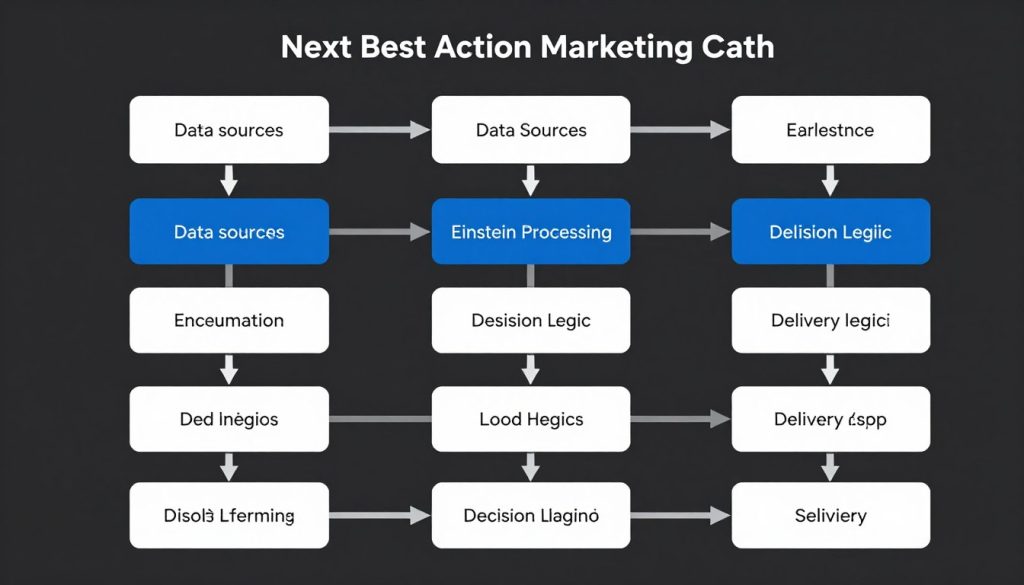
| Component | Configuration | Integration Points |
| Einstein Recommendations | Set up product or content catalogues in Einstein Recommendations | Content Builder, Commerce Cloud |
| Decision Studio | Create recommendation strategies with business rules | CRM data, custom business logic |
| Delivery Mechanisms | Configure API endpoints or Journey Builder activities | Web SDK, Mobile SDK, Email Studio |
“The most effective Next Best Action strategies balance AI recommendations with clear business rules. Let Einstein identify opportunities, but maintain control over which actions align with your brand and business objectives.”
Maximising Engagement with Send Time Optimisation
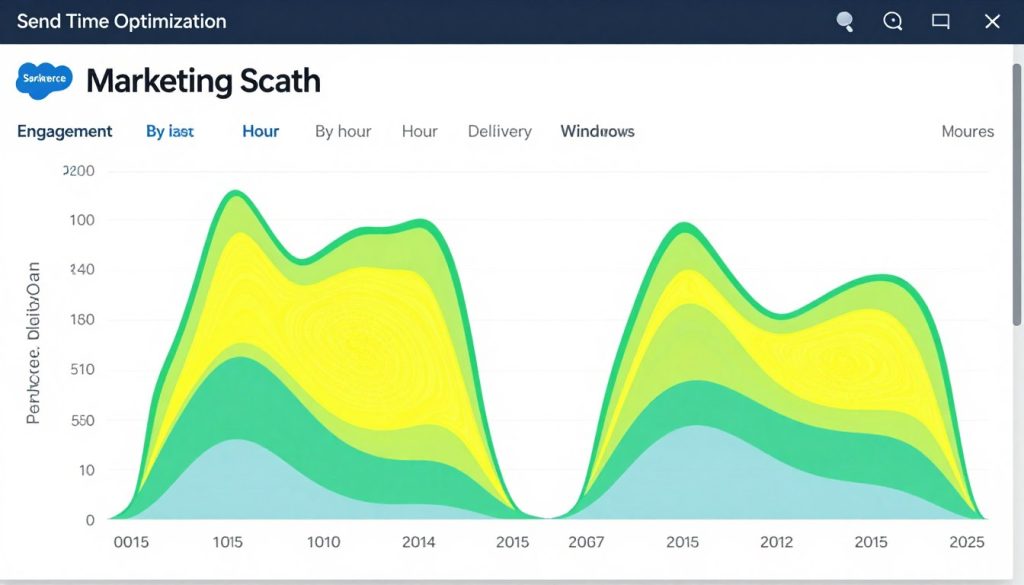
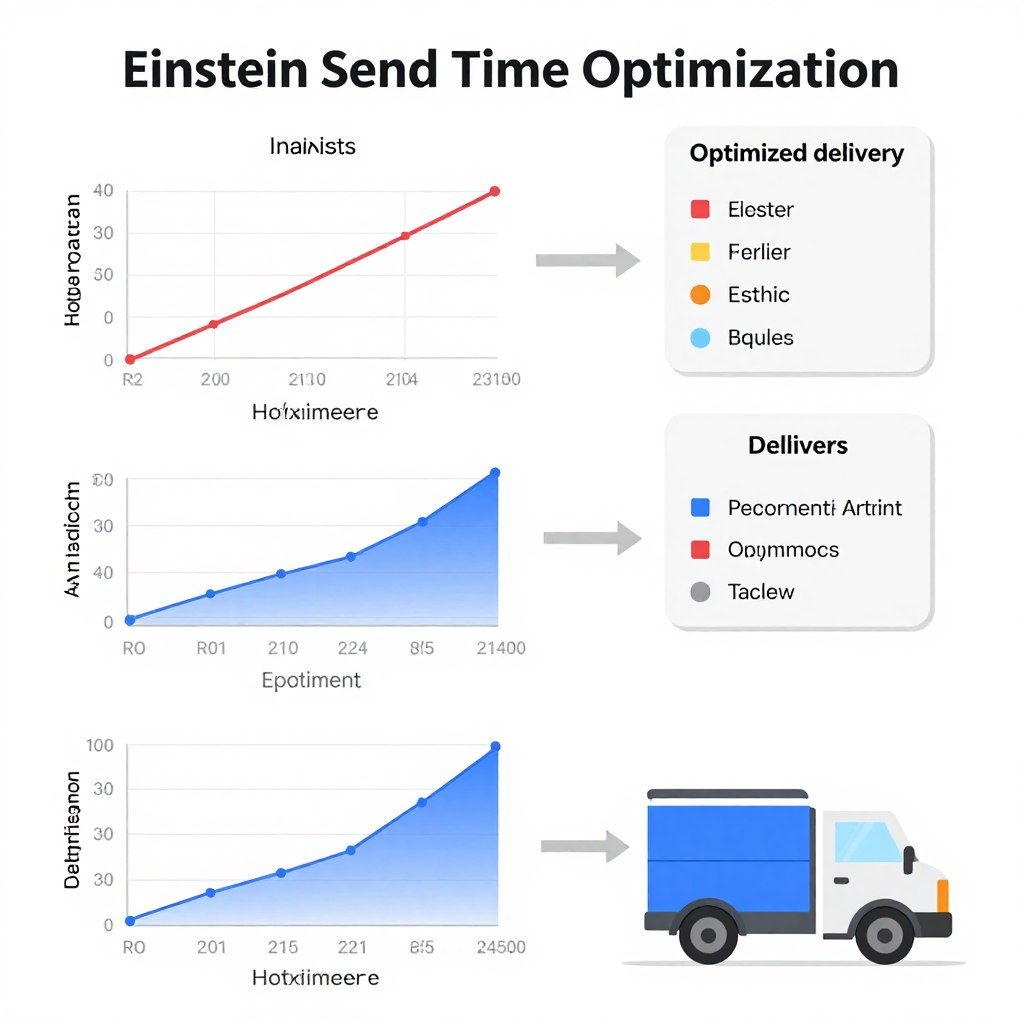
Send Time Optimisation (STO) is one of the most immediately impactful AI features in Salesforce Marketing Cloud. Instead of sending messages at the same time to all customers, STO analyses individual engagement patterns to determine the optimal delivery time for each recipient.
How Einstein Send Time Optimisation Works
Einstein analyses historical engagement data for each subscriber, identifying patterns in when they typically open and click emails. The system then:
- Calculates the optimal send window for each individual
- Prioritizes sends within your specified timeframe
- Continuously learns and improves predictions based on new engagement data
- Adapts to changing behaviour patterns over time
Implementing Send Time Optimisation
Step 1: Enable STO
Activate Einstein Send Time Optimisation in Setup > Einstein Features. The system requires at least 90 days of engagement data for reliable predictions.
Step 2: Configure Send Window
When creating email sends, specify the optimisation window (e.g., “Optimize delivery over 24 hours starting at 9 AM”).
Step 3: Monitor Results
Review STO performance in Einstein Analytics to understand engagement improvements and refine your approach.
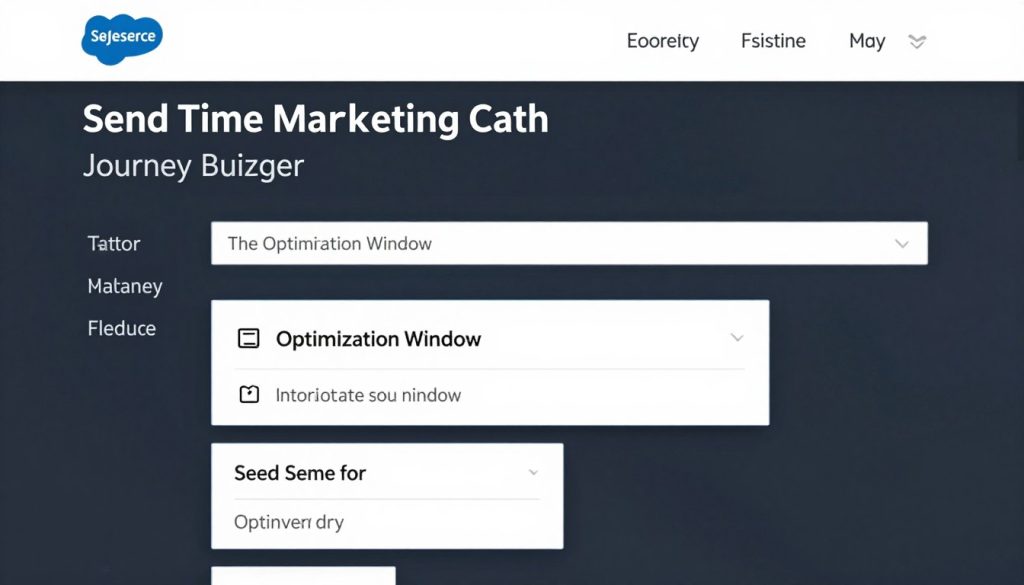
Best Practice: For time-sensitive communications, use a shorter optimisation window (4-8 hours) to ensure timely delivery while still benefiting from some optimisation. For nurture or relationship-building communications, use longer windows (24-48 hours) for maximum optimisation benefit.
Extending AI Capabilities with Partner Apps and Connectors
While Salesforce Marketing Cloud offers robust native AI capabilities, the partner ecosystem provides specialised tools that can enhance and extend your AI-powered marketing efforts. These integrations allow you to bring additional data sources, specialised AI models, and industry-specific functionality into your Marketing Cloud instance.
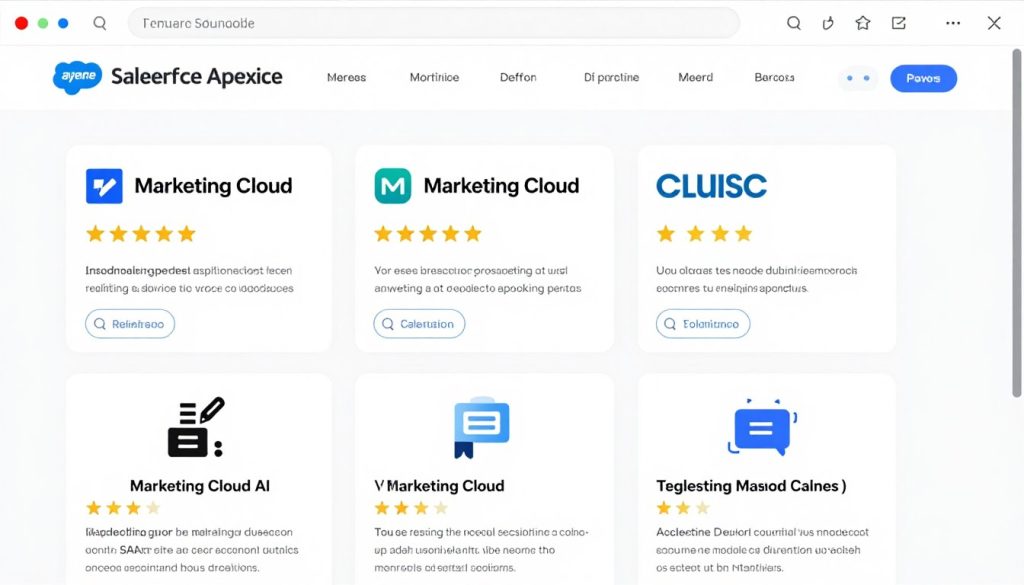
Recommended Partner Solutions
Data Enhancement
AI Enhancement
Channel Expansion
- Movable Ink – Dynamic content generation
- Drift – Conversational marketing platform
- Khoros – Social media engagement and analytics
Integration Considerations
Benefits
- Specialised AI capabilities beyond native features
- Industry-specific solutions and models
- Extended data sources for more comprehensive insights
- Faster implementation of advanced use cases
Challenges
- Additional cost considerations
- Integration complexity and maintenance
- Potential data synchronisation issues
- User training across multiple platforms
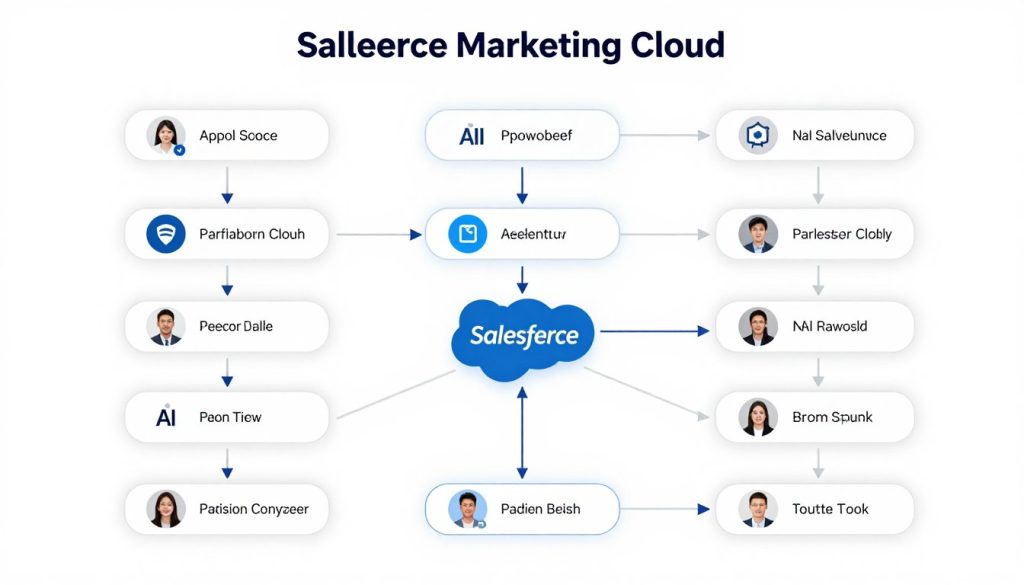
Measuring AI-Driven Personalisation Success
Implementing AI-powered personalisation is just the beginning. To truly optimise your efforts, you need robust measurement frameworks that quantify the impact of your AI initiatives and identify opportunities for improvement.
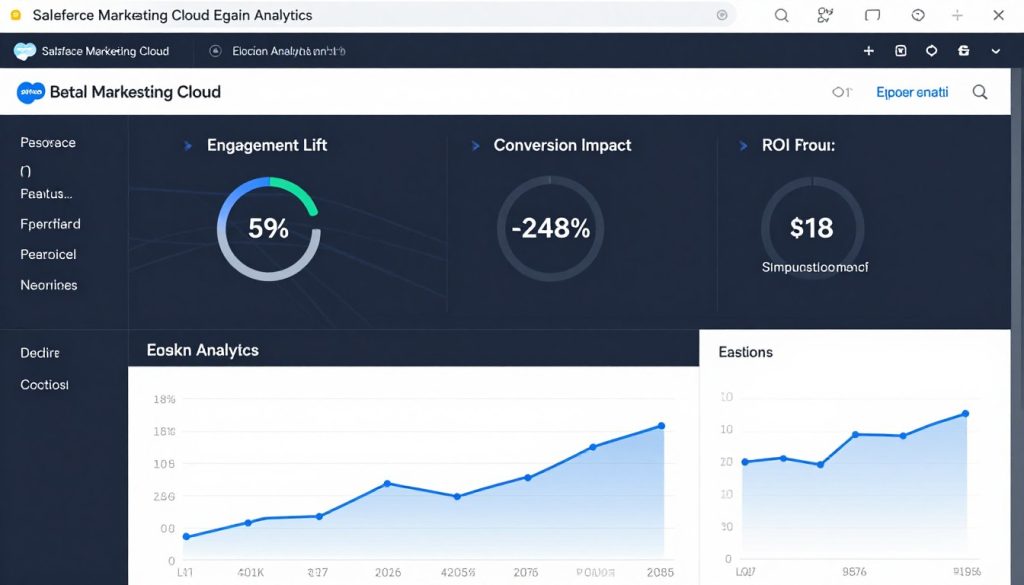
Key Performance Indicators for AI Personalisation
| Metric Category | Specific KPIs | Measurement Approach |
| Engagement Lift | Open rate, click rate, time spent, page views | A/B testing AI vs. non-AI campaigns |
| Conversion Impact | Conversion rate, average order value, lead quality | Attribution modelling with AI influence factor |
| Efficiency Gains | Campaign creation time, testing cycles, and resource allocation | Before/after workflow analysis |
| Customer Experience | NPS, satisfaction scores, unsubscribe rate | Surveys and behavioural indicators |
| ROI | Revenue impact, cost savings, incremental profit | Comprehensive financial analysis |
Setting Up Measurement Frameworks
Einstein Analytics
Leverage built-in Einstein Analytics dashboards to track AI performance metrics and identify optimisation opportunities.
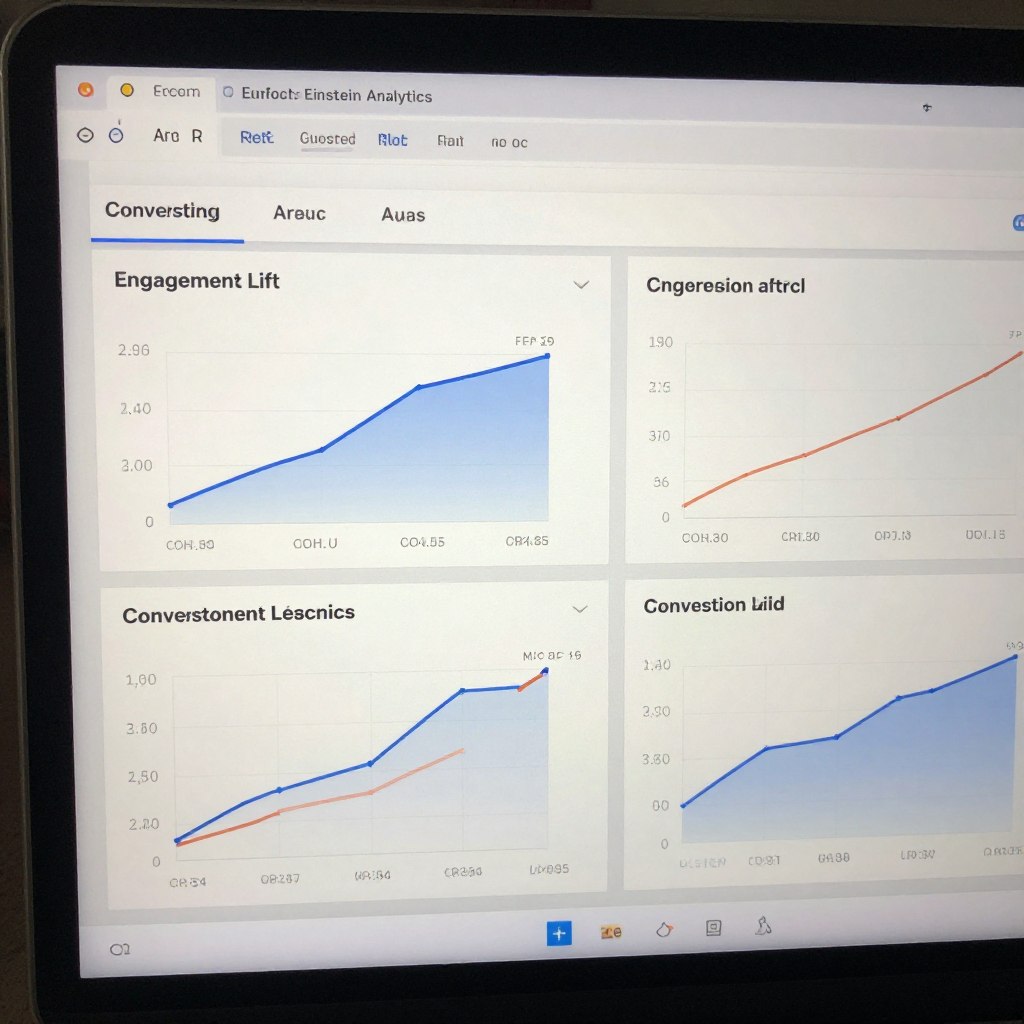
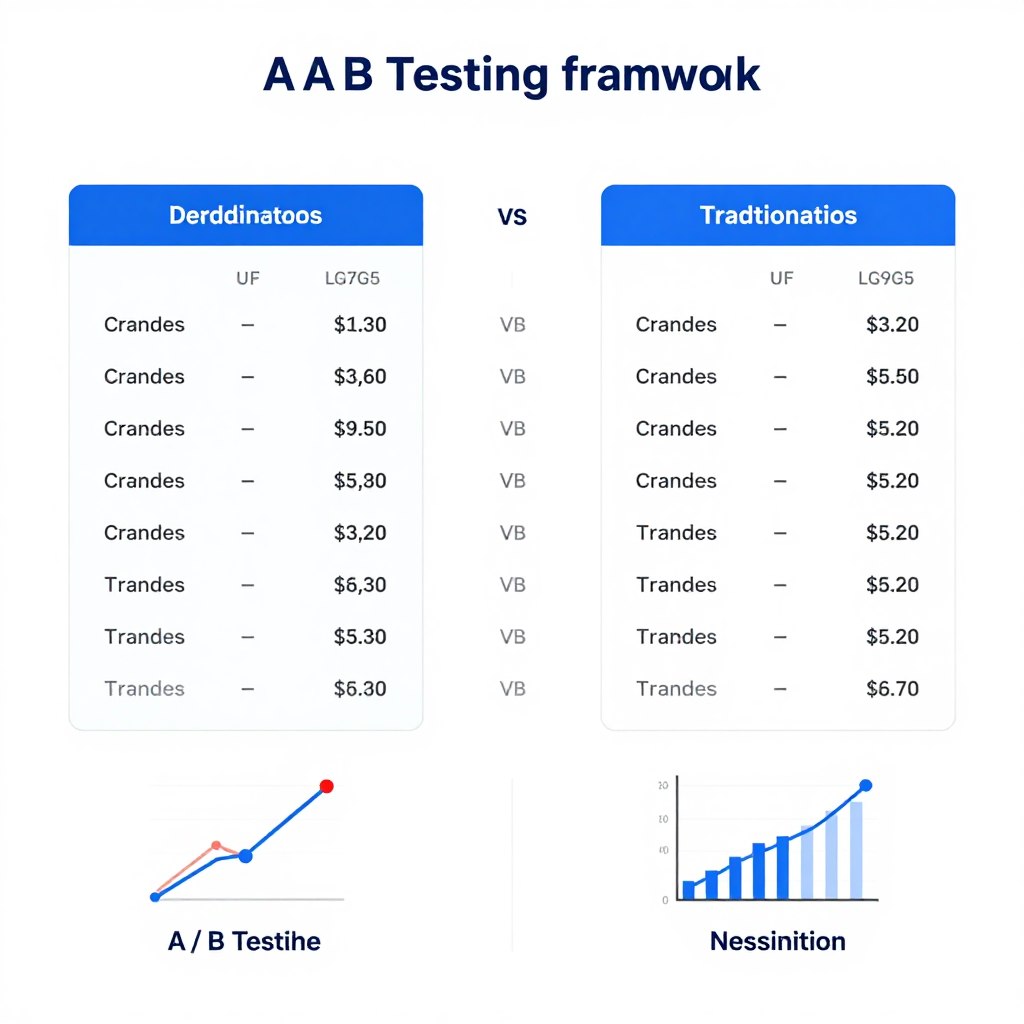
A/B Testing Framework
Implement systematic testing that compares AI-driven content and journeys with traditional approaches to quantify impact.
Multi-Touch Attribution
Deploy attribution models that properly credit AI touchpoints in the customer journey for their contribution to conversions.
Getting Started with Salesforce Marketing Cloud AI
Implementing AI-powered personalisation at enterprise scale requires thoughtful planning, proper data foundations, and a phased approach. By focusing first on structuring your data extensions, then building AI-enhanced customer journeys, and finally implementing next best action strategies, you can create a personalisation engine that delivers measurable business results.
Implementation Roadmap
- Audit and optimise your data extension structure
- Enable core Einstein features in your Marketing Cloud instance
- Implement AI-powered segmentation for key audience groups
- Build test journeys with Einstein Split and Send Time Optimisation
- Develop and deploy Next Best Action strategies
- Establish measurement frameworks to track performance
- Continuously optimise based on AI insights
Ready to transform your marketing with AI?
Get a personalised assessment of your Salesforce Marketing Cloud environment and a customised AI implementation plan.