Pictory AI Review: Turn Text Into Professional Videos Instantly

What is Pictory AI? A Complete Overview
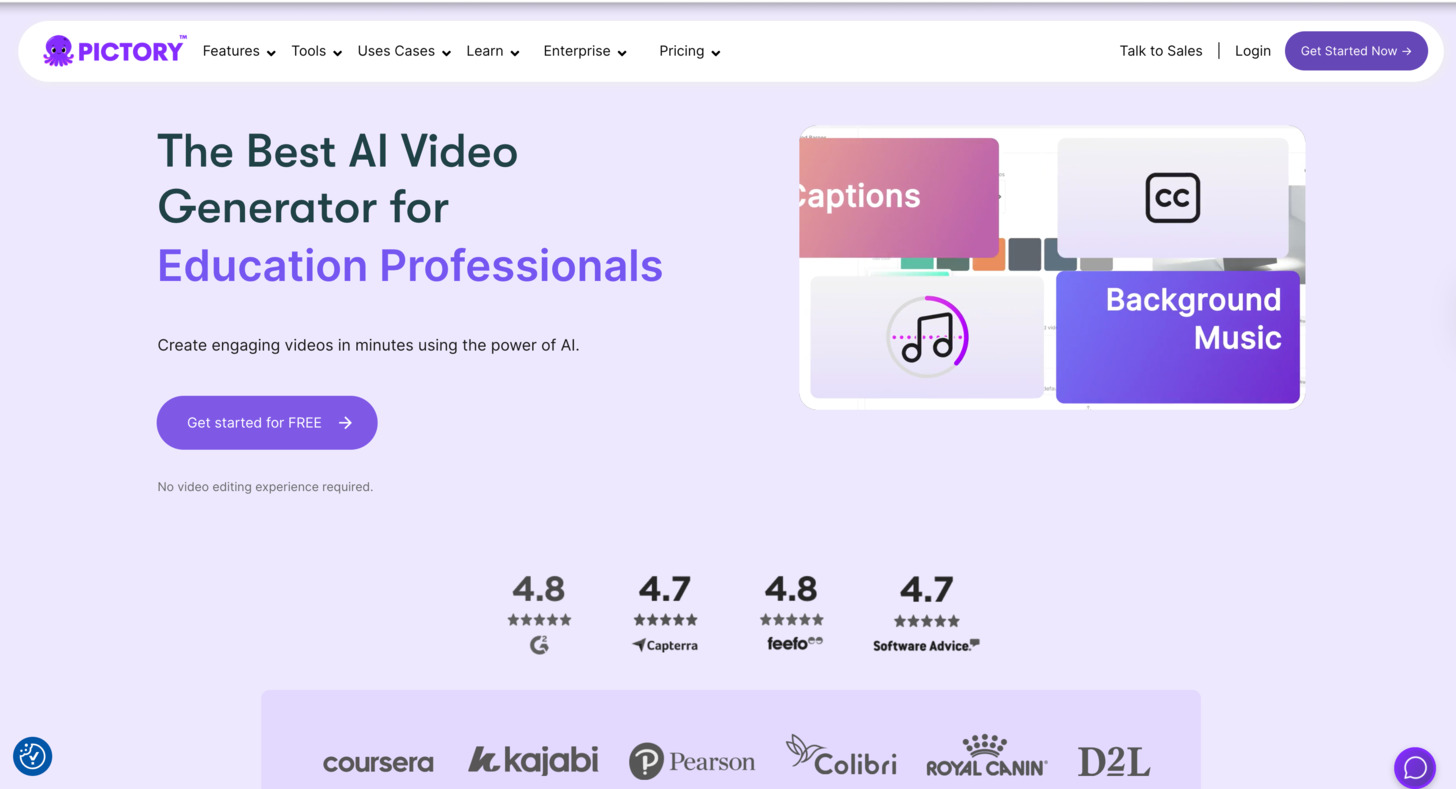
Pictory AI is an AI-powered video creation platform that enables users to convert written content into professional-quality videos without requiring video editing skills. Launched in 2020, Pictory has quickly gained popularity among content creators, marketers, and businesses looking to enhance their video marketing strategy without the traditional barriers to video production.
The core concept behind Pictory is simple yet powerful: you provide the text (whether a script, blog post, or article), and the AI handles the complex work of finding relevant visuals, adding transitions, generating voiceovers, and creating a cohesive video that effectively communicates your message.
Ready to Transform Your Content into Videos?
Try Pictory AI’s free trial today and create your first professional video in minutes – no credit card required.
Core Features of Pictory AI
Pictory AI offers a comprehensive suite of features designed to simplify video creation while maintaining professional quality. Here’s a breakdown of its most important capabilities:
Text-to-Video Conversion
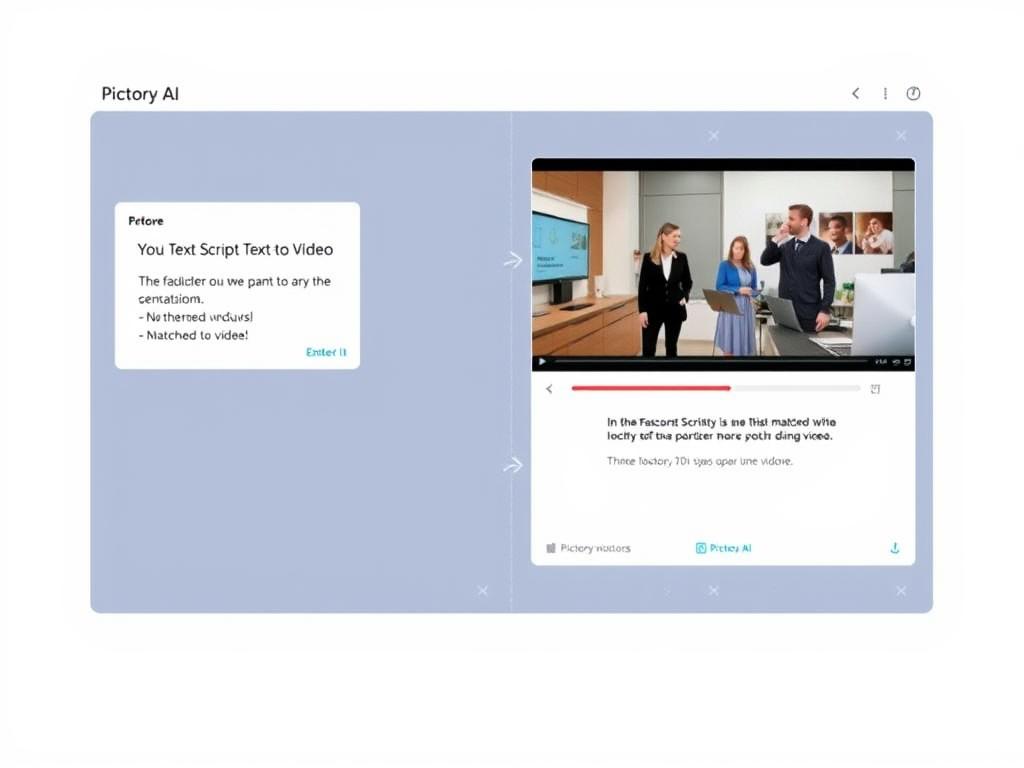
Pictory’s flagship feature allows you to paste a script or text and automatically generate a video. The AI analyses your content, breaks it into scenes, and pairs each scene with relevant visuals from its extensive media library. This feature is perfect for quickly creating explainer videos, product demonstrations, or educational content.
Blog-to-Video Transformation
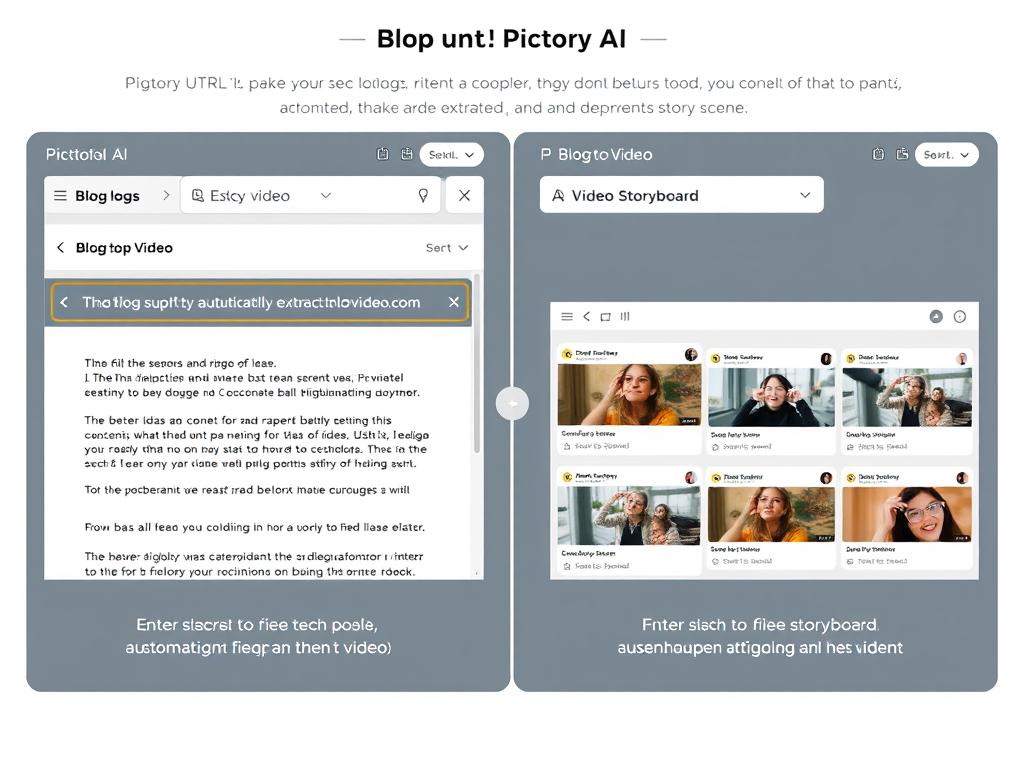
Paste the URL of your blog post, and Pictory will import the content, create an AI-powered summary highlighting key points, and transform it into a video. This feature is invaluable for content repurposing, allowing you to extend the reach of your existing content across different platforms and formats.
AI Voiceovers
Pictory offers a range of realistic AI voices in multiple languages and accents. You can select different voices for various scenes, adjust the tone and speed, or upload your own voiceover recordings. The premium plans include access to ElevenLabs’ highly realistic voices that are nearly indistinguishable from human speech.
Text-Based Video Editing
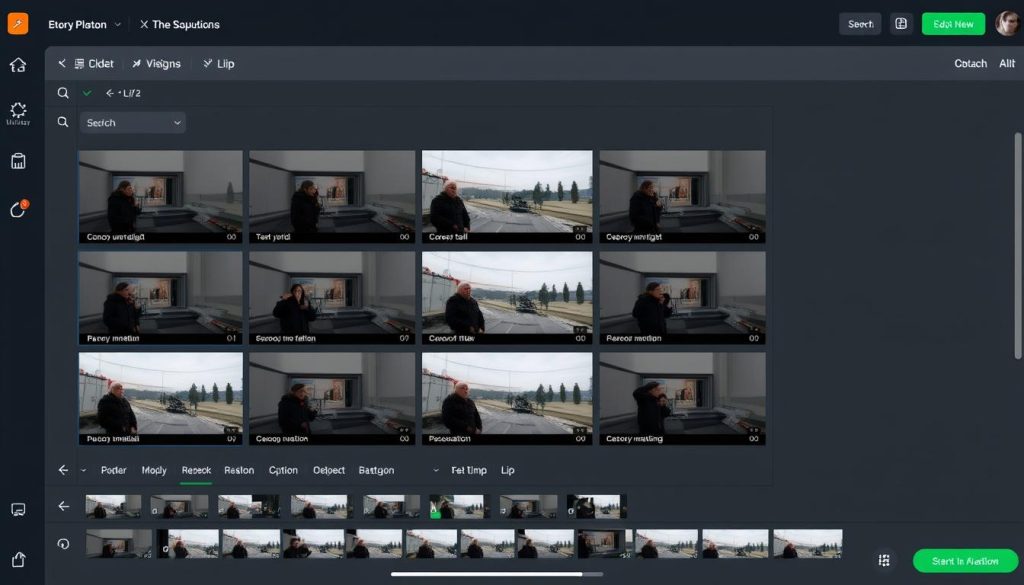
One of Pictory’s most innovative features is its text-based editing system. Rather than manipulating video clips directly, you can edit your video by simply modifying the text transcript. Delete a sentence, and the corresponding video segment is removed automatically. This makes video editing as simple as editing a document.
Video Highlights Generator
Upload a long-form video, and Pictory can automatically extract the most critical segments to create highlight clips. This is particularly useful for repurposing webinars, interviews, or podcast episodes into shorter, more shareable content for social media.
Automatic Captions and Transcription
Pictory automatically generates accurate captions for your videos, improving accessibility and engagement. You can customise the caption style, font, and placement to match your brand. The platform also provides complete video transcripts that can be repurposed as blog posts or articles.
How to Create a Video with Pictory AI: Step-by-Step Guide
Creating your first video with Pictory AI is straightforward, even if you have no prior video editing experience. Here’s a detailed walkthrough of the process:
- Sign up for a Pictory account – Visit the Pictory website and create a free trial account to access all features.
- Choose your creation method – From the dashboard, select one of the four main creation options: Script to Video, Article to Video, Edit Video Using Text, or Visuals to Video.
- Depending on your chosen method, either paste your script, enter a blog URL, upload a video, or add images and video clips.
- Review and edit scenes – Pictory will automatically divide your content into scenes and pair them with visuals. Review each scene and make adjustments as needed.
- Add voiceover – Choose from AI voices or upload your own recording. Adjust the voice tone, speed, and accent to match your content.
- Customise visuals – Replace any auto-selected visuals with alternatives from Pictory’s media library or upload your own images and videos.
- Add music and sound effects – Browse Pictory’s royalty-free music library and select a soundtrack that complements your video’s mood and purpose.
- Style your captions – Customise the appearance of your video captions, including font, size, colour, and placement.
- Add branding elements – Insert your logo, brand colours, and custom fonts to maintain consistent branding across your videos.
- Preview and export – Review your completed video, make any final adjustments, and export it in your preferred format and resolution.
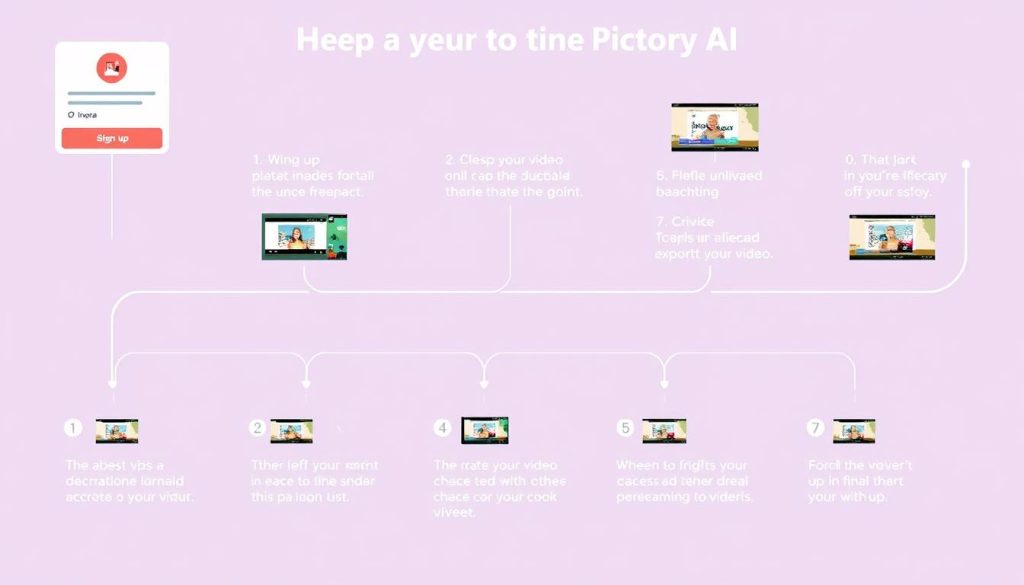
The entire process typically takes between 5 and 15 minutes for a short video, depending on the length of your content and how much customisation you want to apply. For most users, the learning curve is minimal, and you’ll likely be comfortable with the platform after creating just one or two videos.
Create Your First Video in Minutes
Follow this simple process to transform your content into engaging videos without any technical skills.
Pictory AI Review: Pros and Cons Analysis
After thoroughly testing Pictory AI, here’s our balanced assessment of its strengths and limitations:
Pros
- Extremely user-friendly interface suitable for beginners
- Rapid video creation (under 10 minutes for most projects)
- No need to appear on camera or record voiceovers
- Extensive library of royalty-free media and music
- Text-based editing makes video modification simple
- Multiple video creation methods for different content types
- Automatic caption generation and customisation
- Realistic AI voices (especially with premium ElevenLabs voices)
- Export in various formats for different platforms
- Affordable pricing compared to hiring video editors
Cons
- Stock footage can sometimes look generic
- Limited advanced editing capabilities compared to professional software
- AI-selected visuals occasionally lack context and require manual replacement
- Standard AI voices can sound robotic for longer videos
- Free plan limitations (Pictory branding, lower resolution)
- Learning curve for maximising all features effectively
- Some premium features are only available on higher-tier plans
- Videos can lack personality compared to human-created content
Pictory AI Pricing Plans and Options
Pictory AI offers a tiered pricing structure to accommodate different user needs and budgets. All paid plans include a 14-day free trial with no credit card required, allowing you to test the platform before committing.
| Plan | Price | Video Resolution | Key Features | Best For |
| Free Trial | $0 | 480p | 3 video projects, Pictory watermark, Basic features | Testing the platform |
| Starter | $19/month | 1080p HD | Unlimited videos, Custom branding, Standard voices | Individual creators, Small businesses |
| Professional | $39/month | 4K | Premium library access, ElevenLabs voices, Priority support | Professional marketers, Content creators |
| Team | $99/month | 4K | Team management, API access, Dedicated account manager | Agencies, Marketing teams |
All prices listed are for monthly billing. Annual subscriptions offer significant discounts, typically around 20% off the monthly rate. Pictory occasionally runs special promotions, particularly during Black Friday and other holiday seasons, with discounts of up to 50% on annual plans.
Value Tip: The Professional plan offers the best balance of features and cost for most serious content creators. The ElevenLabs voices alone make a substantial difference in video quality and viewer engagement.
Pictory AI Use Cases: Who Should Use It?
Pictory AI is versatile enough to serve multiple purposes across different industries and content types. Here are some of the most effective use cases:
Social Media Marketing
Create engaging video content for platforms like Facebook, Instagram, LinkedIn, and TikTok. Pictory’s ability to export in multiple aspect ratios (landscape, square, portrait) makes it perfect for cross-platform content strategies.

Content Repurposing
Transform existing blog posts, articles, and long-form content into engaging videos to reach new audiences and maximise your content investment. This is particularly valuable for content marketers looking to extend their reach across different formats.
Educational Content
Create instructional videos, tutorials, and explainers without appearing on camera. This is perfect for online course creators, coaches, and educators who want to deliver valuable information in an engaging visual format.
Product Demonstrations
Showcase products and services through professional video demonstrations that highlight features and benefits. This is particularly useful for SaaS companies, e-commerce businesses, and service providers.
Internal Communications
Create company updates, training materials, and onboarding videos quickly and efficiently. The text-based editing makes it easy to update content as information changes.
Lead Generation
Develop video lead magnets, webinar summaries, and promotional content to attract and convert prospects. Videos created with Pictory can be embedded in landing pages, emails, and social media to drive engagement.
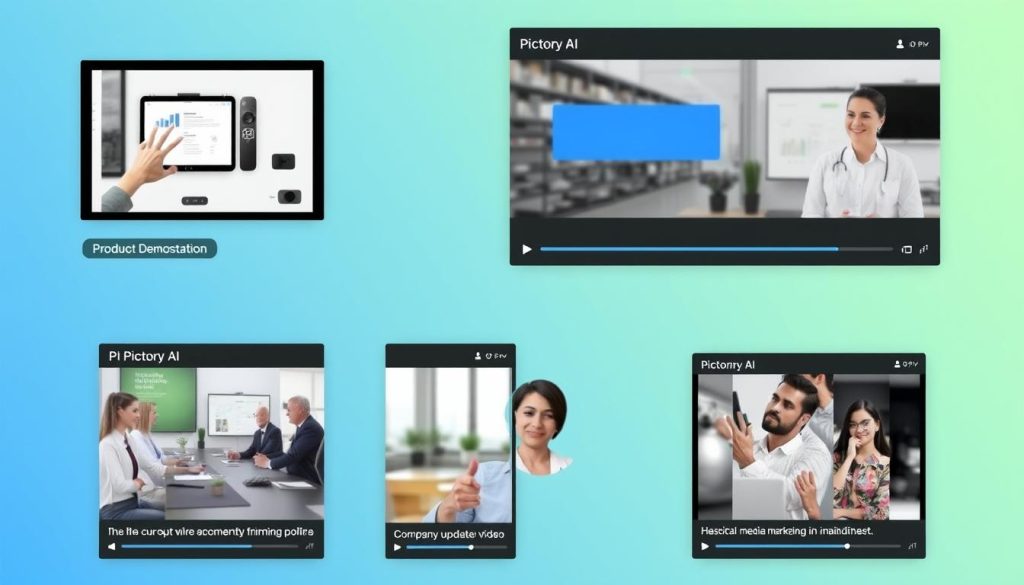
Find Your Perfect Use Case
Discover how Pictory AI can transform your specific content needs into engaging videos.
Pictory AI Alternatives: How It Compares
While Pictory AI offers an impressive set of features, it’s worth comparing it to other AI video creation tools to ensure you’re choosing the right solution for your needs:
| Tool | Starting Price | Key Strength | Best For | Limitation vs. Pictory |
| Pictory AI | $19/month | Text-to-video & blog-to-video conversion | Content repurposing, faceless videos | N/A |
| Synthesia | $22/month | AI avatars/presenters | Presenter-led videos without filming | Less robust text-to-video features |
| InVideo | $15/month | Template variety | Template-based video creation | Less automated content generation |
| Lumen5 | $19/month | Social media optimisation | Social-first video content | Fewer editing capabilities |
| Descript | $12/month | Advanced audio editing | Podcast and interview editing | Less automated visual selection |
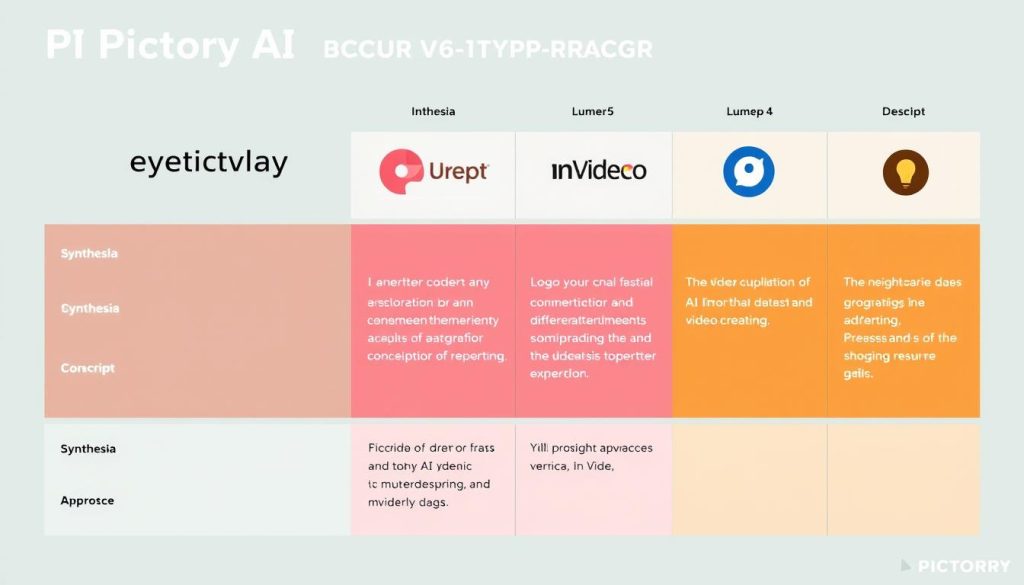
“While Synthesia excels with AI avatars and Descript offers superior audio editing, Pictory AI stands out for its ability to quickly transform existing text content into professional videos with minimal effort. For content repurposing and faceless video creation, Pictory offers the most streamlined experience.”
Final Verdict: Is Pictory AI Worth It?
After thoroughly testing Pictory AI and comparing it with alternatives, our Pictory AI review concludes that it offers exceptional value for specific use cases. Here’s our final assessment based on different user needs:
For Content Creators & Bloggers
Verdict: Highly Recommended (4.8/5)
If you’re looking to repurpose written content into videos or create faceless educational content, Pictory AI is an excellent choice. The blog-to-video and script-to-video features are unmatched in their efficiency and output quality.
For Social Media Marketers
Verdict: Recommended (4.5/5)
Pictory’s ability to create videos in multiple formats makes it valuable for social media marketing. While the stock footage can sometimes look generic, the speed and ease of creating platform-specific content outweigh this limitation for most marketers.
For Video Production Professionals
Verdict: Supplementary Tool (3.8/5)
Professional video editors will find Pictory limiting compared to dedicated editing software. However, it can serve as a valuable supplementary tool for quick content creation and repurposing when time is limited.
Pictory AI excels at making video creation accessible to those without technical skills or the desire to appear on camera. It dramatically reduces the time and cost barriers to video production, allowing creators to focus on content strategy rather than technical execution.
For most content creators, marketers, and small businesses, the Professional plan ($39/month) offers the best balance of features and cost. The improved voice quality and additional media options justify the upgrade from the Starter plan for anyone creating videos regularly.
Ready to Transform Your Content Strategy?
Join thousands of content creators who are using Pictory AI to create professional videos without technical skills.
Frequently Asked Questions About Pictory AI
Is Pictory AI good for beginners?
Yes, Pictory AI is excellent for beginners with no video editing experience. Its intuitive interface and text-based editing approach make it one of the most user-friendly video creation tools available. Most users can create their first video within minutes of signing up, and the learning curve is minimal compared to traditional video editing software.
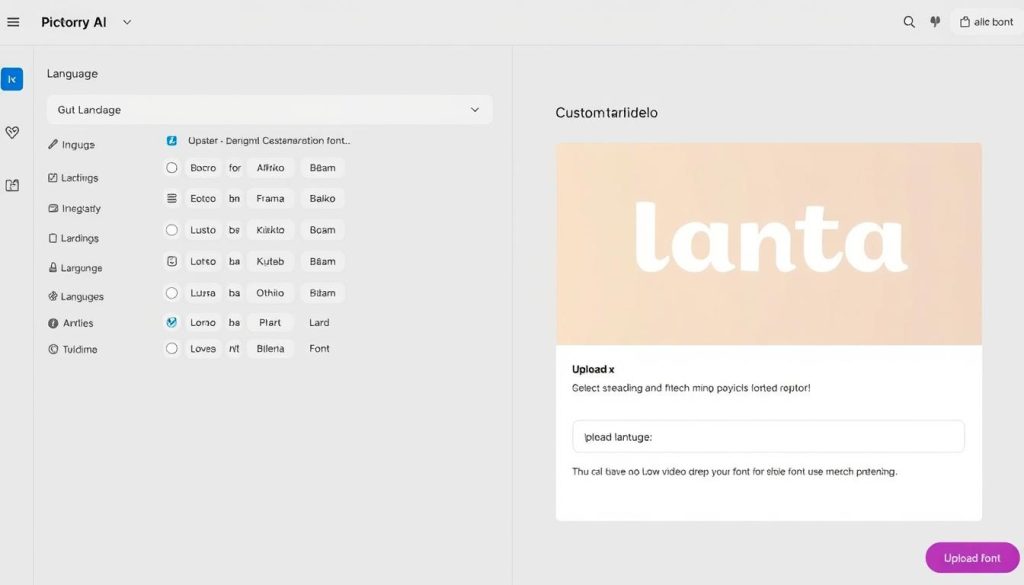
Can I use custom fonts in Pictory AI?
Yes, Pictory AI allows you to upload and use custom fonts in your videos, particularly on the Professional and Team plans. This feature enables you to maintain consistent branding across your video content by using the same fonts that appear in your other marketing materials. You can apply custom fonts to titles, captions, and other text elements within your videos.
Does Pictory AI offer a free plan?
Pictory AI doesn’t offer a permanent free plan, but it does provide a free trial that allows you to create up to 3 video projects (each up to 10 minutes long) without entering credit card details. This trial gives you access to most features so you can adequately evaluate the platform before purchasing a subscription.
How does Pictory AI handle copyright for music and visuals?
Pictory AI provides access to a library of royalty-free music tracks and stock media (images and videos) that are cleared for commercial use. When you use media from Pictory’s built-in library, you don’t need to worry about copyright issues. However, if you upload your own media, you’re responsible for ensuring you have the proper rights to use that content.
Can I create videos in languages other than English?
Yes, Pictory AI supports multiple languages for both text and voiceovers. The platform offers AI voices in over 20 languages, including Spanish, French, German, Italian, Portuguese, and many more. You can create videos with non-English scripts and generate voiceovers in the corresponding language, making it suitable for international content strategies.
Conclusion: Is Pictory AI Right for You?
Pictory AI represents a significant advancement in democratizing video creation, making it accessible to creators regardless of technical skill or budget constraints. Our Pictory AI review finds it to be an invaluable tool for content creators, marketers, educators, and businesses looking to incorporate more video content into their strategy without the traditional barriers to entry.
The platform’s strengths lie in its simplicity, speed, and ability to transform existing content into engaging videos. While it won’t replace professional video production for high-end projects, it fills an essential gap in the market for quick, effective video creation that doesn’t require specialised skills or appearing on camera.
Suppose you’re looking to enhance your content strategy with video, repurpose existing written content, or create educational videos without the technical hassle. In that case, Pictory AI offers an excellent solution that delivers professional results with minimal time investment. The 14-day free trial provides ample opportunity to test the platform and determine if it meets your specific needs before committing to a subscription.
Start Creating Professional Videos Today
Join thousands of content creators who have transformed their content strategy with Pictory AI.






