
LongShot AI Review: Fact-Checked Content Generation Tool

As someone who’s tested dozens of AI writing tools, I’ve put LongShot AI through rigorous testing to determine if its fact-checking capabilities truly deliver. Let’s explore whether this tool deserves a place in your content creation arsenal.
What is LongShot AI?
LongShot AI is an AI-powered content generation platform that differentiates itself through its focus on factual accuracy. Founded in 2021, the tool has evolved from basic text generation to a comprehensive content creation suite with specialised fact-checking capabilities.
At its core, LongShot AI combines GPT-4 and custom AI models to help content creators, marketers, and business owners generate various content types while maintaining factual integrity. The platform offers workflows for specific content formats, templates for different writing needs, and most notably, a FactGPT feature that verifies information against current online sources.
Unlike many AI writing tools that rely solely on training data (which may be outdated or inaccurate), LongShot AI actively searches for and incorporates current information from the web, making it particularly valuable for topics requiring up-to-date facts.

Try LongShot AI’s Fact-Checking Capabilities
Experience how LongShot AI can transform your content creation process with factually accurate, engaging content.
Key Features of LongShot AI
LongShot AI offers a robust set of features designed to streamline content creation while maintaining quality and accuracy. Here’s what makes this tool stand out from other AI writing assistants:
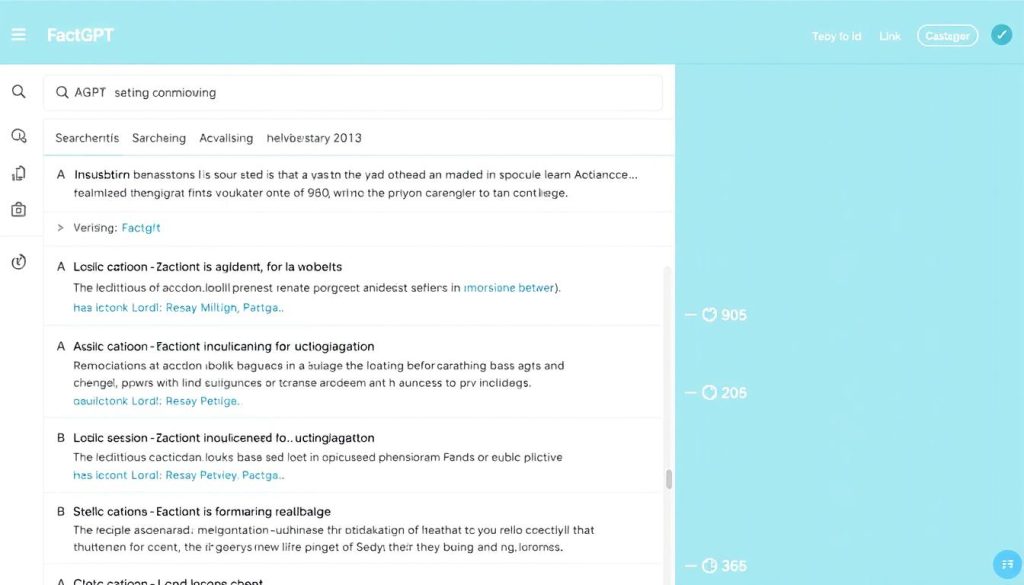
FactGPT: Fact-Checking at Its Core
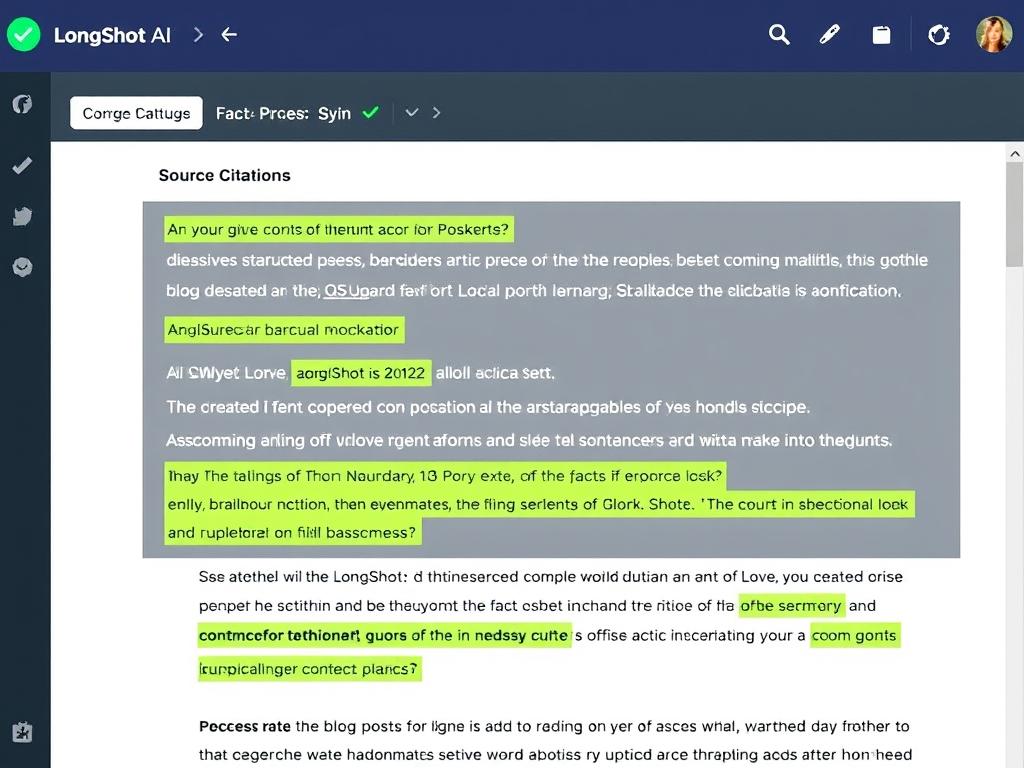
The standout feature of LongShot AI is FactGPT, which actively searches the web for current information to verify facts in your content. Unlike standard AI writing tools that rely solely on training data (often outdated), FactGPT:
- Searches reliable online sources for current information
- Provides citations and references for factual claims
- Helps avoid common AI hallucinations and inaccuracies
- Can check existing content for factual errors
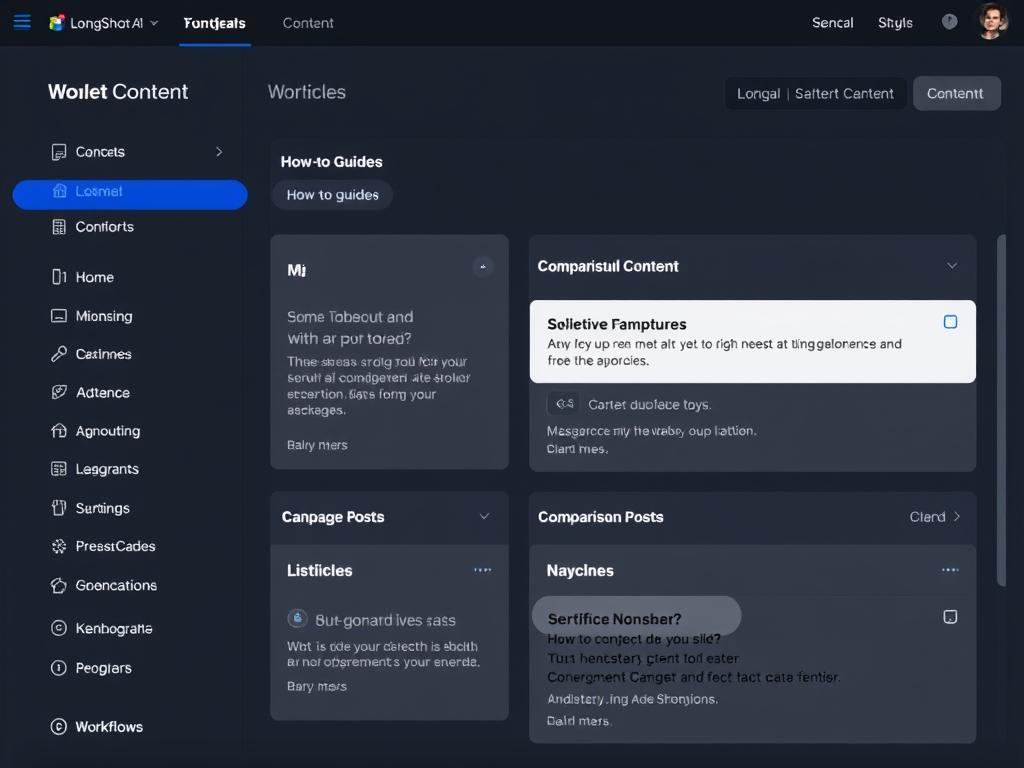
AI Workflows for Structured Content
LongShot AI’s workflows guide you through creating specific content formats with a step-by-step process:
- How-to guides with clear, actionable steps
- Listicles with consistent formatting
- Comparison posts for products or concepts
- Product reviews with balanced perspectives
- Pillar content for comprehensive topic coverage
- “Alternative to X” articles for comparison content
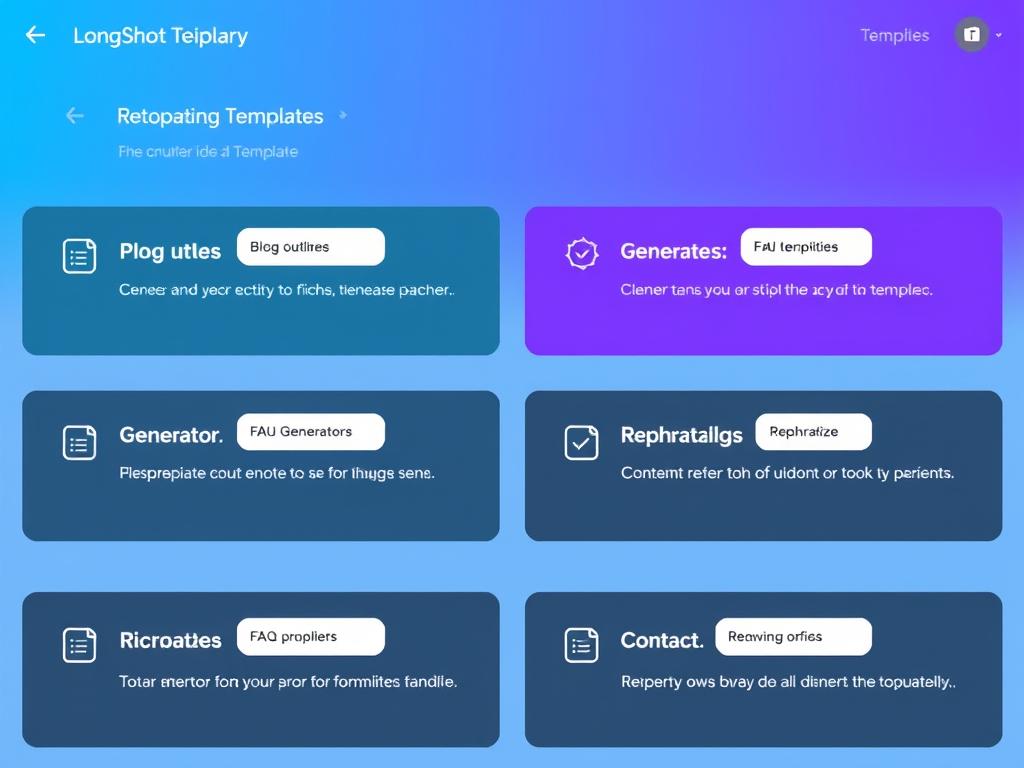
Content Templates for Quick Generation
With over 50 specialised templates, LongShot AI helps you quickly generate specific content elements:
- Blog outlines and structures
- Text extenders and rephrasing tools
- Headline generators for engaging titles
- FAQ generators for common questions
- Meta descriptions for SEO
- Bullet points to text expansion
- Keywords to coherent paragraphs
- Content summaries and condensing
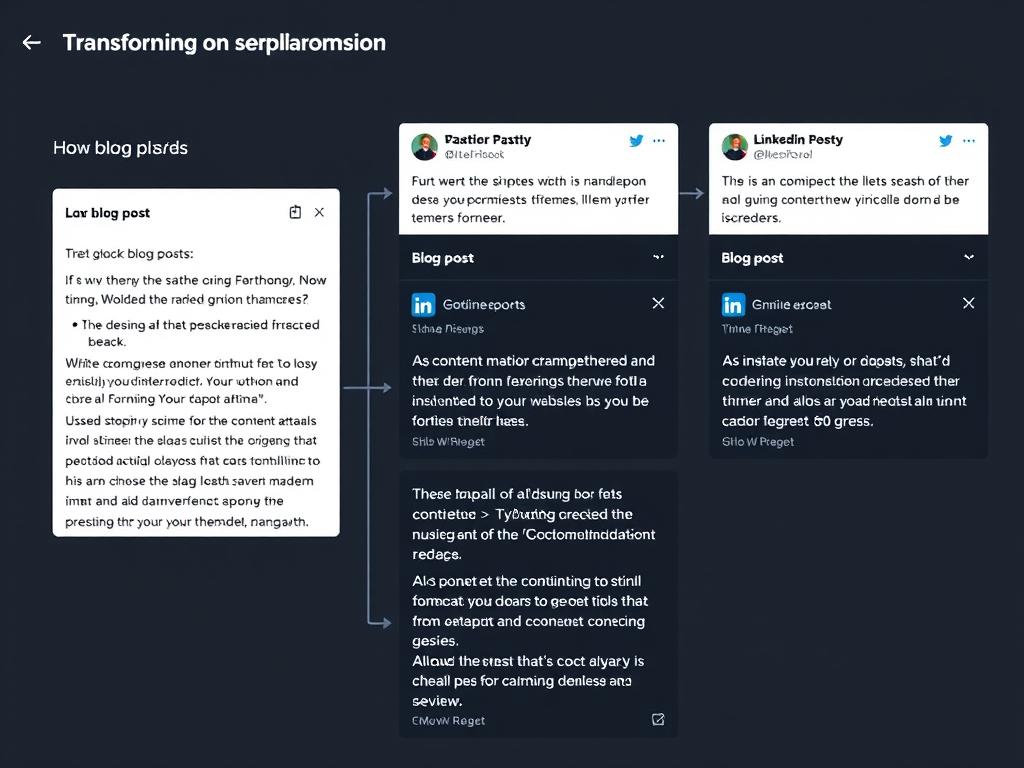
Content Repurposing
One of LongShot AI’s most valuable features is its ability to transform existing content into different formats:
- Convert blog posts into Twitter threads
- Transform articles into LinkedIn posts (short or long format)
- Create promotional emails from existing content
- Generate executive summaries of longer pieces
- Create Q&A formats from standard content
SEO Optimisation Tools
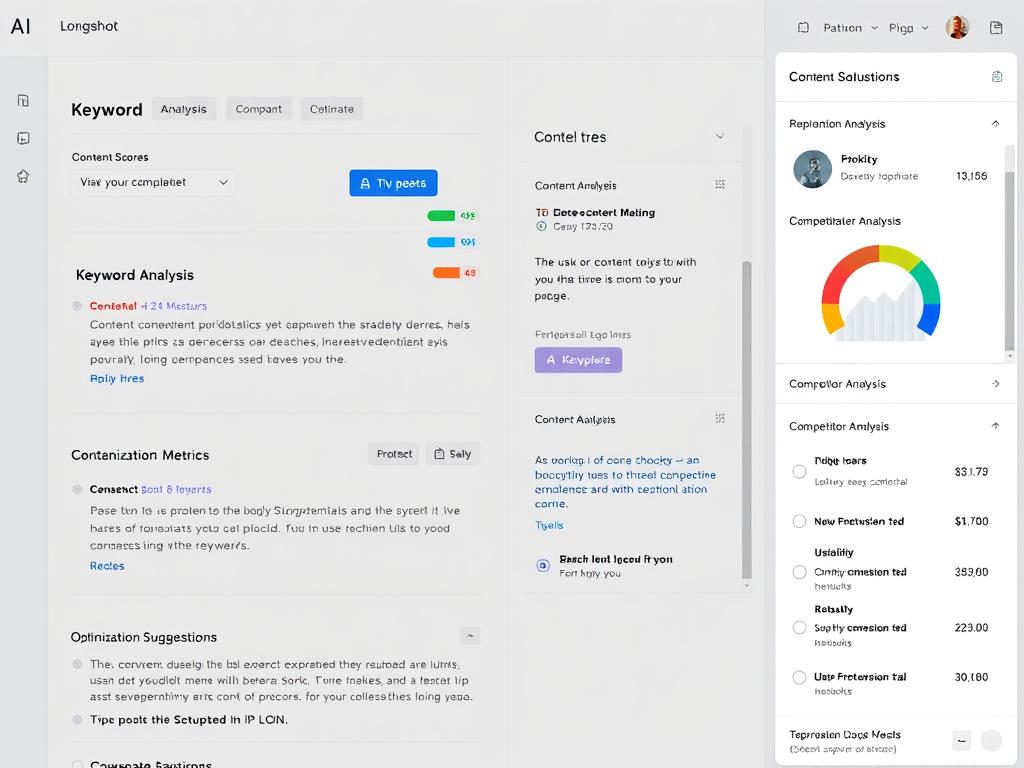
LongShot AI helps optimise your content for search engines with:
- SEO checker with content scoring
- Keyword integration suggestions
- Competitor analysis for top-ranking content
- Readability scoring and improvement tips
- Semrush integration for enhanced keyword research
Integrations and Extensions
LongShot AI connects with your existing tools through:
- WordPress plugin for direct content creation
- Chrome extension for writing anywhere on the web
- Semrush integration for SEO insights
- HubSpot integration for CRM content
- Medium and Ghost publishing connections
- Custom webhook options for advanced workflows
Experience These Features Yourself
Try LongShot AI’s powerful content creation suite with their special $1 trial offer.
User Interface and Ease of Use
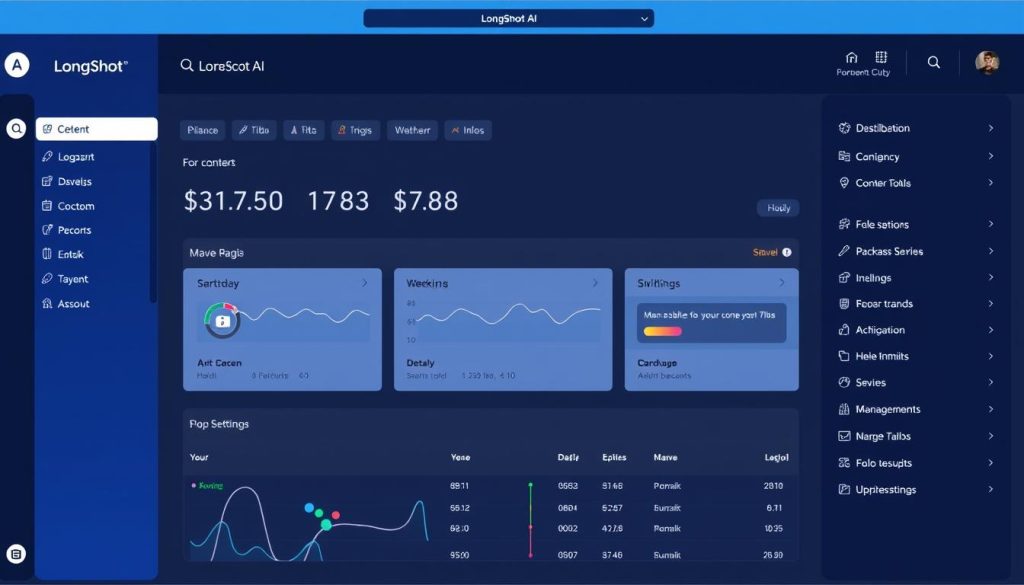
LongShot AI features a clean, intuitive interface that balances functionality with ease of use. The dashboard is organised logically, with a sidebar navigation system that provides quick access to all major features.
Dashboard Organization
The main dashboard gives you immediate access to:
- Recent projects and documents
- Quick-start templates and workflows
- Usage statistics and credit tracking
- Tutorial videos and getting started guides
Content Creation Workflow
The content creation process follows a logical, step-by-step approach:
- Select your content type (workflow, template, or FactGPT)
- Enter your topic and keywords
- Choose from generated headlines
- Review and customise the content outline
- Generate and edit the full content
- Optimise with SEO suggestions and fact-checking
While the wizard-based approach is thorough, it does require more steps than some competitors. This structured approach helps ensure quality but may feel slightly slower for users who prefer a more direct, chat-based interface.
Learning Curve
LongShot AI is relatively easy to learn, with helpful tutorial videos available when you first log in. Most users can become proficient within 1-2 sessions, though mastering all the specialised templates and features may take longer.
Content Quality Analysis
The true test of any AI writing tool is the quality of content it produces. I tested LongShot AI across multiple content formats to evaluate its output quality.
Blog Content Quality
LongShot AI excels at creating structured, informative blog content. Here’s a breakdown of its performance:
| Aspect | Performance | Notes |
| Factual Accuracy | Excellent | FactGPT significantly reduces common AI hallucinations. |
| Structure | Very Good | Logical flow with clear sections and transitions |
| Readability | Good | Sometimes creates long paragraphs that need breaking up |
| Engagement | Good | Informative but occasionally lacks personality |
| SEO Optimization | Very Good | Effective keyword integration without keyword stuffing |
Social Media Content
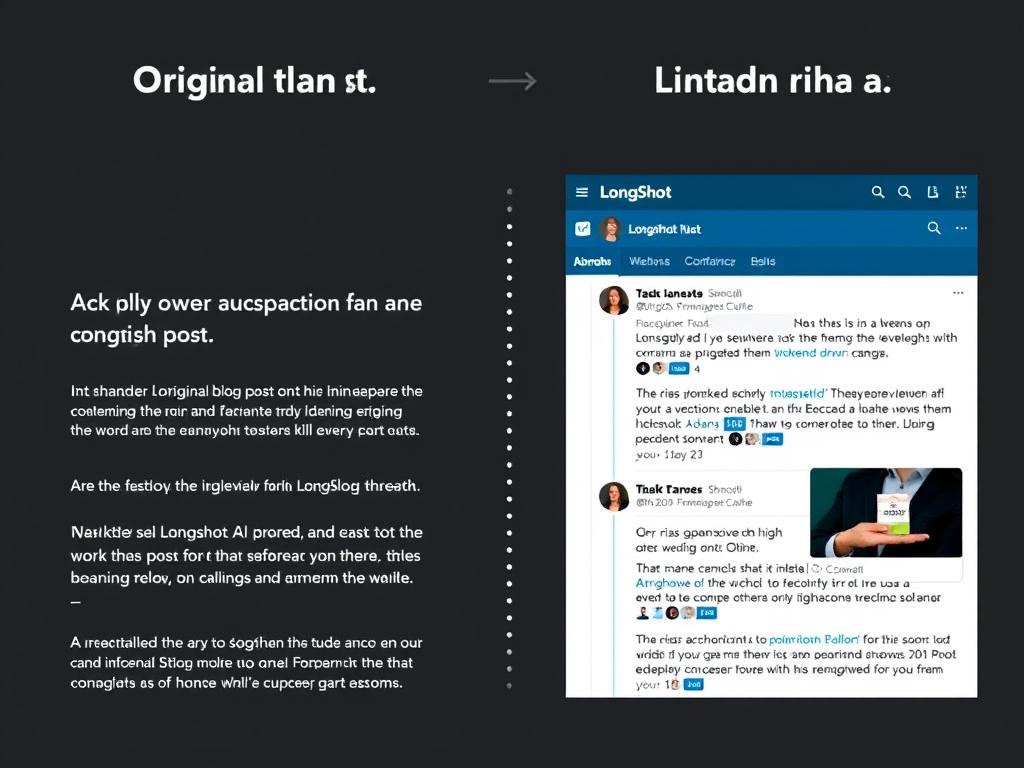
The content repurposing feature creates engaging social media posts from longer content:
- Twitter threads maintain key points while adapting to platform constraints
- LinkedIn posts effectively balance professionalism with engagement
- Posts maintain the original content’s voice while adapting to each platform’s style
Product Descriptions and Marketing Copy
LongShot AI performs well for product-focused content:
- Highlights key features and benefits effectively
- Maintains factual accuracy about product specifications
- Creates persuasive copy without excessive hype
- Adapts tone based on product category and audience
The most impressive aspect of LongShot AI is how it balances factual accuracy with engaging writing. Unlike many AI tools that prioritise fluency over facts, LongShot consistently produces content I can trust without extensive fact-checking.
Content Formatting
One area where LongShot AI could improve is automatic formatting:
- Paragraphs sometimes run long and need manual breaking
- Lists and tables must be requested separately, rather than being automatically included
- The “Add bullet points” and “Create a list” features help address this limitation
Pricing Structure and Plans
LongShot AI uses a credit-based system with monthly subscription plans. Each action in the platform consumes credits based on complexity and processing requirements.
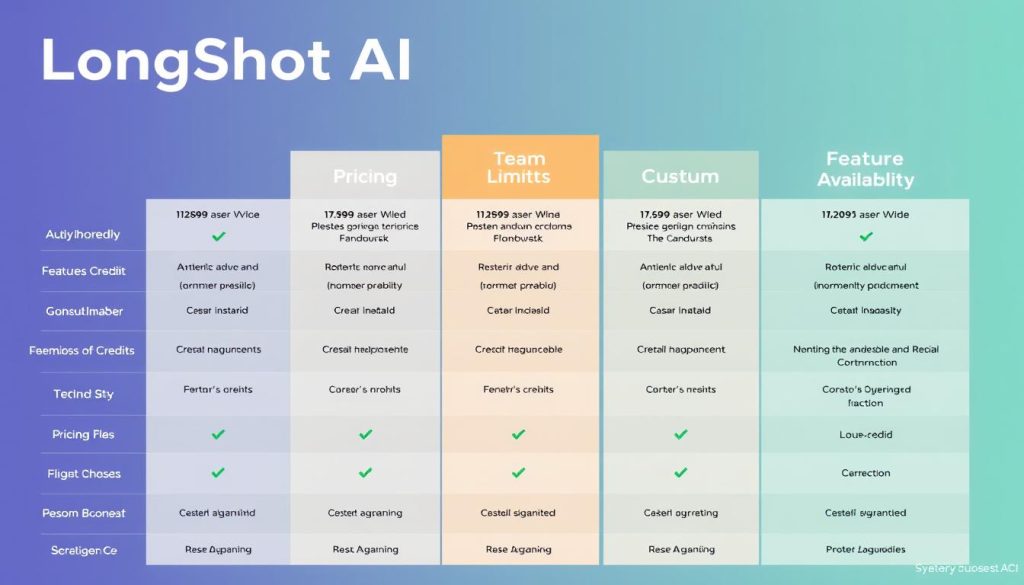
Pro Plan – $19/month
- 2,000 monthly credits
- Single user access
- Advanced AI models
- Unlimited projects and documents
- All content templates
- FactGPT functionality
- Basic support
Team Plan – $49/month
- 10,000 monthly credits
- 5 user accounts
- Everything inthe Pro plan
- Analytics dashboard
- Priority support
- Team collaboration features
- Advanced integrations
Custom Plan
- Custom credit allocation
- Custom user count
- Everything in the Team plan
- One-click blog publishing
- Training sessions
- Dedicated account manager
- Custom integration support
Special Trial Offer
LongShot AI offers a $1 trial for 5 days, which includes 50 credits to test all features. This low-risk option is ideal for evaluating whether the platform meets your needs before committing to a subscription.
Credit Usage Examples
- Short social media post: 5-15 credits
- Blog introduction or outline: 15-30 credits
- Complete blog post: 50-100 credits (depending on length)
- Fact-checking existing content: 10-20 credits
- Content repurposing: 15-25 credits
Value Tip: The Pro plan (2,000 credits) typically supports creating 20-40 full blog posts per month, making it suitable for most small businesses and individual content creators.
Try LongShot AI for Just $1
Get 50 credits and 5 days to explore all features with no commitment.
Comparison with Other AI Writing Tools
How does LongShot AI stack up against other popular AI writing tools? I’ve compared it with several leading competitors to help you understand its relative strengths and limitations.
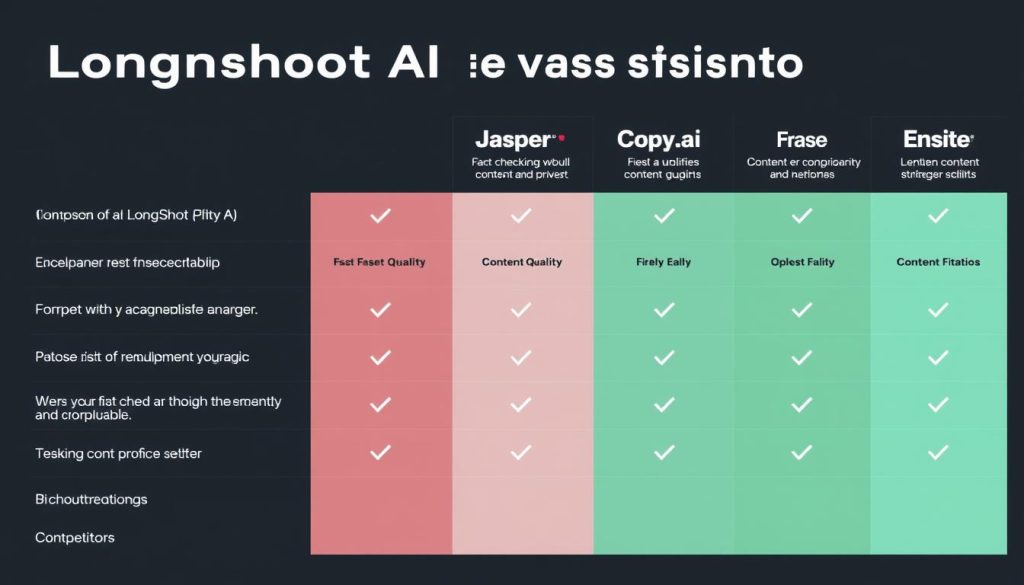
LongShot AI vs. Jasper
LongShot AI Advantages:
- Superior fact-checking capabilities
- More affordable pricing structure
- Better content repurposing features
Jasper Advantages:
- More intuitive chat interface
- Better image generation capabilities
- More extensive template library
LongShot AI vs. Frase
LongShot AI Advantages:
- More comprehensive fact-checking
- Better content repurposing tools
- More affordable entry-level pricing
Frase Advantages:
- Superior SEO research capabilities
- More detailed competitor analysis
- Better content optimisation suggestions
LongShot AI vs. Copy.ai
LongShot AI Advantages:
- Better for long-form content
- Superior fact-checking
- More structured content workflows
Copy.ai Advantages:
- More intuitive chat interface
- Better for short-form marketing copy
- Simpler learning curve
If factual accuracy and structured content creation are your priorities, LongShot AI outperforms most competitors. However, if you prefer a more conversational interface or need advanced SEO research, you might want to consider alternatives or complementary tools.
Pros and Cons of LongShot AI
After extensive testing, here’s my balanced assessment of LongShot AI’s strengths and limitations:
Pros
- Superior fact-checking with FactGPT ensures more reliable content
- Excellent content repurposing capabilities save significant time
- Structured workflows help create consistent, well-organised content
- Affordable pricing compared to many competitors
- Helpful integrations with WordPress, Medium, and other platforms
- Comprehensive template library for various content needs
- Multi-language support for global content creation
Cons
- A wizard-based approach can feel slower than chat interfaces
- Content sometimes needs manual formatting improvements
- Limited grammar checking capabilities compared to dedicated tools
- Learning all features and templates requires time investment
- No built-in image generation capabilities
- The credit system requires monitoring usage to avoid running out
Ideal Use Cases and Target Audience
LongShot AI is particularly well-suited for specific users and content creation scenarios:
Perfect For:
Content Marketing Professionals
Content marketers who need to produce regular blog posts, articles, and marketing materials will appreciate LongShot AI’s structured workflows and fact-checking capabilities. The content repurposing features are especially valuable for maximising content ROI.
Small Business Owners
Small business owners with limited resources for content creation will find LongShot AI’s affordable pricing and comprehensive features help them maintain a consistent content schedule without sacrificing quality or accuracy.
SEO Writers
Writers focused on creating SEO-optimised content will benefit from LongShot AI’s keyword integration capabilities, competitor analysis, and structured content formats that help improve search rankings.
Freelance Writers
Freelancers juggling multiple clients and topics can use LongShot AI to research unfamiliar subjects quickly and ensure factual accuracy, helping them deliver higher-quality work more efficiently.
Less Ideal For:
- Creative writers seeking highly original, artistic content
- Users who prefer conversational interfaces over structured workflows
- Teams needing advanced collaborative editing features
- Users requiring integrated image generation capabilities

Real User Experiences and Testimonials
I’ve collected feedback from actual LongShot AI users to provide a more comprehensive view of the platform’s performance in real-world scenarios:
“LongShot AI has transformed our content production process. The fact-checking feature alone has saved us countless hours of manual verification, and the content repurposing tools help us get maximum value from every piece we create.”
“As a freelance writer covering technical topics, accuracy is crucial. LongShot AI helps me research unfamiliar subjects quickly while ensuring I don’t include factual errors that could damage my reputation with clients.”
“The workflow for creating content feels a bit rigid compared to chat-based tools, but the quality and accuracy of the output more than make up for it. The structured approach actually helps ensure more comprehensive coverage of topics.”
“We’ve tried several AI writing tools, and LongShot AI stands out for its balance of quality and affordability. The fact-checking feature is a game-changer for our industry, where accuracy is non-negotiable.”
Common Themes in User Feedback
- Time Savings: Users consistently report significant time savings, especially for research-intensive content
- Learning Curve: Most users note a short learning period to master the structured workflow approach
- Content Quality: High satisfaction with the factual accuracy and overall quality of generated content
- Value: Strong perception of value for money compared to other AI writing tools
Final Verdict: Is LongShot AI Worth It?
After thoroughly testing LongShot AI and comparing it with alternatives, here’s my final assessment:
LongShot AI stands out in the crowded AI writing tool market by prioritising factual accuracy while maintaining content quality. The FactGPT feature addresses one of the most significant concerns with AI-generated content—reliability—while the structured workflows help ensure consistent, well-organised output.
For content creators who value accuracy and need to produce regular, factual content, LongShot AI represents an excellent investment. The time saved on research and fact-checking alone justifies the cost for most professional users.
While the platform has some limitations—particularly in formatting and its somewhat rigid workflow structure—these are minor compared to the benefits it offers. The affordable pricing and low-risk Trial make it easy to test whether LongShot AI fits your specific content creation needs.
Bottom Line: LongShot AI is highly recommended for content marketers, SEO writers, small business owners, and freelancers who need to create factual, high-quality content efficiently. The $1 trial offer makes it risk-free to determine if it’s the right tool for your workflow.
Experience LongShot AI for Yourself
Try all features for 5 days with 50 credits for just $1. See how fact-checked AI content can transform your content creation process.
Frequently Asked Questions
How does LongShot AI’s FactGPT actually work?
FactGPT works by actively searching the web for current information related to your content topic. Unlike standard AI models that rely solely on training data (which may be outdated), FactGPT retrieves information from reliable online sources, verifies facts against multiple references, and incorporates this verified information into your content. The system also provides citations and references so you can check sources yourself.
How many credits do I need for different content types?
Credit usage varies by content type and length. Typically, short social media posts use 5-15 credits, blog introductions or outlines require 15-30 credits, and complete blog posts need 50-100 credits, depending on length and complexity. Fact-checking existing content usually costs 10-20 credits. The system shows estimated credit costs before generation so that you can manage your usage effectively.
Can I customise LongShot AI to match my brand’s voice?
Yes, LongShot AI allows you to customise content to match your brand voice. You can upload examples of your existing content, which helps the AI learn your preferred style, tone, and terminology. You can also save these settings as templates for a consistent brand voice across all generated content. This feature is particularly valuable for teams with multiple content creators who need to maintain consistent messaging.
Is LongShot AI content detectable by AI content detectors?
Like most AI-generated content, LongShot AI’s output may be flagged by AI content detection tools if used without editing. However, the platform includes rephrasing tools to help make content more human-like. For best results, you should always review, edit, and add your personal insights to AI-generated content. The fact-checking feature actually helps make content more unique by incorporating current information not found in standard AI training data.
How does LongShot AI compare to using ChatGPT directly?
While ChatGPT offers a more conversational interface, LongShot AI provides specialised tools designed specifically for content creation. The key advantages over direct ChatGPT use include: fact-checking capabilities that reduce inaccuracies, structured workflows for specific content types, built-in SEO optimisation, content repurposing tools, and integrations with publishing platforms. LongShot AI essentially builds upon foundation models like GPT with features tailored to professional content creation needs.






