Fotor vs PicMonkey vs BeFunky: AI Photo Editing Tools Comparison

The Growing Importance of AI in Photo Editing
AI photo editing tools have transformed how we enhance and manipulate images. These intelligent systems can now automatically detect subjects, remove backgrounds, enhance colours, and even generate entirely new elements within photos. For content creators, social media managers, and casual photographers alike, AI tools offer a perfect balance of professional results with a minimal learning curve.
The market for AI photo editing tools has experienced significant growth in recent years, with platforms continually introducing new AI-powered features to remain competitive. This technological revolution has democratised photo editing, making professional-quality results accessible to everyone, regardless of their technical skill or artistic background.
Why AI Photo Editing Matters: AI algorithms can analyse images to understand content, lighting, and composition—then make intelligent adjustments that would take hours to accomplish manually. This saves time while often producing superior results compared to basic editing tools.
How We Compared These AI Photo Editing Tools
To provide the most accurate and helpful comparison, we tested each platform extensively using identical images across various editing scenarios. Our evaluation focused on:
- AI feature performance and accuracy
- User interface intuitiveness
- Processing speed and reliability
- Output quality across different image types
- Value for money across subscription tiers
- Mobile app functionality
- Learning resources and support
Each platform was tested on both desktop and mobile devices to ensure a comprehensive evaluation. We also considered how well each tool serves different user types, from beginners to advanced content creators.
AI Photo Editing Tools Comparison Table
| Feature | Fotor | PicMonkey | BeFunky |
| AI Background Removal | Excellent | Very Good | Good |
| AI Portrait Enhancement | Very Good | Excellent | Good |
| AI Object Removal | Good | Very Good | Basic |
| AI Style Transfer | Excellent | Good | Limited |
| Template Library | 3,000+ | 1,000+ | 500+ |
| Mobile App | iOS & Android | iOS & Android | No dedicated app |
| Free Plan | Yes (limited) | 7-day trial only | Yes (limited) |
| Starting Price | $8.99/month | $12.99/month | $6.99/month |
| Cloud Storage | 2GB | Unlimited | Limited |
| Collaboration | Basic | Advanced | Limited |
Ready to try these AI photo editing tools?
Each platform offers different strengths. Start with a free trial to find your perfect match.
Fotor: AI-Powered Photo Editing Made Simple
Key AI Features and Capabilities
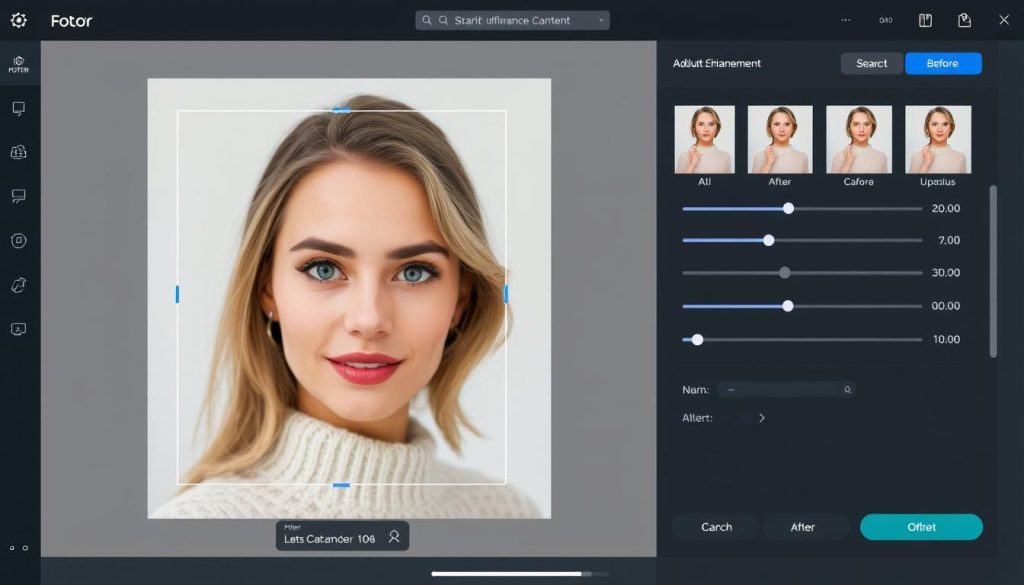
Fotor has positioned itself as a leader in AI-powered photo editing with an impressive array of intelligent features. Its AI Background Remover delivers exceptional precision, accurately detecting and isolating subjects even in complex images. The platform’s AI Portrait Enhancement automatically detects facial features to apply natural-looking improvements to skin texture, lighting, and facial contours.
One of Fotor’s standout AI capabilities is its Style Transfer feature, which can transform ordinary photos into artistic masterpieces by applying the characteristics of famous art styles. The AI HDR effect is awe-inspiring, automatically balancing exposure in challenging lighting conditions without creating the unnatural look often associated with HDR processing.
User Interface and Ease of Use
Fotor’s interface strikes an excellent balance between functionality and simplicity. The clean, intuitive layout organises tools logically, with AI features prominently displayed for easy access. Beginners will appreciate the straightforward workflow that guides users through the editing process, while more experienced editors can access advanced controls when needed.
The platform offers both quick one-click AI enhancements and detailed manual adjustments, making it suitable for both quick edits and more involved projects. Fotor’s design emphasises visual feedback, with real-time previews of AI effects before they’re applied.
Pricing Structure
Fotor offers a tiered pricing model that accommodates different user needs:
- Free Plan: Basic editing tools with limited AI features and Fotor watermarks
- Pro Monthly: $8.99/month with full AI features and no watermarks
- Pro Annual: $39.99/year ($3.33/month) with all Pro features at a significant discount
- Pro+: $119.88/year ($9.99/month) with additional premium features and priority support
Target Audience
Fotor caters primarily to casual photographers, content creators, and social media managers who need professional-looking results without a steep learning curve. Its balance of powerful AI features and user-friendly interface makes it particularly suitable for:
Perfect For:
- Social media content creators
- Small business owners
- Bloggers and online marketers
- Casual photographers
Less Suitable For:
- Professional photographers needing advanced manual controls
- Large teams requiring robust collaboration features
- Users who need extensive layer-based editing
Mobile App Availability
Fotor offers robust mobile apps for both iOS and Android platforms, bringing many of its powerful AI features to smartphones and tablets. The mobile interface is thoughtfully designed for touch interaction, maintaining most of the desktop functionality while adapting to smaller screens.
The mobile app synchronises with the web version, allowing users to start projects on one device and continue on another. Performance is impressive, with AI processing handled efficiently even on mid-range mobile devices.
Experience Fotor’s AI Magic
Transform your photos with powerful AI tools that deliver professional results in seconds.
PicMonkey: Advanced AI Editing with Premium Features
Key AI Features and Capabilities
PicMonkey excels in AI-powered portrait enhancement, offering some of the most sophisticated facial recognition and improvement algorithms in its class. Its Smart Enhance feature intelligently analyses images to apply optimal adjustments to colours, contrast, and sharpness based on image content.
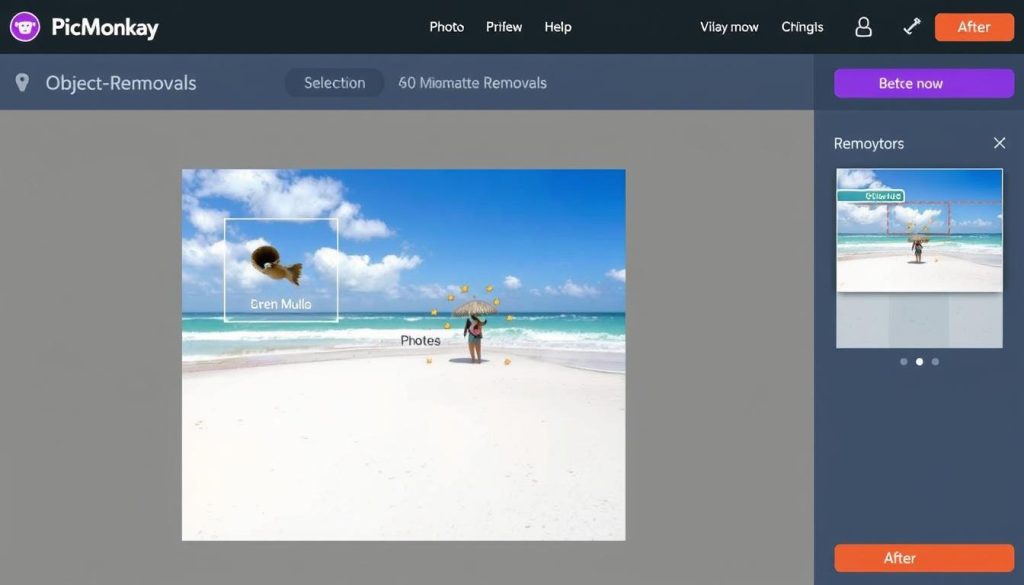
The platform’s AI object removal tool is awe-inspiring, seamlessly erasing unwanted elements and intelligently filling the space with content that matches the surrounding area. PicMonkey also offers AI-powered Smart Resize, which automatically adjusts compositions when changing dimensions to ensure essential elements remain properly framed.
User Interface and Ease of Use
PicMonkey boasts a polished, professional interface that strikes a balance between power and accessibility. The workspace is highly customizable, allowing users to organise tools according to their workflow preferences. While slightly more complex than Fotor, PicMonkey’s interface remains approachable for most users after a brief period of learning.
The platform excels in providing contextual guidance, with helpful tooltips and suggestions appearing as users navigate different features. This makes it easier to discover and utilise PicMonkey’s extensive toolset without feeling overwhelmed.
Pricing Structure
PicMonkey positions itself as a premium option with pricing to match:
- Basic Plan: $12.99/month or $119.88/year ($9.99/month)
- Pro Plan: $23.99/month or $239.88/year ($19.99/month)
- Business Plan: $33.99/month or $359.88/year ($29.99/month)
- 7-day free trial available for all plans
Target Audience
PicMonkey targets more serious content creators and businesses that require advanced editing capabilities and collaboration features. Its comprehensive toolset and premium positioning make it ideal for:
Perfect For:
- Marketing teams and agencies
- Professional content creators
- E-commerce businesses
- Semi-professional photographers
Less Suitable For:
- Budget-conscious casual users
- Beginners looking for simple, quick edits
- Users who primarily edit on mobile devices
Mobile App Availability
PicMonkey offers mobile apps for both iOS and Android that maintain most of the desktop functionality. The mobile interface is well-designed, though some of the more advanced features work better on larger screens. Cloud synchronisation works seamlessly between devices, allowing for a smooth workflow transition between desktop and mobile.
The mobile apps include PicMonkey’s AI capabilities, though processing-intensive tasks may run more slowly on older devices. Touch interface adaptations are thoughtfully implemented, allowing for precise editing even on smaller screens.
Elevate Your Visual Content with PicMonkey
Access premium AI editing tools and collaboration features perfect for professionals.
BeFunky: Affordable AI Editing with Creative Options

Key AI Features and Capabilities
BeFunky offers a growing suite of AI-powered tools that focus on creative transformation rather than technical perfection. Its AI background remover performs adequately for most common scenarios, though it may struggle with complex edges compared to its competitors.
Where BeFunky shines is in its creative AI tools, particularly its one-click photo effects, which utilise AI to analyse images and apply appropriate artistic transformations. The platform’s AI-powered Smart Photo Enhance feature automatically enhances images by analysing content and making intelligent adjustments to exposure, colour, and detail.
User Interface and Ease of Use
BeFunky offers perhaps the most approachable interface of the three platforms, with a straightforward layout that emphasises simplicity. Tools are organised into logical categories, making it easy for beginners to find what they need without feeling overwhelmed by options.
The platform’s workflow is highly linear and guided, making it easy to stay on track during the editing process. This simplicity comes at the cost of some advanced functionality, but for many users, the trade-off results in a more enjoyable and stress-free editing experience.
Pricing Structure
BeFunky offers the most affordable pricing among the three platforms:
- Free Plan: Basic editing with limited features and a BeFunky watermark
- Plus Monthly: $6.99/month with full access to all features
- Plus Annual: $59.88/year ($4.99/month) with all Plus features at a discount
- Team Plans: Custom pricing for multiple users
Target Audience
BeFunky is ideal for casual users and creative hobbyists who want to create visually appealing content without investing a significant amount of time or money. Its accessible approach makes it perfect for:
Perfect For:
- Budget-conscious casual users
- Creative hobbyists
- Social media enthusiasts
- Small business owners with basic needs
Less Suitable For:
- Professional photographers
- Users needing advanced AI capabilities
- Teams requiring collaboration features
- Mobile-first users
Mobile App Availability
Unlike its competitors, BeFunky does not offer dedicated mobile apps. Instead, it provides a mobile-responsive web interface that can be accessed through smartphone browsers. While functional, this approach lacks the performance and convenience of native apps, particularly for offline editing.
The mobile web experience maintains most core functionality but can feel cramped on smaller screens. Users primarily working on mobile devices may find Fotor or PicMonkey more suitable for on-the-go editing.
Try BeFunky’s Creative AI Tools
Get started with affordable, easy-to-use AI photo editing that won’t break your budget.
Performance Comparison: AI Features Head-to-Head
AI Background Removal
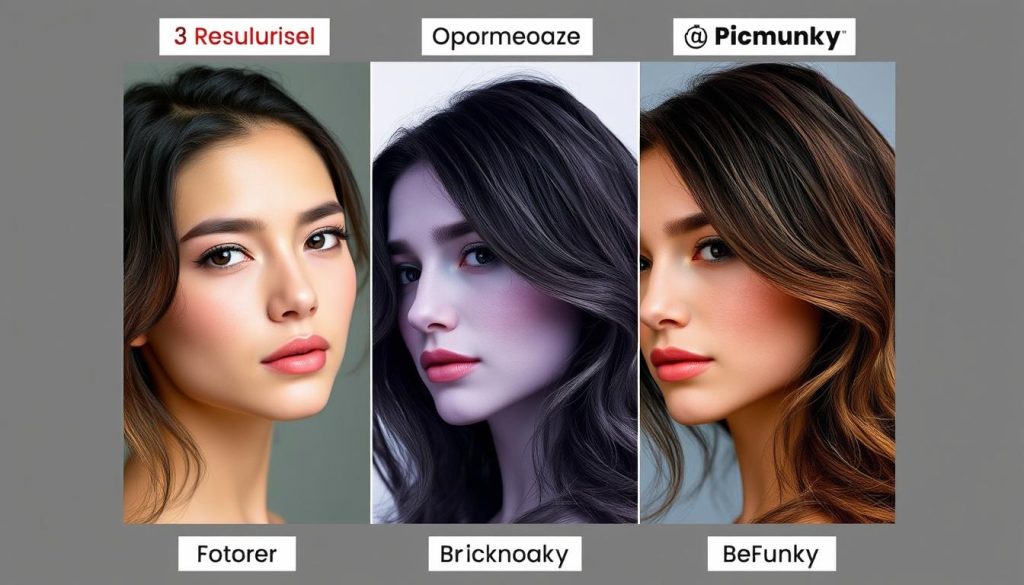
Fotor
Fotor’s AI background removal delivers exceptional edge detection, particularly around complex elements like hair and transparent objects. Processing takes approximately 5-8 seconds, with results that rarely require manual refinement.
PicMonkey
PicMonkey performs very well with background removal, although it occasionally struggles with fine details, such as stray hairs. Processing time averages 6-10 seconds, with results that sometimes benefit from minor manual touch-ups.
BeFunky
BeFunky’s background removal is adequate for simple subjects but struggles with complex edges and transparent elements. Processing takes 8-12 seconds, and results often require significant manual refinement.
AI Portrait Enhancement
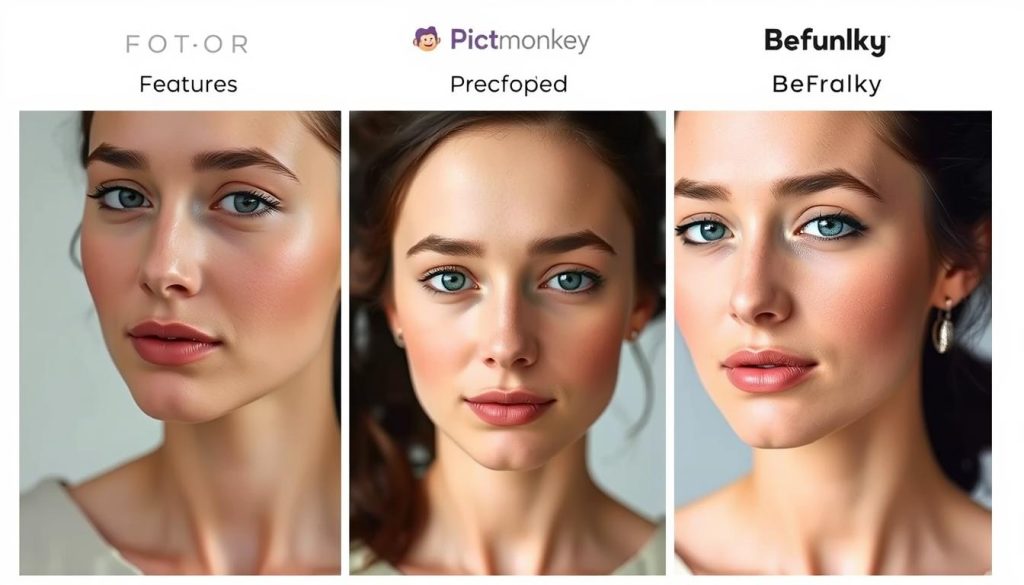
Fotor
Fotor’s portrait enhancement delivers natural-looking improvements to skin texture and facial features. It strikes a good balance between enhancement and authenticity, avoiding the “plastic” look often associated with AI portrait editing.
PicMonkey
PicMonkey excels in portrait enhancement with sophisticated facial recognition and subtle, practical improvements. Its AI shows remarkable understanding of facial structure, delivering professional results with minimal effort.
BeFunky
BeFunky’s portrait enhancement is functional but less sophisticated than its competitors. Results can sometimes appear artificial, particularly with stronger enhancement settings; however, basic improvements are generally satisfactory.
AI Object Removal
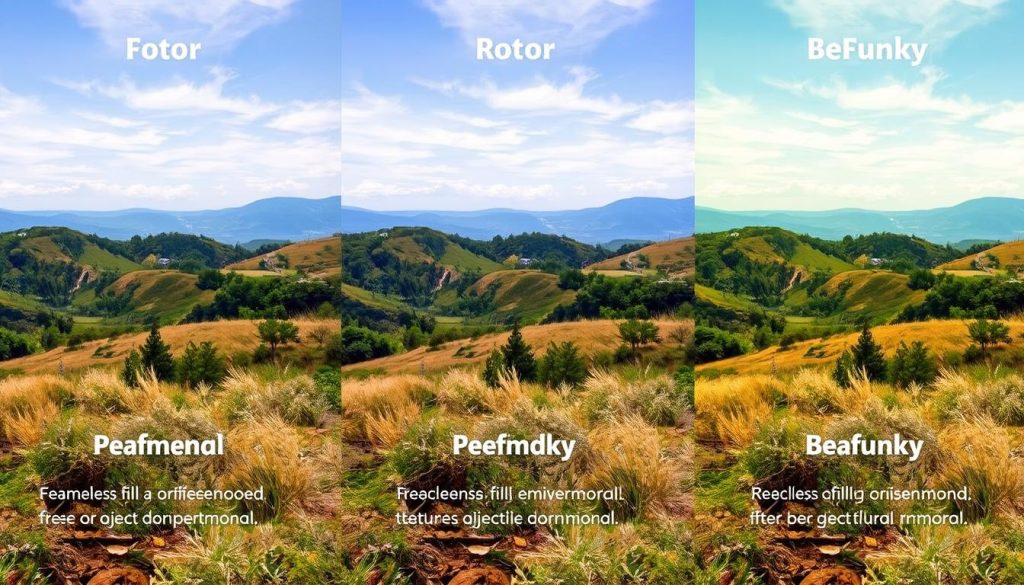
Fotor
Fotor’s object removal works well for simpler scenarios but can struggle with complex backgrounds. The AI generates reasonable fill content for removed objects, though results may require manual refinement in challenging cases.
PicMonkey
PicMonkey offers impressive object removal capabilities, intelligently analysing surrounding content to create natural-looking replacements. It handles moderately complex backgrounds well, although very detailed scenes may still pose a challenge to the AI.
BeFunky
BeFunky’s object removal is basic compared to competitors, working adequately for small objects against simple backgrounds but struggling with larger removals or complex scenes. Results often require significant manual touch-up.
Platform Stability and Reliability
We tested each platform through multiple editing sessions to evaluate stability, load times, and overall reliability:
Fotor
Fotor demonstrated excellent stability across both web and mobile platforms, with minimal lag even when processing complex AI operations. The platform experienced no crashes during our testing period and maintained consistent performance across different device types.
PicMonkey
PicMonkey performed reliably overall, though we noticed occasional slowdowns when working with multiple layers or complex effects. The platform required more system resources than its competitors but remained stable throughout testing on modern hardware.
BeFunky
BeFunky offered the lightest resource footprint of the three platforms, with quick loading times and responsive performance even on older devices. The web-based mobile experience occasionally suffered from browser limitations, but the desktop experience was consistently smooth.
Best Tool for Different Use Cases
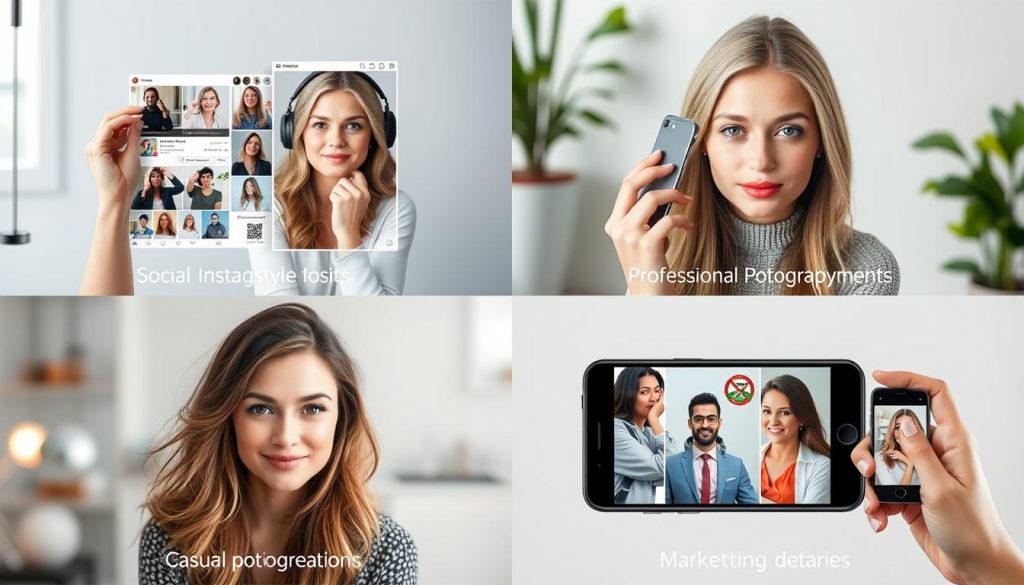
Social Media Content Creation
For creating engaging social media content across multiple platforms, Fotor emerges as the ideal choice. Its combination of quick AI enhancements, extensive template library, and platform-specific presets streamlines the content creation process.
Fotor’s one-click AI tools enable rapid batch processing of images, while its intuitive resizing features automatically optimise content for various social platforms. The mobile app makes on-the-go editing particularly convenient for social media managers and influencers who need to maintain consistent posting schedules.
Why Fotor Works Best
- Platform-specific templates and dimensions
- Quick AI enhancements perfect for high-volume content
- Strong mobile app for editing anywhere
- Excellent background removal for product showcases
Professional Photography Editing
For professional photographers and serious enthusiasts, PicMonkey provides the most sophisticated AI editing capabilities. Its advanced portrait enhancement, precise object removal, and detailed adjustment controls deliver the quality needed for professional work.
PicMonkey’s layer-based editing system offers greater control over complex compositions, while its AI tools strike an excellent balance between automation and customisation. The platform’s non-destructive editing workflow also aligns with professional practices, enabling experimentation without compromising the original assets.
Why PicMonkey Works Best
- Superior portrait enhancement algorithms
- Advanced layer-based editing
- Precise control over AI adjustments
- Professional-grade output quality
Graphic Design Projects
For graphic design work that combines photos with text, illustrations, and branding elements, PicMonkey offers the most comprehensive toolset. Its robust text editing, shape manipulation, and brand kit features make it ideal for creating marketing materials, presentations, and branded content.
PicMonkey’s collaboration features also make it suitable for design teams working on shared projects. The platform’s extensive font library, customizable templates, and precise alignment tools provide the control needed for professional design work.
Why PicMonkey Works Best
- Comprehensive text and typography tools
- Brand kit for consistent design elements
- Strong collaboration features
- Extensive template library for various design needs
Quick Casual Edits
For users who want to enhance their personal photos with minimal effort quickly, BeFunky provides the most straightforward experience. Its simple interface, one-click enhancements, and creative filters make casual editing accessible to users of all skill levels.
BeFunky’s focus on simplicity means less time navigating complex menus and more time actually improving images. The platform’s affordable pricing also makes it attractive for occasional users who don’t need advanced features or don’t edit photos frequently enough to justify a higher subscription cost.
Why BeFunky Works Best
- Most straightforward, most intuitive interface
- One-click creative effects
- Most affordable pricing
- Low learning curve for beginners
Learning Resources and Support
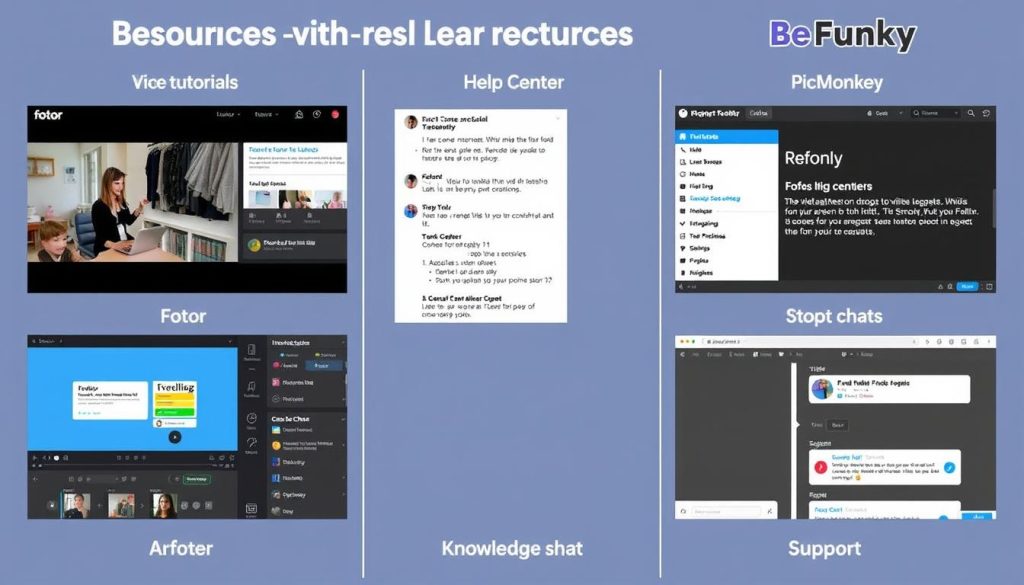
Fotor
Fotor offers comprehensive learning resources, including:
- Video tutorials covering basic to advanced features
- Searchable knowledge base with step-by-step guides
- Active user community forum
- Email support (24-48 hour response time)
- Live chat for Pro+ subscribers
The platform excels in providing contextual help within the editor itself, offering tooltips and guided workflows to support new users.
PicMonkey
PicMonkey invests heavily in educational content:
- Extensive video tutorial library
- Detailed blog with techniques and inspiration
- Weekly webinars for subscribers
- Priority email support (12-24-hour response)
- Live chat for all paid subscribers
- Phone support for Business plan members
The platform’s learning resources are particularly well-structured for progressive skill development.
BeFunky
BeFunky focuses on simplicity in its support offerings:
- Basic video tutorials covering essential features
- Simple help centre with common questions
- Email support (24-72 hour response time)
- Limited contextual help within the editor
- Active social media channels for community support
While less comprehensive than competitors, BeFunky’s resources align well with its focus on simplicity and ease of use.
Final Verdict: Which AI Photo Editor Is Right For You?
Best Overall: Fotor
Fotor earns our top recommendation for most users thanks to its excellent balance of powerful AI features, intuitive interface, and reasonable pricing. Its standout AI background removal and style transfer capabilities deliver professional results with minimal effort, while its comprehensive template library supports a wide range of creative projects.
The platform’s mobile apps extend its functionality to on-the-go editing, making it a versatile solution for both casual and serious users. While it may lack some of the advanced features found in PicMonkey, Fotor’s more accessible learning curve and lower price point make it the better choice for the majority of users.
Best for Professionals: PicMonkey
For professional photographers, designers, and marketing teams, PicMonkey’s advanced capabilities justify its premium pricing. The platform’s sophisticated AI portrait enhancement, precise object removal, and robust layer-based editing provide the control and quality needed for professional work.
PicMonkey’s collaboration features and brand management tools also make it the superior choice for team environments where a consistent visual identity is crucial. While it requires a steeper learning curve and higher investment, the results justify the additional effort and cost for professional users.
Best Budget Option: BeFunky
BeFunky offers the most affordable entry point into AI photo editing without sacrificing essential functionality. Its straightforward interface and focus on one-click enhancements make it perfect for casual users who want to improve their photos without investing significant time or money in the process.
While its AI capabilities may not be as advanced as those of its competitors, BeFunky delivers satisfactory results for basic editing needs at a fraction of the cost. For budget-conscious users or those who edit photos infrequently, BeFunky offers excellent value.
Ready to transform your photos with AI?
Choose the platform that best matches your needs and start creating stunning images today.
Try Fotor (Best Overall)
Try PicMonkey (Best for Pros)
Try BeFunky (Best Budget)
Conclusion: The Future of AI Photo Editing

The AI photo editing landscape continues to evolve rapidly, with platforms like Fotor, PicMonkey, and BeFunky constantly improving their intelligent capabilities. As machine learning algorithms become more sophisticated, we can expect even more impressive automated editing features that further reduce the technical barriers to creating professional-quality images.
Each of the platforms we’ve compared offers distinct advantages for different user types and editing needs. Fotor provides the best overall balance of features, usability, and price for most users. PicMonkey delivers the advanced capabilities and control needed by professionals. BeFunky provides an accessible and affordable entry point for casual users and those on a tight budget.
Ultimately, the best AI photo editing tool for you depends on your specific needs, technical comfort level, and budget. We recommend taking advantage of the complimentary trials offered by each platform to experience their interfaces and capabilities firsthand before committing to a subscription.
As AI technology continues to advance, we can look forward to even more intuitive editing experiences that allow us to focus on creative vision rather than technical execution. The democratisation of photo editing through AI tools like these represents a significant shift in visual content creation, making professional-quality results accessible to everyone regardless of technical skill or artistic background.
Can I use these AI photo editors professionally?
Yes, all three platforms offer commercial licensing for their paid plans, allowing you to use edited images professionally. PicMonkey is particularly well-suited for professional use, thanks to its advanced features and collaboration tools, while Fotor offers a good balance of professional capabilities at a more accessible price point. BeFunky can handle basic professional needs but may lack some advanced features required for high-end work.
Do I need to be online to use these AI photo editors?
Yes, all three platforms require an internet connection as their AI processing occurs in the cloud. None offer fully functional offline modes, though Fotor and PicMonkey’s mobile apps can save projects locally for later online editing. If offline editing is essential to your workflow, you might need to consider traditional desktop software instead.
How do these AI photo editors compare to Adobe Photoshop?
Adobe Photoshop offers more comprehensive manual editing capabilities and greater precision than these AI-focused platforms, but requires significantly more technical knowledge and a steeper learning curve. The AI tools we’ve compared excel at automating everyday editing tasks and making professional results accessible to non-experts. Many professionals utilise both types of tools—AI editors for quick enhancements and Photoshop for detailed, precise work that requires complete control.
Will these AI photo editors work on my older computer?
Since these are primarily cloud-based platforms, they can work on older hardware as long as you have a stable internet connection and an updated browser. BeFunky has the lightest system requirements, making it the best choice for older computers. PicMonkey is the most resource-intensive, particularly when working with complex projects. For all platforms, performance will be better on more recent hardware, especially when previewing AI effects in real-time.