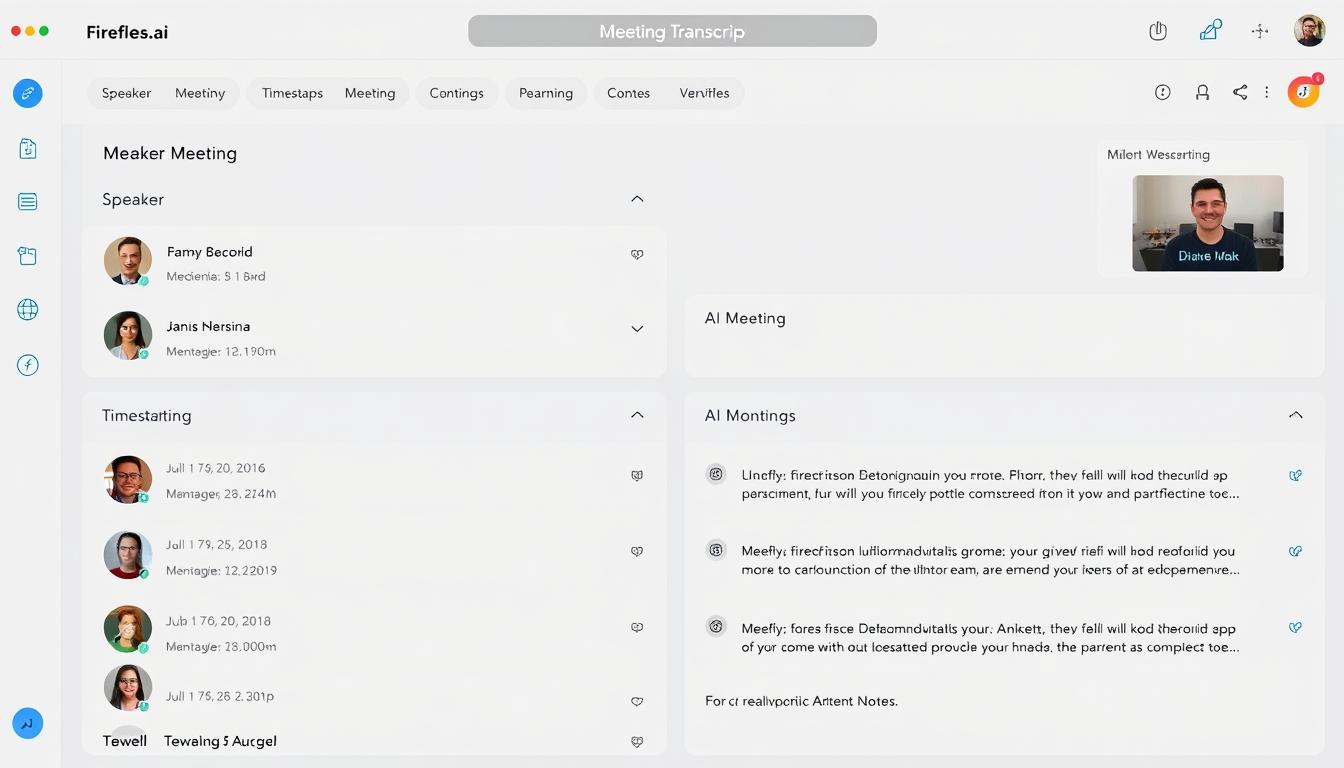
Fireflies.ai Review: Automatically Record and Transcribe Your Meetings in 2025

In this comprehensive Fireflies.ai review, we’ll explore how this AI meeting assistant works, analyse its core features, break down pricing plans, and help you determine if it’s the right solution for your meeting documentation needs. Let’s dive in and see if Fireflies.ai delivers on its promises.
What is Fireflies.ai? A Complete Overview
Fireflies.ai is an AI-powered meeting assistant that automatically records, transcribes, and analyses your conversations across various meeting platforms. Its core purpose is to eliminate manual note-taking and create searchable, shareable meeting documentation that teams can reference anytime.
Founded in 2016, Fireflies.ai has grown significantly and recently reached unicorn status with a $1 billion valuation. The platform serves a diverse range of users from individual professionals to enterprise teams across sales, marketing, customer success, HR, and education sectors.
How Fireflies.ai Works
Fireflies.ai operates by joining your meetings as a participant (nicknamed “Fred”) through calendar integrations. When invited to a meeting, Fred records the conversation, transcribes it in real-time, and generates AI-powered summaries and action items. The platform supports primary video conferencing tools, including Zoom, Microsoft Teams, Google Meet, and others.
Ready to stop taking manual meeting notes?
Try Fireflies.ai free and let AI handle your meeting documentation.
Fireflies.ai Key Features: Beyond Basic Transcription
Automatic Recording and Transcription
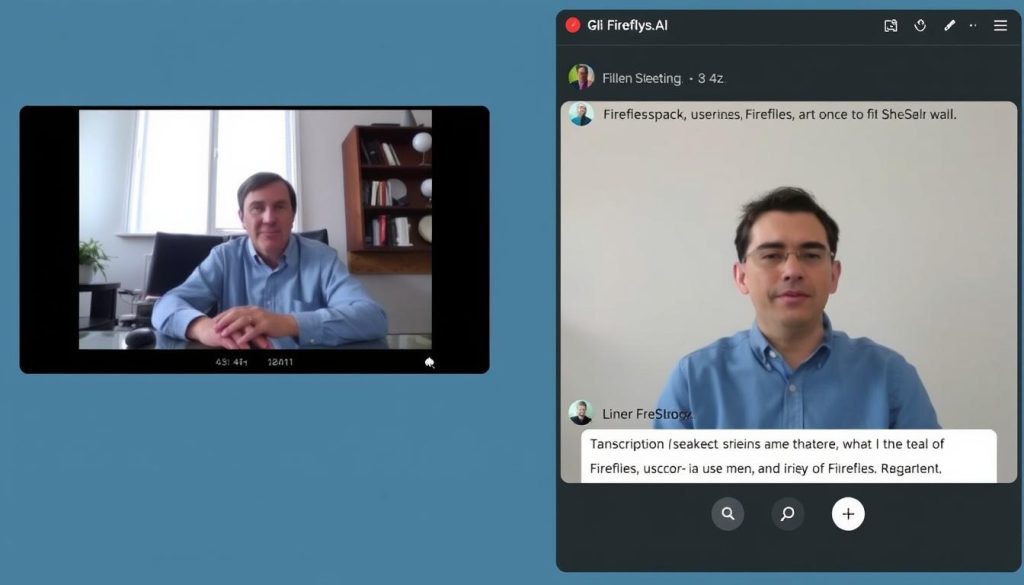
At its core, Fireflies.ai excels at capturing meeting content without manual intervention. The platform offers:
- Seamless calendar integration that allows Fred to join scheduled meetings automatically
- Support for major platforms, including Zoom, Google Meet, Microsoft Teams, Webex, and more
- Claimed 90-95% transcription accuracy under ideal conditions
- Support for over 40+ languages (though requiring manual language selection)
- Speaker identification that distinguishes between different participants
In our testing, Fireflies.ai performed well in clear audio environments with English speaker. However,h accuracy did decrease with heavy accents, background noise, or technical jargon – a standard limitation across most transcription tools.
AI-Powered Meeting Insights
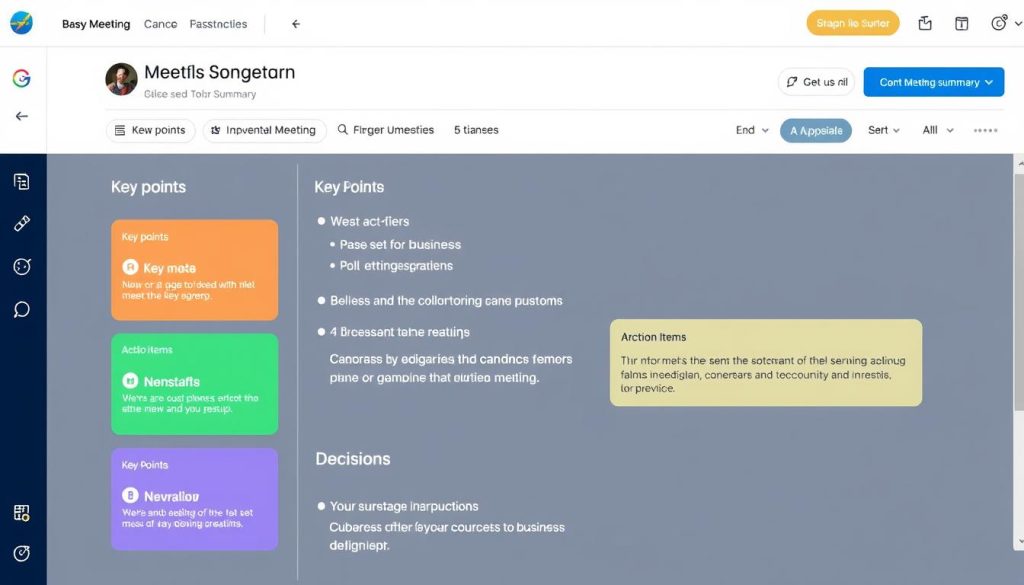
Fireflies.ai goes beyond basic transcription with its AI assistant “Fred”, whichanalysess meeting content to extract valuable insights:
- AI-generated meeting summaries that capture key discussion points
- Automatic extraction of action items and tasks with assignees
- Topic detection that organises conversations by subject
- Sentiment analysis to gauge participant reactions (though limited to basic positive/negative detection)
- Speaker analytics that track talk time and engagement
The “Ask Fred” feature allows you to query your meeting content using natural language, similar to chatting with an AI assistant about your conversation. This proves particularly useful for quickly retrieving specific information without scrolling through entire transcripts.
Search and Organisation
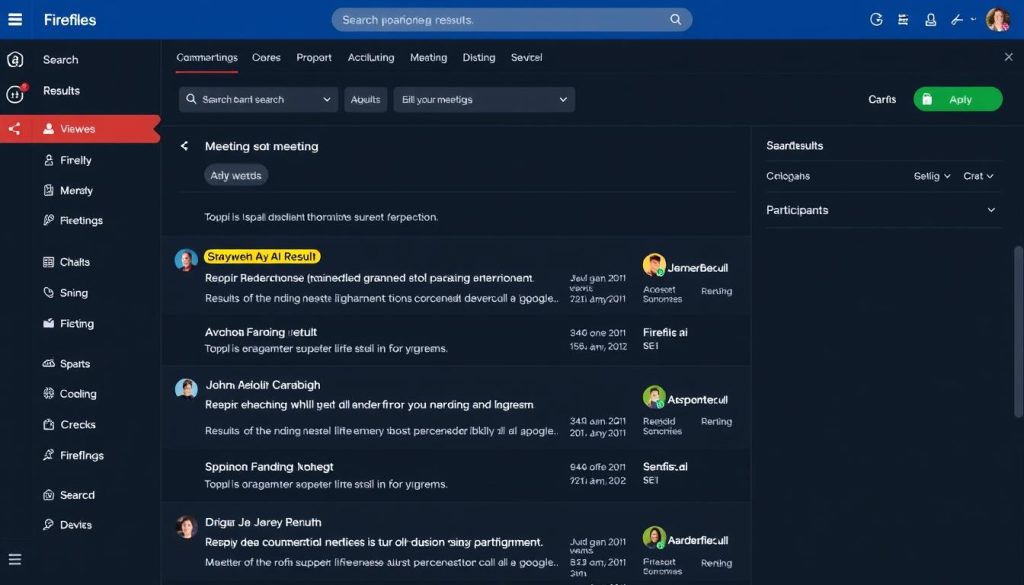
Fireflies.ai excels at making meeting content discoverable and functional after the fact:
- Smart Search functionality for finding specific moments across all your meetings
- Topic Trackers that identify and tag relevant keywords
- Bookmarking important moments for quick reference
- Soundbites feature for creating and sharing short audio clips
- Organised meeting library with filters and sorting options
Integrations and Workflow
Fireflies.ai connects with your existing tech stack to streamline information flow:
- CRM integrations with Salesforce, HubSpot, and others for automatic meeting documentation
- Collaboration tools like Slack, Notion, and Asana for sharing insights
- Calendar integrations with Google Calendar, Outlook, and more
- Zapier supports connecting with thousands of other applications
- API access for custom integrations (on Business and Enterprise plans)
See Fireflies.ai in action
Experience how Fireflies.ai can transform your meeting workflow.
User Experience: How Fireflies.ai Performs in Real-World Settings
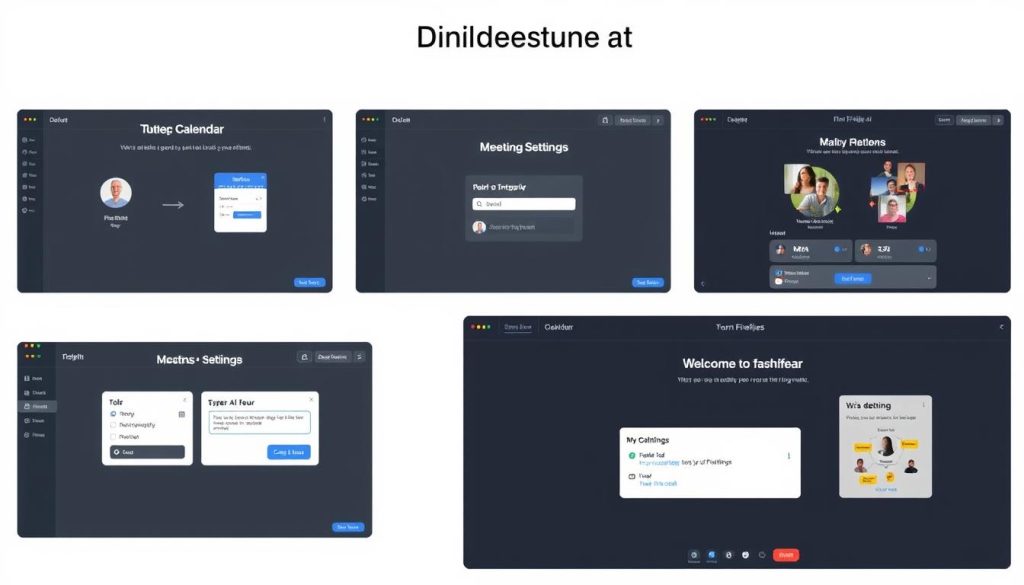
Onboarding and Setup
Getting started with Fireflies.ai is relatively straightforward but comes with a few notable considerations:
Pros
- No downloads required for basic functionality
- Quick signup process with work email
- Intuitive calendar integration
- Optional Chrome extension and mobile app for enhanced features
Cons
- Calendar access is mandatory – no opt-out option
- Free plan settings can be confusing with conditional limitations
- Some users report unexpected upsells during setup
- Limited customisation for meeting join settings
A key point to note: Fireflies.ai requires calendar access to function. If you don’t grant this permission, you’ll be unable to use the service – a limitation not clearly communicated during signup.
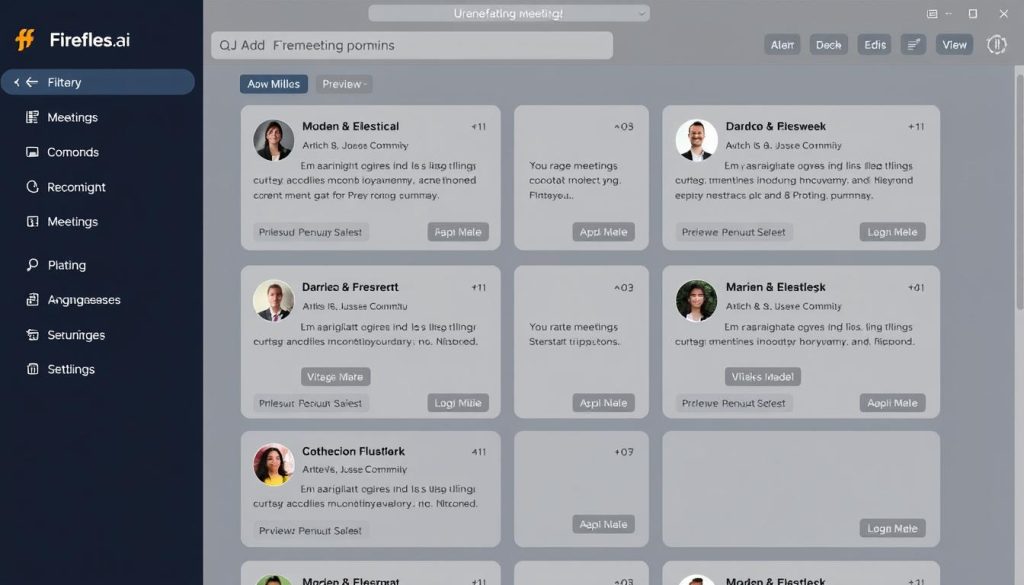
Interface and Usability
Fireflies.ai offers a clean, modern interface that organises your meeting content effectively:
- Intuitive dashboard with recent and upcoming meetings
- Meeting cards that display AI-generated summaries at a glance
- Transcript viewer with speaker identification and timestamps
- Split-view mode showing transcript alongside notes or summaries
- Mobile app for on-the-go access to meeting content
While generally user-friendly, some areas of the interface could be more intuitive. The live transcription feature, for example, can be difficult to locate during meetings, and the distinction between notes and transcript tabs sometimes confuses new users.
Performance and Reliability
Based on user feedback and our testing, Fireflies.ai delivers consistent performance with some limitations:
Most users report satisfaction with Fireflies.ai’s core functionality, though some mention occasional processing delays and transcription errors with complex audio environments or strong accents.
Fireflies.ai Pricing: Plans and Value Analysis
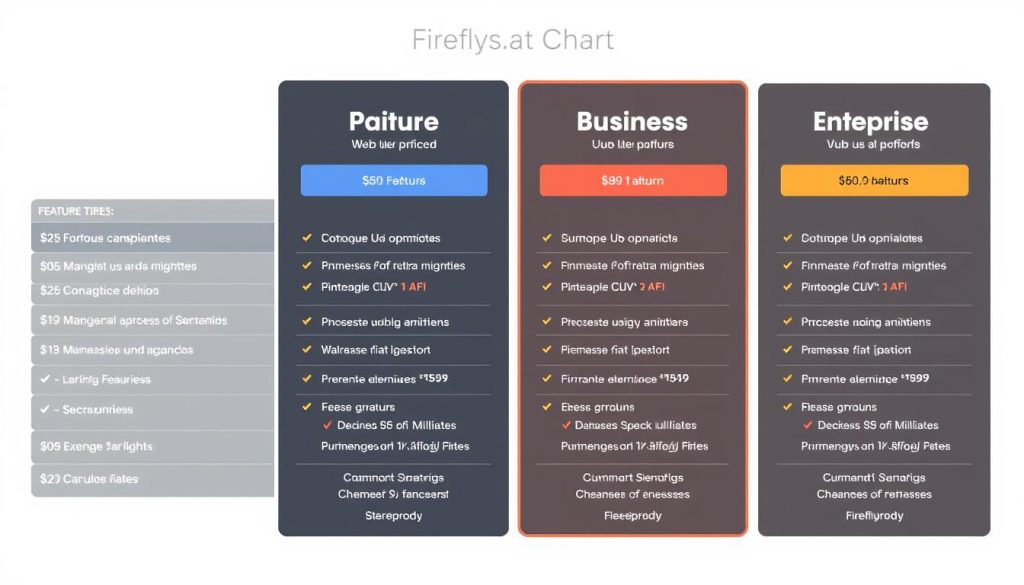
Fireflies.ai offers a tiered pricing structure with four plans designed to accommodate different user needs, from individuals to enterprise teams:
| Plan | Price | Storage | Key Features | Best For |
| Free | $0 | 800 minutes | Basic transcription, limited AI summaries, standard integrations | Individuals testing the platform |
| Pro | $10/user/month (annual billing) | 8,000 minutes | Unlimited transcription, unlimited AI summaries, all integrations, speaker analytics | Solopreneurs and small teams |
| Business | $19/user/month (annual billing) | Unlimited | Video recording, team workspace, conversation intelligence, API access | Growing teams needing advanced features |
| Enterprise | $39/user/month (annual billing) | Unlimited | SSO, HIPAA compliance, custom data retention, dedicated support | Large organisations with security requirements |
Important Pricing Considerations
While Fireflies.ai’s free plan advertises “unlimited transcription,” there’s a significant caveat: this only applies if you allow Fireflies to join all your meetings and send recaps to all participants. Otherwise, you’re limited to just 10 transcriptions per month.
Other pricing considerations to be aware of:
- Video recording is only available on Business and Enterprise plans
- Regular users can quickly consume the free plan’s 800-minute storage
- Some users report unexpected charges and complex cancellation processes
- AI credits system can lead to additional costs beyond the base subscription
- Monthly billing increases prices by approximately 25% compared to annual plans
Start with Fireflies.ai’s Free Plan
Test Fireflies.ai’s capabilities without commitment before choosing a paid plan.
Who Should Use Fireflies.ai? Key Use Cases
Fireflies.ai serves diverse professional needs across multiple industries. Here are the primary use cases where it delivers the most value:
Sales Teams
Sales professionals benefit from Fireflies.ai through:
- Automatic logging of customer calls and demos in CRM systems
- Creation of searchable libraries of sales conversations
- Extraction of customer pain points and objections
- Tracking of competitor mentions and market intelligence
- Sharing successful pitch techniques across the team
Marketing and Customer Success
Marketing and customer-facing teams leverage Fireflies.ai for:
- Capturing customer feedback and testimonials
- Documenting product requirements from stakeholders
- Recording brainstorming sessions and campaign planning
- Creating content from expert interviews
- Tracking customer sentiment and satisfaction
HR and Recruiting
Human resources professionals use Fireflies.ai to:
- Document candidate interviews without manual note-taking
- Create searchable records of performance reviews
- Capture training sessions for future reference
- Track action items from team meetings
- Maintain compliance with documentation requirements
Education and Research
Educators and researchers benefit from:
- Recording and transcribing lectures and seminars
- Creating searchable archives of research interviews
- Generating study materials from recorded sessions
- Collaborating on academic projects with shared notes
- Making educational content accessible through transcripts
Fireflies.ai Pros and Cons: The Complete Picture
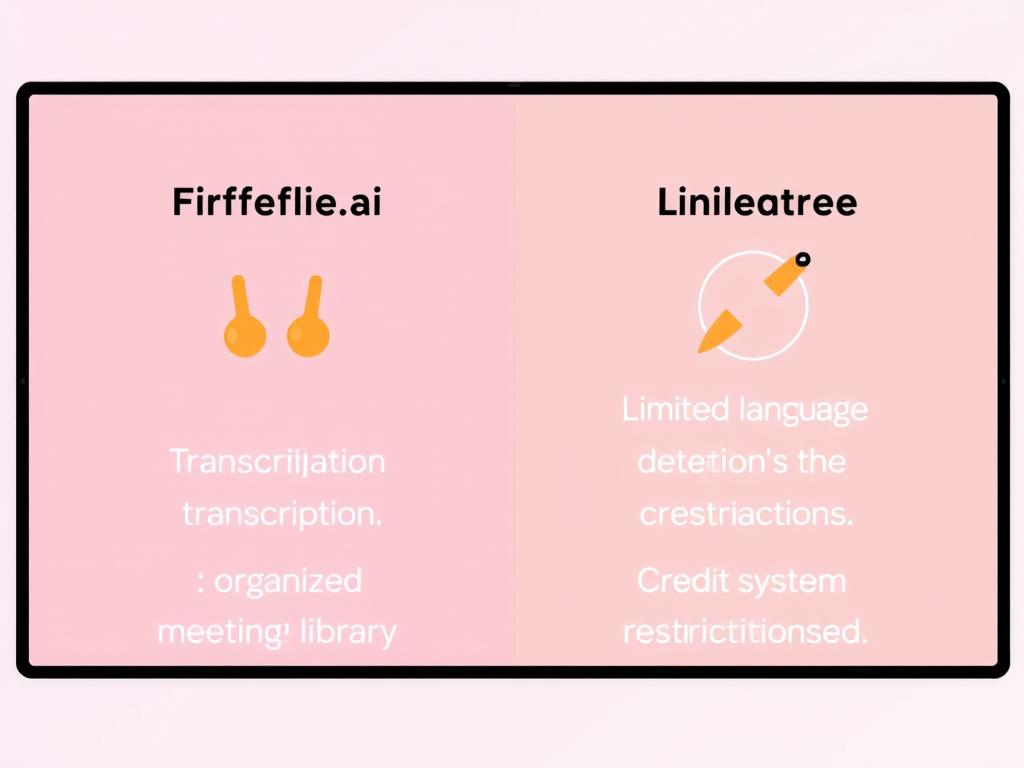
After thorough testing and analysis of user feedback, here’s our balanced assessment of Fireflies.ai’s strengths and limitations:
Pros
- Highly accurate transcription under ideal conditions
- Intuitive meeting organisation and searchability
- Useful AI summaries and action item extraction
- Strong integration ecosystem with major platforms
- Capable AI assistant (Fred) for querying meeting content
- Clean, modern user interface
- No downloads required for core functionality
- Competitive pricing for basic features
Cons
- No automatic language detection (needed manual selection)
- Video recording is limited to higher-tier plans
- Calendar access is mandatory with no alternative options
- Free plan has significant limitations despite “unlimited” claims
- AI credit system can lead to unexpected costs
- Limited multi-meeting intelligence (can’t analyse trends across calls)
- English-only interface lacks localisation
- Some users report billing issues and difficulty with cancellation
“Fireflies.ai excels at its core mission of capturing and organising meeting content, but falls short in areas like language support, video recording accessibility, and transparent pricing. It’s a solid tool for English-speaking teams with straightforward meeting documentation needs.”
How Does Fireflies.ai Compare to Alternatives?
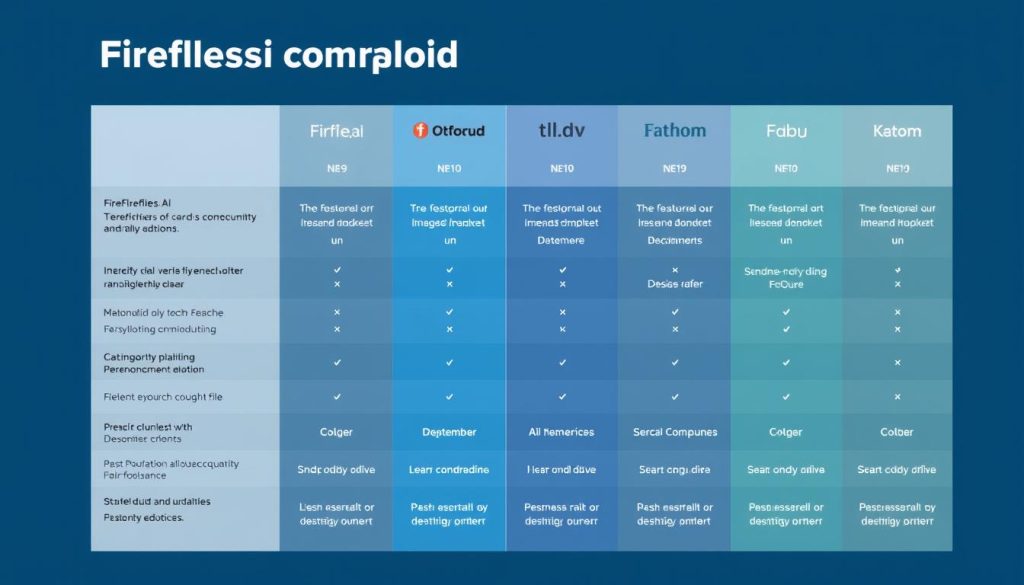
The AI meeting assistant market has grown increasingly competitive. Here’s how Fireflies.ai stacks up against its major competitors:
| Feature | Fireflies.ai | Otter.ai | tl;dv | Fathom |
| Free Plan | Yes (800 min storage) | Yes (300 min/month) | Yes (unlimited) | Limited trial |
| Starting Price | $10/user/month | $8.33/user/month | $15/user/month | $19/user/month |
| Video Recording | Business plan only | No | All plans | All plans |
| Auto Language Detection | No | No | Yes | No |
| Multi-meeting Analysis | Limited | Basic | Advanced | Basic |
| CRM Integration | Strong | Basic | Advanced | Basic |
| UI Localization | English only | Limited | 7 languages | English only |
| Best For | General meeting notes | Real-time collaboration | Sales teams, global orgs | Quick summaries |
Key Competitive Differences
- vs. Otter.ai: Fireflies offers stronger CRM integrations and better meeting organisation, while Otter excels at real-time collaboration and has a lower starting price.
- vs. tl;dv: tl;dv provides video recording on all plans, automatic language detection, and multi-meeting intelligence, while Fireflies offers a more affordable entry point.
- vs. Fathom: Fathom focuses on quick summaries and simplicity, while Fireflies provides more comprehensive meeting documentation and organisation.
Compare Fireflies.ai Plans Yourself
Explore Fireflies.ai’s features and see which plan fits your needs.
What Real Users Say About Fireflies.ai
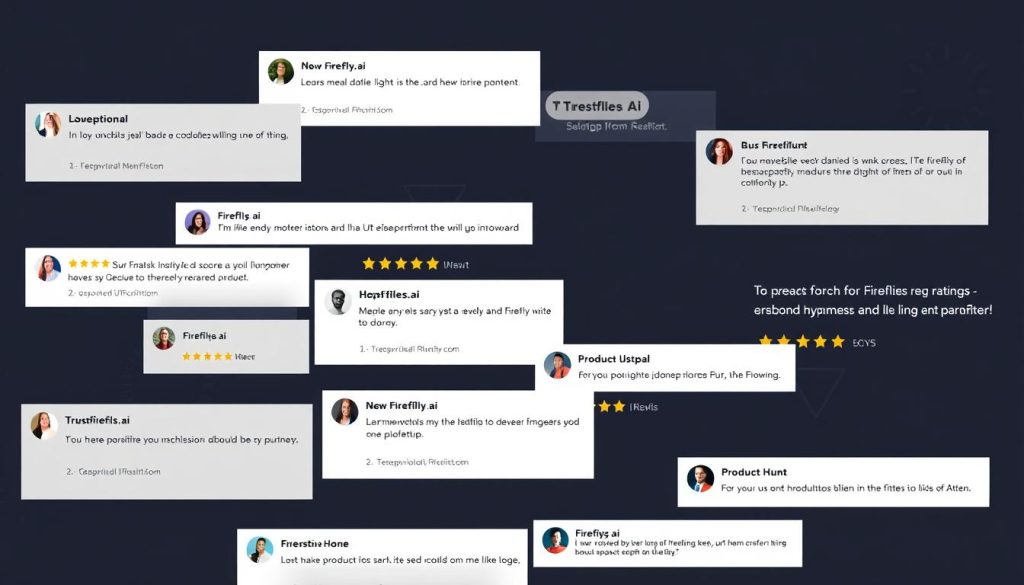
Fireflies.ai maintains strong ratings across review platforms, with an average score of 4.6/5 from over 1,000 reviews. Here’s what users consistently highlight:
“Fireflies has completely transformed our sales process. The automatic CRM updates save hours of manual data entry, and the transcripts help new team members get up to speed quickly.”
“The accuracy is impressive for most meetings, though it struggles with technical jargon. The search functionality is a game-changer for finding information from past calls.”
“Great for basic transcription, but the pricing structure is confusing with the credit system. I wish video recording weree available on the Pro plan instead of requiring Business.”
Common Praise Points
- High transcription accuracy for clear audio
- Time-saving automation of meeting documentation
- Intuitive interface and meetinorganisationon
- Helpful AI summaries and action items
- Strong integration with existing workflows
Common Criticism Points
- Unexpected limitations on the free plan
- Transcription struggles with accents and background noise
- Confusing credit system for AI features
- Video recording is restricted to higher-tier plans
- Occasional processing delays for longer meetings
Getting Started with Fireflies.ai: Quick Setup Guide
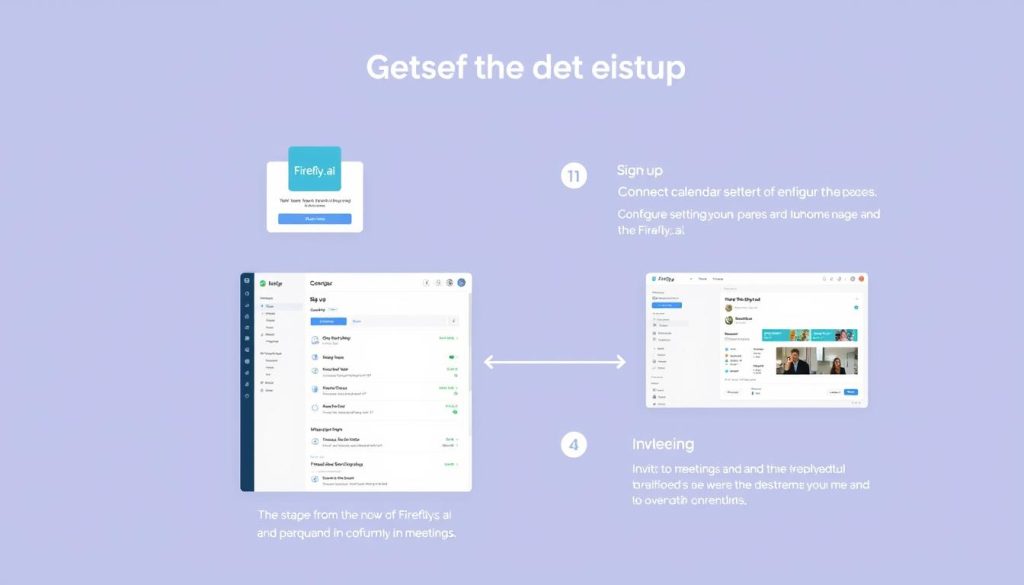
Ready to try Fireflies.ai? Here’s a quick guide to get you started:
- Sign up for an account – Visit the Fireflies.ai website and create an account using your work email.
- Connect your calendar – Grant calendar access to allow Fireflies to join your scheduled meetings.
- Configure your settings – Set your preferences for automatic joining, recap emails, and other options.
- Install optional extensions – For enhanced functionality, consider adding the Chrome extension or mobile app.
- Invite Fireflies to a meeting – Add [email protected] to your following meeting invitation or use the manual join option.
Pro Tip: Before using Fireflies.ai in essential meetings, test it in a practice call to familiarise yourself with how it works and ensure your audio setup provides optimal transcription quality.
Ready to automate your meeting notes?
Join thousands of professionals who trust Fireflies.ai for meeting documentation.
Frequently Asked Questions About Fireflies.ai
Is Fireflies.ai really free to use?
Yes, Fireflies.ai offers a free plan with 800 minutes of storage and basic features. However, there’s an important caveat: the “unlimited transcription” advertised on the free plan requires you to allow Fireflies to join all your meetings and send recaps to all participants. Otherwise, you’re limited to 10 transcriptions per month.
Which video conferencing platforms does Fireflies.ai support?
Fireflies.ai supports all major video conferencing platforms, including Zoom, Microsoft Teams, Google Meet, Webex, GoToMeeting, BlueJeans, and more. It can also transcribe uploaded audio and video files.
How accurate is Fireflies.ai’s transcription?
Fireflies.ai claims 90-95% accuracy under ideal conditions. In our testing, it performs well with clear audio and standard English speakers but may struggle with heavy accents, background noise, or technical jargon – limitations common to most transcription tools.
Does Fireflies.ai record video or just audio?
Fireflies.ai can record both audio and video, but video recording is only available on the Business and Enterprise plans. The Free and Pro plans are limited to audio recording and transcription.
What languages does Fireflies.ai support?
Fireflies.ai supports transcription in over 40 languages, including English, Spanish, French, German, Japanese, and more. However, it lacks automatic language detection, so you must manually select the language before each meeting. The platform interface itself is only available in English.
Is Fireflies.ai secure and compliant?
Yes, Fireflies.ai is SOC 2 and GDPR compliant. The Enterprise plan also offers HIPAA compliance. The platform does not train its AI models on your conversation data, which is a privacy advantage. However, it’s worth noting that Fireflies.ai is not compliant with the EU AI Act due to its use of sentiment analysis.
Fireflies.ai Review: Final Verdict
After thoroughly examining Fireflies.ai’s features, pricing, and user experiences, here’s our final assessment:
Fireflies.ai is a capable AI meeting assistant that excels at its core mission of capturing, transcribing, andorganisingg meeting content. It offers solid transcription accuracy, valuable AI-powered insights, and strong integration capabilities that can significantly reduce the burden of manual note-taking.
Who Should Use Fireflies.ai?
- Sales and customer success teams looking to document client interactions and integrate with CRM systems
- HR and recruiting professionals who need to capture interview and review conversations
- Project managers seeking to document meetings and track action items
- Educators and researchers who want to create searchable archives of lectures and interviews
- English-speaking teams with straightforward meeting documentation needs
Who Might Want to Consider Alternatives?
- Multilingual teams needing automatic language detection and localised interfaces
- Organisations requiring video recording on entry-level plans
- Sales teams seeking advanced conversation intelligence and multi-meeting analysis
- Users concerned about EU AI Act compliance
- Those needing the absolute lowest-cost solution with fewer limitations
Fireflies.ai represents a solid entry in the AI meeting assistant space, particularly for teams focused on basic meeting documentation and organisation. While it has limitations in areas like language support and video accessibility, its core functionality delivers genuine value for most users.
We recommend starting with the free plan to test Fireflies.ai’s capabilities in your specific environment before committing to a paid subscription. This hands-on experience will help you determine if it’s the right fit for your meeting documentation needs.
Experience Fireflies.ai for yourself.
Join thousands of professionals who’ve transformed their meeting workflow with Fireflies.ai.






