Best AI Video Creation Tools 2025: From Runway to HeyGen

What once required expensive equipment, technical expertise, and hours of editing can now be accomplished in minutes with AI-powered tools. In 2025, these platforms will have matured beyond simple novelties into robust production solutions that are reshaping how businesses, creators, and marketers approach video content.
From generating realistic avatars that speak your script to transforming text prompts into cinematic scenes, today’s AI video tools offer unprecedented creative possibilities. This guide explores the best AI video creation platforms of 2025, comparing their features, pricing, and ideal use cases to help you find the perfect tool for your specific needs.
What Are AI Video Creation Tools?
AI video creation tools use artificial intelligence to automate and enhance the video production process. These platforms leverage various AI technologies, including generative models, natural language processing, and computer vision, to transform inputs like text, images, or introductory videos into polished, professional content.
Text-to-Video
Convert written scripts or prompts into fully rendered video scenes with appropriate visuals, motion, and sometimes audio.

AI Avatars
Create realistic digital presenters that can deliver your script in multiple languages with natural expressions and movements.

Video Enhancement
Automatically improve existing footage with AI upscaling, background removal, audio enhancement, and innovative editing features.
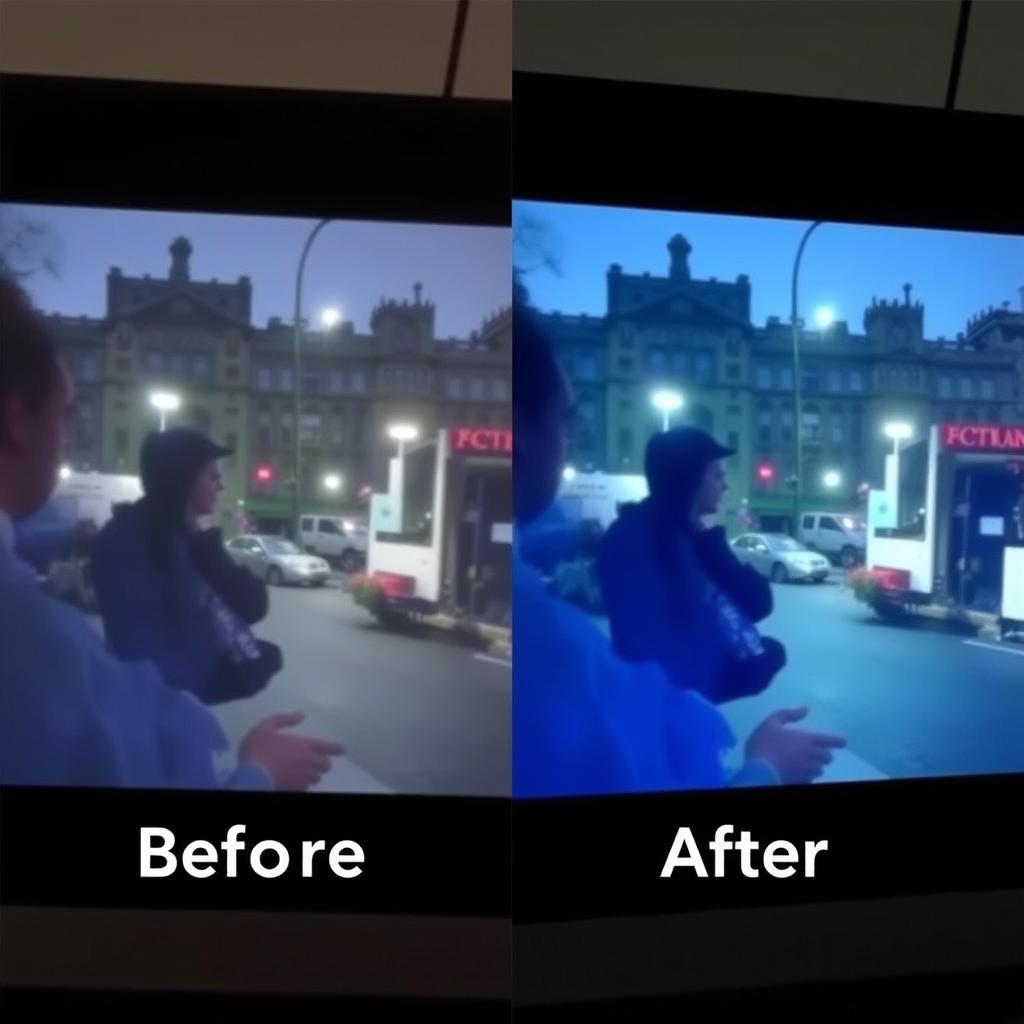
Key Benefits of AI Video Tools in 2025: Reduced production time (from days to minutes), significantly lower costs (no need for camera equipment or studios), accessibility for non-technical users, and the ability to create content in multiple languages and formats simultaneously.
How We Evaluated These Tools
To provide you with the most accurate and helpful recommendations, we tested each platform extensively using consistent criteria. Our evaluation process included:
- Creating multiple video types on each platform (presentations, social media content, marketing videos)
- Testing both free and paid features to assess value at different price points
- Evaluating output quality across various resolutions and formats
- Measuring time from concept to finished video
- Assessing ease of use for both beginners and experienced creators
- Comparing customisation options and creative control
- Testing integration capabilities with other tools and platforms
- Evaluating customer support and learning resources
- Analysing pricing models for different user needs
- Gathering feedback from professional content creators
Top AI Video Creation Tools of 2025 at a Glance
| Tool | Best For | Starting Price | Free Plan | Standout Feature |
| Runway | Creative filmmaking & storytelling | $15/month | Yes (limited) | Advanced motion control & scene editing |
| HeyGen | AI avatars & multilingual content | $29/month | Yes (3 videos) | Interactive AI avatars with a knowledge base |
| Synthesia | Business presentations & training | $29/month | Yes (3 min/month) | 140+ languages with natural lip-sync |
| Google Veo 3 | Social media content | $19.99/month | No | Native audio generation with dialogue |
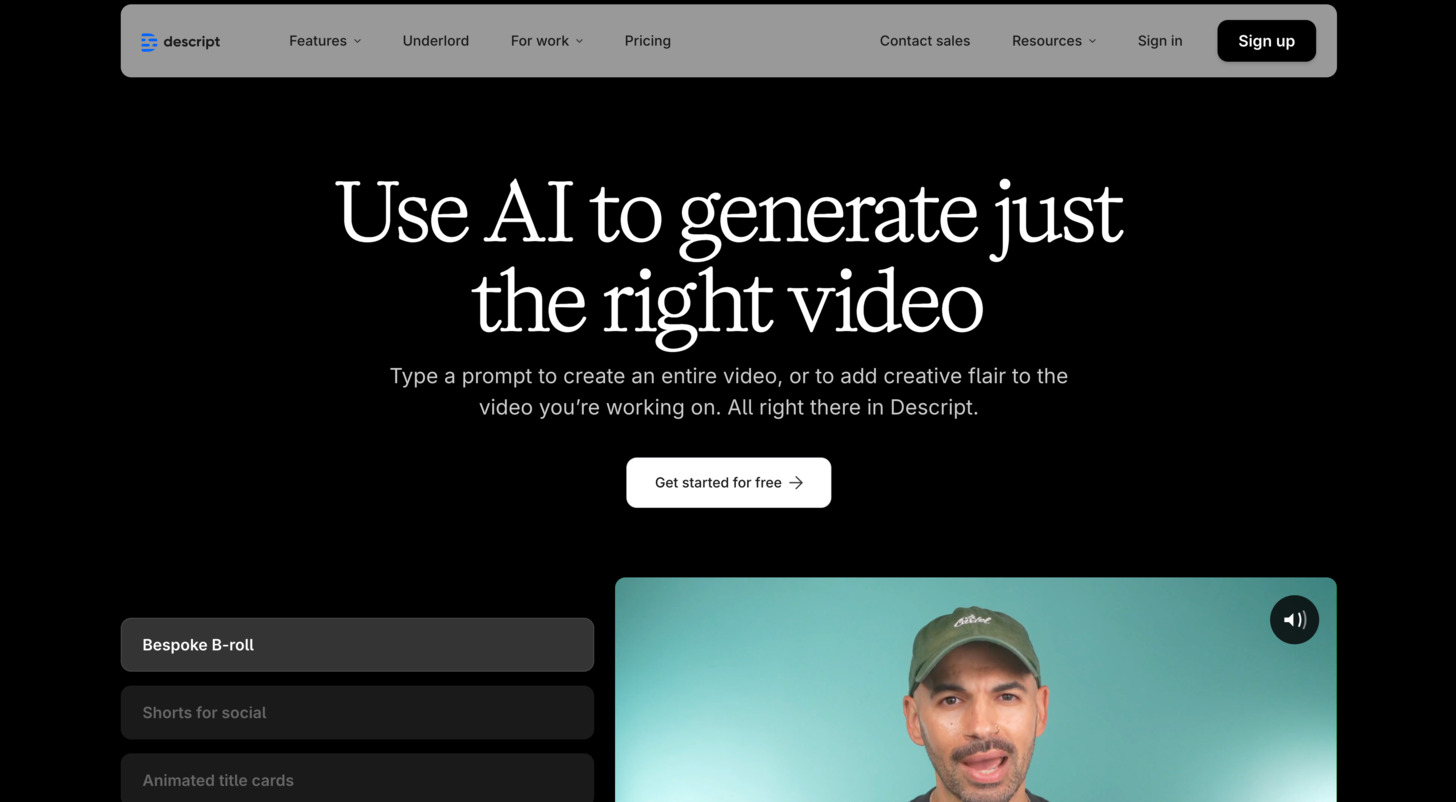
| Descript | Script-based video editing | $24/month | Yes (1 hour) | Edit video by editing the text transcript |
| InVideo | Marketing videos & templates | $28/month | Yes (watermarked) | Extensive template library & stock assets |
| Wondershare Filmora | AI-enhanced traditional editing | $59.99/year | Yes (watermarked) | AI smart cutout & audio enhancement |
| Luma Dream Machine | Creative brainstorming | $9.99/month | No (images only) | Iterative creative process with AI |
1. Runway: Best for Creative Filmmaking
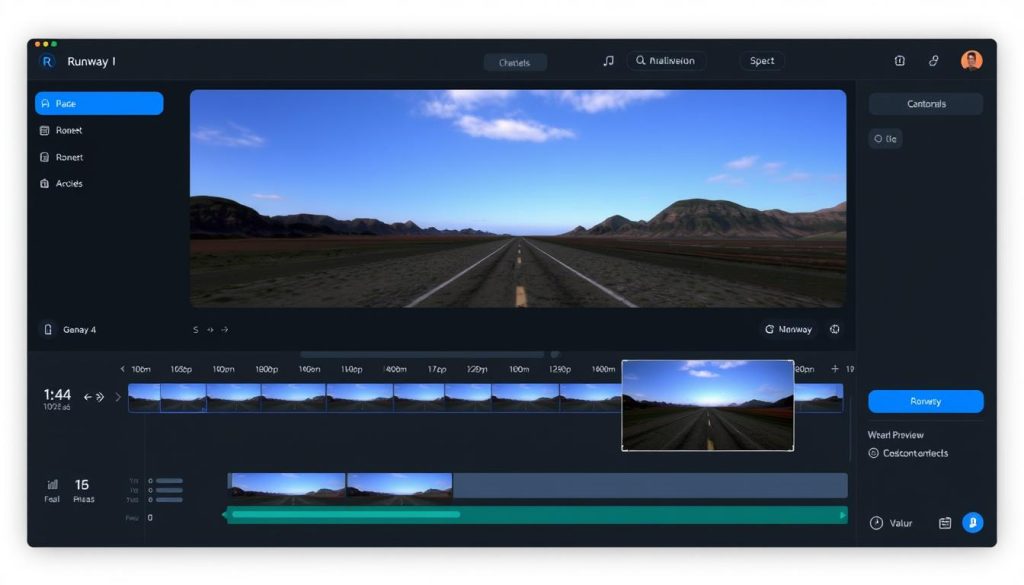
Runway has established itself as the premier choice for creative professionals and filmmakers looking to push the boundaries of AI-generated video. With its powerful Gen-4 model and comprehensive suite of editing tools, Runway offers unparalleled creative control for artistic and narrative-driven projects.
Key Features
- Gen-4 Image-to-Video: Transform still images into dynamic, high-quality video clips with consistent visual style
- Motion Brush: Direct specific movements within scenes for precise animation control
- Aleph Model: Edit existing videos to change angles, weather, props, and more
- Act Two: Replace characters in footage while maintaining performance and movement
- Advanced Camera Controls: Create cinematic camera movements and transitions
Pricing
- Free: 125 one-time credits, basic features
- Standard: $15/month for 625 monthly credits, watermark removal, 1080p exports
- Pro: $35/month for advanced features, custom voices, 500GB storage
- Unlimited: $95/month for unlimited generations in Explore mode
Pros
- Highest quality output for creative and artistic videos
- Exceptional control over motion and visual style
- Advanced editing capabilities beyond basic generation
- Strong community and learning resources
Cons
- Steep learning curve for advanced features
- Limited clip length (16 seconds max)
- No native audio generation
- Higher cost for professional features
Best Use Cases
Film Production
Create concept visualisations, special effects, and unique visual styles for film projects.
Music Videos
Generate visually striking scenes that match musical rhythms and themes.
Artistic Projects
Explore new creative possibilities with experimental visual styles and animations.
Ready to create cinematic AI videos?
Explore Runway’s powerful creative tools with 125 free credits to get started.
2. HeyGen: Best for AI Avatars and Interactive Content
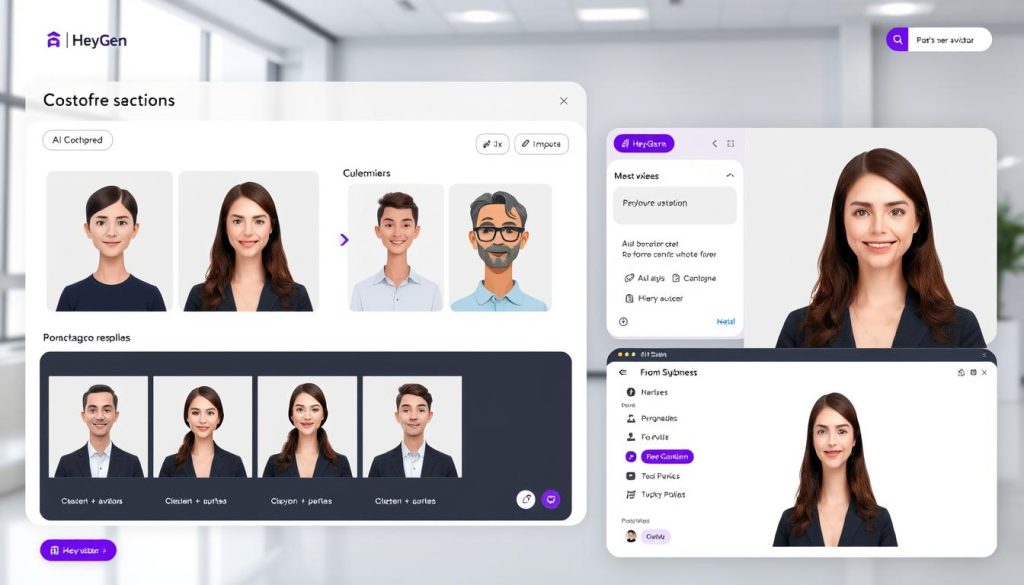
HeyGen has revolutionised the way businesses create presenter-led videos with its hyper-realistic AI avatars and interactive capabilities. The platform excels at creating engaging spokesperson videos without the need for cameras, studios, or actors, making professional video production accessible to everyone.
Key Features
- Interactive AI Avatars: Create avatars that can respond to user questions in real-time
- Custom Knowledge Base: Train avatars with your specific information and brand voice
- Voice Cloning: Create an AI version of your own voice for personalised narration
- Multilingual Support: Generate videos in 175+ languages and dialects
- Custom Avatar Creation: Upload footage to create personalised AI presenters
Pricing
- Free: 3 videos (non-interactive), 720p quality
- Creator: $29/month for unlimited videos up to 30 minutes, 1080p quality, one interactive avatar
- Pro: $79/month for additional interactive avatars, priority rendering
- Enterprise: Custom pricing for advanced features and team collaboration
Pros
- Highly realistic avatars with natural expressions
- Interactive capabilities for engaging user experiences
- Excellent multilingual support with proper accents
- Intuitive interface requiring minimal training
Cons
- Limited creative control compared to filmmaking tools
- Interactive features are only available on paid plans
- Custom avatar creation requires additional cost
- Some avatars still exhibit occasional uncanny valley effects
Best Use Cases
Customer Support
Create interactive video assistants that can answer common questions and guide users.
Multilingual Marketing
Easily localise video content for global audiences without recording multiple versions.
Sales Presentations
Generate personalised video pitches at scale for different prospects and segments.
Create professional videos with AI avatars
Try HeyGen’s free plan and create your first AI presenter videos in minutes.
3. Synthesia: Best for Business and Training Videos
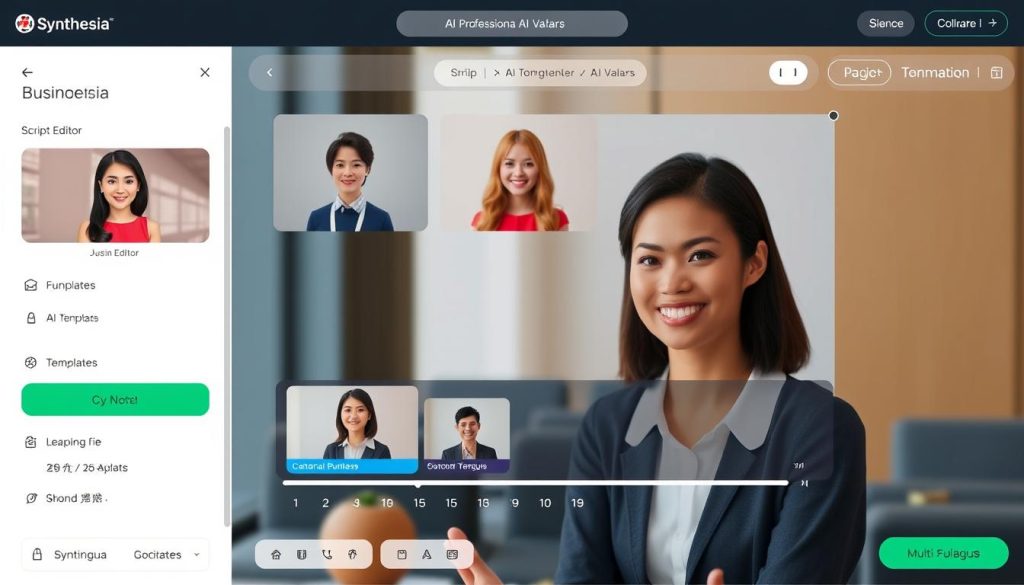
Synthesia has established itself as the go-to platform for businesses creating professional training, educational, and corporate communication videos. With its focus on studio-quality output and enterprise-grade features, Synthesia excels at transforming text scripts into polished presenter videos across multiple languages.
Key Features
- 230+ AI Avatars: Diverse selection of realistic digital presenters
- 140+ Languages: Create videos in multiple languages with proper pronunciation
- PowerPoint Integration: Convert presentations into engaging video content
- AI Video Translation: Translate existing videos while maintaining the original voice
- B-roll Generation: Create supporting footage using various AI models
Pricing
- Basic: Free for 3 minutes/month with nine avatars
- Starter: $29/month for 10 minutes/month, 125+ avatars
- Creator: $89/month for 30 minutes/month, video dubbing, API access
- Enterprise: Custom pricing for unlimited video minutes, advanced features
Pros
- Exceptional business-focused avatar quality
- Superior language support and translation
- Robust platform stability and reliability
- Strong security and compliance features
Cons
- Less suitable for creative/artistic videos
- Limited customisation of avatar movements
- Monthly minute limits can be restrictive
- Higher cost for advanced features
Best Use Cases
Corporate Training
Create consistent, scalable training content that can be easily updated and localised.
Product Demonstrations
Develop clear, professional product walkthroughs and feature explanations.
Internal Communications
Deliver company announcements and updates in an engaging video format.
Create professional business videos in minutes
Try Synthesia’s free plan and see how easy it is to create AI presenter videos.
4. Google Veo 3: Best for Social Media Content
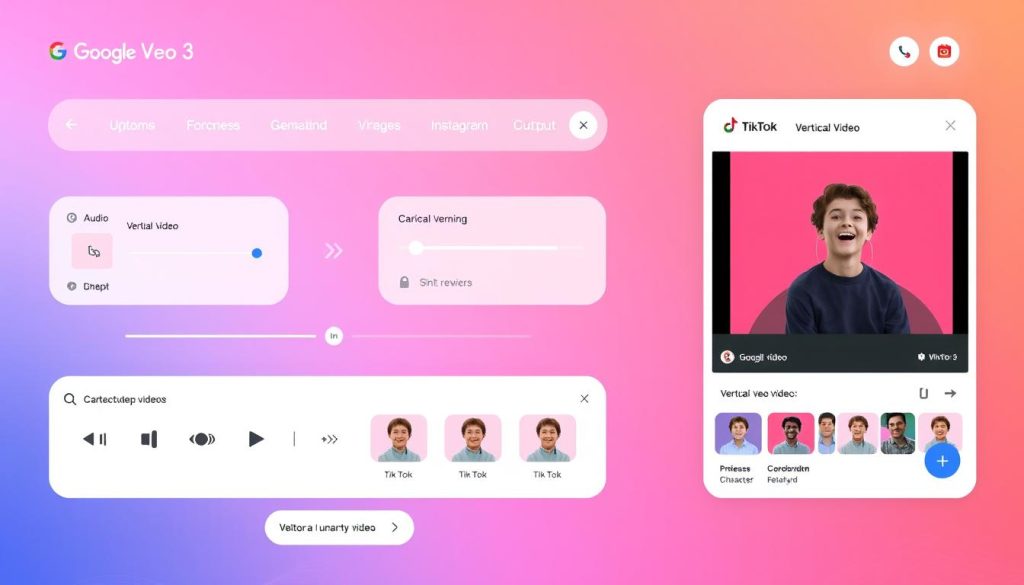
Google’s Veo 3 represents a significant leap forward in AI video generation, particularly for creating engaging social media content. What sets Veo 3 apart is its native audio generation capabilities, allowing for complete videos with dialogue, sound effects, and ambient noise—all from a single text prompt.
Key Features
- Native Audio Generation: Create dialogue, sound effects, and music in one step
- Character Lip-Sync: Generate characters that speak with synchronised lip movements
- Vertical Video Support: Optimised for social media formats (9:16 ratio)
- Fast Mode: Quickly generate shorter clips for rapid iteration
- Scene Builder: Connect multiple generated clips into longer sequences
Pricing
- No Free Plan
- Google AI Pro: $19.99/month for limited Veo 3 generations (watermarked)
- Google AI Ultra: $249.99/month for maximum generation limits and watermark removal
- Access via Gemini or Flow
Pros
- Exceptional video quality with realistic physics
- Integrated audio makes videos ready to publish
- Excellent prompt adherence and consistency
- Optimised for social media formats
Cons
- Expensive compared to competitors
- No free plan available
- Limited clip length (8 seconds maximum)
- Occasional lip-sync inconsistencies
Best Use Cases
TikTok & Reels
Create attention-grabbing short-form content with integrated audio and visuals.
Ad Concepts
Rapidly prototype advertising ideas before committing to production.
Viral Content
Generate unique, shareable videos that stand out in social feeds.
Create social media videos with integrated audio
Get started with Google Veo 3 through the Google AI Pro subscription.
5. Descript: Best for Script-Based Video Editing
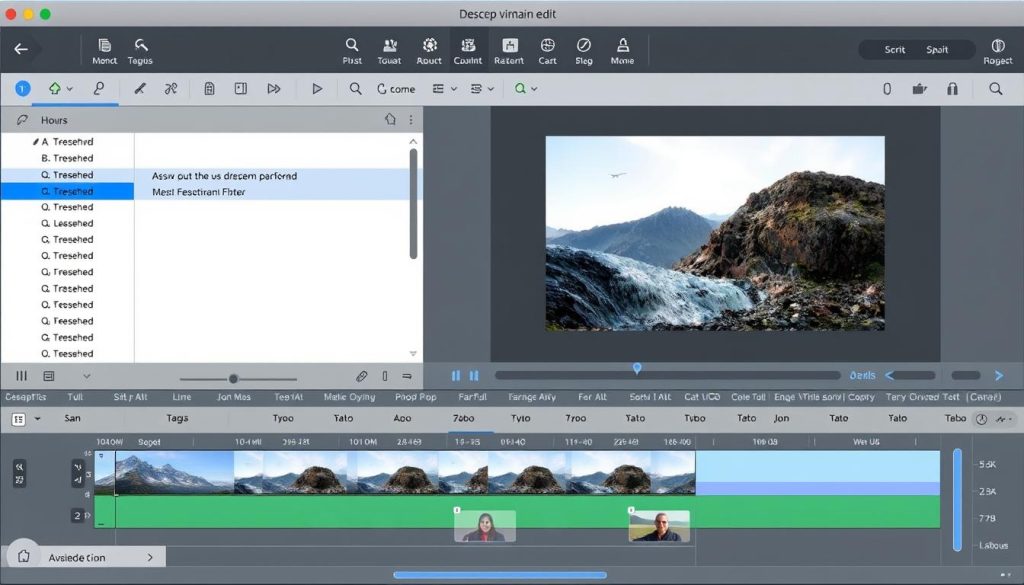
Descript takes a unique approach to video creation by allowing you to edit video by editing text. This revolutionary workflow makes video production accessible to writers and content creators who may not have traditional video editing experience, turning the script into the primary editing interface.
Key Features
- Text-Based Editing: Edit the video by editing the transcript
- AI Transcription: Automatic speech-to-text conversion
- Scene Detection: Automatic organisation of video into scenes
- B-Roll Integration: Add stock footage directly from the editor
- Underlord Toolkit: AI features for audio enhancement and auto-editing
Pricing
- Free: Up to 1 hour of transcription with watermark
- Hobbyist: $24/user/month for 10 hours of transcription, watermark removal
- Pro: $48/user/month for additional features and higher limits
- Enterprise: Custom pricing for team collaboration features
Pros
- Intuitive editing workflow for non-video professionals
- Significant time savings in post-production
- Excellent transcription accuracy
- Powerful AI enhancement tools
Cons
- Requires existing footage (not a generator)
- Occasional transcription inaccuracies
- Limited creative control compared to traditional editors
- Resource-intensive for longer videos
Best Use Cases
Interview Editing
Quickly edit long-form interviews by removing filler words and organising content.
Tutorial Videos
Create explicit, concise instructional content with precise editing control.
Podcast Repurposing
Transform audio content into engaging video with synchronised visuals.
Edit video by editing text
Try Descript’s revolutionary approach to video editing with the free plan.
6. InVideo: Best for Marketing Videos and Templates
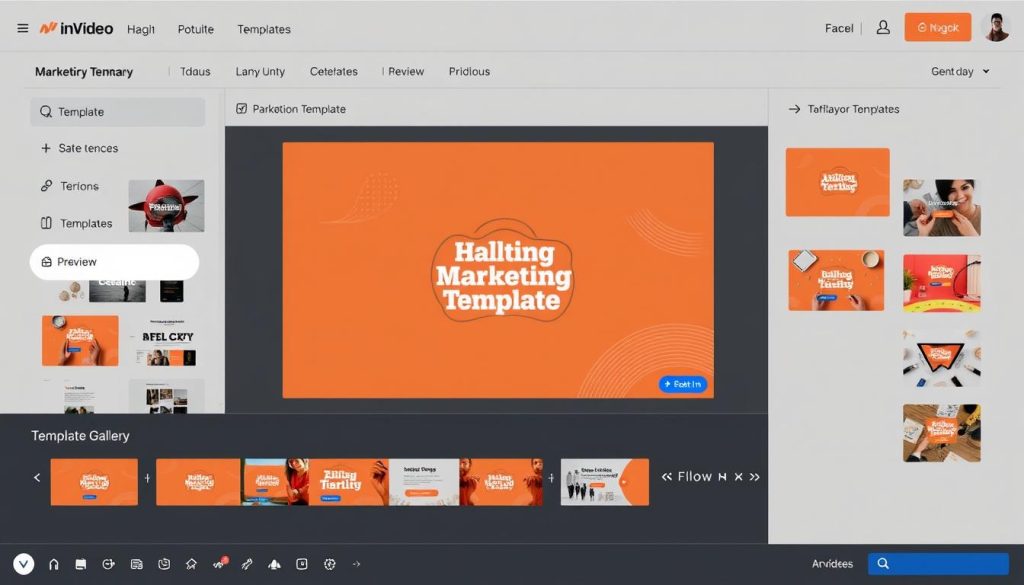
InVideo combines traditional template-based video creation with powerful AI features to help marketers and businesses create professional content quickly. With its extensive template library and stock media integration, InVideo excels at turning marketing concepts into polished videos with minimal effort.
Key Features
- Text-to-Video AI: Generate videos directly from written content
- 5,000+ Templates: Pre-designed layouts for various marketing needs
- 3M+ Stock Assets: Integrated library of images, videos, and music
- iStock Integration: Access to premium stock content
- AI Script Assistant: Help writing and optimising video scripts
Pricing
- Free: Watermarked videos, 1GB storage, basic features
- Business: $28/month for 100GB storage, no watermarks, 80 iStock downloads
- Unlimited: $48/month for unlimited exports, 320 iStock downloads
- Generative: $96/month adds 200 minutes/month of AI generation
Pros
- Extensive template library for quick production
- Massive stock media collection included
- User-friendly drag-and-drop interface
- Excellent for marketing and promotional content
Cons
- AI voiceovers sometimes sound robotic
- Limited customisation compared to professional editors
- Templates can look generic without significant modification
- AI generation requires the highest-tier plan
Best Use Cases
Social Media Ads
Create attention-grabbing promotional content optimised for different platforms.
Product Showcases
Develop professional product demonstrations and feature highlights.
Content Repurposing
Transform blog posts and articles into engaging video content.
Create marketing videos in minutes
Try InVideo’s free plan and access thousands of templates and stock assets.
7. Wondershare Filmora: Best for AI-Enhanced Traditional Editing
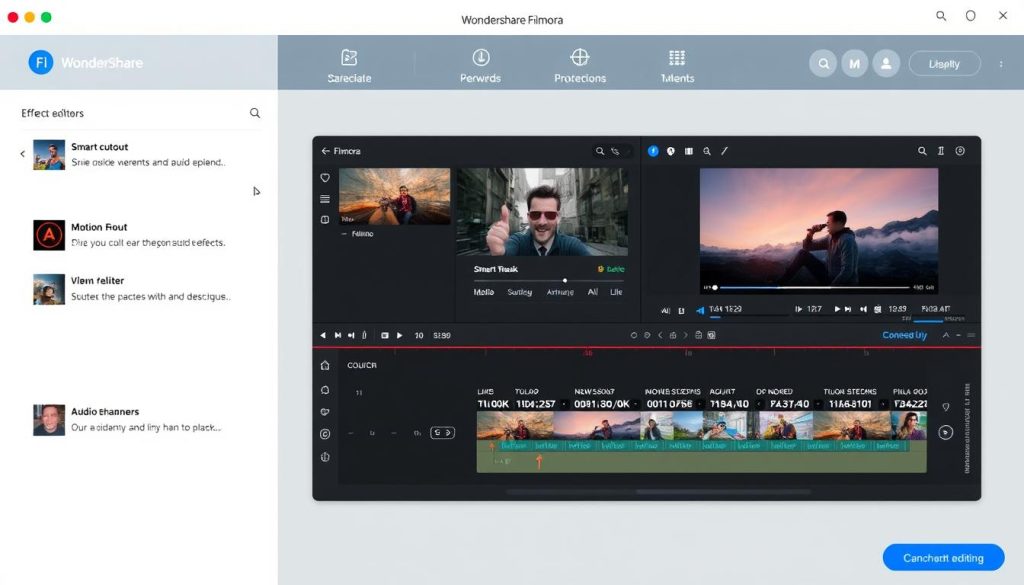
Wondershare Filmora bridges the gap between traditional video editing and AI-powered automation. This established editing platform has evolved to incorporate numerous AI features that streamline the editing process while maintaining the control and precision that experienced editors expect.
Key Features
- AI Smart Cutout: Easily remove objects or backgrounds
- AI Audio Denoise: Clean up background noise automatically
- AI Motion Tracking: Track and blur faces or add effects
- AI Silence Detection: Automatically identify and remove pauses
- Audio-to-Video: Transform audio content into visual presentations
Pricing
- Free: Watermarked exports, basic features
- Basic: $59.99/year for watermark removal and full features
- One-time Purchase: $79.99 with limited AI credits
- AI Add-ons: Additional costs for expanded AI features
Pros
- Familiar timeline-based editing interface
- Powerful AI tools that enhance traditional workflow
- One-time purchase option available
- Extensive effects and template library
Cons
- Runs slowly on lower-end computers
- Learning curve for advanced features
- Limited AI credits in the base package
- Not fully AI-generated (requires source footage)
Best Use Cases
YouTube Content
Create polished, professional videos with advanced editing capabilities.
Documentary Production
Enhance footage with AI tools while maintaining editorial control.
Event Videos
Quickly process and enhance footage from weddings, conferences, and other events.
Enhance your videos with AI tools
Try Wondershare Filmora’s free version and explore its AI-powered editing features.
8. Luma Dream Machine: Best for Creative Brainstorming
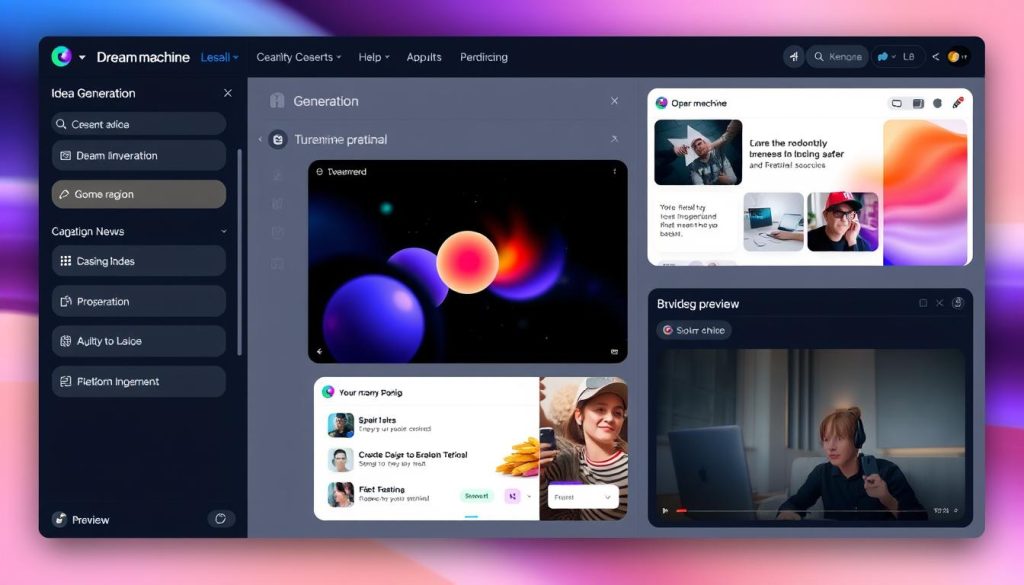
Luma Dream Machine takes a unique approach to AI video creation by focusing on the ideation and brainstorming process. The platform turns AI video generation into an interactive, exploratory experience that helps creators discover new concepts and visual styles as they work.
Key Features
- Iterative Creation: Build on generated content with guided suggestions
- Image-to-Video: Transform still images into dynamic video clips
- Photon Model: Generate high-quality starting images
- Ray2 Model: Convert images to video with natural motion
- Dynamic UI: Responsive interface that adapts to your creative process
Pricing
- Free: Image generation only (no video)
- Lite: $9.99/month for basic video generation up to 1080p
- Plus: $29.99/month for faster generation and commercial rights
- Unlimited: $94.99/month for maximum flexibility and priority access
Pros
- Excellent for exploring creative concepts
- Strong image-to-video quality
- Intuitive, inspiration-focused interface
- Good for cartoon and 3D-style content
Cons
- No free video generation tier
- Slower generation times on lower plans
- No native audio support
- Limited to 10-second clips
Best Use Cases
Concept Development
Explore visual ideas and styles before committing to full production.
Animated Content
Create stylised animations and cartoon-style videos.
Creative Experimentation
Discover unexpected visual approaches through AI collaboration.
Explore creative video concepts
Try Luma Dream Machine’s Lite plan and start generating creative videos.
Best AI Tools for Video Repurposing and Enhancement
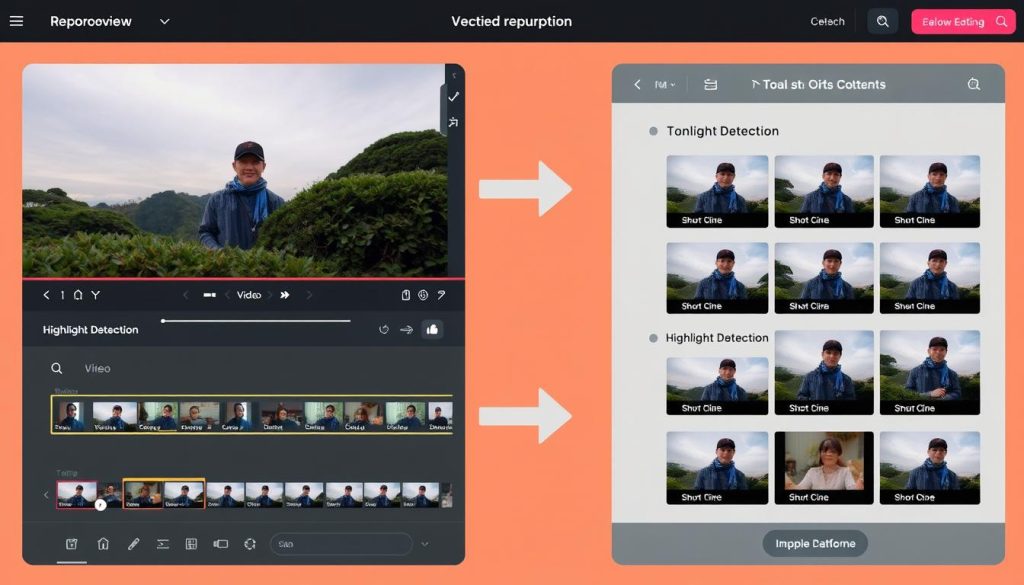
Beyond creating videos from scratch, AI is also revolutionising how existing content can be repurposed and enhanced. These specialised tools help extract maximum value from your video assets by transforming them into new formats and improving their quality.
OpusClip
Automatically identifies the most engaging moments in long videos and transforms them into social media-friendly clips with captions, emojis, and proper formatting for different platforms.
Best for: Content creators repurposing long-form videos for social media
Price: Starts at $12/month
Munch
Uses AI to detect key moments in videos and create short clips optimised for social sharing, with automatic cropping, subtitle generation, and trend analysis to maximise engagement.
Best for: Marketers looking to extract viral moments from longer content
Price: Starts at $19/month
Topaz Video AI
Professional-grade video enhancement tool that uses AI to upscale resolution (up to 16K), reduce noise, increase frame rates, and create smooth slow-motion effects from standard footage.
Best for: Filmmakers and professionals enhancing footage quality
Price: $299 one-time purchase
Maximise your existing video content
Try these AI tools to transform your videos into multiple formats and improve their quality.
How to Choose the Right AI Video Tool for Your Needs
With so many AI video tools available, selecting the right one depends on your specific goals, technical requirements, and budget. Here’s a framework to help you make the best choice:
1. Identify Your Primary Use Case
Different tools excel at different types of video content:
- Business Presentations & Training: Synthesia, HeyGen
- Creative Filmmaking: Runway, Luma Dream Machine
- Marketing & Promotional: InVideo, Wondershare Filmora
- Social Media Content: Google Veo 3, OpusClip
- Content Repurposing: Descript, Munch
2. Consider Your Technical Expertise
Some tools are designed for beginners, while others require more technical knowledge:
- Beginner-Friendly: Synthesia, InVideo, HeyGen
- Intermediate: Descript, Google Veo 3, Luma Dream Machine
- Advanced: Runway, Wondershare Filmora
3. Evaluate Output Requirements
Consider the quality, format, and length of videos you need to create:
- Longer Videos (10+ minutes): Synthesia, Descript
- High-Quality Visuals: Runway, Google Veo 3
- Multiple Languages: Synthesia, HeyGen
- Vertical/Social Formats: Google Veo 3, InVideo
4. Assess Your Budget
AI video tools range from free to enterprise-level pricing:
- Free/Low Budget: InVideo free plan, Descript free plan
- Mid-Range ($20-50/month): Synthesia Starter, HeyGen Creator, Luma Lite
- Professional ($50-100/month): Runway Pro, InVideo Unlimited
- Enterprise ($100+/month): Google Veo 3 Ultra, Synthesia Enterprise
5. Test Before Committing
Most platforms offer free trials or limited free plans. Take advantage of these to test:
- User interface and workflow compatibility
- Output quality for your specific needs
- Export options and integration with your existing tools
- Customer support responsiveness
Future Trends in AI Video Creation

The field of AI video creation is evolving rapidly, with several emerging trends poised to shape the future of this technology:
Longer, More Coherent Videos
Current limitations on clip length (typically 5-20 seconds) will expand as models improve at maintaining consistency across more extended sequences. We’re already seeing tools like Synthesia support videos up to 4 hours long, and generative models will follow this trend.
Enhanced Realism and Physics
Future AI models will better understand physical interactions, human movement, and realistic object behaviour. This will reduce the “uncanny valley” effect and make AI-generated content increasingly indistinguishable from traditionally filmed video.
Interactive and Personalised Content
AI video tools will increasingly support personalisation at scale, allowing for thousands of variations tailored to individual viewers. Interactive elements will also become more sophisticated, enabling conversational and responsive video experiences.
Ethical and Regulatory Frameworks
As AI video becomes more realistic, expect increased focus on watermarking, content authentication, and regulatory guidelines. Many platforms are already implementing disclosure requirements and ethical usage policies to prevent misuse.
Democratised Professional Production
The gap between amateur and professional video production will continue to narrow, with AI tools making high-end effects, editing techniques, and visual styles accessible to creators at all levels. This will fundamentally change production economics across industries.
Industry Prediction: By 2027, analysts estimate that over 70% of digital video content will involve some form of AI in its creation process, from generation and editing to enhancement and distribution.
Recommendations for Different User Types
For Beginners
- Best Overall: Synthesia – intuitive interface with minimal learning curve
- Budget Option: InVideo – free plan with extensive templates
- Quick Results: HeyGen – create professional videos in minutes
- Start with: Template-based tools that require minimal technical knowledge
- Focus on: Learning basic video principles while letting AI handle technical aspects
For Content Creators
- Best Overall: Google Veo 3 – high-quality output with integrated audio
- Creative Option: Runway – advanced control for unique visuals
- Efficiency Tool: Descript – streamline editing with text-based workflow
- Start with: Tools that balance quality with production speed
- Focus on: Creating consistent content across multiple platforms
For Businesses
- Best Overall: Synthesia – professional results with multilingual support
- Enterprise Option: HeyGen – interactive avatars with a knowledge base
- Marketing Focus: InVideo – templates optimised for promotional content
- Start with: Platforms offering brand consistency and team collaboration
- Focus on: Scaling video production across departments and markets
Ready to transform your video creation process?
Start with the tool that best matches your experience level and specific needs.
Conclusion: The Future of Video is AI-Powered
The landscape of AI video creation tools in 2025 offers unprecedented opportunities for creators, businesses, and marketers to produce high-quality video content with minimal resources. From Runway’s creative filmmaking capabilities to HeyGen’s interactive avatars and Synthesia’s business-focused solutions, there’s a tool for virtually every video production need.
As these technologies continue to evolve, we can expect even more impressive capabilities, longer video generation, and increasingly realistic results. The democratisation of video production through AI is fundamentally changing how we create and consume visual content, making professional-quality video accessible to everyone regardless of technical expertise or budget.
Whether you’re just starting your AI video journey or looking to upgrade your current workflow, the tools reviewed in this guide represent the cutting edge of what’s possible in 2025. By choosing the right platform for your specific needs, you can dramatically increase your video production capacity while reducing costs and time investment.
Start creating professional AI videos today.
Choose from the best AI video creation tools of 2025 and transform your content strategy.