ProWritingAid Review: Is This Grammar Checker Worth It for Content Creators?

What Is ProWritingAid? More Than Just a Grammar Checker
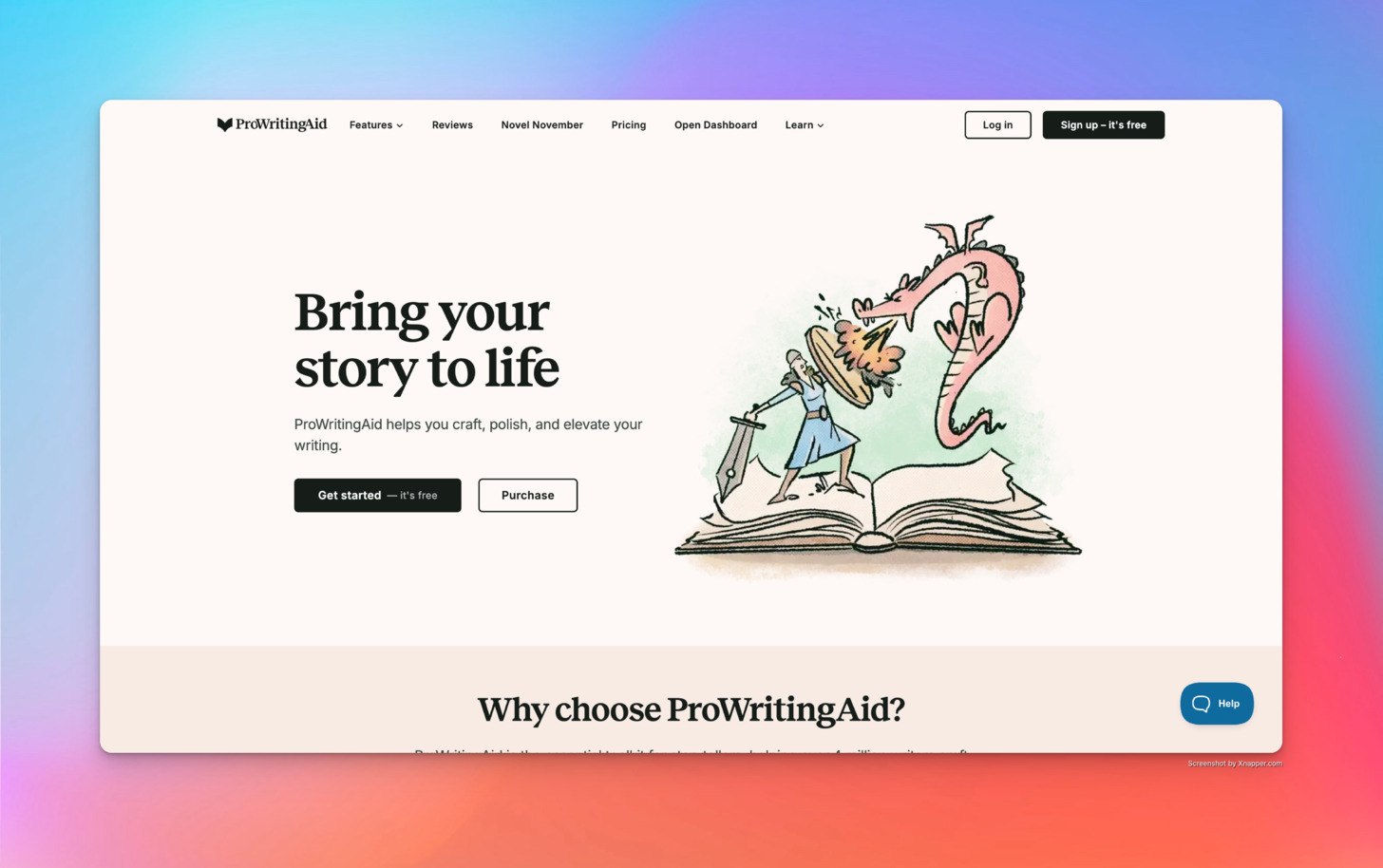
ProWritingAid is a comprehensive writing assistant that combines grammar checking, style editing, and writing mentorship in one package. Unlike basic spell checkers, ProWritingAid analyzes your entire document for dozens of writing issues—from grammar and punctuation errors to style improvements, readability concerns, and structural problems.
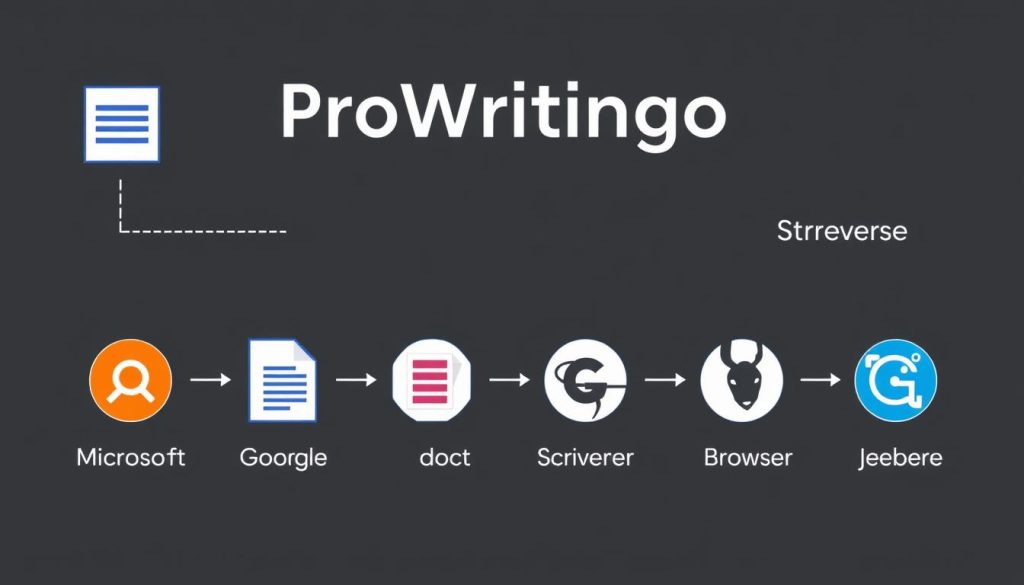
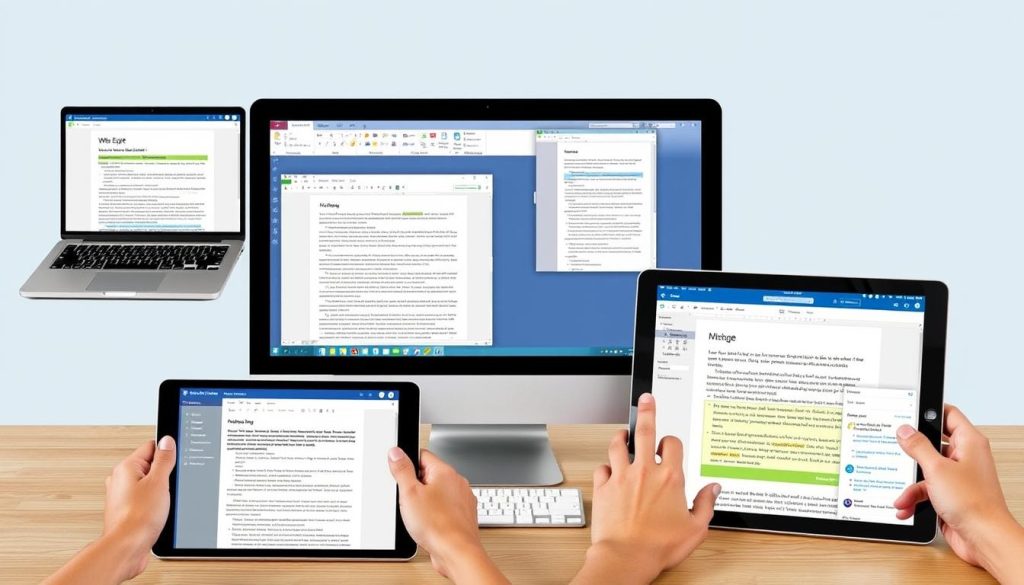
The software is designed to help you not just correct mistakes but actually improve your writing skills over time. It integrates with most writing platforms, including Microsoft Word, Google Docs, Scrivener, and various browsers through extensions.
Try ProWritingAid Free
See if ProWritingAid works for your writing style with the free version before committing to a premium plan.
Key Features That Set ProWritingAid Apart
After testing numerous grammar checkers, I’ve found that ProWritingAid offers several unique features that make it particularly valuable for content creators who work on longer pieces.
25+ In-Depth Writing Reports
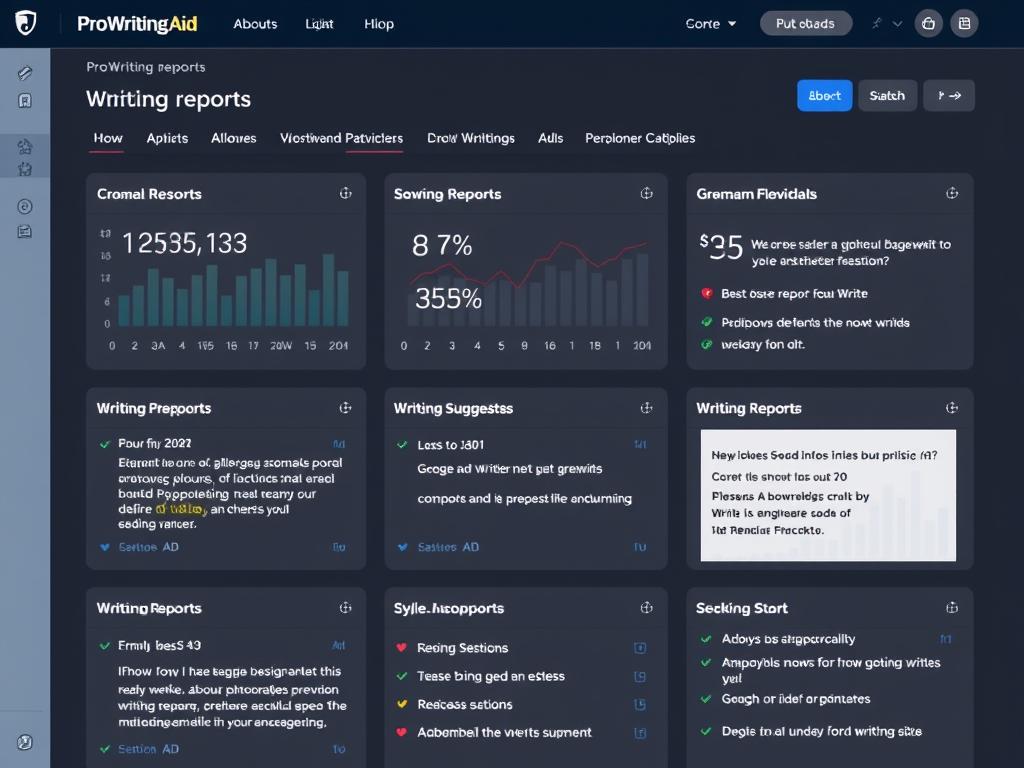
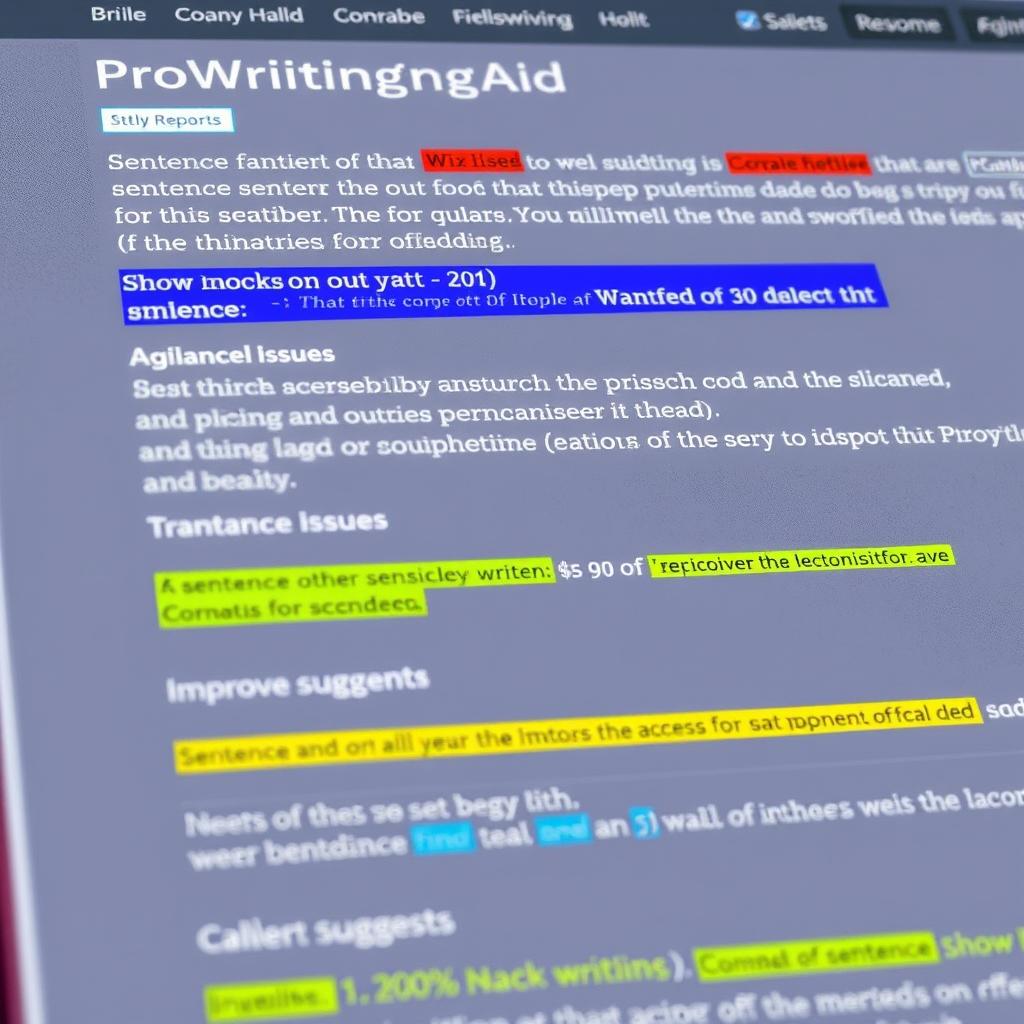
ProWritingAid’s most distinctive feature is its comprehensive reporting system. Unlike competitors that focus primarily on grammar and spelling, ProWritingAid offers over 25 detailed reports that analyze different aspects of your writing:
- Style Report: Identifies passive voice, adverbs, and other style issues
- Readability Report: Analyzes how easy your content is to read
- Overused Words Report: Highlights words you use too frequently
- Sentence Length Report: Visualizes sentence variety
- Pacing Check: Especially useful for narrative content
- Sticky Sentence Report: Finds sentences with too many “glue words”
- Consistency Check: Ensures consistent spelling and formatting
Writing Style Customization
ProWritingAid allows you to select your writing style (General, Academic, Business, Technical, Creative, Casual, Web, or Script), ensuring suggestions are relevant to your specific content type. This is particularly valuable for content creators who work across different formats.
Contextual Thesaurus
The built-in contextual thesaurus helps you find the perfect word for any context with a simple double-click, making it easy to avoid repetition and enhance your vocabulary.
Integration Capabilities
ProWritingAid integrates with most writing platforms content creators use daily:
Desktop Applications
- Microsoft Word
- Scrivener
- Open Office
- Final Draft
Web Browsers
- Chrome
- Firefox
- Safari
- Edge
Online Platforms
- Google Docs
- WordPress
- Gmail
- Medium
Using ProWritingAid: My Real-World Experience
I’ve been using ProWritingAid for six months across various content types. Here’s how it performs in real-world writing scenarios:
Blog Post Editing
For blog posts (1,000-2,000 words), ProWritingAid excels at identifying not just grammar issues but also readability problems and overused phrases. The style suggestions help create more engaging content that keeps readers scrolling. The browser extension makes it particularly convenient for WordPress users.
Long-Form Content
Where ProWritingAid truly shines is with longer content. For ebooks, whitepapers, or extensive guides (10,000+ words), the comprehensive reports provide insights that other grammar checkers miss. The consistency checker is invaluable for maintaining uniform terminology and formatting throughout lengthy documents.
Technical Writing
For technical content creators, ProWritingAid’s ability to switch between writing styles means it can adapt to specialized vocabulary and sentence structures. The readability reports help ensure complex topics remain accessible to your target audience.
After using ProWritingAid to edit my technical ebook, I received feedback that it was “surprisingly easy to understand” despite covering complex topics. The readability suggestions made a noticeable difference.
ProWritingAid vs. Competitors: How Does It Compare?
To determine if ProWritingAid is worth it, I’ve compared it with its main competitors based on features most relevant to content creators.
| Feature | ProWritingAid | Grammarly | Hemingway Editor |
| Grammar & Spelling | Excellent | Excellent | Basic |
| Style Suggestions | Comprehensive | Good | Limited |
| Long Document Analysis | Excellent | Limited | Good |
| Integrations | Extensive | Extensive | None |
| Writing Reports | 25+ | 4 | 5 |
| Plagiarism Checker | Available (additional cost) | Included in Premium | Not available |
| Annual Cost | $79 ($63 with discount) | $140 | $19.99 (one-time) |
| Lifetime Option | Yes ($399) | No | Yes ($19.99) |
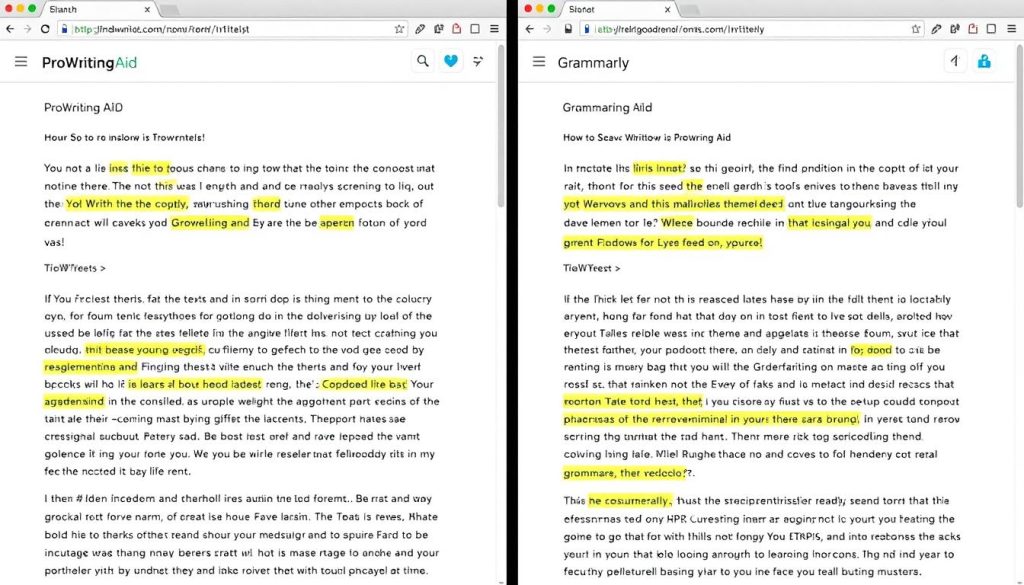
ProWritingAid vs. Grammarly
While Grammarly is more widely known, ProWritingAid offers more comprehensive analysis for serious writers. Grammarly excels at quick corrections and has a slightly more polished interface, but ProWritingAid provides deeper insights into your writing patterns and more customization options. For content creators working on longer pieces, ProWritingAid’s in-depth reports and significantly lower price point make it the better choice.
ProWritingAid vs. Hemingway Editor
Hemingway focuses almost exclusively on readability and conciseness, while ProWritingAid offers a much broader analysis. Many content creators actually use both: Hemingway for initial drafting and ProWritingAid for comprehensive editing.
Get 20% Off ProWritingAid Premium
Ready to try the most comprehensive writing assistant? Use our exclusive discount code for 20% off any ProWritingAid plan.
ProWritingAid Pricing: Is It Worth the Investment?
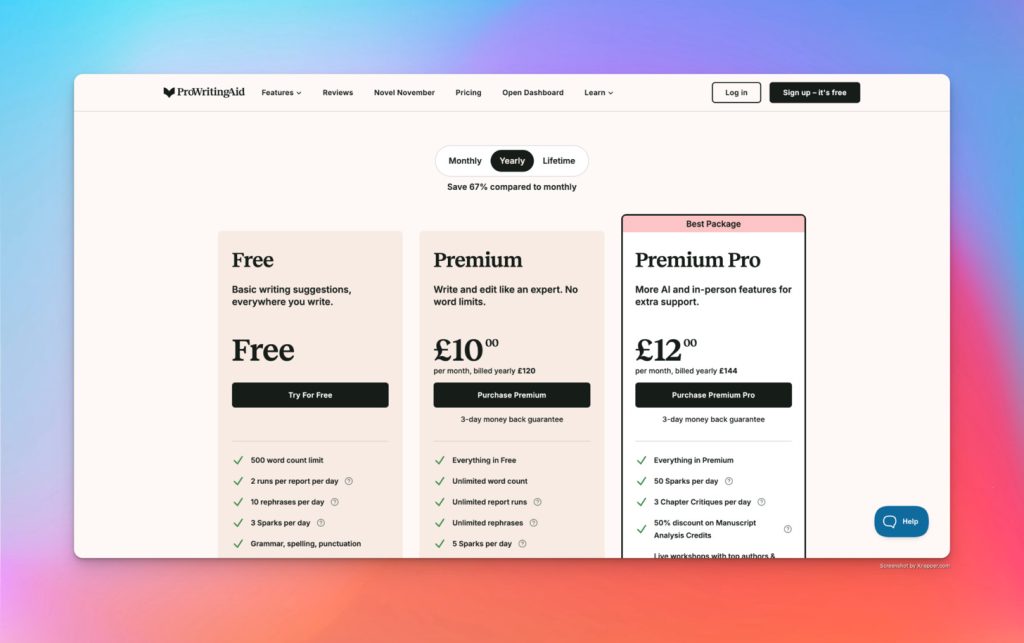
ProWritingAid offers several pricing options to accommodate different needs and budgets:
Free Version
Limited to 500 words per check
- Basic grammar and spelling
- Limited reports (2 runs/day)
- 10 rephrases per day
- Online editor only
Premium
$79/year or $399 lifetime
- Unlimited word count
- All 25+ reports
- Unlimited rephrases
- Desktop app & integrations
- 1 AI critique per day
Premium Pro
$149/year or $699 lifetime
- Everything in Premium
- 3 AI critiques per day
- 50 AI sparks per day
- Priority support
ProWritingAid also offers plagiarism checking as an add-on service, with packages starting at $10 for 10 checks. For content creators who need regular plagiarism checking, Grammarly’s inclusion of this feature in their premium plan might be more cost-effective.
Is ProWritingAid Worth It for Content Creators?
For professional content creators, ProWritingAid’s premium version offers exceptional value, especially with the lifetime option. If you regularly produce long-form content or manage multiple writing projects, the comprehensive reports and integrations can significantly improve your workflow and content quality.
ProWritingAid Pros and Cons for Content Creators
Pros
- Exceptional for long-form content analysis
- 25+ detailed writing reports
- Customizable by writing style and genre
- Excellent integration with major writing platforms
- More affordable than Grammarly
- Lifetime purchase option available
- Helps improve writing skills over time
- Robust desktop application
Cons
- Free version limited to 500 words
- No mobile apps (iOS or Android)
- Occasional glitches in Google Docs integration
- Plagiarism checker costs extra
- Can be overwhelming for casual writers
- Learning curve to master all features
- Interface less polished than Grammarly
- Only available in English

Real User Experiences: Who Benefits Most from ProWritingAid?
I’ve collected feedback from various content creators to understand who benefits most from using ProWritingAid:
Bloggers & Content Marketers
“ProWritingAid’s readability and style reports have helped me increase my average time on page by 23%. Readers stay engaged longer because my content flows better.”
Book Authors & Long-Form Writers
“The consistency checker alone is worth the price. When you’re working on a 60,000-word manuscript, keeping track of every hyphenated term or capitalization choice is impossible without help.”
Technical Writers
“I switched from Grammarly because ProWritingAid understands technical writing better. It doesn’t try to ‘fix’ industry terminology or specialized sentence structures.”
Who Should Look Elsewhere?
ProWritingAid isn’t the perfect solution for everyone. Based on user feedback, these groups might be better served by alternatives:
- Social Media Managers: For quick, short-form content checks, Grammarly’s simplicity might be more efficient
- Mobile-First Writers: Without dedicated mobile apps, ProWritingAid isn’t ideal for writers who primarily work from tablets or phones
- Multilingual Writers: Currently only supporting English, those writing in multiple languages will need additional tools

Addressing Common Challenges with ProWritingAid
While ProWritingAid offers tremendous value, users do encounter some challenges. Here’s how to address the most common issues:
Learning Curve
With 25+ reports and numerous features, ProWritingAid can initially feel overwhelming. I recommend:
- Start with just the realtime checking feature for basic editing
- Gradually incorporate one new report at a time
- Use the summary report to identify your biggest writing weaknesses
- Watch the tutorial videos in ProWritingAid’s knowledge base
Google Docs Integration Issues
The Google Docs integration can sometimes be glitchy with very large documents. To work around this:
- Break longer documents into 10-15k word chunks in separate docs
- Use the desktop app for initial editing of large documents
- Save final polishing for the Google Docs integration
Balancing Suggestions with Your Voice
ProWritingAid makes many suggestions, but you don’t need to accept them all. Remember:
- The software provides guidance, not rules
- Use the writing style selector to match your content type
- Customize which rules you want to follow in the settings
- Preserve your unique voice while addressing genuine issues
Pro Tip: Create a custom style guide in ProWritingAid’s settings to teach it your preferred terminology, brand voice requirements, and exceptions to standard grammar rules.
Getting Started with ProWritingAid: A Quick Guide
If you decide ProWritingAid is worth trying, here’s how to get started efficiently:
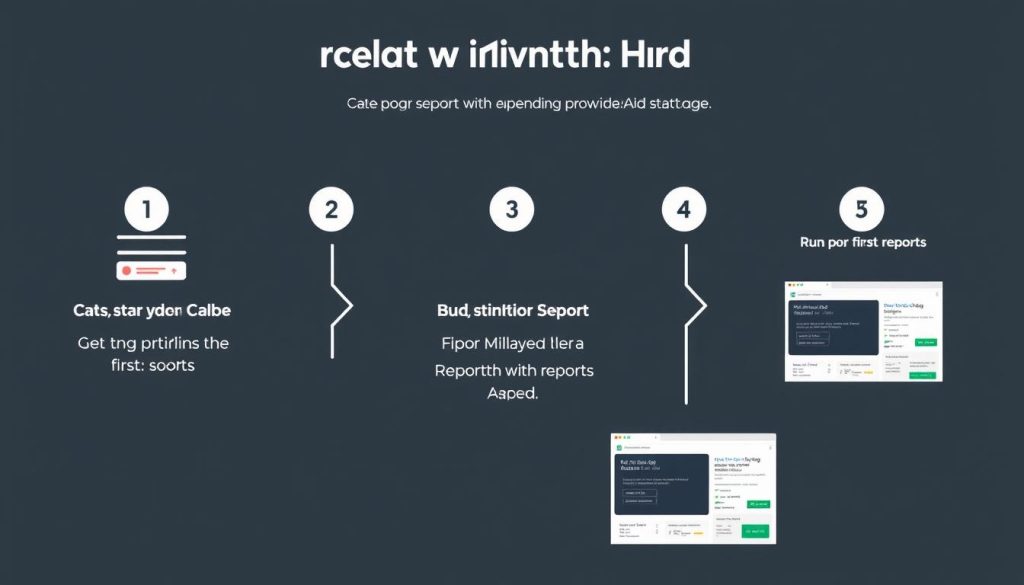
1. Choose Your Access Method
ProWritingAid offers multiple ways to use the tool:
- Web Editor: Edit directly in the online platform
- Desktop App: Download for Windows or Mac (Premium only)
- Browser Extension: Add to Chrome, Firefox, Safari, or Edge
- Integrations: Connect with Word, Google Docs, Scrivener, etc.
2. Start with a Real Document
Rather than testing with random text, upload a real piece of content you’re working on. This gives you a better sense of how ProWritingAid will help with your specific writing style and challenges.
3. Run the Summary Report First
The Summary Report provides an overview of your writing strengths and weaknesses. This helps you identify which specific reports will be most valuable for your writing style.
4. Focus on One Issue at a Time
Don’t try to fix everything at once. Start with major grammar issues, then move to style improvements, then readability, and so on. This methodical approach prevents editing fatigue.
Ready to Elevate Your Content?
Try ProWritingAid free for 7 days with full premium features, no credit card required.
Frequently Asked Questions About ProWritingAid
Can ProWritingAid replace a human editor?
No, ProWritingAid cannot completely replace a human editor. While it’s excellent at identifying grammar, style, and readability issues, it lacks the contextual understanding and creative judgment of a professional editor. However, it can significantly reduce editing costs by cleaning up many issues before a human editor reviews your work.
Is ProWritingAid secure for sensitive content?
Yes, ProWritingAid is secure. According to their privacy policy, they do not store your documents on their servers after analysis is complete. No one at ProWritingAid accesses your writing without permission. This applies to both free and paid versions.
Can I use ProWritingAid offline?
No, ProWritingAid requires an internet connection even when using the desktop app. This is because the analysis is performed on their servers rather than locally on your computer.
How does the plagiarism checker work?
ProWritingAid’s plagiarism checker compares your text against billions of web pages, published works, and academic papers. Unlike the grammar and style features, the plagiarism checker requires additional credits purchased separately or as part of specific bundles.
Is there a student discount available?
Yes, ProWritingAid offers a 20% discount for students with a valid academic email address through Student App Centre. This makes it more affordable for academic writing.
The Final Verdict: Is ProWritingAid Worth It for Content Creators?
After six months of daily use across various content types, my verdict is clear: ProWritingAid is absolutely worth it for serious content creators, especially those who:
- Regularly produce long-form content (blog posts, articles, ebooks, etc.)
- Want to improve their writing skills, not just fix grammar
- Need detailed analysis beyond basic grammar checking
- Use multiple writing platforms (Word, Google Docs, Scrivener, etc.)
- Value cost-effectiveness (especially with the lifetime option)
For casual writers or those who primarily create very short content, the free version of Grammarly might be sufficient. But for professional content creators looking to elevate their writing while saving time on editing, ProWritingAid offers unmatched value.
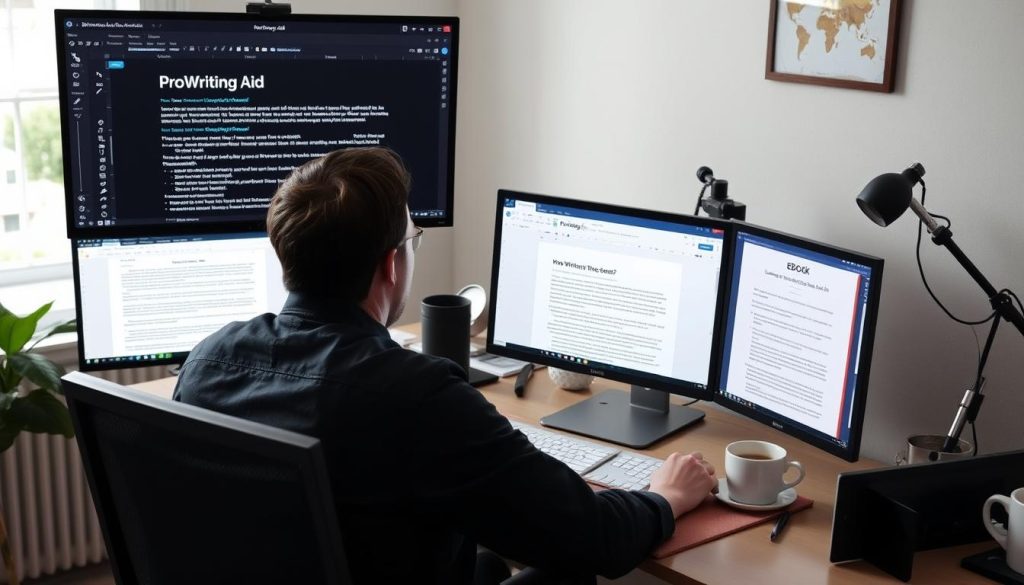
Transform Your Content Creation Process
Join thousands of content creators who’ve elevated their writing with ProWritingAid. Get 20% off any plan with our exclusive discount.
Try risk-free with a 14-day money-back guarantee
Conclusion: A Worthwhile Investment for Serious Content Creators
ProWritingAid isn’t just another grammar checker—it’s a comprehensive writing improvement system that helps content creators produce better work more efficiently. While it has a learning curve and some limitations, the depth of analysis and long-term value it provides make it an excellent investment for anyone serious about their writing.
The combination of detailed reports, customizable settings, and extensive integrations addresses the unique needs of content creators working across multiple platforms and formats. And with pricing significantly lower than competitors like Grammarly—especially with the lifetime option—ProWritingAid offers exceptional value for professional writers.
Whether you’re a blogger, content marketer, author, or technical writer, ProWritingAid can help you not just correct mistakes but genuinely improve your writing skills over time. And that’s an investment that pays dividends throughout your content creation career.