HubSpot AI for Marketing Automation: Real Workflows You Can Copy (Email + CRM + Personalisation)

That’s unsustainable. This is where HubSpot AI for marketing automation creates the perfect balance—enabling your team to deliver personalised experiences that feel human while automating the heavy lifting behind the scenes.
For SMBs and scaleups, the combination of HubSpot and AI-driven personalisation has become the mainstream “default stack” for a reason: it delivers enterprise-level capabilities without requiring enterprise-level resources.
In this guide, we’ll share real, ready-to-copy workflows that leverage HubSpot’s AI tools to nurture leads, reactivate dormant prospects, recover abandoned demos, and drive upsells—all with minimal setup time.
Why HubSpot AI Is Transforming Marketing Automation
Traditional marketing automation platforms require extensive manual setup and ongoing maintenance. HubSpot’s AI capabilities fundamentally change this equation by:
- Automatically generating personalized content for emails, landing pages, and CTAs
- Predicting which leads are most likely to convert (and when)
- Recommending optimal send times based on individual contact behavior
- Dynamically adjusting workflows based on engagement patterns
- Creating detailed customer segments without complex queries
The result? Marketing teams can build sophisticated, personalised campaigns in hours instead of weeks, while continuously optimising performance without constant manual intervention.
Ready to supercharge your marketing automation?
Start with a free HubSpot account and unlock AI-powered marketing tools.
Workflow #1: AI-Powered Lead Nurture Sequence
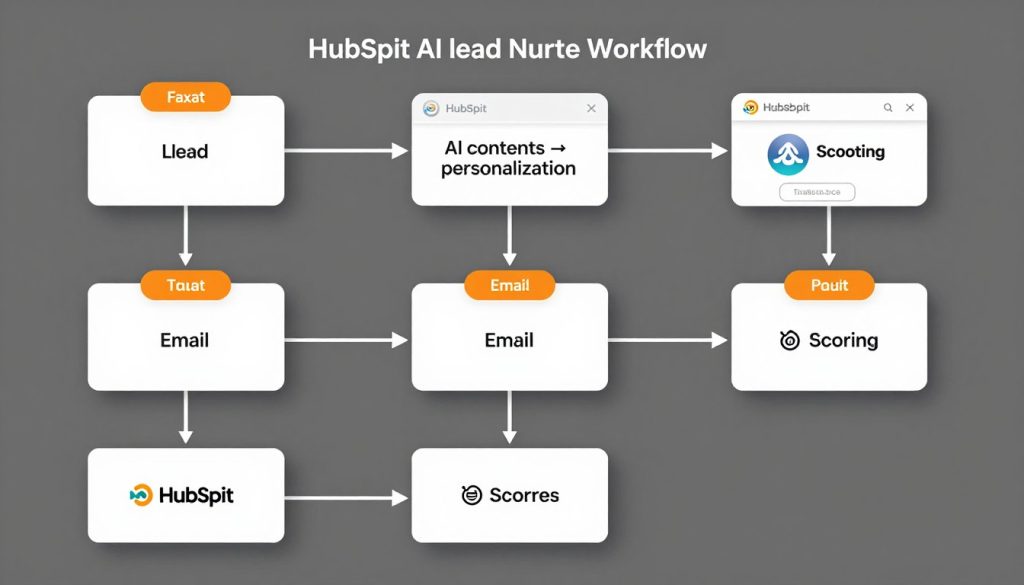
This workflow automatically nurtures new leads with content tailored to their specific interests and behaviours, using HubSpot AI to personalise messaging and optimise delivery timing.
How It Works
- Trigger: Contact submits a form or downloads content
- AI Action: HubSpot Content Assistant generates personalised email content based on the contact’s industry, role, and specific content interests
- Delay: Wait 3 days, optimised by HubSpot’s send-time optimisation
- Conditional Branch: If email opened, send follow-up with deeper content; if not opened, send alternative subject line
- AI Action: Use predictive lead scoring to determine interest level
- Conditional Branch: High-scoring leads receive sales outreach; others continue nurture sequence
- Smart Content: Final email uses dynamic content blocks personalised to the contact’s behaviour
Implementation Steps
Step 1: Set Up the Workflow Trigger
In HubSpot, navigate to Automation → Workflows → Create workflow → Select “Contact-based” → Set enrollment trigger to “Form submission” or “Downloaded content”.
Step 2: Create Email Templates with AI
Go to Marketing → Email → Create email → Click “AI Assistant” → Enter prompt like “Write an email introducing our [product] to a [industry] professional who downloaded our [content name]” → Customise the generated content.
Step 3: Set Up Conditional Logic
Add a condition branch based on “Email opened” → Create two paths → For unopened emails, use AI to generate alternative subject lines → For opened emails, continue with deeper content.
Step 4: Implement Predictive Lead Scoring
Enable HubSpot’s predictive lead scoring → Add a condition branch based on lead score → Set threshold (e.g., 70+) → Create separate paths for high and low-scoring leads.
Step 5: Create Smart Content
In final email, add smart content blocks → Set rules based on previous interactions → Use AI Assistant to generate variations for each segment.
Ready to implement this lead nurture workflow?
Get our pre-built template and have it running in minutes.
Workflow #2: AI-Driven Contact Reactivation Campaign
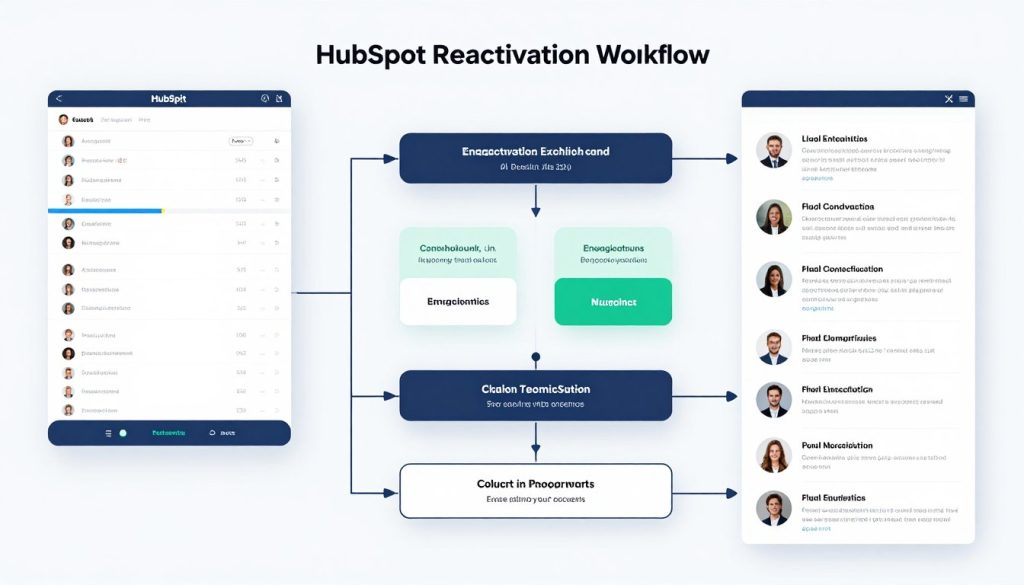
This workflow automatically identifies and re-engages dormant contacts using AI-generated personalised content based on their historical interests and industry trends.
How It Works
- Trigger: Contact has not engaged with emails, website, or content for 90+ days
- AI Action: HubSpot analyzes contact’s historical engagement to identify top interests
- AI Action: Content Assistant generates personalised re-engagement email with relevant industry insights
- Conditional Branch: If email opened, move to re-engagement path; if not, try second approach
- AI Action: For non-responders, generate alternative messaging with a different value proposition
- Conditional Branch: If re-engaged, update contact property and add to active nurture; if still dormant after multiple attempts, mark for sales review
Implementation Steps
Step 1: Create Dormant Contact List
Go to Contacts → Lists → Create list → Set criteria: “Last engagement date is before [90 days ago]” AND “Marketing emails clicked is less than 1 in last 90 days” → Save as active list.
Step 2: Set Up Reactivation Workflow
Create workflow with enrollment trigger based on membership in dormant list → Add delay to ensure contacts are truly inactive → Add “Send email” action.
Step 3: Create AI-Generated Content
In the email editor, use AI Assistant → Prompt: “Write a re-engagement email for dormant contacts in [industry], highlighting new developments in [topic of interest]” → Customise and add personalisation tokens.
Step 4: Set Up Branching Logic
Add a condition branch based on email engagement → For engaged contacts, update the property “Reactivated” to “Yes” and add to active nurture → For non-engaged, send a second email with a different approach.
Step 5: Create Final Resolution
After the final attempt, add a condition branch → For still dormant contacts, create a task for sales review → For reactivated contacts, add to the appropriate nurture workflow.
“By implementing HubSpot’s AI-driven reactivation workflow, we’ve recovered 23% of dormant contacts and generated $157,000 in new opportunities from previously inactive accounts.”
Recover your dormant contacts
Implement our proven reactivation workflow with just a few clicks.
Workflow #3: Abandoned Demo Recovery with AI Personalisation
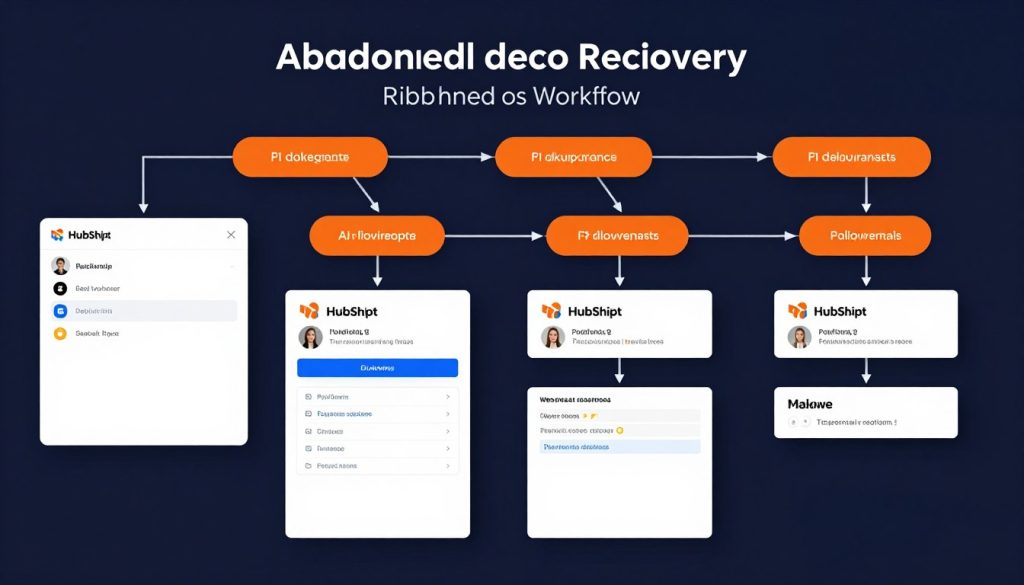
This workflow automatically follows up with prospects who started but didn’t complete a product demo request or scheduling process, using AI to create personalised outreach based on their specific interests and objections.
How It Works
- Trigger: Contact started demo request form but didn’t complete, or viewed demo page without converting
- AI Action: Generate personalised follow-up email addressing common objections based on the contact’s industry and behaviour
- Delay: Wait 1 day, optimised by send-time AI
- Conditional Branch: If email is opened but no action is taken, send a second follow-up with an alternative value proposition
- AI Action: For engaged contacts, create personalized demo scheduling page with relevant use cases
- Final Action: If there is still no engagement after the sequence, create a task for sales to follow up with a phone call
Implementation Steps
Step 1: Set Up Tracking
Create form submission property for partial demo requests → Set up page tracking for demo pages → Create a list of contacts who started but didn’t complete the demo process.
Step 2: Create Workflow
Set up workflow triggered by list membership → Add immediate first follow-up email → Use AI Content Assistant to generate personalised copy addressing common objections.
Step 3: Create Conditional Branches
Add branches based on email engagement → For opens without clicks, send alternative messaging → For clicks without conversion, send more detailed use cases.
Step 4: Personalise Demo Scheduling
Create personalised meeting links with HubSpot Meetings → Use contact properties to pre-select relevant demo topics → Include in follow-up emails.
Step 5: Set Up Sales Handoff
For contacts who don’t convert after the email sequence, create a task for the sales team → Include all engagement data and suggested talking points.
Stop losing demo opportunities
Implement our abandoned demo recovery workflow today.
Workflow #4: AI-Powered Customer Upsell Campaign
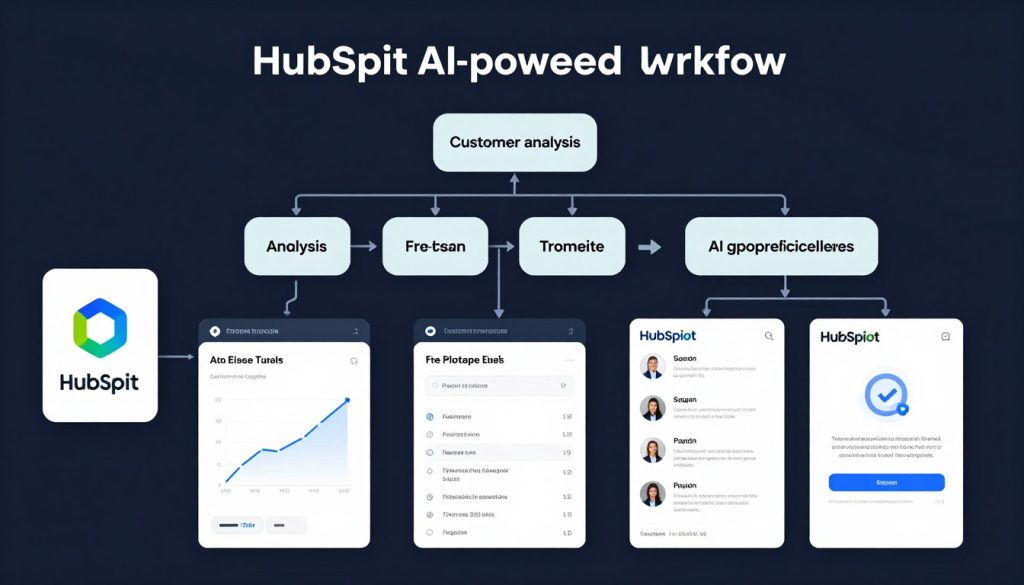
This workflow identifies expansion opportunities within your existing customer base using AI to analyse usage patterns, predict needs, and deliver personalised upgrade recommendations at the optimal moment.
How It Works
- Trigger: Customer reaches usage threshold OR specific feature usage pattern indicates need for upgrade
- AI Action: Analyze customer’s usage patterns to identify the most relevant additional features or services
- AI Action: Generate personalised email highlighting the benefits of the upgrade based on specific usage patterns
- Conditional Branch: If the customer engages but doesn’t upgrade, send a case study relevant to their industry
- AI Action: For highly engaged customers, generate personalized ROI calculator based on their current usage
- Final Action: If the customer shows a strong interest but doesn’t convert, create a task for customer success to schedule a review call
Implementation Steps
Step 1: Set Up Usage Tracking
Create custom properties to track product usage → Set up integration with your product using HubSpot’s API → Create active lists based on usage thresholds.
Step 2: Create Upsell Workflow
Set up workflow triggered by list membership → Add delay to ensure consistent usage pattern → Add “Send email” action with personalised upgrade offer.
Step 3: Create AI-Generated Content
Use Content Assistant to generate personalised upsell emails → Prompt: “Write an email recommending [specific upgrade] to a customer who is [usage pattern], highlighting benefits for [industry]” → Add dynamic content based on specific features used.
Step 4: Set Up Engagement-Based Branches
Create branches based on email engagement → For customers who open but don’t click, send an industry-specific case study → For customers who click but don’t purchase, send an ROI calculator.
Step 5: Create Customer Success Handoff
For highly engaged customers who don’t convert, create a task for the customer success team → Include all usage data and engagement history → Provide talking points for the upgrade conversation.
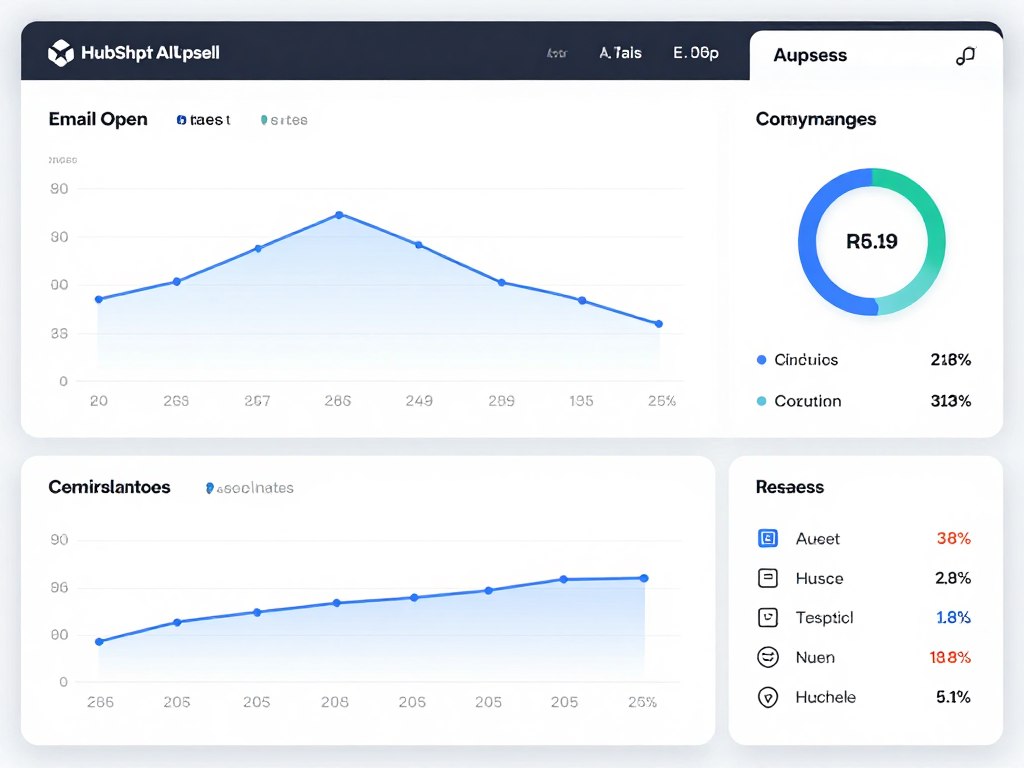
Increase customer lifetime value
Start generating more revenue from your existing customers.
Enhancing Your Workflows with HubSpot Integrations
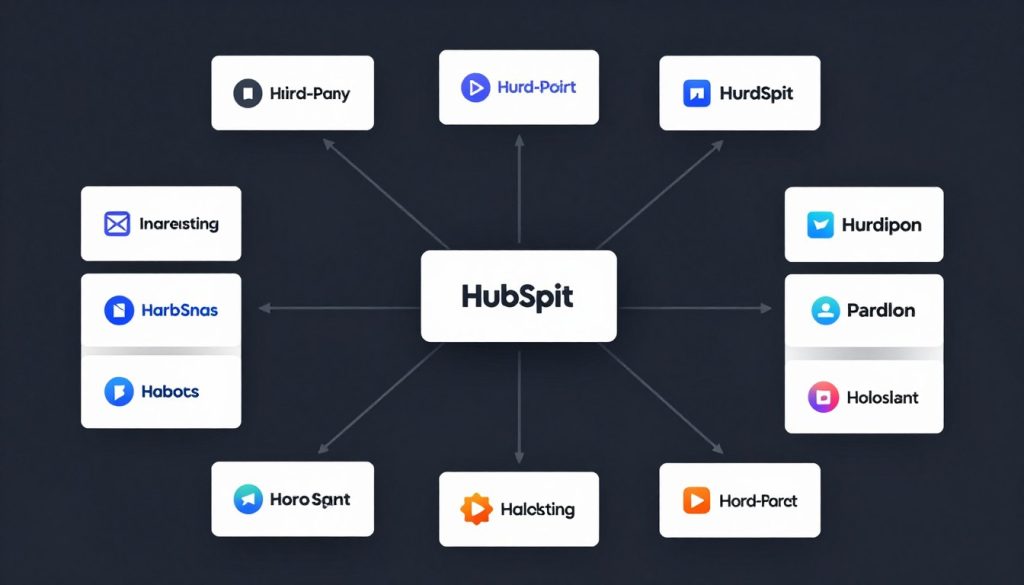
While HubSpot’s native AI capabilities are powerful, integrating with specialised tools can take your marketing automation to the next level. Here are key integrations that complement the workflows above:
Data Enrichment
Enhance your contact data automatically to improve personalisation and targeting.
- Clearbit: Automatically enrich contact and company data
- ZoomInfo: Add detailed B2B firmographic information
- Breeze Intelligence: HubSpot’s native enrichment tool
Email Verification
Ensure deliverability and maintain list quality for better campaign performance.
- NeverBounce: Verify email addresses before sending
- Kickbox: Real-time email verification and list cleaning
- Validity: Comprehensive email deliverability platform
Advanced Personalization
Create hyper-personalised experiences that drive engagement and conversion.
- Hyperise: Personalised images in emails and pages
- Vidyard: Personalised video messaging integration
- Chilli Piper: Intelligent meeting scheduling
Getting Started with HubSpot AI for Marketing Automation
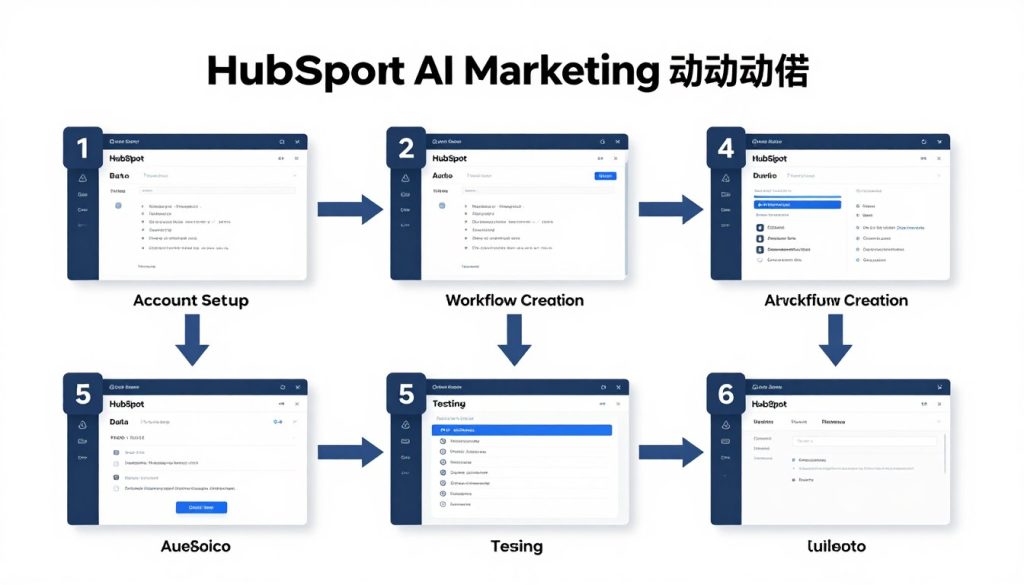
Ready to implement these workflows in your HubSpot account? Follow these steps to get started:
- Audit Your Current Setup: Review your existing HubSpot implementation, focusing on contact properties, lists, and any current workflows
- Prepare Your Data: Clean your contact database and ensure you have the necessary properties to support personalization
- Start Small: Begin with one workflow (we recommend the Lead Nurture sequence) and expand once you see results
- Test Thoroughly: Enrol test contacts in your workflows to ensure everything functions as expected
- Monitor and Optimise: Use HubSpot’s reporting tools to track performance and make data-driven improvements
Pro Tip: HubSpot’s AI features work best when they have sufficient data to learn from. If you’re just getting started, focus on building your contact database with quality information before implementing advanced AI personalisation.
Need help implementing these workflows?
Our team of HubSpot experts can set everything up for you.
Conclusion: Transform Your Marketing with HubSpot AI Automation
The combination of HubSpot and AI-driven marketing automation represents a significant competitive advantage for SMBs and scaleups. By implementing the workflows we’ve shared, you can deliver personalised experiences at scale, recover lost opportunities, and drive more revenue from your existing customer base—all while saving your team countless hours of manual work.
The best part? These workflows get smarter over time. As HubSpot’s AI analyses more data and learns from your results, your campaigns will continuously improve, delivering better outcomes with less effort.
Whether you’re new to HubSpot or looking to take your existing implementation to the next level, these ready-to-copy workflows provide a straightforward path to more effective, efficient marketing automation.