HubSpot CRM Review: Is the Free Version Enough for Small Businesses?

What is HubSpot CRM and How Does the Free Version Work?
HubSpot CRM is a customer relationship management platform that helps businesses track interactions with prospects and customers. The free version serves as an introduction to HubSpot’s ecosystem, which includes separate paid hubs for Marketing, Sales, Service, CMS, and Operations.
Unlike many “freemium” products, HubSpot’s free CRM is genuinely free forever with no expiration date. It provides basic functionality from each of HubSpot’s premium products, giving small businesses essential tools to manage customer relationships without initial investment.
Key Features of HubSpot’s Free CRM for Small Businesses
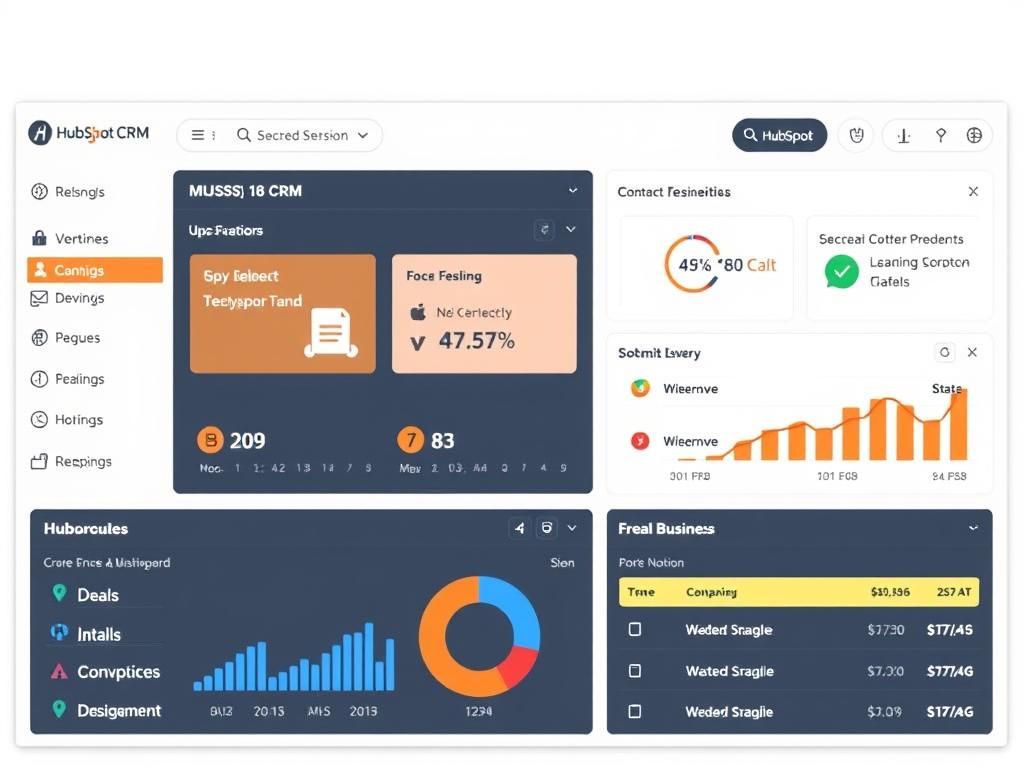
HubSpot’s free CRM offers several valuable features that can significantly benefit small businesses looking to organise their customer data and streamline their sales process.
Contact and Company Management
The free version allows you to store up to 1 million contacts with no time limit. You can organise contacts, companies, and deals in a centralised database that automatically records customer interactions. The system captures website activity, email engagement, and meeting history to provide a comprehensive view of each contact.
Email Marketing and Communication Tools
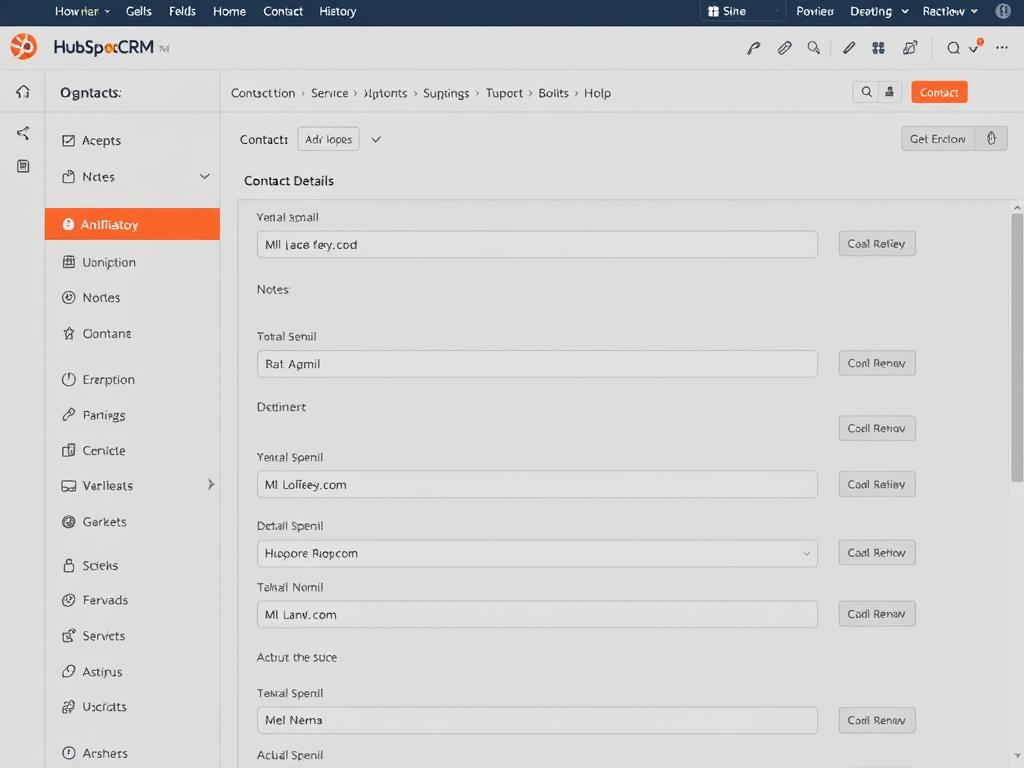
HubSpot’s free CRM includes basic email marketing capabilities with up to 2,000 email sends per month. You can create up to five email templates, track opens and clicks, and schedule emails for optimal delivery times. The platform also offers email integration with Gmail and Outlook, allowing you to send emails directly from the CRM.
Deal Pipeline and Task Management
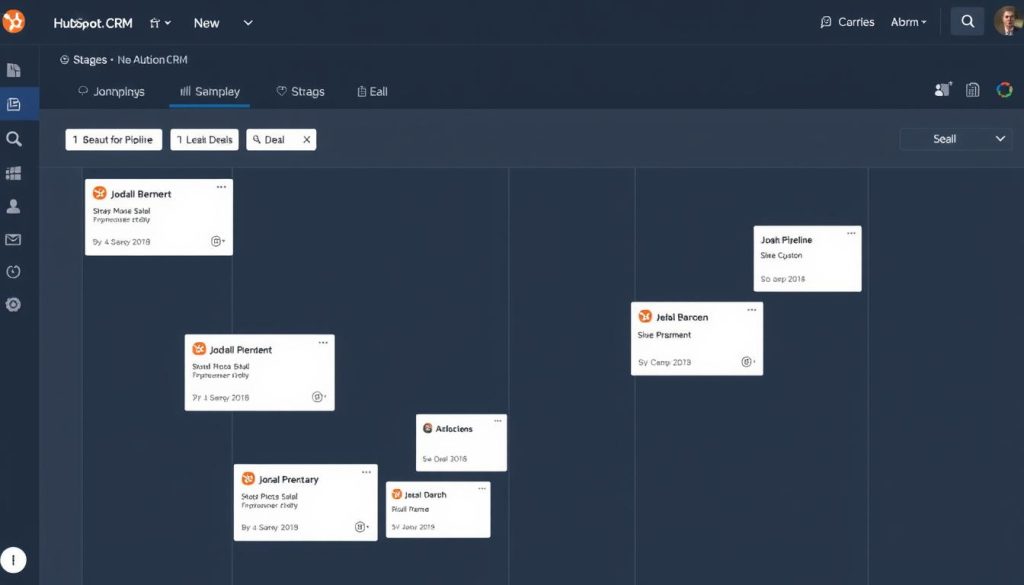
The free CRM includes a visual sales pipeline that helps track deals through various stages. You can create tasks, set reminders, and assign responsibilities to team members. While limited to one pipeline in the free version, this feature provides essential structure for small sales teams.
Meeting Scheduling and Forms
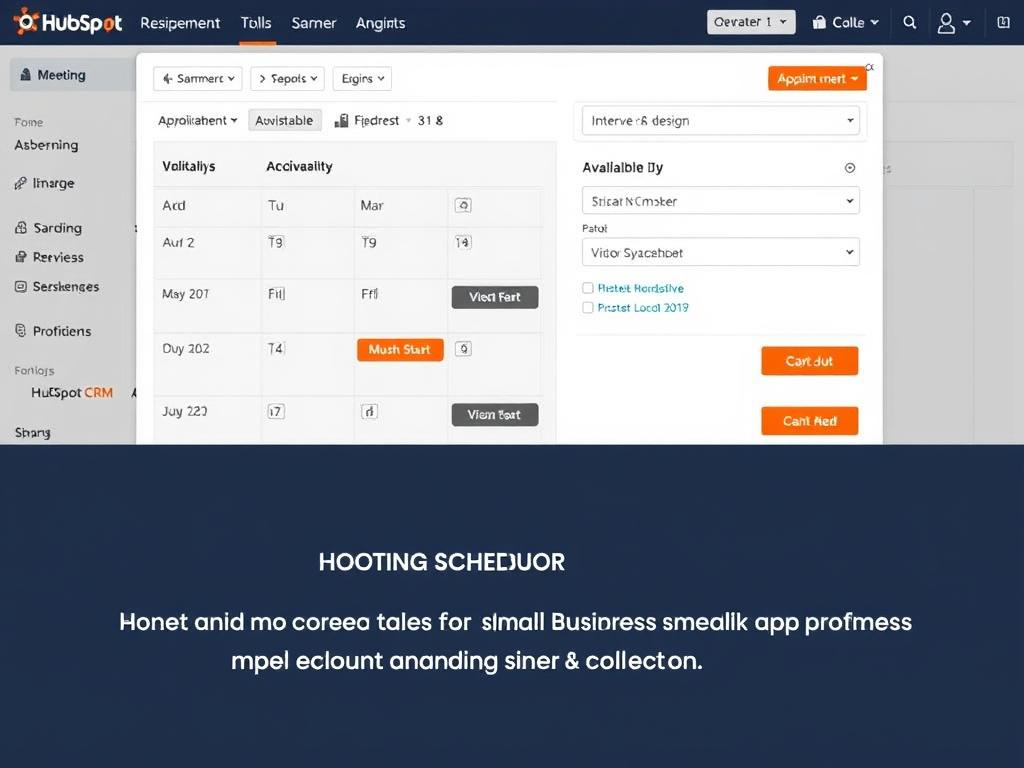
HubSpot’s free CRM includes a meeting scheduler that integrates with your calendar, allowing prospects to book time slots without back-and-forth emails. You can also create forms to capture lead information directly on your website, with submissions automatically added to your contact database.
Live Chat and Basic Reporting
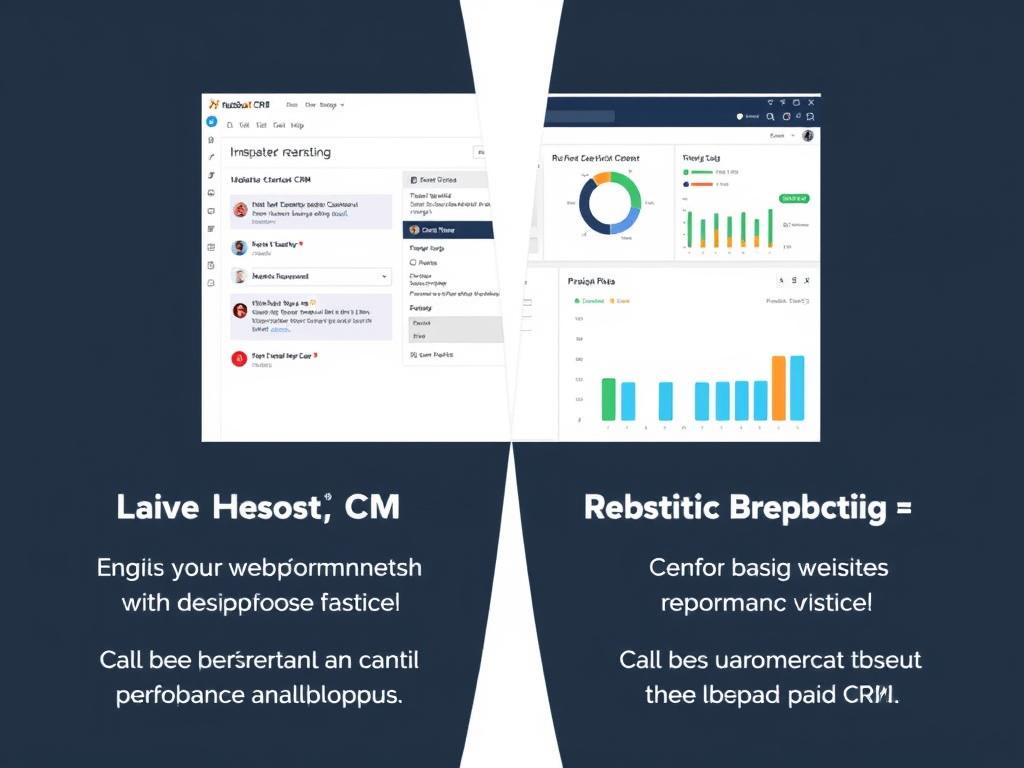
The free version includes a basic live chat tool for your website and simple reporting dashboards. While these features have limitations compared to paid versions, they provide small businesses with fundamental tools to engage website visitors and track basic performance metrics.
Ready to try HubSpot’s free CRM?
Get started with organising your contacts, tracking deals, and streamlining your small business operations today.
Limitations of HubSpot’s Free CRM Version
While HubSpot’s free CRM offers impressive functionality, it comes with several limitations that small businesses should consider before committing to the platform.
Free Version Strengths
- Unlimited users with no expiration date
- Up to 1 million contact storage
- Basic email marketing (2,000 emails/month)
- Meeting scheduling and live chat
- Gmail and Outlook integration
Free Version Limitations
- Only one sales pipeline
- Limited automation capabilities
- Basic reporting only
- HubSpot branding on all communications
- Limited customer support options
User and Feature Caps
While the free CRM allows unlimited users, many features have strict limitations. You’re restricted to one shared inbox, five active email lists, and only two connected social accounts. The 1 million contact limit sounds generous, but it becomes problematic if you later upgrade to paid marketing tools, which have much lower contact allowances.
Missing Advanced Features
The free version lacks several features that growing businesses might need. These include workflow automation, custom reporting, sequence emails, and predictive lead scoring. As your business scales, these limitations can hamper productivity and sales effectiveness.
Branding Limitations
All communications sent through the free CRM will include HubSpot branding. This includes emails, chat widgets, forms, and landing pages. For some small businesses, this third-party branding may impact professional appearance when communicating with clients.
Support Restrictions
Free users have access only to community forums, knowledge base articles, and HubSpot Academy resources. Direct customer support is unavailable without upgrading to a paid plan, which can be challenging when facing technical issues or needing implementation guidance.
HubSpot Free CRM vs. Paid Plans: What’s the Difference?
Understanding the differences between HubSpot’s free CRM and its paid plans is crucial for determining whether the free version will meet your small business’s needs long-term.
| Feature | Free CRM | Starter Plan | Professional Plan |
| Contact Storage | 1,000,000 | 1,000 (then $45/month per 1,000) | 2,000 (then $45/month per 1,000) |
| Users | Unlimited | 2 (then $25/month per user) | 5 (then $80/month per user) |
| Email Marketing | 2,000 emails/month | 5,000 emails/month | 20,000 emails/month |
| Sales Pipelines | 1 | 2 | 15 |
| Automation | Very limited | Basic automation | Full workflow automation |
| Reporting | Basic reports | Basic reports + dashboards | Custom reports (100+) |
| HubSpot Branding | Yes | No | No |
| Support | Community only | Email + chat | Phone + email + chat |
| Starting Price | $0 | $45/month | $450/month |
The most significant differences between free and paid plans include automation capabilities, reporting flexibility, and the removal of HubSpot branding. As your business grows, these limitations may become more restrictive, potentially necessitating an upgrade.
Want to compare HubSpot plans in detail?
Explore all HubSpot CRM options to find the right fit for your small business needs.
How Well Does HubSpot Free CRM Address Small Business Needs?
Small businesses have unique requirements when it comes to CRM solutions. Let’s examine how well HubSpot’s free CRM meets these specific needs.
Scalability Considerations
For startups and small businesses planning significant growth, it’s essential to consider whether HubSpot’s free CRM can scale with your company. While the platform offers a smooth upgrade path, costs can increase substantially as you add users, contacts, and advanced features.

Budget Constraints
For budget-conscious small businesses, HubSpot’s free CRM offers significant value without initial investment. However, as your needs grow, you may face substantial costs when upgrading to paid plans, especially if you’ve accumulated many contacts in the free version.
Team Size Considerations
The free CRM works well for both solopreneurs and small teams. Solopreneurs benefit from the contact organisation and basic sales tools, while small teams can collaborate using the shared inbox and task assignment features. However, as teams grow beyond 5-10 members, the limitations of the free version become more apparent.

Technical Expertise Required
One of HubSpot’s strengths is its user-friendly interface, making it accessible for small businesses without a dedicated IT staff. The free CRM requires minimal technical expertise to set up and maintain, with intuitive navigation and helpful onboarding resources.
Real-World Scenarios: When Is HubSpot Free CRM Enough?
Understanding when the free version is sufficient and when you might need to upgrade can help you make the right decision for your small business.
When the Free Version Works Well
- New Businesses: Startups with limited contacts and basic CRM needs
- Service Providers: Freelancers and consultants managing client relationships
- Small Retail: Local shops tracking customer purchases and preferences
- Non-Profits: Organisations managing donors and volunteers
- Education: Small schools or tutoring services tracking student information
When You’ll Need to Upgrade
- Growing Sales Teams: Businesses with 5+ sales reps needing multiple pipelines
- Marketing-Focused: Companies requiring advanced email marketing automation
- Data-Driven: Organisations needing custom reporting and analytics
- High-Volume Leads: Businesses processing numerous leads requiring scoring
- Complex Sales: Companies with multi-stage sales processes needing automation

Case Example: Local Marketing Agency
A 5-person marketing agency started with HubSpot’s free CRM to track client relationships. Initially, it met their needs perfectly, allowing them to store contact information and track fundamental interactions. However, as they grew to 10 employees and began handling more complex client projects, they found themselves limited by the single pipeline and a lack of automation. They ultimately upgraded to the Starter plan to remove HubSpot branding and gain additional pipelines.
Case Example: Solo Consultant
A business consultant uses HubSpot’s free CRM to manage approximately 200 client contacts. The free version provides everything needed to track client interactions, schedule meetings, and send follow-up emails. With minimal growth plans and straightforward relationship management needs, the free CRM remains sufficient without requiring an upgrade.

Getting Started with HubSpot Free CRM
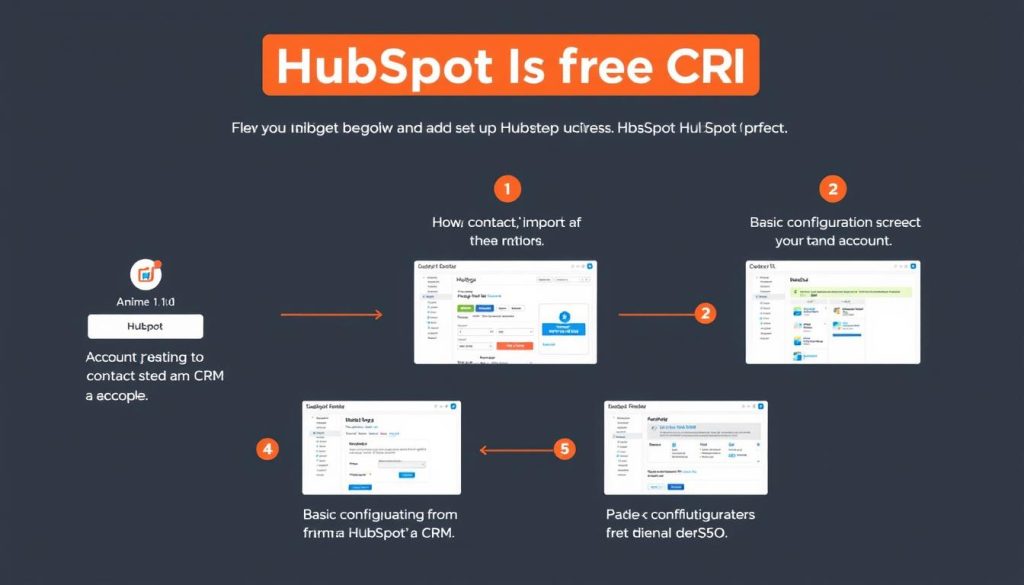
If you’ve decided to try HubSpot’s free CRM for your small business, here’s a quick guide to getting started:
1. Account Setup
Visit HubSpot’s website and sign up for the free CRM. You’ll need to provide basic information about your business and create login credentials. The process takes about 5 minutes to complete.
2. Import Contacts
Import your existing contacts via a CSV file or connect your email account to pull in contacts automatically. HubSpot provides templates and guidance to ensure proper data formatting.
3. Customise Settings
Set up your sales pipeline stages, customise contact properties, and configure email integration. Take time to tailor the CRM to your specific business processes.
Ready to streamline your small business operations?
Get started with HubSpot’s free CRM today and begin organising your customer relationships more effectively.
Conclusion: Is HubSpot’s Free CRM Enough for Your Small Business?
HubSpot’s free CRM offers impressive value for small businesses looking to organise customer data and streamline basic sales processes. For many small businesses, especially those just starting out or with straightforward CRM needs, the free version provides sufficient functionality without requiring financial investment.
However, as your business grows, you may encounter limitations that impact productivity and effectiveness. The single pipeline restriction, limited automation capabilities, and basic reporting may eventually necessitate an upgrade to a paid plan.
The verdict? HubSpot’s free CRM is an excellent starting point for small businesses, providing a user-friendly introduction to CRM functionality with a clear upgrade path as your needs evolve. By understanding both its capabilities and limitations, you can make an informed decision about whether it’s the right solution for your small business now and in the future.

Experience HubSpot CRM for yourself
The best way to determine if HubSpot’s free CRM meets your needs is to try it firsthand. Get started today with no commitment.






