Buffer vs Hootsuite vs Later: Social Media Scheduling Tools Compared

In this comprehensive comparison, we’ll analyse Buffer, Hootsuite, and Later—three leading social media scheduling tools—to help you determine which platform best suits your specific needs. We’ll examine their features, pricing, user experience, and ideal use cases so you can make an informed decision for your business or personal brand.
Why Use Social Media Scheduling Tools?
Before diving into our comparison, let’s quickly highlight why social media scheduling tools are essential for modern marketing strategies:
- Save time by planning and scheduling content in batches
- Maintain a consistent posting schedule even when you’re unavailable
- Optimise posting times to reach your audience when they’re most active
- Manage multiple social media accounts from a single dashboard
- Analyse performance to refine your social media strategy
- Collaborate with team members on content creation and approval
Now, let’s examine how Buffer, Hootsuite, and Later stack up against each other in various categories.
At a Glance: Buffer vs Hootsuite vs Later
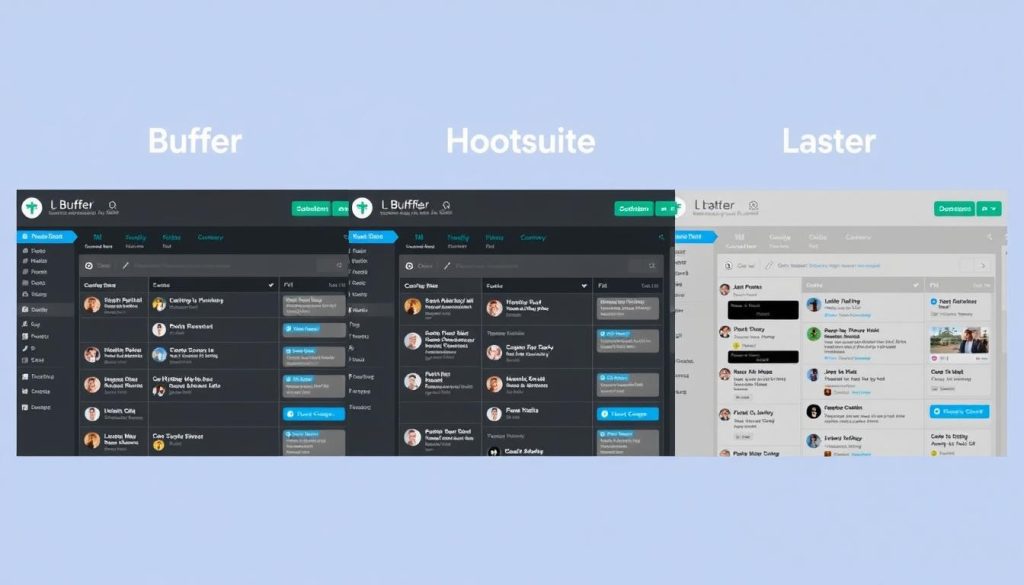
| Feature | Buffer | Hootsuite | Later |
| Starting Price | Free plan; $6/month (paid) | $99/month | Free plan; $25/month (paid) |
| Supported Platforms | Facebook, Instagram, Twitter, LinkedIn, Pinterest, TikTok, Mastodon | Facebook, Instagram, Twitter, LinkedIn, YouTube, Pinterest, TikTok | Instagram, Facebook, Twitter, Pinterest, TikTok, LinkedIn |
| Best For | Small businesses, solopreneurs | Medium to large businesses, agencies | Visual-focused brands, Instagram marketers |
| Free Plan Limits | 3 social channels, 10 scheduled posts per channel | No free plan | 1 profile per platform, 30 posts per profile |
| Analytics | Based on lower tiers, advanced on higher tiers | Comprehensive across all plans | Based on the free plan, detailed on paid plans |
This overview gives you a quick snapshot of how these platforms compare, but let’s dive deeper into each tool’s specific features and capabilities.
Buffer: Simplicity and Affordability
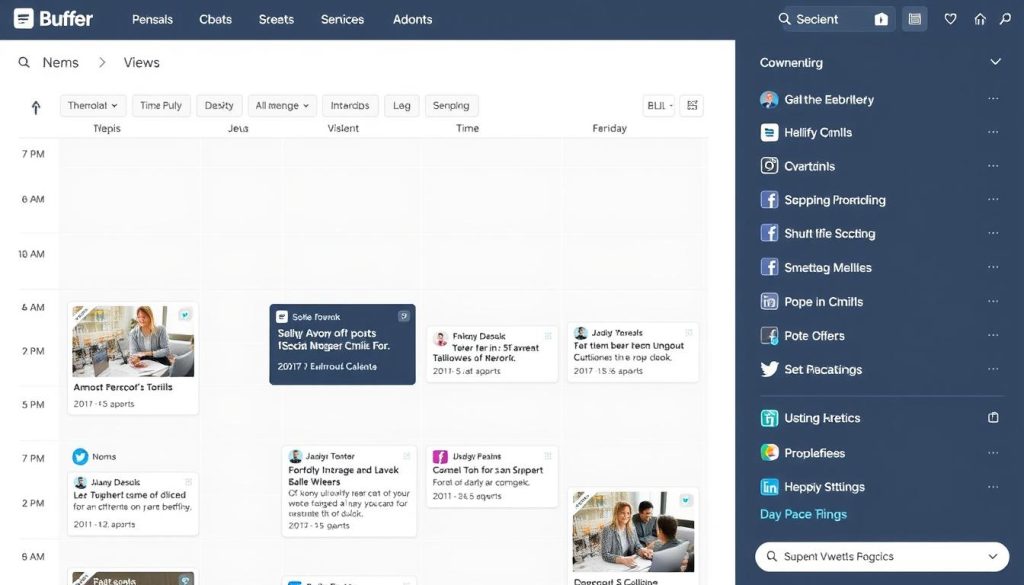
Buffer started as a simple Twitter scheduling tool but has evolved into a comprehensive social media management platform. It’s known for its clean interface and straightforward approach to social media scheduling.
Key Features
- Publishing: Schedule posts across multiple platforms with customised content for each network
- Content Calendar: Visual calendar interface for planning your content strategy
- Queue System: Set posting schedules and add content to your queue
- AI Assistant: Generate post ideas, rewrite social media copy, and more
- Analytics: Track post performance with engagement metrics
- Mobile App: Schedule and manage content on the go
- Browser Extension: Share content directly from any webpage
Pricing
| Plan | Price | Features |
| Free | $0 | 3 social channels, 10 scheduled posts per channel, basic analytics |
| Essentials | $6/month | 8 social channels, unlimited scheduling, basic analytics |
| Team | $12/month | 8 social channels, unlimited scheduling, draft collaboration, and advanced analytics |
| Agency | $120/month | 25 social channels, unlimited scheduling, draft collaboration, and advanced analytics |
*Annual billing provides 2 months free
Pros and Cons
Pros
- Clean, intuitive interface that’s easy to learn
- Affordable pricing with a generous free plan
- Supports Mastodon (unique among major schedulers)
- Excellent mobile app experience
- Simple queue system for consistent posting
Cons
- Limited analytics on lower-tier plans
- Fewer advanced features compared to Hootsuite
- No social listening capabilities
- Limited team collaboration features
- No content curation tools
Try Buffer’s Streamlined Scheduling
Experience Buffer’s clean interface and efficient scheduling system with their free plan—no credit card required to get started.
Hootsuite: Comprehensive Social Media Management
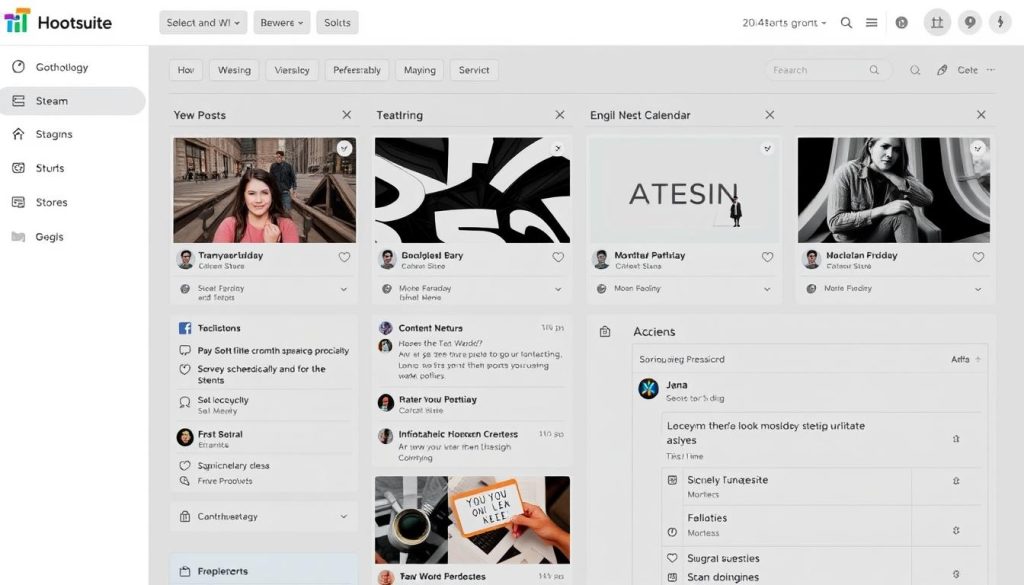
Hootsuite is one of the oldest and most established social media management platforms. It offers a robust set of features designed for businesses managing multiple social media accounts and teams.
Key Features
- Publishing: Schedule and publish content across multiple platforms
- Content Calendar: Plan and visualise your content strategy
- Streams: Monitor multiple social feeds in a customizable dashboard
- Team Management: Assign tasks, set permissions, and manage approval workflows
- Social Listening: Monitor conversations about your brand and industry
- Analytics: Comprehensive reporting on social media performance
- Bulk Scheduling: Upload and schedule multiple posts at once
- Content Curation: Discover and share relevant content
Pricing
| Plan | Price | Features |
| Professional | $99/month | 10 social accounts, 1 user, unlimited scheduling, basic analytics |
| Team | $249/month | 20 social accounts, 3 users, custom analytics, team assignments |
| Business | $739/month | 35 social accounts, 5+ users, advanced analytics, custom roles |
| Enterprise | Custom pricing | 50+ social accounts, 5+ users, advanced security, dedicated support |
*Save 20% with annual billing
Pros and Cons
Pros
- Comprehensive all-in-one social media management
- Powerful team collaboration features
- Robust analytics and reporting
- Advanced social listening capabilities
- Extensive integration options
Cons
- Significantly higher price point
- Steeper learning curve for beginners
- No free plan available
- The interface can feel cluttered
- The mobile app has limited functionality compared to the desktop
Experience Hootsuite’s Advanced Features
Try Hootsuite’s comprehensive social media management platform with its 30-day free trial. No commitment required.
Later: Visual-First Social Media Scheduling
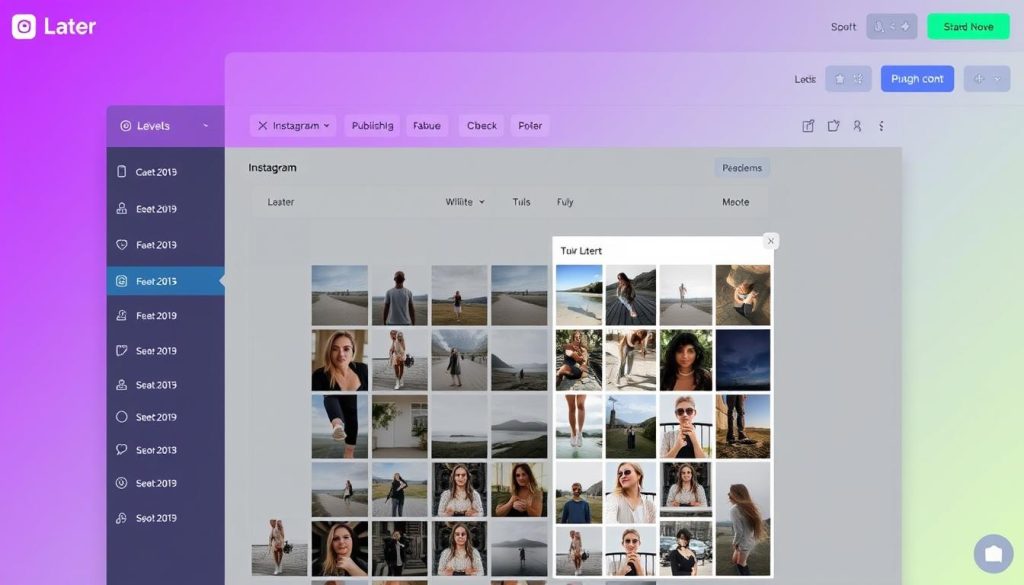
Later began as an Instagram-focused scheduling tool and has expanded to support other platforms while maintaining its visual-first approach. It’s particularly popular among content creators and visual brands.
Key Features
- Visual Planner: Preview your Instagram grid before publishing
- Media Library: Store and organise your visual content
- Drag-and-Drop Calendar: Visually plan your content schedule
- Best Time to Post: Recommendations based on your audience engagement
- Hashtag Suggestions: Find relevant hashtags for your content
- Analytics: Track post performance and audience growth
- Link in Bio: Create a customizable landing page for Instagram
- Stories Scheduling: Plan and schedule Instagram Stories
Pricing
| Plan | Price | Features |
| Free | $0 | 1 profile per platform, 30 posts per profile, basic analytics |
| Starter | $25/month | 1 set of social channels, 60 posts per profile, basic analytics |
| Growth | $45/month | 2 sets of social channels, 150 posts per profile, advanced analytics |
| Advanced | $80/month | 3 sets of social channels, unlimited posts, advanced analytics, branded reports |
*Save 17% with annual billing
Pros and Cons
Pros
- Excellent visual planning tools
- Instagram-focused features (Stories scheduling, grid preview)
- User-friendly interface
- Solid free plan
- Helpful hashtag suggestions
Cons
- Limited post recycling capabilities
- Fewer integrations than competitors
- Limited team collaboration features
- Post limits on lower-tier plans
- Less robust for non-visual platforms
Elevate Your Visual Content Strategy
Try Later’s visual planning tools with their free plan. Perfect for Instagram-focused creators and brands.
Feature-by-Feature Comparison
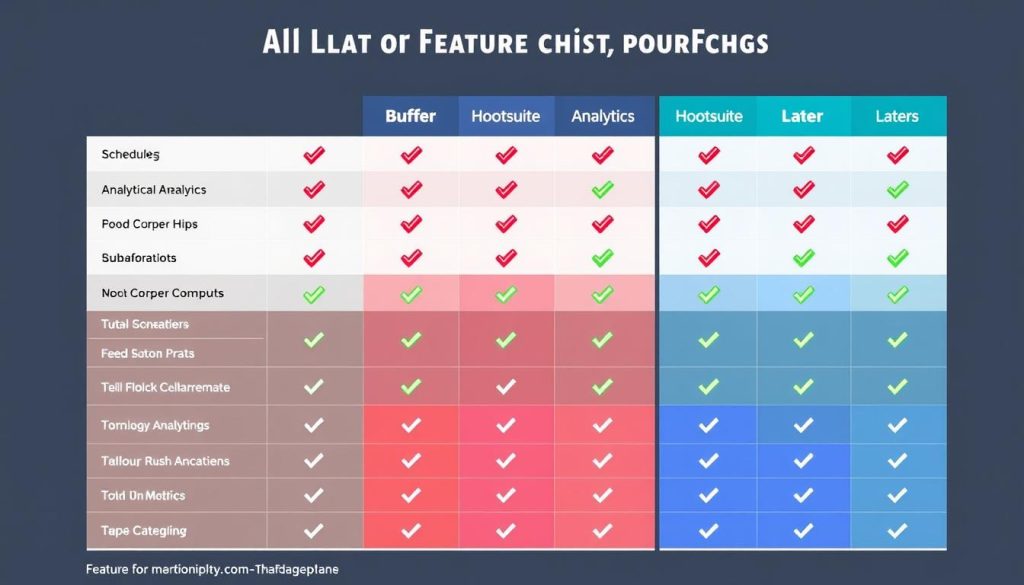
Scheduling Capabilities
Buffer
- Queue-based scheduling system
- Custom scheduling for each platform
- First comment scheduling
- Browser extension for quick scheduling
- Limited post recycling
Hootsuite
- Calendar and queue-based scheduling
- Bulk scheduling via CSV upload
- Content library for reusable assets
- Automated best time to post
- Post recycling and evergreen content
Later
- Visual drag-and-drop scheduling
- Instagram Stories scheduling
- Media library with content organization
- Best time to post recommendations
- Limited post recycling
Analytics and Reporting
Buffer
- Basic engagement metrics
- Post-performance analytics
- Audience demographics (higher tiers)
- Exportable reports
- Limited custom reporting
Hootsuite
- Comprehensive engagement metrics
- Custom report builder
- Team performance tracking
- ROI measurement
- Competitive analysis
Later
- Post-performance analytics
- Audience growth tracking
- Instagram-specific insights
- Hashtag performance
- Limited custom reporting
Team Collaboration
Buffer
- Basic approval workflows
- Draft sharing
- Team member permissions
- Limited commenting system
- No task assignment
Hootsuite
- Advanced approval workflows
- Task assignment
- Custom user permissions
- Team performance metrics
- Content review system
Later
- Basic approval workflows
- Limited user roles
- Shared media library
- No task assignment
- Limited commenting system
Integrations
Buffer
- Canva
- Zapier
- IFTTT
- WordPress
- Moderate third-party app selection
Hootsuite
- Canva
- Zapier
- Adobe Creative Cloud
- CRM systems (Salesforce, HubSpot)
- Extensive app directory
Later
- Canva
- Zapier
- Shopify
- Linkin.bio
- Limited third-party integrations
User Interface and Ease of Use
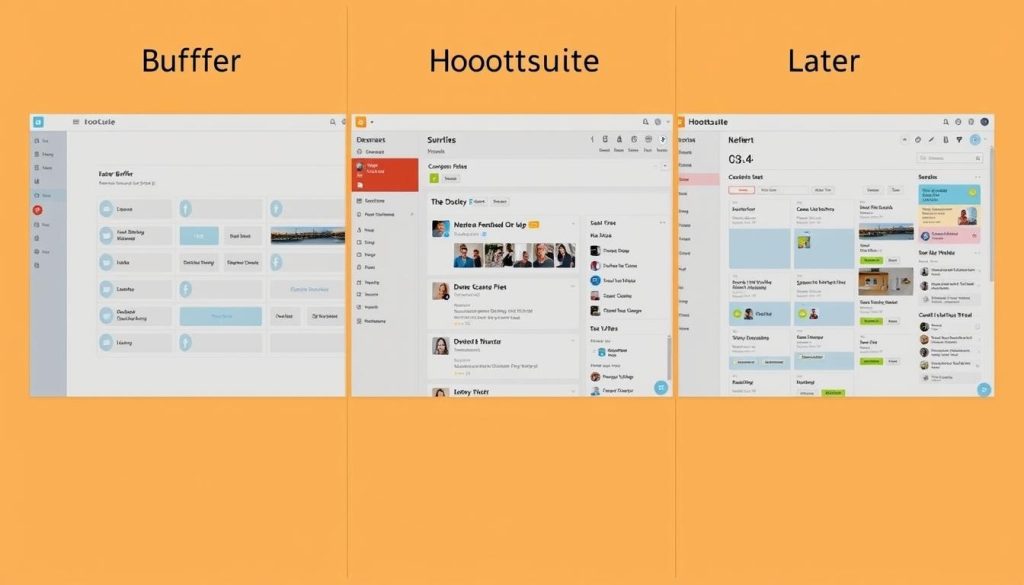
Buffer: Clean and Straightforward
Buffer offers one of the most intuitive interfaces among social media scheduling tools. Its minimalist design focuses on the essentials, making it easy for beginners to navigate without feeling overwhelmed. The queue-based system is straightforward: you create content, and Buffer publishes it according to your predetermined schedule.
Hootsuite: Feature-Rich but Complex
Hootsuite’s interface is considerably more complex, reflecting its broader feature set. The dashboard is organised into customizable streams that allow you to monitor multiple feeds simultaneously. While powerful, this layout can be overwhelming for new users. The learning curve is steeper, but the platform offers more comprehensive tools for social media management.
Later: Visual and Intuitive
Later’s interface is designed with visual content creators in mind. Its drag-and-drop calendar and visual planning tools make it particularly intuitive for Instagram-focused marketers. The media library allows for easy organisation of visual assets, and the preview feature helps ensure your Instagram grid looks cohesive.
Unique Selling Points
Buffer: Simplicity and Affordability
Buffer’s greatest strength is its simplicity. The platform focuses on doing one thing exceptionally well: scheduling social media posts. Its clean interface and straightforward approach make it ideal for individuals and small businesses that want an efficient scheduling solution without the complexity of a full-featured social media management platform.
Buffer also stands out for its affordability and generous free plan, making it accessible to businesses of all sizes. Additionally, it’s one of the few major platforms that supports Mastodon, which could be important for brands looking to establish a presence on this growing network.
Hootsuite: Comprehensive Social Media Management
Hootsuite distinguishes itself as a complete social media management solution. Beyond scheduling, it offers robust monitoring, engagement, and analytics tools. The platform’s stream-based dashboard allows you to track mentions, messages, and hashtags across multiple networks simultaneously.
For larger teams, Hootsuite’s advanced collaboration features—including custom approval workflows, team assignments, and permission settings—are particularly valuable. Its extensive integration ecosystem also allows it to connect with a wide range of other business tools, from CRM systems to content creation platforms.
Later: Visual Content Planning
Later’s unique strength lies in its visual-first approach to social media scheduling. Its visual planner allows you to preview your Instagram grid before publishing, ensuring a cohesive aesthetic. This feature is particularly valuable for brands where visual consistency is crucial to their identity.
Later also offers specialised tools for Instagram marketing, including Stories scheduling, a link-in-bio solution, and hashtag suggestions. These features make it the preferred choice for content creators, influencers, and brands that prioritise Instagram in their social media strategy.
Who Should Use Each Platform?
Buffer is Ideal For:
- Small Businesses and Startups: Buffer’s affordable pricing and straightforward interface make it perfect for small teams with limited resources.
- Solopreneurs and Freelancers: The free plan and simple scheduling system are ideal for individuals managing their own social presence.
- Businesses with Basic Scheduling Needs: If your primary goal is to maintain a consistent posting schedule without complex analytics or team features, Buffer offers everything you need.
- Mastodon Users: Buffer is one of the few major platforms that supports Mastodon scheduling.
Hootsuite is Ideal For:
- Medium to Large Businesses: Hootsuite’s comprehensive feature set and team collaboration tools make it suitable for larger organisations.
- Marketing Agencies: The ability to manage multiple clients, create custom reports, and set up approval workflows is valuable for agencies.
- Businesses Focused on Social Listening: Hootsuite’s monitoring capabilities allow you to track brand mentions and industry conversations.
- Teams Requiring Advanced Analytics: The platform offers detailed performance metrics and custom reporting options.
Later is Ideal For:
- Visual Brands: Businesses where aesthetic consistency is crucial to their identity benefit from Later’s visual planning tools.
- Instagram-Focused Marketers: Later’s specialised Instagram features make it the top choice for brands prioritising this platform.
- Content Creators and Influencers: The visual planning tools and link-in-bio feature are particularly valuable for individual creators.
- E-commerce Brands: Later’s Shopify integration and product tagging features support social commerce strategies.
Real-World Use Cases
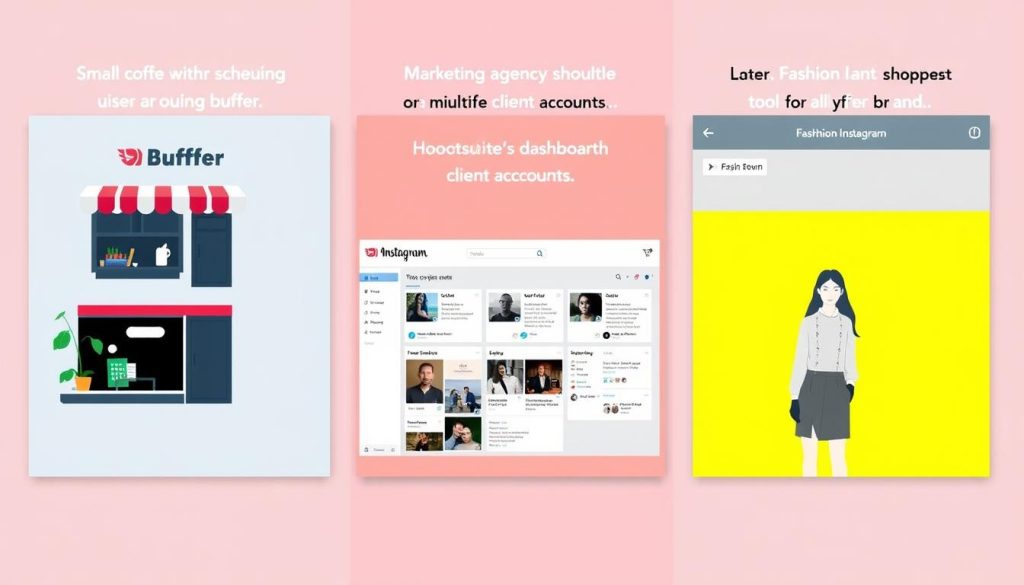
Case Study: Small Business Using Buffer
A local bakery with limited marketing resources uses Buffer to maintain a consistent social media presence across Instagram, Facebook, and Twitter. The owner spends one hour each Sunday scheduling posts for the entire week, showcasing new products and promoting special offers. Buffer’s queue system ensures posts go out at optimal times without requiring daily attention, allowing the owner to focus on running the business.
Case Study: Marketing Agency Using Hootsuite
A digital marketing agency manages social media for 15 clients across multiple industries. They use Hootsuite’s team collaboration features to assign specific clients to different team members, while the approval workflow ensures all content is reviewed before publishing. The comprehensive analytics help them create detailed monthly reports for clients, demonstrating ROI. The social listening tools allow them to monitor brand mentions and respond quickly to customer inquiries.
Case Study: Fashion Brand Using Later
An emerging fashion brand uses Later to plan its Instagram content strategy. The visual planner helps them maintain a cohesive aesthetic that aligns with their brand identity. They use the Stories scheduling feature to promote new product launches and the link-in-bio tool to drive traffic to their online store. The hashtag suggestions help them discover relevant tags to expand their reach, resulting in steady follower growth and increased engagement.
Mobile App Comparison
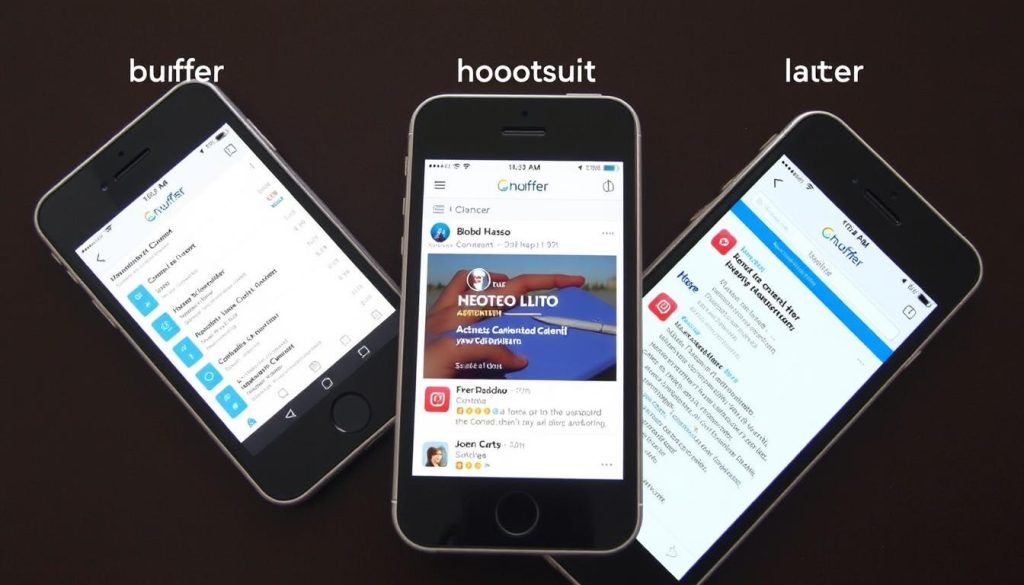
For marketers on the go, mobile app functionality can be a crucial factor in choosing a social media scheduling tool. Here’s how the mobile experiences compare:
Buffer Mobile
Rating: 4.7/5 (App Store), 4.5/5 (Google Play)
Buffer’s mobile app offers a streamlined experience that closely mirrors its desktop version. You can create, edit, and schedule posts across all supported platforms. The interface is clean and intuitive, making it easy to manage your social media on the go.
Key Features: Content creation, scheduling, analytics, queue management
Hootsuite Mobile
Rating: 4.4/5 (App Store), 4.2/5 (Google Play)
Hootsuite’s mobile app provides access to many of its desktop features, though with some limitations. You can monitor streams, respond to messages, and schedule content. However, some advanced features like custom reports are only available on desktop.
Key Features: Content scheduling, stream monitoring, engagement, basic analytics
Later Mobile
Rating: 4.8/5 (App Store), 4.6/5 (Google Play)
Later’s mobile app is particularly strong for visual content planning. You can access your media library, schedule posts, and preview your Instagram grid. The app is designed to make content creation and scheduling seamless, even when you’re away from your computer.
Key Features: Visual planning, media library, scheduling, Instagram grid preview
Customer Support Comparison
| Support Channel | Buffer | Hootsuite | Later |
| Email Support | All plans | All plans | All plans |
| Live Chat | Team and Agency plans | Team plans and above | Growth plans and above |
| Phone Support | Not available | Business plans and above | Not available |
| Knowledge Base | Comprehensive | Comprehensive | Comprehensive |
| Video Tutorials | Basic collection | Extensive library | Extensive library |
| Webinars | Occasional | Regular schedule | Regular schedule |
All three platforms offer comprehensive knowledge bases and email support, but Hootsuite provides the most extensive support options, particularly for higher-tier plans. Later offers excellent educational resources through webinars and tutorials, while Buffer focuses on efficient email support and a well-organised help centre.
Recommendations Based on Specific Needs
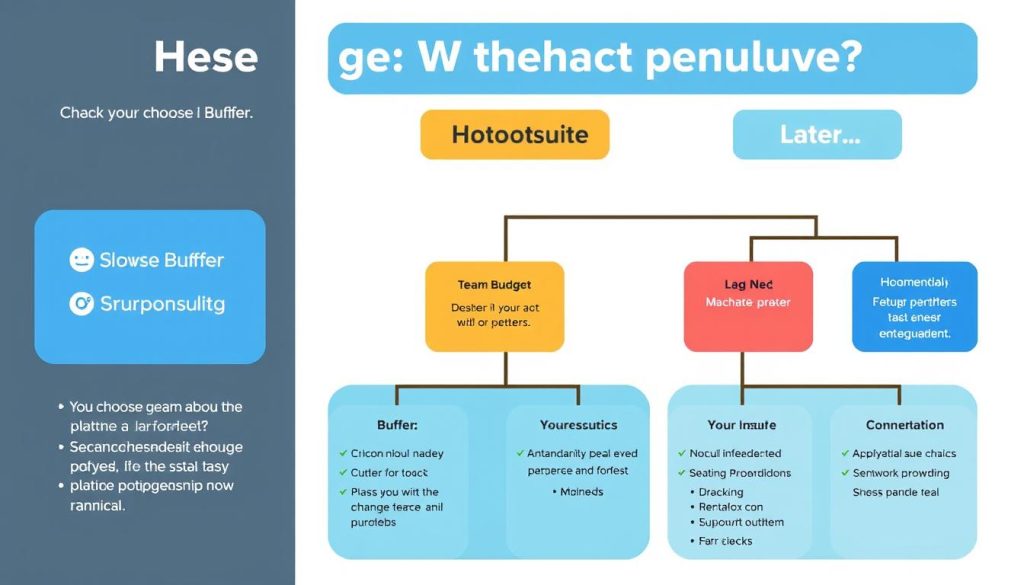
Best for Budget-Conscious Users
Recommendation: Buffer
With its generous free plan and affordable paid options starting at just $6/month, Buffer offers the best value for individuals and small businesses with limited budgets. You can manage up to 3 social profiles and schedule 10 posts per profile on the free plan, which is enough for many small businesses to get started.
Best for Comprehensive Social Media Management
Recommendation: Hootsuite
If you need a complete social media management solution that goes beyond scheduling to include monitoring, engagement, and advanced analytics, Hootsuite is the clear choice. Despite its higher price point, the platform offers the most comprehensive set of tools for managing all aspects of your social media presence.
Best for Instagram and Visual Content
Recommendation: Later
For brands and creators focused on Instagram and visual content, Later provides specialised tools that the other platforms can’t match. The visual planner, Stories scheduling, and link-in-bio feature make it the ideal choice for maintaining a cohesive visual identity on Instagram.
Best for Teams and Collaboration
Recommendation: Hootsuite
Hootsuite’s advanced team features—including custom roles, approval workflows, and task assignment—make it the best option for larger teams and agencies managing multiple accounts. The platform’s collaborative tools ensure smooth content creation and approval processes.
Best for Beginners
Recommendation: Buffer
Buffer’s intuitive interface and straightforward approach make it the most accessible option for beginners. The platform focuses on the essentials, avoiding the complexity that overwhelms new users, allowing you to start scheduling content quickly without a steep learning curve.
Frequently Asked Questions
Do social media scheduling tools affect post reach or engagement?
According to multiple studies, using scheduling tools does not negatively impact reach or engagement compared to posting manually. In fact, by helping you post at optimal times, these tools can potentially increase your content’s performance. All three platforms (Buffer, Hootsuite, and Later) use the official APIs provided by social networks, ensuring that scheduled posts are treated the same as manual posts.
Can I schedule posts to all social media platforms with these tools?
While all three tools support the major platforms (Facebook, Instagram, Twitter, LinkedIn), there are some differences in platform coverage:
-
- Buffer supports Facebook, Instagram, Twitter, LinkedIn, Pinterest, TikTok, and Mastodon
- Hootsuite supports Facebook, Instagram, Twitter, LinkedIn, YouTube, Pinterest, and TikTok
- Later supports Instagram, Facebook, Twitter, Pinterest, TikTok, and LinkedIn
If you need to post to a specific platform, check each tool’s current support as features are regularly updated.
Can I switch between these tools if I change my mind?
Yes, you can switch between these platforms, though there’s no direct way to transfer your scheduled content from one to another. If you’re considering a switch, it’s best to do so when you have minimal content already scheduled. All three platforms offer free trials or free plans, allowing you to test them before committing.
Do these tools offer content creation features?
All three platforms offer some content creation features:
- Buffer has an AI assistant for generating post ideas and captions
- Hootsuite offers a content library and Canva integration
- Later provides a media library and basic editing tools
However, for more advanced content creation, you might want to use dedicated tools like Canva or Adobe Creative Cloud in conjunction with these scheduling platforms.
Can I schedule Instagram Stories with these tools?
Later offers native Instagram Stories scheduling, allowing you to plan and automatically publish Stories. Hootsuite also supports Stories scheduling on higher-tier plans. Buffer currently offers Story scheduling through notifications rather than direct publishing. If Instagram Stories are a significant part of your strategy, Later provides the most robust solution.
Final Verdict: Which Tool Should You Choose?
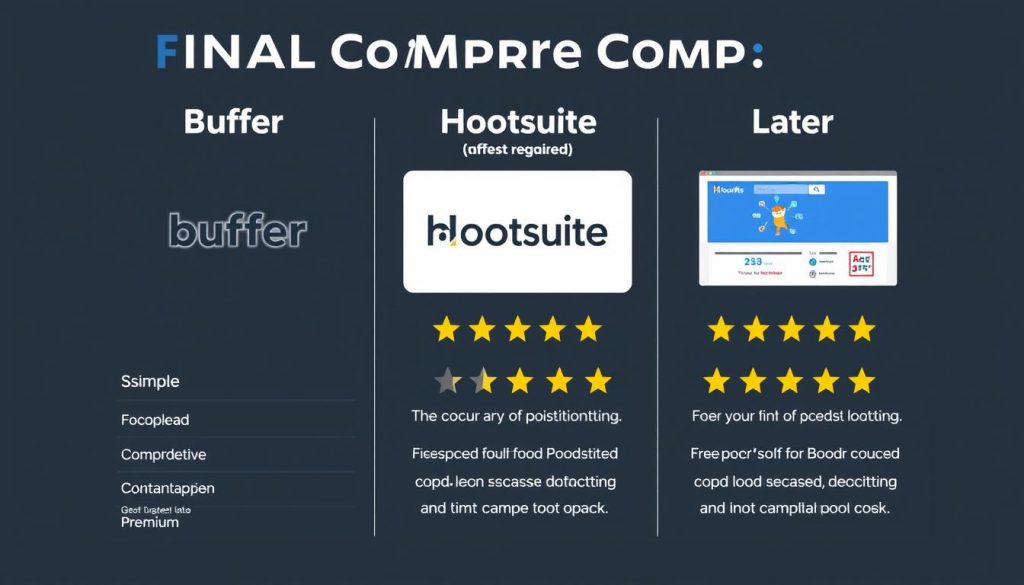
After comparing Buffer, Hootsuite, and Later across multiple dimensions, it’s clear that each platform excels in different areas. Your ideal choice depends on your specific needs, budget, and social media strategy.
Buffer stands out for its simplicity, affordability, and user-friendly interface. It’s the perfect choice for individuals, small businesses, and anyone who wants an efficient scheduling solution without unnecessary complexity. If you’re just getting started with social media scheduling or have basic needs, Buffer offers excellent value.
Hootsuite is the most comprehensive option, providing robust tools for every aspect of social media management. Its higher price point reflects its broader feature set, making it best suited for larger businesses, agencies, and teams that need advanced collaboration and analytics capabilities. If you need a complete solution that goes beyond scheduling, Hootsuite is worth the investment.
Later excels in visual content planning, particularly for Instagram. Its unique features, like the visual planner and Stories scheduling, make it the top choice for brands and creators focused on maintaining a cohesive visual identity. If Instagram is a priority in your social media strategy, Later offers specialised tools that the other platforms can’t match.
Ultimately, the best social media scheduling tool is the one that aligns with your specific goals, workflow, and budget. Consider starting with a free trial of each platform to experience their interfaces and features firsthand before making your decision.
Ready to Streamline Your Social Media Management?
Try these platforms for free and discover which one works best for your unique needs.






