
Notion AI vs ClickUp AI vs Asana AI – Which Actually Saves Time?

In this comprehensive comparison, we’ll cut through the marketing hype to reveal which AI assistant truly saves you time and transforms your productivity. Because when you’re already overwhelmed, the last thing you need is another tool that creates more work than it solves.
The Productivity Crisis: Why We Need AI Assistance
Before diving into each platform, let’s acknowledge the reality many professionals face: task overload is crushing our productivity. Research shows the average knowledge worker:
- Spends 41% of their time on tasks that offer little personal satisfaction or value to their company
- Switches between 10 different apps up to 25 times per day
- Loses up to 2.1 hours daily just managing their overflowing inbox
AI assistants promise to reclaim this lost time by automating routine tasks, prioritising your workload, and helping you focus on high-value work. But with Notion, ClickUp, and Asana all offering AI capabilities, choosing the right one for your workflow is crucial.

Notion AI: Your Collaborative Thinking Partner
Notion AI transforms the popular workspace tool into an intelligent assistant focused on content creation and knowledge management. Unlike traditional AI that executes commands, Notion AI positions itself as a thinking partner that helps you organise information and generate insights.
Key Time-Saving Features
Content Generation & Refinement
- Summarises long documents and meeting notes in seconds
- Generates first drafts of emails, proposals, and documentation
- Improves writing with tone adjustments and clarity enhancements
- Translates content into multiple languages instantly
Knowledge Management
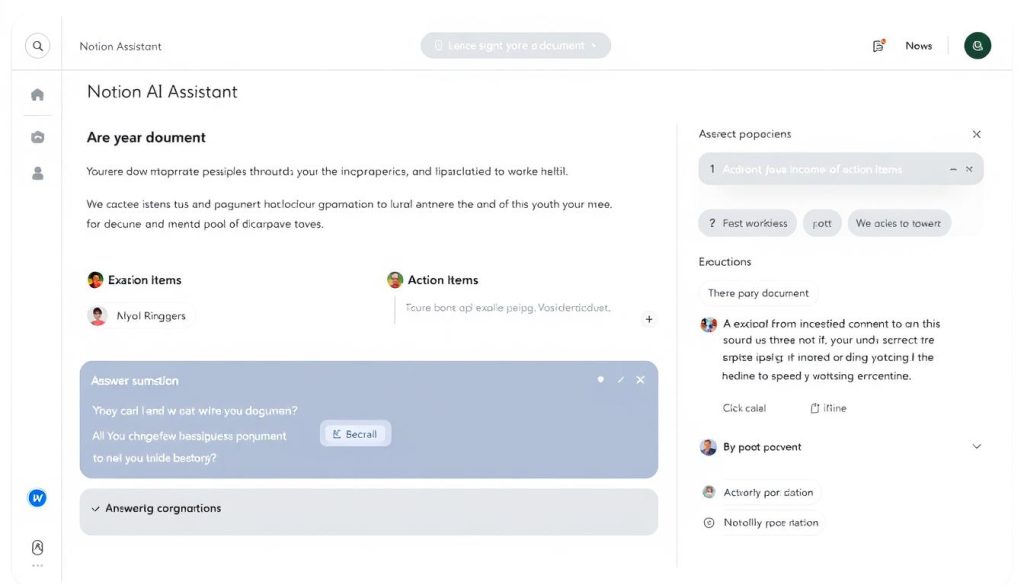
- Extracts action items from meeting notes automatically
- Creates structured databases from unstructured information
- Answers questions about your workspace content
- Generates tags and categories for better organisation
Real-World Time Savings
In practical application, Notion AI excels at reducing the time spent on documentation and information organisation. For example, a marketing team can use Notion AI to:
- Transform a 60-minute brainstorming session into an organised action plan in under 2 minutes
- Generate a first draft of a campaign brief based on scattered notes and references
- Create a structured content calendar from a list of topic ideas
However, Notion AI has limitations in project management automation. While it can help organise information, it doesn’t automatically schedule tasks or optimise workflows like some competitors.
Notion AI Strengths
- Exceptional at content creation and refinement
- Powerful knowledge organisation capabilities
- Seamless integration with Notion’s flexible workspace
- Strong collaboration features for team documentation
Notion AI Limitations
- Limited project management automation
- No automatic task scheduling or prioritisation
- Requires a well-structured workspace to be effective
- Additional cost on top of the Notion subscription
Experience Notion AI’s Content Capabilities
See how Notion AI can transform your documentation and knowledge management processes with a free trial.
ClickUp AI: Your Productivity Command Centre
ClickUp Brain, the AI engine powering ClickUp, takes a different approach by focusing on project execution and workflow optimisation. Rather than just helping with content, ClickUp AI aims to be your productivity command centre that actively helps manage and complete tasks.
Key Time-Saving Features
Task & Project Management
- Automatically generates task descriptions and subtasks
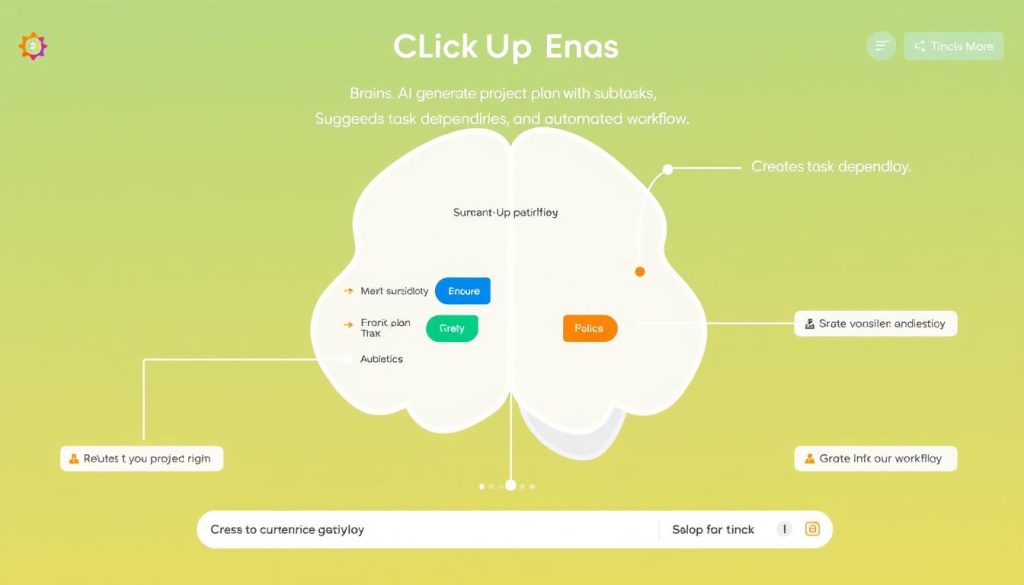
- Creates project plans from simple prompts
- Suggests task dependencies and optimal sequences
- Estimates task durations based on historical data
Workflow Automation
- Summarises project status and generates reports
- Draft responses to comments and questions
- Extracts action items from documents and conversations
- Automates routine communications and updates
Real-World Time Savings
ClickUp AI particularly shines in project execution contexts. For example, a product development team can use ClickUp AI to:
- Transform a product brief into a complete project plan with tasks, subtasks, and dependencies in minutes
- Generate comprehensive meeting agendas and follow-ups automatically
- Create status reports that pull data from across multiple projects
Our comprehensive ClickUp review found that its AI capabilities are especially valuable for teams managing complex projects with multiple moving parts.
ClickUp AI Strengths
- Robust project planning and task generation
- Seamless integration with ClickUp’s robust project management features
- Strong automation capabilities for routine tasks
- Contextual awareness of your entire workspace
ClickUp AI Limitations
- Steeper learning curve than some competitors
- It can feel overwhelming with too many options
- Additional cost on top of the ClickUp subscription
- Sometimes generates overly complex workflows
Supercharge Your Project Management
Discover how ClickUp Brain can transform your task management and project execution with intelligent automation.
Asana AI: Your Workflow Optimisation Assistant
Asana Intelligence, the AI component of Asana, focuses on streamlining workflows and enhancing team coordination. It takes a more targeted approach than its competitors, concentrating specifically on making project management more efficient.
Key Time-Saving Features
Workflow Optimization
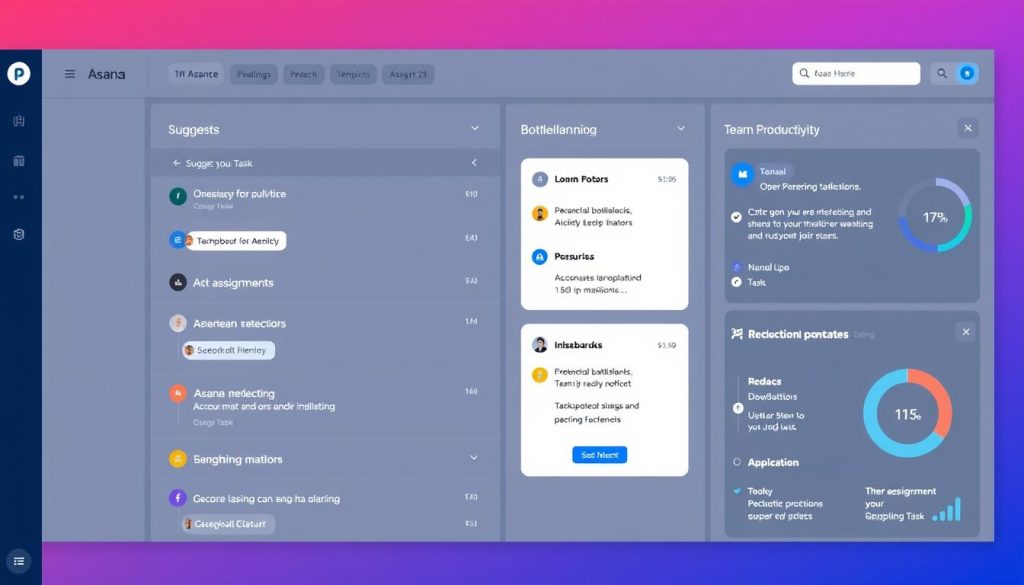
- Suggests optimal task assignments based on workload and skills
- Recommends project templates and workflows
- Identifies potential bottlenecks before they occur
- Automates task creation and assignment
Team Coordination
- Summarises project status and team progress
- Generates meeting agendas based on project priorities
- Creates action items from meeting notes
- Provides insights on team productivity patterns
Real-World Time Savings
Asana AI excels at optimising established workflows and improving team coordination. For example, a cross-functional team can use Asana AI to:
- Automatically assign incoming tasks to the right team members based on availability and expertise
- Generate status reports that highlight progress and potential delays
- Optimise meeting schedules and agendas to focus on critical path items
Asana AI Strengths
- Excellent at workflow optimisation
- Strong team coordination capabilities
- Clean, concentrated interface with less overwhelm
- Powerful insights on team productivity
Asana AI Limitations
- Less robust content generation than Notion AI
- Fewer automation options than ClickUp AI
- Additional cost on top of the Asana subscription
- Limited knowledge management capabilities
Optimise Your Team’s Workflow
See how Asana Intelligence can streamline your team coordination and project workflows.
Head-to-Head Comparison: Which AI Actually Saves Time?
Now that we’ve explored each platform’s capabilities, let’s compare them directly across key time-saving dimensions to help you determine which AI assistant will best address your specific productivity challenges.
| Feature | Notion AI | ClickUp AI | Asana AI |
| Content Generation | Excellent ⭐⭐⭐⭐⭐ | Good ⭐⭐⭐⭐ | Basic ⭐⭐⭐ |
| Task Automation | Limited ⭐⭐ | Excellent ⭐⭐⭐⭐⭐ | Good ⭐⭐⭐⭐ |
| Workflow Optimization | Basic ⭐⭐ | Good ⭐⭐⭐⭐ | Excellent ⭐⭐⭐⭐⭐ |
| Knowledge Management | Excellent ⭐⭐⭐⭐⭐ | Good ⭐⭐⭐⭐ | Limited ⭐⭐ |
| Team Coordination | Good ⭐⭐⭐ | Good ⭐⭐⭐⭐ | Excellent ⭐⭐⭐⭐⭐ |
| Learning Curve | Moderate ⭐⭐⭐ | Steep ⭐⭐ | Gentle ⭐⭐⭐⭐ |
| Integration Ecosystem | Good ⭐⭐⭐ | Excellent ⭐⭐⭐⭐⭐ | Very Good ⭐⭐⭐⭐ |
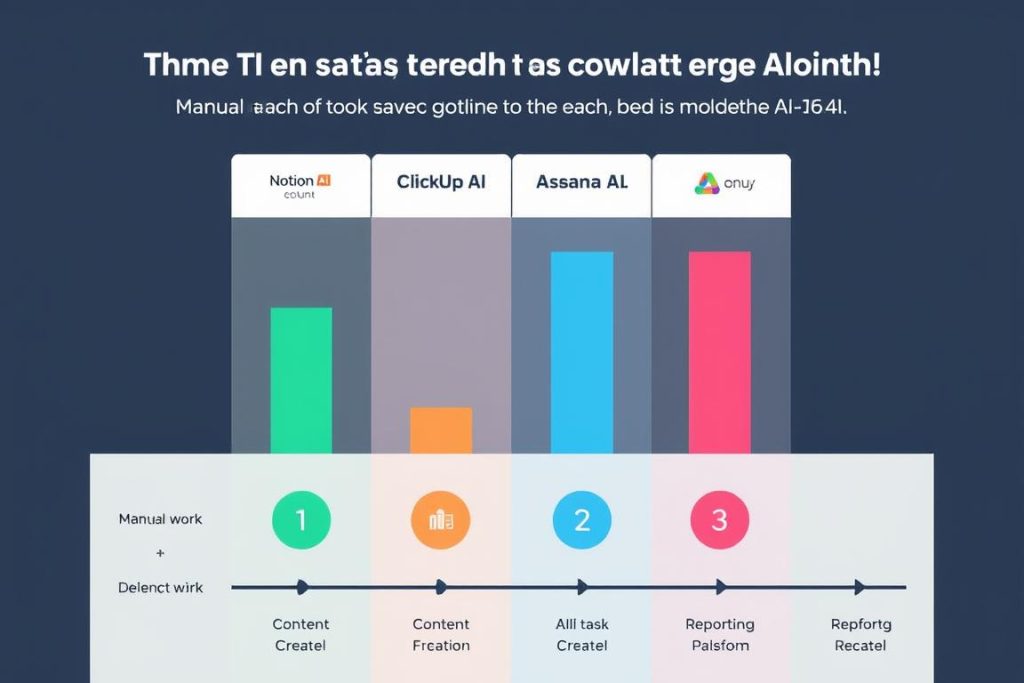
Time-Saving Potential by Use Case
Different AI assistants excel at saving time in different contexts. Here’s a breakdown of which tool performs best for specific productivity challenges:
Notion AI Excels At
- Creating and organising documentation
- Building knowledge bases and wikis
- Drafting and refining written content
- Summarising research and meeting notes
- Collaborative brainstorming and ideation
ClickUp AI Excels At
- Comprehensive project planning
- Task breakdown and management
- Process automation and workflows
- Cross-functional project coordination
- Generating reports and analytics
Asana AI Excels At
- Team workload balancing
- Workflow optimization
- Meeting coordination and follow-ups
- Progress tracking and reporting
- Deadline management and forecasting
Real-World Scenarios: AI Assistants in Action
To better understand how each AI assistant performs in practice, let’s examine how they handle common productivity challenges faced by professionals and teams.
Scenario 1: Creating a Project Plan from Scratch
Notion AI Approach
Notion AI helps you create a structured project document with sections for objectives, timelines, and resources. It can generate a basic task list, but doesn’t automatically create dependencies or optimise scheduling.
Time saved: 30-45 minutes (primarily on documentation)
ClickUp AI Approach
ClickUp AI generates a complete project structure with tasks, subtasks, dependencies, and estimated durations. It can suggest optimal task sequences and automatically assign team members based on workload and skills.
Time saved: 1-2 hours (on planning and setup)
Asana AI Approach
Asana AI recommends appropriate project templates and helps customise them to your needs. It suggests task assignments and highlights potential scheduling conflicts or resource constraints.
Time saved: 45-60 minutes (on workflow setup)
Scenario 2: Managing Weekly Team Meetings
Notion AI Approach
Notion AI excels at creating meeting templates, generating agendas based on previous notes, and summarizing discussions. It can extract action items but doesn’t automatically create tasks from them.
Time saved: 30-45 minutes (on documentation and follow-up)
ClickUp AI Approach
ClickUp AI can prepare meeting agendas based on project priorities, take notes during meetings, and automatically create and assign tasks from action items. It links these tasks to relevant projects and updates progress tracking.
Time saved: 45-60 minutes (on documentation and task creation)
Asana AI Approach
Asana AI focuses on optimising meeting schedules based on team availability and project priorities. It generates focused agendas, captures notes, and creates tasks with appropriate assignments and deadlines.
Time saved: 40-50 minutes (on coordination and follow-up)
Scenario 3: Quarterly Reporting and Analysis
Notion AI Approach
Notion AI helps organise and structure report templates, summarise key data points, and generate narrative explanations of trends. It excels at creating comprehensive, well-formatted documentation.
Time saved: 2-3 hours (on report creation and formatting)
ClickUp AI Approach
ClickUp AI automatically pulls data from across projects, generates visual charts and graphs, and creates executive summaries. It can identify trends and suggest areas for improvement in future quarters.
Time saved: 3-4 hours (on data collection and analysis)
Asana AI Approach
Asana AI focuses on progress tracking against goals, analysing team performance metrics, and identifying workflow bottlenecks. It generates reports that highlight achievements and areas needing attention.
Time saved: 2-3 hours (on performance analysis)

Which AI Brain Is Right For You? Personalised Recommendations
Based on our comprehensive analysis, here are our recommendations for which AI assistant will best serve different user and team types.
Choose Notion AI If You’re:
- A content creator or writer who needs help drafting, editing, and organising written materials
- A researcher or analyst who works with large volumes of information that need summarising and structuring
- A knowledge worker building documentation, wikis, or knowledge bases
- A small team with flexible workflows that prioritise collaboration and information sharing
Choose ClickUp AI If You’re:
- A project manager handling complex projects with multiple dependencies and stakeholders
- A team leader who needs comprehensive planning and execution tools
- A process-oriented professional looking to automate workflows and routine tasks
- A mid-sized team that needs both robust project management and content creation capabilities
Choose Asana AI If You’re:
- A team coordinator focused on optimising workflows and resource allocation
- A manager who needs clear visibility into team workloads and progress
- An operations professional looking to streamline processes and improve efficiency
- A large team with established workflows that needs better coordination and optimisation
Industry-Specific Recommendations
| Industry | Top Recommendation | Why It Works |
| Marketing & Creative | Notion AI | Superior content creation and ideation capabilities; flexible organisation for campaigns and assets |
| Software Development | ClickUp AI | Robust task dependencies and sprint planning; strong integration with development tools |
| Professional Services | Asana AI | Excellent client project management; resource allocation across multiple accounts |
| Education | Notion AI | Superior knowledge management; collaborative learning environment |
| Manufacturing | ClickUp AI | Process automation, complex project dependencies, and reporting capabilities |

Pro Tip: Maximise Your AI Assistant’s Value
Whichever AI assistant you choose, follow these best practices to get the most time-saving benefits:
- Invest time upfront in organising your workspace and establishing clear processes
- Train team members on specific AI features relevant to their roles
- Start with simple use cases and gradually expand to more complex scenarios
- Regularly review and refine your AI prompts to improve output quality
- Check out our complete AI productivity guide for more advanced strategies
Conclusion: The Right AI Brain Makes All the Difference
When you’re drowning in tasks, choosing the right AI assistant isn’t just about having another tool—it’s about finding a genuine productivity partner that addresses your specific challenges.
Based on our comprehensive analysis:
- Notion AI is the clear winner for content creation, knowledge management, and collaborative documentation
- ClickUp AI takes the crown for comprehensive project management, planning, and process automation
- Asana AI excels at workflow optimisation, team coordination, and resource management
The most time-saving AI assistant isn’t necessarily the one with the most features—it’s the one that best aligns with your specific workflow and challenges. By matching your needs to the right AI brain, you can transform your productivity and finally get ahead of your overwhelming task list.
Ready to Transform Your Productivity?
Take the first step toward reclaiming your time with the AI assistant that best matches your needs.
Do I need to pay extra for AI features in these platforms?
Yes, all three platforms offer their AI capabilities as premium add-ons to their base subscriptions. Notion AI costs approximately $10/month per member, ClickUp Brain is around $5/month per member, and Asana Intelligence is about $30/month per seat. Many users find the time savings justify the additional cost, but it’s worth starting with a free trial to evaluate the ROI for your specific use cases.
Can these AI assistants replace a human project manager?
While these AI tools can dramatically reduce administrative overhead and automate routine tasks, they’re best viewed as enhancers rather than replacements for human project managers. The AI excels at data processing, suggestion generation, and routine task automation, but human judgment remains essential for strategic decision-making, team motivation, and handling complex interpersonal dynamics.
How long does it take to see productivity benefits from these AI tools?
Most users report immediate time savings on specific tasks like content generation or meeting summaries. However, realizing the full productivity potential typically takes 2-4 weeks as you and your team learn to effectively integrate the AI into your workflows. The platforms with steeper learning curves (particularly ClickUp) may take longer to master but often deliver greater long-term time savings once fully implemented.






