
Best Free AI Tools for Small Businesses in 2025

Whether you’re a solopreneur just starting or an established small business looking to optimise operations, these AI tools can transform how you work, saving you time and resources while delivering professional results. Let’s dive into the most potent free AI solutions that can give your small business a competitive edge.
What You’ll Find in This Guide
- Marketing & Content Creation AI Tools
- Customer Service & Chatbot Solutions
- Productivity & Workflow Automation Tools
- Data Analysis & Business Intelligence AI
- Design & Creative AI Tools
- Comparison of Top Free AI Tools
- Implementation Tips for Small Businesses
- Future AI Trends for Small Business
Why AI Matters for Small Businesses in 2025
Small businesses face unique challenges, including limited resources, fierce competition, and the need to wear multiple hats. AI tools can level the playing field by automating repetitive tasks, providing data-driven insights, and enhancing customer experiences, all without requiring specialised technical knowledge or dedicated staff.
Key Benefits of AI for Small Businesses
- Time Savings: Automate routine tasks like scheduling, data entry, and basic customer inquiries
- Cost Reduction: Accomplish more without hiring additional staff
- Enhanced Decision Making: Access data-driven insights previously available only to larger companies
- Improved Customer Experience: Provide 24/7 support and personalised interactions
- Competitive Advantage: Deliver professional-quality content and services regardless of your size
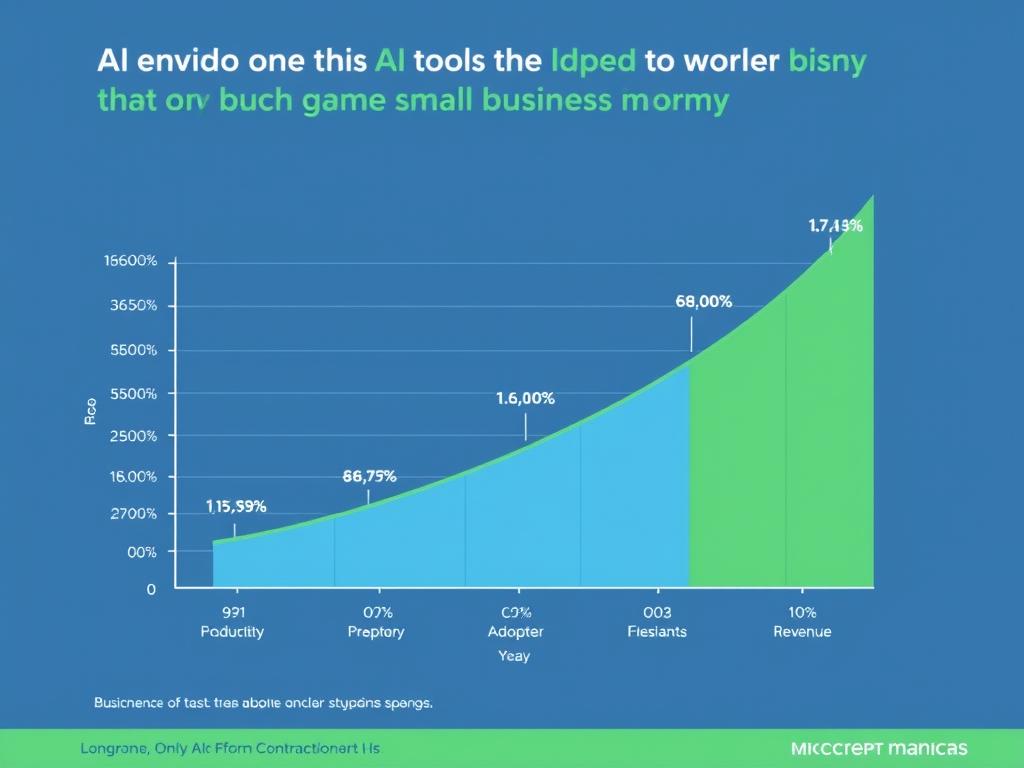
According to recent studies, small businesses that implement AI tools experience an average productivity increase of 40% and a 35% improvement in customer satisfaction, while reducing operational costs by up to 30%.
Marketing & Content Creation AI Tools
Creating engaging content consistently is one of the biggest challenges for small businesses. These free AI tools can help you generate high-quality content, optimise your marketing efforts, and maintain a strong online presence without a dedicated marketing team.
ChatGPT (Free Version)
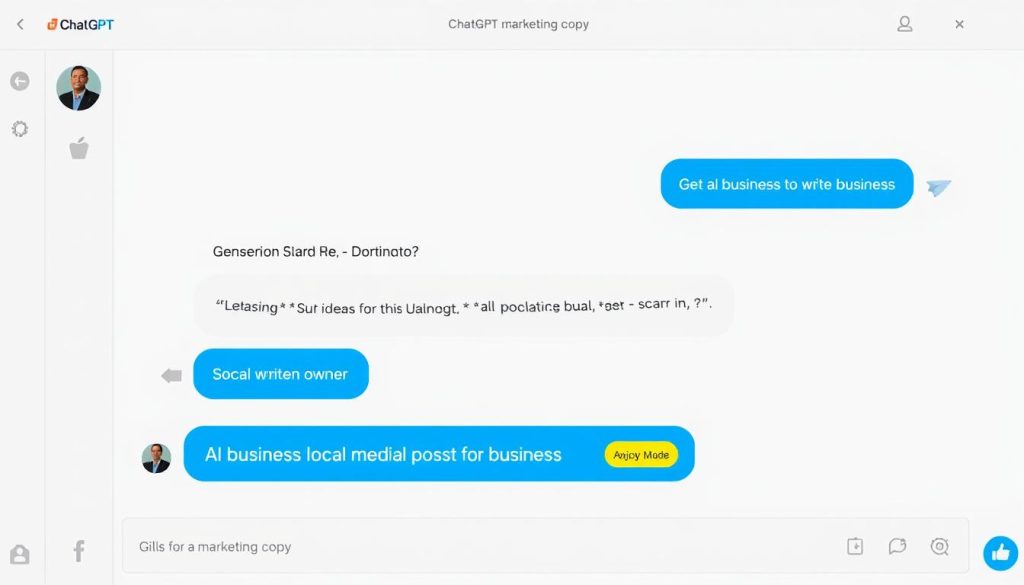
Core Functionality: ChatGPT is a versatile AI assistant that can assist with various content creation tasks, including writing social media posts, email newsletters, generating product descriptions, and creating blog outlines.
Key Features for Small Businesses:
- Draft marketing copy, social media posts, and email content
- Generate creative ideas for campaigns and promotions
- Create outlines for blog posts and articles
- Brainstorm product descriptions and features
- Develop FAQ content for your website
Pros
- No specialised training required
- Versatile for multiple content types
- Helps overcome writer’s block
- Available 24/7 for immediate assistance
Limitations
- May require editing for brand voice
- The free version has usage limits
- The knowledge cutoff date limits current events knowledge
- Cannot access the internet in the free version
Ideal Use Case: Perfect for small businesses that need to maintain an active content calendar across multiple channels but lack dedicated copywriters. Use ChatGPT to generate first drafts that you can then personalise with your brand voice.
AnswerThePublic
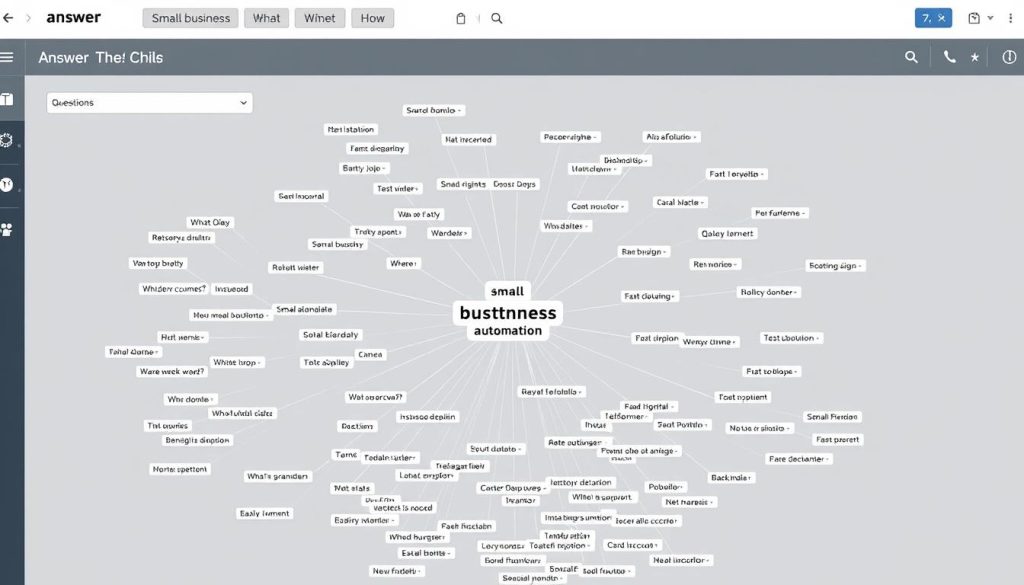
Core Functionality: AnswerThePublic is a keyword research and content idea generator that helps you understand exactly what your potential customers are searching for online.
Key Features for Small Businesses:
- Discover questions people are asking about your products or services
- Generate content ideas based on actual search queries
- Identify long-tail keywords for SEO optimisation
- Understand customer pain points and interests
- Visualise search data in an intuitive format
Pros
- Based on actual search engine data
- Helps create content that answers real customer questions
- Improves SEO strategy with minimal effort
- Visualisations make data easy to understand
Limitations
- Limited searches per day on the free plan
- The interface can be overwhelming at first
- Requires some basic SEO knowledge
- Data export options are limited in the free version
Ideal Use Case: Best suited for small businesses seeking to enhance their content marketing strategy and SEO performance. Use it to identify topics your audience cares about and create content that directly addresses their questions.
Canva AI Image Generator
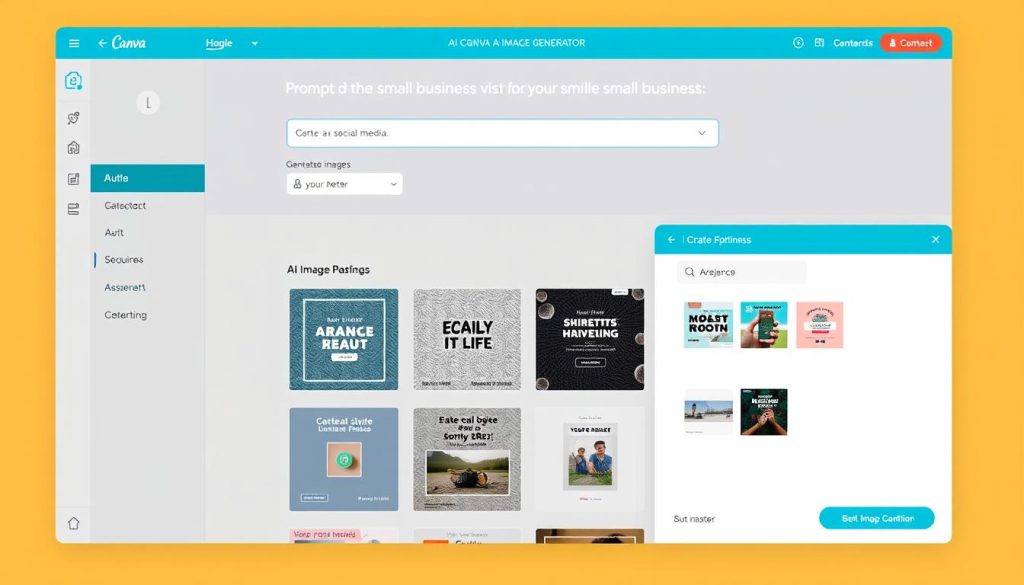
Core Functionality: Canva’s AI Image Generator enables you to create custom images for your marketing materials by simply describing what you want in plain text.
Key Features for Small Businesses:
- Generate custom images for social media, websites, and marketing materials
- Create consistent visual branding without design skills
- Produce professional-looking graphics in seconds
- Integrate generated images directly into Canva designs
- Access a wide range of styles and visual concepts
Pros
- No design experience needed
- Integrated with Canva’s design platform
- Commercial usage rights included
- Fast generation time
Limitations
- Limited to 50 generations onthe free plan
- Some advanced features require a paid subscription
- May need refinement for specific brand aesthetics
- Cannot generate images of real people or brands
Ideal Use Case: Ideal for small businesses that require regular visual content for social media and marketing but lack in-house design resources. Use it to create consistent, professional visuals that maintain your brand identity across channels.
Ready to Transform Your Marketing?
These free AI marketing tools can help you create professional content in minutes instead of hours. Start with ChatGPT for versatile content creation, then expand to other specialised tools as you grow.
Customer Service & Chatbot Solutions
Providing excellent customer service around the clock can be challenging for small businesses with limited staff. These free AI tools can help you maintain responsive customer support without the need to hire additional team members.
Tidio Free Plan
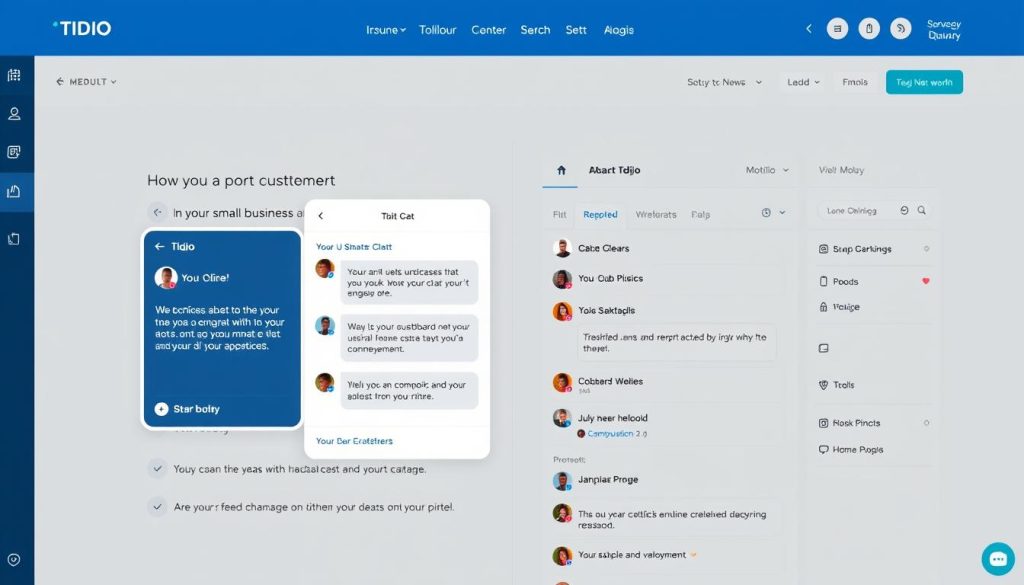
Core Functionality: Tidio offers a free AI-powered chatbot that handles basic customer inquiries on your website, collects lead information, and provides 24/7 automated support.
Key Features for Small Businesses:
- Easy-to-set-up chatbot with no coding required
- Pre-built templates for common customer questions
- Live chat functionality when you’re available
- Lead collection through conversational forms
- Basic visitor tracking and analytics
Pros
- Quick setup with WordPress, Shopify, and other platforms
- Handles common questions automatically
- Collects customer information while you’re away
- Provides 24/7 basic support
Limitations
- Limited to 50 chatbot triggers on the free plan
- Maximum of 3 chatbots
- Basic AI capabilities compared to paid options
- Limited customisation options
Ideal Use Case: Perfect for small e-commerce businesses or service providers that want to offer immediate responses to common customer questions and collect leads even when staff are unavailable.
Tars Chatbot
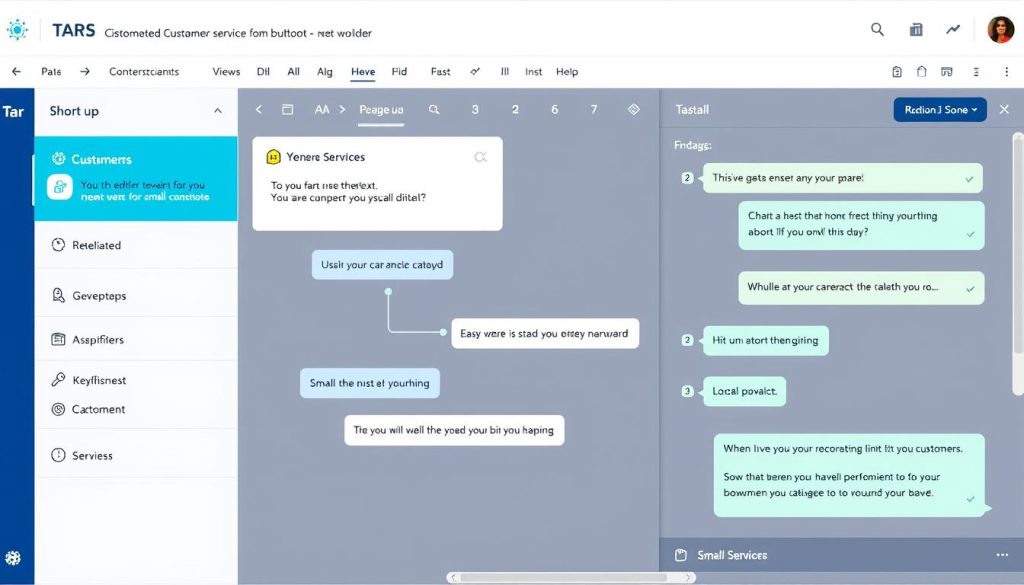
Core Functionality: Tars allows you to build conversational chatbots that can qualify leads, answer FAQs, and guide customers through standard processes on your website.
Key Features for Small Businesses:
- Visual chatbot builder with no coding required
- Lead qualification and collection capabilities
- Integration with email marketing tools
- Mobile-friendly chat interface
- Analytics to track conversation performance
Pros
- Intuitive visual builder
- Focuses on lead generation
- Highly customizable conversation flows
- Works well on mobile devices
Limitations
- Free plan limited to 1,000 sessions per month
- Tars branding on the free version
- Limited template options without upgrade
- Basic analytics on the free plan
Ideal Use Case: Best for service-based small businesses looking to qualify leads and schedule appointments automatically. The conversational format helps guide potential customers through your sales process even when you’re not available.
Crisp Chat
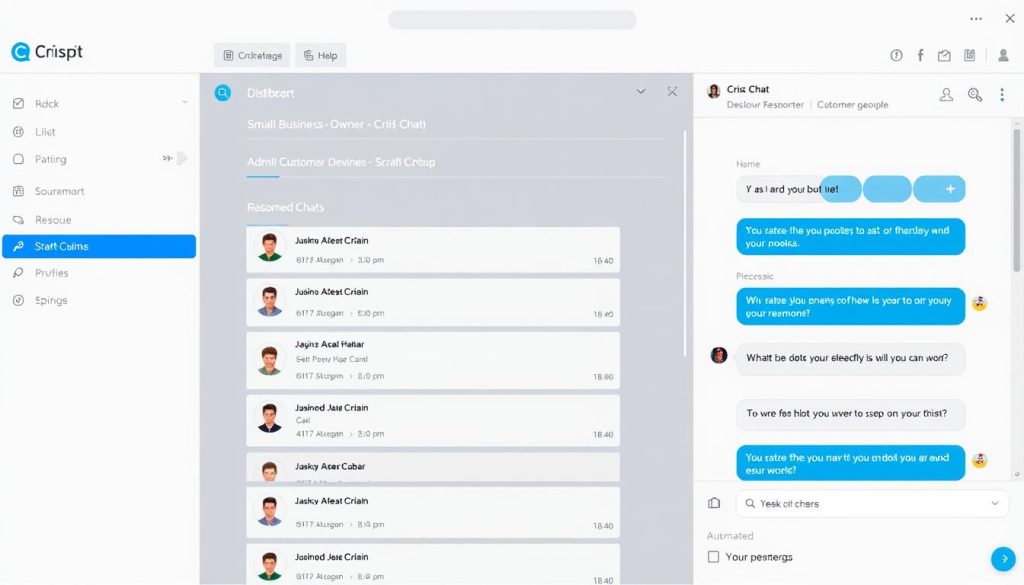
Core Functionality: Crisp provides a comprehensive customer messaging platform featuring live chat, chatbot capabilities, and team inbox features, enabling the management of all customer communications in one place.
Key Features for Small Businesses:
- Live chat for real-time customer support
- Basic chatbot functionality for after-hours support
- Shared inbox for team collaboration
- Mobile apps for managing conversations on the go
- Website visitor insights
Pros
- Unlimited contacts on the free plan
- Easy installation on most website platforms
- Mobile apps for iOS and Android
- Clean, modern interface
Limitations
- Limited to 2 team seats on the free plan
- Basic chatbot capabilities
- Limited integrations without upgrade
- Message history limited to 30 days
Ideal Use Case: Ideal for small businesses with a small team that requires collaboration on customer support. The combination of live chat and basic chatbot features provides flexibility for companies with fluctuating availability.
Enhance Your Customer Service Today
With these free AI chatbot solutions, you can provide responsive customer support 24/7 without hiring additional staff. Start with Tidio for an easy-to-implement solution with powerful automation capabilities.
Productivity & Workflow Automation Tools
Small business owners often wear multiple hats and struggle to keep up with administrative tasks. These free AI tools can help automate repetitive processes and streamline your workflow, saving you valuable time.
Zapier Free Plan
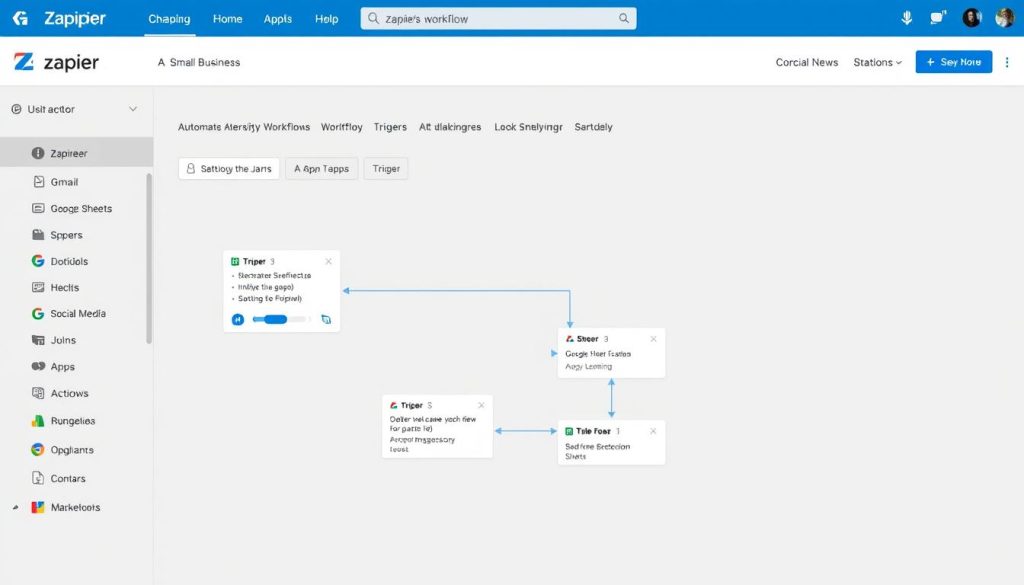
Core Functionality: Zapier connects your apps and automates workflows between them, allowing you to create “Zaps” that trigger actions across different platforms without any coding.
Key Features for Small Businesses:
- Connect 5,000+ apps and services
- Create automated workflows between applications
- Set up triggers and actions for standard business processes
- Reduce manual data entry and task switching
- AI assistant helps build Zaps based on your description
Pros
- No coding required to set up automations
- Massive library of app integrations
- AI assistant helps create workflows
- Reliable execution of automated tasks
Limitations
- Limited to 100 tasks per month on the free plan
- Single-step Zaps only (no multi-step workflows)
- 5-minute minimum update time
- Limited to 5 Zaps on the free plan
Ideal Use Case: Perfect for small businesses looking to automate repetitive but straightforward tasks like adding new leads to a spreadsheet, sending welcome emails to new customers, or posting content across multiple social platforms simultaneously.
Reclaim.ai
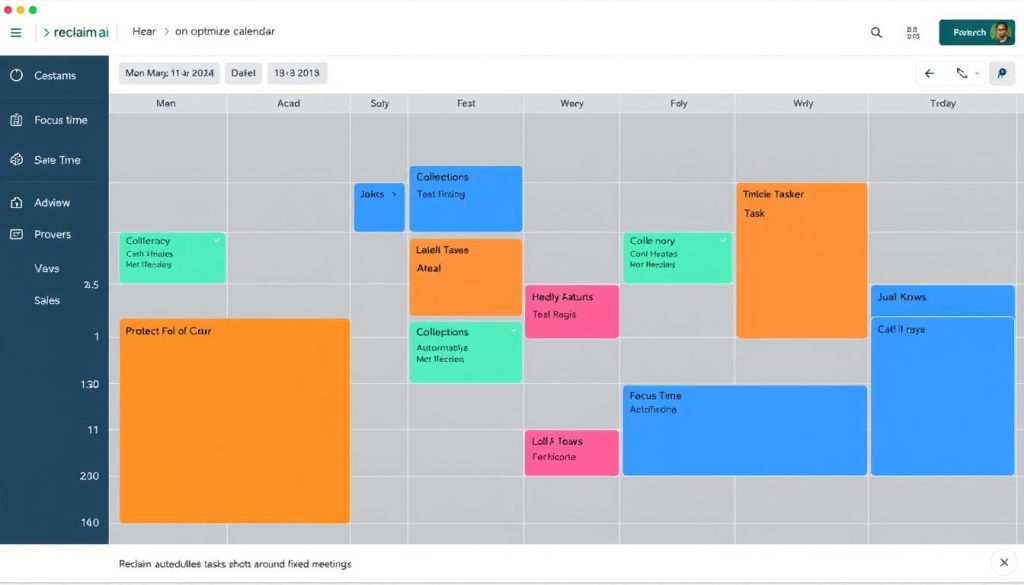
Core Functionality: Reclaim.ai is an AI-powered calendar assistant that automatically schedules your tasks, meetings, and breaks based on your priorities and availability.
Key Features for Small Businesses:
- Automatic scheduling of tasks and habits
- Smart meeting scheduling that respects your preferences
- Focus time protection to block off deep work periods
- Calendar analytics to understand how you spend your time
- Integration with Google Calendar
Pros
- Reduces time spent on calendar management
- Automatically reschedules when conflicts arise
- Protects time for meaningful work
- Provides insights into productivity patterns
Limitations
- Limited to Google Calendar integration onthe free plan
- Basic scheduling features only
- Limited to one calendar
- No team scheduling features without an upgrade
Ideal Use Case: Excellent for busy small business owners who struggle with time management and often find their calendars overbooked. Reclaim helps create a balanced schedule that includes both reactive work (such as meetings) and proactive work (focused time).
Taskade
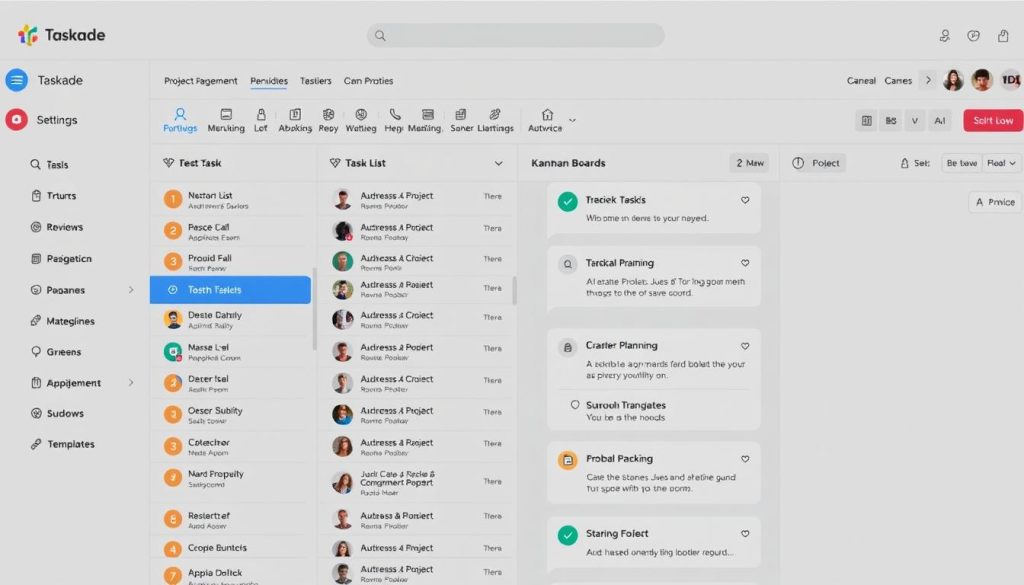
Core Functionality: Taskade is a project management app with built-in AI features that help you plan, organise, and track projects while automating routine planning tasks.
Key Features for Small Businesses:
- AI-powered project templates and task generation
- Multiple project views (list, board, calendar, etc.)
- Team collaboration tools
- Real-time editing and commenting
- Cross-platform availability (web, desktop, mobile)
Pros
- AI helps create project structures quickly
- Flexible views for different work styles
- Clean, intuitive interface
- Works across all devices
Limitations
- Limited AI requests on the free plan
- Basic integrations only
- Limited file storage (100MB)
- Some advanced features require an upgrade
Ideal Use Case: Great for small teams that need to collaborate on projects but don’t have time to set up complex project management systems. The AI features help you get started quickly with well-structured projects.
Automate Your Workflow Today
Stop wasting time on repetitive tasks and manual scheduling. These free AI productivity tools can help you reclaim hours each week. Start with Zapier to connect your apps and automate routine processes.
Data Analysis & Business Intelligence AI
Making data-driven decisions is crucial for the success of small businesses, but analysing data can be time-consuming and complex. These free AI tools simplify data analysis and provide actionable insights, eliminating the need for statistical expertise.
Google Analytics 4
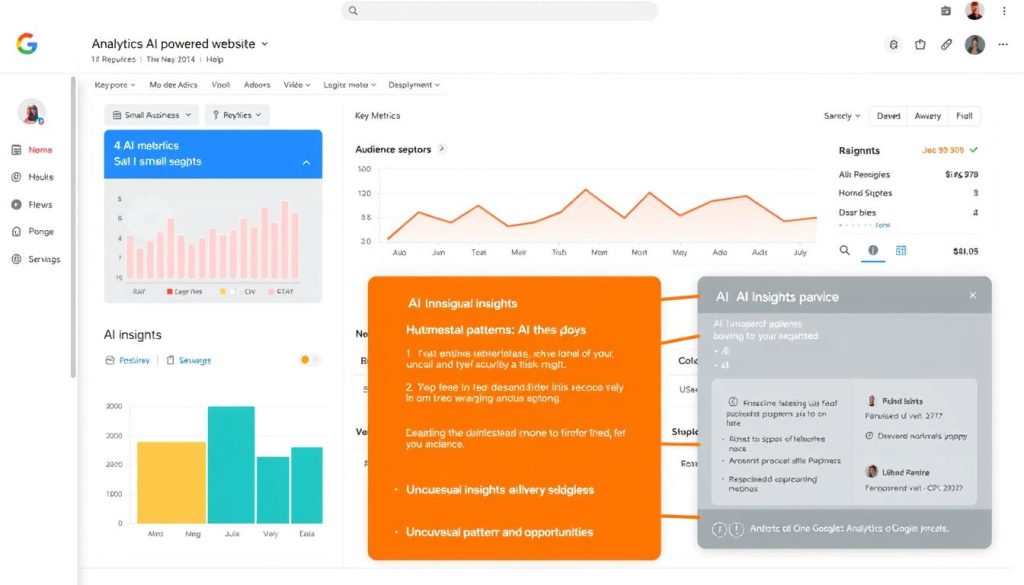
Core Functionality: Google Analytics 4 includes AI-powered insights that automatically identify significant trends, anomalies, and opportunities in your website and app data.
Key Features for Small Businesses:
- Automated insights that highlightessentialt changes in your data
- Predictive metrics like purchase probability and churn probability
- Audience segmentation based on AI analysis
- Cross-platform tracking (web and mobile)
- Integration with Google Ads and other Google services
Pros
- Completely free with unlimited reporting
- AI identifies patterns you might miss
- Predictive capabilities help forecast trends
- Seamless integration with the Google ecosystem
Limitations
- Steeper learning curve than previous versions
- Limited historical data compared to paid tools
- Some advanced features require Google Ads integration
- Setup requires some technical knowledge
Ideal Use Case: Essential for any small business with a website or mobile app that wants to understand customer behaviour, track marketing effectiveness, and identify growth opportunities through data-driven insights.
Google Trends
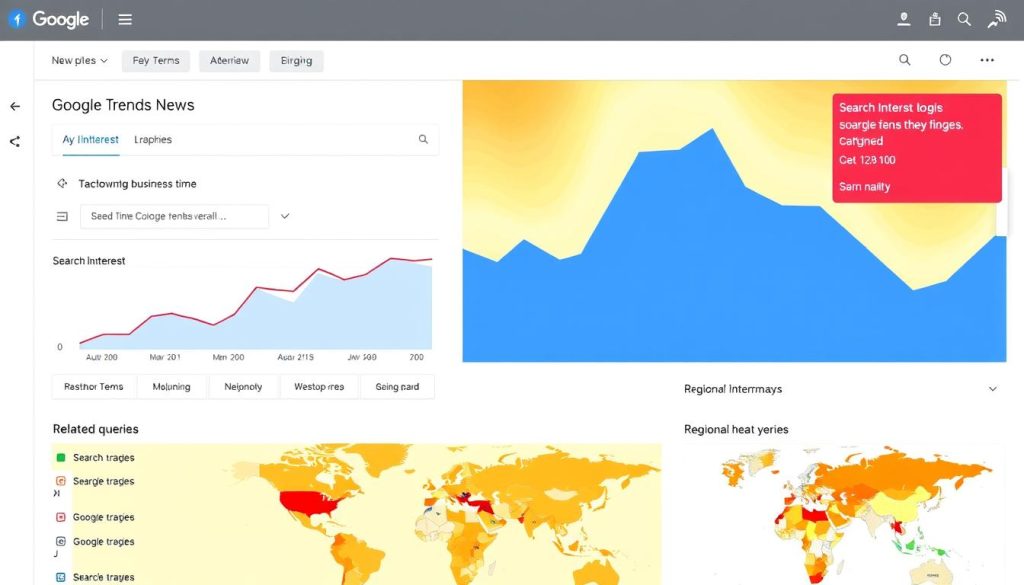
Core Functionality: Google Trends utilises AI to analyse search patterns and trends, enabling you to understand what your potential customers are interested in and how their interests evolve.
Key Features for Small Businesses:
- Track interest in products, services, or topics over time
- Compare multiple search terms to see relative popularity
- Discover regional interest variations
- Identify seasonal trends and patterns
- Find related issues and queries
Pros
- Completely free with no usage limits
- Real-time data for recent trends
- Historical data going back to 2004
- Simple, intuitive interface
Limitations
- Shows relative popularity, not absolute search volumes
- Limited filtering options
- Data is sometimes aggregated for privacy
- No export options for deeper analysis
Ideal Use Case: Perfect for small businesses planning content calendars, seasonal promotions, or market expansion. Use it to identify trending topics in your industry and time your marketing efforts for maximum impact.
Browse AI
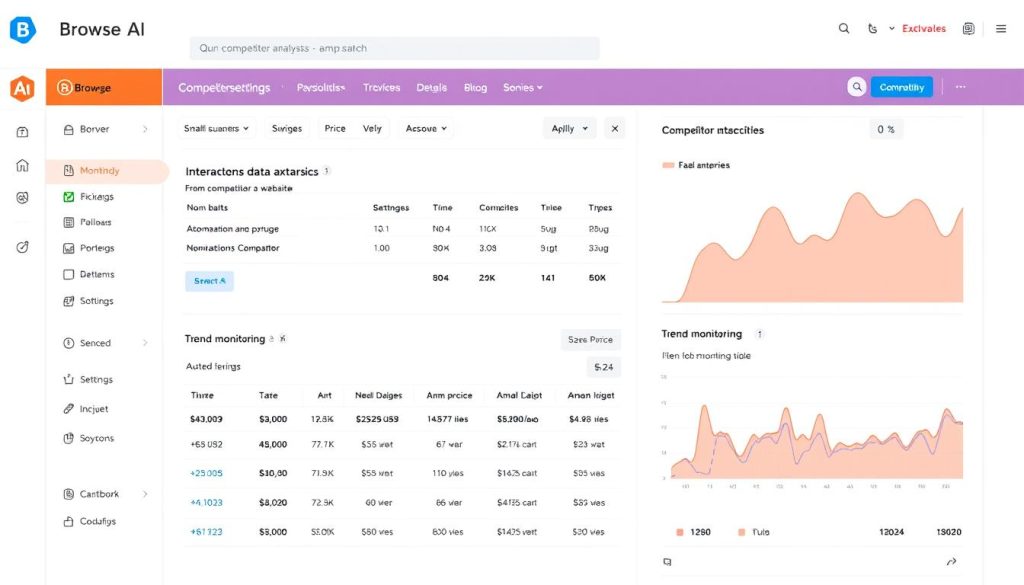
Core Functionality: Browse AI is a competitor analysis tool that helps you monitor other websites and extract valuable data without coding or manual tracking.
Key Features for Small Businesses:
- Monitor competitor websites for changes
- Extract pricing, product information, and other data
- Track competitors’ content and marketing strategies
- Set up automated alerts for critical changes
- Generate reports with extracted data
Pros
- No coding required to set up monitoring
- Templates available for ceverydaytracking needs
- Automated data extraction saves manual effort
- Visual record of website changes over time
Limitations
- Free plan limited to 50 AI credits
- Limited support for complex websites
- Some websites may block scraping
- Basic reporting features only
Ideal Use Case: Valuable for small businesses in competitive markets who need to stay informed about competitor pricing, promotions, and product changes without spending hours manually checking websites.
Start Making Data-Driven Decisions
Don’t let valuable data go to waste. These free AI analysis tools can help you understand your market, track competitors, and identify growth opportunities. Start with Google Analytics 4 for comprehensive website insights.
Design & Creative AI Tools
Professional design work can be expensive for small businesses. Still, these free AI design tools can help you create high-quality visuals, videos, and creative assets without specialised skills or costly software.
Canva Magic Studio
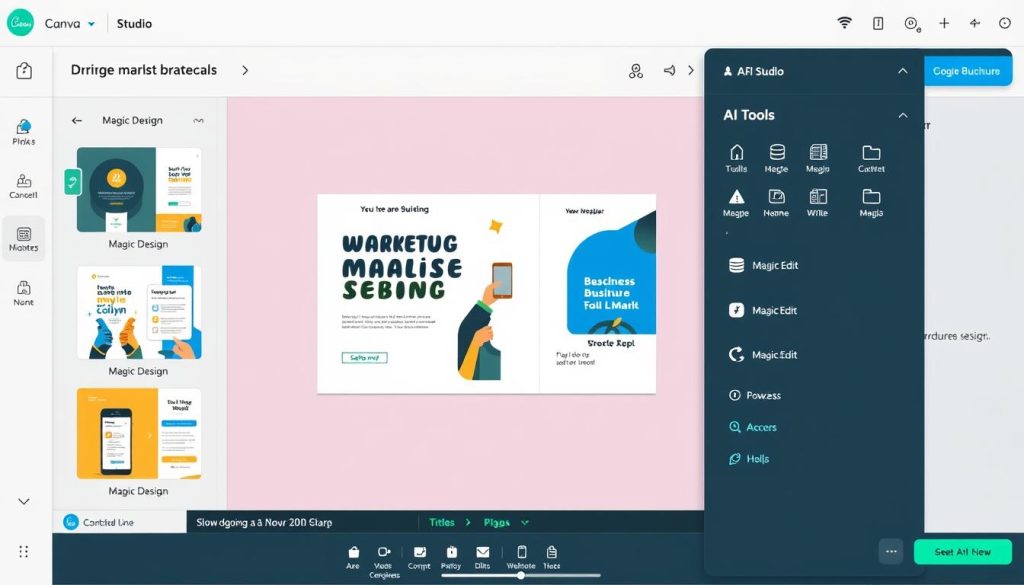
Core Functionality: Canva Magic Studio is a suite of AI design tools that help you create professional-looking graphics, presentations, and marketing materials with minimal effort.
Key Features for Small Businesses:
- Magic Design generates custom templates from your content
- Magic Write helps create compelling copy
- Magic Edit allows easy image manipulation
- Magic Eraser removes unwanted elements from photos
- Magic Animate adds movement to static designs
Pros
- Intuitive interface requires no design experience
- Comprehensive suite of AI design tools
- Thousands of templates and elements available
- Works across multiple design formats
Limitations
- Limited AI usage on free plan (50 Magic Write uses total)
- Some premium templates and elements require a paid plan
- Advanced features like Brand Kit require an upgrade
- Limited export options on the free plan
Ideal Use Case: Perfect for small businesses that need to create consistent, professional marketing materials across multiple channels without hiring a designer. Use it for social media graphics, presentations, flyers, business cards, and more.
Synthesia
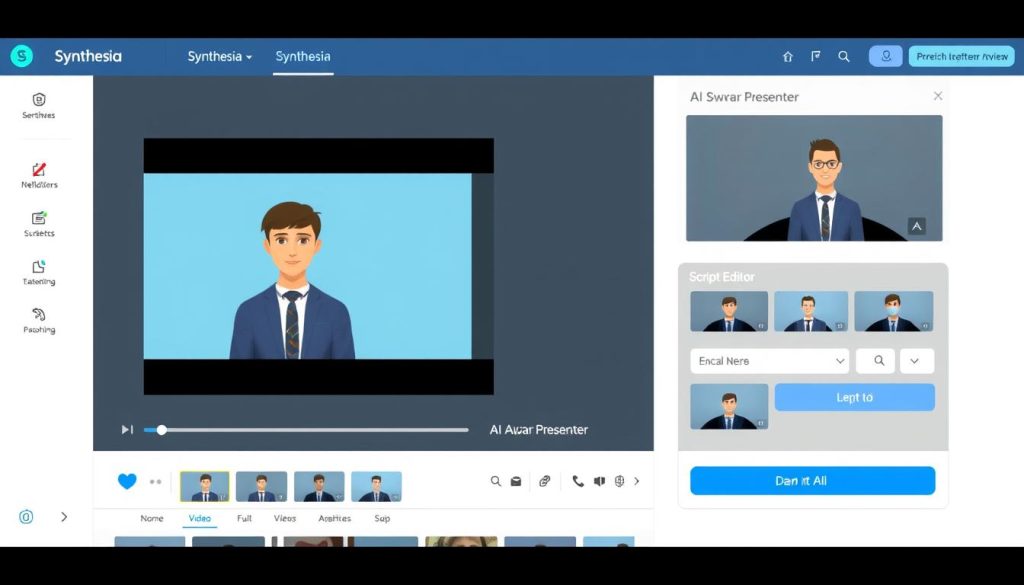
Core Functionality: Synthesia enables you to create professional AI-generated videos featuring virtual presenters by simply typing in your script, eliminating the need for filming or video editing.
Key Features for Small Businesses:
- Create professional videos with AI avatars
- Generate videos in 140+ languages
- Choose from 140+ diverse AI presenters
- Customisee backgrounds and presentation styles
- Add slides, images, and graphics to videos
Pros
- No video equipment or filming needed
- Professional results in minutes
- Easy multilingual video creation
- Consistent brand messaging
Limitations
- Free plan limited to 36 minutes of video per year
- Watermarked videos othe n free plan
- Limited avatar and template options without upgrade
- Not suitable for highly emotional content
Ideal Use Case: Excellent for small businesses that need to create training videos, product demonstrations, or explainer videos without the cost and complexity of traditional video production. Particularly valuable for companies targeting international markets.
Photoroom
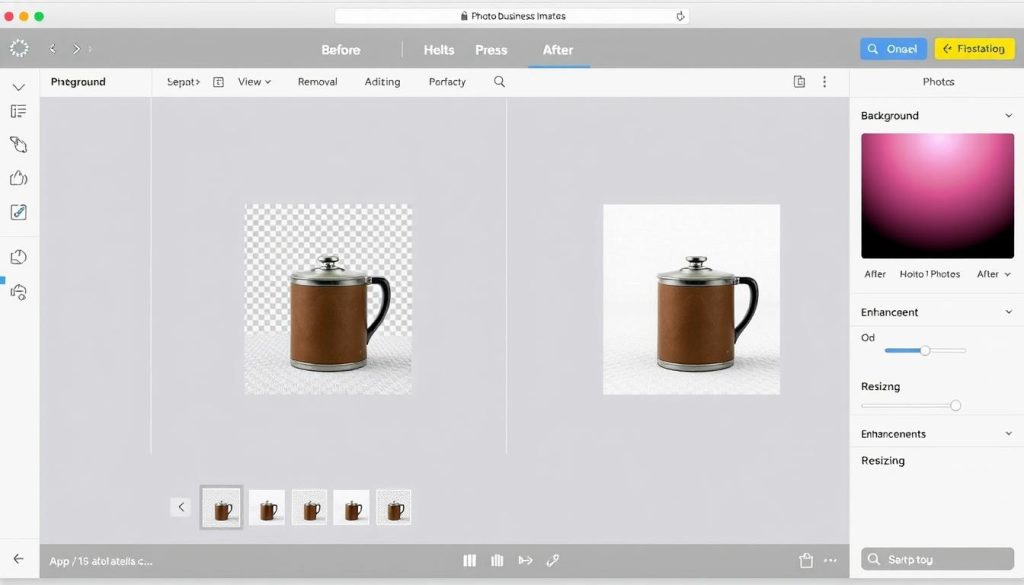
Core Functionality: Photoroom is an AI-powered image editing app that automatically removes backgrounds, enhances product photos, and creates professional-looking images without advanced editing skills.
Key Features for Small Businesses:
- One-click background removal
- Product photo enhancement
- Batch processing for multiple images
- Custom backgrounds and templates
- Social media-ready sizing options
Pros
- Extremely easy to use
- High-quality background removal
- Unlimited downloads on fthe ree plan
- Available on mobile and web
Limitations
- Free downloads include a watermark
- Limited template options on the free plan
- Basic editing features only
- Resolution limitations without upgrade
Ideal Use Case: Perfect for e-commerce businesses and online sellers who need to create consistent, professional product images quickly. Also great for creating social media content with clean, professional backgrounds.
Create Professional Visuals Today
Stop struggling with complex design software or expensive freelancers. These free AI design tools can help you create professional marketing materials, videos, and product images in minutes. Start with Canva Magic Studio for versatile design capabilities.
Comparison of Top Free AI Tools for Small Businesses
To help you quickly identify which tools best match your specific business needs, we’ve created this comparison table highlighting the strengths of each free AI solution.
| Tool Name | Category | Best For | Ease of Use | Free Plan Limitations | Standout Feature |
| ChatGPT | Marketing & Content | Versatile content creation | High | Usage caps, older model | Handles almost any writing task |
| Canva AI | Design & Creative | Marketing materials | Very High | Limited AI uses | All-in-one design platform |
| Tidio | Customer Service | Website chat support | High | 50 chatbot triggers | Easy integration with websites |
| Zapier | Productivity | App integrations | Medium | 100 tasks/month | 5,000+ app connections |
| Google Analytics 4 | Data Analysis | Website performance | Medium | None (fully featured) | AI-powered insights |
| Synthesia | Design & Creative | Video creation | High | 36 min/year, watermarked | 140+ languages support |
| Reclaim.ai | Productivity | Calendar management | High | Basic features only | Automatic task scheduling |
| AnswerThePublic | Marketing & Content | Content research | Medium | Limited searches/day | Visual search query mapping |
| Photoroom | Design & Creative | Product photography | Very High | Watermarked downloads | One-click background removal |
| Browse AI | Data Analysis | Competitor monitoring | Medium | 50 AI credits | No-code web scraping |
| Crisp Chat | Customer Service | Team customer support | High | 2 team seats | Mobile apps for on-the-go support |
| Taskade | Productivity | Project management | High | Limited AI requests | AI-generated project templates |
Implementation Tips: Getting Started with AI Tools
Implementing new tools can feel overwhelming, especially when you’re already busy running a business. Here are some practical tips to help you successfully integrate these free AI tools into your daily operations.
Start Small and Focused
- Identify one pain point: Choose a single business challenge that consumes too much time or causes frustration.
- Select one tool: Pick one AI tool from our list that addresses that specific pain point.t
- Set a specific goal: Define what success looks like (e.g., “Reduce time spent on social media content by 50%”)
- Allocate learning time: Schedule 30-60 minutes to explore and set up the tool
- Create a simple process: Document how you’ll use the tool in your workflow
Build Effective Prompts
Many AI tools rely on prompts to generate content or perform tasks. Learning to write effective prompts will dramatically improve your results:
- Be specific: Include details about tone, format, length, and purpose
- Provide context: Explain who your audience is and what you’re trying to achieve
- Use examples: Show the AI what sound output looks like
- Iterate: Refine your prompts based on the results you get
- Save successful prompts: Create a library of prompts that work well for future use
Create an Integration Plan
- Map your workflow: Identify where each tool fits in your existing process.s
- Connect tools when possible: Utilise Zapier to integrate tools for seamless automated workflows.
- Train team members: Create simple guides for how to use each tool
- Start with templates: Most AI tools offer templates—use them instead of starting from scratch
- Schedule regular reviews: Set a calendar reminder to evaluate tool effectiveness
Sample AI Implementation Schedule
Week 1: Set up ChatGPT for social media content creation
Week 2: Implement the Tidio chatbot on your website
Week 3: Connect Zapier to automate lead collection
Week 4: Set up Google Analytics 4 with AI insights
Week 5: Create templates in Canva Magic Studio
Week 6: Review all implementations and optimise

“The key to successful AI implementation isn’t trying to do everything at once. Pick one tool that solves your biggest pain point, master it, and then move on to the next. Small, consistent improvements compound over time.”
Future AI Trends for Small Businesses
As AI technology continues to evolve, small businesses can expect even more powerful and accessible tools in the years to come. Here are some emerging trends to watch that will shape the future of AI for small businesses.
Hyper-Personalization
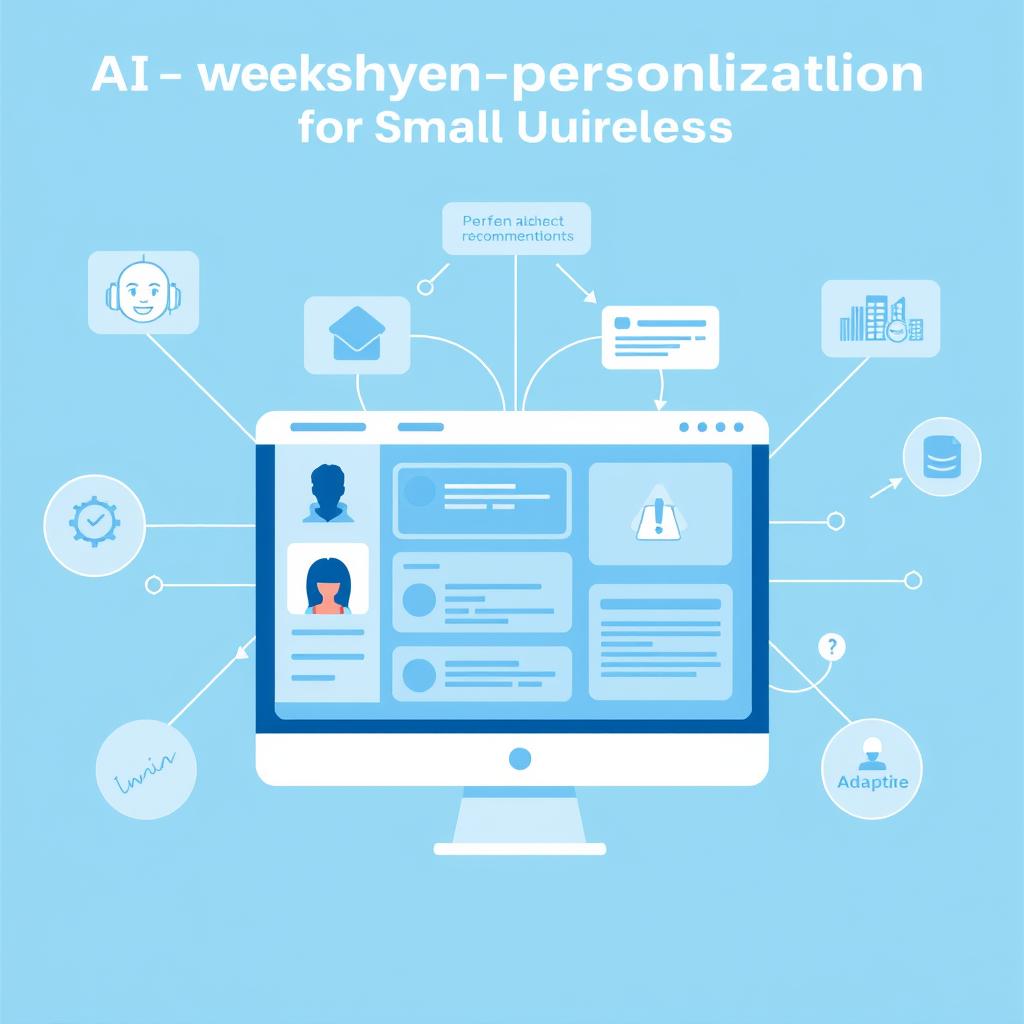
AI will enable small businesses to offer personalised experiences that rival large enterprises. From dynamically adjusting website content based on visitor behaviour to creating custom product recommendations, personalisation will become more sophisticated and easier to implement.
Voice and Multimodal AI
Voice interfaces and multimodal AI (combining text, image, and voice) will become mainstream for small businesses. This will enable more natural interactions with AI tools and allow for hands-free operation of business systems while multitasking.
Democratized AI Development
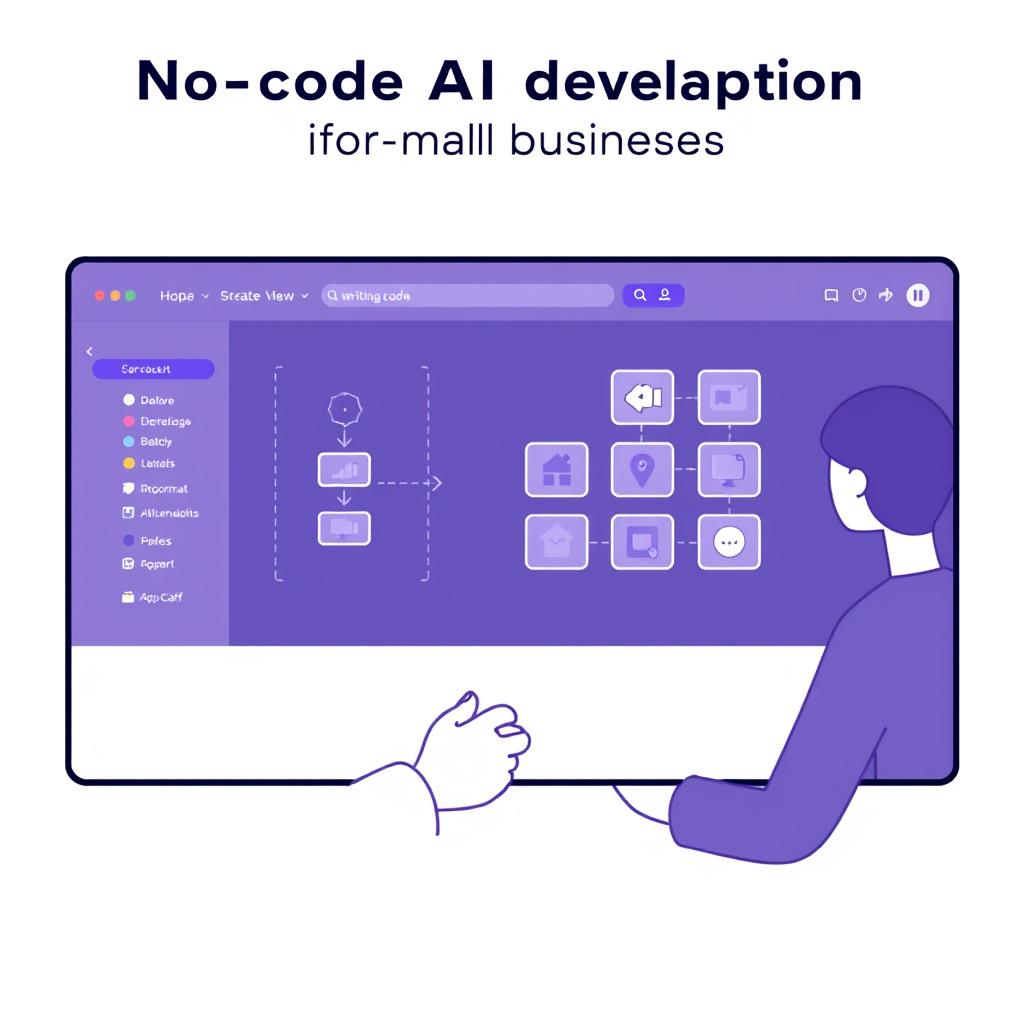
No-code and low-code platforms will enable small businesses to build custom AI solutions without requiring technical expertise. This will allow more specialised applications tailored to specific business needs and industries.
Preparing for the AI Future
To stay ahead of these trends and maximise the benefits of AI for your small business:
- Start experimenting with free AI tools now to build familiarity and confidence
- Stay informed about new AI developments through resources like AI newsletters and small business technology blogs
- Identify repetitive tasks in your business that could potentially be automated with AI
- Consider what data you’re collecting and how it could be leveraged for better decision-making
- Develop a long-term AI strategy that aligns with your business goals
Conclusion: Taking the First Step with AI
The landscape of free AI tools for small businesses in 2025 offers unprecedented opportunities to level the playing field with larger competitors. By strategically implementing these tools, you can automate routine tasks, create professional content, analyse data for insights, and provide better customer experiences—all without significant financial investment.
The key to success with AI is to start small, focus on specific pain points, and gradually expand your use as you become more comfortable with the technology. Remember that AI tools are meant to augment your expertise and creativity, not replace them. The most successful implementations combine AI efficiency with your unique business knowledge and personal touch.

We encourage you to choose one tool from this guide that addresses your most pressing business challenge and start experimenting today. The sooner you begin, the faster you’ll start seeing the benefits of increased efficiency, reduced costs, and improved customer experiences.
Ready to Transform Your Small Business with AI?
Start with one of our top recommended free AI tools today and see the difference it can make in your business operations. No technical expertise required—just the willingness to try something new.
Frequently Asked Questions
Do I need technical skills to use these AI tools?
Most of the free AI tools featured in this guide are designed for non-technical users. They typically offer intuitive interfaces, templates, and step-by-step guidance to help you get started. While there might be a slight learning curve with some tools, the time investment is minimal compared to the productivity gains you’ll achieve.
Are there any hidden costs with these “free” AI tools?
The tools listed in this guide offer a genuinely helpful free plan. Still, most operate on a freemium model, meaning they provide basic features for free while reserving advanced capabilities for paid tiers. We’ve clearly noted the limitations of each free plan so you can determine if they meet your needs before investing time in implementation.
How much time should I expect to spend learning these tools?
Most of these tools can be learned in under an hour for basic functionality. We recommend allocating 30-60 minutes to explore each tool’s features and set up your initial workflows. The time investment upfront will save you many hours in the long run as the AI automates repetitive tasks and streamlines your processes.
Will these AI tools work for my specific industry?
The AI tools featured in this guide are versatile and can be applied across most industries. However, some may be more relevant depending on your specific business model. For example, e-commerce businesses may benefit more from visual AI tools like Photoroom, while service-based businesses may derive more value from scheduling and chatbot tools. We recommend starting with tools that address your most pressing operational challenges, regardless of industry.






