Best AI Tools for Repurposing Content: One Tool Per Job for Maximum Efficiency

Instead of letting your valuable blog posts, videos, or podcasts reach only one audience segment, repurposing helps you extend their reach across multiple platforms and formats. The challenge? Finding the right tools for each specific repurposing job without wasting time on solutions that try to do everything but excel at nothing.
In this guide, we’ll explore the best specialised AI tools for repurposing content, with a focus on one exceptional tool for each specific task. Whether you need to create video clips, generate social media captions, design carousel posts, or transform content into blog articles, you’ll discover the perfect AI assistant for each job.
Why Content Repurposing Matters (And Why You Need Specialised Tools)
Content repurposing isn’t just about recycling—it’s about strategic transformation. When done right, it allows you to:
- Reach different audience segments who prefer various content formats
- Maximise your return on the time invested in creating original content
- Maintain a consistent publishing schedule across multiple platforms
- Reinforce your key messages through repetition in different contexts
- Extend the lifespan of your best-performing content
While all-in-one tools exist, they often provide mediocre results across multiple functions rather than excelling at specific tasks. That’s why we recommend a specialised approach—using the best tool for each repurposing job ensures maximum quality and efficiency.
Let’s explore the four essential categories of content repurposing and the standout AI tool for each one.
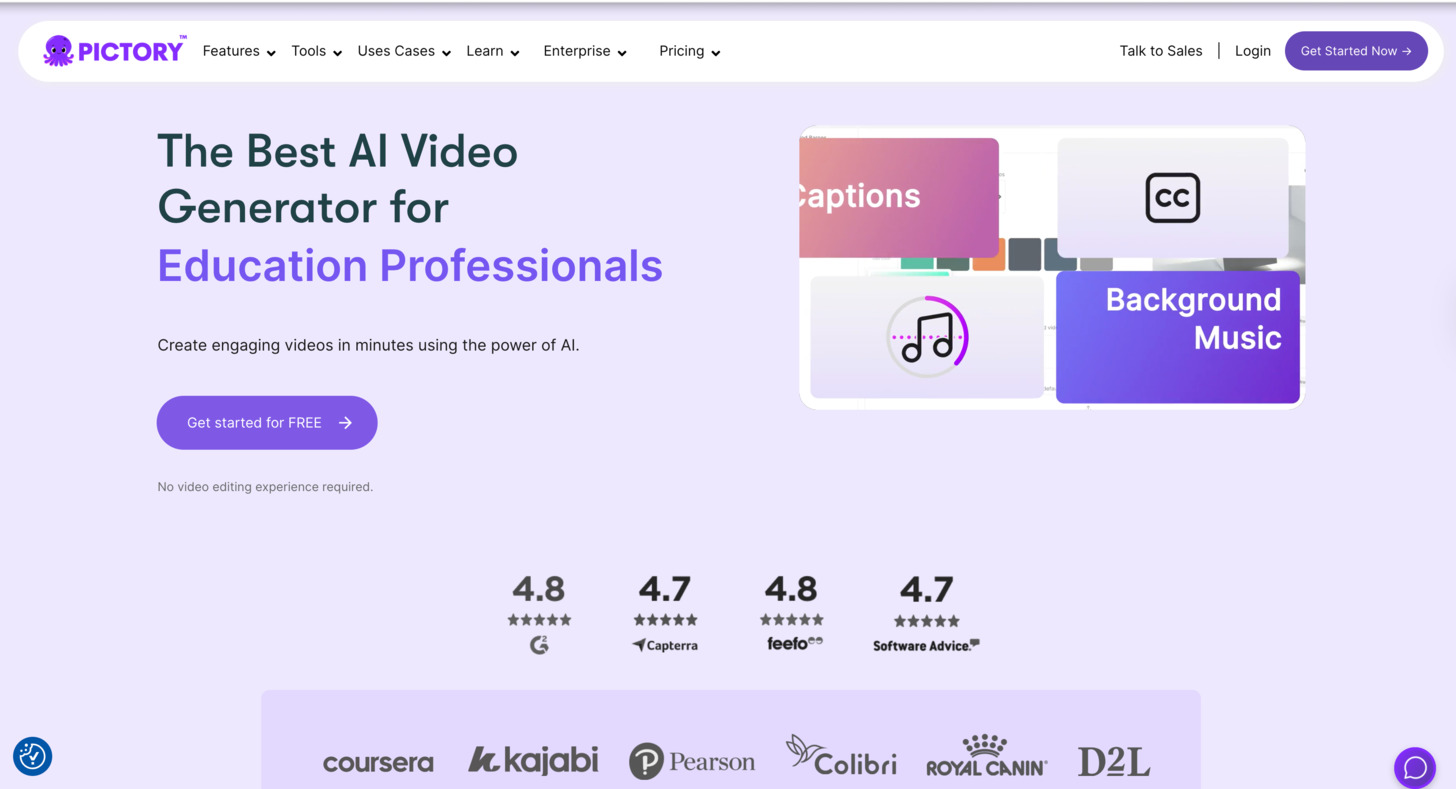
Best AI Tool for Creating Video Clips: Pictory
Why You Need to Create Video Clips from Existing Content
Long-form videos contain numerous valuable moments that can stand alone as powerful short-form content. By extracting these highlights, you can:
- Create attention-grabbing social media snippets for platforms like Instagram, TikTok, and YouTube Shorts
- Highlight key points from webinars or interviews for promotional content
- Develop a library of micro-content from your existing video assets
- Increase engagement with bite-sized, easily consumable video content
How Pictory Excels at Video Clip Creation
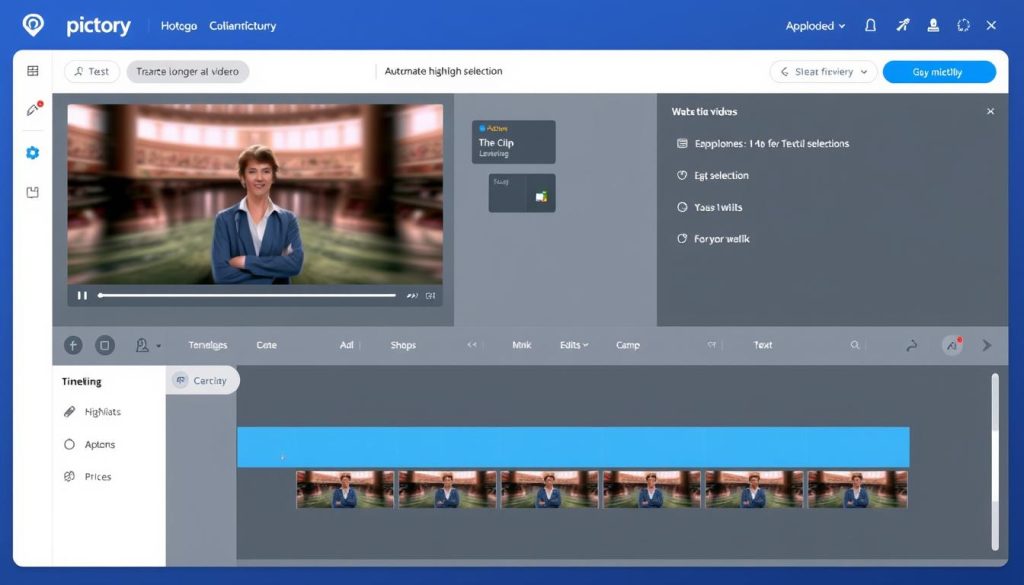
Pictory stands out as the premier AI tool for transforming long-form videos into engaging clips. Using advanced AI, it automatically identifies key moments in your videos and helps you create professional short-form content with minimal effort.
Key Features for Clip Creation
- Automatic highlight detection identifies the most engaging moments in your videos
- Text-based editing allows you to create clips by simply selecting text from your video transcript
- Auto-captioning with customizable styles ensures accessibility and engagement
- Brand customisation with logos, colours, and fonts maintains your visual identity
- Multi-format export optimised for different social platforms and aspect ratios
Pros
- Intuitive interface requires minimal video editing skills
- Saves hours of manual editing time
- Maintains high video quality in exported clips
- Offers batch processing for multiple clips
Cons
- Limited advanced editing capabilities
- Highlight detection may miss some nuanced moments
- Subscription required for removing watermarks
Pricing
| Plan | Price | Key Features | Best For |
| Starter | $19/month | 3 hours of video processing, basic captioning, standard exports | Individual content creators, small businesses |
| Premium | $49/month | 10 hours of video processing, advanced captioning, all export formats | Marketing teams, content agencies |
| Enterprise | Custom pricing | Unlimited processing, priority support, and team collaboration | Large organisations, high-volume content producers |
Want to see Pictory in action?
Check out our comprehensive Pictory review, where we test all its features and show real examples of video clips created with this powerful AI tool.
Best AI Tool for Designing Carousel Content: Canva
Why You Need AI for Carousel Content Creation
Carousel posts on platforms like Instagram and LinkedIn drive significantly higher engagement than single-image posts. However, creating visually consistent, information-rich carousels is time-intensive. AI-powered carousel creation helps you:
- Transform long-form content into digestible, visually appealing slides
- Maintain design consistency across multiple carousel slides
- Generate professional-looking graphics without design skills
- Quickly adapt content for different platforms and aspect ratios
How Canva Excels at Carousel Creation
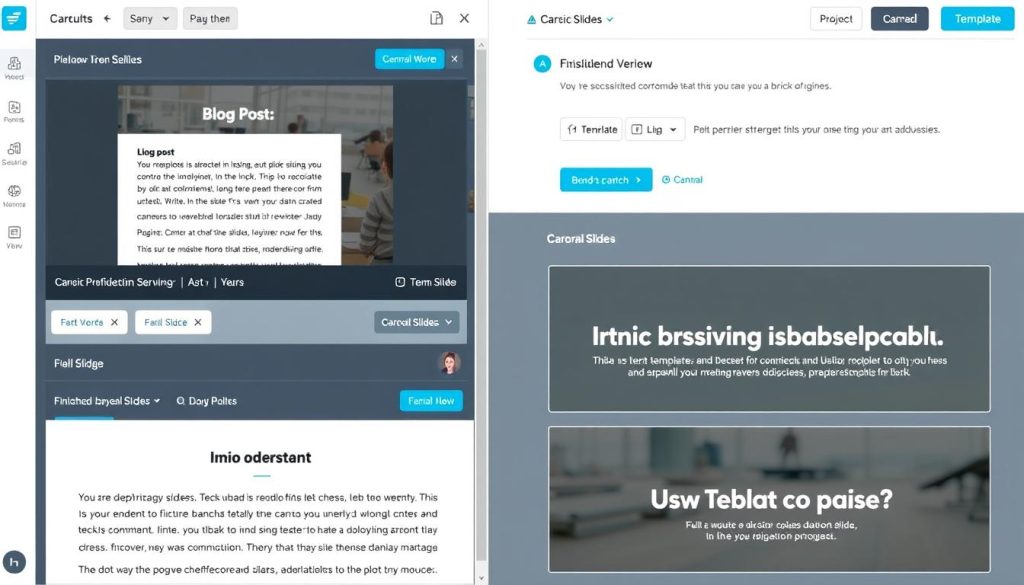
Canva has evolved from a simple design tool to a powerful AI-powered content creation platform. Its Magic Write and Design features make it exceptionally well-suited for transforming existing content into carousel posts.
Key Features for Carousel Creation
- Magic Write helps summarise long-form content into carousel-friendly chunks
- Text-to-image generation creates custom visuals for each slide
- Carousel templates with pre-designed layouts for different content types
- Brand Kit integration ensures visual consistency with your brand
- One-click resize adapts carousels for different platforms
- Animation options add movement to static carousel slides
Pros
- Intuitive interface accessible to non-designers
- Extensive template library for various content types
- Collaborative features for team feedback
- Regular AI feature updates improve capabilities
Cons
- Advanced customization requires Pro subscription
- AI image generation quality varies by complexity
- Limited integration with content management systems
Step-by-Step Carousel Creation Process
- Import content – Paste your blog post, article, or long-form content into Canva
- Use Magic Write to summarize and break down content into key points
- Select a carousel template that matches your content type and brand
- Generate images for each slide using text-to-image AI
- Customize design elements to match your brand guidelines
- Add animations or transitions between slides if desired
- Export in multiple formats optimized for different platforms
Pricing
| Plan | Price | AI Features | Best For |
| Free | $0 | Limited Magic Write, basic templates | Occasional carousel creators |
| Pro | $12.99/month per user | Full Magic Write, 100 Design generations/month | Individual content creators, small businesses |
| Teams | $29.99/month for 5 users | Unlimited Magic Write, 500 Design generations/month | Marketing teams, agencies |
Best AI Tool for Repurposing Content into Blog Articles: Copy.ai
Why You Need AI for Blog Article Repurposing
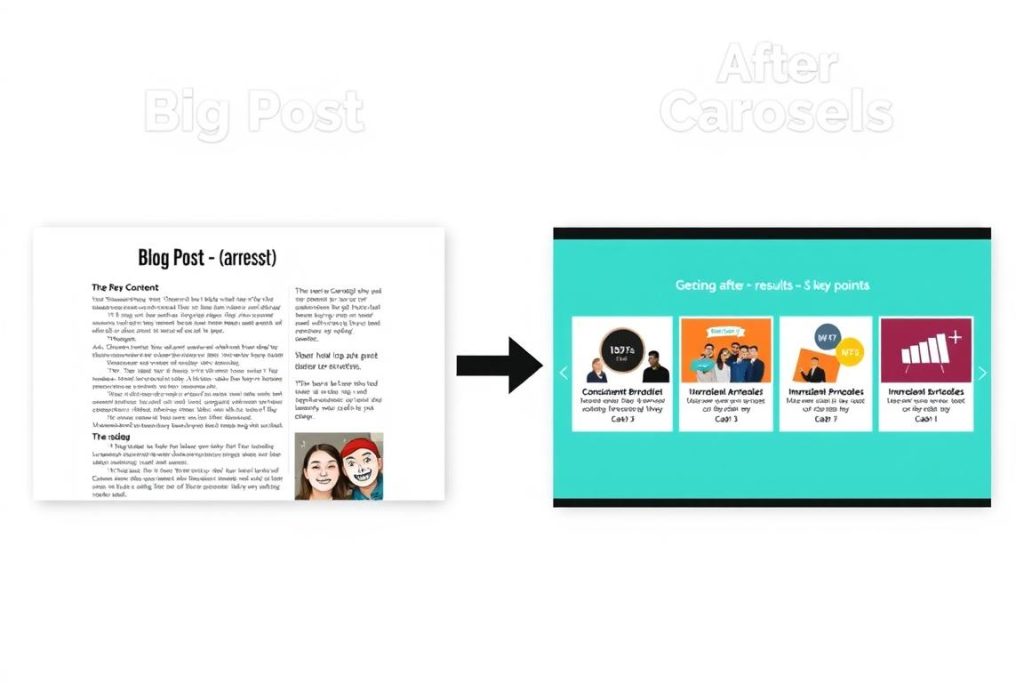
Transforming videos, podcasts, or social content into comprehensive blog articles is one of the most valuable forms of content repurposing. AI-powered blog creation helps you:
- Convert video or audio content into SEO-optimised written articles
- Expand social media posts or newsletters into in-depth blog content
- Restructure existing articles for different audience segments
- Create consistent blog content without dedicating hours to writing
How Copy.ai Excels at Blog Article Creation
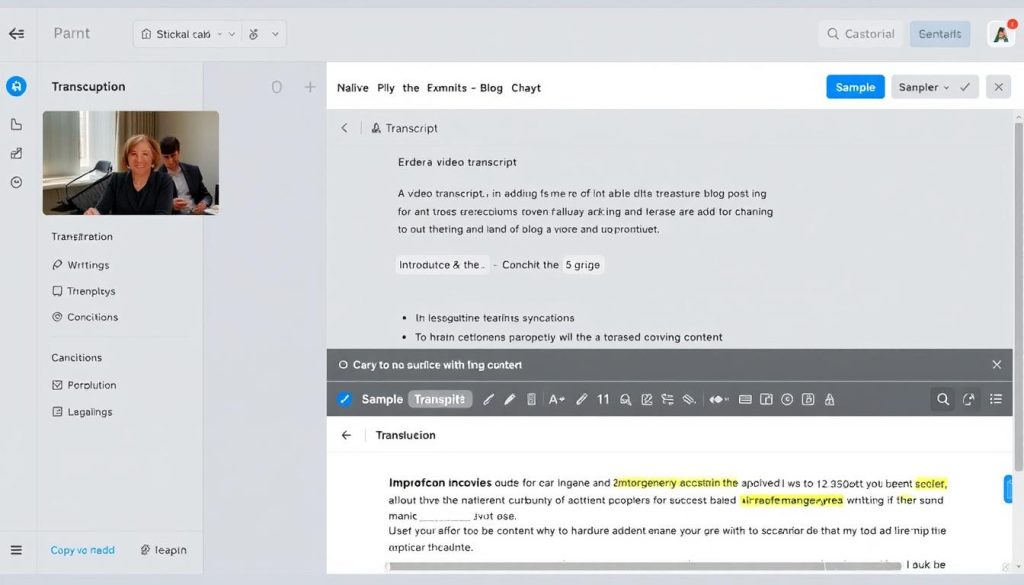
Copy.ai has emerged as the standout tool for transforming various content types into polished blog articles. Its specialised workflows and content expansion capabilities make it particularly effective for blog repurposing.
Key Features for Blog Repurposing
- One-click repurposing workflows designed explicitly for blog creation
- Content expansion to develop brief points into full paragraphs
- Structure suggestions for creating a logical article flow
- SEO optimisation with keyword integration and readability improvements
- Tone adjustment to match your brand voice
- Citation and source management to maintain content accuracy
Pros
- Specialised in long-form content creation
- Maintains the original content’s key points
- Generates multiple variations to choose from
- User-friendly interface with minimal learning curve
Cons
- Occasional repetition in longer articles
- Limited direct publishing options
- May require fact-checking for technical content
Content Types You Can Repurpose into Blog Articles
 Video Transcripts
 Podcast Episodes
 Social Media Series
 Webinar Presentations
Pricing
| Plan | Price | Word Limit | Best For |
| Free | $0 | 2,000 words/month | Testing the platform |
| Pro | $36/month | Unlimited words | Individual content creators, small businesses |
| Enterprise | Custom pricing | Unlimited with team features | Marketing teams, agencies |
Looking for more video editing options?
If you’re creating video content for repurposing, check out our comprehensive comparison of the best AI video editors to find the perfect tool for your production needs.
Creating an Efficient Content Repurposing Workflow
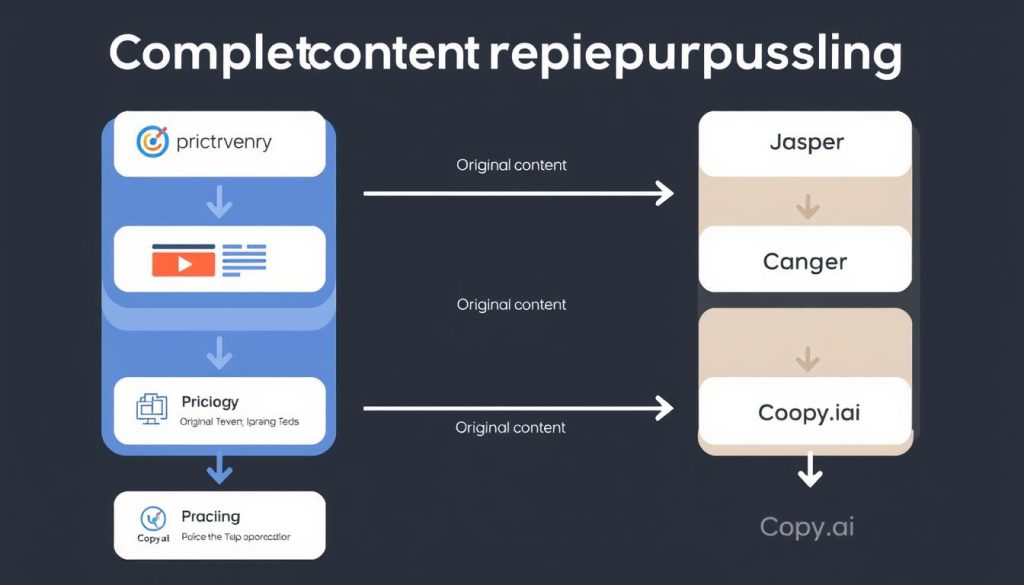
Using specialised tools for each repurposing task is only half the battle. To truly maximize efficiency, you need to integrate these tools into a cohesive workflow. Here’s how to create a streamlined content repurposing system:
Step 1: Content Audit and Planning
Before diving into repurposing, identify your highest-performing content that deserves wider distribution. Create a content inventory spreadsheet that tracks:
- Original content format and location
- Performance metrics (views, engagement, conversions)
- Target platforms for repurposed content
- Repurposing priority (high, medium, low)
- Assigned team member for repurposing tasks
Step 2: Establish a Repurposing Calendar
Integrate your repurposing activities into your content calendar to ensure consistent execution. Dedicate specific days for different repurposing tasks:
| Day | Repurposing Focus | Primary Tool | Output Goal |
| Monday | Video clip extraction | Pictory | 5-7 clips from recent videos |
| Tuesday | Social caption generation | Jasper | Captions for all video clips |
| Wednesday | Carousel creation | Canva | 2-3 carousel posts from recent content |
| Thursday | Blog article development | Copy.ai | 1 comprehensive blog from video/podcast |
| Friday | Review and scheduling | Various | All content scheduled for next week |
Step 3: Connect Your Tools with Automation
While each tool excels at a specific task, you can further enhance efficiency by connecting them through automation platforms like Zapier or Make (formerly Integromat). Some useful automations include:
- Automatically sending new YouTube video transcripts to Copy.ai for blog creation
- Pushing Pictory video clips directly to your social media scheduler
- Sending Jasper-generated captions to your team’s approval workflow
- Adding completed Canva carousels to your social media content library
Pro Tip: The 1:5 Content Ratio
For maximum efficiency, aim to create at least 5 repurposed pieces from each original. For example, from one 30-minute video interview, you should generate:
- 3-5 short video clips for social media
- 10-15 social media posts with quotes and insights
- 1 carousel summarising key points
- 1 comprehensive blog article
This approach ensures you’re maximising your return on the time invested in creating the original content.
Specialised vs. All-in-One Repurposing Tools: A Comparison
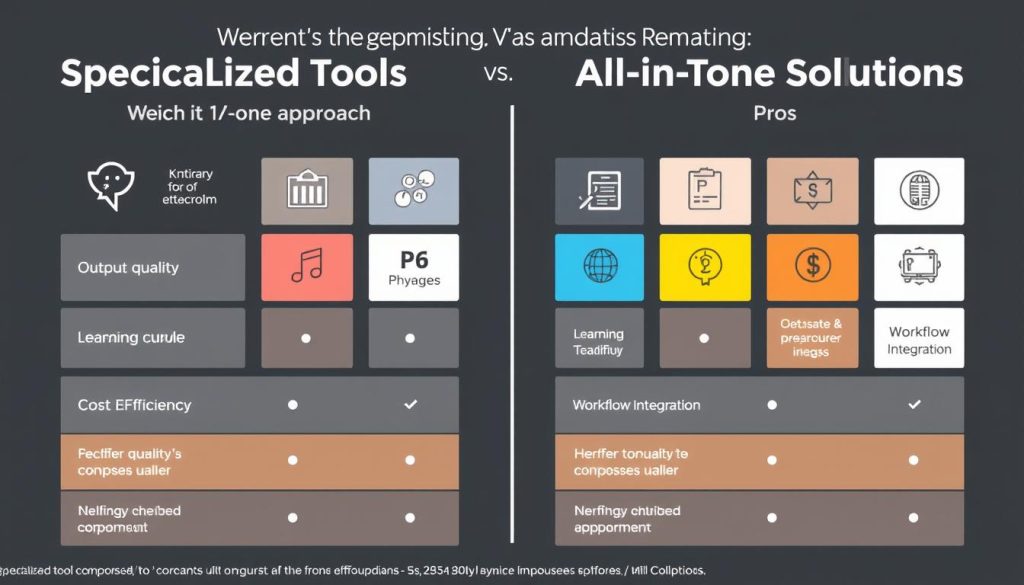
While we advocate for using specialized tools for each repurposing task, it’s worth considering how this approach compares to all-in-one solutions. Here’s a breakdown of the key differences:
Specialised Tools Approach
- Higher quality output for each specific content format
- More advanced features tailored to each repurposing task
- Greater flexibility to swap tools as technology evolves
- Ability to choose best-in-class solutions for each need
- More control over specific aspects of the repurposing process
- Often, it is more cost-effective for teams with particular priorities
All-in-One Solutions
- Simpler workflow with fewer tools to manage
- Consistent interface across different repurposing tasks
- Potentially lower total cost for comprehensive needs
- Easier onboarding for team members
- Better integration between different repurposing functions
- Single point of support for all repurposing needs
The specialised approach we recommend works best for teams that prioritise quality and have specific requirements for different content formats. However, if simplicity and workflow integration are your top priorities, you might consider all-in-one platforms like Repurpose.io or ContentStudio.
When should I choose specialised tools over an all-in-one solution?
Choose specialized tools when:
- Output quality is your top priority for specific content types
- You have team members dedicated to different content formats
- Your repurposing needs are heavily weighted toward specific formats
- You want the flexibility to adopt new tools as technology evolves
- You need advanced features that all-in-one solutions typically lack
How can I manage the complexity of using multiple specialised tools?
To manage multiple tools effectively:
- Create clear documentation for your team’s repurposing workflow
- Use password managers to store login information securely
- Implement automation between tools where possible
- Assign specific team members as “owners” of each tool
- Schedule regular training sessions to keep skills updated
Is the specialised approach more expensive than all-in-one solutions?
Not necessarily. While you’re subscribing to multiple tools, you can often choose lower-tier plans for each since you’re only using specific features. Many specialized tools also offer free plans with limited usage, allowing you to mix free and paid solutions based on your priorities. The key is to evaluate your specific needs and budget accordingly.
Conclusion: Maximizing Content ROI with Specialized AI Tools
Content repurposing is no longer optional for creators and marketers who want to maximise their return on content investment. By transforming existing content into multiple formats, you can reach broader audiences, reinforce key messages, and maintain a consistent presence across platforms—all without creating everything from scratch.
The specialised approach we’ve outlined—using Pictory for video clips, Jasper for social captions, Canva for carousels, and Copy.ai for blog articles—ensures you’re leveraging the best AI technology for each specific repurposing task. This strategy delivers higher quality outputs while maintaining efficiency in your content workflow.
Remember that content repurposing is both an art and a science. While AI tools dramatically reduce the time and effort required, your strategic oversight remains essential. Focus on repurposing your highest-performing content first, adapt your message appropriately for each platform, and continuously measure the performance of your repurposed content to refine your approach.
By implementing the specialised tools and workflow strategies outlined in this guide, you’ll be well-equipped to transform one piece of content into many, extending your reach and maximising the value of every piece of content you create.
Ready to transform your content strategy?
Start with our recommended specialised tools for each repurposing task, and don’t forget to check out our detailed Pictory review and video editors comparison for more insights on creating repurposable video content.







Best AI Tool for Generating Social Media Captions: Jasper
Why You Need AI-Generated Social Media Captions
Crafting engaging social media captions is time-consuming, especially when you need to adapt your message for different platforms. AI-generated captions help you:
How Jasper Excels at Caption Generation
Jasper has established itself as the leading AI writing assistant for marketers, and its social media caption capabilities are awe-inspiring. With specialised templates and training on successful social content, Jasper creates captions that drive engagement.
Key Features for Caption Generation
Pros
Cons
Real-World Use Case
“We used to spend 5-6 hours weekly writing social captions for our content calendar. With Jasper, we’ve cut that down to under an hour while actually improving engagement rates by 23%. The platform-specific templates ensure our LinkedIn posts sound professional while our Instagram content maintains a more casual, relatable tone.”
— Sarah Chen, Content Marketing Manager
Pricing