AI Chatbot Platforms: ChatBot.com vs Tidio vs HelpCrunch

We’ll analyse these platforms across key criteria, including pricing structures, feature sets, ease of implementation, integration capabilities, and overall value. Whether you’re a small business owner, a mid-sized company, or an enterprise-level organisation, this guide will help you identify which AI chatbot platform aligns best with your goals and resources.
AI Chatbot Platforms: Quick Comparison Overview
Before diving into the detailed analysis, here’s a quick overview of how these three AI chatbot platforms stack up against each other:
| Feature | ChatBot.com | Tidio | HelpCrunch |
| Starting Price | $52/month | $29/month | $15/month |
| Free Plan | 14-day trial | Yes (limited) | 14-day trial |
| AI Capabilities | Advanced | Moderate | Basic |
| Ease of Setup | Moderate | Very Easy | Easy |
| Best For | Enterprise & Mid-size | Small & Mid-size | Small Business |
Each platform offers unique strengths and potential limitations depending on your specific requirements. Let’s explore each one in detail to help you determine which solution best fits your business needs.
ChatBot.com: Enterprise-Grade AI Conversation Platform
Key Features and Capabilities
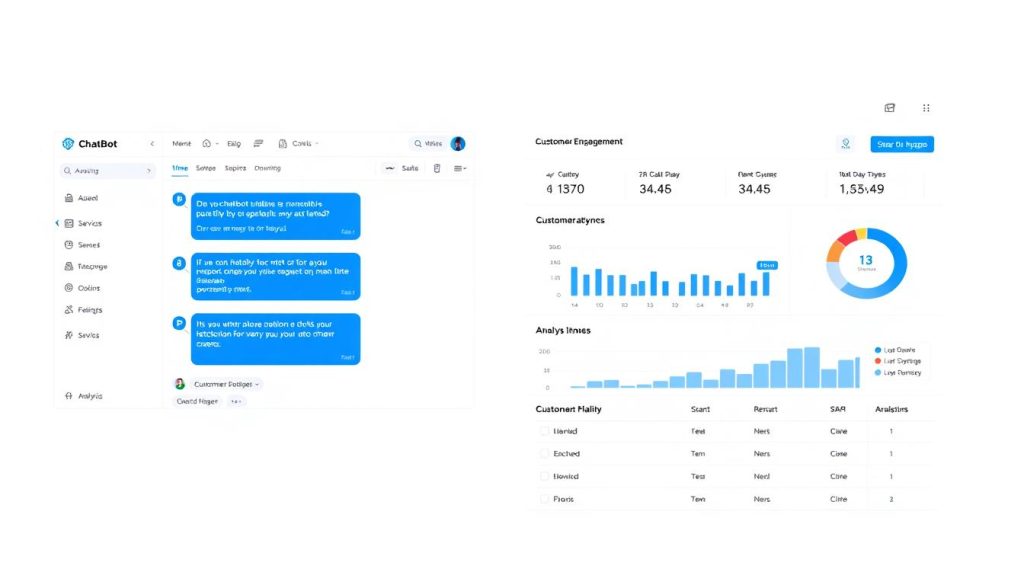
ChatBot.com positions itself as a comprehensive solution for businesses seeking advanced AI conversation capabilities. Built by LiveChat, this platform leverages years of customer service expertise to deliver a robust chatbot experience.
Core Features
- Visual flow builder with drag-and-drop interface
- Advanced NLP (Natural Language Processing) capabilities
- Pre-built templates for common business scenarios
- Multi-language support with 10+ languages
- Rich message formats (buttons, carousels, images)
- Seamless human handoff capabilities
- Detailed analytics and conversation insights
- A/B testing for chatbot responses
Integration Capabilities
- LiveChat (native integration)
- Facebook Messenger
- Slack
- WhatsApp Business
- Zapier (connecting to 3,000+ apps)
- WordPress
- Shopify
- Custom API for advanced integrations
Pricing Structure
ChatBot.com offers tiered pricing based on the number of chatbots and conversations needed:
| Plan | Price | Chatbots | Conversations | Key Features |
| Starter | $52/month | 1 | 1,000 | Basic NLP, Visual Builder |
| Team | $115/month | 2 | 5,000 | Advanced NLP, Multiple Languages |
| Business | $369/month | 5 | 25,000 | All features + Priority Support |
| Enterprise | Custom | Custom | Custom | Dedicated Account Manager, SLA |
All plans include a 14-day free trial with no credit card required. Annual billing provides a 20% discount compared to monthly billing.
Ease of Use and Implementation
ChatBot.com offers a visual builder that makes creating conversation flows relatively straightforward, although the learning curve is steeper than that of some competitors. The platform offers comprehensive documentation and video tutorials to help users get started.
Pros
- Advanced AI capabilities with strong NLP understanding
- Comprehensive analytics for optimising performance
- Excellent integration with LiveChat for seamless human handoff
- Enterprise-grade security and compliance features
- Extensive customisation options for complex scenarios
Cons
- Higher price point than competitors
- Steeper learning curve for non-technical users
- Limited free plan options (trial only)
- Some advanced features are restricted to higher-tier plans
- It can be overwhelming for small businesses with simple needs
Ideal Use Cases for ChatBot.com
ChatBot.com excels in the following business scenarios:
Enterprise Customer Support
Handles high volumes of customer inquiries with complex decision trees and seamless agent handoff when needed.

E-commerce Sales Assistance
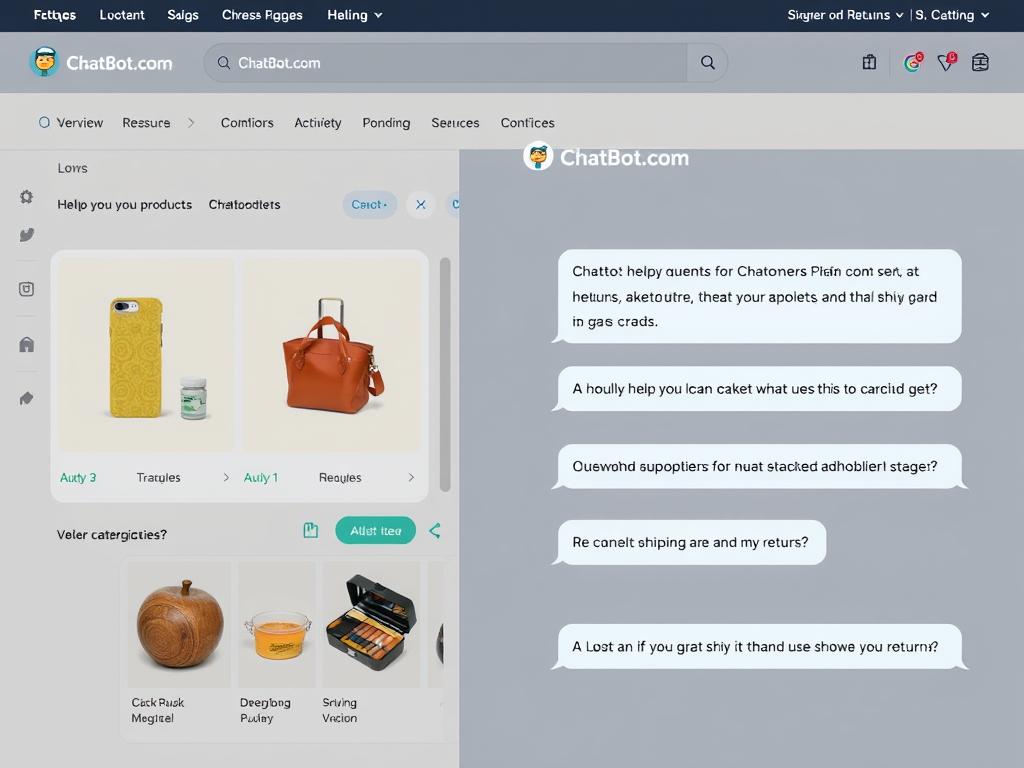
Guides customers through product selection, answers FAQs, and facilitates purchases with personalised recommendations.
Lead Generation & Qualification
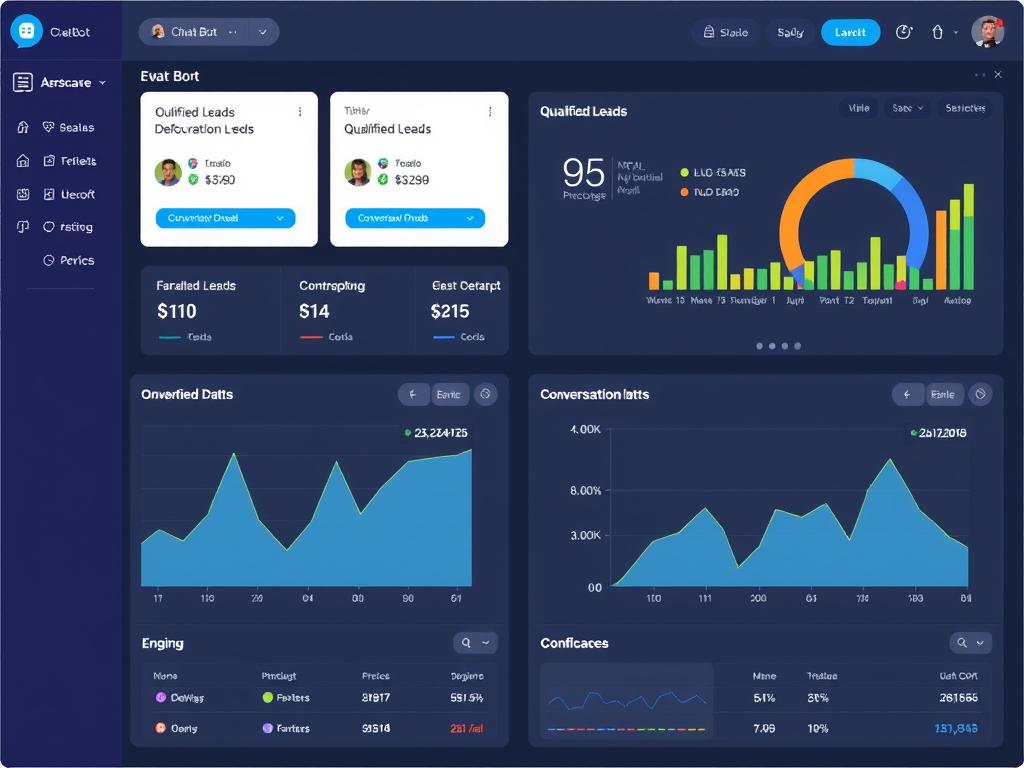
Captures and qualifies leads 24/7, collecting relevant information before routing to sales teams.
Ready to explore ChatBot.com?
Experience the power of advanced AI conversation capabilities with a 14-day free trial—no credit card required.
Tidio: User-Friendly Chatbot for Small to Mid-Size Businesses
Key Features and Capabilities
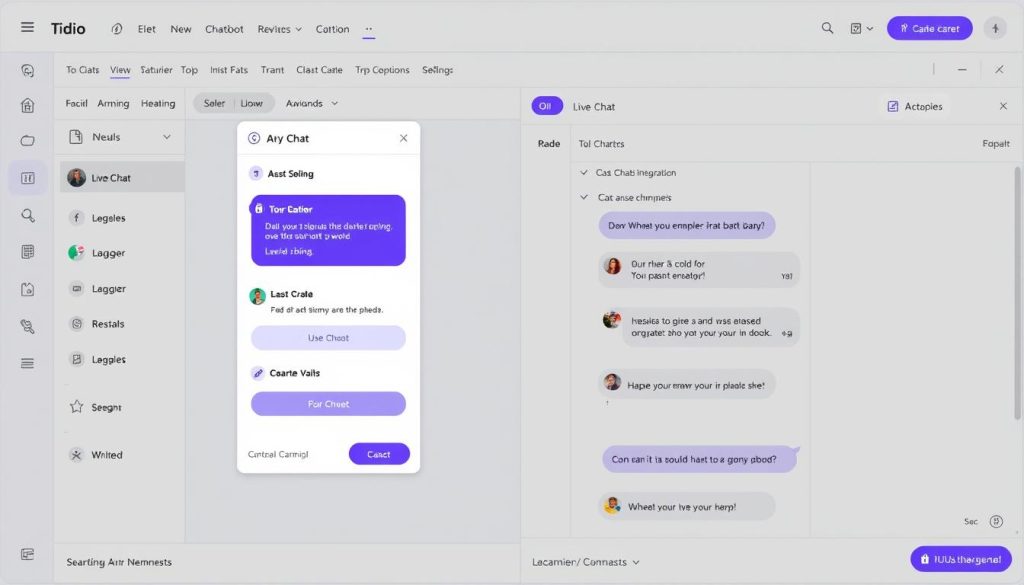
Tidio has established a reputation as one of the most user-friendly AI chatbot platforms on the market. It combines live chat, chatbots, and email marketing in one accessible package.
Core Features
- Simple visual bot builder with templates
- Live chat integration with chatbot automation
- AI-powered responses and suggestions
- Visitor tracking and behaviour-based triggers
- Mobile app for on-the-go management
- Multi-language support
- Customizable chatbot appearance
- Basic analytics and reporting
Integration Capabilities
- Shopify
- WordPress
- WooCommerce
- Facebook Messenger
- Email marketing platforms
- Zapier
- Google Analytics
Pricing Structure
Tidio offers a free plan with basic features and several paid tiers:
| Plan | Price | Operators | Chatbots | Key Features |
| Free | $0 | 3 | Basic bots only | Live chat, Basic chatbots |
| Communicator | $29/month | Unlimited | Basic bots only | Unlimited history, removing branding |
| Chatbots | $39/month | 3 | Unlimited | Visual builder, AI responses |
| Tidio+ | $66/month | Unlimited | Unlimited | All features combined |
Tidio offers a 25% discount for annual billing. The platform also provides additional AI chatbot conversations as add-ons if you need more than the included amount.
Ease of Use and Implementation
Tidio is renowned for its intuitive interface and quick setup process. Most users can have a basic chatbot up and running within 15 minutes, even without technical expertise. The platform offers ready-made templates for common scenarios, such as lead generation, customer support, and sales assistance.
Pros
- Extremely user-friendly interface
- Free plan available for basic needs
- Seamless integration of live chat and chatbots
- Quick implementation with minimal setup time
- Strong e-commerce integrations
Cons
- Limited advanced AI capabilities
- Fewer customisation options than enterprise solutions
- Analytics is not as comprehensive as competitors
- Split pricing model between chatbots and live chat
- It can get expensive as you scale operators and features
Ideal Use Cases for Tidio
Tidio is particularly well-suited for these business scenarios:
Small E-commerce Stores
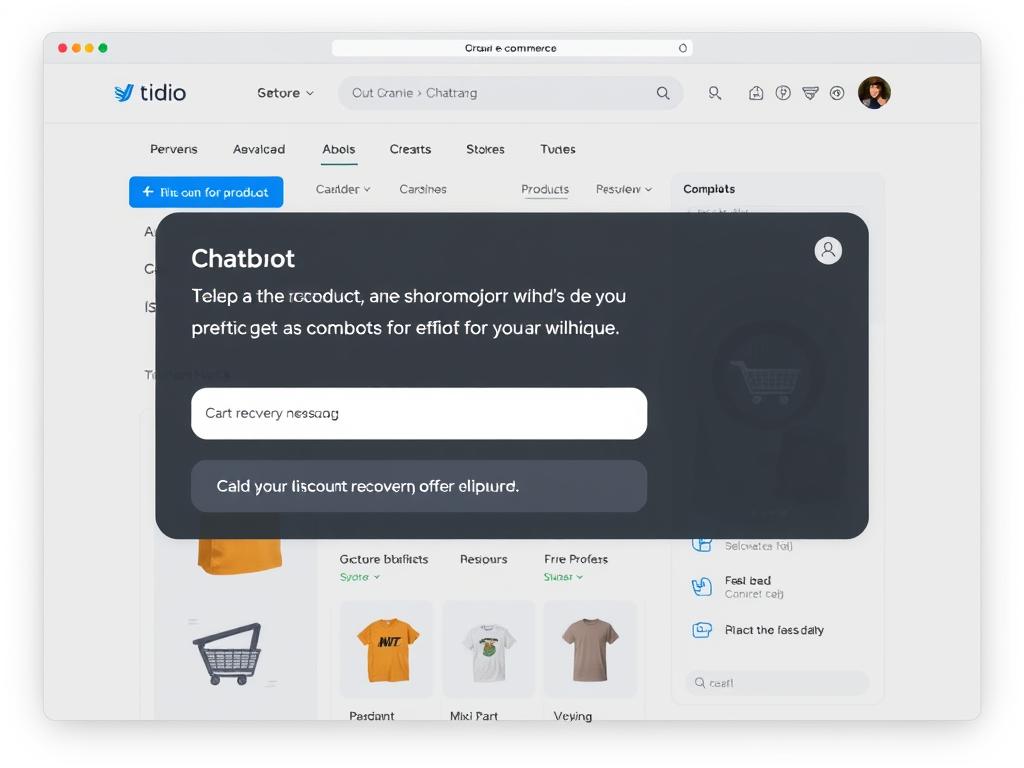
Provides 24/7 customer support, answers product questions, and recovers abandoned carts with targeted messages.
Service-Based Businesses
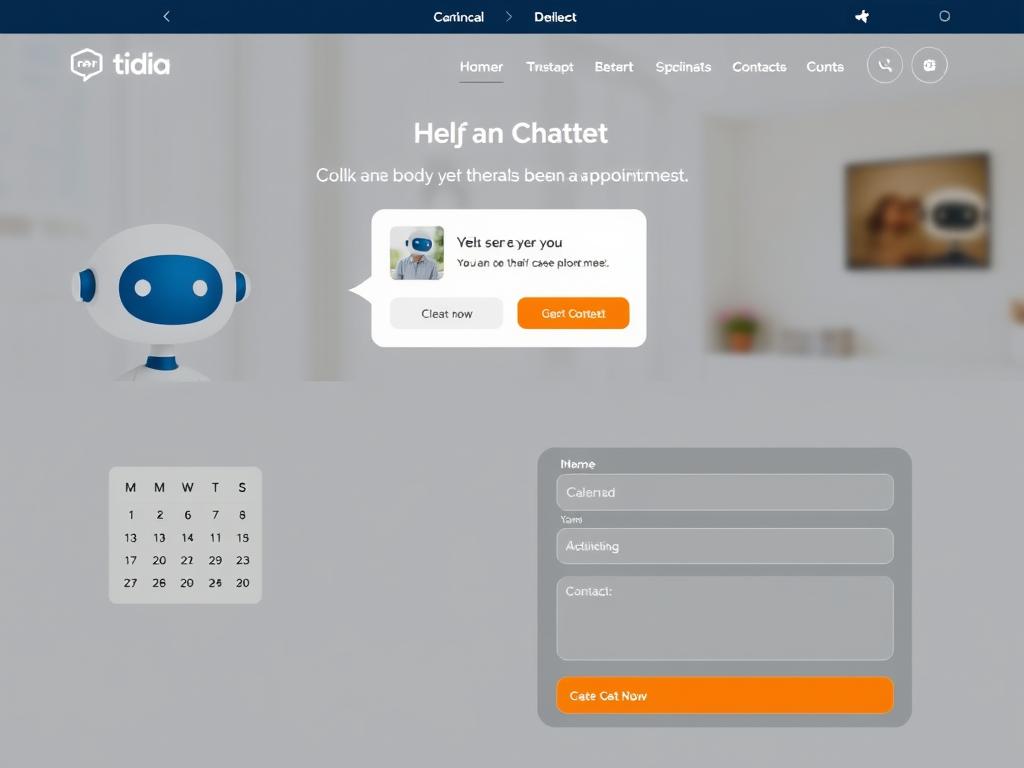
Books appointments, answers service questions, and captures lead information for follow-up.
Startups with Limited Resources
Provides an affordable customer engagement solution that scales with business growth, eliminating the need for technical expertise.
Try Tidio’s user-friendly platform.m
Get started with Tidio’s free plan and experience how easy it is to implement AI chatbots for your business.
HelpCrunch: All-in-One Customer Communication Platform
Key Features and Capabilities
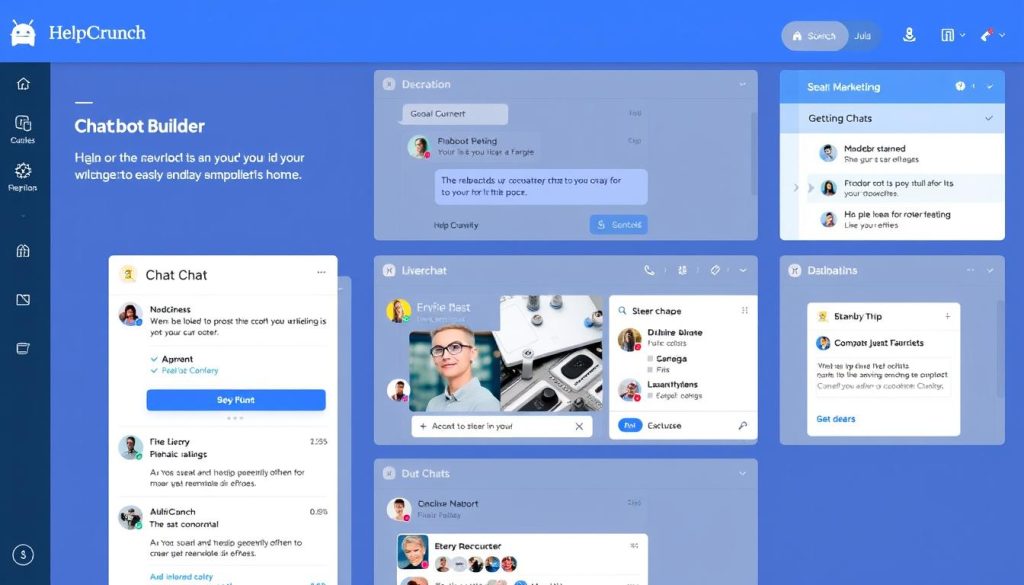
HelpCrunch positions itself as a comprehensive customer communication platform that combines live chat, email marketing, and chatbots in one integrated solution.
Core Features
- Live chat with chatbot automation
- Email marketing campaigns
- Knowledge base functionality
- Basic AI chatbot capabilities
- Customer data management
- Proactive chat messages
- Multi-channel communication
- Team collaboration tools
Integration Capabilities
- WordPress
- Shopify
- WooCommerce
- Zapier
- Stripe
- Google Analytics
- Custom API
Pricing Structure
HelpCrunch offers a 14-day free trial and tiered pricing based on features and team size:
| Plan | Price | Agents | Key Features |
| Basic | $15/agent/month | Unlimited | Live chat, Basic automation |
| Pro | $29/agent/month | Unlimited | + Knowledge base, Auto messages |
| Enterprise | $60/agent/month | Unlimited | + Advanced chatbots, Priority support |
| Custom | Custom | Unlimited | Custom features, Dedicated support |
All prices are based on annual billing. Monthly billing is available at a higher rate. Email marketing features are available as add-ons to any plan.
Ease of Use and Implementation
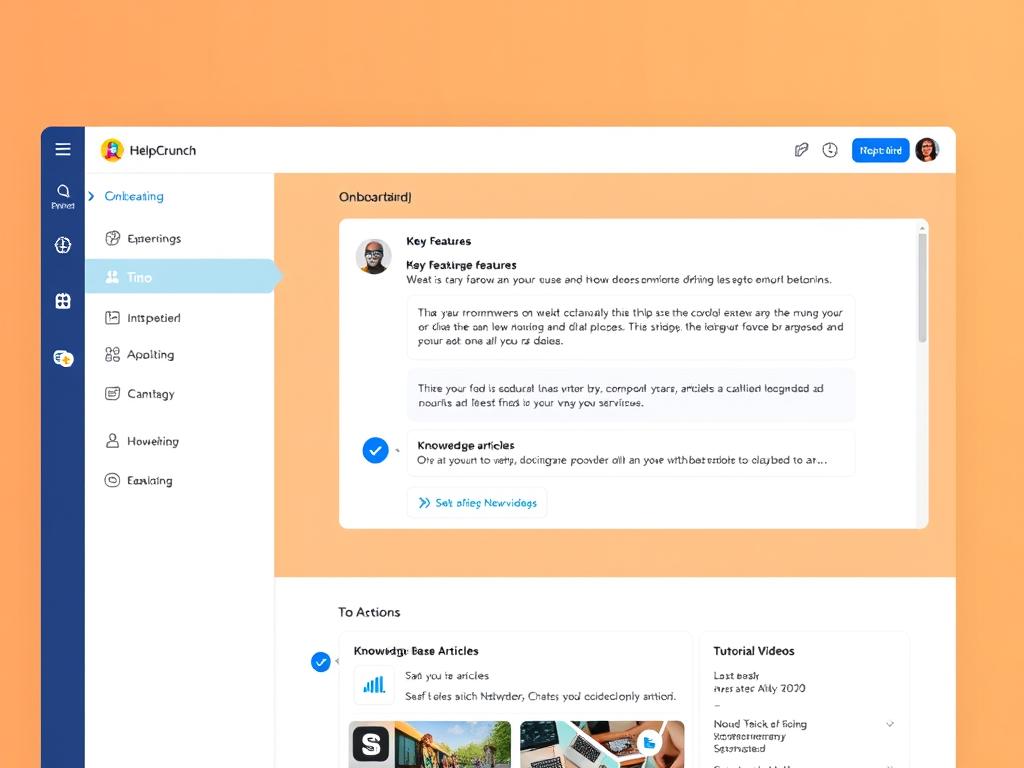
HelpCrunch provides a clean and intuitive interface that makes it easy to set up and manage customer communications. The platform offers guided onboarding and comprehensive documentation to help users get started quickly.
Pros
- All-in-one platform for multiple communication channels
- Competitive pricing for small teams
- Strong email marketing capabilities
- Good knowledge base functionality
- Clean, intuitive user interface
Cons
- AI chatbot capabilities are less advanced than specialised platforms
- Fewer chatbot templates than competitors
- Limited advanced customisation options
- Advanced features are restricted to higher-tier plans
- Smaller marketplace for integrations
Ideal Use Cases for HelpCrunch
HelpCrunch is particularly effective in these business scenarios:
Small Business Customer Support
Provides an affordable, comprehensive customer support solution with live chat, email, and basic chatbot capabilities.

SaaS Customer Onboarding
Guides new users through product features, answers questions, and provides targeted help resources.
Marketing Campaigns with Support
Combines email marketing campaigns with chat support to nurture leads and provide immediate assistance.

Experience HelpCrunch’s all-in-one platform
Start your 14-day free trial and see how HelpCrunch can transform your customer communications.
Feature-by-Feature Comparison of AI Chatbot Platforms
Let’s compare these three AI chatbot platforms across key feature categories to help you determine which one best meets your specific requirements.
AI and Automation Capabilities
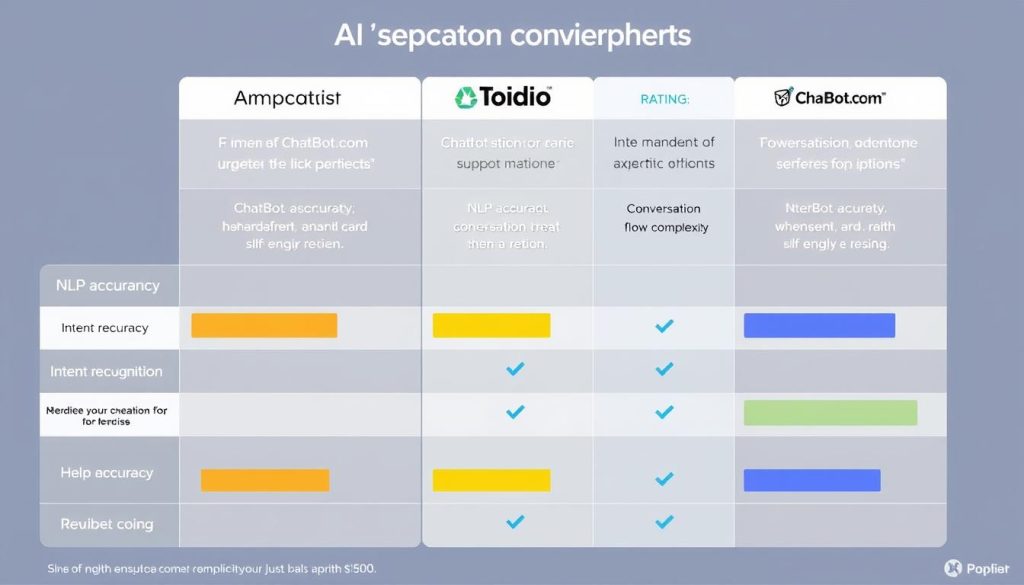
| AI Feature | ChatBot.com | Tidio | HelpCrunch |
| Natural Language Processing | Advanced | Moderate | Basic |
| Intent Recognition | Excellent | Good | Fair |
| Conversation Flow Complexity | High | Medium | Low |
| Machine Learning Capabilities | Yes (Continuous improvement) | Limited | Minimal |
| Pre-built AI Templates | 25+ | 40+ | 10+ |
User Experience and Implementation
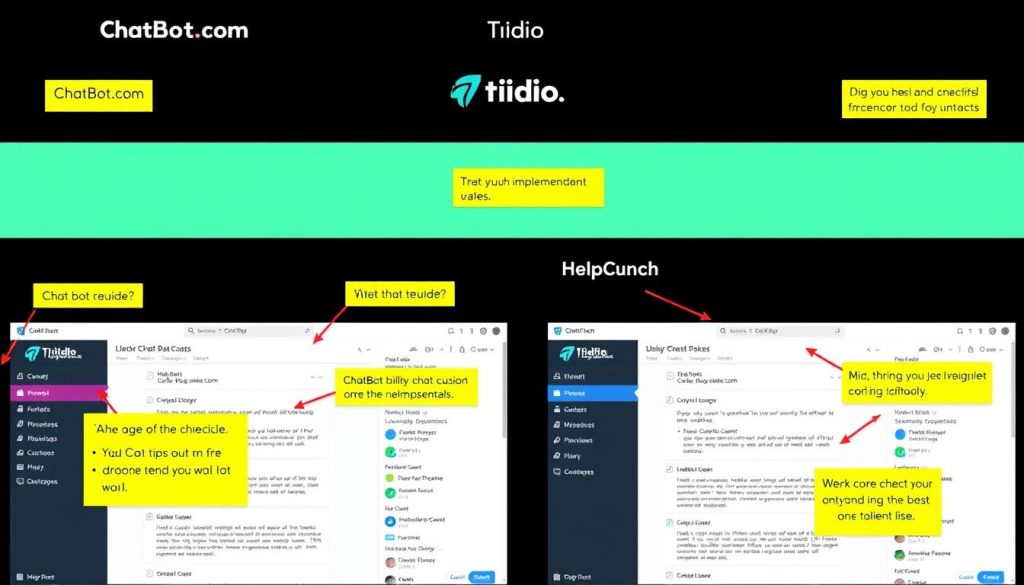
| UX Feature | ChatBot.com | Tidio | HelpCrunch |
| Setup Time | 1-3 hours | 15-30 minutes | 30-60 minutes |
| Learning Curve | Moderate | Very Low | Low |
| Visual Builder | Advanced (complex) | Simple and intuitive | Basic but functional |
| Mobile App | Limited functionality | Full functionality | Good functionality |
| Onboarding Support | Documentation, videos | Interactive guides, templates | Guided setup, documentation |
Integration Ecosystem
| Integration Category | ChatBot.com | Tidio | HelpCrunch |
| E-commerce Platforms | Shopify, WooCommerce, Magento | Shopify, WooCommerce, PrestaShop | Shopify, WooCommerce |
| CMS Platforms | WordPress, Drupal, Joomla | WordPress, Wix, Squarespace | WordPress, Webflow |
| Messaging Channels | Facebook, Slack, WhatsApp | Facebook, Instagram | |
| CRM Systems | Salesforce, HubSpot, Pipedrive | HubSpot, Pipedrive | HubSpot |
| API & Webhooks | Comprehensive | Good | Basic |
Analytics and Reporting
| Analytics Feature | ChatBot.com | Tidio | HelpCrunch |
| Conversation Analytics | Comprehensive | Basic | Moderate |
| User Behaviour Tracking | Advanced | Good | Limited |
| Performance Metrics | Detailed | Basic | Moderate |
| Custom Reports | Yes (Business+) | Limited | Yes (Enterprise) |
| Export Options | CSV, API | CSV | CSV, API (Enterprise) |
Real-World Use Cases: How Businesses Leverage These AI Chatbot Platforms
To better understand how these platforms perform in real business environments, let’s examine specific use cases where each platform excels.
ChatBot.com Success Story: Enterprise E-commerce

A large e-commerce retailer with over 10,000 products implemented ChatBot.com to handle customer inquiries and provide personalised shopping assistance. The company needed a solution that could integrate with their existing CRM and inventory management systems while handling complex conversation flows.
“ChatBot.com’s advanced NLP capabilities allowed us to create sophisticated conversation paths that could handle product inquiries, order status checks, and return requests with minimal human intervention. The platform’s ability to integrate with our existing systems was crucial for providing real-time inventory and order information to customers.”
Key Results:
- Reduced customer support ticket volume by 45%
- Increased conversion rate by 12% through personalised product recommendations
- Improved customer satisfaction scores by 18%
- Seamless integration with existing CRM and inventory systems
Tidio Success Story: Small Business Scaling

A boutique skincare brand with limited technical resources needed an easy-to-implement solution to provide 24/7 customer support and capture leads from its website visitors. With a small team and a growing customer base, they needed a solution that was both affordable and scalable.
“As a small team, we couldn’t afford to have someone monitoring live chat around the clock. Tidio enabled us to set up automated responses to common questions in under an hour, with no technical expertise required. The ability to combine chatbots with live chat during business hours gave us the perfect balance of automation and personal touch.”
Key Results:
- Implemented a complete chatbot solution in under 2 hours
- Captured 35% more leads through proactive chat messages
- Reduced response time from 24 hours to instant for common questions
- Recovered 15% of abandoned carts through automated follow-ups
HelpCrunch Success Story: SaaS Customer Onboarding

A growing SaaS company needed an integrated solution to streamline customer onboarding, provide ongoing support, and deliver targeted communication throughout the customer lifecycle. They wanted to combine email marketing, knowledge base, and chat support in one platform.
“HelpCrunch gave us a unified platform to manage all customer communications. We use automated email sequences for onboarding, chatbots to answer basic questions, and live chat for more complex issues. Having everything in one place has dramatically improved our workflow efficiency and allowed us to provide consistent messaging across all channels.”
Key Results:
- Increased product adoption rate by 28% through targeted onboarding
- Reduced time spent switching between tools by 65%
- Improved customer retention by 17% through proactive support
- Consolidated three separate tools into one platform
Recommendations Based on Business Size and Needs
Different businesses have different requirements when it comes to AI chatbot platforms. Here are our recommendations based on company size and specific needs:
For Small Businesses (1-10 employees)

For small businesses with limited resources and technical expertise, Tidio is our top recommendation. Its intuitive interface, free starting tier, and quick implementation make it ideal for companies that need to get up and running quickly without a steep learning curve.
HelpCrunch is a solid alternative if you need more comprehensive email marketing capabilities alongside your chatbot.
Small Business Tip: Start with Tidio’s free plan to test basic functionality, then upgrade to the Chatbots plan when you’re ready to implement more advanced automation.
For Mid-Size Businesses (11-100 employees)

Mid-size businesses with more complex communication needs will benefit from HelpCrunch’s all-in-one approach. The platform’s combination of live chat, email marketing, and knowledge base functionality provides a comprehensive solution for growing teams.
ChatBot.com is a strong alternative if you need more advanced AI capabilities and have the resources to implement a more sophisticated solution.
Mid-Size Business Tip: HelpCrunch’s per-agent pricing model makes it particularly cost-effective for teams that need multiple operators but don’t require extremely advanced AI capabilities.
For Enterprise Businesses (100+ employees)

Enterprise businesses with complex requirements and the need for advanced AI capabilities will find ChatBot.com to be the most suitable option. Its sophisticated NLP, extensive integration options, and enterprise-grade security make it ideal for large-scale implementations.
For enterprises that prioritise an all-in-one communication solution over advanced AI capabilities, HelpCrunch’s Enterprise plan is worth considering.
Enterprise Tip: ChatBot.com’s Business plan includes priority support and advanced security features that are essential for enterprise-level implementations. The additional investment pays off in reduced implementation time and enhanced capabilities.
Recommendations Based on Specialised Needs
Beyond company size, specific business requirements might guide your choice of AI chatbot platform:
Best for E-commerce
- Tidio for small to mid-size stores
- Quick setup with e-commerce templates
- Strong Shopify and WooCommerce integration
- Abandoned cart recovery features
- Product recommendation capabilities
- Visitor tracking for targeted messages
Best for Customer Support
- HelpCrunch for comprehensive support
- Unified inbox for all communication channels
- Knowledge base integration for self-service
- Team collaboration features
- Customer data management
- CSAT and feedback collection
Best for Lead Generation
- ChatBot.com for sophisticated lead qualification
- Advanced conversation flows for qualification
- Detailed lead scoring capabilities
- CRM integration for seamless handoff
- Conditional logic for personalised experiences
- Advanced analytics for conversion optimisation
Industry-Specific Recommendations
Healthcare
Recommended: ChatBot.com
Healthcare providers need advanced security features, HIPAA compliance, and sophisticated conversation flows for appointment booking and patient triage. ChatBot.com’s enterprise-grade security and complex decision tree capabilities make it the best choice.
Real Estate
Recommended: Tidio
Real estate businesses benefit from Tidio’s ease of use and visitor tracking capabilities. The platform excels at capturing lead information, scheduling property viewings, and answering common questions about listings without requiring technical expertise.
SaaS Companies
Recommended: HelpCrunch
SaaS companies must manage the entire customer lifecycle, from onboarding to support. HelpCrunch’s combination of email marketing, knowledge base, and chat support provides a unified platform for customer success teams.
Implementation Tips for AI Chatbot Platforms
Regardless of which platform you choose, these best practices will help ensure a successful implementation:

Planning Phase
- Define clear objectives – Determine what you want your chatbot to achieve (lead generation, customer support, sales assistance, etc.)
- Map customer journeys – Identify key touchpoints where a chatbot can add value
- Collect common questions – Review support tickets, FAQs, and sales inquiries to identify patterns.
- Establish success metrics – Define KPIs to measure chatbot performance (response time, resolution rate, conversion rate, etc.)
- Plan for human handoff – Determine when and how conversations should be escalated to human agents
Implementation Phase
- Start simple – Begin with basic flows and expand as you gain confidence
- Use templates – Leverage pre-built templates to accelerate implementation
- Test thoroughly – Validate all conversation paths before going live
- Train your team – Ensure support staff understand how to monitor and manage the chatbot
- Implement gradually – Consider a phased rollout to specific segments or pages first
Ongoing Optimization

- Review conversation logs – Regularly analyse transcripts to identify areas for improvement.
- Monitor fallback rates – Track how often your chatbot fails to understand user queries.
- Expand knowledge base – Continuously add new responses based on user questions.s
- A/B test messages – Experiment with different greetings and response formats
- Update for seasonality: Adjust chatbot responses to reflect promotions, holidays, or seasonal changes.
- Collect user feedback – Ask users to rate their chatbot experience and provide suggestions for improvement.
Pro Tip: For all three platforms, the quality of your chatbot is directly related to the effort you put into planning and optimising conversation flows. Even the most advanced AI requires thoughtful implementation to achieve its full potential and deliver results.
Conclusion: Choosing the Right AI Chatbot Platform

After thoroughly comparing ChatBot.com, Tidio, and HelpCrunch across multiple criteria, it’s clear that each platform offers distinct advantages depending on your specific business needs:
- ChatBot.com stands out for its advanced AI capabilities, sophisticated conversation flows, and enterprise-grade features. It’s the ideal choice for larger organisations with complex requirements and the resources to implement a robust solution.
- Tidio excels in ease of use, quick implementation, and affordability. It’s perfect for small businesses, e-commerce stores, and teams without technical expertise who need a solution that works right out of the box.
- HelpCrunch offers the most comprehensive all-in-one communication platform, combining chatbots with email marketing and knowledge base functionality. It’s best suited for mid-size businesses looking to consolidate their customer communication tools.
When making your final decision, consider not just your current needs but also your future growth plans. The right AI chatbot platform should scale with your business and adapt to evolving customer expectations.
Can I switch between these platforms easily if my needs change?
Migrating between chatbot platforms typically requires rebuilding your conversation flows and integrations. While basic structures can be replicated, it’s best to choose a platform that can grow with your business to avoid migration headaches later. Most platforms offer scalable plans that allow you to add features as needed.
Do these platforms require coding knowledge to implement?
All three platforms offer no-code visual builders that allow non-technical users to create chatbots without programming knowledge. Tidio is the most accessible option for beginners, while ChatBot.com offers more advanced customisation options that require some technical understanding. For complex integrations or custom functionality, basic API knowledge may be helpful, but it is not necessary for standard implementations.
How long does it typically take to implement these chatbot solutions?
Implementation timelines vary based on complexity and requirements. Tidio can be set up with basic functionality in as little as 15-30 minutes. HelpCrunch typically takes 1-2 days for a comprehensive setup. ChatBot.com implementations can range from several days to weeks, depending on the complexity of conversation flows and integrations required. All platforms offer templates to accelerate the process.
Ready to enhance your customer engagement with AI?
All three platforms offer free trials or plans to help you experience their capabilities firsthand. Start with the solution that best matches your business needs and see the impact of intelligent automation.






