Thinkific AI Outline Generator Review: Fast Planning Without the Fluff

What is the Thinkific AI Outline Generator?
The Thinkific AI Outline Generator is part of Thinkific’s suite of AI content creation tools designed specifically for course creators. This free tool helps you quickly generate a structured course outline based on your topic and target audience. It’s accessible to anyone—even those without a Thinkific account—and aims to streamline one of the most time-consuming aspects of course creation.
Unlike generic AI tools like ChatGPT, the Thinkific AI Outline Generator is specifically optimised for the structure of educational content. It creates chapter-based outlines with logical lesson progression that can be directly implemented in Thinkific’s course builder. The tool is particularly valuable for subject matter experts who know their material but struggle with organising it into a coherent learning journey.
How Does It Fit Into Thinkific’s AI Ecosystem?
The Outline Generator is just one component of Thinkific’s growing AI toolkit, which includes:
- Course Idea Generator
- Course Name Generator
- Business Name Generator
- Community Name Generator
- Social Posts Generator
- Group Topic Generator
- Quiz Generator (coming soon)
These tools work together to help creators launch and market their courses more efficiently. While each tool can be used independently, they’re designed to complement one another throughout the course creation process—from initial concept to final delivery.
How the Thinkific AI Outline Generator Works
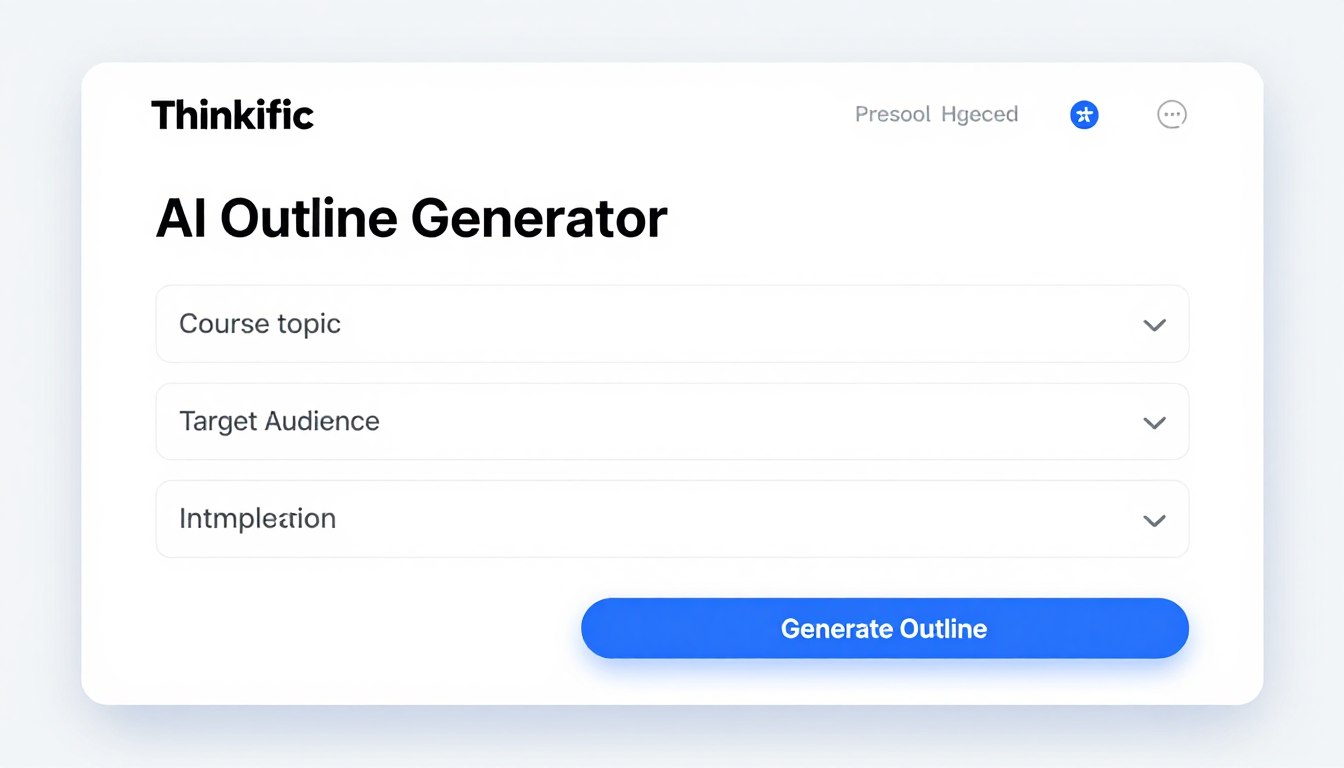
Using the Thinkific AI Outline Generator is straightforward, requiring just a few inputs to generate a complete course structure. Here’s the step-by-step process:
- Visit the Thinkific AI tools page (no account required)
- Select the Course Outline Generator
- Enter your course topic in detail
- Describe your target audience and their knowledge level
- Add any specific requirements or preferences
- Click “Generate Outline”
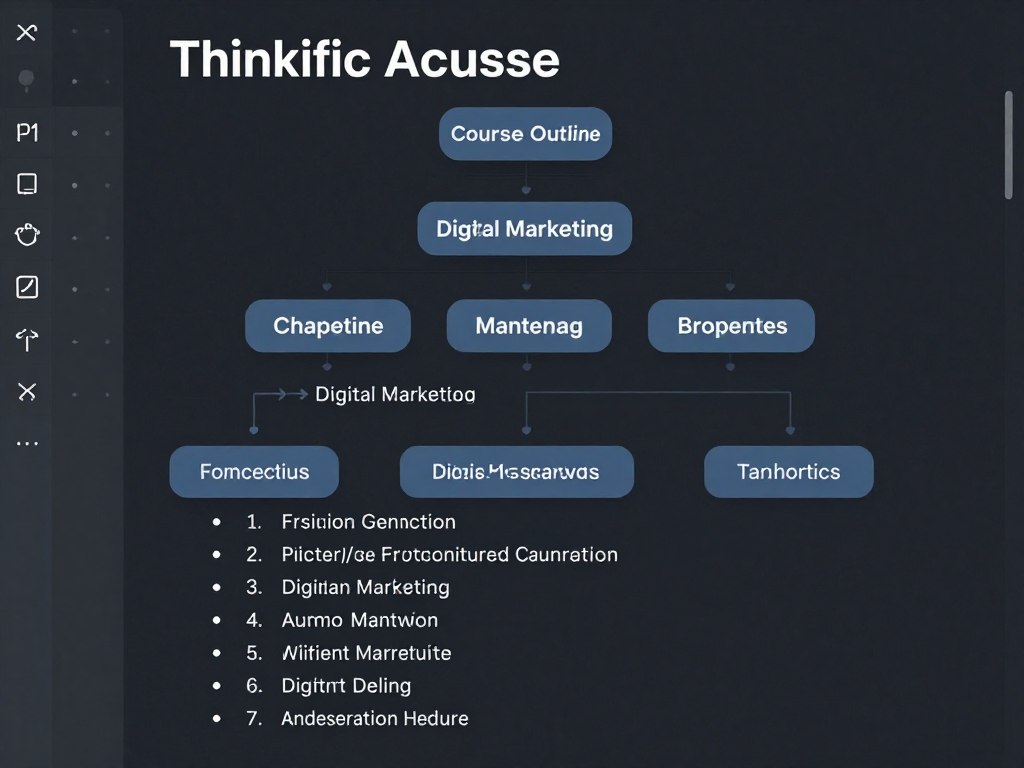
Within seconds, the AI produces a structured outline with chapters (modules) and lessons. The entire process takes less than a minute, compared to the hours you might spend drafting an outline manually.
Input Quality Matters
The quality of your generated outline directly correlates with the specificity of your inputs. Vague topics like “photography” will yield generic outlines, while detailed inputs like “smartphone food photography for restaurant owners” produce more targeted results. I found that including audience skill level, desired outcomes, and specific subtopics significantly improved the relevance of the generated outline.
Ready to Generate Your Course Outline?
Stop struggling with the course structure. Create a professional outline in seconds with Thinkific’s AI tool.
Quality Assessment: Do the Outlines Make Sense?
After testing the Thinkific AI Outline Generator across multiple topics, I’ve evaluated the quality of its outputs based on several key criteria:
Logical Flow and Progression
The outlines consistently demonstrate a logical learning progression—starting with foundational concepts before advancing to more complex topics. For example, in a digital marketing course outline, the AI correctly placed “Understanding Marketing Fundamentals” before “Advanced Campaign Optimisation.” This natural knowledge scaffolding is crucial for effective learning experiences.
Depth and Comprehensiveness
The generated outlines typically include 4-8 chapters, each with 3-6 lessons, providing sufficient depth for most topics. The AI does an impressive job of covering essential subtopics that might be overlooked when planning manually. However, highly specialised or technical subjects sometimes receive more generalised treatment, requiring expert refinement.
Practical vs. Theoretical Balance
One standout quality is the tool’s ability to balance theoretical knowledge with practical application. Most generated outlines include both concept-focused lessons and action-oriented ones. For instance, a cooking course outline included both “Understanding Flavour Profiles” (theoretical) and “Hands-On Technique Practice” (practical), creating a well-rounded learning experience.
Structure Consistency Across Different Topics
Consistency in structure is crucial for professional course delivery. I tested the Thinkific AI Outline Generator across diverse topics to evaluate its structural reliability.
Chapter and Lesson Formatting
The tool maintains consistent formatting regardless of subject matter. Each outline follows a clear hierarchy with numbered chapters and bulleted lessons. This standardisation makes the outlines immediately usable in Thinkific’s course builder, where they can be directly imported as modules and lessons.
Adaptability to Different Subject Areas
The AI demonstrates remarkable adaptability across subject categories. Whether generating outlines for technical topics (programming, finance), creative subjects (writing, design), or soft skills (leadership, communication), the tool maintains structural integrity while adapting content appropriately. Technical subjects typically receive more sequential, building-block structures, while creative topics get more exploratory, parallel chapter arrangements.
| Subject Area | Structure Type | Chapter Count | Lessons Per Chapter | Structure Quality |
| Technical (Programming) | Sequential/Linear | 6-8 | 4-5 | Excellent |
| Creative (Art/Design) | Exploratory/Parallel | 5-7 | 3-4 | Very Good |
| Business/Marketing | Process-Based | 5-6 | 4-6 | Excellent |
| Soft Skills | Concept-Based | 4-5 | 3-5 | Good |
This consistency across topics makes the tool valuable for creators who teach in multiple subject areas or those expanding their course catalog into new domains.
Integration with Thinkific Course Building Workflow
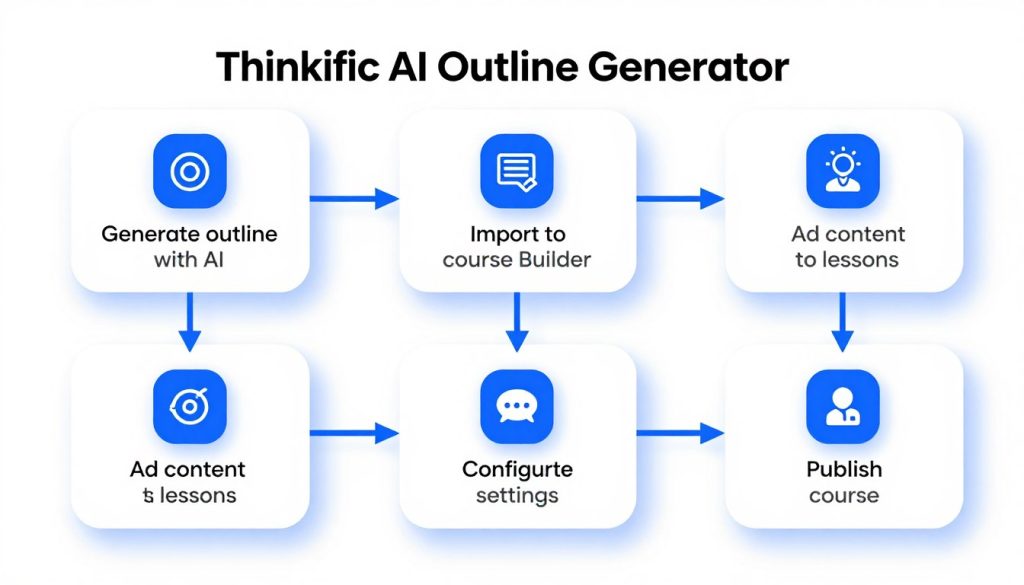
A key advantage of the Thinkific AI Outline Generator is its seamless integration with the platform’s course creation process. Here’s how the generated outlines fit into the broader Thinkific workflow:
From Outline to Course Structure
Once you’ve generated an outline, transferring it to your Thinkific course is straightforward. While there isn’t yet a one-click import feature, the clear chapter-lesson structure makes manual recreation in the course builder intuitive. Each AI-generated chapter becomes a module in Thinkific, with the suggested lessons nested underneath.
The outline’s organisation aligns perfectly with Thinkific’s course architecture, making implementation quick and intuitive. This structural compatibility is a significant time-saver compared to adapting outlines from general-purpose AI tools like ChatGPT.
Content Development Guidance
Beyond providing structure, the generated outlines offer valuable guidance for content development. Each lesson title effectively serves as a content brief, giving clear direction on what to cover. This guidance is particularly helpful for creators who struggle with scope management—knowing exactly what to include in each lesson and what to save for later modules.
Time Saved in Course Planning
Using the AI Outline Generator can save 3-5 hours in the planning phase alone. This efficiency allows creators to focus more on content quality and delivery rather than structural organisation.
Reduced Revision Cycles
Courses built on AI-generated outlines typically require fewer structural revisions after launch. The logical progression established from the beginning leads to better student experiences and fewer organisational adjustments.
Streamline Your Course Creation Process
Generate a professional course outline and start building your Thinkific course today.
Pros and Cons of the Thinkific AI Outline Generator
Pros
- Generates logically structured outlines in seconds
- Creates balanced theoretical and practical content
- Adapts well to diverse subject areas
- Perfectly aligned with Thinkific’s course architecture
- Free to use (no Thinkific account required)
- More education-focused than general AI tools
- Helps identify overlooked topics and subtopics
Cons
- No direct import to Thinkific course builder (yet)
- Limited customisation options during generation
- Sometimes produces overly generic lesson titles
- May require significant refinement for specialised topics
- No ability to save or export outlines in different formats
- Cannot modify generated outlines within the tool
Who Benefits Most from This Tool?
Based on my testing, the Thinkific AI Outline Generator is particularly valuable for:
- First-time course creators who need structural guidance
- Subject matter experts who struggle with educational organisation
- Experienced educators expanding into new subject areas
- Content teams seeking consistency across multiple courses
- Course creators with tight deadlines who need to accelerate planning
The tool provides less value for highly specialised technical courses or those with unconventional structures, where more customised planning may be necessary.
Comparison with Other AI Outline Tools
How does the Thinkific AI Outline Generator compare to other options? I tested it against both general AI tools and the AI features of competitor course platforms.
Thinkific AI vs. General AI Tools (ChatGPT, Claude)
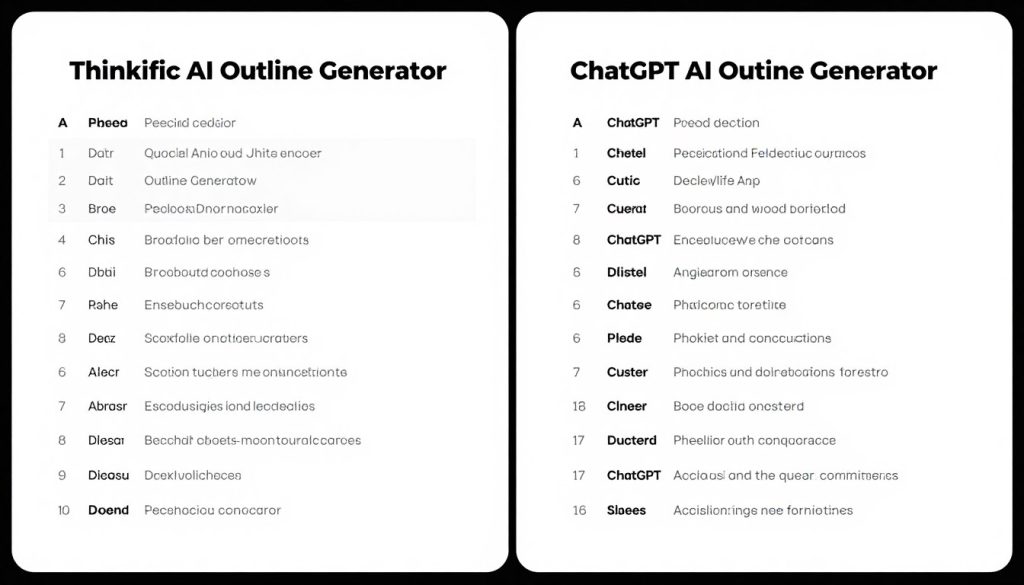
While general AI tools can create course outlines, Thinkific’s specialized generator offers several advantages:
Thinkific AI Outline Generator
- Education-specific structure with proper module/lesson hierarchy
- Consistent formatting optimised for course platforms
- Better balance of theory and practice
- No need for complex prompting or AI expertise
- Designed to align with Thinkific’s course architecture
General AI Tools (ChatGPT/Claude)
- More flexible but requires expert prompting
- Inconsistent formatting needs manual correction
- Often too theoretical without practical elements
- Requires multiple prompt refinements
- Generic structure needs adaptation for course platforms
Thinkific AI vs. Competitor Course Platform AI
Several course platforms now offer AI outline tools. Here’s how Thinkific’s version compares:
| Feature | Thinkific AI | Teachable AI | Heights Platform AI |
| Free Access | Yes (no account required) | No (subscribers only) | No (subscribers only) |
| Direct Course Import | No (manual transfer) | Yes | Yes |
| Outline Quality | Very Good | Good | Excellent |
| Customization Options | Limited | Moderate | Extensive |
| Integration with Platform | Manual | Automated | Automated |
While competitors offer tighter platform integration, Thinkific’s free accessibility makes it valuable even for creators using other platforms. The quality of Thinkific’s outlines is consistently high, though it lacks some of the advanced customisation options found in paid alternatives.
Practical Tips for Getting the Best Results
After extensive testing, I’ve discovered several strategies to maximize the quality of outlines from the Thinkific AI Outline Generator:
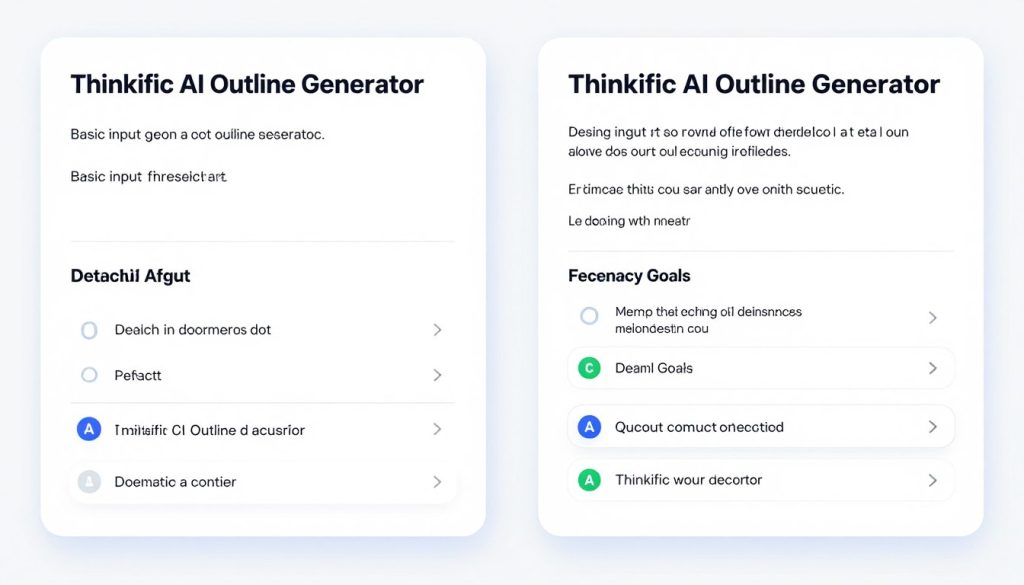
Optimising Your Input Prompts
- Be specific about your topic – Instead of “photography course,” try “smartphone food photography for restaurant owners to improve their social media presence”
- Define your audience clearly – Include their background, current knowledge level, and goals
- Mention desired outcomes – What should students be able to do after completing the course?
- Include key subtopics – Mention 3-5 important areas you definitely want covered
- Specify course length – Indicate if you want a mini-course, standard course, or comprehensive program
Pro Tip: Try generating multiple outlines with slightly different inputs, then mix and match the best elements from each. This approach often yields the most comprehensive and well-structured final outline.
Refining Generated Outlines
While the AI creates solid initial structures, some refinement typically improves results:
- Combine similar lessons to avoid redundancy
- Add specific examples relevant to your expertise
- Incorporate your unique methodologies or frameworks
- Ensure consistent naming conventions across lessons
- Add assessment points at logical intervals
These refinements maintain the AI’s logical structure while adding your unique expertise and teaching approach.
Real-World Example: From Outline to Published Course
To illustrate the practical application of the Thinkific AI Outline Generator, let’s examine a real case study of how a course creator used the tool to develop a successful digital marketing course.
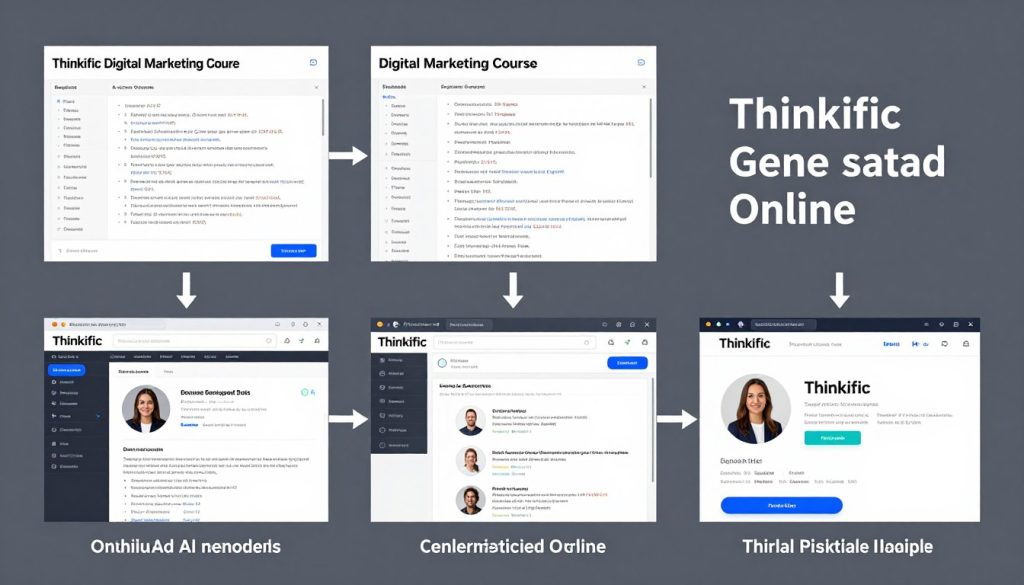
Case Study: Digital Marketing Fundamentals Course
Sarah, a digital marketing consultant, wanted to create her first online course but struggled with organising her extensive knowledge. She used the Thinkific AI Outline Generator with the following input:
“A comprehensive digital marketing course for small business owners with limited marketing experience. The course should cover social media, content marketing, email campaigns, SEO basics, and paid advertising fundamentals. Students should be able to implement a complete digital marketing strategy by the end.”
The AI generated an 8-module outline with 5-6 lessons per module. Sarah made several key modifications:
- Added a preliminary “Digital Marketing Audit” module
- Combined similar lessons on social media platforms
- Expanded the SEO section based on her expertise
- Added case studies from her consulting practice
- Incorporated worksheets and templates at strategic points
The final course maintained about 80% of the AI-generated structure while incorporating Sarah’s unique expertise. The logical progression established by the AI outline received positive feedback from students, who appreciated the intuitive flow from basic concepts to advanced strategies.
Results: Sarah completed her course development in 3 weeks (versus her estimated 2 months). The course has maintained a 4.8/5 star rating, with students specifically praising its well-organised structure.
Future Developments and Limitations
While the Thinkific AI Outline Generator is already a valuable tool, it’s important to understand both its current limitations and likely future improvements.
Current Limitations
The tool has several constraints worth noting:
- No direct course import – Unlike some competitors, there’s no one-click transfer to the course builder
- Limited customisation during generation – You can’t specify exact module counts or structure types
- No saving or account linking – Generated outlines aren’t saved to your Thinkific account
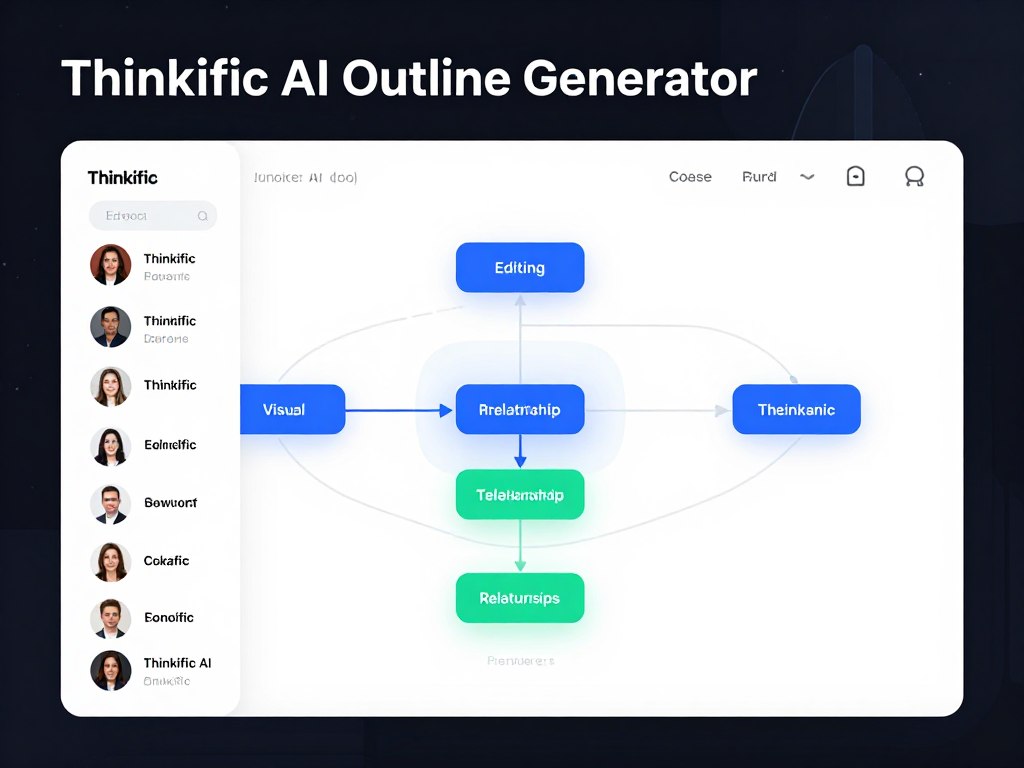
- Text-only output – No visual mapping or relationship indicators between topics
- No collaborative features – Can’t easily share or get feedback on outlines
Anticipated Improvements
Based on Thinkific’s development patterns and industry trends, several improvements seem likely:
- Direct course builder integration – One-click import into your Thinkific course
- Enhanced customisation options – More control over structure and format
- Integration with other Thinkific AI tools – Particularly the upcoming Quiz Generator
- Outline templates – Industry-specific starting points
- Collaborative features – Sharing and feedback capabilities
These potential enhancements would address most current limitations and further streamline the course creation process.
Conclusion: Is the Thinkific AI Outline Generator Worth Using?
After thorough testing across multiple topics and use cases, the Thinkific AI Outline Generator is a valuable addition to any course creator’s toolkit. It consistently produces well-structured, logically organised outlines that serve as excellent starting points for course development.
Key Strengths
- Significant time savings in the planning phase
- Logical progression that enhances student learning
- Comprehensive coverage of important subtopics
- Free accessibility without platform commitment
- Education-specific structure is superior to general AI
Consider Before Using
- Requires manual transfer to the course builder
- May need significant refinement for specialised topics
- Limited customisation during the generation process
- No saving or exporting capabilities
Final Recommendation
The Thinkific AI Outline Generator is definitely worth using, particularly for:
- First-time course creators seeking structural guidance
- Experienced educators looking to save time on planning
- Subject matter experts who struggle with educational organisation
- Anyone creating multiple courses who needs a consistent structure
Even with its current limitations, the tool delivers significant value by transforming what is often the most challenging part of course creation—structural organisation—into a quick, straightforward process. The quality of the generated outlines is consistently high, providing a solid foundation that can be refined with your unique expertise.
Start Creating Your Course Outline Today
Stop struggling with course structure and start focusing on what matters—your unique content and expertise. Try the Thinkific AI Outline Generator for free and transform your course planning process.
Frequently Asked Questions
Do I need a Thinkific account to use the AI Outline Generator?
No, the Thinkific AI Outline Generator is available for free to anyone, even without a Thinkific account. You can access it directly from Thinkific’s AI tools page and use it to plan courses for any platform.
How does the outline transfer to my Thinkific course?
Currently, there is no automatic import feature. You’ll need to manually recreate the outline structure in your Thinkific course builder. Each AI-generated chapter becomes a module, with the suggested lessons nested underneath. While this requires some manual work, the clear structure makes the transfer process straightforward.
Can I customise the generated outline?
The AI Outline Generator itself doesn’t offer editing capabilities. However, you can copy the generated outline to a document or directly into your Thinkific course builder for customisation. Most creators find they keep about 70-80% of the AI-generated structure while adding their unique expertise and teaching approach.
How does this compare to using ChatGPT for course outlines?
While ChatGPT can create course outlines, the Thinkific AI Outline Generator offers several advantages: it’s specifically designed for educational structure, produces consistent formatting aligned with course platforms, and requires less prompt engineering to get quality results. The education-specific focus results in better-balanced outlines with appropriate progression from basic to advanced concepts.
Will the Thinkific AI Outline Generator create content for my lessons?
No, the tool only generates the structural outline with chapter and lesson titles. It doesn’t create the actual content for each lesson. However, the detailed lesson titles often serve as excellent content briefs, giving clear direction on what to cover in each section. For content generation, you might consider Thinkific’s other AI tools or third-party content creation tools.






