
AI Bot Reviews: Best Gatekeepers for Course Creators

Bots are no longer just scraping your blog. For course creators, automated traffic now targets the exact moments that make (or break) revenue: free lead magnets, coupon codes, checkout flows, community signups, and “member-only” lesson pages.
In this roundup of AI bot reviews, we’ll look at the best “gatekeepers” you can put in front of high-value actions, without turning genuine learners away. The goal is simple: reduce fake enrolments and abuse while keeping conversion and accessibility intact.
What course creators actually need from an AI bot “gatekeeper”
Most creators don’t need an enterprise security programme, they need a practical way to stop automated abuse on the pages that matter. When you review an AI bot tool, judge it on these criteria:
1) Friction (and where that friction lands)
A tool that’s “secure” but blocks legitimate students on mobile is expensive in a different way: lost sales and support tickets.
- Low-friction gates are best for checkout, login, and password reset.
- Hard challenges (puzzles, images, mini-games) are best when traffic is clearly hostile, or on high-risk actions like bulk downloads.
2) Accessibility and usability
Traditional CAPTCHAs can be unfriendly to screen readers, users with cognitive impairments, or anyone rushing through a mobile checkout.
A good starting point is the W3C Web Content Accessibility Guidelines (WCAG) and testing your flow with keyboard-only navigation.
3) Privacy and GDPR practicality
Many bot defences rely on signals like device data, IP reputation, behavioural patterns, or cross-site context. That can be appropriate, but you should know what’s collected, where it’s processed, and how consent and retention are handled.
If you want a vendor-agnostic selection framework, see our guide on how to choose an AI company for verification.
4) Integration reality for creators
Course businesses commonly run on Teachable, Thinkific, Kajabi, LearnWorlds, WordPress LMS plugins, Webflow, Shopify (for course-related upsells), or custom landing pages.
So “best” often means:
- Easy embed or script tag
- Works with your form builder
- Doesn’t break analytics or attribution
- Clear failure states (what happens when a student fails verification)
5) Strength against modern attacks
You’re typically defending against:
- Spam signups and fake leads
- Coupon and referral abuse
- Credential stuffing on student accounts
- Automated scraping of lessons and downloads
- Card testing (if you sell directly)
(If this is your main problem, you may also want our 2025 guide to stop spam signups with AI tools.)

AI bot reviews: the best gatekeepers (and when to use each)
Below are practical reviews of popular bot protection options. These are not “one-size-fits-all”. The best pick depends on where you’re being attacked and how much friction you can afford.
Cloudflare Turnstile
What it is: A CAPTCHA alternative designed to reduce user friction.
Why course creators like it: It’s often chosen when you want a quick win on signups, contact forms, and checkout steps without forcing students to solve image puzzles.
Best fit for:
- Lead magnet forms
- Newsletter opt-ins
- Checkout and account creation flows where conversion matters
Watch-outs: You still need to decide what happens on failure (block, rate-limit, or step up to stronger verification).
Reference: Cloudflare Turnstile.
Google reCAPTCHA (including reCAPTCHA Enterprise)
What it is: One of the most widely deployed anti-bot systems, with versions that can show challenges or run more quietly in the background.
Why course creators like it: Familiarity and broad compatibility. Many form tools and plugins support it out of the box.
Best fit for:
- High-volume public forms
- Platforms where reCAPTCHA is already the default integration
Watch-outs: If you care deeply about accessibility and reducing friction, you’ll want to measure the real-world challenge rate on mobile and for international traffic.
Reference: Google reCAPTCHA.
hCaptcha
What it is: A bot detection and challenge platform often used as an alternative to reCAPTCHA.
Why course creators like it: Typically evaluated when you want a challenge-based gate with strong bot resistance and more control over the experience.
Best fit for:
- Signup endpoints that get heavily abused
- Community registrations
- “Free preview” funnels that are being farmed by bots
Watch-outs: Any challenge-based tool can introduce friction. Always test on mobile and with accessibility tools.
Reference: hCaptcha.
Friendly Captcha
What it is: A CAPTCHA alternative designed around a background puzzle concept rather than image recognition tasks.
Why course creators like it: Often considered by teams that want fewer “click the buses” moments and a smoother UX.
Best fit for:
- Forms where you want a lower-interruption experience
- Brands that prioritise clean, minimal UI
Watch-outs: As with all tools, outcomes depend on your traffic mix and how aggressively you configure it.
Reference: Friendly Captcha.
Arkose Labs
What it is: A bot management platform known for stronger, more interactive challenges and risk-based orchestration.
Why course creators like it: If you’re dealing with persistent, adaptive abuse (coupon exploitation, scripted attacks, repeated fake account creation), you may need “step-up” verification that changes difficulty based on risk.
Best fit for:
- High-value launches (big promos attract bots)
- Marketplaces, multi-instructor schools, or high-traffic academies
- Situations where basic CAPTCHA is being bypassed
Watch-outs: Stronger protection can mean more complexity to implement and tune.
Reference: Arkose Labs.
Fingerprint (BotD and device intelligence)
What it is: Device intelligence focused on identifying returning devices and detecting automation signals.
Why course creators like it: It helps when the same attacker repeatedly targets your funnels, even if they rotate emails or IPs.
Best fit for:
- Repeat abusers (refund fraud, coupon farming)
- Account protection and suspicious login patterns
- Risk scoring that you can use to trigger step-up verification
Watch-outs: Device-based approaches require careful privacy review and clear governance.
Reference: Fingerprint.
DataDome
What it is: Bot management and online fraud protection, commonly used by higher-traffic sites.
Why course creators like it: Useful when you have enough volume that scraping, automated browsing, or attack traffic becomes a persistent business cost.
Best fit for:
- Larger course brands with meaningful web traffic
- Sites experiencing scraping of paid lesson pages or assets
Watch-outs: May be more than a solo creator needs, unless attacks are severe.
Reference: DataDome.
CHEQ
What it is: Go-to-market security tooling focused on invalid traffic and automated abuse that impacts marketing performance.
Why course creators like it: If bots are polluting lead attribution (fake leads, skewed conversion rates, wasted ad spend), you need protection that ties into marketing and analytics outcomes.
Best fit for:
- Paid acquisition funnels with lead forms
- Creators scaling ads where bot traffic distorts performance data
Watch-outs: Make sure you align the implementation with your measurement stack so you don’t lose legitimate attribution.
Reference: CHEQ.
Quick comparison: which gatekeeper matches which job?
This table is designed for course creators making practical decisions, not security teams writing long policies.
| Course business touchpoint | Typical bot risk | Best-fitting gatekeeper style | Notes for creators |
|---|---|---|---|
| Newsletter/lead magnet form | High | Low-friction bot check | Optimise for mobile conversion and accessibility |
| Account signup | Very high | Bot check plus step-up challenge | Block repeat abusers, protect community spaces |
| Login / password reset | High | Risk scoring plus step-up verification | Avoid locking out real learners during launches |
| Checkout | Medium to high | Low-friction, fast verification | Keep latency low, measure drop-off |
| Coupon redemption | High | Risk scoring plus device intelligence | Coupon abuse is often repeatable behaviour |
| Lesson page views | Medium | Rate limiting plus selective verification | Verification on every page can hurt learning UX |
| File/download access | High | Verification plus expiring links | Bots love predictable download URLs |
If you want a broader “stack view”, see our related roundup: top bot verification tools for course creators.
The “best AI bot” is usually a layered gate, not one tool
Course creators get the best results when they treat bot defence like a bouncer with judgement, not a locked door.
A practical approach:
- Start with a low-friction check on your highest-abuse public endpoints (forms, signup).
- Add rate limiting for obvious automation patterns.
- Step up to stronger challenges only when risk is high (unusual velocity, suspicious device signals, repeated failures).
This is also the easiest way to keep your learner experience intact.
How to evaluate a bot tool without wrecking conversions
Treat your bot defence like any other funnel optimisation experiment.
Run a small, time-boxed pilot
For many course creators, 7 to 14 days is enough to see signal (especially during a promo week).
Track:
- Form completion rate
- Checkout completion rate
- Support tickets mentioning login/verification
- Chargebacks and refund anomalies
- Spam signup volume (absolute number, not just percentage)
Look for “silent failures”
Some AI bot systems block traffic in ways that look like a normal drop in conversions. The only way to catch it is to compare cohorts and watch error logs.
Decide your escalation path upfront
When the tool flags someone, what happens?
- Allow but throttle (rate limits)
- Ask for an extra verification step
- Block and offer a human-friendly fallback (support link, email verification)
Your policy matters as much as the model.
Where Bot Verification fits for course creators
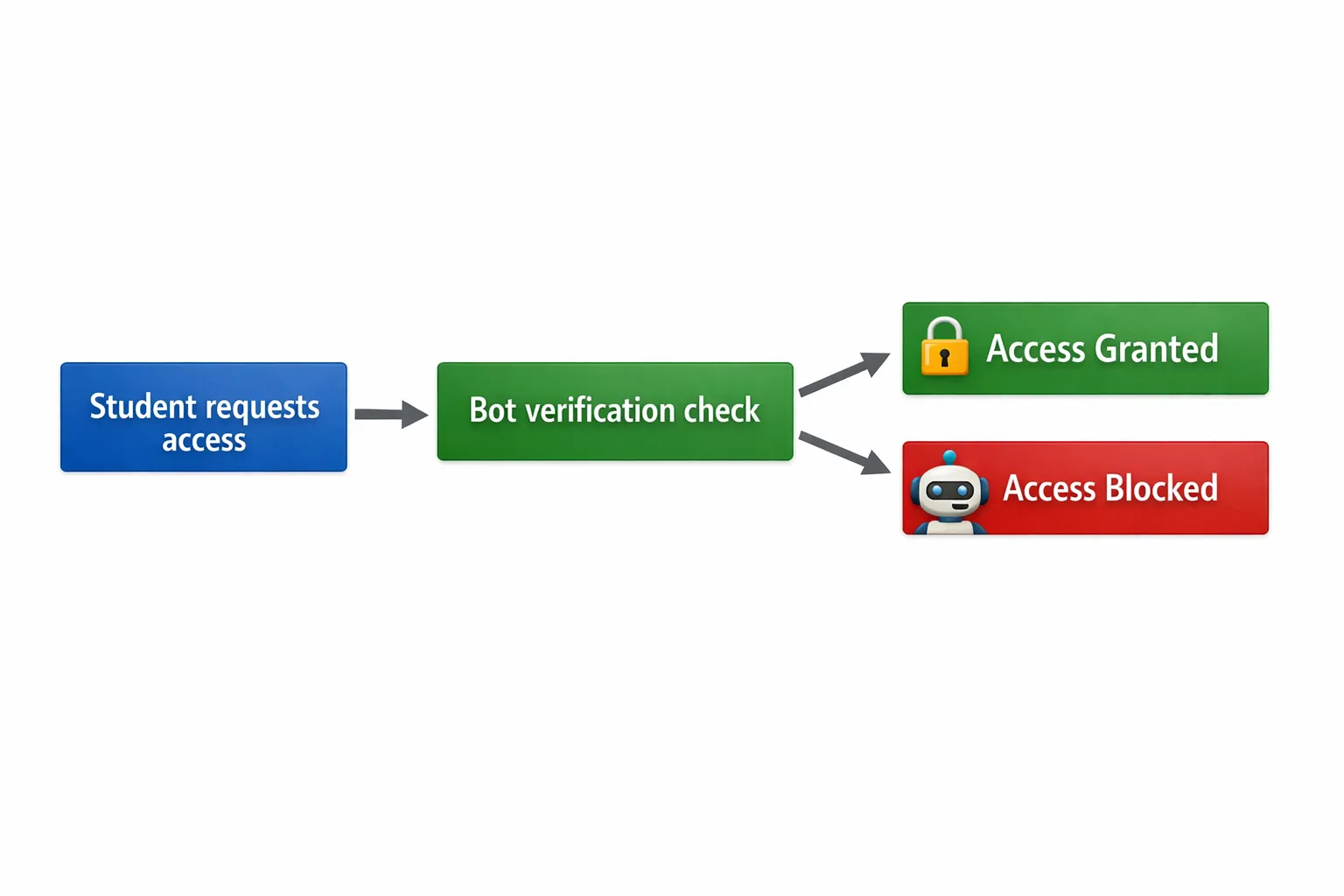
If you want a straightforward way to confirm a visitor is human before granting access, Bot Verification is designed to provide a simple verification step that supports:
- Robot verification
- User authentication
- Access control
This is particularly useful when you need a quick gate in front of high-value actions (like member access, downloads, or sensitive pages) without turning your site into an engineering project.
You can explore Bot Verification at AI Tool Shed.
Choosing your “best gatekeeper” by creator stage
Different businesses need different levels of defence. Here are practical picks based on maturity and risk.
Solo creator (validation stage)
Priorities: ship fast, stop obvious spam, keep friction low.
A low-friction bot check on opt-ins and signups is usually enough, then monitor.
Growing school (more launches, more abuse)
Priorities: protect promos, reduce coupon abuse, keep support workload manageable.
Consider adding step-up verification and a repeat-abuser strategy (for example, device intelligence) when patterns emerge.
High-volume academy or marketplace
Priorities: stop adaptive attackers, protect analytics, reduce fraud costs.
You’ll likely need layered tooling with risk scoring, stronger challenges for suspicious traffic, and clear governance.
Final takeaway
A good ai bot gatekeeper is the one that blocks automated abuse at the exact points where you lose money, while your real students barely notice it exists.
If you’re choosing between tools, start by mapping your highest-risk endpoints, run a short pilot, and measure conversion and support impact alongside security wins. That’s how you get protection that pays for itself.






