n8n vs Make vs Zapier: Choosing the Best Automation Platform for AI Workflows in 2026

The State of AI Workflow Automation in 2026
In 2026, workflow automation has become inseparable from AI capabilities. What began as simple task automation has evolved into intelligent workflows that can make decisions, learn from patterns, and adapt to changing conditions. The three leading platforms—n8n, Make, and Zapier—have each taken distinct approaches to integrating AI into their core offerings.
Today’s automation needs go beyond connecting apps; they require platforms that can orchestrate complex AI services, process large volumes of data, and maintain compliance with increasingly strict data sovereignty regulations. Whether you’re a solo entrepreneur, part of a collaborative team, or a technical developer, your choice of platform will significantly impact your ability to leverage AI effectively.
Key Insight: By 2026, over 85% of businesses will rely on some form of AI-powered workflow automation, with the market growing at 23% annually. Choosing the right platform now is a strategic decision that will impact your competitive advantage for years to come.
Decision Chart: Finding Your Ideal Automation Platform
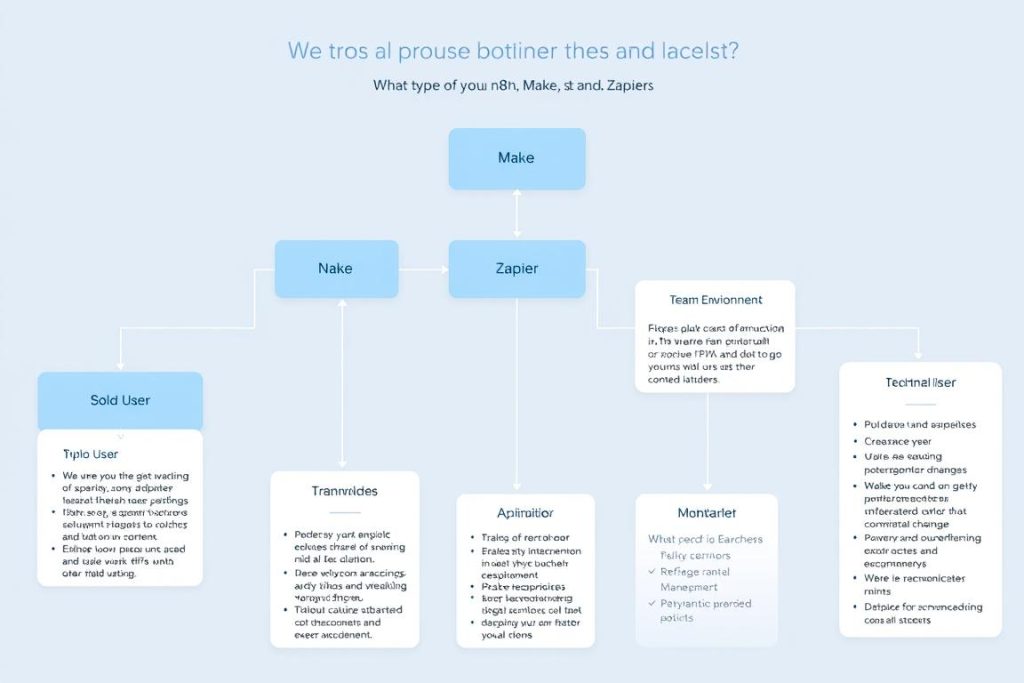
Before diving into detailed comparisons, use this decision framework to quickly identify which platform might best suit your needs based on your user profile:
Solo Users
- Limited budget: Make (free tier) or Zapier (for simplicity)
- Technical skills: n8n (self-hosted) for cost-effectiveness
- AI focus: n8n for advanced AI integration capabilities
- Quick setup: Zapier for fastest implementation
Team Environment
- Non-technical teams: Zapier for accessibility
- Mixed technical skills: Make for balance
- Collaborative workflows: Make or Zapier (Team plans)
- Enterprise needs: n8n for customization & control
Technical Users
- Developers: n8n for complete control
- Data privacy concerns: n8n (self-hosted)
- Complex AI workflows: n8n for LangChain support
- High volume processing: n8n for cost-efficiency
Core Platform Comparison: n8n vs Make vs Zapier
| Feature | n8n | Make | Zapier |
| Pricing Model | Per workflow execution | Per operation | Per task |
| Self-hosting | Yes (free) | No | No |
| Integrations (2026) | 1500+ (plus HTTP for any API) | 2500+ | 8000+ |
| UI Approach | Node-based canvas | Visual scenario builder | Linear step-by-step |
| Coding Support | Full JS/Python support | Limited JS (Enterprise only) | Limited JS/Python |
| AI Integration | Advanced (LangChain, custom models) | Moderate (API connections) | Basic (pre-built integrations) |
| Target Audience | Developers, technical teams | Intermediate users | Non-technical users |
While this table provides a high-level overview, the real differences emerge when examining how these platforms handle AI-specific workflows and cater to different user profiles. Let’s explore each platform in detail.
Pricing Models: Understanding the True Cost
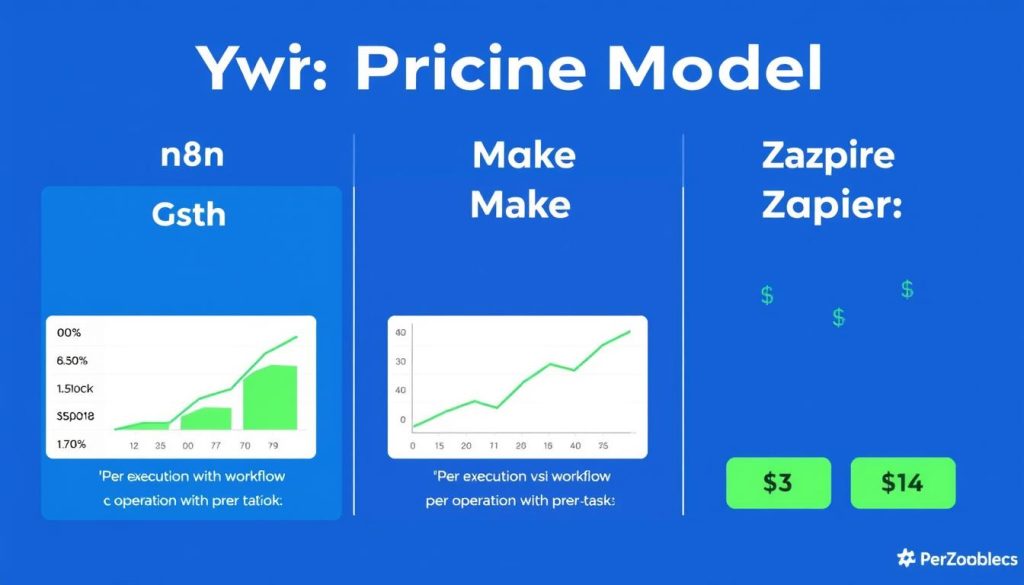
The pricing structures of these platforms fundamentally impact their suitability for AI workflows, which typically involve complex multi-step processes and high data volumes.
Zapier: Pay-Per-Task Model
Zapier charges for each individual task (action) performed in your workflow. For AI workflows that might involve multiple processing steps, this can quickly become expensive:
- A simple workflow with 1 trigger and 1 action costs 1 task per run
- An AI workflow with 1 trigger and 10 actions (data preprocessing, AI processing, post-processing) costs 10 tasks per run
- Processing 1,000 records through a 10-step workflow would consume 10,000 tasks
By 2026, Zapier’s pricing tiers have expanded to accommodate higher volumes, but the fundamental per-task model remains, making it potentially expensive for complex AI workflows.
Make: Pay-Per-Operation Model
Make charges based on operations, which are similar to Zapier’s tasks but generally offered at more competitive rates:
- Each module execution counts as at least one operation
- The same AI workflow with 10 steps would consume 10 operations per run
- Make typically offers more operations per dollar compared to Zapier’s tasks
For moderate AI workflows, Make often represents better value, but the cost still scales linearly with complexity and volume.
n8n: Pay-Per-Execution or Self-Host
n8n’s pricing model is fundamentally different and particularly advantageous for AI workflows:
- Cloud option: Charges per workflow execution regardless of the number of nodes (steps)
- A 10-step AI workflow costs the same as a 2-step workflow—just one execution credit
- Self-hosted option: No software cost; you only pay for your infrastructure
- High-volume AI processing can be done at the cost of server hosting only
“For AI workflows processing large volumes of data through multiple steps, n8n’s execution-based pricing can be 10-100x more cost-effective than per-task models.”
For a practical example, consider an AI workflow that processes 10,000 customer feedback messages through sentiment analysis, categorization, and response generation:
| Platform | Calculation | Monthly Cost (Approx.) |
| Zapier | 10,000 messages × 5 steps = 50,000 tasks | $499+ (Enterprise plan) |
| Make | 10,000 messages × 5 steps = 50,000 operations | $199+ (Team plan) |
| n8n Cloud | 10,000 workflow executions | $99 (Standard plan) |
| n8n Self-hosted | Server costs only | $20-50 (VPS hosting) |
This cost difference becomes even more significant as AI workflows grow in complexity and volume, making n8n particularly attractive for data-intensive AI applications.
Want to understand which pricing model works best for your specific AI workflows?
Check out our detailed comparison of Make vs Zapier pricing models to see how they stack up against your automation needs.
AI Capabilities: The 2026 Landscape

By 2026, AI integration has become the defining feature of automation platforms. Each of our contenders has evolved their AI capabilities, but with distinctly different approaches and strengths.
n8n: The AI-Native Platform
n8n has positioned itself as a true AI-native platform, offering the most comprehensive support for building sophisticated AI workflows:
- LangChain Integration: 100+ nodes dedicated to AI applications, allowing for complex LLM workflows
- Custom Model Support: Connect to any AI model API or self-host open-source models
- RAG Implementation: Built-in support for Retrieval-Augmented Generation with various vector databases
- AI Agents: Create autonomous AI agents that can interact with other services
- Full Code Control: Customize AI logic with JavaScript/Python for unique use cases
n8n’s approach treats AI as a first-class citizen in its ecosystem, allowing for the creation of truly intelligent workflows that can analyze, interpret, and generate content with minimal human intervention.
Make: AI as a Functional Component
Make has evolved its AI approach to focus on practical business applications:
- AI Service Connectors: Robust integrations with major AI providers (OpenAI, Google AI, Anthropic)
- AI-Assisted Scenario Building: AI helps users create and optimize workflows
- Data Transformation: AI-powered tools for cleaning and preparing data
- Predictive Elements: Modules that can predict outcomes based on historical data
- Limited Custom Logic: Some JavaScript support for AI customization (Enterprise only)
Make’s approach makes AI accessible to business users who need practical applications without deep technical expertise.
Zapier: Democratizing Basic AI
True to its accessibility philosophy, Zapier has focused on making basic AI capabilities available to everyone:
- AI Zap Builder: Create workflows by describing them in natural language
- Pre-built AI Templates: Ready-to-use workflows for common AI tasks
- AI Service Connections: Simple integrations with popular AI tools
- Content Generation: Easy-to-use tools for creating marketing copy, emails, etc.
- Basic Analysis: Simple sentiment analysis and categorization tools
Zapier excels at making AI accessible to non-technical users, though with limitations on customization and complexity.
Platform Recommendations by User Profile
Let’s examine how each platform serves different user profiles and their specific AI workflow needs in 2026.
For Solo Users & Entrepreneurs

Solo users face unique challenges: limited budgets, the need to wear multiple hats, and often a mix of technical abilities. Here’s how each platform serves this segment:
Best for Solo Users
- Limited budget, some technical skills: n8n self-hosted (lowest long-term cost)
- Limited budget, non-technical: Make’s free tier (1,000 operations)
- Simplicity priority: Zapier (fastest setup, minimal learning curve)
- AI focus: n8n (most powerful AI capabilities per dollar)
Challenges for Solo Users
- n8n: Steeper learning curve, requires server setup for self-hosting
- Make: Limited operations on free tier, AI capabilities less advanced
- Zapier: Most expensive at scale, limited AI customization
Real-World Solo Use Case: AI Content Creation
A solo content creator needs to automate their research, writing, and publishing workflow using AI:
| Platform | Implementation | Advantages | Limitations |
| n8n | Custom LLM workflow with research agents, content generation, and publishing automation | Complete customization of AI prompts, integration with any research API, affordable at scale | Requires time investment to set up properly |
| Make | Scenario connecting research tools, OpenAI, and publishing platforms | Visual workflow builder, good balance of power and accessibility | Less advanced AI capabilities, costs increase with usage |
| Zapier | Simple Zaps connecting content research, AI writing tools, and CMS | Quick setup, extensive app connections, minimal technical knowledge required | Limited customization of AI interactions, highest cost at scale |
Solo User? Start Your Automation Journey
Begin with our comprehensive Zapier review to understand the quickest entry point into automation, then explore more advanced options as your needs grow.
For Team Environments & Collaborative Workflows

Teams require platforms that support collaboration, role-based access, and varying levels of technical expertise. The right choice depends heavily on team composition and workflow complexity:
Best for Teams
- Non-technical teams: Zapier (easiest onboarding, shared connections)
- Mixed technical abilities: Make (balance of power and accessibility)
- Technical teams: n8n (maximum flexibility, enterprise features)
- Cost-sensitive operations: n8n self-hosted (fixed infrastructure cost)
Team Challenges
- n8n: Requires technical resources for maintenance, steeper learning curve
- Make: Advanced features locked behind higher-tier plans
- Zapier: Team features only on higher-cost plans, limited complex workflows
Real-World Team Use Case: Customer Support AI
A customer support team needs to implement AI-powered ticket analysis, categorization, and response suggestions:
| Platform | Implementation | Team Benefits | Considerations |
| n8n | Custom workflow with advanced sentiment analysis, intent recognition, and response generation | Complete customization, data privacy, scalable to high ticket volumes | Requires developer involvement for setup and maintenance |
| Make | Visual scenario connecting help desk, AI analysis services, and team notification systems | Collaborative building, good visualization of complex workflows | Team features require higher-tier plans, limited AI customization |
| Zapier | Simple Zaps for ticket routing and basic AI analysis | Quick implementation, minimal training required | Limited complex logic, higher cost at scale, basic AI capabilities |
“The most successful teams in 2026 aren’t choosing platforms based solely on features—they’re matching tools to their team’s composition, technical capabilities, and collaboration needs.”
For Technical Users & Developers

Technical users and developers have unique requirements: deep customization, code integration, and often strict data sovereignty needs. For this audience, the differences between platforms become even more pronounced:
Best for Technical Users
- Maximum control: n8n self-hosted (complete infrastructure control)
- AI development: n8n (LangChain integration, custom code)
- Data privacy: n8n (keep sensitive data on your infrastructure)
- Cost efficiency: n8n (fixed infrastructure cost regardless of volume)
Technical Considerations
- n8n: Requires infrastructure management, ongoing maintenance
- Make: Limited code capabilities, no self-hosting option
- Zapier: Most restrictive for custom code, limited error handling
Real-World Technical Use Case: AI Data Processing Pipeline
A data science team needs to build an automated pipeline for collecting, processing, and analyzing large datasets with AI:
| Platform | Technical Implementation | Developer Advantages | Limitations |
| n8n | Custom ETL workflow with Python data processing, vector database integration, and custom ML model deployment | Full code control, ability to process millions of records cost-effectively, custom package installation | Requires infrastructure expertise for optimal performance |
| Make | Data collection scenarios with limited transformation capabilities and third-party AI service integration | Visual debugging, good for moderate complexity workflows | Limited code capabilities, operation costs scale with data volume |
| Zapier | Basic data collection Zaps with simple transformations | Quick implementation for simple cases | Severe limitations for complex data processing, prohibitive costs at scale |
Developer Insight: By 2026, n8n has become the de facto standard for technical teams building AI workflows due to its combination of flexibility, cost-efficiency, and deep integration capabilities. The ability to self-host and extend with custom code provides a level of control that cloud-only platforms simply cannot match.
Error Handling & Reliability for AI Workflows
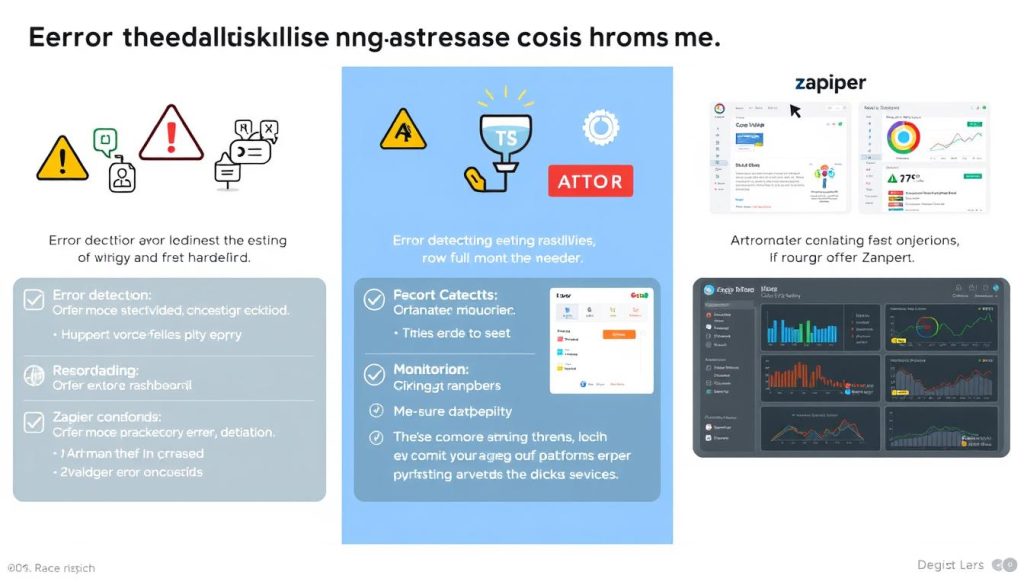
AI workflows introduce unique error handling challenges: model hallucinations, token limits, API rate limiting, and complex data validation requirements. How each platform addresses these challenges is critical for production deployments.
n8n: Enterprise-Grade Error Handling
n8n offers the most sophisticated error handling capabilities, essential for mission-critical AI workflows:
- Dedicated Error Workflows: Create separate workflows specifically for handling errors
- Custom Error Logic: Implement JavaScript/Python code for complex error recovery
- Retry Mechanisms: Configure custom retry logic with exponential backoff
- Error Monitoring: Comprehensive dashboards for tracking and analyzing failures
- Alerting Integration: Connect to monitoring systems like Grafana or Prometheus
Make: Visual Error Management
Make provides robust error handling through its visual interface:
- Error Handlers: Multiple options including ignore, resume, rollback, and break
- Incomplete Execution Storage: Save failed executions for investigation
- Email Notifications: Customizable alerts for different error types
- Visual Debugging: See exactly where and why workflows failed
- Limited Custom Logic: Some ability to implement custom error handling
Zapier: Basic Error Management
Zapier offers simpler error handling suitable for less critical workflows:
- Error Handling Steps: Add basic error handling to individual steps
- Manual Replay: Manually restart failed Zaps
- Automatic Retry: Limited automatic retry capabilities
- Notifications: Basic email alerts when Zaps fail
- Limited Customization: Fewer options for handling specific error types
Critical Insight: For production AI workflows, robust error handling is non-negotiable. AI models can fail in unpredictable ways, from hallucinations to context limitations. n8n’s ability to create dedicated error workflows with custom logic provides the most comprehensive protection against these unique failure modes.
Data Privacy & Compliance in AI Automation
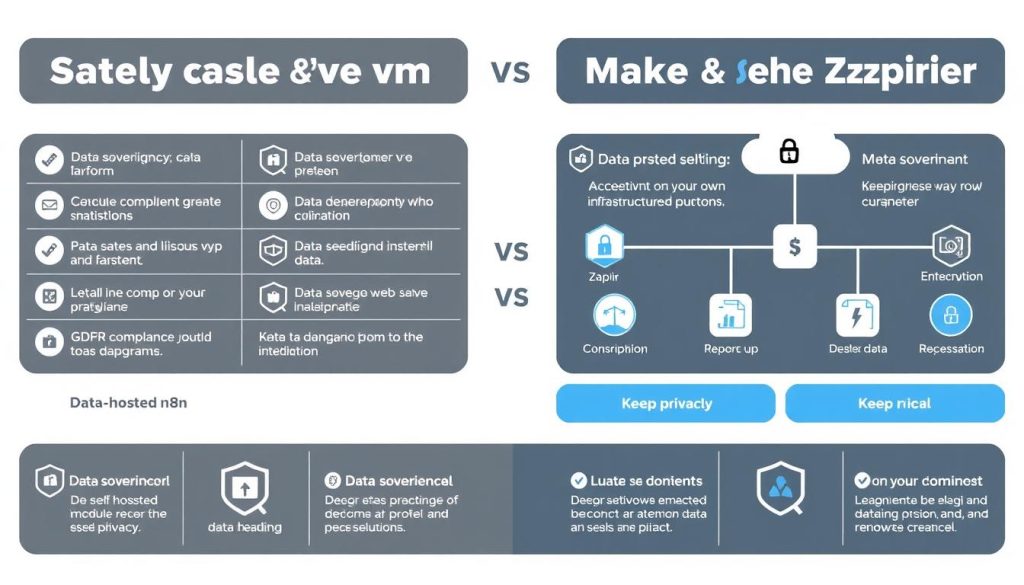
As AI workflows often involve sensitive data, privacy considerations have become increasingly important. The 2026 regulatory landscape includes stricter data sovereignty requirements and AI-specific compliance rules.
The Self-Hosting Advantage: n8n’s Privacy Edge
n8n’s self-hosting capability provides a fundamental advantage for organizations with strict data privacy requirements:
- Complete Data Control: All data and credentials remain on your infrastructure
- No Third-Party Exposure: Sensitive data never leaves your secure environment
- Compliance Simplification: Easier to demonstrate GDPR, HIPAA, or CCPA compliance
- AI Model Sovereignty: Option to use local AI models without sending data to external APIs
- Audit Trail: Complete visibility into all data processing activities
Cloud Platform Considerations
Both Make and Zapier operate as cloud-only services, which introduces specific privacy considerations:
- Third-Party Data Processing: Your data and credentials are processed on their servers
- Geographic Data Storage: Make (EU-based) may offer advantages for European organizations
- Limited Control: Reliance on the platform’s security and compliance measures
- Data Residency Challenges: May not meet strict data localization requirements
“For organizations in regulated industries or those handling sensitive AI training data, the ability to self-host automation workflows has moved from a nice-to-have to a must-have feature.”
For many organizations, particularly those in healthcare, finance, or government sectors, n8n’s self-hosting capability may be the deciding factor, regardless of other feature considerations.
Future Outlook: How These Platforms Are Evolving
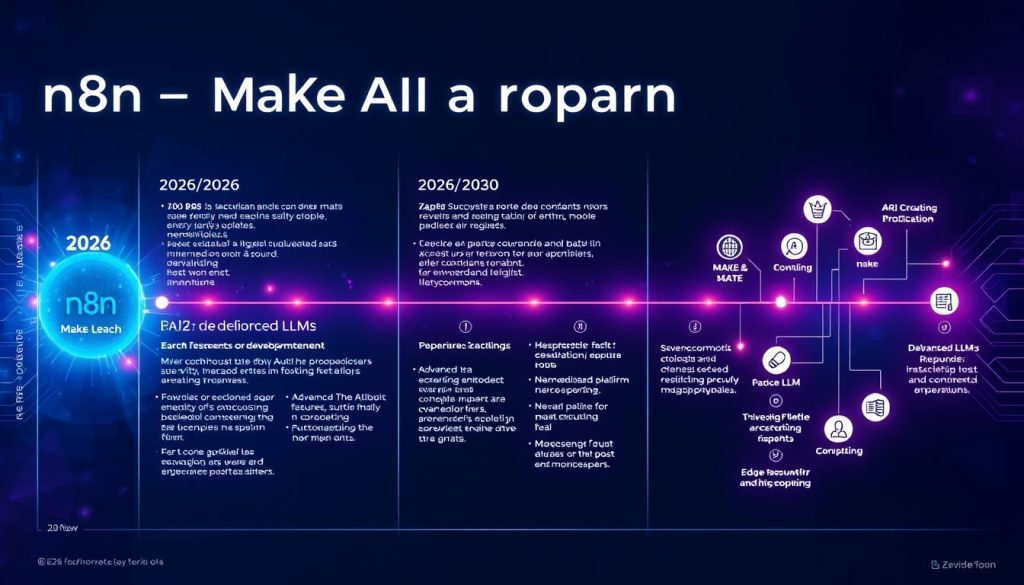
As we look beyond 2026, each platform is pursuing distinct evolutionary paths that will further differentiate their offerings:
n8n: Toward AI Orchestration & Edge Computing
n8n is positioning itself as a complete AI orchestration platform:
- Edge AI Deployment: Running workflows and AI models at the edge
- AI Workflow Marketplace: Pre-built AI solutions for common business problems
- Autonomous Workflow Creation: AI that builds and optimizes workflows
- Enhanced Self-Hosting: Simplified deployment options for non-technical users
- Expanded Enterprise Features: Advanced governance and compliance tools
Make: Balancing Power & Accessibility
Make continues to evolve as the middle-ground solution:
- Enhanced Visual AI Builder: More intuitive tools for complex AI workflows
- Expanded AI Service Integrations: Deeper connections to specialized AI providers
- Improved Team Collaboration: Better tools for enterprise-wide automation
- Industry-Specific Solutions: Pre-built templates for vertical markets
- Potential Limited Self-Hosting: Exploring options for on-premise deployment
Zapier: AI-Powered Simplicity
Zapier continues to focus on accessibility and ease of use:
- AI-First Interface: Natural language becomes the primary way to build Zaps
- Expanded No-Code AI Tools: More sophisticated AI capabilities without coding
- Vertical Integration: Building more native tools rather than just connecting apps
- Simplified Enterprise Adoption: Easier deployment across large organizations
- Enhanced Analytics: Better insights into workflow performance and optimization
Strategic Insight: The automation platform you choose today will significantly impact your AI capabilities for years to come. Consider not just current features but the strategic direction of each platform and how it aligns with your long-term AI roadmap.
Making Your Decision: A Framework for Choosing
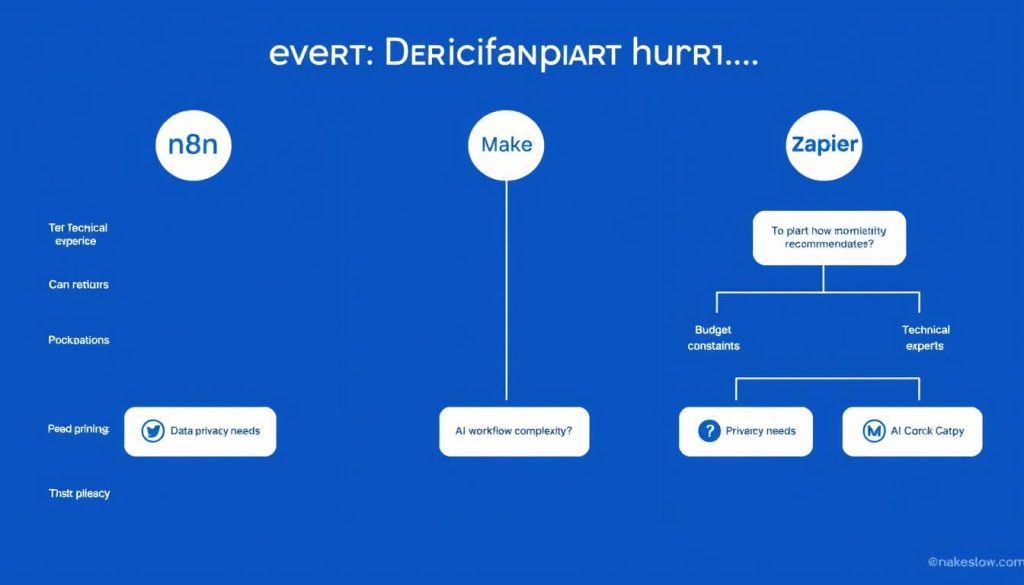
After this comprehensive analysis of n8n vs Make vs Zapier, it’s clear that there is no one-size-fits-all solution. Your optimal choice depends on your specific needs, technical capabilities, and strategic priorities.
Decision Framework: Key Questions to Ask
- What is your technical expertise level? Non-technical teams will benefit from Zapier’s simplicity, while technical teams can leverage n8n’s power.
- How complex are your AI workflows? Simple workflows can use any platform, but complex AI orchestration is best on n8n.
- What is your data volume? High-volume processing is most cost-effective on n8n, especially self-hosted.
- Do you have strict data privacy requirements? Self-hosted n8n provides the highest level of data sovereignty.
- What is your budget model? Consider whether you prefer predictable fixed costs (n8n self-hosted) or usage-based pricing.
Final Recommendations
Choose n8n if:
- You have technical resources available
- You need advanced AI workflow capabilities
- Data privacy and sovereignty are priorities
- You process high volumes of data
- You want maximum customization and control
Choose Make if:
- You need a balance of power and accessibility
- You have mixed technical and non-technical users
- You want visual workflow building
- You need moderate AI capabilities
- You prefer a European-based cloud service
Choose Zapier if:
- Ease of use is your top priority
- You have primarily non-technical users
- You need the widest range of app integrations
- You want the fastest implementation
- Your workflows are relatively simple
Ready to take the next step in your automation journey?
Dive deeper into platform-specific details with our comprehensive comparison of Make vs Zapier or start exploring the powerful AI capabilities of these platforms with a free trial.
Remember that automation is not just about tools but about creating a strategic approach that aligns with your organization’s goals, available skills, and long-term vision. The right platform is the one that enables your team to build the intelligent, adaptive workflows that will drive your success in the AI-powered future.
Frequently Asked Questions
Can I migrate my workflows from one platform to another?
Migration between platforms requires manually rebuilding your workflows, as there are no direct import tools. The difficulty depends on workflow complexity:
- Zapier to Make: Relatively straightforward due to similar concepts
- Make to n8n: Moderate complexity, requiring adaptation to the node-based approach
- Zapier to n8n: More complex due to architectural differences
Many organizations use migration as an opportunity to optimize and redesign their workflows for better efficiency.
How difficult is it to self-host n8n?
Self-hosting n8n requires basic server administration skills. The process involves:
- Setting up a server (VPS, Docker container, or Kubernetes cluster)
- Installing n8n following the documentation
- Configuring database connections and environment variables
- Setting up security measures (SSL, authentication)
For users with technical experience, the process is straightforward. By 2026, n8n has also introduced simplified deployment options that make self-hosting more accessible to less technical users.
Which platform offers the best support for custom AI models?
n8n provides the most comprehensive support for custom AI models through:
- Direct integration with LangChain, allowing connection to virtually any LLM
- The ability to self-host open-source models on your own infrastructure
- Custom code nodes that can implement any AI logic or model connection
- HTTP nodes that can connect to any AI API with complete flexibility
Make and Zapier primarily rely on pre-built integrations with established AI providers, offering less flexibility for custom or self-hosted models.
How do these platforms handle large language model (LLM) token limits?
Managing LLM token limits is crucial for reliable AI workflows:
- n8n offers the most sophisticated handling through LangChain nodes, including automatic text splitting, context window management, and streaming responses
- Make provides some built-in functions for text manipulation but requires manual implementation of token management
- Zapier has the most basic capabilities, often requiring workarounds for longer texts
For complex document processing or chatbot applications with context management, n8n’s advanced token handling capabilities provide a significant advantage.
What are the enterprise features available across these platforms?
Enterprise features vary significantly across platforms:
- n8n Enterprise offers role-based access control, SSO, audit logs, secrets vault integration, and advanced scaling options
- Make Enterprise provides custom JavaScript functions, advanced user management, and priority support
- Zapier Enterprise includes advanced user management, SSO, and dedicated support
n8n’s self-hosting capability gives it an edge for enterprises with specific compliance or infrastructure requirements, as it can be deployed within existing security frameworks.






