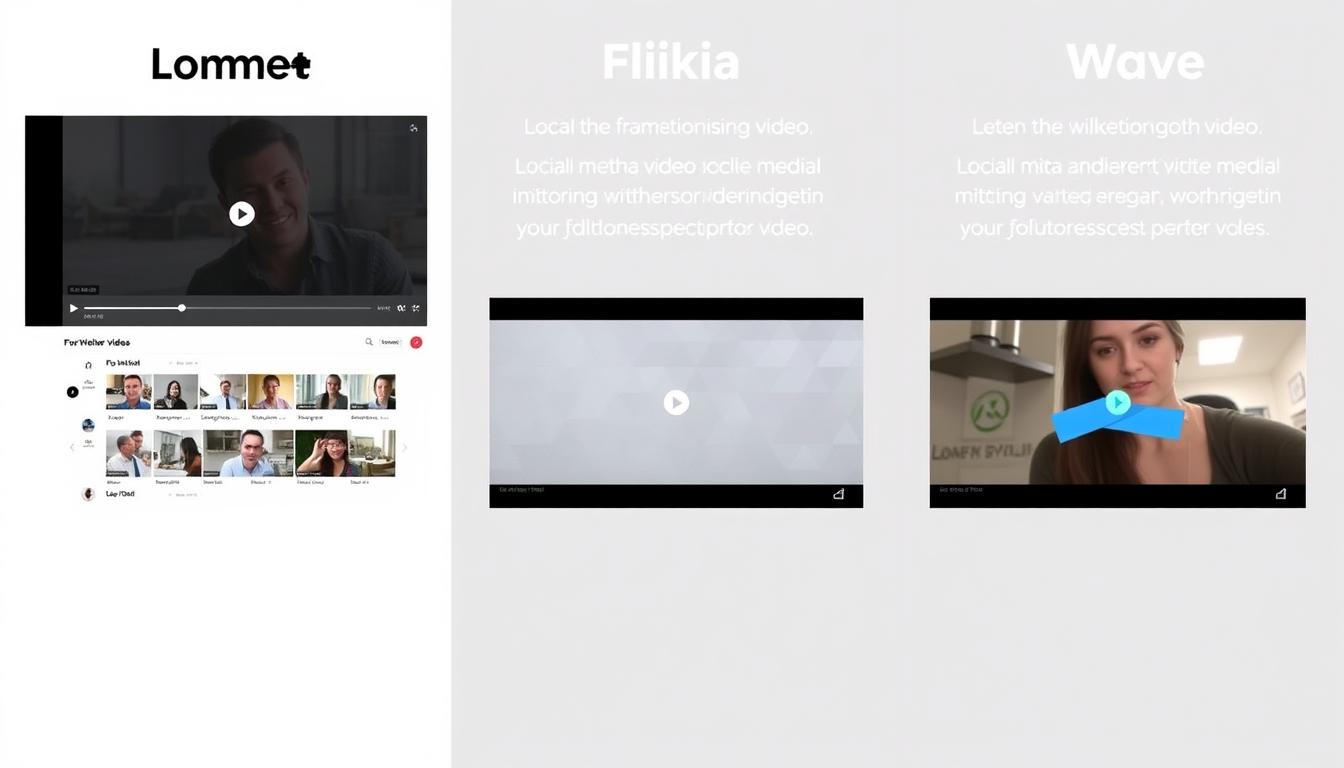
Lumen5 vs Fliki vs Wave.video: Choosing the Best Social Media Video Creation Tool

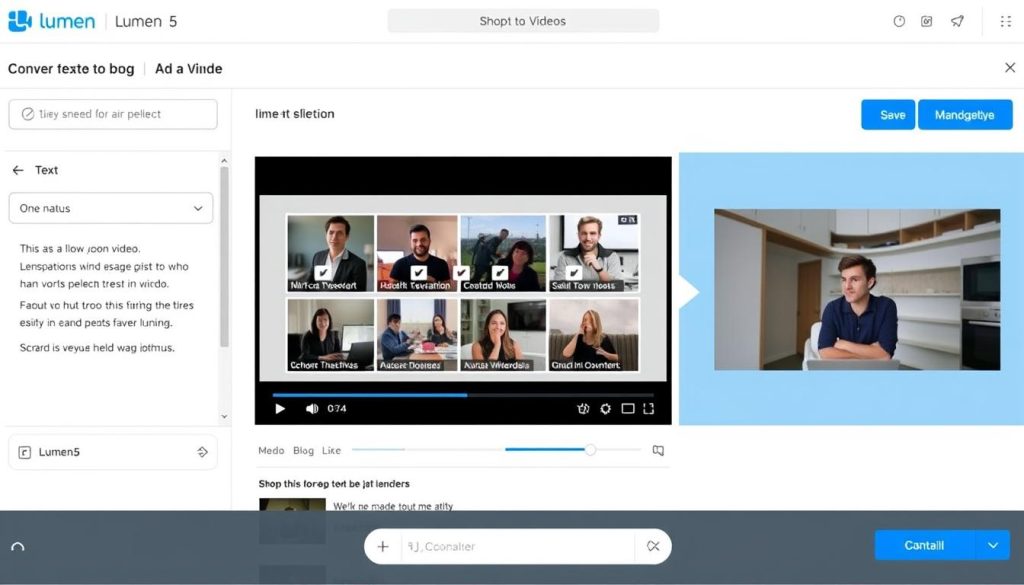
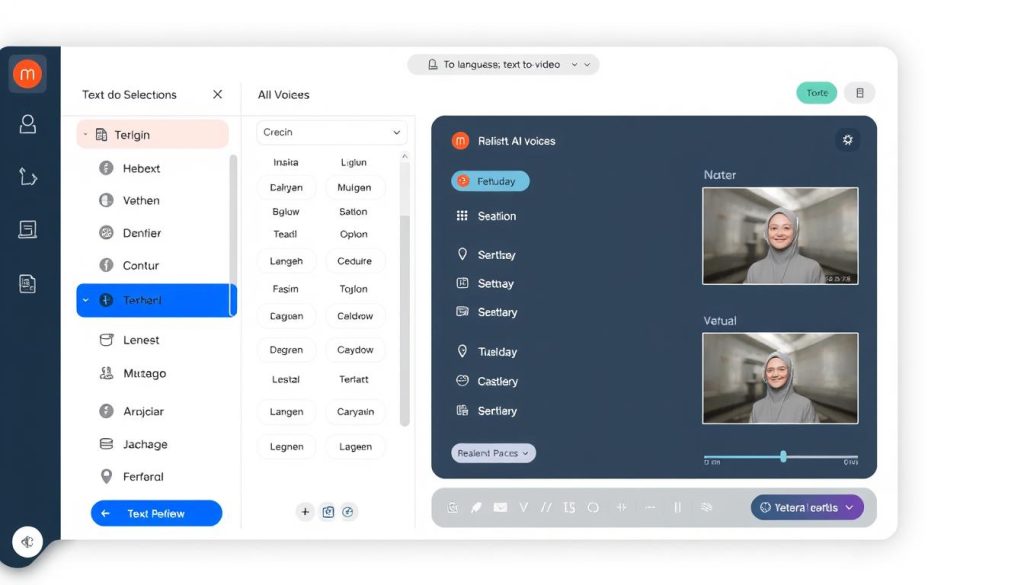
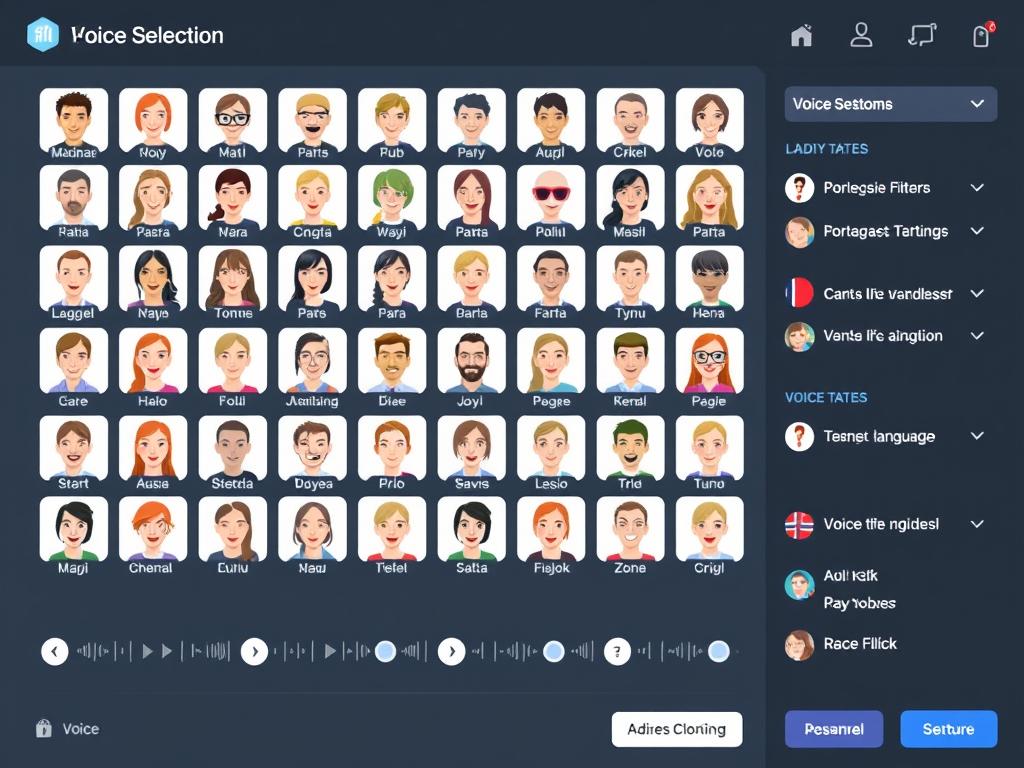
Creating engaging social media videos has become essential for effective digital marketing, but not everyone has the time, budget, or technical skills for traditional video production. AI-powered video creation tools like Lumen5, Fliki, and Wave.video have revolutionised this process, making professional video content accessible to everyone. This comprehensive comparison will help you determine which platform best suits your specific needs, whether you’re a content creator, marketer, or small business owner looking to enhance your social media presence.
Why Video Creation Tools Matter for Social Media Success
Video content generates significantly higher engagement than text or images alone, with studies showing videos receive 1200% more shares on social platforms. However, traditional video production is time-consuming, expensive, and often requires specialized skills. Modern AI-powered video creation tools solve these challenges by offering:
- Simplified creation process with templates and intuitive interfaces
- Automated text-to-video conversion capabilities
- Extensive stock media libraries without copyright concerns
- AI-generated voiceovers and text-to-speech features
- Format optimization for different social platforms
- Significant time and cost savings compared to traditional methods
The right tool can transform your social media strategy, allowing you to produce consistent, high-quality video content that engages your audience and drives results. Let’s examine how Lumen5, Fliki, and Wave.video compare in meeting these needs.
Quick Comparison: Lumen5 vs Fliki vs Wave.video
| Feature | Lumen5 | Fliki | Wave.video |
| Free Plan | 5 videos/month with watermark | 5 minutes/month (720p), max 10 scenes | 15 minutes with watermark, 2M stock assets |
| Starting Price (Paid) | $19/month | $28/month | $20/month |
| Video Resolution | Up to 1080p (paid plans) | 720p (free), 1080p (paid) | Up to 4K (higher plans) |
| AI Text-to-Video | Strong (blog to video focus) | Excellent (multiple source options) | Good (less automated) |
| Voice Generation | Basic text-to-speech | Advanced (2500+ voices, voice cloning) | Standard text-to-speech |
| Stock Media Library | Millions of assets | Millions of royalty-free assets | 200M+ assets |
| Unique Strength | Content repurposing, brand kits | Voice quality, language support | Live streaming, hosting, analytics |
Lumen5: AI-Powered Video Creation for Content Repurposing
Lumen5 is a cloud-based video creation platform that transforms text content into engaging videos using AI technology. Founded in 2017, it has gained popularity among marketers and content creators who need to produce professional videos quickly without extensive editing experience.
Core Features and Capabilities
- Blog-to-video conversion that automatically transforms articles into video content
- Smart text detection that identifies key points from your content
- Media recommendation engine that suggests relevant stock footage and images
- Brand kit functionality to maintain consistent visual identity
- Scene-based editor with customizable templates
- Extensive stock media library with millions of videos, images, and music tracks
- Text-to-speech capabilities with multiple voice options
User Interface and Ease of Use
Lumen5’s interface is designed with simplicity in mind, making it accessible even to complete beginners. The platform guides users through a step-by-step process:
- Select a format (landscape, square, vertical) based on your target platform
- Choose a template or start from scratch
- Enter text content or import from a URL
- Customize scenes with media, text styling, and transitions
- Add music and voiceover
- Preview and export your video
The drag-and-drop functionality makes scene arrangement intuitive, while the AI-powered media suggestions save significant time in finding appropriate visuals. Users particularly appreciate the clean workspace that doesn’t overwhelm with too many options at once.
Template Library and Customization Options
Lumen5 offers hundreds of pre-designed templates organized by use case (promotional, educational, testimonial) and social platform (Instagram, Facebook, YouTube, LinkedIn). Each template includes:
- Pre-set scene arrangements with placeholder text
- Suggested color schemes and typography
- Animation and transition effects
- Optimized timing for engagement
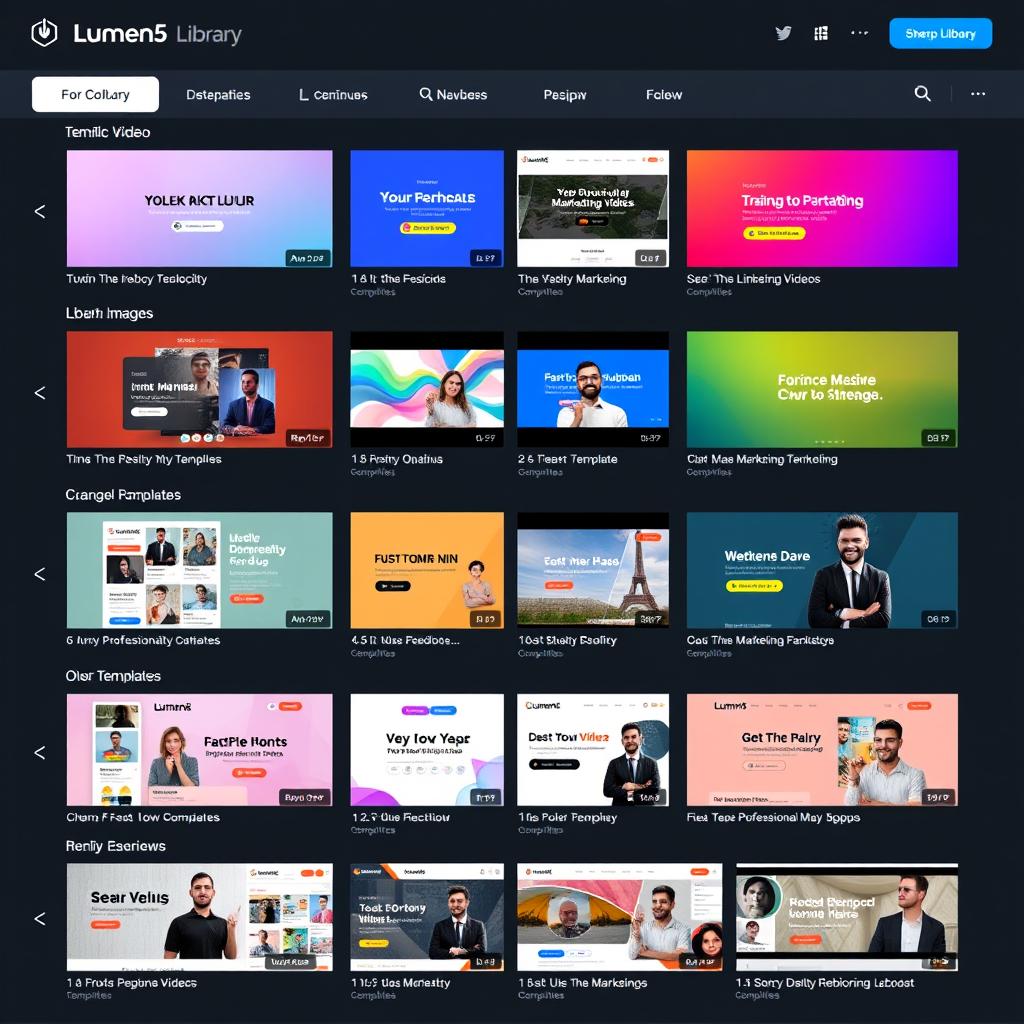
Customization options are extensive, allowing you to adjust colors, fonts, timing, and media placement. The brand kit feature enables you to save your logo, colors, and fonts for consistent application across all videos.
Pricing Structure
| Plan | Price | Key Features |
| Free | $0 | 5 videos/month, 720p resolution, watermarked exports, limited templates |
| Basic | $19/month | Unlimited videos, no watermark, 720p resolution, basic media library |
| Starter | $59/month | 1080p resolution, expanded media library, brand kit, priority support |
| Professional | $149/month | Multiple brand kits, team collaboration, custom fonts, advanced features |
Pros and Cons of Lumen5
Pros
- Excellent content repurposing from blogs and articles
- Intuitive interface with minimal learning curve
- Strong brand customization options
- AI-powered media suggestions save time
- Extensive template library for various use cases
- Good balance of automation and control
Cons
- Free plan includes a watermark
- Limited advanced editing capabilities
- Voice generation quality is basic compared to Fliki
- Can feel restrictive for experienced video editors
- Higher-tier plans are relatively expensive
Ready to create engaging videos with Lumen5?
Start with their free plan to create up to 5 videos per month with basic features.
Fliki: Text-to-Video with Advanced Voice Technology
Fliki differentiates itself in the AI video creation market with its focus on realistic text-to-speech technology and streamlined content creation. Launched more recently than Lumen5, Fliki has quickly gained popularity for its voice quality and efficiency-focused approach.
Core Features and Capabilities
- Over 2500 realistic AI voices across 80+ languages and 100+ dialects
- Ultra-realistic voice cloning technology
- Multiple content conversion options (blog to video, idea to video, PPT to video)
- AI avatars for presenter-style videos
- Auto-summarization of long-form content
- Auto-translation capabilities for global content
- AI-generated images and videos
- Access to millions of royalty-free stock media assets
User Interface and Ease of Use
Fliki employs a storyboard-based interface that emphasizes simplicity and speed. The workflow is structured around these key steps:
- Select your content source (text, blog URL, idea, or presentation)
- Choose voice and language preferences
- Review and edit the AI-generated script
- Select or upload media for each scene
- Add background music and adjust timing
- Export your completed video
Users consistently praise Fliki’s streamlined workflow, which prioritizes efficiency over extensive customization options. The platform is designed to reduce the time from concept to finished video, making it particularly appealing to users who need to produce content quickly.
Template Library and Customization Options
While Fliki offers fewer templates than Lumen5, its library focuses on high-conversion formats for different use cases:
- Educational and explainer videos
- Product demonstrations
- Social media stories and posts
- Marketing and promotional content
Customization in Fliki centers around voice and content rather than visual design. Users can fine-tune voice parameters (pace, tone, and emphasis), adjust script content, and select media; however, the platform handles much of the visual arrangement automatically to expedite the creation process.
Pricing Structure
| Plan | Price | Key Features |
| Free | $0 | 5 minutes of audio/video content (720p), 300 voices, watermarked exports |
| Standard | $28/month | 180 minutes of content, 1000 voices, no watermark, voice cloning |
| Premium | $88/month | 600 minutes of content, 2000+ voices, AI avatars, multiple voice cloning |
Pros and Cons of Fliki
Pros
- Superior voice quality with 2500+ realistic voices
- Extensive language support (80+ languages)
- Fastest video creation process of the three platforms
- Voice cloning technology for personalized narration
- AI avatars add presenter-style elements
- Auto-summarization saves time with long content
Cons
- More limited visual customization options
- Fewer templates than competitors
- The free plan has restricted features
- Less precise control over timing and transitions
- Newer platform with some features still developing
Experience Fliki’s realistic AI voices
Create up to 5 minutes of video content for free with access to 300+ AI voices.
Wave.video: All-in-One Video Marketing Platform
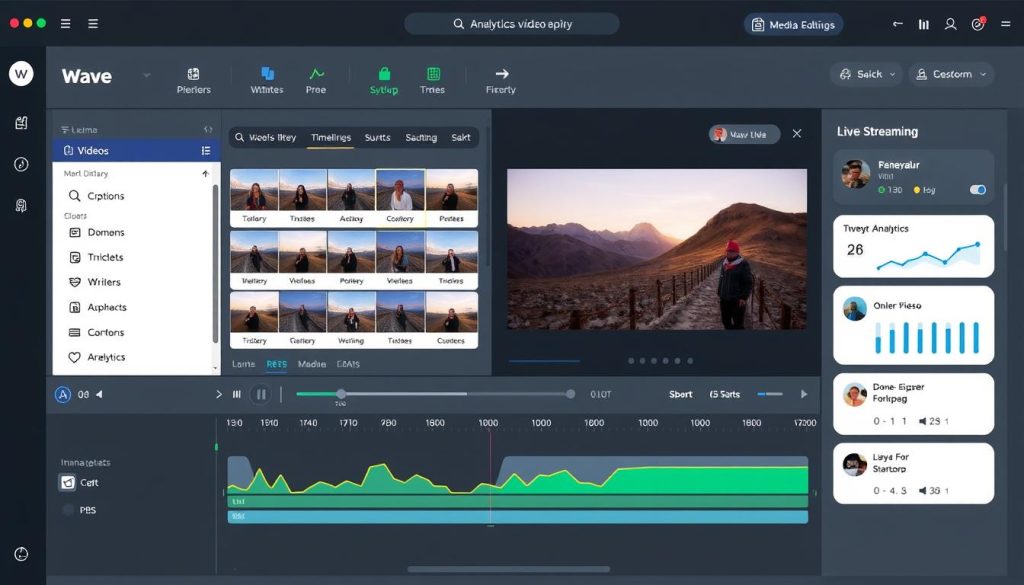
Wave.video positions itself as a complete video marketing solution rather than just a creation tool. This platform combines video editing, hosting, and distribution capabilities to support the entire video marketing workflow.
Core Features and Capabilities
- Comprehensive video editor with advanced customization options
- Built-in screen and webcam recording
- Live streaming studio with multi-guest support
- Thumbnail maker for optimized video previews
- Video hosting with analytics and lead generation tools
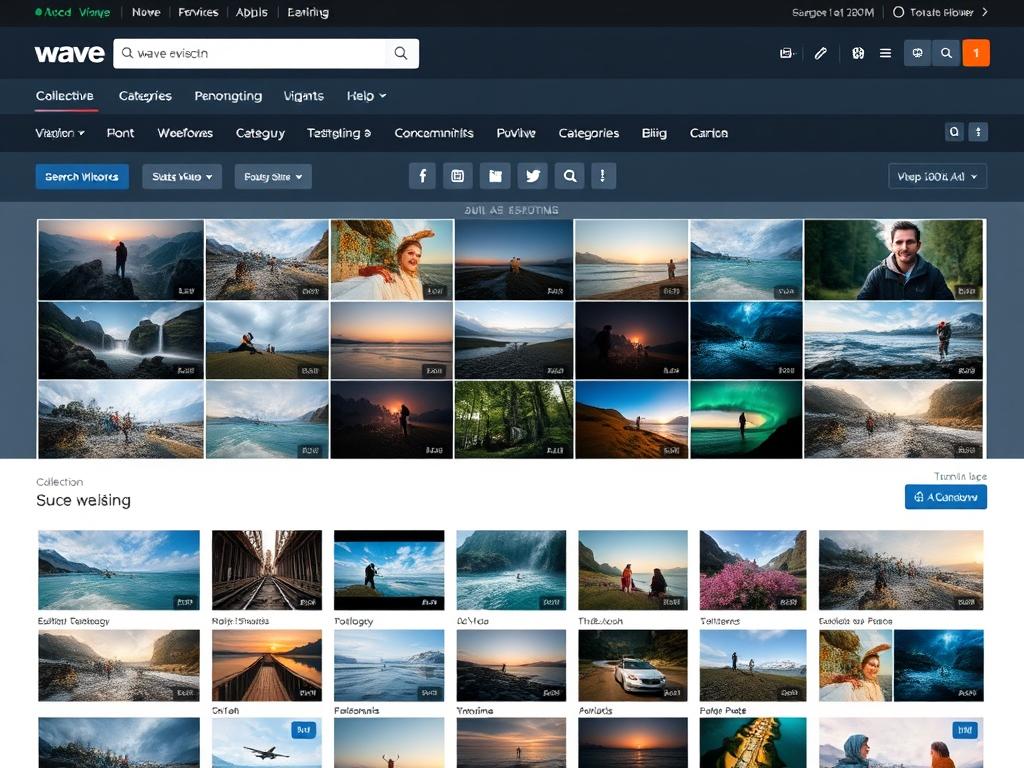
- 200M+ stock library (videos, photos, and audio)
- Text-to-speech functionality
- Background removal tools
- Stylish captions and subtitles
- Pre-recorded video streaming for live events
User Interface and Ease of Use
Wave.video features a more traditional video editing interface that may feel familiar to users with some editing experience. The workflow includes:
- Select a template or start a project from scratch
- Add and arrange media assets on the timeline
- Edit text, transitions, and effects
- Add audio tracks and voiceover
- Preview and adjust timing
- Export or publish directly to social platforms
While Wave.video requires a slightly steeper learning curve than Lumen5 or Fliki, it offers more precise control over video elements. The interface strikes a balance between accessibility and advanced functionality, making it suitable for both beginners and more experienced content creators.
Template Library and Customization Options
Wave.video boasts an extensive template library organized by:
- Industry (real estate, education, e-commerce, etc.)
- Content type (promotional, educational, event, etc.)
- Platform format (Instagram, Facebook, YouTube, TikTok, etc.)
- Seasonal and trending topics
The platform excels in customization options, allowing detailed control over every aspect of your video. Users can adjust timing to the millisecond, apply custom animations, create complex text effects, and fine-tune audio mixing. The ability to save custom templates also streamlines the creation of consistent brand videos.
Pricing Structure
| Plan | Price | Key Features |
| Free | $0 | 15 minutes with watermark, 2M stock assets, basic live streaming |
| Streamer | $20/month | Videos up to 5 min, no watermark, 2M stock assets, video hosting |
| Creator | $30/month | Videos up to 30 min, 200M stock assets, captions, text-to-speech |
| Business | $60/month | Videos up to 2 hours (60fps), advanced hosting, team sharing |
Pros and Cons of Wave.video
Pros
- All-in-one solution (creation, hosting, distribution)
- Most extensive stock media library (200M+ assets)
- Advanced editing capabilities for precise control
- Live streaming functionality built in
- Video analytics and lead generation tools
- Supports the highest resolution output (up to 4K)
Cons
- Steeper learning curve than Lumen5 or Fliki
- Less automated content generation
- Basic voice generation compared to Fliki
- Interface can feel overwhelming for beginners
- Occasional performance issues with complex projects
Explore Wave.video’s comprehensive toolkit
Get started with 15 minutes of free video creation with access to 2M+ stock assets.
Real-World Use Cases: Which Tool Excels Where?
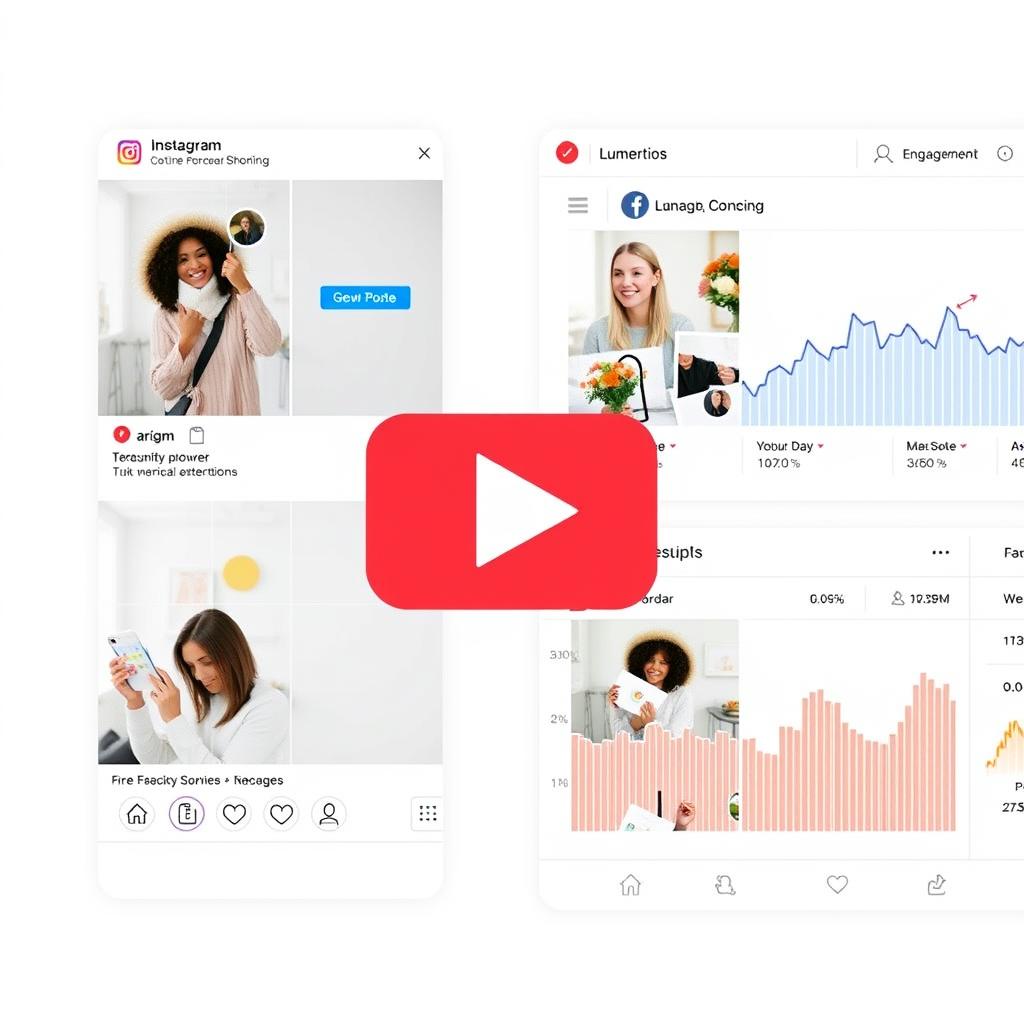
Social Media Marketing
Best Tool: Lumen5
A digital marketing agency needed to create daily social media content for multiple clients. Using Lumen5’s blog-to-video feature and brand kits, they were able to repurpose existing blog content into engaging square videos for Instagram and Facebook, increasing engagement by 47% while reducing production time by 65%.
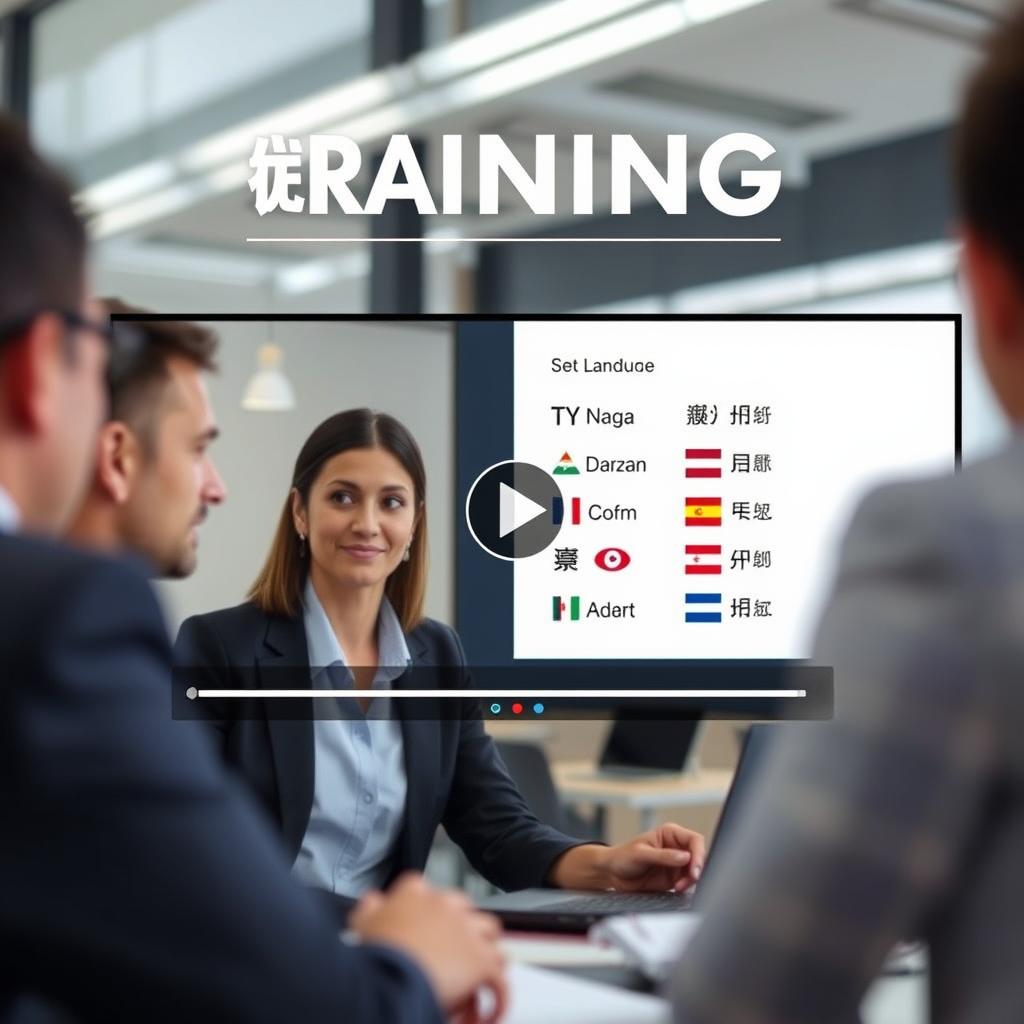
Multilingual Training
Best Tool: Fliki
A global e-learning company needed to create training videos in 12 languages. With Fliki’s 2500+ voices across 80+ languages and auto-translation features, they created a single master video that was automatically adapted into all required languages with natural-sounding narration, saving weeks of production time and localization costs.
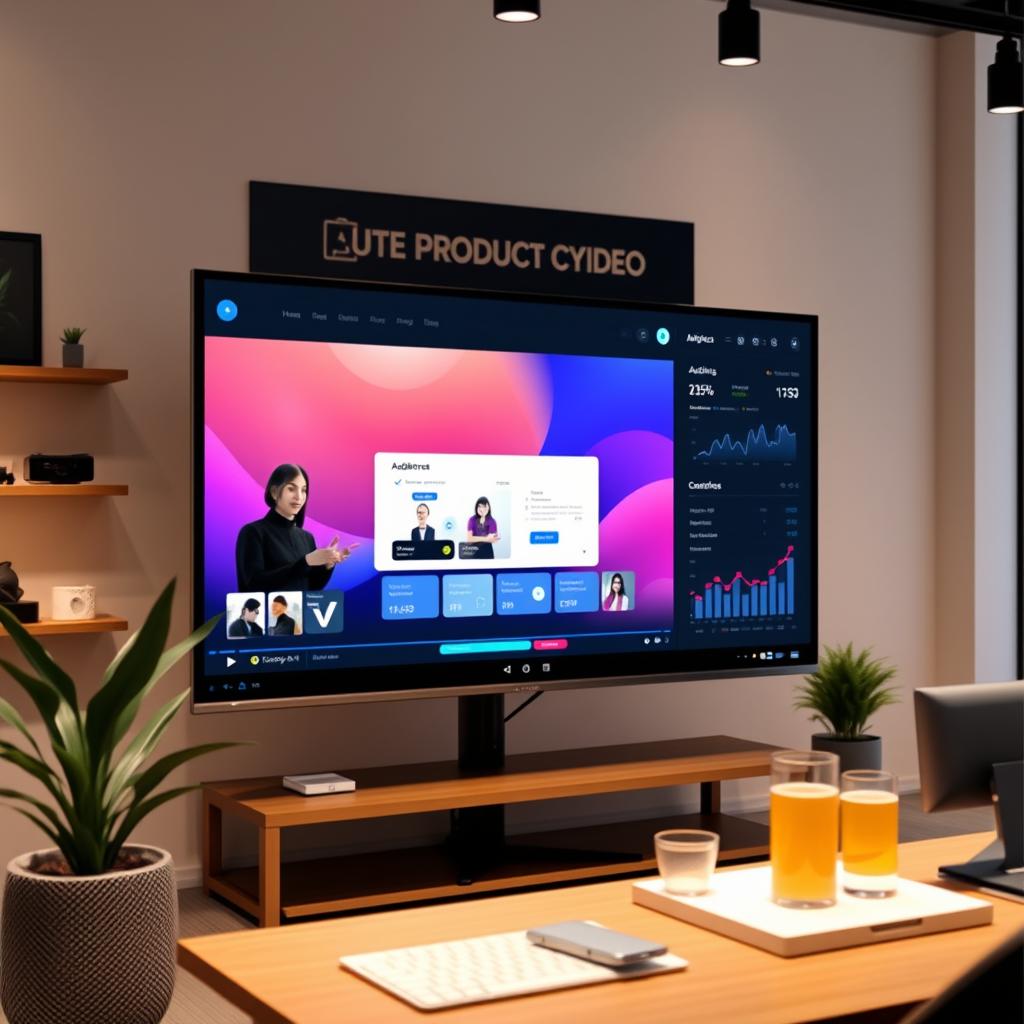
Live Product Launches
Best Tool: Wave.video
A small business owner needed to launch a new product line with limited resources. Using Wave.video’s comprehensive toolkit, they created promotional videos, hosted a live streaming event with pre-recorded product demonstrations, and tracked viewer engagement through the integrated analytics, resulting in a 78% increase in launch day sales compared to previous text-only launches.
Recommendations Based on Specific Needs
Best for Beginners
- Recommended: Lumen5
- Intuitive interface with guided workflow
- AI-powered suggestions help new users
- Extensive template library provides proven formats
- Perfect for: Small business owners, social media managers new to video
Best for Voice Quality & Multilingual
- Recommended: Fliki
- 2500+ realistic voices across 80+ languages
- Voice cloning for consistent brand voice
- Auto-translation for global audiences
- Perfect for: International brands, educational content creators
Best for Comprehensive Marketing
- Recommended: Wave.video
- All-in-one editing, hosting, and analytics
- Live streaming capabilities
- Advanced customization for precise control
- Perfect for: Marketing agencies, established content creators
Platform-Specific Recommendations
Instagram & Facebook
Recommended: Lumen5
Lumen5’s square format templates and social-optimized animations work particularly well for Instagram and Facebook feeds. The platform’s focus on short, attention-grabbing content aligns perfectly with these platforms’ engagement patterns.
YouTube & LinkedIn
Recommended: Wave.video
Wave.video’s editing capabilities and support for longer-form content make it ideal for YouTube and LinkedIn, where more detailed, professional videos tend to perform better. Its analytics also help optimize content for these platforms.
TikTok & Reels
Recommended: Fliki
Fliki’s efficiency in creating short, engaging content with high-quality voiceovers makes it well-suited for TikTok and Reels. The AI avatars can add a presenter element that works well in these formats.
Budget-Based Recommendations
Free/Minimal Budget
- Best Choice: Lumen5 Free Plan
- 5 videos per month with watermark
- Access to basic templates and media library
- 720p resolution export
- Good for testing video content strategy
Mid-Range Budget ($20-30/month)
- Best Choice: Wave.video Streamer Plan ($20/month)
- Unlimited video projects
- Videos up to 5 minutes
- No watermarks
- Access to 2M stock assets
- Video hosting capabilities
Professional Budget ($50+/month)
- Best Choice: Fliki Premium ($88/month)
- 600 minutes of content per month
- 2000+ voices including 1000+ ultra-realistic
- All AI avatars and photo avatars
- Multiple brand kits
- Multiple voice cloning options
Overall Ratings and Final Verdict
After thoroughly comparing Lumen5 vs Fliki vs Wave.video, it’s clear that each platform excels in different areas. Your ideal choice depends on your specific needs, technical comfort level, and content goals.
Choose Lumen5 if:
- You’re new to video creation and want the easiest learning curve
- You regularly repurpose blog content into videos
- You need strong brand consistency across multiple videos
- You create primarily for Instagram and Facebook
Choose Fliki if:
- Voice quality and language support are top priorities
- You need the fastest possible video creation process
- You want to create presenter-style videos with AI avatars
- You create content in multiple languages
Choose Wave.video if:
- You need a complete video marketing solution beyond just creation
- You want more precise editing control
- Live streaming is part of your content strategy
- You create longer-form content for YouTube or LinkedIn
For most social media managers and content creators just starting with video, Fliki offers the best balance of ease of use, quality output, and value for money. Its superior voice technology and efficient workflow make it particularly well-suited for today’s fast-paced content demands.
However, if you’re repurposing lots of blog content, Lumen5 might be more efficient. And if you need a comprehensive video marketing solution with hosting and analytics, Wave.video is worth the slightly steeper learning curve.
Ready to elevate your social media video content?
All three platforms offer free plans or trials to help you test their capabilities with your specific content needs.
Frequently Asked Questions
Can I use these tools without video editing experience?
Yes, all three platforms are designed for users without video editing experience. Lumen5 and Fliki are particularly beginner-friendly with their guided workflows and templates. Wave.video has a slightly steeper learning curve but still remains accessible to beginners with its intuitive interface.
Do these platforms work well for all social media channels?
Each platform supports multiple aspect ratios and formats for different social media channels. Lumen5 excels with Instagram and Facebook content, Wave.video offers strong support for YouTube and LinkedIn, while Fliki works well across platforms with particular strengths in short-form content like TikTok and Reels.
Can I use my own branding with these tools?
Yes, all three platforms offer brand customization features in their paid plans. Lumen5 has particularly strong brand kit functionality, allowing you to save and apply your colors, fonts, and logo across all videos. Fliki and Wave.video also support custom branding with varying levels of customization depending on your subscription tier.
Which platform is best for creating videos in multiple languages?
Fliki is the clear winner for multilingual content with its 2500+ voices across 80+ languages and 100+ dialects. Its auto-translation feature also makes it easy to repurpose content for different language markets. While Lumen5 and Wave.video do offer some language support, they don’t match Fliki’s extensive capabilities in this area.
Conclusion
The competition between Lumen5 vs Fliki vs Wave.video highlights how AI-powered video creation has evolved to meet different content creation needs. Each platform offers unique strengths that can significantly enhance your social media strategy when applied appropriately.
The good news is that all three platforms offer free plans or trials, allowing you to experiment before committing to a paid subscription. This hands-on testing is invaluable, as your specific content style, workflow preferences, and target platforms will ultimately determine which tool feels most natural and produces the best results for your needs.
As video continues to dominate social media engagement, investing time in mastering the right creation tool will pay dividends in audience growth and engagement. Whether you choose Lumen5, Fliki, or Wave.video, you’re taking an important step toward more efficient, professional video content that resonates with your audience.






