
Best AI Tools for YouTube Creators: Complete Toolkit Guide

Whether you’re just starting your YouTube journey or looking to scale an established channel, these AI-powered solutions can help you create better content faster, stay ahead of trends, and grow your audience without burning out.
How AI Tools Transform the YouTube Creation Process
Before diving into specific tools, let’s understand how AI can transform your YouTube workflow:
Time Savings
AI tools automate time-consuming tasks, such as research, transcription, and basic editing, reducing production time by up to 70%. This means you can publish more consistently or invest that saved time into creative aspects that truly require your personal touch.
Content Quality
From script enhancement to professional-grade editing effects, AI helps elevate your production value beyond what most individual creators could achieve alone. This leads to higher viewer retention and engagement metrics.
Audience Growth
AI-powered analytics and SEO tools help you identify trending topics, optimize your content for search, and understand precisely what resonates with your audience, leading to more views and subscribers.
Competitive Edge
As more creators adopt AI tools, staying competitive means embracing these technologies. The right AI toolkit can help you produce content that stands out in an increasingly crowded platform.
Ready to revolutionize your YouTube workflow?
Explore our curated selection of AI tools that can help you create better content in less time.
Categories of AI Tools for YouTube Creators
We’ve organized this guide into five essential categories that cover the complete YouTube creation workflow:
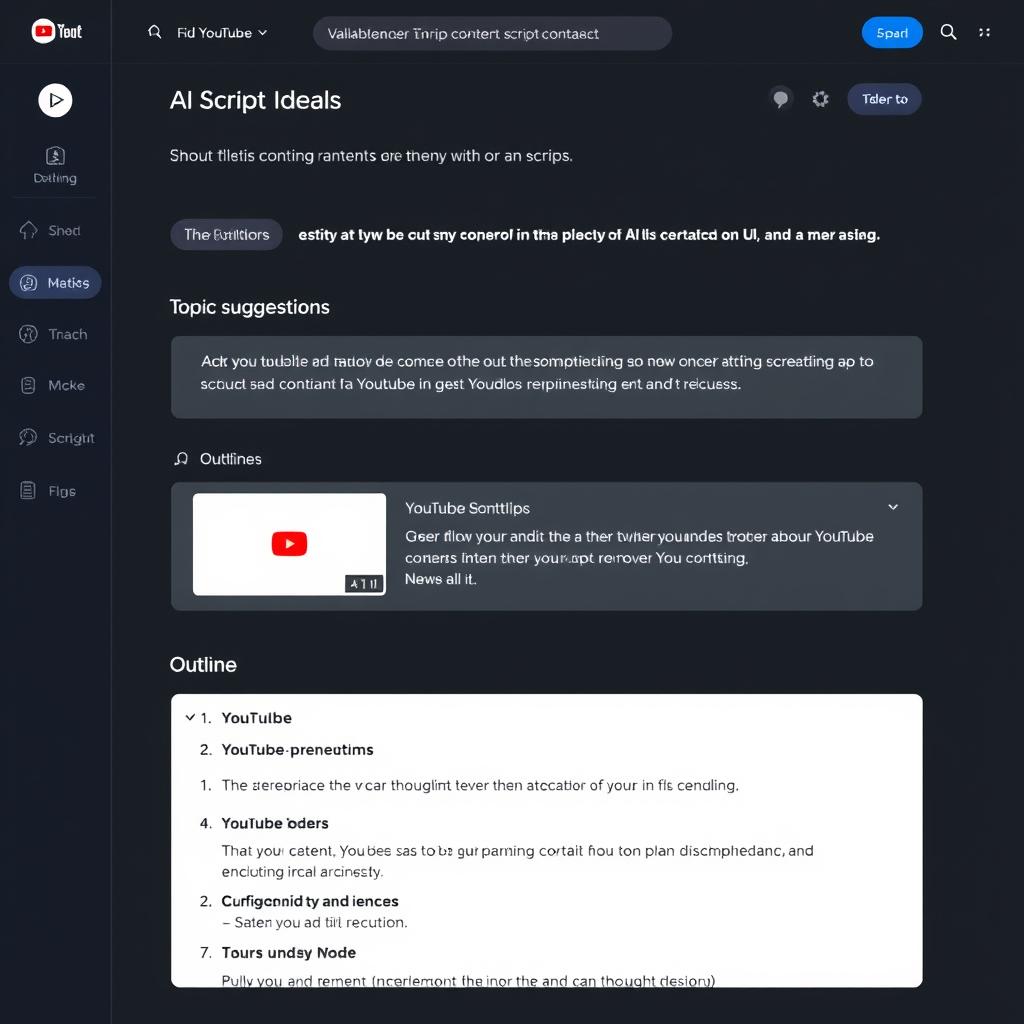
Content Planning & Script Writing
Tools that help you research trending topics, generate video ideas, create outlines, and write compelling scripts that engage your audience.
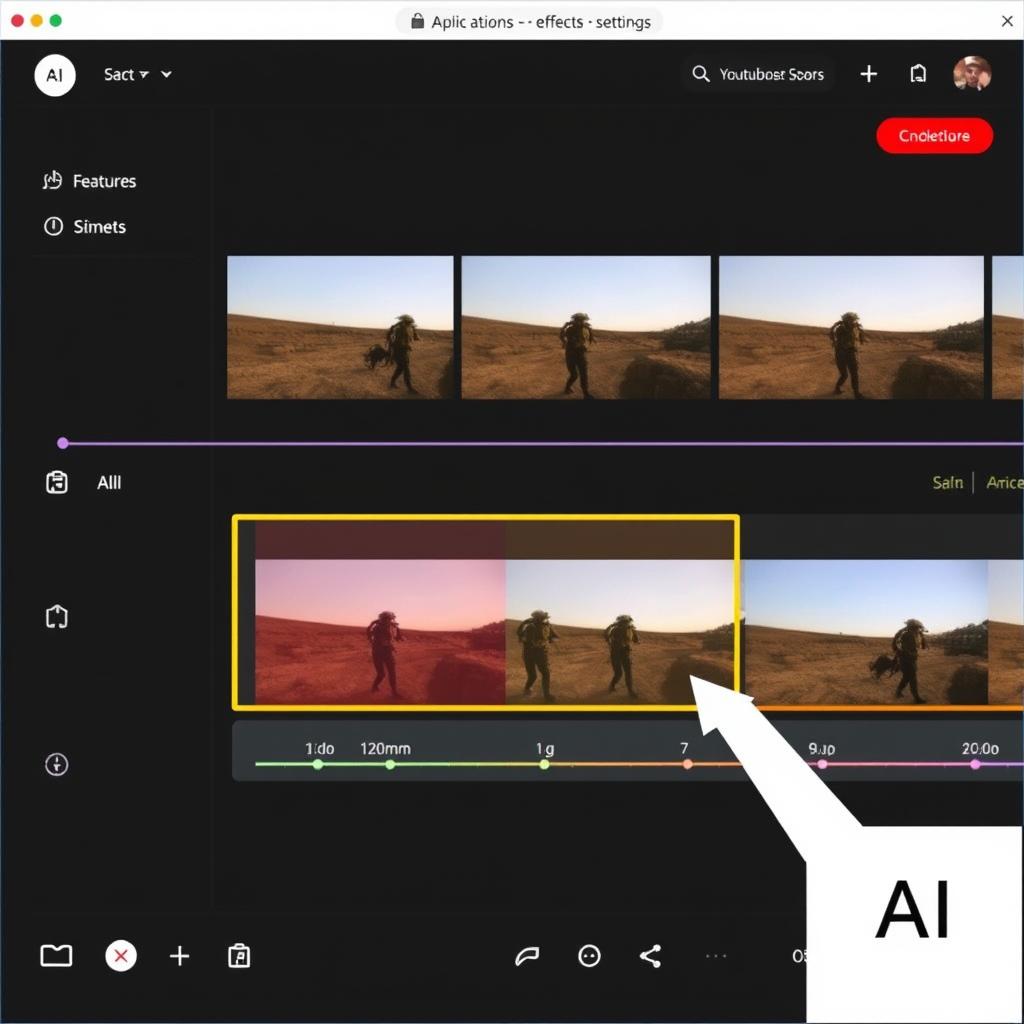
Video Editing & Enhancement
AI-powered editors that automate tedious editing tasks, enhance video quality, add effects, and help you create professional-looking content.
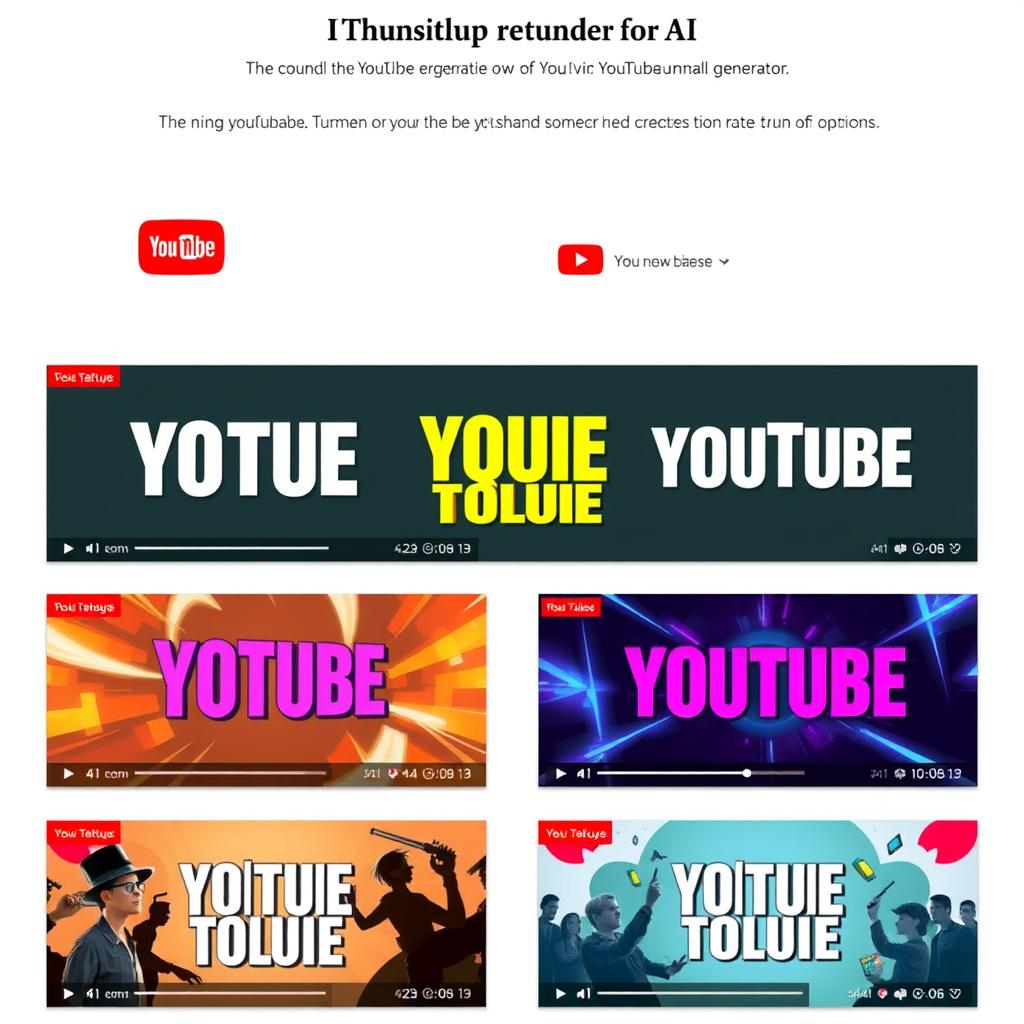
Thumbnail & Graphic Creation
Tools that design eye-catching thumbnails, channel art, and in-video graphics that improve click-through rates and visual branding.
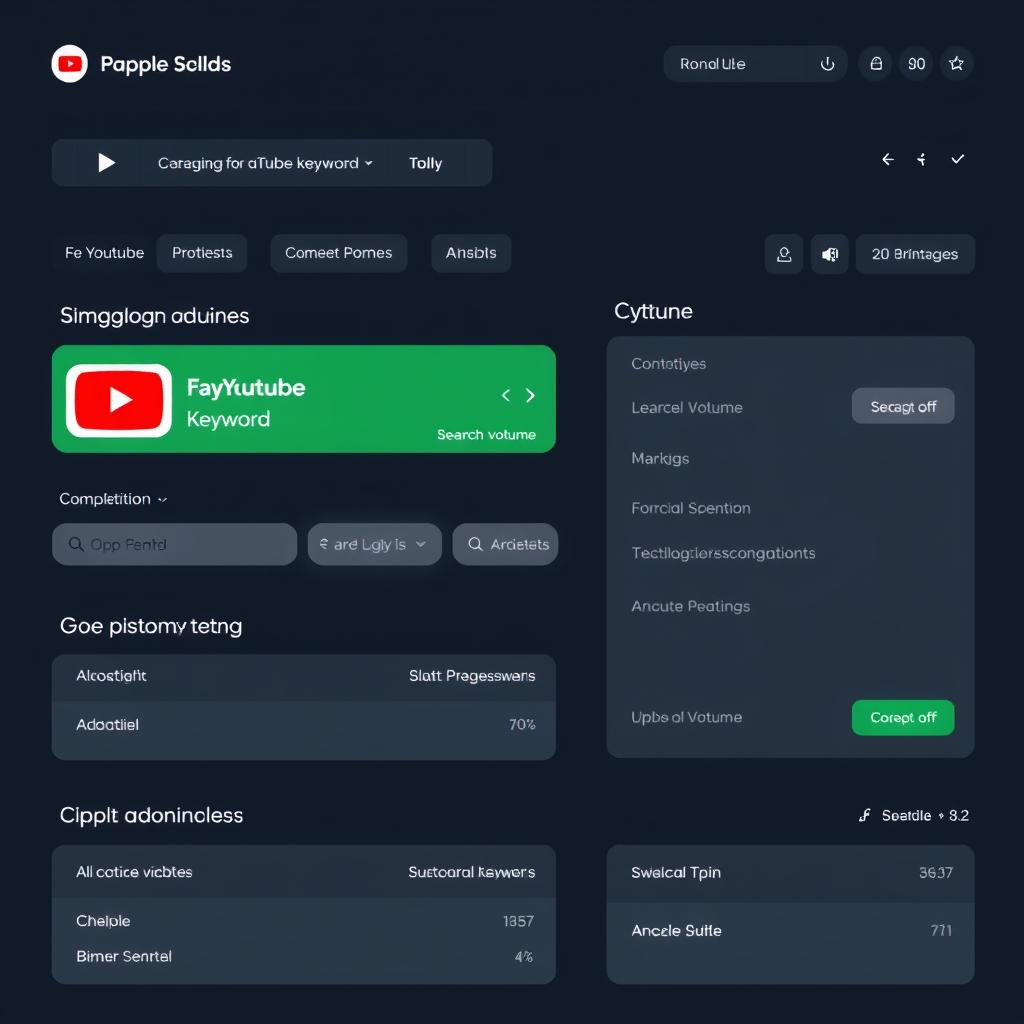
SEO & Metadata Optimisation
Solutions that optimize your titles, descriptions, tags, and metadata to improve discoverability and help your videos rank higher in search results.
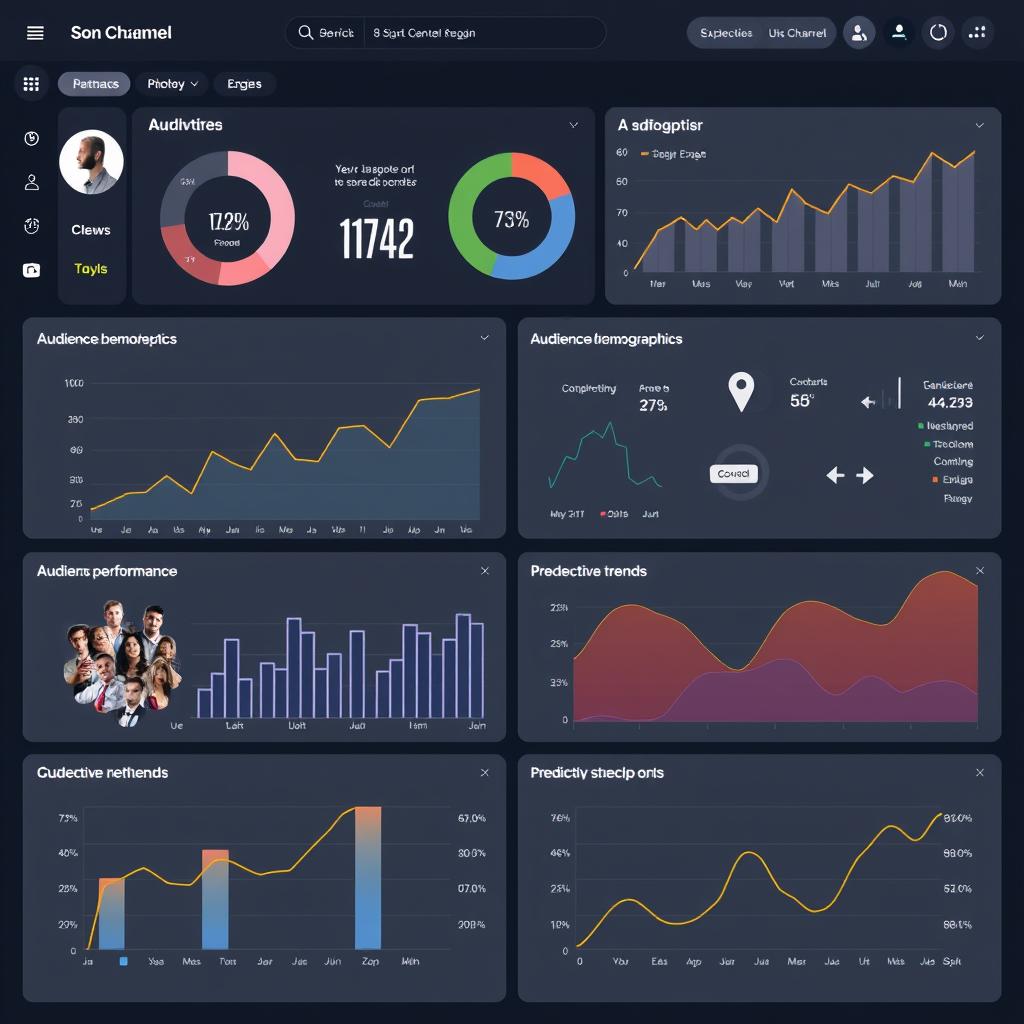
Analytics & Channel Growth
Analytics platforms that provide actionable insights about your audience, content performance, and growth opportunities.
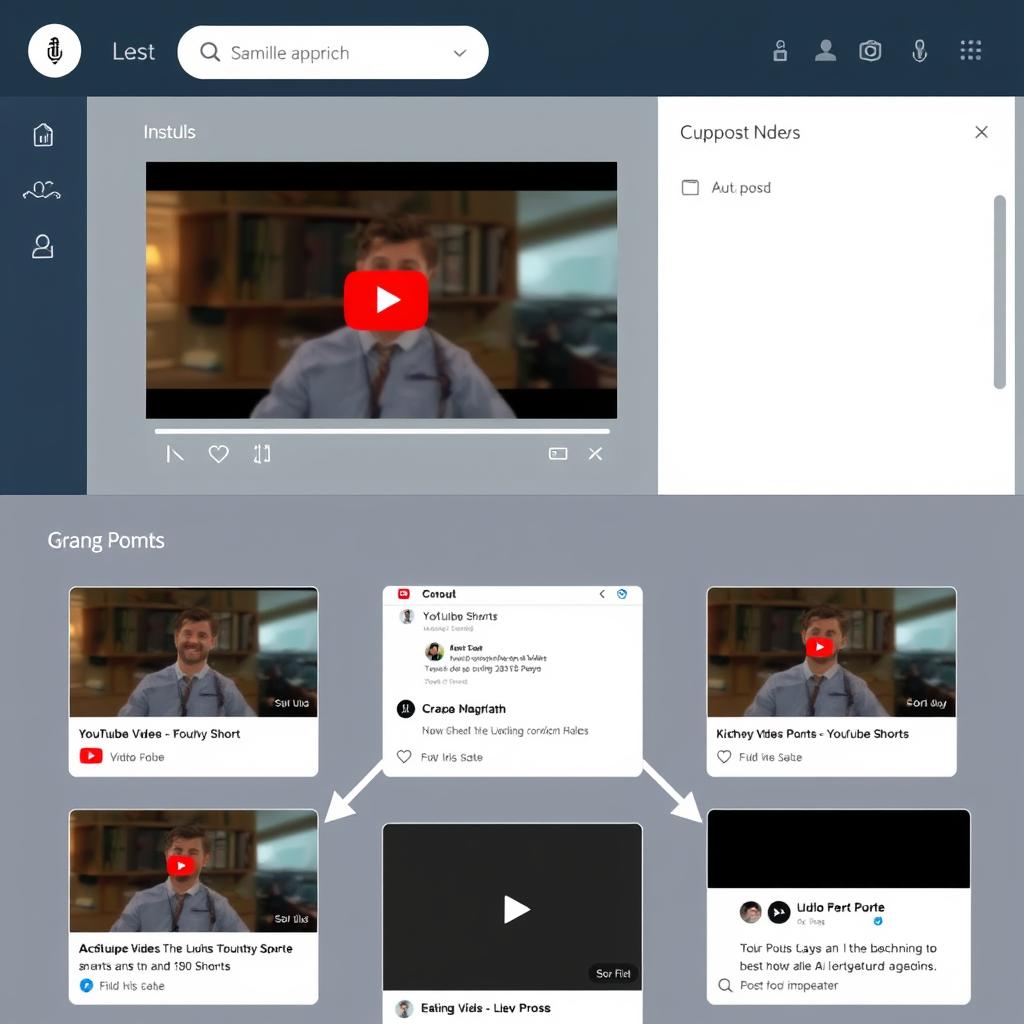
Content Repurposing
Tools that help you transform your YouTube videos into multiple content formats for other platforms, maximizing your content’s reach and impact.
Best AI Tools for Content Planning & Script Writing
The foundation of successful YouTube content begins with solid research and compelling scripts. These AI tools help you identify trending topics, generate creative ideas, and craft engaging scripts that keep viewers watching.
1. Poppy AI
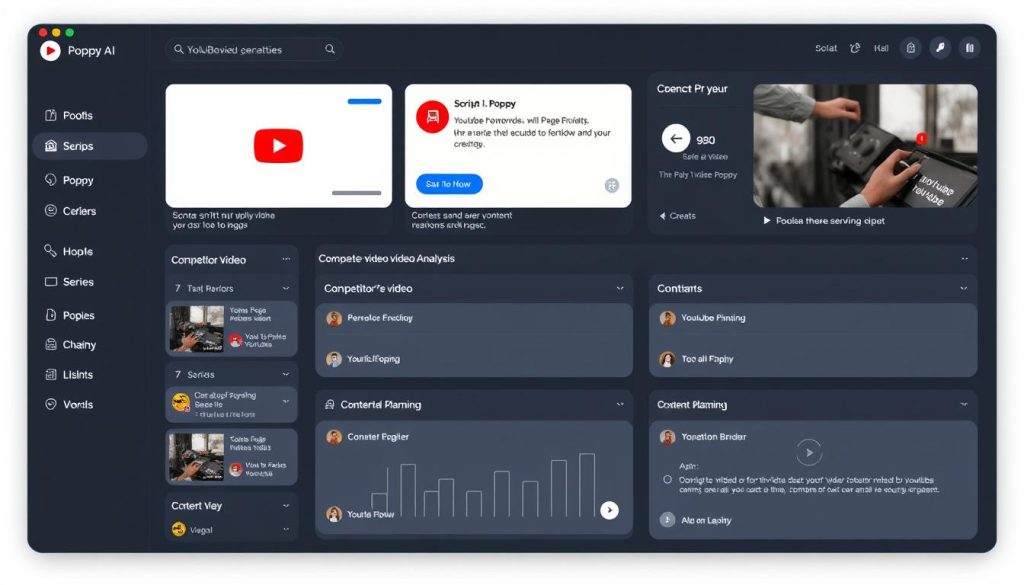
Poppy AI stands out as a specialized tool designed specifically for YouTube creators. Unlike generic AI writing tools, Poppy focuses on maintaining your authentic voice while streamlining the research and script creation process.
Pros
- Visual workspace for analyzing competitor videos
- Maintains your authentic voice and style
- Reduces research time by up to 70%
- Generates hooks and detailed outlines quickly
- Excellent for content batching and planning
Cons
- Higher price point than general AI tools
- Learning curve for new users
- No mobile app available yet
- May feel overwhelming initially
Key features include the ability to analyse competitor videos instantly, identify content trends in your niche, and generate scripts that align with your speaking style. The visual workspace helps you connect different content ideas and maintain a cohesive content strategy.
| Plan | Price | Features |
| Standard | $349/year | Full access to research and script generation tools |
| VIP Support | $552/year | Standard features plus dedicated support |
| Lifetime Access | $997 (one-time) | Lifetime access with 1:1 coaching with the founder |
Ready to streamline your YouTube content planning?
Poppy AI can help you create engaging scripts while maintaining your authentic voice.
2. Google Gemini
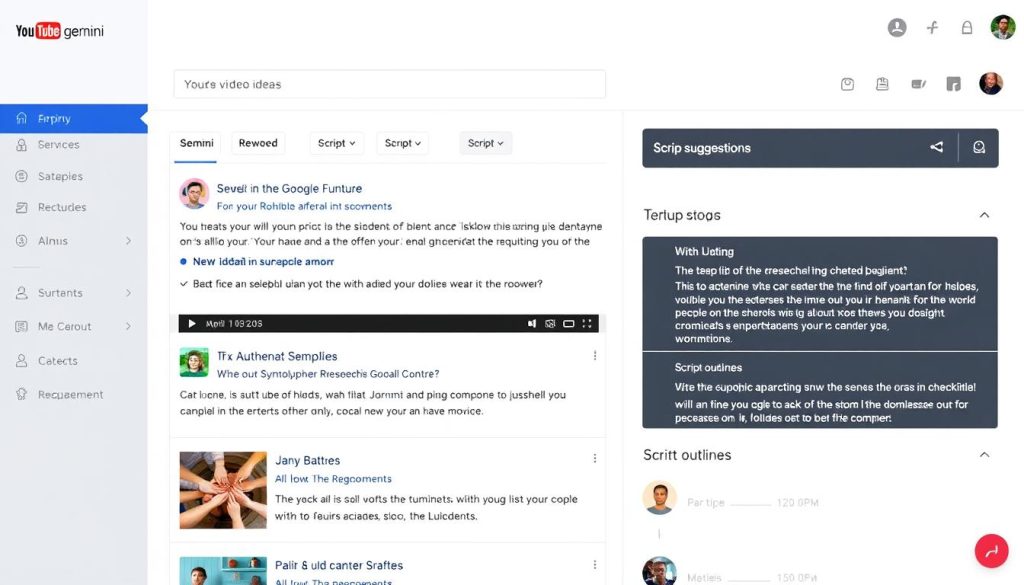
Google Gemini (formerly Bard) offers powerful AI capabilities for YouTube creators looking to research topics, generate script ideas, and create outlines. As a Google product, it integrates seamlessly with YouTube and offers in-depth insights into content planning.
Pros
- Analyses text, images, audio, and video content
- Excellent for deep research on topics
- Free basic version available
- Strong integration with Google’s ecosystem
- Multimodal capabilities for comprehensive analysis
Cons
- Less specialized for YouTube than dedicated tools
- May require prompt refinement for best results
- Sometimes provides generic content suggestions
- Advanced features require a paid subscription
Gemini excels at analyzing YouTube videos, providing deep insights into content structure, and generating comprehensive outlines. Its ability to process multiple types of media makes it particularly useful for researching competitors and understanding content trends.
| Plan | Price | Features |
| Free | $0 | Basic AI capabilities with standard usage limits |
| Google AI Pro | $20/month | Priority access, advanced features, and higher usage limits |
Need a versatile AI assistant for your YouTube research?
Google Gemini provides powerful research capabilities to help you plan more effective content.
3. Exploding Topics
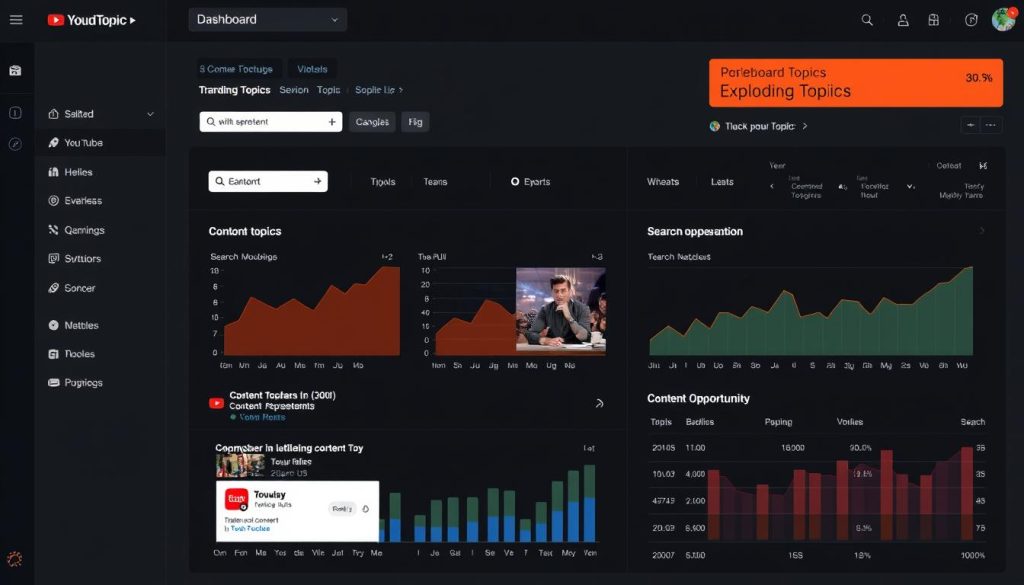
Exploding Topics utilises AI to identify emerging trends before they become mainstream, giving YouTube creators a competitive edge in content planning. By identifying emerging topics early, you can create timely content that capitalizes on increasing search interest.
Pros
- Identifies trends before they peak
- Provides detailed trend analysis and data
- Helps creators stay ahead of competitors
- Includes monthly sales estimates for product topics
- Excellent for niche research and opportunity identification
Cons
- Requires quick action to capitalize on trends
- Higher price point than some alternatives
- Needs strategic implementation to maximize value
- Monthly subscription model only
The platform’s trend detection algorithm analyses search patterns, social media activity, and content engagement to predict which topics are about to take off. For YouTube creators, this means being able to create content on trending topics before they become oversaturated.
| Plan | Price | Features |
| Monthly | $97/month | Full access to trend data and analysis tools |
| Annual | $970/year | Same as monthly, with a slight discount for a yearly commitment |
Want to create content on tomorrow’s trending topics?
Exploding Topics helps you identify emerging trends before they go mainstream.
AI Tools for YouTube Creators: Comparison Table
Use this comprehensive comparison to quickly identify which tools best fit your specific needs and budget:
| Tool | Category | Best For | Starting Price | Free Plan | Rating |
| Poppy AI | Content Planning | Script writing & competitor analysis | $349/year | No | 4.5/5 |
| Google Gemini | Content Planning | Research & idea generation | $20/month | Yes | 4.3/5 |
| Exploding Topics | Content Planning | Trend discovery | $97/month | No | 4.1/5 |
| CapCut | Video Editing | AI-powered editing & effects | $0 | Yes | 4.1/5 |
| Descript | Video Editing | Text-based video editing | $24/month | Yes (limited) | 4.4/5 |
| Canva Magic Studio | Thumbnail Creation | Graphic design & thumbnails | $12.99/month | Yes | 4.4/5 |
| VidIQ | SEO & Analytics | Channel growth & keyword research | $9/month | Yes | 4.2/5 |
| Taja AI | SEO Optimization | Video metadata optimisation | $29.99/month | No | 4.0/5 |
| 1of10 | Analytics | Finding outlier video opportunities | $49/month | No | 4.3/5 |
| Repurpose.io | Content Repurposing | Multi-platform content syndication | $15/month | No | 4.2/5 |
| OpusClip | Content Repurposing | AI-assisted video clipping | $12/month | Yes (limited) | 4.2/5 |
| InVideo AI | Video Generation | AI video generation | $35/month | Yes (limited) | 4.1/5 |
Find the perfect AI tools for your YouTube workflow
Continue reading for detailed reviews of the top tools in each category.
Best AI Tools for Video Editing & Enhancement
AI-powered video editing tools can dramatically reduce post-production time while adding professional polish to your content. These solutions automate tedious tasks and provide creative enhancements that would otherwise require advanced editing skills.
1. CapCut
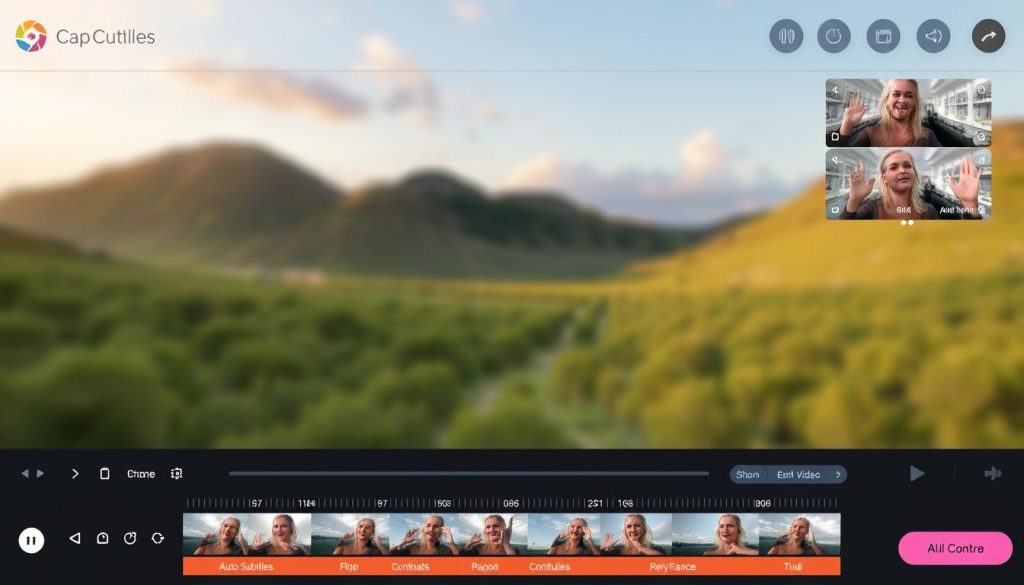
CapCut has evolved from a simple mobile editor to a powerful AI-enhanced editing platform, now available on both mobile and desktop devices. Its intuitive interface makes it accessible to beginners while offering advanced AI features that appeal to experienced creators.
Pros
- Powerful AI editing tools for cutting and enhancing videos
- User-friendly interface suitable for all skill levels
- Automatic subtitle generation with customization options
- Background removal and audio enhancement features
- Completely free with all features included
Cons
- Performance issues with large files on older devices
- Less comprehensive than professional editors like Premiere Pro
- Limited advanced colour grading capabilities
- Some features require an internet connection to process
CapCut’s standout AI features include automatic subtitle generation, background removal, audio enhancement, and trendy effects that can be applied with just a few clicks. The platform also makes it easy to resize videos for different social platforms, making it ideal for creators who publish across multiple channels.
| Plan | Price | Features |
| Free | $0 | All editing features, AI tools, and effects included |
Looking for a powerful free video editor?
CapCut offers professional-grade AI editing tools without any cost.
2. Descript
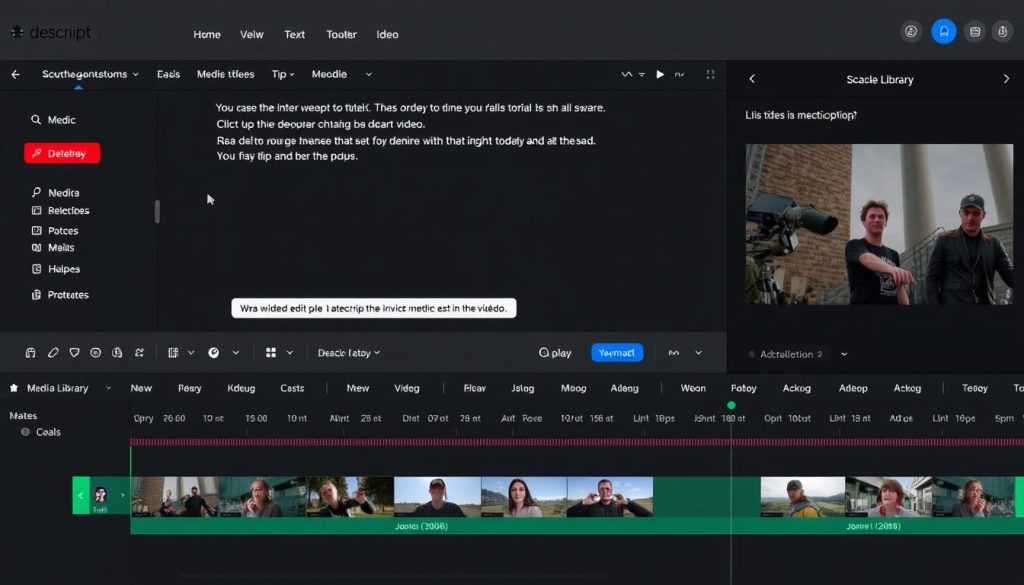
Descript revolutionizes video editing by allowing you to edit your video by editing the transcript. This text-based approach makes video editing as simple as word processing, dramatically speeding up the editing process for dialogue-heavy content.
Pros
- Edit the video by editing the transcript text
- Automatically removes filler words and silences
- Built-in stock media library for B-roll
- AI tools for audio enhancement and multicam switching
- Generates highlight clips for social media
Cons
- Transcription can be inaccurate at times
- Limited advanced visual effects compared to traditional editors
- The free version has a watermark and a limited transcription time
- Learning curve for users accustomed to timeline editing
Descript’s Underlord toolkit features powerful AI capabilities, including studio-quality audio enhancement, automatic multicam switching to focus on the speaker, and clip generation for social media highlights. The ability to add B-roll directly from the transcript makes it easy to create visually engaging content.
| Plan | Price | Features |
| Free | $0 | Up to 1 hour transcription, watermarked exports |
| Hobbyist | $24/month | 10 hours transcription, no watermark, 1080p export |
| Pro | $48/month | 30 hours of transcription, advanced AI features |
Want to edit videos as easily as editing text?
Descript’s innovative approach can cut your editing time by up to 90%.
Best AI Tools for Thumbnail & Graphic Creation
Eye-catching thumbnails are crucial for attracting clicks on YouTube. These AI-powered design tools enable you to create professional-quality thumbnails and graphics without requiring advanced design skills.
Canva Magic Studio
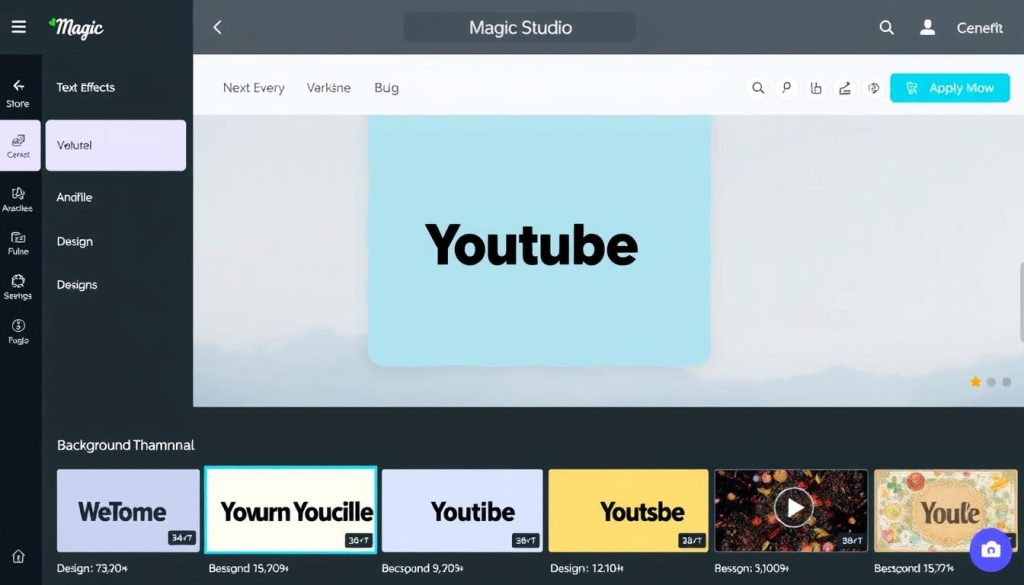
Canva Magic Studio combines Canva’s user-friendly design platform with powerful AI features, making it easier than ever to create professional thumbnails, channel art, and video graphics. The AI tools can generate images, remove backgrounds, and develop avatars for faceless channels.
Pros
- AI image generation for unique thumbnail visuals
- One-click background removal for professional results
- Hundreds of YouTube-specific templates
- AI avatar generation with voice synthesis
- Comprehensive design toolkit beyond thumbnails
Cons
- AI image generator occasionally produces inconsistent results
- Limited video editing capabilities compared to dedicated editors
- Template variety can feel overwhelming for beginners
- Most advanced AI features require a paid subscription
Canva Magic Studio’s AI features extend beyond simple design tasks. The platform can generate 3D models for thumbnails, create animated graphics, and even produce AI avatars that can present your content without you needing to appear on camera. This makes it particularly valuable for creators who prefer to remain anonymous or want to scale content production.
| Plan | Price | Features |
| Free | $0 | Basic design tools, limited templates and AI features |
| Pro | $12.99/month | Complete template library, background removal, 100+ million stock assets |
| Teams | $24.99/month | Everything in the Pro plus team collaboration features |
Ready to create eye-catching thumbnails?
Canva Magic Studio makes professional design accessible to everyone.
Best AI Tools for SEO & Metadata Optimisation
Optimizing your videos for search is essential for discoverability. These AI tools help you identify the right keywords, optimize your metadata, and improve your videos’ ranking in search results.
1. VidIQ
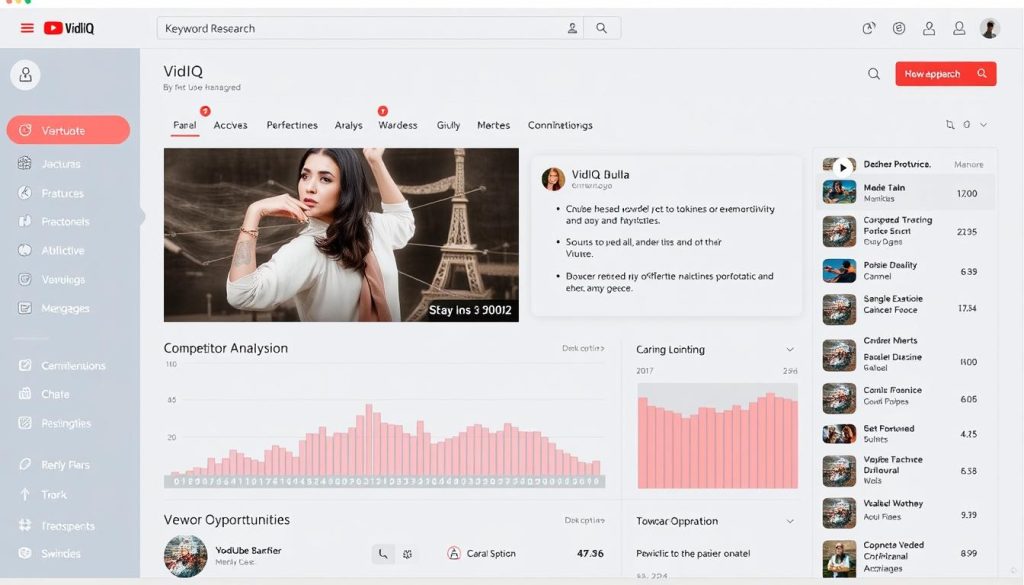
VidIQ is a comprehensive YouTube SEO and analytics platform that helps creators optimize their content for better visibility. Its AI-powered tools provide actionable insights for improving titles, descriptions, and tags while analyzing audience behaviour.
Pros
- Powerful keyword research and optimization tools
- AI content generator for titles and descriptions
- Chrome extension for competitor analysis
- Audience behaviour analysis and posting time recommendations
- Trending topic suggestions based on your niche
ConsA feature-rich
- The interface can be overwhelming for beginners
- Keyword suggestions occasionally lack relevance
- Most powerful features require a paid subscription
- Learning curve to utilize all available tools effectively
VidIQ’s AI content generator analyses trending data and viewer search habits to suggest compelling titles and SEO-friendly descriptions. The Chrome extension allows you to analyze competitors’ top-performing content directly while browsing YouTube, providing valuable insights for your own content strategy.
| Plan | Price | Features |
| Free | $0 | Basic keyword research, Chrome extension |
| Pro | $9/month | Advanced keyword research, competitor tracking |
| Boost | $49/month | AI title recommendations, trend alerts, and advanced analytics |
Want to improve your YouTube SEO?
VidIQ helps you optimize your content for better visibility and growth.
2. Taja AI
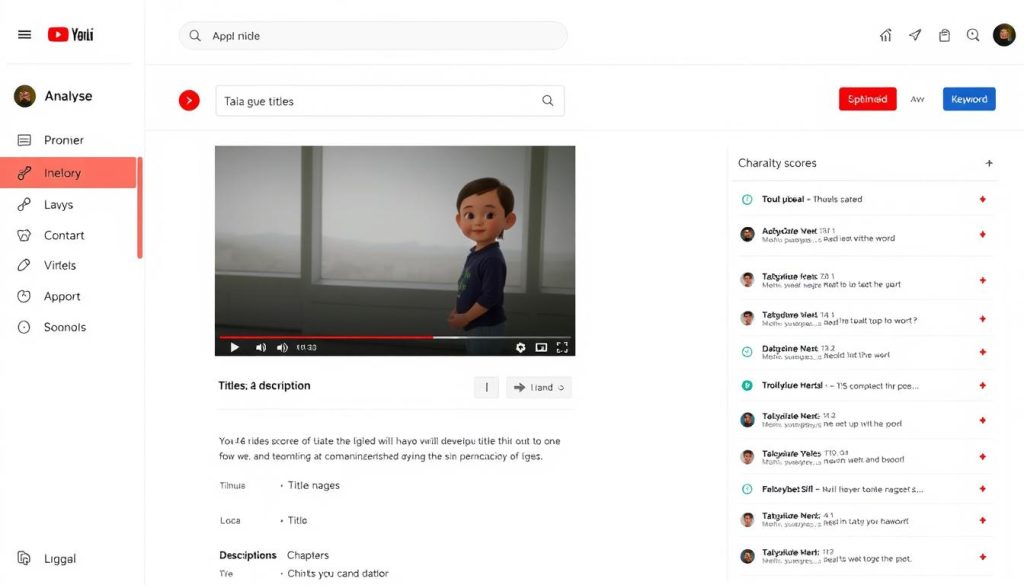
Taja AI specialises in optimising YouTube video metadata to improve discoverability and engagement. The platform utilises machine learning to analyse your video content and generate SEO-optimised titles, descriptions, chapters, and tags.
Pros
- Instant video transcription for repurposing
- Automatic chapter creation saves hours of work
- Virality score for title suggestions
- Customizable tone of voice for descriptions
- Target keyword optimization for better ranking
Cons
- Title suggestions sometimes lack creativity
- Can produce repetitive sentences despite tone adjustments
- A credit-based pricing model limits usage
- No free plan available
Taja AI’s automatic chapter creation feature is particularly valuable, as it analyses your video content to identify logical break points and creates timestamped chapters automatically. The platform also provides a virality score for title suggestions, helping you choose options that are more likely to perform well.
| Plan | Price | Features |
| Basic | $29.99 | 4 optimization credits |
| Standard | $59.99 | 10 optimization credits |
| Premium | $99.99 | 20 optimization credits |
Need help optimizing your YouTube metadata?
Taja AI can automatically generate SEO-friendly titles, descriptions, and chapters.
Best AI Tools for Analytics & Channel Growth
Understanding your audience and identifying growth opportunities is crucial for achieving success on YouTube. These AI-powered analytics tools provide actionable insights to help you strategically grow your channel.
1of10
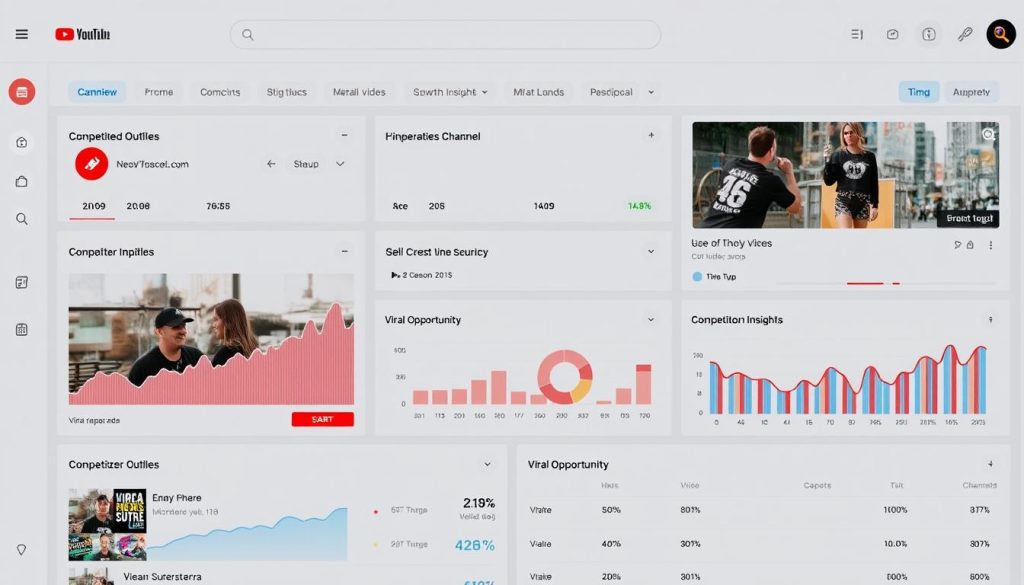
1of10 is a specialized AI research tool that helps YouTube creators identify “outlier” videos—content that performs exceptionally well relative to a channel’s subscriber count. This approach enables you to discover content opportunities that have high viral potential in your niche.
Pros
- Identifies high-potential video topics based on competitor performance
- Chrome extension for analyzing competitors’ top videos
- Bookmark feature for saving video ideas and thumbnail inspiration
- Keyword filtering for niche-specific research
- Performance tracking for monitoring content success
Cons
- Occasional glitches with filters requiring multiple submissions
- The user interface can feel overwhelming initially
- Paid coaching is necessary for advanced strategies
- Higher price point than some alternatives
The platform’s core concept is to find videos from channels with relatively low subscriber counts that have achieved unusually high view counts. By analyzing these outliers, you can identify content opportunities with high growth potential. The Chrome extension enables you to analyze competitors’ channels directly while browsing YouTube.
| Plan | Price | Features |
| Monthly | $49/month | Full access to outlier research tools and Chrome extension |
| Annual | $349/year | Same as monthly, with a significant discount |
Want to discover viral video opportunities?
1 of 10 helps you identify high-potential content ideas based on proven performance.
Best AI Tools for Content Repurposing
Maximizing the value of your YouTube content means repurposing it for other platforms. These AI tools enable you to transform your videos into multiple formats, extending their reach and impact.
1. Repurpose.io
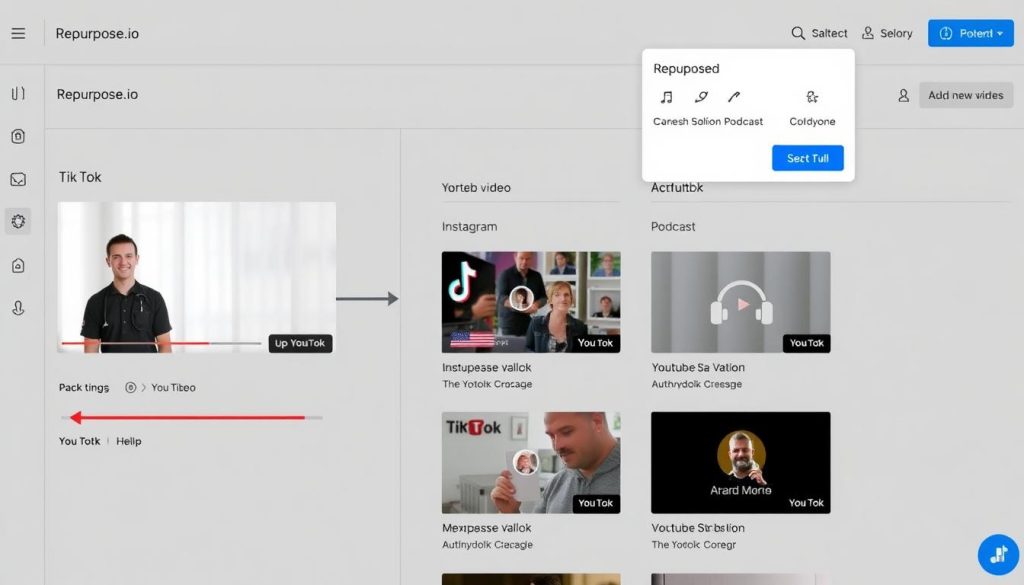
Repurpose.io automates the process of distributing your YouTube content across multiple platforms, helping you expand your social media presence and drive more traffic to your channel. The platform offers both automated and manual workflow creation for content syndication.
Pros
- Automates content distribution across diverse platforms
- Easy setup for connections and workflows
- Saves significant time on cross-platform publishing
- Intuitive interface accessible to non-technical users
- Supports multiple content formats and destinations
Cons
- The timeline feature for selecting specific frames has been removed
- No direct support for YouTube to Vimeo repurposing
- Limited customization options for some platforms
- No free plan available
The platform’s strength lies in its ability to create automated workflows that take your YouTube content and distribute it to various platforms, including TikTok, Instagram, Facebook, LinkedIn, and podcast platforms. This automation creates the impression of constant activity across all your channels, eliminating the need for manual work on each platform.
| Plan | Price | Features |
| Starter | $15/month | Basic content syndication, limited platforms |
| Growth | $49/month | Advanced workflows, more platforms, and team access |
| Agency | $99/month | Multiple accounts, client management, priority support |
Want to expand the reach of your content?
Repurpose.io helps you automatically distribute your YouTube videos across various platforms.
2. OpusClip
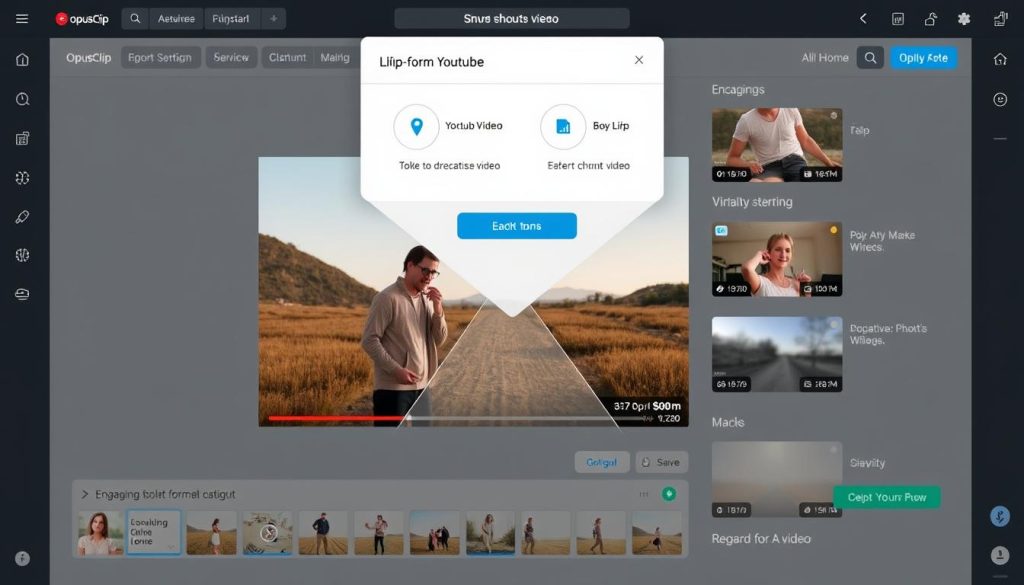
OpusClip specializes in repurposing long-form YouTube content into concise, engaging clips for platforms such as TikTok, YouTube Shorts, and Instagram Reels. The platform uses AI to identify the most compelling moments in your videos and transform them into shareable content.
Pros
- Automatically creates multiple short clips from long videos
- Virality Score predicts the potential performance of clips
- Adds appropriate music tracks based on the content’s mood
- Streamlines repurposing workflow for various platforms
- Detailed analytics for optimising clip performance
Cons
- Virality Score predictions aren’t always accurate
- Limited customization for some clip elements
- Occasional misinterpretation of video context
- Best features require a paid subscription
OpusClip’s Virality Score feature analyses your clips to predict their potential performance, helping you prioritize which segments to promote. The platform also automatically adds appropriate music tracks based on the content’s mood and provides detailed reports to help you optimize your repurposing strategy.
| Plan | Price | Features |
| Free | $0 | Limited clips per month, basic features |
| Basic | $12/month | More clips, advanced editing, no watermark |
| Pro | $29/month | Unlimited clips, priority processing, advanced analytics |
Want to turn your long videos into viral clips?
OpusClip helps you identify and extract the most engaging parts of your content.
Integrating AI Tools into Your YouTube Workflow
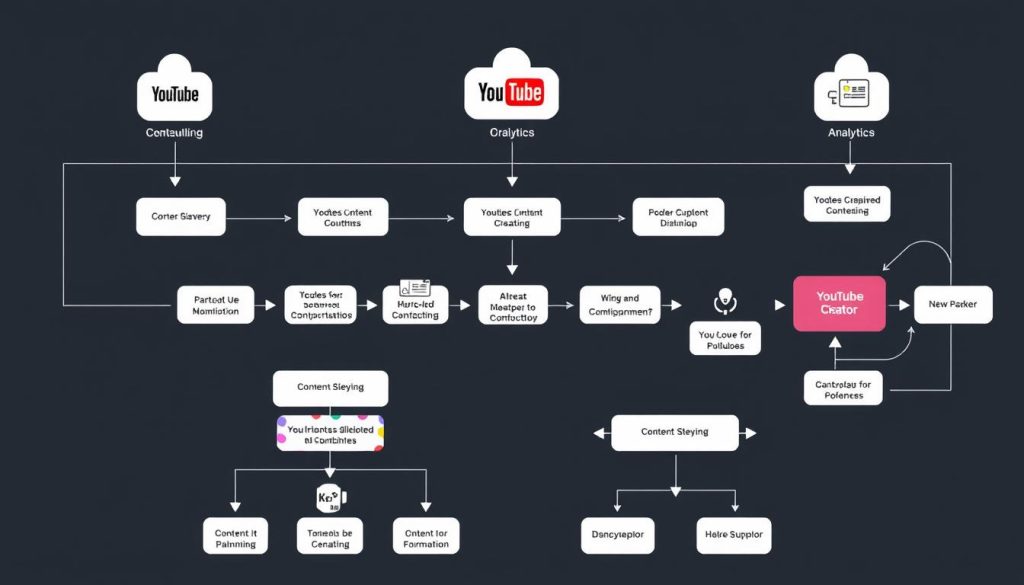
To maximize the benefits of AI tools, it’s essential to integrate them effectively into your YouTube content creation workflow. Here’s a practical approach to building an AI-enhanced production process:
Planning Phase
- Use Exploding Topics to identify trending subjects in your niche
- Research competitors with 1of10 to find high-potential video ideas
- Generate script outlines with Poppy AI or Google Gemini
- Refine scripts while maintaining your authentic voice
Production Phase
- Record your raw footage, focusing on content quality
- Edit with CapCut or Descript to streamline post-production
- Create thumbnails with Canva Magic Studio
- Optimise metadata with VidIQ or Taja AI
Distribution Phase
- Upload to YouTube wwith optimisedmetadata
- Use OpusClip to create short-form clips
- Distribute across platforms with Repurpose.io
- Analyse performance with VidIQ and adjust strategy
Pro Tip: Start Small and Scale
Don’t try to implement all these tools at once. Begin with one tool for each phase of your workflow, master it, then gradually add more as needed. This approach prevents overwhelm and allows you to measure the impact of each tool on your production process.
By strategically integrating these AI tools, you can create a semi-automated workflow that reduces manual work while maintaining your creative control and authentic voice. The goal is to let AI handle repetitive tasks, allowing you to focus on the creative aspects that truly require your personal touch.
AI Tool Recommendations by Creator Type
Different YouTube creators have different needs based on their experience level, content type, and goals. Here are tailored recommendations for specific creator profiles:
Beginner Creators
- CapCut – Free, user-friendly editing with AI features
- Canva Magic Studio – Simple thumbnail creation
- Google Gemini – Research and script assistance
- VidIQ (Free Plan) – Basic SEO optimisation
- Descript (Free Plan) – Text-based editing to simplify workflow
Intermediate Creators
- Poppy AI – Specialized script writing and research
- Descript (Paid Plan) – Advanced editing features
- VidIQ (Pro Plan) – Deeper keyword research
- 1 of 10 – Finding high-potential content opportunities
- OpusClip – Repurposing content for shorts
Professional Creators
- Poppy AI (VIP Plan) – Advanced content strategy
- Exploding Topics – Early trend identification
- Taja AI – Optimized metadata at scale
- Repurpose.io – Automated multi-platform distribution
- Complete AI toolkit – Integrated workflow across all categories
For Educational Content Creators
Focus on tools that help organize complex information and maintain clarity:
- Descript – Edit lengthy explanations efficiently
- Google Gemini – Research complex topics thoroughly
- Canva Magic Studio – Create explanatory graphics
- Taja AI – Generate clear chapters for navigation
For Entertainment Content Creators
Prioritise tools that enhance creativity and audience engagement:
- CapCut – Apply trending effects and transitions
- 1 of 10 – Identify viral content opportunities
- OpusClip – Create shareable highlights
- Exploding Topics – Stay ahead of entertainment trends
Ready to build your AI toolkit?
Start with the tools that match your creator profile and gradually expand as your channel grows.
Future Trends in AI for YouTube Creators

The landscape of AI tools for YouTube creators is evolving rapidly. Here are the emerging trends that will shape the future of content creation:
Personalized Content Generation
Future AI tools will analyze viewer data to suggest content tailored to your specific audience. These systems will identify gaps in your content strategy and recommend topics that align with viewer interests while maintaining your unique style and perspective.
Real-Time Analytics and Adaptation
AI systems will provide real-time feedback during live streams and premieres, suggesting content adjustments based on audience engagement. This will enable creators to adapt their content in real-time, maximising viewer retention and interaction.
Advanced Video Generation
Text-to-video AI tools will become more sophisticated, allowing creators to generate high-quality B-roll, animations, and visual effects from simple text prompts. This will dramatically reduce production costs and time for visual elements.
Multilingual Content Scaling
AI translation and voice cloning will enable creators to easily localise their content for global audiences while maintaining their authentic voice and delivery style in multiple languages, thereby expanding their reach without the need for additional recording sessions.
“The future of YouTube creation isn’t about AI replacing creators—it’s about AI amplifying human creativity by handling technical tasks and providing insights that would be impossible to gather manually.”
As these technologies mature, successful creators will be those who learn to collaborate effectively with AI tools—using them to enhance their creative vision rather than replace it. The human elements of storytelling — authenticity and connection — will remain irreplaceable, but AI will enable the delivery of these elements more efficiently and on a larger scale.
Frequently Asked Questions
Can AI tools help me if I’m starting my YouTube channel?
Absolutely! AI tools can be especially valuable for new creators by reducing the technical learning curve and enabling them to produce higher-quality content from the start. Begin with free tools like CapCut for editing, Canva for thumbnails, and Google Gemini for research and script writing. These will help you establish good practices while you learn the fundamentals of content creation.
Will using AI tools make my content feel less authentic?
Not if used properly. The best approach is to utilize AI tools to automate technical tasks and provide valuable insights, while maintaining your creative direction and personal voice. Tools like Poppy AI are specifically designed to preserve your authentic style while streamlining the creation process. Remember that AI should enhance your creativity, not replace it.
How much should I budget for AI tools as a YouTube creator?
Start with free tools and gradually invest as your channel grows. For beginners,
Frequently Asked Questions
Can AI tools help me if I’m starting my YouTube channel?
Absolutely! AI tools can be especially valuable for new creators by reducing the technical learning curve and enabling them to produce higher-quality content from the start. Begin with free tools like CapCut for editing, Canva for thumbnails, and Google Gemini for research and script writing. These will help you establish good practices while you learn the fundamentals of content creation.
Will using AI tools make my content feel less authentic?
Not if used properly. The best approach is to utilize AI tools to automate technical tasks and provide valuable insights, while maintaining your creative direction and personal voice. Tools like Poppy AI are specifically designed to preserve your authentic style while streamlining the creation process. Remember that AI should enhance your creativity, not replace it.
How much should I budget for AI tools as a YouTube creator?
Start with free tools and gradually invest as your channel grows. For beginners, a monthly budget of $0-$ 50 can provide access to essential tools. Intermediate creators may budget $50-$150 per month for more specialised solutions. Professional creators typically invest $150 to $ 3300 per month for a comprehensive AI toolkit. Consider the time saved and potential revenue increase when evaluating the ROI of these investments.
Can AI tools help me understand what my audience wants?
Yes, analytics tools like VidIQ and 1of10 provide AI-powered insights into audience behaviour, preferences, and content performance. These tools can identify patterns that may not be apparent through manual analysis, helping you create content that resonates more effectively with your viewers. They can also help you spot emerging trends in your niche before they become mainstream.
Are there any ethical concerns with using AI for YouTube content?
The primary ethical considerations include transparency with your audience about AI usage (especially for generated visuals or avatars), respecting copyright when using AI to create derivative content, and maintaining editorial responsibility for all content published on your channel. Most platforms have guidelines regarding the disclosure of AI-generated content, so familiarise yourself with these requirements.
-$50/month can provide access to essential tools. Intermediate creators might budget $ 1,500 per month for more specialised solutions. Professional creators typically invest $ 0-$ 300/month in a comprehensive AI toolkit. Consider the time saved and potential revenue increase when evaluating the ROI of these investments.
Can AI tools help me understand what my audience wants?
Yes, analytics tools like VidIQ and 1of10 provide AI-powered insights into audience behaviour, preferences, and content performance. These tools can identify patterns that may not be apparent through manual analysis, helping you create content that resonates more effectively with your viewers. They can also help you spot emerging trends in your niche before they become mainstream.
Are there any ethical concerns with using AI for YouTube content?
The primary ethical considerations include transparency with your audience about AI usage (especially for generated visuals or avatars), respecting copyright when using AI to create derivative content, and maintaining editorial responsibility for all content published on your channel. Most platforms have guidelines regarding the disclosure of AI-generated content, so familiarise yourself with these requirements.
Conclusion: Building Your AI-Enhanced YouTube Toolkit
AI tools are revolutionising the creation, optimisation, and distribution of YouTube content. By strategically incorporating these tools into your workflow, you can save time, improve quality, and grow your channel more effectively.
Remember that the most successful approach is to utilize AI to handle technical and repetitive tasks, while focusing your human creativity on aspects that genuinely connect with your audience—such as storytelling, authenticity, and your unique perspective.
Begin by identifying the most significant bottlenecks in your current workflow and selecting tools that address these specific challenges. As you become comfortable with each tool, gradually expand your AI toolkit to create a more comprehensive and efficient production process.
The future of YouTube creation belongs to creators who can effectively collaborate with AI—using it to amplify their creativity rather than replace it. By embracing these tools now, you’ll be well-positioned to stay ahead of the curve as AI continues to evolve and reshape the content creation landscape.
Ready to transform your YouTube workflow?
Start with the tools that address your most pressing challenges and build from there.






