Grain vs Supernormal vs MeetGeek: AI Meeting Assistants Compared

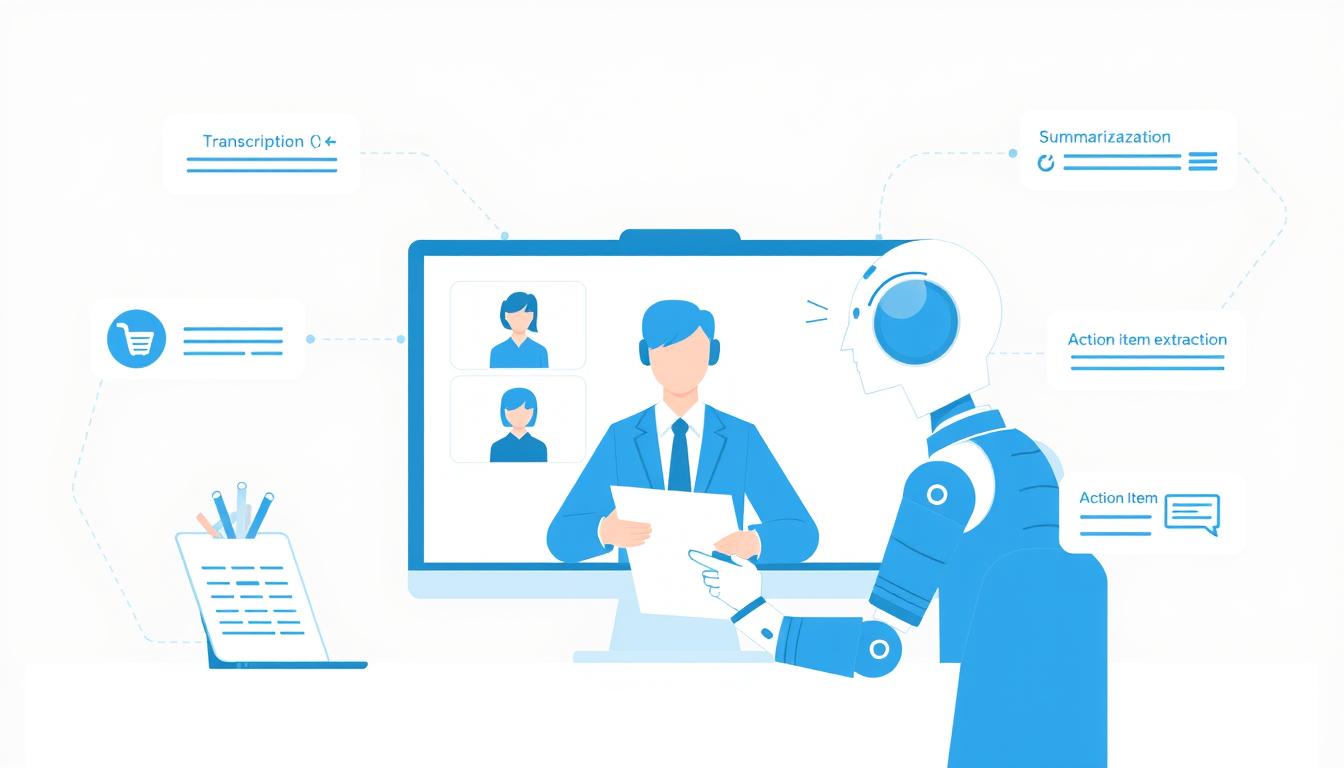
In this comprehensive comparison of AI meeting assistants, we’ll examine three leading platforms—Grain, Supernormal, and MeetGeek—to help you determine which solution best fits your team’s unique workflow and collaboration needs. We’ll analyse their features, pricing structures, and ideal use cases so you can make an informed decision about which AI assistant deserves a seat at your next meeting.
What Are AI Meeting Assistants?
AI meeting assistants are specialised software tools that use artificial intelligence to enhance meeting productivity. They automatically join your video calls (or process recordings afterwards), transcribe conversations, generate summaries, identify action items, and create searchable archives of meeting content. The best meeting assistants seamlessly integrate with your existing workflow tools, ensuring that insights and tasks flow smoothly into project management systems, CRMs, and team communication platforms.
These tools have evolved rapidly, moving beyond simple transcription to offer sophisticated features like sentiment analysis, engagement tracking, and AI-powered meeting insights. For teams struggling with meeting overload, these assistants provide a way to capture institutional knowledge, maintain accountability, and ensure no important details get lost.
Grain: Overview and Key Features
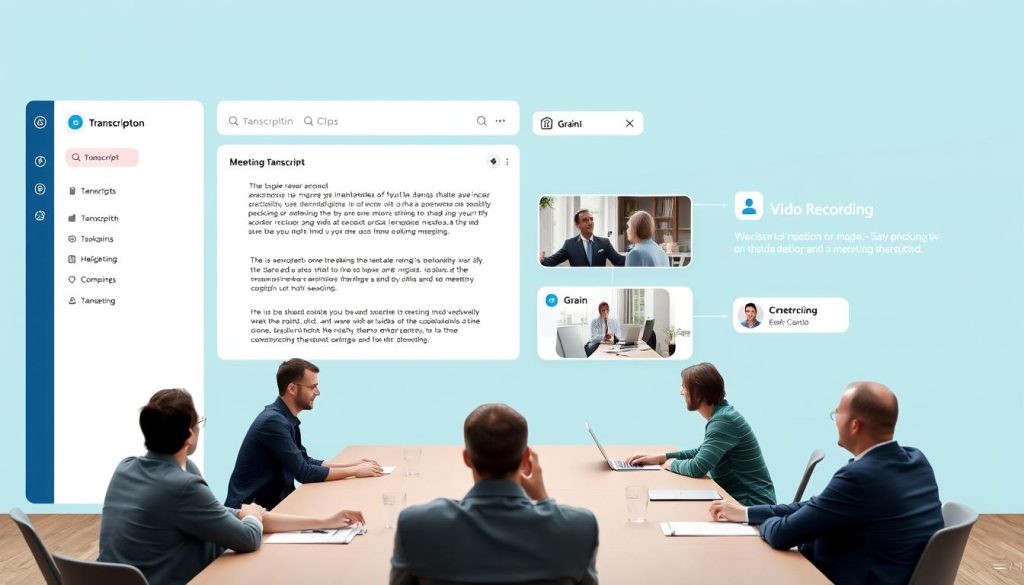
Grain positions itself as a collaborative meeting intelligence platform that transforms conversations into actionable insights. Founded in 2018, it focuses on making meeting content shareable, searchable, and valuable beyond the meeting itself.
Key Features
- Highlight Clips: Create and share short video snippets of key meeting moments with a single click
- Collaborative Workspace: Team members can highlight, comment on, and organise meeting content together
- AI Summaries: Generate concise meeting recaps with key points and action items
- Transcription: Accurate, searchable meeting transcripts with speaker identification
- Video Recording: Capture both audio and video content from meetings
- Integrations: Works with Zoom, Google Meet, Microsoft Teams, Slack, and Notion
- Workspace Organisation: Categorise meetings by project, team, or topic for easy reference
Pricing
| Plan | Price | Features | Best For |
| Free | $0 | 5 hours of recording, basic transcription, and clip sharing | Individuals and small teams are testing the platform |
| Pro | $19/user/month | Unlimited recordings, AI summaries, complete transcription, workspace collaboration | Teams and departments with regular meetings |
| Enterprise | Custom pricing | Advanced security, admin controls, dedicated support, and custom integrations | Large organisations with complex security requirements |
Target Audience
Grain is particularly well-suited for customer-facing teams in sales, customer success, and product development. Its clip-sharing functionality makes it ideal for teams that need to share meeting insights across departments or with stakeholders who weren’t present in the original conversation.
Experience Grain’s Collaborative Meeting Intelligence
Transform your team meetings into searchable, shareable knowledge with Grain’s intuitive platform.
Supernormal: Overview and Key Features
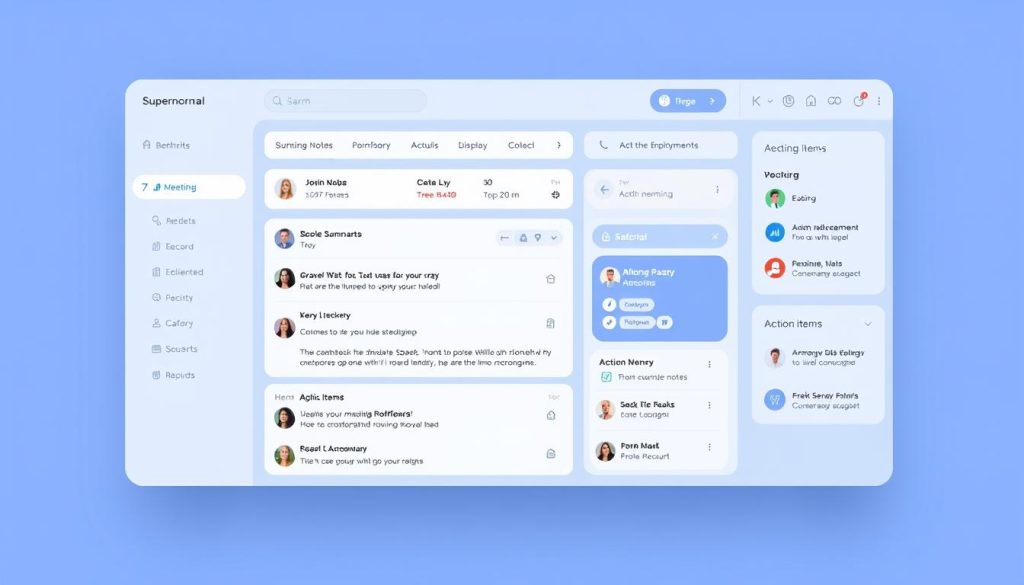
Supernormal offers a distinct approach to meeting assistance, emphasising automated note-taking and AI-generated summaries. Launched more recently than some competitors, it emphasises a clean, minimal interface and powerful AI capabilities that require minimal user intervention.
Key Features
- Automated Meeting Notes: AI-generated notes that capture key points without manual input
- Innovative Templates: Customizable note formats for different meeting types (1:1s, standups, client calls)
- Action Item Extraction: Automatically identifies and assigns tasks from the conversation
- Meeting Insights: Analytics on meeting patterns and productivity
- Real-time Collaboration: Team members can edit and enhance AI-generated notes together
- Integrations: Works with Zoom, Google Meet, Microsoft Teams, Slack, Notion, and Asana
- Knowledge Base: Creates a searchable repository of meeting information
Pricing
| Plan | Price | Features | Best For |
| Starter | $0 | 10 AI-generated notes/month, basic templates, personal use only | Individuals wanting to test the platform |
| Pro | $24/user/month | Unlimited AI notes, custom templates, action items, and integrations | Teams with frequent meetings and collaboration needs |
| Business | $48/user/month | Advanced analytics, admin controls, priority support, SSO | Larger teams with advanced security and management needs |
Target Audience
Supernormal appeals to teams that prioritise efficiency and minimal setup. It’s powerful for product teams, engineering departments, and organisations with structured meeting formats. The platform excels at converting conversations into actionable documentation with minimal user effort.
Automate Your Meeting Notes with Supernormal
Let AI handle your note-taking so you can focus on the conversation. Perfect for teams that value efficiency.
MeetGeek: Overview and Key Features
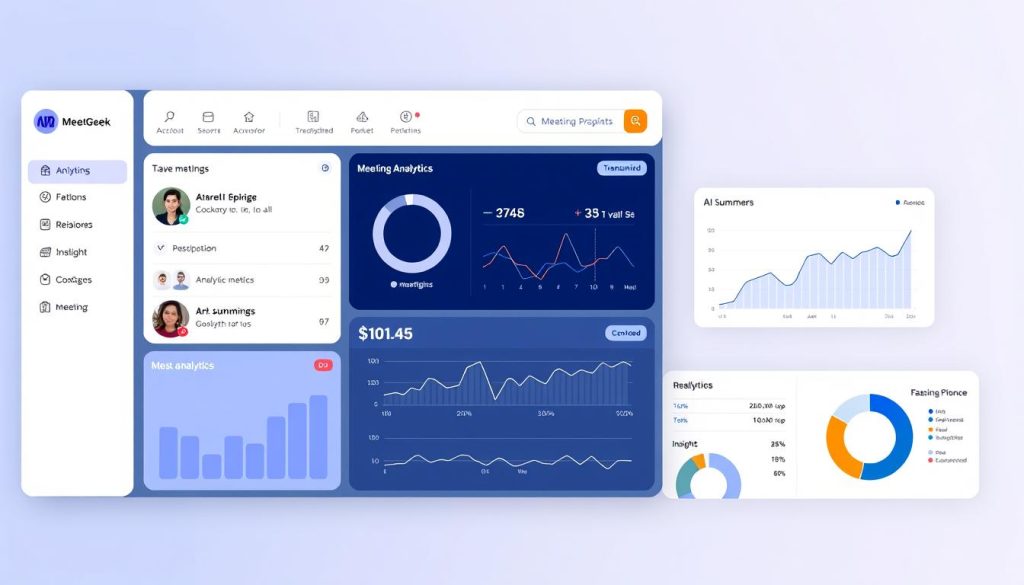
MeetGeek positions itself as an AI meeting assistant focused on analytics and insights. It aims to help teams understand meeting patterns, track engagement, and improve overall meeting effectiveness through data-driven recommendations.
Key Features
- Meeting Analytics: Detailed insights on meeting frequency, duration, and participation
- Automated Transcription: Accurate speech-to-text with speaker identification
- AI Summaries: Concise recaps highlighting key discussion points
- Action Item Tracking: Extracts and assigns tasks from conversations
- Engagement Metrics: Measures participant involvement and speaking time
- Topic Analysis: Identifies recurring themes and subjects across meetings
- Integrations: Works with Zoom, Google Meet, Microsoft Teams, Slack, and various CRMs
Pricing
| Plan | Price | Features | Best For |
| Free | $0 | 5 hours of recording/month, basic transcription, simple summaries | Small teams or individuals testing the platform |
| Pro | $15/user/month | 20 hours recording/month, complete analytics, action items, integrations | Teams focused on improving meeting effectiveness |
| Business | $30/user/month | Unlimited recording, advanced analytics, custom workflows, priority support | Organisations with high meeting volume and analytics needs |
Target Audience
MeetGeek is particularly valuable for management teams, operations departments, and organisations focused on optimising meeting culture. Its analytics-first approach helps identify inefficient meeting patterns and provides actionable insights to improve team collaboration.
Gain Meeting Insights with MeetGeek
Transform your meeting culture with data-driven insights and automated documentation.
Feature Comparison: Grain vs Supernormal vs MeetGeek
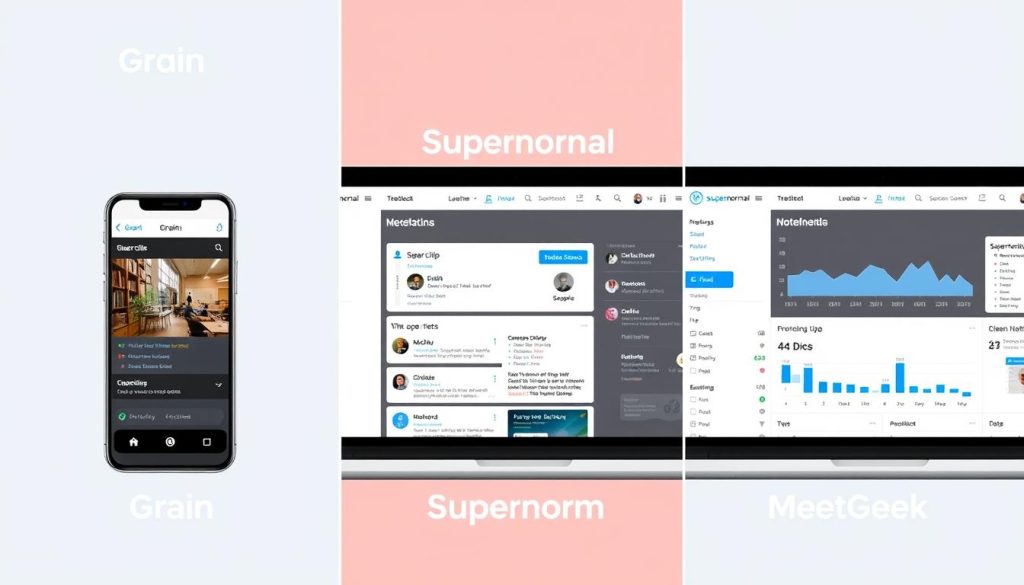
While all three platforms serve as AI meeting assistants, they each take different approaches to solving meeting productivity challenges. Let’s compare their core capabilities across key dimensions:
| Feature | Grain | Supernormal | MeetGeek |
| Core Focus | Collaborative video clips and sharing | Automated note-taking with minimal setup | Meeting analytics and insights |
| Transcription Quality | Excellent (95%+ accuracy) | Very Good (90%+ accuracy) | Excellent (95%+ accuracy) |
| Summary Quality | Good, focuses on key moments | Excellent, structured by template | Very Good, data-driven |
| Video Recording | Yes (full meeting) | No (audio only) | Yes (full meeting) |
| Action Item Tracking | Basic extraction | Advanced with assignments | Advanced with analytics |
| Collaboration Features | Strong (comments, highlights, sharing) | Moderate (shared notes) | Basic (shared insights) |
| Analytics | Basic | Moderate | Advanced |
| Platform Support | Zoom, Google Meet, MS Teams | Zoom, Google Meet, MS Teams | Zoom, Google Meet, MS Teams, Webex |
| Free Plan | 5 hours of recording | 10 AI notes/month | 5 hours recording/month |
| Starting Price | $19/user/month | $24/user/month | $15/user/month |
Strengths and Weaknesses Analysis
Each AI meeting assistant has distinct advantages and limitations. Understanding these can help you determine which platform aligns best with your team’s specific needs.
Grain: Strengths and Weaknesses
Strengths
- Exceptional video clip creation and sharing
- Strong collaborative features for team engagement
- High-quality transcription with good speaker identification
- Intuitive, user-friendly interface
- Excellent for sharing meeting insights with stakeholders
Weaknesses
- Less robust analytics compared to MeetGeek
- Action item tracking is not as advanced as Supernormal
- Higher storage usage due to video recording
- Limited template customisation
- Mobile experience is not as polished as desktop
Supernormal: Strengths and Weaknesses
Strengths
- Superior automated note-taking with minimal setup
- Excellent template system for different meeting types
- Best-in-class action item extraction and assignment
- Clean, distraction-free interface
- Strong integration with project management tools
Weaknesses
- No video recording capability
- Less collaborative than Grain
- Fewer analytics features than MeetGeek
- Slightly higher starting price point
- Limited customisation on the free plan
MeetGeek: Strengths and Weaknesses
Strengths
- Superior meeting analytics and insights
- Excellent for tracking engagement and participation
- Most affordable starting price point
- Strong integration with CRM systems
- Good balance of features for most use cases
Weaknesses
- Less intuitive interface than competitors
- Fewer collaboration features than Grain
- Note templates are not as customizable as Supernormal
- Mobile app experience needs improvement
- Analytics focus may be overkill for simple use cases
Use Case Recommendations
Different teams have unique meeting challenges and priorities. Here’s our recommendation for which AI meeting assistant works best for specific use cases:
When to Choose Grain
Best for Sales and Customer Success Teams
Grain excels when you need to:
- Share key customer insights with internal stakeholders
- Create a library of customer testimonials from meetings
- Collaborate on meeting content across departments
- Maintain a searchable archive of client conversations
- Quickly extract and share important meeting moments
Ideal team size: 5-50 members
When to Choose Supernormal
Best for Product and Engineering Teams
Supernormal shines when you need to:
- Automate structured meeting notes with minimal effort
- Track action items and assignments across projects
- Maintain consistent documentation for different meeting types
- Integrate meeting outcomes with project management tools
- Focus on conversation without worrying about note-taking
Ideal team size: 10-100 members
When to Choose MeetGeek
Best for Management and Operations Teams
MeetGeek delivers when you need to:
- Analyse meeting patterns and improve efficiency
- Track team participation and engagement
- Identify recurring topics and themes across meetings
- Optimise meeting culture with data-driven insights
- Integrate meeting data with CRM and business intelligence tools
Ideal team size: 20-500+ members
Budget Considerations
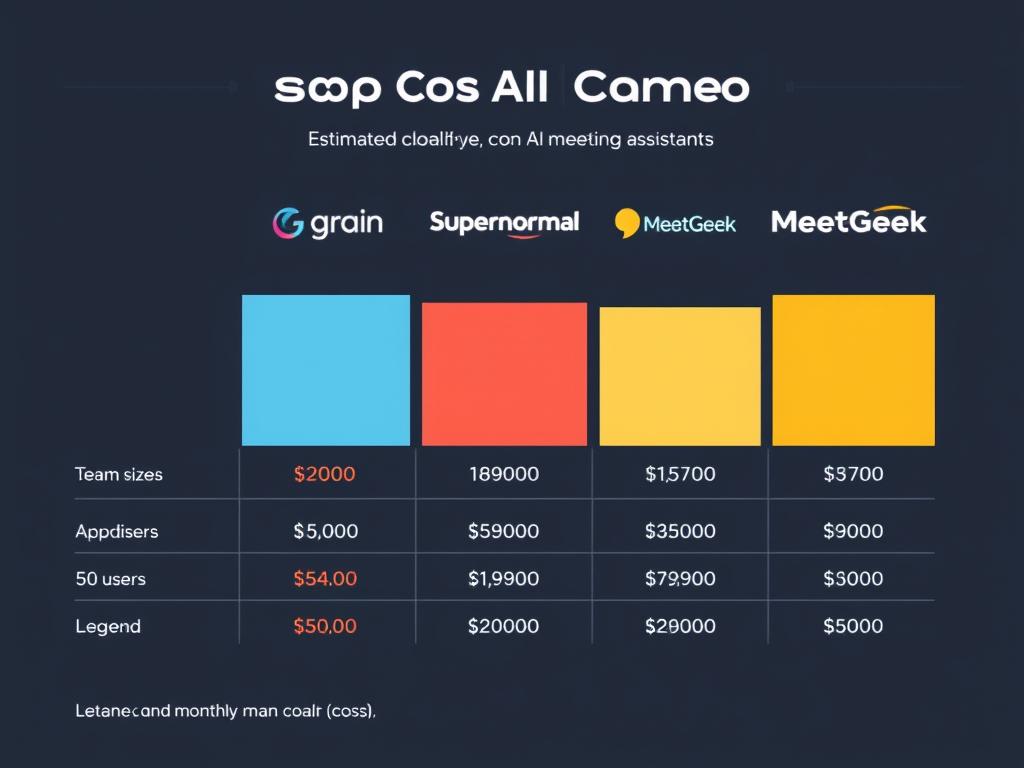
When evaluating AI meeting assistants, cost is an essential factor. Here’s how these platforms compare at different team sizes:
| Team Size | Grain (Pro) | Supernormal (Pro) | MeetGeek (Pro) |
| 5 Users | $95/month | $120/month | $75/month |
| 10 Users | $190/month | $240/month | $150/month |
| 25 Users | $475/month | $600/month | $375/month |
| 50 Users | $950/month | $1,200/month | $750/month |
Cost-Saving Tips
- Start with free plans: All three platforms offer free options to test functionality before committing.
- Consider annual billing: Save 15-20% by paying annually instead of monthly
- Selective deployment: Deploy to teams with the highest meeting volume first
- Evaluate ROI: Calculate time saved in note-taking, follow-ups, and information retrieval
- Negotiate enterprise rates: Larger organisations can often secure custom pricing
Budget Tip: For most teams, the cost of an AI meeting assistant is quickly offset by the productivity gains it provides. A team of 10 people saving just 30 minutes each week on meeting documentation and follow-up can recoup the entire annual subscription cost within 2-3 months.
Integration Capabilities
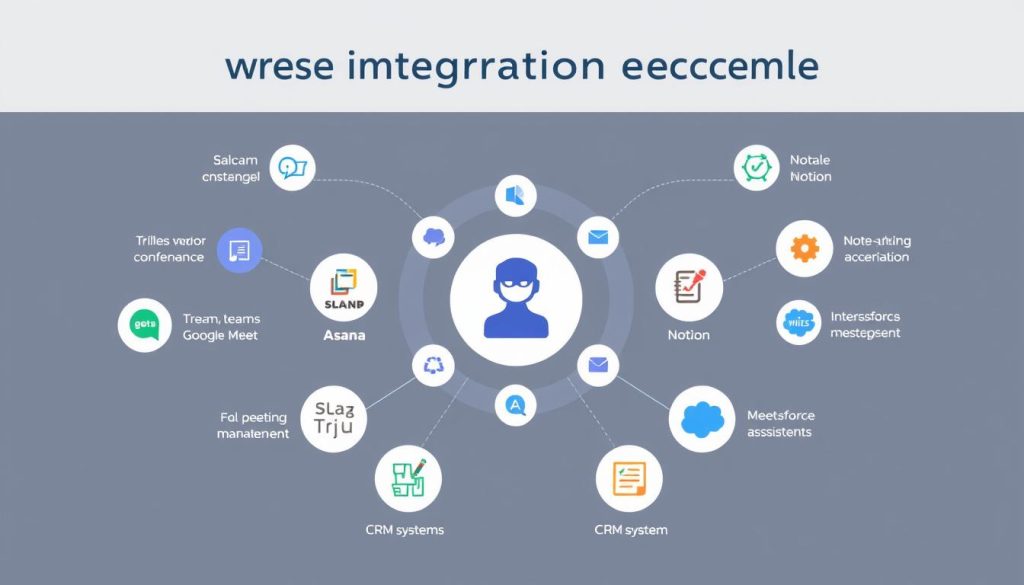
The value of an AI meeting assistant is amplified by how well it connects with your existing tech stack. Here’s how these three platforms compare in terms of integration capabilities:
Grain Integrations
- Video Conferencing: Zoom, Google Meet, Microsoft Teams
- Collaboration: Slack, Microsoft Teams
- Note-taking: Notion, Coda
- CRM: Salesforce, HubSpot
- Project Management: Asana, ClickUp
- API: Custom integrations available
Standout integration: Notion embedding for rich meeting content
Supernormal Integrations
- Video Conferencing: Zoom, Google Meet, Microsoft Teams
- Collaboration: Slack, Microsoft Teams
- Note-taking: Notion, Google Docs
- CRM: HubSpot, Pipedrive
- Project Management: Asana, Trello, Jira
- API: Zapier support for custom workflows
Standout integration: Asana for automated task creation
MeetGeek Integrations
- Video Conferencing: Zoom, Google Meet, Microsoft Teams, Webex
- Collaboration: Slack, Microsoft Teams
- Note-taking: Notion, Evernote
- CRM: Salesforce, HubSpot, Zoho
- Project Management: Monday.com, ClickUp
- API: REST API for custom integrations
Standout integration: Salesforce for meeting analytics in CRM
Integration Considerations
When evaluating integration capabilities, consider these factors:
- Depth vs. Breadth: Some platforms offer many integrations, but with limited functionality
- Data Flow: Verify if integrations are one-way or bidirectional
- Setup Complexity: Some integrations require technical configuration
- Authentication: Check if SSO and enterprise security requirements are supported
- API Access: For custom needs, evaluate API documentation and support
User Experience and Ease of Use
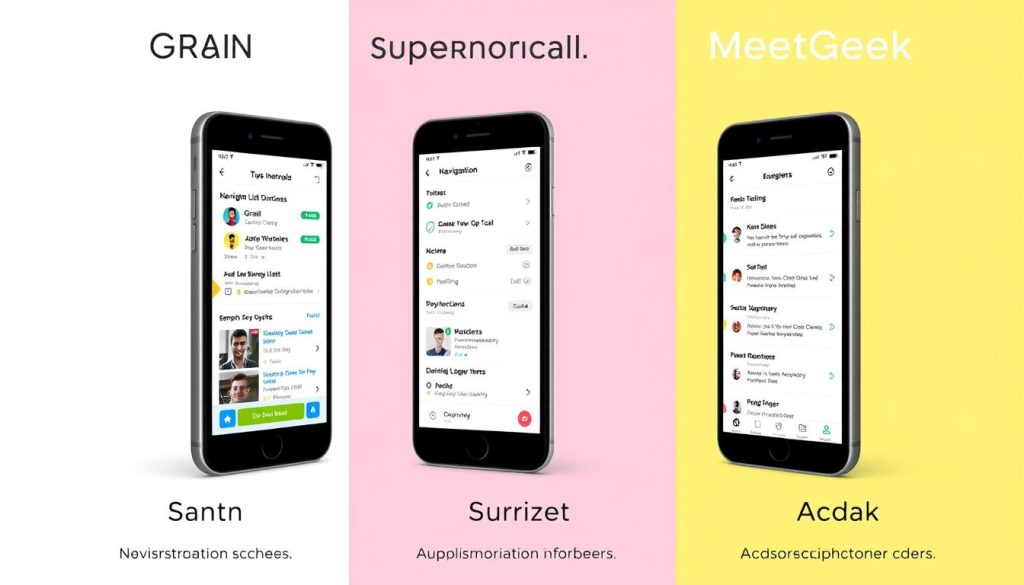
The best AI meeting assistant is one that your team will actually use. User experience plays a crucial role in adoption and long-term value. Here’s how these platforms compare:
Grain: User Experience
Grain offers an intuitive, visually appealing interface focused on video content and collaboration. The platform excels at making meeting content discoverable and shareable, with an emphasis on video clips and highlights. New users can typically get up and running with minimal training, although mastering the full feature set may take some time.
The mobile experience is good, but not as robust as the desktop experience, with some advanced features only available on larger screens. The workspace organisation is logical, making it easy to find past meetings and related content.
Supernormal: User Experience
Supernormal stands out for its clean, minimalist interface and “set it and forget it” approach. The platform requires minimal user intervention, automatically generating notes and summaries without complex setup. Its template system is exceptionally well-designed, allowing users to customise output formats for different meeting types.
The mobile experience is excellent, with nearly all functionality available on smaller screens. Navigation is straightforward, with a focus on recent meetings and quick access to notes and action items.
MeetGeek: User Experience
MeetGeek’s interface is more data-driven and analytical, which can feel slightly more complex for new users. The platform provides extensive information and insights, which power users appreciate but may initially overwhelm some team members. Dashboard customisation options help tailor the experience to different roles.
The mobile experience is functional, but it prioritises access to information over editing capabilities. The platform excels at organising meeting data for analysis and reporting, with strong search and filtering options.
Security and Compliance Considerations
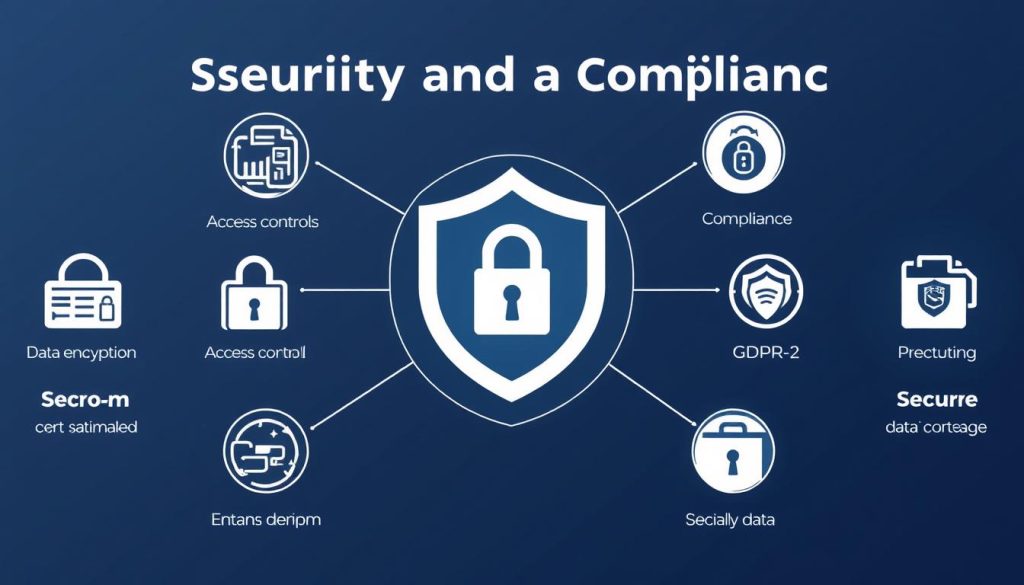
For organisations handling sensitive information, security and compliance capabilities are non-negotiable. Here’s how these platforms address these concerns:
| Security Feature | Grain | Supernormal | MeetGeek |
| Data Encryption | At rest and in transit | At rest and in transit | At rest and in transit |
| SOC 2 Compliance | Type II | Type I | Type II |
| GDPR Compliance | Yes | Yes | Yes |
| HIPAA Compliance | Available on Enterprise | Available on Business | Available on Business |
| SSO Integration | Enterprise only | Business only | Business only |
| Role-Based Access | Yes | Yes | Yes |
| Data Retention Controls | Advanced | Basic | Advanced |
| Audit Logs | Enterprise only | Business only | Business only |
Security Best Practices
Regardless of which platform you choose, consider implementing these security best practices:
- Establish clear recording consent protocols for all meetings
- Create documented policies for meeting recording and sharing
- Regularly review access permissions and user accounts
- Train team members on the appropriate handling of meeting content
- Implement meeting classification for sensitive discussions
Note on AI Training Data: All three platforms have policies regarding the use of customer data for training AI models. Grain and MeetGeek allow customers to opt out completely, while Supernormal uses anonymised data by default but provides opt-out options for enterprise customers. Review each platform’s privacy policy for the most current information.
Final Verdict: Which AI Meeting Assistant Is Right for You?
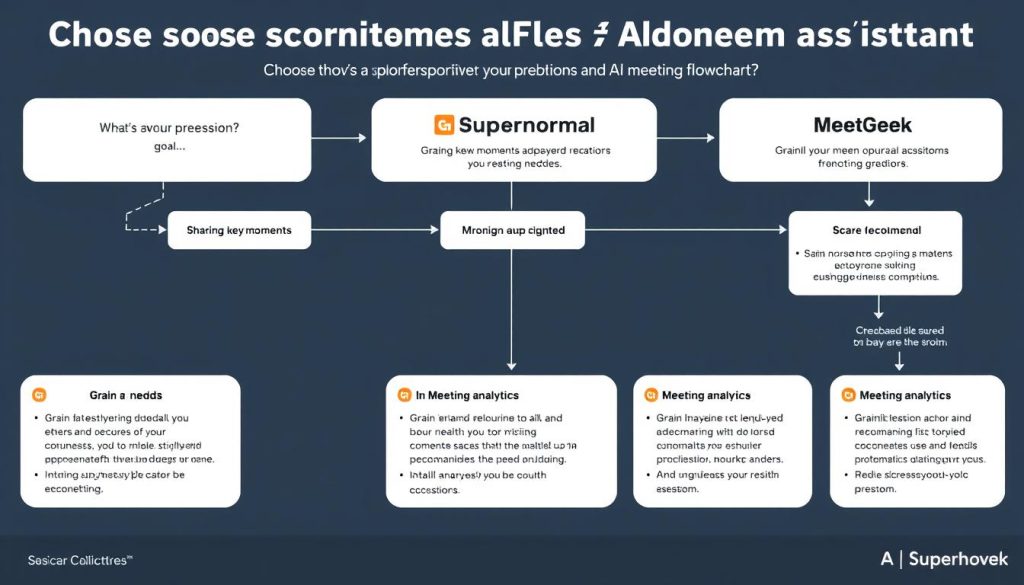
After thoroughly comparing Grain, Supernormal, and MeetGeek, here are our recommendations based on specific team needs and priorities:
Choose Grain if: Your team needs to share key meeting moments, collaborate on meeting content, and create a searchable video library of meaningful conversations. It’s ideal for customer-facing teams that need to extract and share insights across the organisation.
Choose Supernormal if: Your priority is effortless, automated note-taking with minimal setup and maintenance. It’s perfect for teams that want to focus on the conversation without worrying about documentation, with strong action item tracking and project management integration.
Choose MeetGeek if you need deep meeting analytics, engagement tracking, and data-driven insights to enhance meeting effectiveness. It’s ideal for organisations seeking to improve their meeting culture and integrate meeting data with business intelligence tools.
Best Overall AI Meeting Assistant
While each platform excels in different areas, if we had to recommend just one solution for most teams, Supernormal offers the best balance of ease of use, powerful automation, and value. Its “set it and forget it” approach results in high adoption rates, and its template system adapts well to various meeting types without requiring extensive configuration.
Best Value AI Meeting Assistant
For teams on a budget, MeetGeek provides the most comprehensive feature set at the lowest starting price point. Its free plan is generous, and even its paid tiers offer excellent value compared to competitors.
Best Enterprise AI Meeting Assistant
For large organisations with complex security and compliance requirements, Grain offers the most robust enterprise features, including advanced access controls, comprehensive audit logs, and strong data retention policies.
Ready to Transform Your Meetings?
All three platforms offer free trials or plans to help you experience their capabilities firsthand. Begin with the solution that best aligns with your team’s primary needs.
Conclusion: The Future of AI Meeting Assistants
AI meeting assistants have evolved from simple transcription tools to sophisticated platforms that transform how teams collaborate, document, and act on meeting content. As we’ve seen in our comparison of Grain, Supernormal, and MeetGeek, each platform brings unique strengths to address different aspects of meeting productivity.
Looking ahead, we can expect these tools to become even more intelligent and integrated into our workflows. Future developments will likely include more advanced real-time coaching during meetings, deeper integration with project management and business intelligence tools, and increasingly accurate AI-generated content that captures not only what was said, but also the context and implications.
The key to success with any AI meeting assistant is finding the right match for your team’s specific needs and meeting culture. Whether you prioritise collaboration, automation, or analytics, the platforms we’ve reviewed offer compelling solutions to make your meetings more productive and valuable. By choosing the right assistant, you can transform meetings from time-consuming obligations into valuable assets that drive your team’s success.
Frequently Asked Questions
Do AI meeting assistants require special hardware or setup?
No, all three platforms (Grain, Supernormal, and MeetGeek) work with standard computers and don’t require special hardware. They integrate with popular video conferencing platforms, such as Zoom, Google Meet, and Microsoft Teams, through browser extensions or calendar integrations. Setup typically takes less than 10 minutes.
Can I use these AI meeting assistants for sensitive or confidential meetings?
Yes, but with appropriate precautions. All three platforms offer enterprise-grade security features, including encryption and compliance certifications. For highly sensitive meetings, look for platforms that offer HIPAA compliance (if applicable in healthcare), advanced access controls, and robust data retention policies. Always inform participants when a meeting is being recorded, and consider implementing meeting classification systems for different sensitivity levels.
How accurate are the AI transcriptions and summaries?
Modern AI meeting assistants typically achieve 90-95% transcription accuracy in good audio conditions with clear speakers. Accuracy may decrease with poor audio quality, heavy accents, or the use of technical jargon. Summaries are generally effective at capturing main points and action items, but may occasionally overlook nuanced discussions or contextual details. All three platforms continuously improve their AI models over time.
Can I try these platforms before committing to a paid plan?
Yes, all three platforms offer free options. Grain and MeetGeek provide free plans with limited recording hours (5 hours/month), while Supernormal offers 10 free AI-generated notes per month. These free tiers enable you to test core functionality before upgrading to paid plans with additional features and increased capacity.






