Make vs Zapier: Advanced Automation Platforms Compared

This comprehensive comparison will help you understand the key differences between Make vs Zapier, examining their interfaces, pricing structures, integration capabilities, and ideal use cases. Whether you’re a small business owner, marketing professional, or IT specialist, this guide will help you choose the right automation platform for your specific requirements.
Platform Overview: Make vs Zapier
What is Make?
Make (formerly known as Integromat) is a visual automation platform launched in 2016 that focuses on providing advanced workflow capabilities. It offers a canvas-style interface that lets users build complex scenarios with branching logic, data transformations, and iterative processes.
Position itself as a more flexible and powerful alternative to Zapier, with deeper integration capabilities and more granular control over automation processes. The platform is designed to efficiently handle complex workflows and high volumes of data.
What is Zapier?
Zapier, founded in 2011, pioneered the no-code automation space with its user-friendly approach to connecting apps and automating workflows. It uses a linear, step-by-step interface that makes it accessible to users with minimal technical experience.
With over 6,000 app integrations, Zapier offers the largest ecosystem of pre-built connectors. The platform focuses on simplicity and ease of use, making it popular among small businesses and teams looking for quick automation solutions.
User Interface and Ease of Use
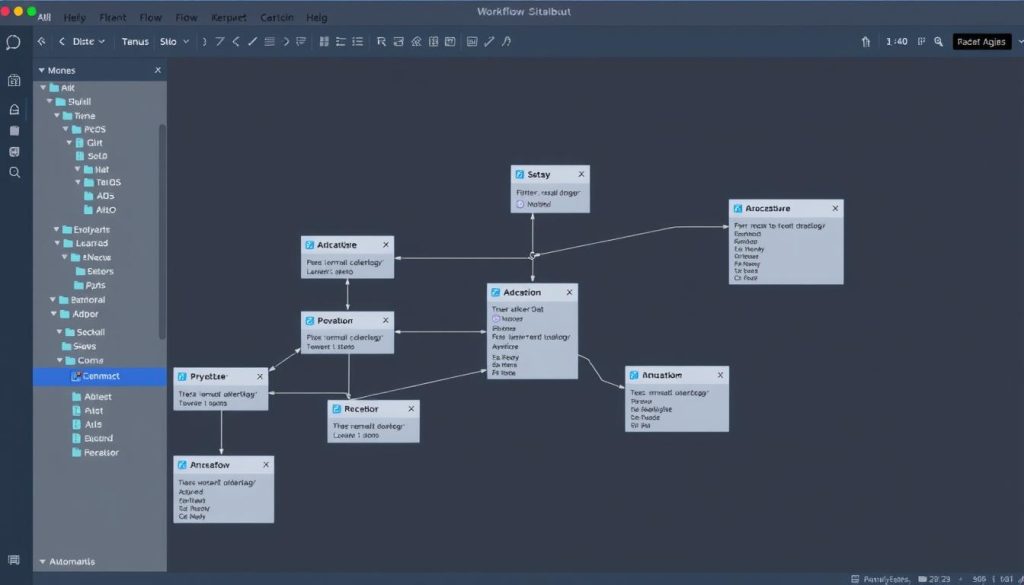
Make’s Visual Workflow Builder
Make offers a visual, drag-and-drop scenario builder that displays your entire workflow on a canvas. This approach gives you a bird’s-eye view of complex automations and makes it easier to understand how data flows between different steps and branches.
While this interface offers greater flexibility and control, it also comes with a steeper learning curve. New users may find the canvas overwhelming at first, but the visual nature ultimately makes complex workflows easier to manage once you understand the basics.
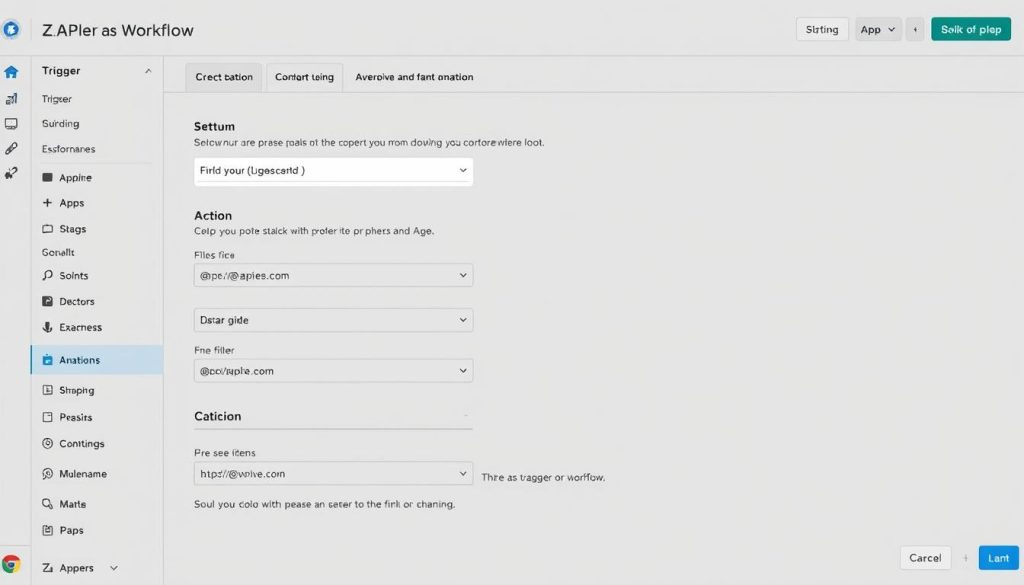
Zapier’s Step-by-Step Approach
Zapier uses a more structured, linear approach to building automations (called “Zaps”). The platform guides you through each step with clear forms and dropdown menus, making it highly accessible for beginners and non-technical users.
This guided approach helps new users get started quickly, but it can feel limiting for complex workflows. Zapier’s interface prioritises simplicity over flexibility, which is perfect for straightforward automations but can become cumbersome for multi-step, conditional processes.
Make UI Strengths
- Visual canvas provides a better overview of complex workflows
- Drag-and-drop interface for connecting modules
- Easier to build branching logic and conditional paths
- Better visualisation of data flow between steps
- More control over workflow design and structure
Make UI Challenges
- Steeper learning curve for beginners
- A more complex interface can be overwhelming
- Requires more time to master advanced features
- Less guided experience for new users
- Fewer templates for everyday use cases
Zapier UI Strengths
- Intuitive step-by-step interface for beginners
- Guided workflow creation process
- Extensive templates library for quick setup
- Cleaner, more straightforward design
- Faster setup for simple automations
Zapier UI Challenges
- Limited visualisation of complex workflows
- Less flexible for advanced branching logic
- Can become unwieldy for multi-step processes
- Harder to troubleshoot complex automations
- Fixed linear structure limits creativity
Pricing Structure Comparison
Pricing is often a decisive factor when choosing between Make and Zapier. Both platforms use different pricing models, which can significantly affect costs based on your automation needs.
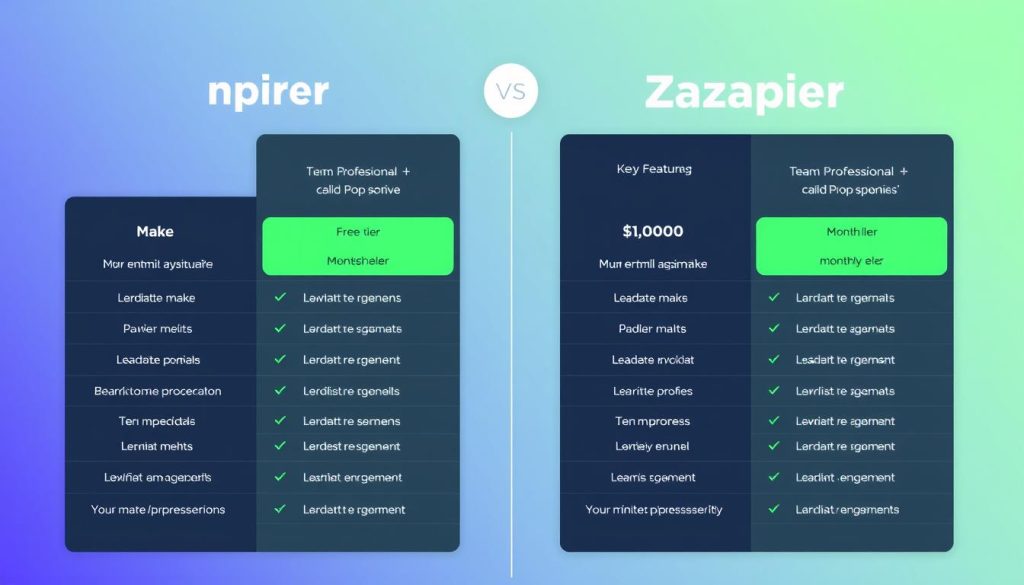
Make’s Operation-Based Pricing
Make charges based on the number of operations your scenarios perform. An operation occurs each time a module in your scenario processes a piece of data. This model can be more cost-effective for complex workflows with multiple steps.
| Plan | Price | Operations | Active Scenarios | Key Features |
| Free | $0 | 1,000/month | 2 | Basic features, 5-minute minimum interval |
| Core | $9/month | 10,000/month | 3 | All apps, 1-minute minimum interval |
| Pro | $16/month | 10,000/month | 5 | Teams, roles, 15-second minimum interval |
| Teams | $29/month | 10,000/month | 10 | Advanced user management, 5-second minimum interval |
| Enterprise | Custom | Custom | Custom | Custom JS functions, dedicated support, SSO |
Zapier’s Task-Based Pricing
Zapier charges based on the number of tasks your Zaps perform. A task is counted each time Zapier completes an action in your workflow. This model can become expensive for workflows that process large volumes of data or have multiple steps.
| Plan | Price | Tasks | Active Zaps | Key Features |
| Free | $0 | 100/month | 5 | Single-step Zaps, 15-minute update time |
| Starter | $19.99/month | 750/month | 20 | Multi-step Zaps, 2-minute update time |
| Professional | $49/month | 2,000/month | Unlimited | Custom logic, 1-minute update time |
| Team | $69/month | 2,000/month | Unlimited | Shared workspaces, folder permissions |
| Company | $99/month | 2,000/month | Unlimited | Advanced admin, SAML SSO |
Pricing Insight: Which Offers Better Value?
For high-volume, complex workflows, Make typically offers better value. For example, Make’s $9/9/month plan provides 10,000 operations, while Zapier’s $19.99/month plan only offers 750 tasks. However, for simpler workflows with fewer steps, Zapier’s pricing may be more appropriate, especially if you need access to their extensive app library.
Consider your specific automation needs, workflow complexity, and data volume when evaluating pricing. Many organisations start with Zapier for simplicity and migrate to Make as their automation needs become more sophisticated.
Integration Capabilities and App Ecosystem
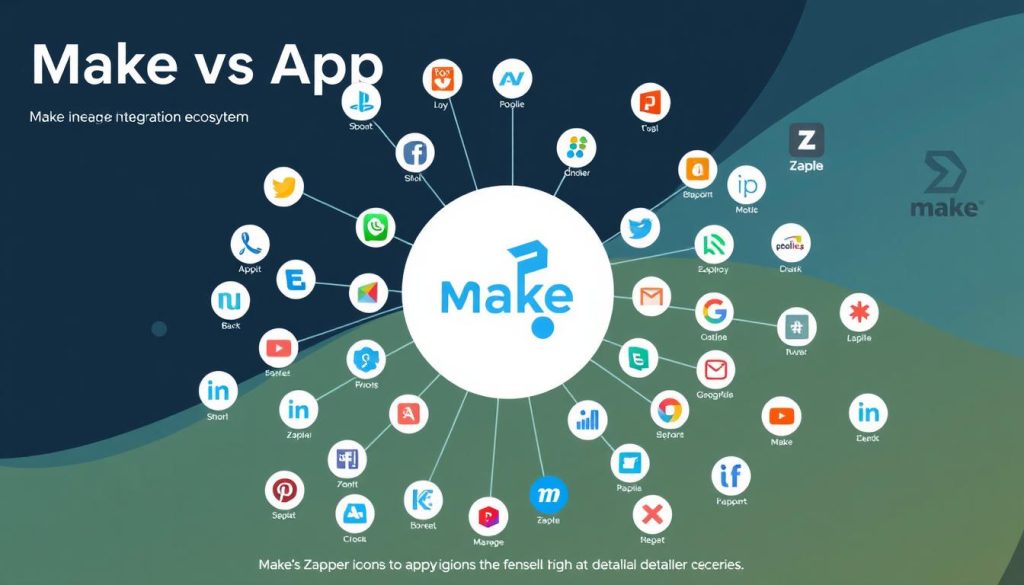
App Ecosystem Comparison
The breadth and depth of available integrations are a critical factor when choosing an automation platform. Zapier and Make differ significantly in their approach to app integrations.
Zapier’s Extensive App Library
Zapier boasts over 6,000 app integrations, making it the leader in terms of sheer quantity. This extensive library means you’re more likely to find connectors for all the tools in your tech stack, including niche and industry-specific applications.
Zapier’s focus on breadth ensures compatibility with most popular business tools, but the depth of these integrations can sometimes be limited to basic actions and triggers.
Make’s Deep Integration Approach
Make offers approximately 1,500 pre-built connectors, significantly fewer than Zapier. However, Make often offers more actions and triggers per integration, enabling deeper functionality with supported apps.
Make also excels in its HTTP/API integration capabilities, making it easier to connect to services without pre-built connectors or to access advanced features not covered by existing modules.
Custom Integration Options
Both platforms offer ways to extend beyond their pre-built connectors, but with different approaches and levels of flexibility.
Make’s Custom HTTP Modules
Make provides several HTTP modules that allow you to make custom API requests to virtually any service with an API. This flexibility enables advanced users to build integrations with platforms not officially supported or to access deeper functionality.
The platform also offers tools for parsing and manipulating JSON, XML, and other data formats, making it powerful for custom integration development.
Zapier’s Developer Platform
Zapier offers a Developer Platform that lets you build custom integrations, or “private apps.” This approach is more structured but requires more technical knowledge to implement effectively.
The platform also supports webhooks for custom integrations, though these features are limited on lower-tier plans and don’t offer the same flexibility as Make’s HTTP modules.
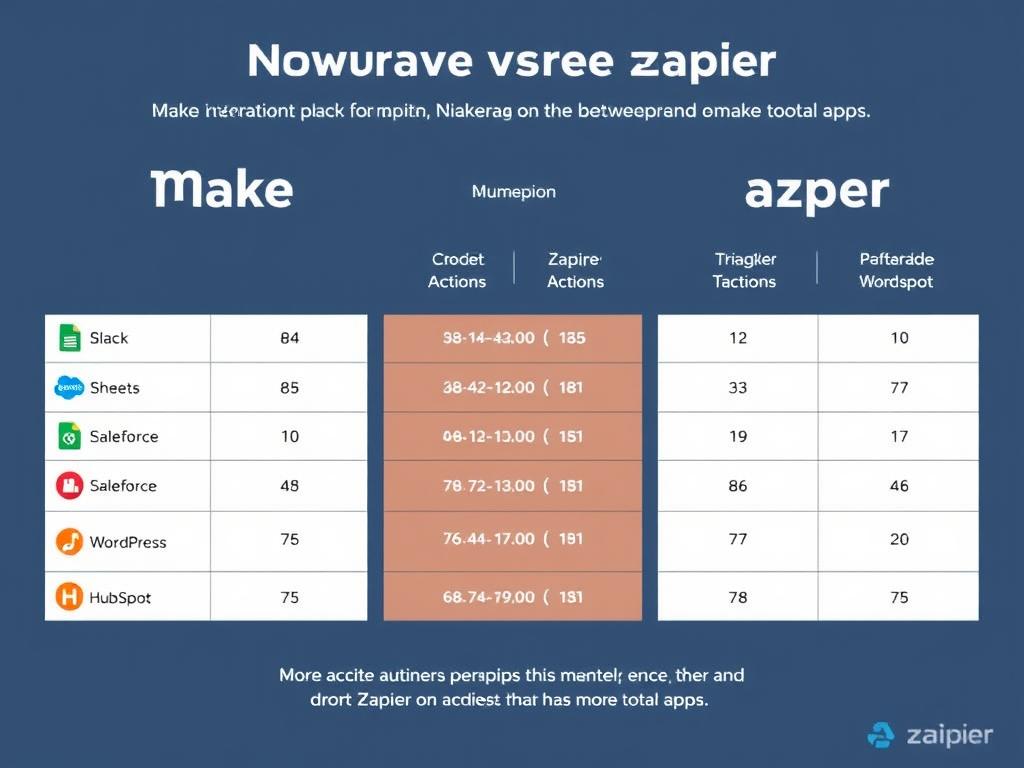
Not Sure Which Platform Has Your Essential Integrations?
Both Make and Zapier offer free plans that let you explore their app directories and test basic workflows before committing to a paid plan.
Advanced Automation Features
Beyond basic app connections, both platforms offer advanced features that determine how effectively you can build and manage complex workflows.
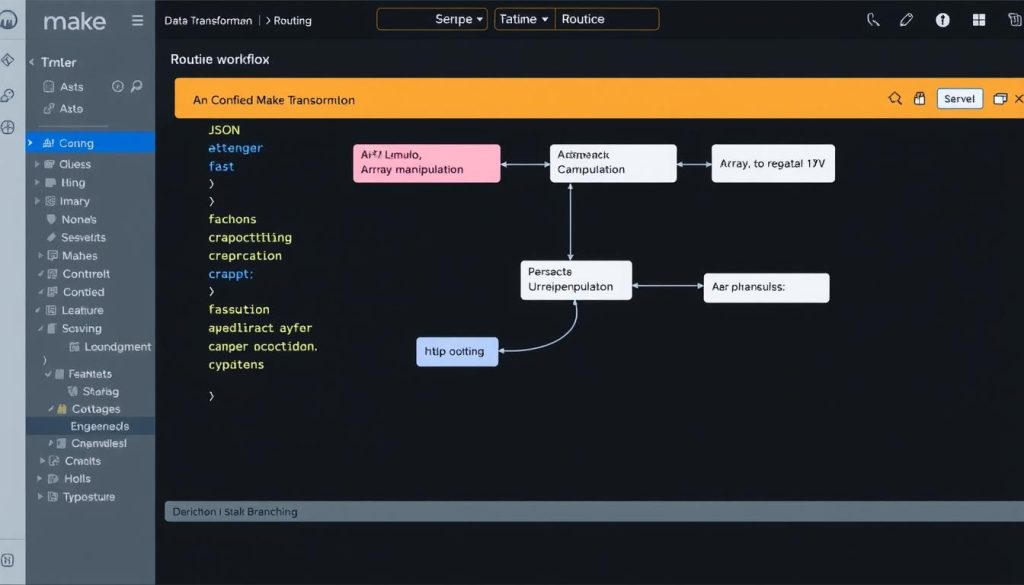
Workflow Complexity and Logic
The ability to handle complex logic and multi-step processes is where Make and Zapier differ significantly.
Make’s Advanced Routing and Iteration
Excel excels at complex workflows with its Router module, which supports unlimited branching based on conditions. This allows the creation of sophisticated decision trees within a single scenario.
The platform also supports iterators and aggregators, enabling you to efficiently process arrays of data. This is particularly useful for batch processing or working with complex data structures.
Zapier’s Paths and Logic
Zapier offers Paths for creating conditional logic in workflows, but with more limitations than Make. Each Path can have multiple conditions, but follows a more rigid structure.
While Zapier has improved its handling of complex logic over time, it still struggles with deeply nested conditions or workflows that require efficient processing of arrays of data.
Data Transformation Capabilities
Transforming data between apps is a critical function of any automation platform. Make and Zapier offer different approaches to data manipulation.
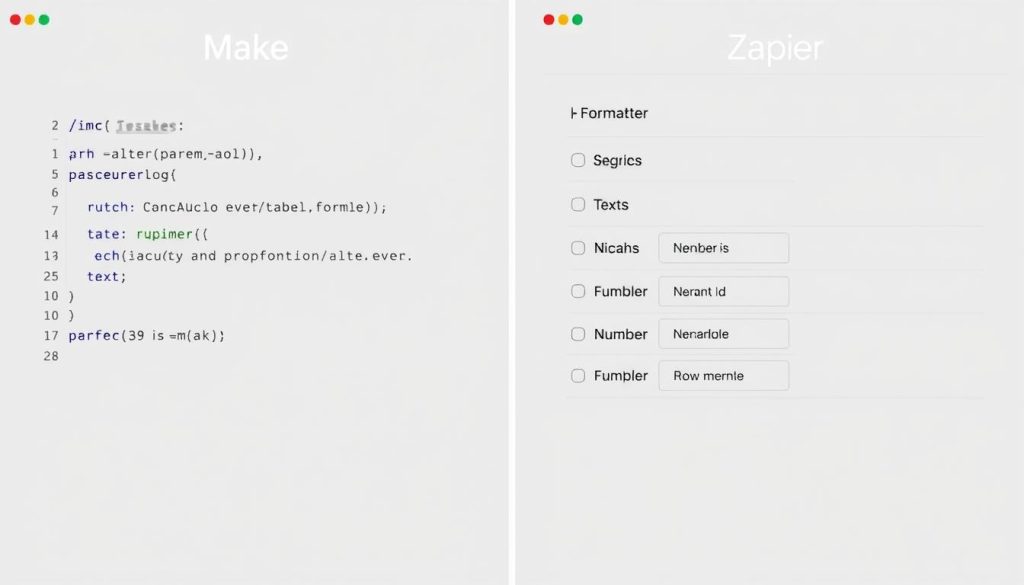
Make’s Built-in Data Tools
Make provides a comprehensive set of built-in functions for data manipulation, including text operations, mathematical calculations, date formatting, and array manipulation. These functions can be used directly in any field within your scenario.
The platform also offers dedicated tools for working with JSON, XML, HTML, and other data formats, making it powerful for complex data transformations.
Zapier’s Formatter and Code Steps
Zapier offers a Formatter step for fundamental data transformations, such as text formatting, number calculations, and date manipulation. For more complex needs, the Code step allows you to write custom JavaScript or Python code.
While these tools are effective for many use cases, they don’t offer the same level of integration with the workflow as Make’s built-in functions, often requiring additional steps for complex transformations.
Error Handling and Reliability
How a platform handles errors and ensures workflow reliability can significantly impact your automation experience.
Make’s Error Handling Options
Make offers robust error handling with dedicated error handlers that can be attached to any module. These handlers provide options to ignore errors, retry operations, or execute alternative paths when issues occur.
The platform also maintains detailed execution history and allows you to replay failed executions with modifications, making troubleshooting more efficient.
Zapier’s Reliability Features
Zapier provides basic error handling, including the option to retry failed steps and receive notifications about errors. The platform’s Task History feature helps track execution status and troubleshoot issues.
While effective for simpler workflows, Zapier’s error handling lacks some of the advanced options available in Make, particularly for complex scenarios with multiple potential failure points.
Team Collaboration and Management
For organisations with multiple automation users, collaboration features and team management capabilities are essential considerations.
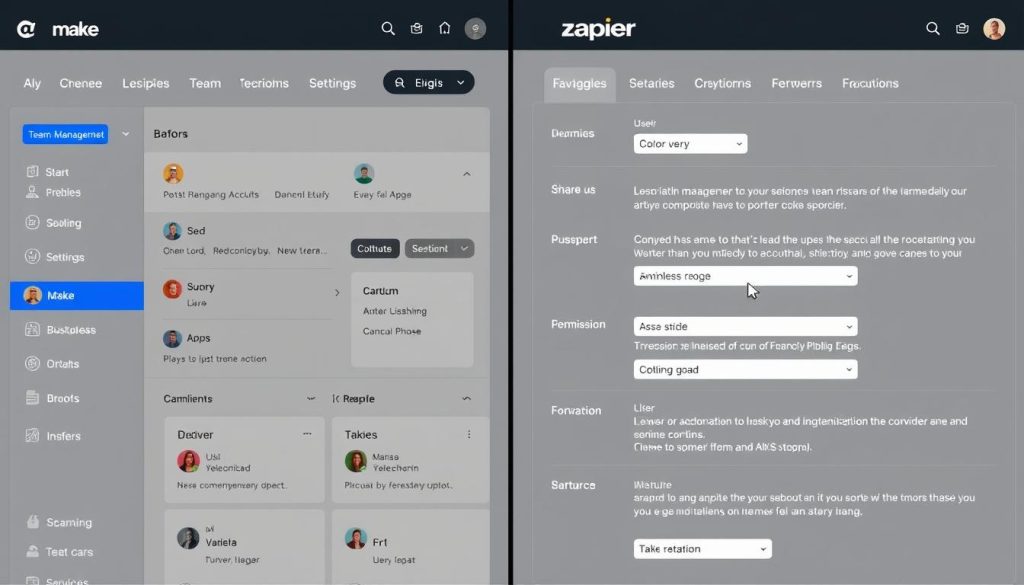
User Management and Permissions
Both platforms offer team features, but with different approaches to user management and access control.
Make’s Team Structure
Make offers, organise, and manage at the team level with granular role-based permissions. This two-tier system enables flexible access control across projects and scenarios.
The platform supports unlimited users from the start, with advanced team features available on higher-tier plans. This makes it suitable for organisations with complex permission requirements.
Zapier’s Collaboration Features
Zapier restricts multi-user access to Team plans and above. The platform provides basic role assignments and folder permissions to organise and share Zaps among team members.
For enterprise users, Zapier offers more advanced features, such as SAML SSO and user provisioning, but these are only available on higher-tier plans.
Sharing and Collaboration Tools
The ability to share workflows and collaborate on automation development varies between the platforms.
Make’s Sharing Capabilities
Make allows users to share scenarios and templates, facilitating collaboration across teams easily. The platform also supports exporting and importing, making it easy to transfer workflows between environments.
These features are available across all plans, making collaboration accessible even for smaller teams or organisations.
Zapier’s Team Workspace
Zapier’s sharing capabilities are available only on Team plans and above. The platform offers shared workspaces where team members can access and edit Zaps based on their permissions.
The ability to export and import Zaps is also restricted to higher-tier plans, which can limit collaboration options for users on lower-tier subscriptions.
Mobile App Functionality
Access to your automation platform on mobile devices can be necessary for monitoring and managing workflows on the go.
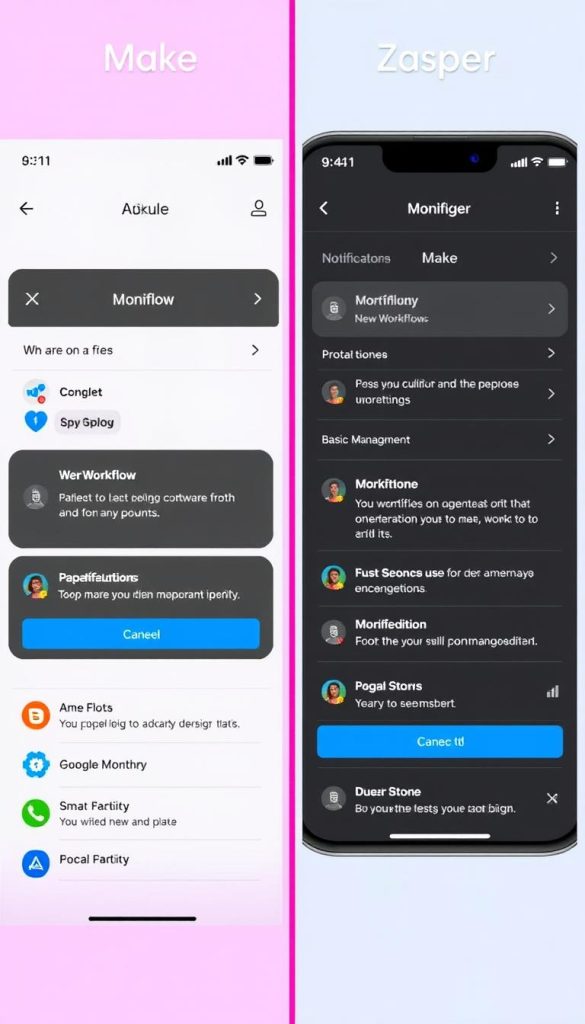
Make’s Mobile Experience
Make offers a mobile app that lets users monitor scenario executions, receive error notifications, and make basic workflow adjustments. The app provides a condensed version of the platform’s functionality focused on monitoring rather than building.
For enterprise users, Make also offers a mobile SDK that enables the creation of custom mobile automation solutions.
Zapier’s Mobile Capabilities
Zapier’s mobile app focuses on monitoring Zap activity, managing basic settings, and receiving notifications about execution status. Like Make, the mobile experience is primarily designed for monitoring rather than creating complex workflows.
The app provides a streamlined interface for checking task history and troubleshooting issues when you’re away from your computer.
Ideal Use Cases: When to Choose Each Platform
Based on their strengths and limitations, Make and Zapier are each better suited for specific use cases and user types.

When to Choose Make
Make excels in scenarios that require advanced functionality, complex logic, and efficient data processing.
Ideal for:
- Technical teams that need precise control over workflow logic and data transformations
- Complex business processes with multiple conditions, branches, and data manipulation requirements
- High-volume automations where cost-efficiency for large numbers of operations is important
- Custom API integrations that require direct HTTP requests and advanced data handling
- Data-intensive workflows that process arrays, JSON, or other complex data structures
Real-world examples:
- Processing and transforming large datasets from multiple sources before loading into analytics platforms
- Building complex approval workflows withvariouse decision points and stakeholders
- Creating custom integrations with internal systems or APIs without pre-built connectors
- Implementing sophisticated e-commerce operations with inventory management and order processing

When to Choose Zapier
Zapier is the better choice for users who prioritise simplicity, ease of use, and access to the broadest range of app integrations.
Ideal for:
- Non-technical users who need an intuitive, guided experience
- Small businesses and startups looking for quick automation wins
- Marketing and sales teams connecting standard business tools
- Organisations using niche or industry-specific apps
- Simple workflows with straightforward trigger-action relationships
Real-world examples:
- Automating lead capture from web forms to CRM systems
- Syncing customer data between marketing platforms and support tools
- Creating social media posting workflows across multiple channels
- Setting up notification systems for team communication and updates
Performance and Reliability Considerations
Beyond features and pricing, the performance and reliability of your automation platform can significantly impact your operations.
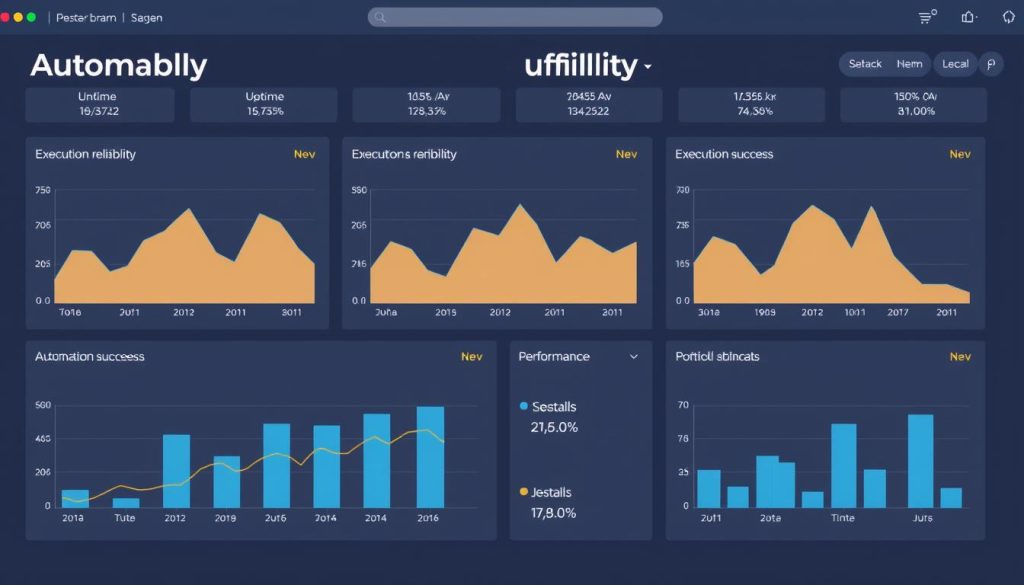
Execution Speed and Reliability
Both platforms offer different execution intervals and reliability features that affect how quickly and consistently your automations run.
Make’s Performance Profile
Make offers more flexible with execution intervals ranging from 5 minutes on the free plan to 1 minute, 15 seconds, or even 5 seconds on higher-tier plans. This flexibility enables near-real-time automation of critical processes.
The platform’s architecture is designed to handle complex data processing efficiently, making it suitable for scenarios that involve large datasets or computationally intensive operations.
Zapier’s Reliability Focus
Zapier’s execution intervals range from 15 minutes on the free plan to 1 minute on higher-tier plans. While not as flexible as Make, these intervals are sufficient for many business automation needs.
Zapier places a strong emphasis on platform stability and has built a reputation for reliable execution, particularly for straightforward workflows connecting popular services.
Scalability and Enterprise Readiness
For larger organisations or growing businesses, the scalability and enterprise features of an automation platform are essential considerations.
Make’s Scaling Approach
Make’s operation-based pricing model often scales more efficiently for complex workflows and high data volumes. The platform offers dedicated enterprise plans with custom pricing based on specific needs.
Enterprise features include advanced security options, custom JavaScript functions, and dedicated support. However, some users report that enterprise-grade documentation and support can be less comprehensive than Zapier’s.
Zapier’s Enterprise Capabilities
Zapier offers robust enterprise features, including SAML SSO, user provisioning, advanced admin controls, and dedicated support. The platform’s extensive documentation and established presence make it a comfortable choice for larger organisations.
However, Zapier’s task-based pricing can become expensive at scale, particularly for data-intensive workflows with multiple steps. This cost factor often leads larger organisations to evaluate alternatives, such as Make, for specific use cases.
Feature Comparison Table: Make vs Zapier
This comprehensive comparison table highlights the key differences between Make and Zapier across various feature categories.
| Feature | Make | Zapier | Best For |
| User Interface | Visual canvas with drag-and-drop modules | Linear, step-by-step form builder | Make for complex workflows, Zapier for beginners |
| App Integrations | ~1,500 apps with deeper functionality | 6,000+ apps with basic functionality | Zapier for breadth, Make for depth |
| Pricing Model | Based on operations (module runs) | Based on tasks (completed actions) | Make for complex, high-volume workflows |
| Free Plan | 1,000 operations/month, two active scenarios | 100 tasks/month, 5 Zaps | Make for more operations |
| Workflow Complexity | Unlimited steps, branches, and iterations | Limited steps and conditional paths | Make for advanced logic |
| Data Transformation | Built-in functions and data tools | Formatter and Code steps | Make for advanced transformations |
| Error Handling | Advanced error handlers with multiple options | Basic error notifications and retries | Make for robust error management |
| Team Collaboration | Unlimited users, organisation/team structure | Multiple users on Team plan and above | Make for flexible team management |
| Execution Speed | From 5 min to 1 min to 5 sec (plan dependent) | From 15 min to 1 min (plan dependent) | Make for faster execution options |
| Custom Code | Limited JS functions (Enterprise plan) | JS and Python with limitations | Zapier for more coding options |
| Data Storage | Data stores (database-like storage) | Tables for data storage and management | Depends on specific needs |
| Mobile App | Basic monitoring and management | Monitoring and basic controls | Similar capabilities |
Conclusion: Choosing Between Make and Zapier

When deciding between Make and Zapier, there’s no one-size-fits-all answer. Your specific automation needs, technical expertise, and organisational requirements should guide your choice.
Recommendations by User Type
For Beginners
- Recommended: Zapier
- Intuitive step-by-step interface
- Extensive template library
- Guided setup process
- Larger community and support resources
- Simpler learning curve
For Advanced Users
- Recommended: Make
- Powerful visual workflow builder
- Advanced data transformation tools
- Complex branching and routing
- More cost-effective for complex scenarios
- Better handling of large data volumes
For Enterprises
- Consider both based on needs
- Zapier for established enterprise features
- Make for cost-efficiency at scale
- Evaluate security and compliance needs
- Consider team collaboration requirements
- May need both for different use cases
Final Thoughts
Both Make and Zapier are powerful automation platforms that can transform how your organisation handles workflows and connects applications. Rather than viewing them as competitors, consider them complementary tools in your automation toolkit.
Many organisations start with Zapier for its simplicity and gradually adopt Make for more complex use cases as their automation needs evolve. Others maintain both platforms, using each for the scenarios where it excels.
The best approach is to take advantage of the free plans offered by both platforms to test their capabilities with your specific workflows before making a decision.
Ready to Start Automating Your Workflows?
Both Make and Zapier offer free plans that let you explore their features and test basic automations without any commitment.
Is Make better than Zapier?
Neither platform is universally “better” than the other. Make excels at complex workflows, data transformations, and cost-efficiency for high-volume operations. Zapier is superior for ease of use, breadth of integrations, and quick get-started. The best choice depends on your specific needs, technical expertise, and the types of automations you want to build.
Can I migrate from Zapier to Make (or vice versa)?
Yes, you can migrate workflows between platforms, but there’s no automated tool for it. You’ll need to rebuild your workflows manually, which can be time-consuming for complex automations. Both platforms support webhooks and similar trigger-action concepts, making the logical structure transferable even if the implementations differ.
Which platform is more cost-effective?
For complex workflows with multiple steps or high data volumes, Make is typically more cost-effective due to its operation-based pricing model. For simple automations with few steps, Zapier may be more economical. Calculate your expected usage based on workflow complexity and data volume to determine which platform offers better value for your specific needs.






