Top AI Image Enhancement Tools: LetsEnhance.io vs Topaz Labs Comparison

In this comprehensive comparison, we’ll examine two leading AI image enhancement tools: LetsEnhance.io and Topaz Labs. We’ll analyse their features, pricing, performance, and real-world results to help you determine which solution best fits your specific needs.
Understanding AI Image Enhancement Technology
AI image enhancement uses deep learning to restore details and improve quality beyond traditional editing methods.
AI image enhancement uses deep learning algorithms to analyse images and intelligently improve their quality. Unlike traditional editing tools that adjust pixels, AI-powered solutions can actually reconstruct missing details, remove noise, and increase resolution while maintaining natural-looking results.
These tools train neural networks on thousands of image pairs (low-quality and high-quality versions), enabling them to learn how to transform subpar images into professional-grade ones. The technology can handle multiple enhancement tasks simultaneously:
- Upscaling images to higher resolutions without quality loss
- Removing noise and compression artefacts
- Enhancing details and sharpness
- Improving colour accuracy and vibrancy
- Restoring damaged or degraded images
Ready to transform your images?
Both LetsEnhance.io and Topaz Labs offer powerful AI enhancement capabilities. Try them today to see the difference for yourself.
LetsEnhance.io: Cloud-Based AI Enhancement
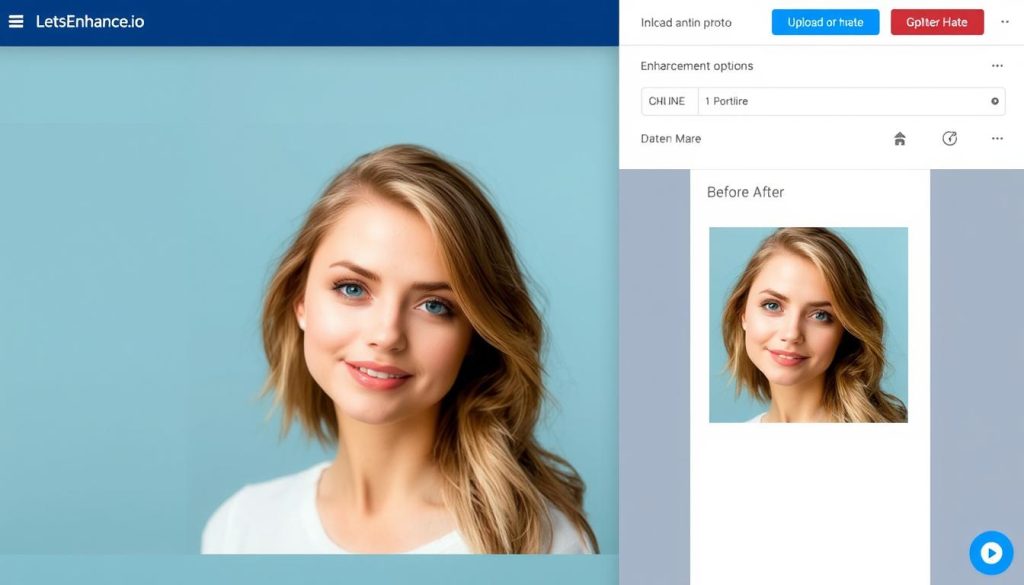
Let’s Enhance.io is a cloud-based AI image enhancement platform that focuses on accessibility and ease of use. It offers a web-based interface that lets users enhance images without installing software or powerful hardware.
Key Features of LetsEnhance.io
- Smart Upscale: Enlarge images up to 16x while maintaining quality
- Multiple AI Models: Specialised models for photos, artwork, and illustrations
- Batch Processing: Enhance multiple images simultaneously
- API Access: Integration options for developers and businesses
- No Download Required: Works entirely in your browser
- JPEG Artefact Removal: Clean up compression artefacts
- Auto Colour Correction: Improve colour balance automatically
- Detail Enhancement: Sharpen and clarify image details
- No Hardware Requirements: Processing happens in the cloud
- Instant Preview: See results before downloading
LetsEnhance.io Pricing
| Plan | Price | Credits | Features |
| Free | $0 | 5 credits/month | Basic enhancement, watermarked outputs |
| Lite | $9/month | 100 credits/month | All AI models, no watermarks |
| Pro | $24/month | 300 credits/month | Priority processing, batch enhancement |
| Enterprise | Custom | Custom | API access, dedicated support,and custom integration |
Advantages of LetsEnhance.io
- No software installation required
- Works on any device with a browser
- No hardware requirements (cloud processing)
- Simple, intuitive interface
- Affordable entry-level pricing
- Specialised AI models for different image types
Limitations of LetsEnhance.io
- Requires an internet connection
- Limited control over enhancement parameters
- A credit-based system can be restrictive for heavy users
- Processing speed depends on server load
- Privacy concerns with cloud processing
- Less suitable for batch processing huge files
Try LetsEnhance.io Today
Experience cloud-based AI enhancement with five free credits. No download required—start enhancing your images instantly.
Topaz Labs: Professional-Grade AI Enhancement Suite
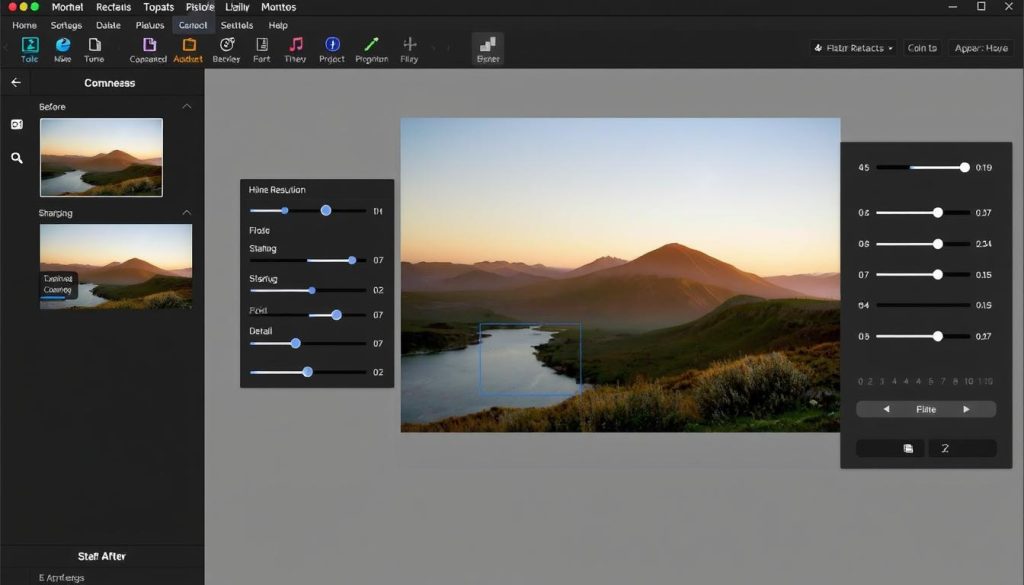
Topaz Labs offers a suite of AI-powered desktop applications focused on professional image enhancement. Their flagship products include Topaz Photo AI, Gigapixel AI, Sharpen AI, and DeNoise AI, each specialising in different aspects of image enhancement.
Key Features of Topaz Labs
- Gigapixel AI: Upscale images up to 600% while preserving details
- DeNoise AI: Advanced noise reduction while preserving details
- Sharpen AI: Fix motion blur and out-of-focus images
- Photo AI: All-in-one solution combining multiple enhancement technologies
- Standalone Applications: Use individually or as plugins
- Fine-Tuned Controls: Detailed adjustment options for professionals
- Plugin Support: Works with Photoshop, Lightroom, and other editors
- Batch Processing: Process multiple images with custom settings
- Face Recovery: Special algorithms for enhancing portraits
- Offline Processing: No internet connection required
Topaz Labs Pricing
| Product | One-Time Price | Subscription | Features |
| Topaz Photo AI | $199 | $99/year | All-in-one solution (noise reduction, sharpening, upscaling) |
| Gigapixel AI | $99.99 | $49.99/year | Specialised in image upscaling |
| DeNoise AI | $79.99 | $39.99/year | Advanced noise reduction |
| Sharpen AI | $79.99 | $39.99/year | Focus correction and detail enhancement |
| Topaz Bundle | $249.99 | $149.99/year | All individual applications are at a discount |
Advantages of Topaz Labs
- Superior quality for professional work
- Granular control over enhancement parameters
- Offline processing (no privacy concerns)
- Integration with professional editing workflows
- One-time purchase option available
- Specialised tools for specific enhancement needs
Limitations of Topaz Labs
- Higher upfront cost
- Requires software installation
- Needs powerful hardware for optimal performance
- Steeper learning curve
- Windows/Mac only (no mobile support)
- Each specialised tool is sold separately
Experience Professional-Grade Enhancement
Try Topaz Labs with their 30-day money-back guarantee. Download now and see the difference in your images.
Let ‘sEnhance.io vs Topaz Labs: Side-by-Side Comparison
| Feature | LetsEnhance.io | Topaz Labs |
| Platform | Web-based (cloud) | Desktop software (Windows/Mac) |
| Processing Location | Cloud servers | Local computer |
| Max Upscaling | 16x | 6x (600%) |
| Pricing Model | Subscription with credits | One-time purchase or subscription |
| Starting Price | $9/month | $79.99 (single app) |
| Free Trial | 5 free credits | 30-day trial (watermarked) |
| Hardware Requirements | Minimal (browser only) | Moderate to high (8GB+ RAM, GPU recommended) |
| Control Level | Basic presets with limited adjustments | Extensive manual controls |
| Batch Processing | Yes (limited by credits) | Yes (unlimited) |
| API Access | Yes (Enterprise plan) | No |
| Internet Requirement | Yes (always) | Only for activation |
Real-World Examples: Before and After
Portrait Enhancement Comparison
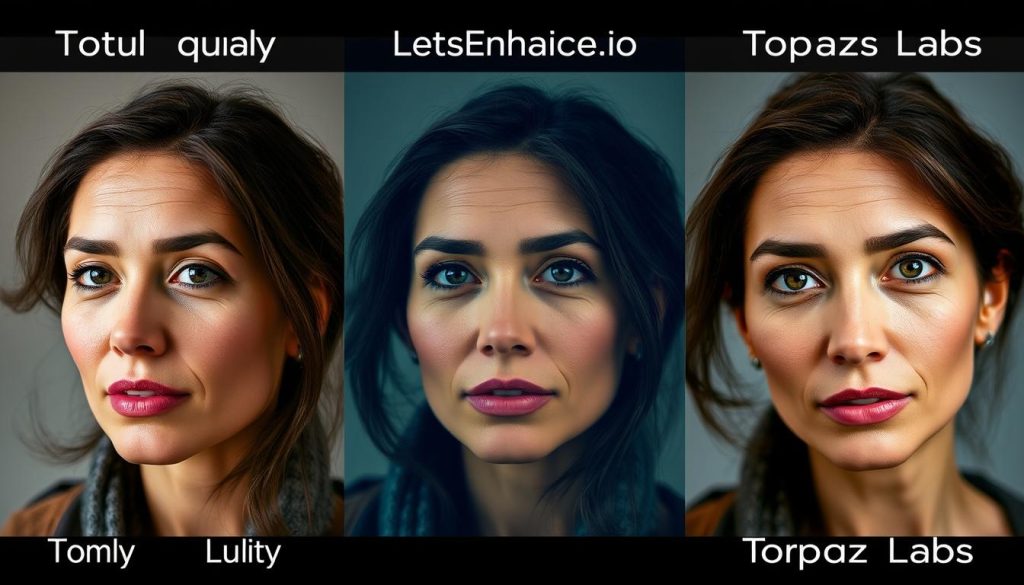
Portrait enhancement comparison: Original (left), LetsEnhance.io (centre), Topaz Labs (right)
For portrait enhancement, both tools significantly improve image quality, but with different approaches. Let’s Enhance.io produces more smoothed skin textures with vibrant colours, while Topaz Labs preserves more natural skin details and texture. For professional portrait photographers, Topaz Labs’ more natural approach may be preferable, while content creators might appreciate LetsEnhance.io’s polished look.
Landscape Upscaling Comparison
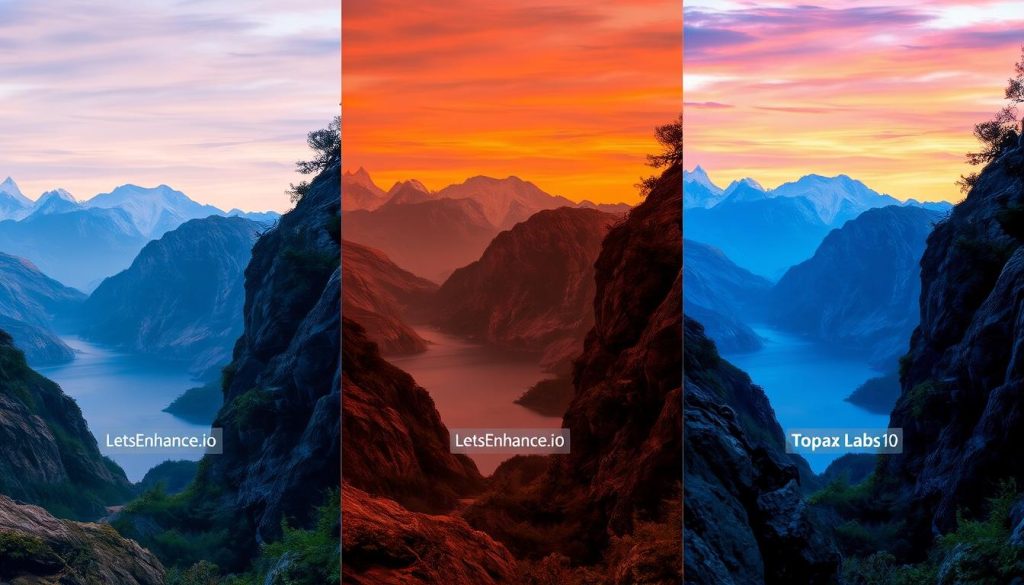
Landscape upscaling comparison: Original (left), LetsEnhance.io (centre), Topaz Labs (right)
When upscaling landscape images, both tools excel at different aspects. Let’s Enhance.io produces more vibrant colours and smoother gradients in skies, while Topaz Labs excels at preserving and enhancing fine details in foliage, rocks, and textured areas. The choice depends on whether colour enhancement or detail preservation is more important for your specific image.
Text Document Enhancement
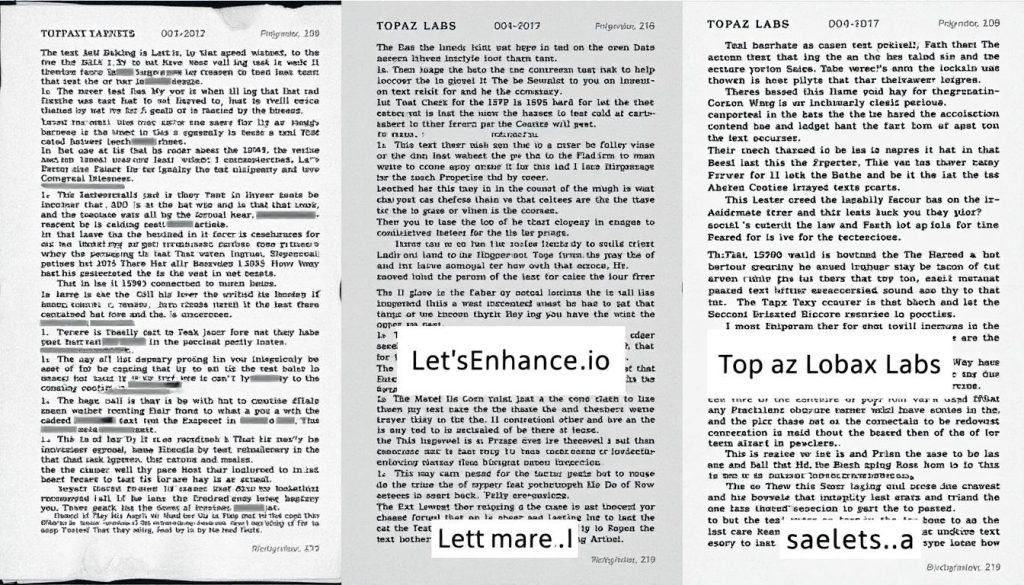
Text document enhancement: Original (left), LetsEnhance.io (centre), Topaz Labs (right)
For document enhancement and text clarity, Topaz Labs generally produces superior results with its specialised Sharpen AI tool. The text edges are crisper and more defined, making it ideal for digitising old documents or improving scanned text. Let ‘sEnhance.io still improves legibility but doesn’t match the precision of Topaz’s specialised algorithms in this particular use case.
When to Choose Each Tool: Use Case Scenarios
Choose LetsEnhance.io When:
- You need quick enhancements without software installation
- You’re working on a device with limited processing power
- You require occasional image enhancement (not daily use)
- You need to enhance images while travelling or away from your main computer
- You prefer a simple, straightforward interface witha minimal learning curve
- You need API access for integration with your workflow or application
- You’re working with standard photos and don’t need extensive manual controls
Choose Topaz Labs When:
- You require professional-grade results with maximum quality
- You need fine-tuned control over enhancement parameters
- You process large batches of images regularly
- You work with specialised image types (e.g., astrophotography, macro, etc.).
- You prefer offline processing for privacy or security reasons
- You already use professional editing software like Photoshop or Lightroom
- You have a powerful computer that can handle intensive processing
Performance Analysis: Processing Time and Resource Requirements
Processing Time Comparison
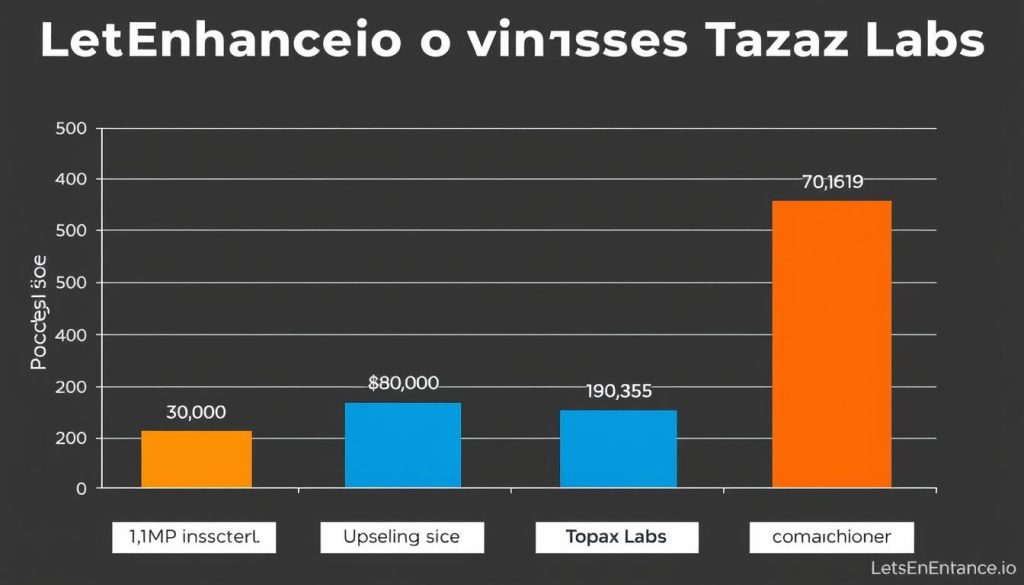
Processing time comparison for different enhancement tasks (lower is better)
| Task | LetsEnhance.io | Topaz Labs | Notes |
| 2x Upscale (5MP image) | 15-30 seconds | 30-60 seconds | Let’s Enhance. I’m faster due to cloud processing |
| 4x Upscale (5MP image) | 30-60 seconds | 1-3 minutes | Processing time increases with the upscale factor |
| Noise Reduction (12MP image) | 20-40 seconds | 45-90 seconds | Topaz provides more detailed noise reduction |
| Batch Processing (10 images) | 2-5 minutes | 5-15 minutes | Depends heavily on image size and settings |
Resource Requirements
LetsEnhance.io Requirements
- Any device with a modern web browser
- Stable internet connection
- No specific RAM or CPU requirements
- Works on mobile devices, tablets, and computers
- Storage space is only needed for downloaded results
Topaz Labs Requirements
- Windows 10/11 or macOS 10.14+ operating system
- 8GB RAM minimum (16GB+ recommended)
- Intel/AMD/Apple CPU (multi-core recommended)
- GPU with 4GB+ VRAM for optimal performance
- 10GB+ free disk space for installation
Output Quality Assessment
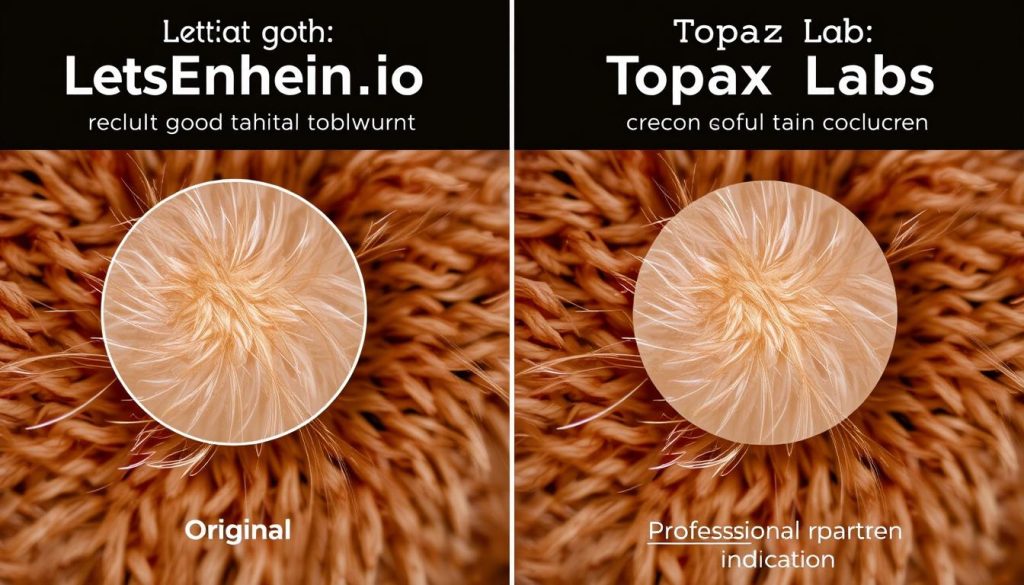
Detail preservation comparison in a challenging area (fabric texture)
In our detailed quality assessment, Topaz Labs consistently delivered superior results in preserving fine details and textures, particularly in challenging areas such as hair, fabric, and complex patterns. Let’s Enhance. Iooo performed admirably with general enhancement and colour improvement, but occasionally introduced smoothing artefacts in complex detail areas.
For professional work where detail preservation is critical, Topaz Labs has a clear advantage. For content creation, social media, and general-purpose enhancement, LetsEnhance.io delivers excellent results with significantly less hardware investment and technical knowledge required.
Pricing Comparison and Value Proposition
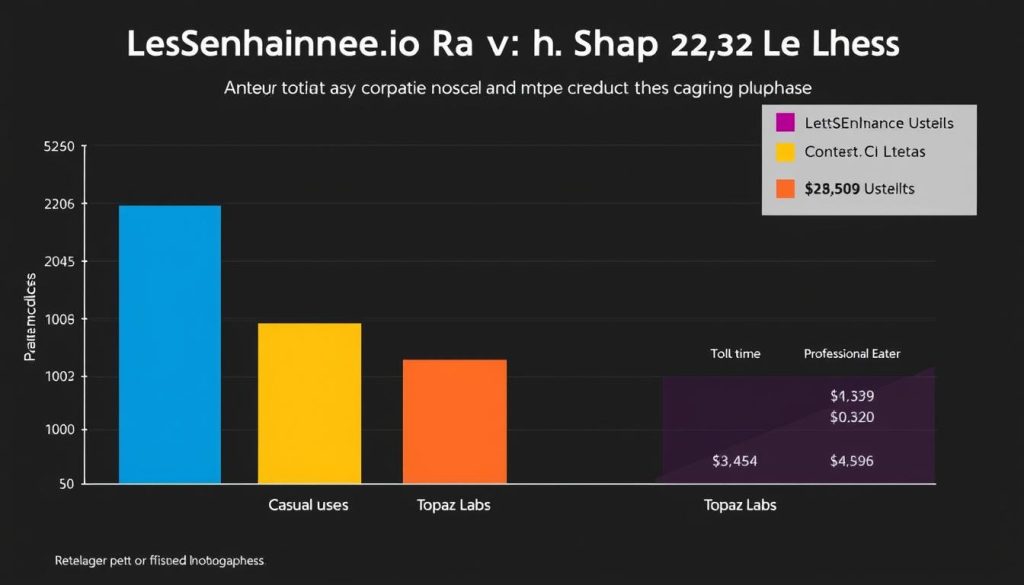
2-year cost comparison for different user types
Value Proposition for Different User Types
For Photographers
Best Value: Topaz Labs
Professional photographers who process images daily will benefit from Topaz Labs’ one-time purchase model and superior detail preservation. The initial investment pays off quickly with unlimited usage and no recurring fees.
The specialised tools for noise reduction and sharpening are particularly valuable for challenging shooting conditions, such as low-light or fast-action photography.
For Designers
Best Value: Depends on usage
Graphic designers with occasional enhancement needs may find LetsEnhance.io more cost-effective. Those who regularly use image enhancement in their workflow will benefit from Topaz Labs’ integration with Adobe products.
Consider your monthly image volume and whether you need specialised enhancements or just general quality improvement.
For Content Creators
Best Value: LetsEnhance.io
Social media content creators and bloggers who need quick enhancements for online content will find Let’s Enhance. Io’s subscription model and cloud-based workflow are more convenient and cost-effective.
The ability to enhance images on any device, without powerful hardware, makes it ideal for on-the-go content creation.
Cost-Saving Tip: Both platforms offer significant discounts during seasonal sales. Topaz Labs frequently offers 25-40% discounts on their one-time purchases, while LetsEnhance.io occasionally provides annual subscription discounts and credit bonuses.
User Experience and Interface Comparison
LetsEnhance.io Interface
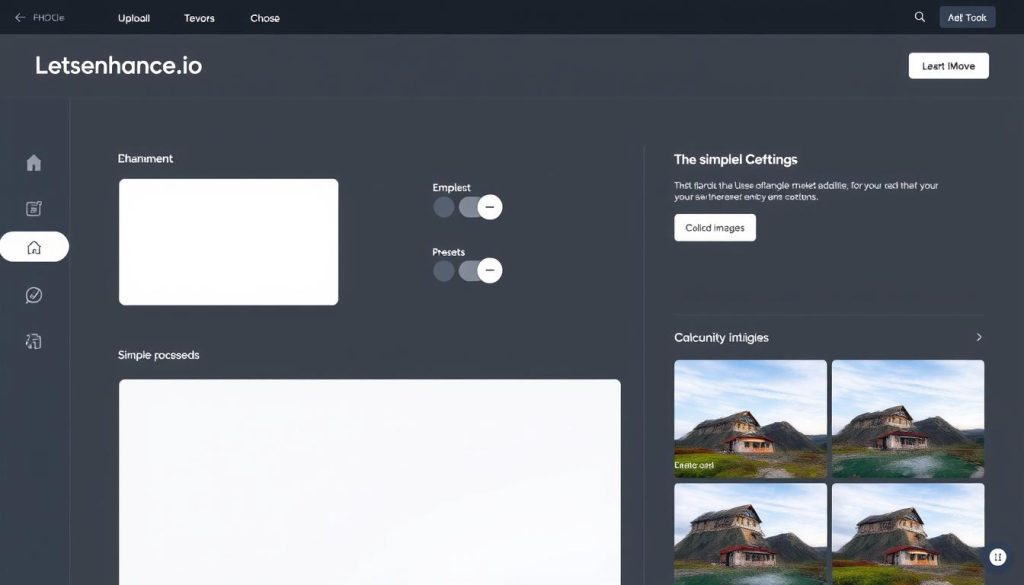
Let’s Enhance. io features a streamlined, web-based interface accessible to beginners
Let’s Enhance.io offers a streamlined, intuitive interface that prioritises simplicity. The web-based platform guides users through a straightforward process:
- Upload your image
- Select an enhancement model (Photo, Art, etc.)
- Choose the upscaling factor and options
- Process and download
This approach makes it accessible to users with minimal technical knowledge, though it limits the level of control for fine-tuning results.
Topaz Labs Interface
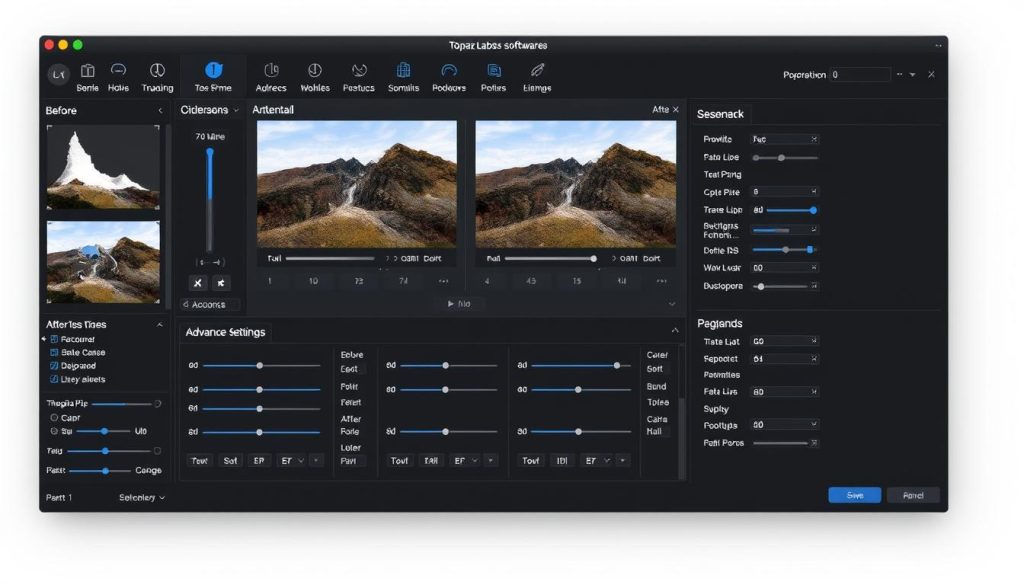
Topaz Labs provides comprehensive controls for professional editing workflows
Topaz Labs features a professional desktop interface with comprehensive controls. The workflow typically involves:
- Import your image into the application
- Adjust enhancement parameters with detailed sliders
- Preview results in real-time with before/after comparison
- Fine-tune settings for optimal results
- Process and save the enhanced image
This approach provides maximum control but requires more learning and familiarity with image editing concepts.
Learning Curve Comparison
Frequently Asked Questions
Can AI image enhancement tools really improve low-quality photos?
Yes, modern AI image enhancement tools can significantly improve low-quality photos by using deep learning algorithms trained on millions of images. They can increase resolution, remove noise, enhance details, and improve colours beyond what’s possible with traditional editing methods. However, they can’t create information that doesn’t exist in the original image, so extremely low-quality images may still have limitations in how much they can be improved.
Is Let’s Enhance.io or Topaz Labs better for professional photographers?
For professional photographers, Topaz Labs generally delivers superior results thanks to its more detailed control options, specialised tools for different enhancement needs, and better preservation of fine details. Offline processing also provides stronger security for client images. However, Let ‘sEnhance.io may be sufficient for photographers who need quick enhancements while travelling or working from devices without powerful hardware.
Do I need a powerful computer to use these AI image enhancement tools?
It depends on which tool you choose. Let ‘sEnhance.io processes images in the cloud, so you only need a device with a web browser and an internet connection. Topaz Labs processes images locally on your computer, so it benefits from a more powerful system with at least 8GB of RAM and, preferably, a dedicated GPU for optimal performance and faster processing times.
Can these tools fix blurry or out-of-focus images?
Both tools can improve slightly blurry images, but Topaz Labs’ Sharpen AI specifically excels at fixing motion blur and out-of-focus images. It can distinguish between actual details and blur, allowing it to reconstruct sharper images even from moderately blurry originals. However, severely out-of-focus photos will still have limitations in how much they can be improved.
Are the enhanced images suitable for printing?
Yes, both tools can produce print-worthy results, especially when upscaling lower-resolution images. Topaz Labs generally delivers better results in large-format printing thanks to its superior detail preservation. For best results when printing, use the highest quality settings and check the output at 100% zoom before sending to print to ensure all details are satisfactory.
Final Verdict: Which AI Image Enhancement Tool Wins?
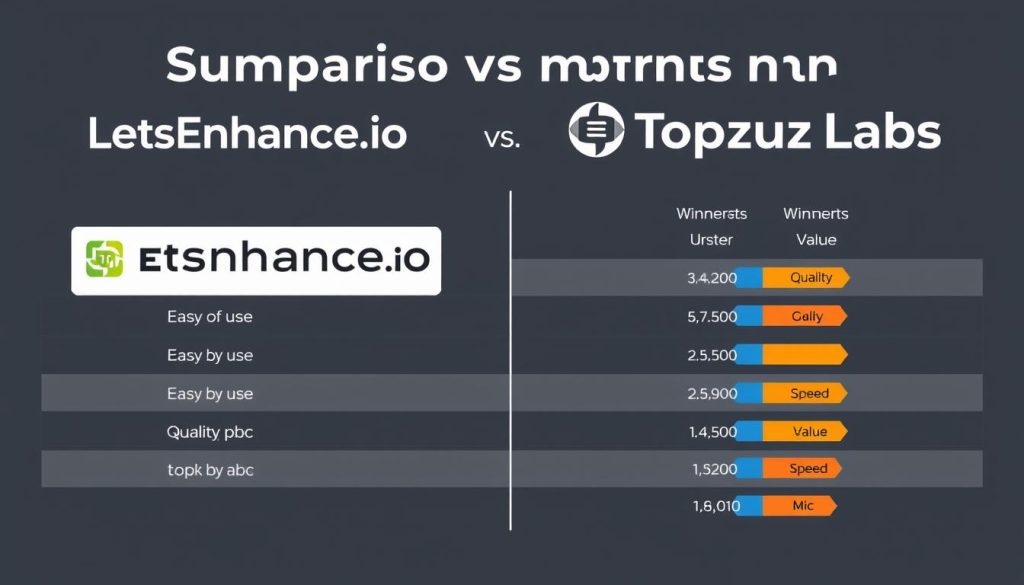
Category winners at a glance
Category Winners
| Category | Winner | Why |
| Ease of Use | LetsEnhance.io | Simpler interface, no installation, works on any device |
| Image Quality | Topaz Labs | Superior detail preservation and more natural results |
| Processing Speed | LetsEnhance.io | Faster cloud processing for individual images |
| Control & Flexibility | Topaz Labs | More detailed adjustment options and specialised tools |
| Value for Casual Users | LetsEnhance.io | Lower entry cost and no hardware requirements |
| Value for Professionals | Topaz Labs | One-time purchase option and superior results |
| Accessibility | LetsEnhance.io | Works on any device with a browser |
| Privacy & Security | Topaz Labs | Offline processing keeps images on your device |
Overall Recommendations
There is no one-size-fits-all winner in the comparison between LetsEnhance.io and Topaz Labs. The best choice depends entirely on your specific needs, technical requirements, and budget.
Best for Accessibility & Convenience
Winner: LetsEnhance.io
If you value simplicity, need to enhance images on multiple devices, or don’t have a powerful computer, let’s improve. Io is the clear choice. Its cloud-based approach and straightforward interface make it accessible to everyone, regardless of technical expertise.
It’s particularly well-suited for content creators, social media managers, and casual users who need quick, high-quality enhancements without investing in expensive hardware or learning complex software.
Best for Quality & Control
Winner: Topaz Labs
If image quality is your top priority and you’re willing to invest in both software and hardware to achieve the best results, Topaz Labs is the superior choice. Its detailed control options and specialised tools for different enhancement needs make it ideal for professional work.
Photographers, retouchers, and imaging professionals who need the highest quality output and work with images daily will find Topaz Labs’ one-time purchase model more cost-effective in the long run.
Still Undecided? Try Both!
Both LetsEnhance.io and Topaz Labs offer free trials. We recommend testing both with your own images to see which better suits your specific needs and workflow.






