Looka vs Designs.ai vs Canva: Best AI Logo and Brand Design Tools Compared

This comprehensive comparison breaks down three leading AI logo and brand design tools—Looka, Designs.ai, and Canva—to help you understand their unique strengths, limitations, and ideal use cases. We’ll examine everything from AI capabilities and customisation options to pricing structures and export formats, giving you all the information needed to make an informed decision.
Overview: AI Logo and Brand Design Tools at a Glance
Before diving into the details, let’s understand what makes each of these platforms unique in the AI design landscape:
Looka
Looka specialises in AI-generated logo design and comprehensive brand kits. It uses machine learning to create custom logos based on your preferences, industry, and style choices. The platform then extends these designs into complete brand packages, including social media assets, business cards, and brand guidelines.
Best for: Small businesses and startups seeking a complete brand identity system from the ground up.
Designs.ai
Designs.ai offers a suite of AI-powered design tools, including Logomaker, Mockup Generator, Speech-to-Text, and Video Maker. Its integrated approach allows users to create consistent branding across multiple formats. The platform uses AI to generate designs based on your inputs and preferences.
Best for: Businesses needing diverse marketing materials beyond just logos and basic brand elements.
Canva
Canva combines traditional design tools with newer AI capabilities. While not exclusively focused on logo creation, its AI features help generate and customise designs across various formats. Canva offers an extensive template library and recently expanded its AI toolkit to include Magic Design and text-to-image generation.
Best for: Versatile design needs beyond branding, especially for ongoing marketing content creation.
AI Logo Generation Technology
The core of these platforms is their AI technology for generating logos and brand assets. Let’s examine how each platform’s AI capabilities compare:
Looka’s AI Approach
Looka uses a preference-based AI system that learns from your choices. You begin by selecting logos you like, colour preferences, and industry. The AI then generates multiple options based on these inputs.
The platform excels at creating cohesive designs that maintain consistency across all brand assets. Its AI focuses specifically on logo design principles, ensuring proper spacing, scalability, and visual hierarchy.
Looka’s AI will generate unlimited logo variations, allowing you to refine your preferences until you find the perfect match.
Designs.ai’s AI Approach
Designs.ai employs a more comprehensive AI system that works across multiple design formats. Its Colour Matcher AI analyses colour psychology to suggest appropriate palettes, while its Design Enhancer AI optimises layouts.
The platform uses natural language processing to understand design briefs and generate appropriate visual elements. This allows for more nuanced input but sometimes results in less precise outcomes.
Designs.ai’s strength lies in its ability to maintain design consistency across formats such as videos, social media posts, and logos.
Canva’s AI Approach
Canva’s AI capabilities have evolved significantly with Magic Design and text-to-image features. Rather than being logo-specific, Canva’s AI is more versatile and adaptable to a broader range of design needs.
You can generate designs by describing what you want or uploading images for the AI to analyse and match. The AI then suggests layouts, elements, and styles based on your input.
Canva’s AI benefits from the platform’s massive template library, incorporating proven design elements into its generated content.
Customisation Options and Design Flexibility
While AI generates initial designs, the ability to customise them is crucial for achieving a truly unique brand identity. Here’s how each platform handles customisation:
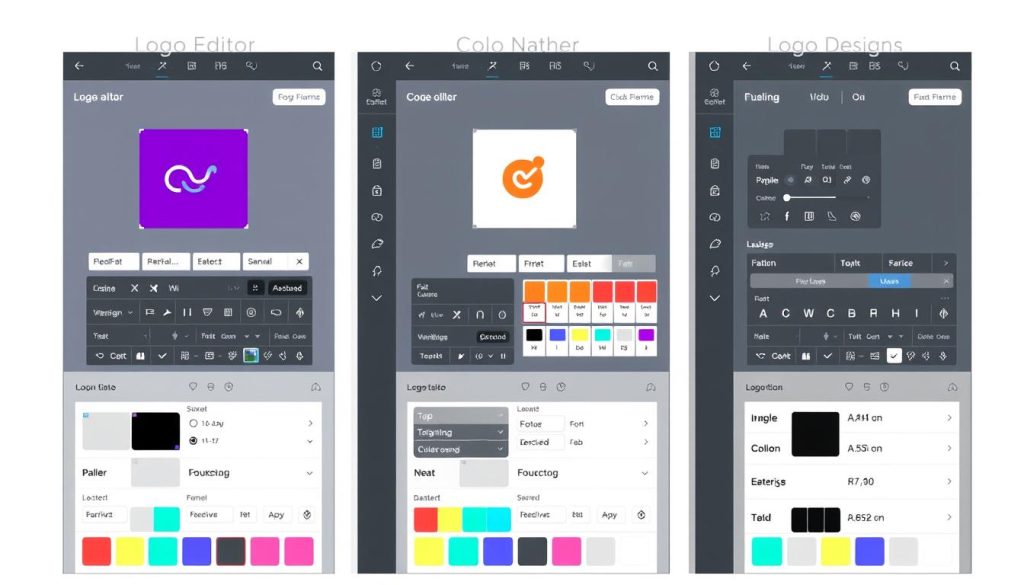
| Customization Feature | Looka | Designs.ai | Canva |
| Color Editing | Complete palette control with colour psychology suggestions | AI-powered colour matching with industry-specific suggestions | Extensive colour options with brand kit storage |
| Typography | 100+ fonts with size/spacing controls | AI font pairing with 200+ options | 1000+ fonts plus custom font upload (Pro) |
| Layout Adjustments | Limited to preset arrangements | Moderate flexibility with guided positioning | Complete freedom with drag-and-drop positioning |
| Symbol/Icon Editing | 2000+ symbols with basic editing | AI-generated icons with moderate editing | Millions of elements with full editing capabilities |
| Design Variations | Unlimited AI-generated variations | Limited variations based on subscription | Manual variations with Magic Design alternatives |
Looka’s Customisation Strengths
- Excellent balance between AI guidance and user control
- Industry-specific design suggestions
- Unlimited variations to explore different concepts
- Consistent design elements across all brand assets
Looka’s Customisation Limitations
- Less flexibility for advanced design adjustments
- Limited layout rearrangement options
- Cannot upload custom graphics or fonts
- Fewer editing tools compared to traditional design software
Designs.ai’s Customisation Strengths
- Strong AI-powered design recommendations
- Good balance of automation and manual control
- Cross-format design consistency
- Smart resizing for different applications
Designs.ai’s Customisation Limitations
- Sometimes overly rigid in maintaining design principles
- Limited free customisation options
- Fewer templates compared to Canva
- Less intuitive interface for beginners
Canva’s Customisation Strengths
- Maximum design flexibility and control
- Extensive element library (shapes, photos, illustrations)
- Custom font and graphic uploads
- Powerful editing tools similar to professional software
Canva’s Customisation Limitations
- Less logo-specific guidance from AI
- It can be overwhelming with too many options
- Requires more design knowledge to achieve professional results
- AI features are less integrated into the customisation workflow
Brand Kit Creation and Management
A complete brand identity goes beyond just a logo. Let’s examine how each platform handles comprehensive brand kit creation:
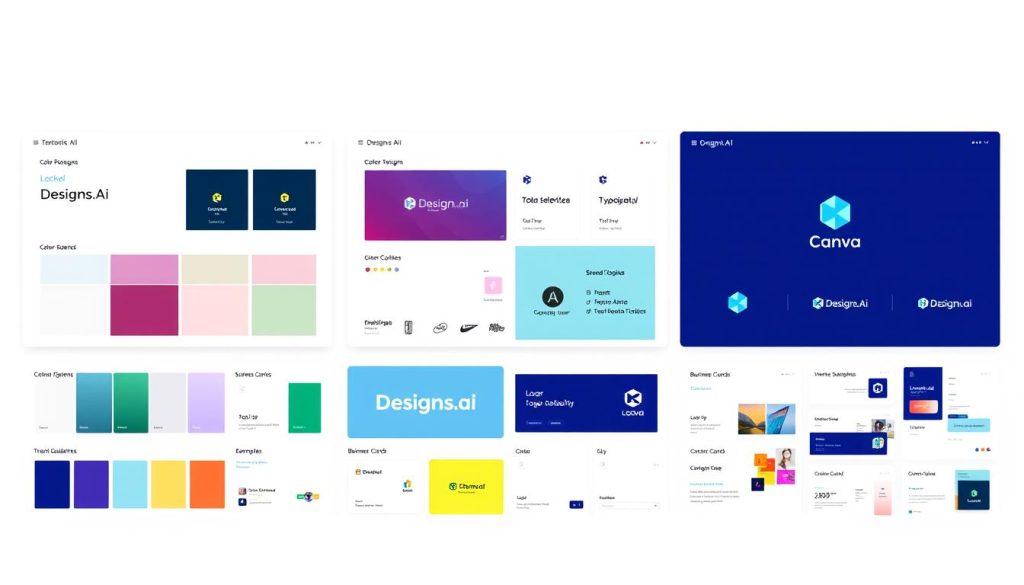
Looka’s Brand Kit
Looka’s brand kit is its standout feature, automatically generating a complete brand identity system from your logo design. The kit includes:
- Logo files in multiple formats and variations
- Colour palette with primary and secondary colours
- Typography recommendations with font pairings
- Social media assets (profile pictures, covers, posts)
- Business card designs
- Letterhead and envelope designs
- Brand guidelines document
All elements maintain perfect consistency with your logo design, creating a cohesive brand identity with minimal effort.
Designs.ai’s Brand Kit
Designs.ai takes a more integrated approach to brand kits, connecting them with its other AI tools. The brand kit includes:
- Logo in multiple variations and formats
- AI-selected colour palette based on psychology
- Font combinations with usage guidelines
- Social media templates
- Video intro templates
- Presentation templates
- Brand voice recommendations
The unique aspect is how Designs.ai integrates brand elements across different media types, including video and presentations.
Canva’s Brand Kit
Canva’s brand kit (available in Pro) focuses on practical application across the platform’s extensive template library:
- Logo storage and organisation
- Custom colour palette creation
- Font management and uploading
- Team access controls
- One-click application to any template
- Brand template creation
- Folder organisation for brand assets
While less automated than the others, Canva’s brand kit excels in practical application across thousands of design templates.
Ready to Create Your Brand Identity?
Each platform offers unique approaches to brand kit creation. Choose the one that best matches your specific needs and design experience level.
Template Libraries and Design Assets
The availability of templates and pre-designed assets significantly impacts how quickly you can create professional-looking materials. Here’s how each platform compares:
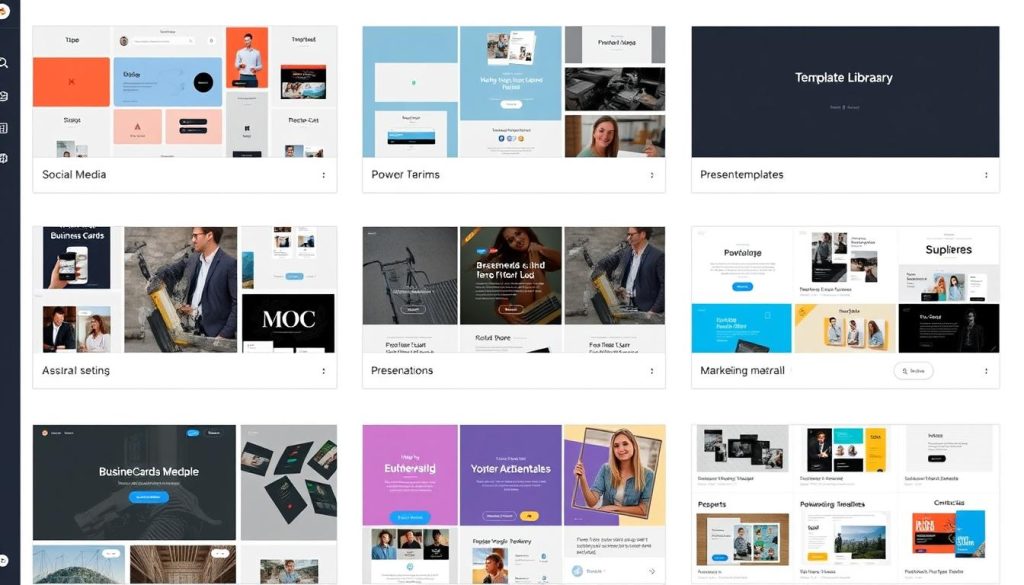
| Template Category | Looka | Designs.ai | Canva |
| Social Media Templates | 500+ (focused on brand consistency) | 2,000+ (with AI customisation) | 250,000+ (across all platforms) |
| Business Cards | 100+ designs | 200+ designs | 5,000+ designs |
| Presentations | Limited options | 500+ templates | 10,000+ templates |
| Marketing Materials | Focused on brand identity items | Wide range with AI customisation | Comprehensive library for all needs |
| Video Templates | Not available | Integrated with Videomaker | Extensive video template library |
Key Differences in Template Approaches
Looka’s Template Focus
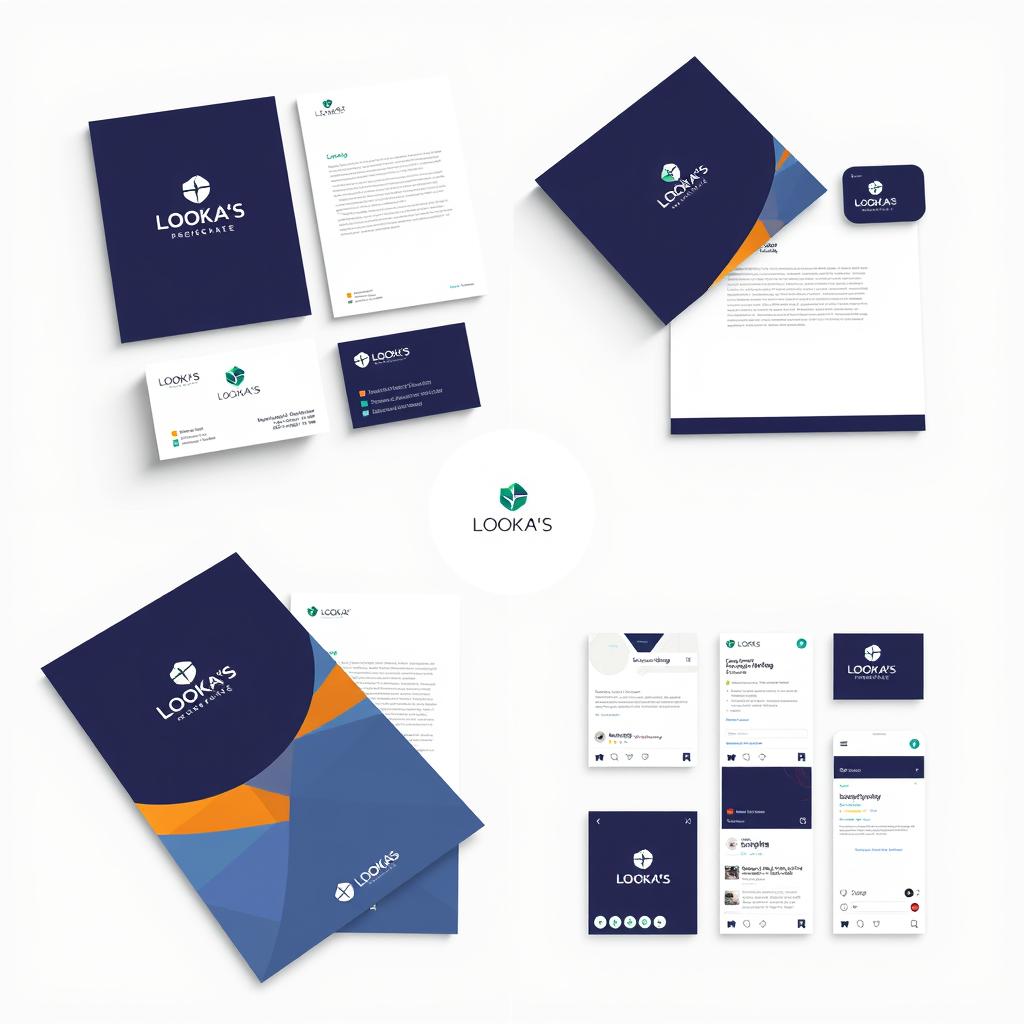
Looka’s templates are specifically designed to showcase your logo and brand identity. While more limited in quantity, they excel at maintaining brand consistency and professional presentation of your logo across different formats.
The platform automatically applies your brand colours, fonts, and logo to each template, ensuring perfect consistency with minimal effort.
Designs.ai’s Template Focus
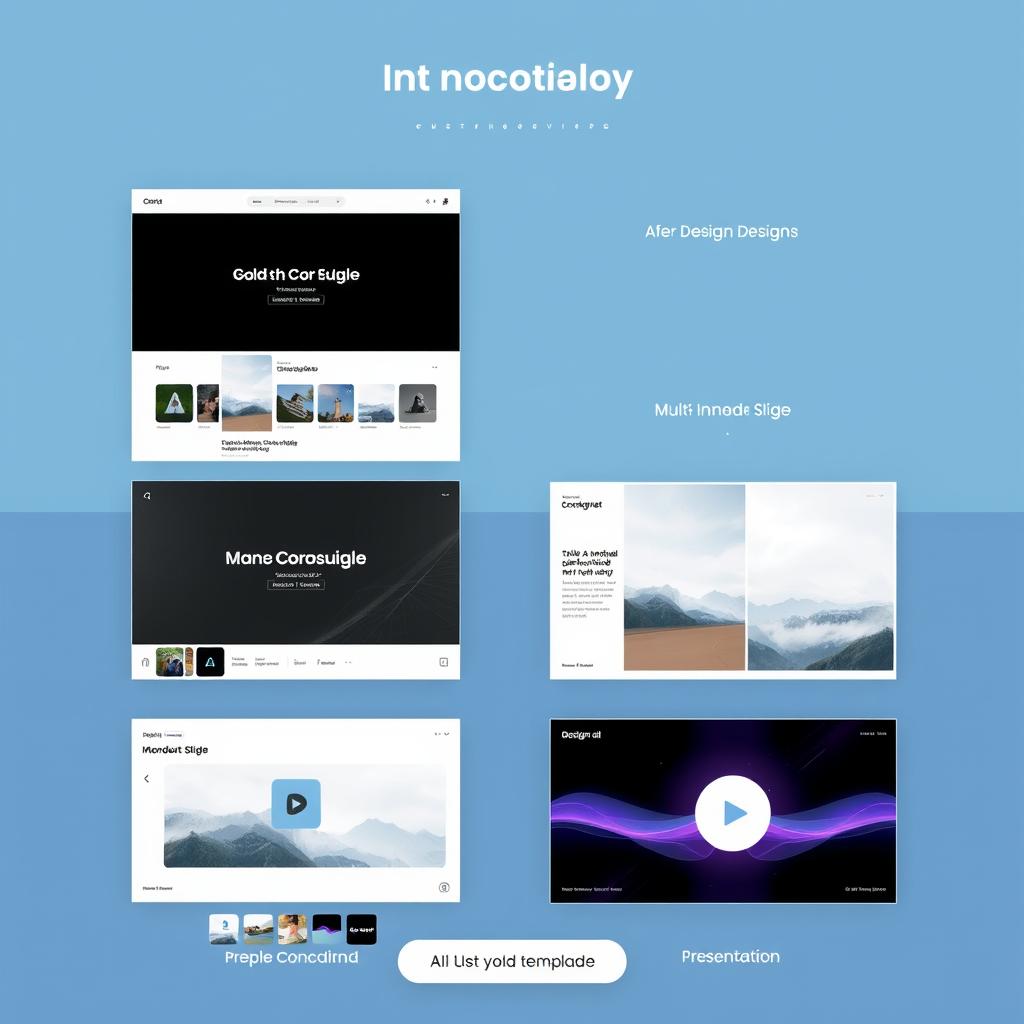
Designs.ai balances quantity with AI-powered customisation. Its templates span multiple formats, including video, and the AI helps adapt them to your specific brand identity and content needs.
The platform’s strength lies in its integration of templates across its tools, enabling consistent branding across media types.
Canva’s Template Focus
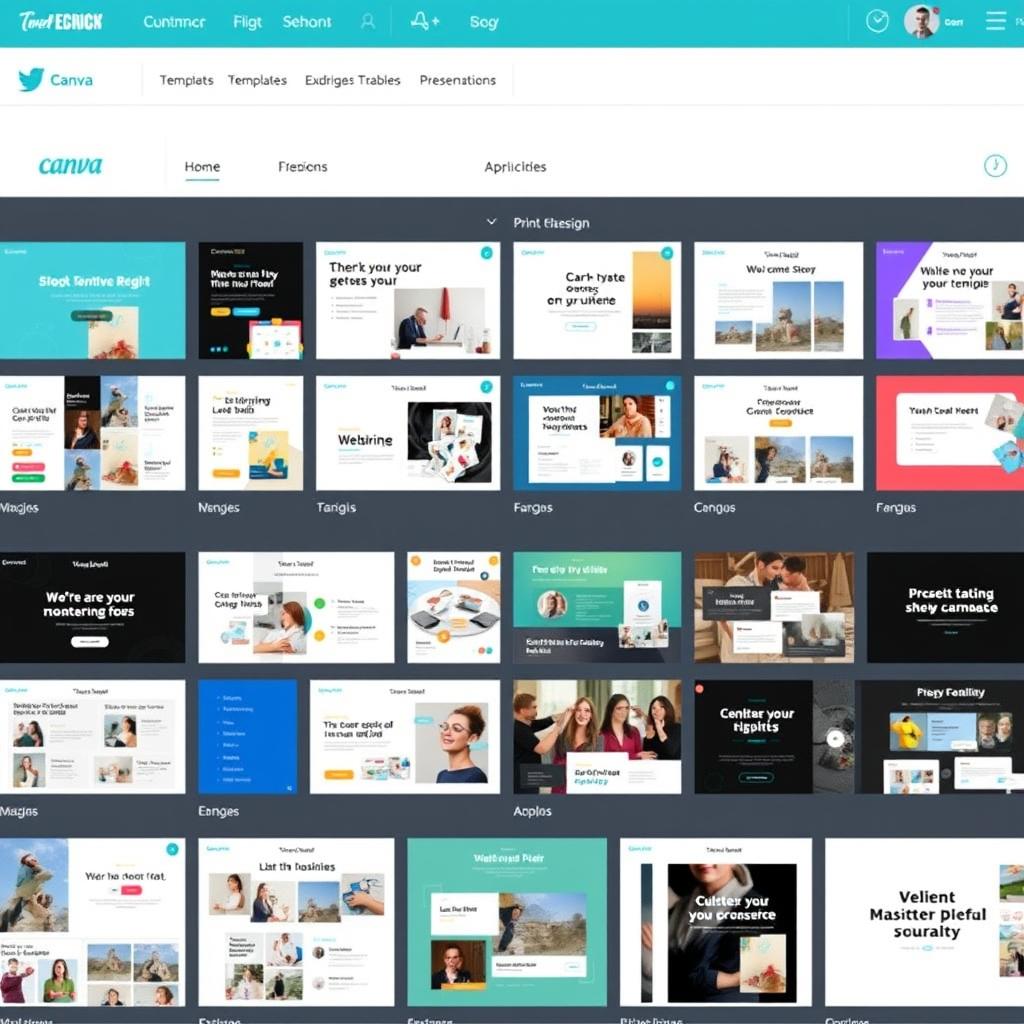
Canva offers the most extensive template library by far, covering virtually every design need imaginable. While not all templates are optimised for logo showcase, the sheer variety means you’ll always find something suitable.
The platform’s strength lies in its versatility and ongoing updates, including new templates for emerging formats and trends.
User Interface and Ease of Use
The learning curve and user experience significantly impact how effectively you can utilise these AI design tools. Let’s compare their interfaces and usability:
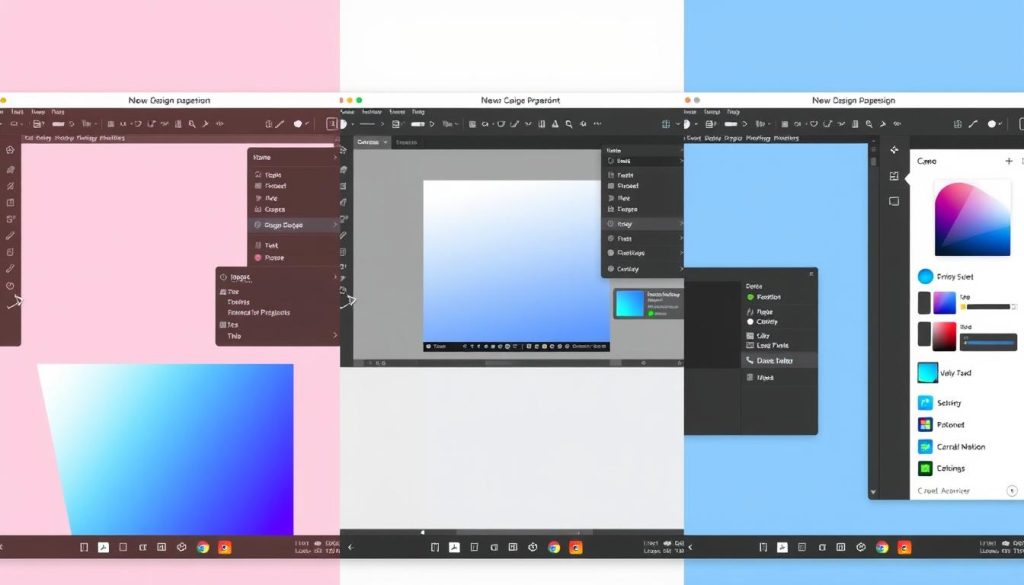
Looka’s Interface
Looka offers perhaps the most streamlined experience, with a wizard-like approach that guides users through the logo creation process step by step. The interface is:
- Highly intuitive with minimal learning curve
- Focused specifically on brand identity creation
- Guided with clear instructions at each step
- Limited in options to prevent overwhelm
This approach makes Looka exceptionally beginner-friendly, though it may feel restrictive to users with design experience who want more control.
Designs.ai’s Interface
Designs.ai balances automation with creative control through a modular interface that connects its various tools. The interface is:
- Well-organised with straightforward navigation between tools
- Moderately intuitive with some learning required
- Consistent across different creative applications
- AI-assisted with helpful suggestions
The platform requires slightly more learning than Looka but offers greater versatility across different design formats.
Canva’s Interface
Canva’s interface is widely praised for its intuitive design, though its breadth of features can sometimes be overwhelming. The interface is:
- Drag-and-drop with familiar design conventions
- Highly visual with minimal text instructions
- Feature-rich with extensive toolbars and options
- Flexible with few constraints on design choices
While Canva is generally user-friendly, its AI features are less integrated into the main workflow than on other platforms.
“The best AI design tool isn’t necessarily the most powerful one—it’s the one that best balances automation with the right amount of user control for your skill level and needs.”
Pricing Structures and Subscription Models
Cost is often a decisive factor when choosing between AI design tools. Let’s compare the pricing models of each platform:
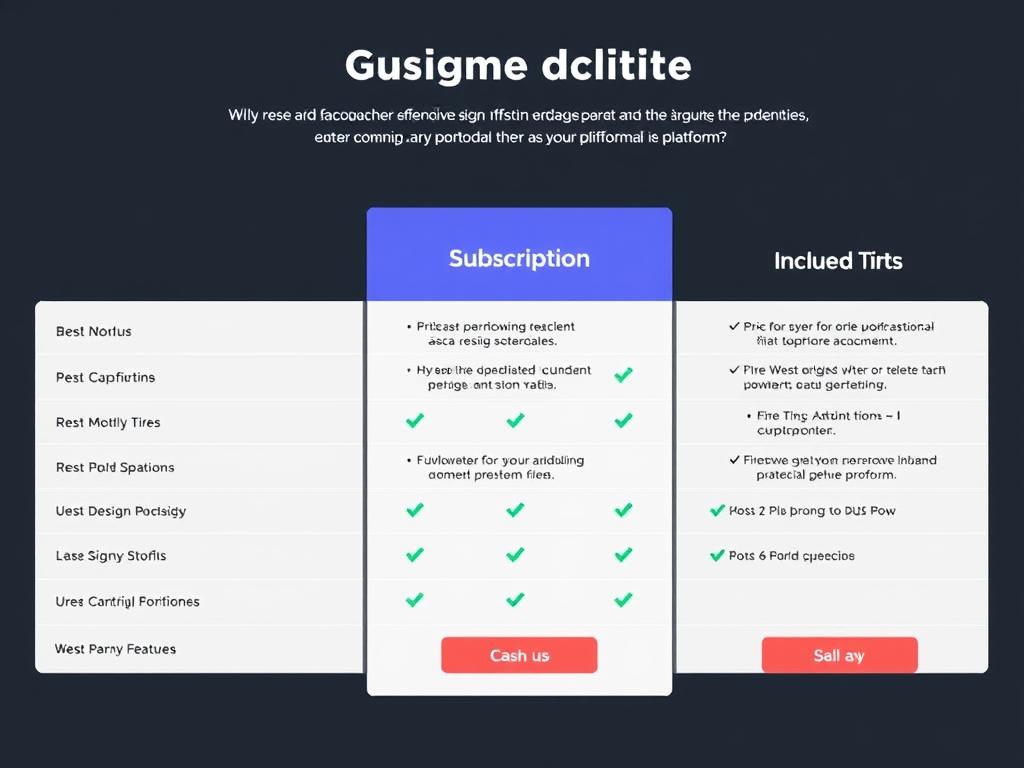
| Platform | Free Option | Entry-Level Paid | Premium Option | Business/Team |
| Looka | Free design only (no downloads) | $20 (one-time) for basic logo package | $65 (one-time) for logo + brand kit | $96/year for Brand Kit subscription |
| Designs.ai | Limited free trial | $29/month for basic access | $69/month for advanced features | $99/month for team access |
| Canva | Robust free tier with limited features | $12.99/month for Pro | $30/month for Teams (up to 5 people) | Custom pricing for enterprise |
Key Pricing Considerations
Looka’s Pricing Model
Looka offers both one-time purchases and subscription options:
- One-time logo purchases (no recurring fees)
- Subscription for ongoing brand kit access
- Clear separation between logo-only and complete brand packages
- No hidden costs or upsells after purchase
Best value: The $65 one-time package offers excellent value for businesses that need a complete brand identity without recurring costs.
Designs.ai’s Pricing Model
Designs.ai uses a purely subscription-based model:
- Monthly or annual billing options (significant discount for annual)
- Tiered access to different AI tools
- Usage limits based on subscription level
- Additional costs for extra downloads or features
Best value: The annual plan for the Basic package offers good value for businesses that need ongoing access to multiple AI design tools.
Canva’s Pricing Model
Canva offers the most flexible pricing structure:
- Generous free tier with substantial functionality
- Pro subscription for advanced features
- Team options for collaborative work
- Volume discounts for education and nonprofits
Best value: The free tier offers exceptional value for basic needs, while Pro provides the best overall value for serious users who need ongoing design capabilities.
Export Options and File Formats
The available export formats significantly impact how you can use your designs across different applications:
- Looka: PNG, JPG, SVG, EPS, PDF with transparent backgrounds and different colour variations
- Designs.ai: PNG, JPG, SVG, PDF with options for different sizes and social media formats
- Canva: PNG, JPG, PDF, SVG (Pro), MP4, GIF, and website publishing options
For professional printing and scalability, look for platforms that support vector formats (SVG, EPS), which allow unlimited resizing without loss of quality.
Specific Use Cases and Ideal Users
Different platforms excel for various types of users and specific needs. Let’s explore some everyday use cases and which tool works best for each:
For Startups and New Businesses

Best Choice: Looka
Startups need a complete, professional brand identity quickly and affordably. Looka excels here by providing:
- Complete brand identity system from a single logo design
- Professional results with minimal design knowledge
- One-time payment option that fits startup budgets
- All essential brand assets for launching a business
For Marketing Teams

Best Choice: Designs.ai
Marketing teams need consistent branding across diverse content types. Designs.ai provides:
- Integrated tools for logos, social media, and video
- AI-powered content generation for multiple formats
- Team collaboration features
- Consistent brand application across all marketing channels
For Freelancers and Content Creators
Best Choice: Canva
Freelancers need versatility and ongoing design capabilities. Canva offers:
- Broadest range of design capabilities beyond just branding
- Excellent free tier to start with
- Constant updates with new templates and features
- Flexibility to create virtually any type of visual content
Small Business Owner
- Needs a complete brand identity
- Limited design budget
- No design experience
- Wants professional results
- Best tool: Looka
Digital Marketer
- Creates content across platforms
- Needs consistent branding
- Works with multiple media types
- Values automation and efficiency
- Best tool: Designs.ai
Creative Professional
- Requires design flexibility
- Creates diverse content types
- Has some design knowledge
- Needs ongoing design capabilities
- Best tool: Canva
Integration Capabilities
The ability to connect with other tools and platforms can significantly enhance workflow efficiency. Here’s how each platform handles integrations:
Looka’s Integrations
Looka focuses more on creating exportable assets than direct integrations:
- Social media platform sizing compatibility
- Website builder compatibility (Shopify, Wix, WordPress)
- Print-on-demand service compatibility
- Limited direct API integrations
While it offers few direct integrations, Looka ensures its exported files work seamlessly with other platforms.
Designs.ai’s Integrations
Designs.ai offers more robust integration options:
- Direct social media publishing
- Stock photo library integrations
- Font service connections
- CMS platform compatibility
- Limited API access for enterprise users
The platform’s strength lies in connecting its various AI tools into a cohesive ecosystem.
Canva’s Integrations
Canva offers the most extensive integration ecosystem:
- Direct publishing to multiple platforms
- Team collaboration tools (Slack, Asana)
- Content planning tools
- CRM integrations
- Extensive API for custom integrations
- App marketplace with partner integrations
Canva’s open platform approach makes it highly versatile for connecting with other business tools.
Customer Support and Learning Resources
Access to help and educational materials can significantly impact your success with these platforms. Here’s how they compare:
| Support Feature | Looka | Designs.ai | Canva |
| Live Chat Support | Limited hours | Business hours only | 24/7 for Pro users |
| Email Support | All users | All paid plans | All users |
| Phone Support | Not available | Premium plans only | Enterprise only |
| Tutorial Videos | Basic library | Extensive library | Comprehensive library |
| Knowledge Base | Good | Excellent | Excellent |
| Community Forum | Limited | Active | Very active |
Looka’s Learning Resources
Looka offers straightforward guidance focused on brand identity:
- Step-by-step logo creation guides
- Brand identity best practices
- Industry-specific logo design tips
- Basic design principles for non-designers
The resources are practical and focused specifically on branding needs.
Designs.ai’s Learning Resources
Designs.ai provides more technical and comprehensive resources:
- AI design principles and techniques
- Cross-platform marketing strategies
- Video creation tutorials
- Advanced brand psychology guides
The content caters to marketers looking to leverage AI across multiple formats.
Canva’s Learning Resources
Canva offers the most extensive educational ecosystem:
- Canva Design School with courses
- Extensive template-specific tutorials
- Design principle masterclasses
- Industry-specific design guides
- Regular webinars and live training
The platform invests heavily in user education across all design topics.
Conclusion: Choosing the Right AI Logo and Brand Design Tool
After thoroughly comparing Looka, Designs.ai, and Canva, it’s clear that each platform excels in different areas and serves different user needs. Here’s our final assessment to help you choose the right tool:
Choose Looka if:
- You need a complete brand identity system from scratch
- You have limited design experience
- You prefer a one-time payment over subscriptions
- You want the most straightforward user experience
- Your focus is specifically on the logo and brand identity
Looka offers the most focused approach to brand identity creation with excellent results for non-designers.
Choose Designs.ai if:
- You need branding across multiple media formats
- You value AI-powered design assistance
- You create both static and video content
- You want strong integration between different design tools
- You’re willing to pay for a comprehensive AI design suite
Designs.ai provides the most integrated approach to AI-powered design across different content formats.
Choose Canva if:
- You need ongoing design capabilities beyond branding
- You value design flexibility and control
- You create diverse content types regularly
- You want the most extensive template library
- You appreciate a robust free tier to start with
Canva offers the most versatile design platform with AI features that enhance rather than replace the design process.
Ready to Create Your Brand with AI?
Each of these platforms offers free options to get started. We recommend trying all three to experience their different approaches before committing to a paid plan.
The evolution of AI design tools has made professional branding accessible to everyone. Whether you’re a startup founder, marketing professional, or freelance creator, these platforms offer powerful ways to establish and maintain your visual identity without expensive design agencies or complex software. Choose the one that best aligns with your specific needs, budget, and design experience level.
Frequently Asked Questions
Can I trademark a logo created with AI design tools?
Yes, you can trademark logos created with AI tools like Looka, Designs.ai, or Canva, provided you have the proper commercial licensing from the platform. Each of these services grants you commercial usage rights for paid plans. However, it’s always recommended to consult a trademark attorney before filing, as trademark eligibility depends on the uniqueness of your logo and other legal factors beyond its creation.
Which platform offers the best value for a complete brand identity?
For a complete brand identity at the best value, Looka’s one-time payment option ( for the whole brand kit) typically offers the most comprehensive package without recurring costs. Designs.ai provides more versatility across formats but requires an ongoing subscription. Canva offers excellent value through its free tier for basic needs and its Pro subscription for more advanced requirements, especially if you need continuing design capabilities beyond branding.
Can these AI tools create truly unique logos?
While these AI tools create professionally designed logos, true uniqueness varies by platform. Looka and Designs.ai generate logos based on your preferences and industry, resulting in designs that are professional but may share similarities with others in your field. Canva’s approach allows for more manual customisation, potentially creating more unique results if you’re willing to put in the effort. For absolute uniqueness, working with a human designer still offers advantages, though at a significantly higher cost.
Do I need design experience to use these platforms?
No significant design experience is required for any of these platforms, though the learning curve varies. Looka requires the least design knowledge, as its guided process automatically creates professional results. Designs.ai balances automation with some user input. Canva offers the most design freedom but may require a basic understanding of design to achieve optimal results. All three platforms provide templates and guidance to help non-designers create professional-looking assets.
Can I switch between these platforms later if my needs change?
Yes, you can switch between platforms, though with some limitations. If you’ve purchased logo files from Looka, you own those assets permanently and can use them elsewhere. With Designs.ai and Canva subscriptions, you’ll lose access to some editing capabilities if your subscription ends, though you can download and keep your created assets. The biggest challenge in switching is maintaining consistent branding across platforms, as each has slightly different colour rendering and font options.






